
App Introduction
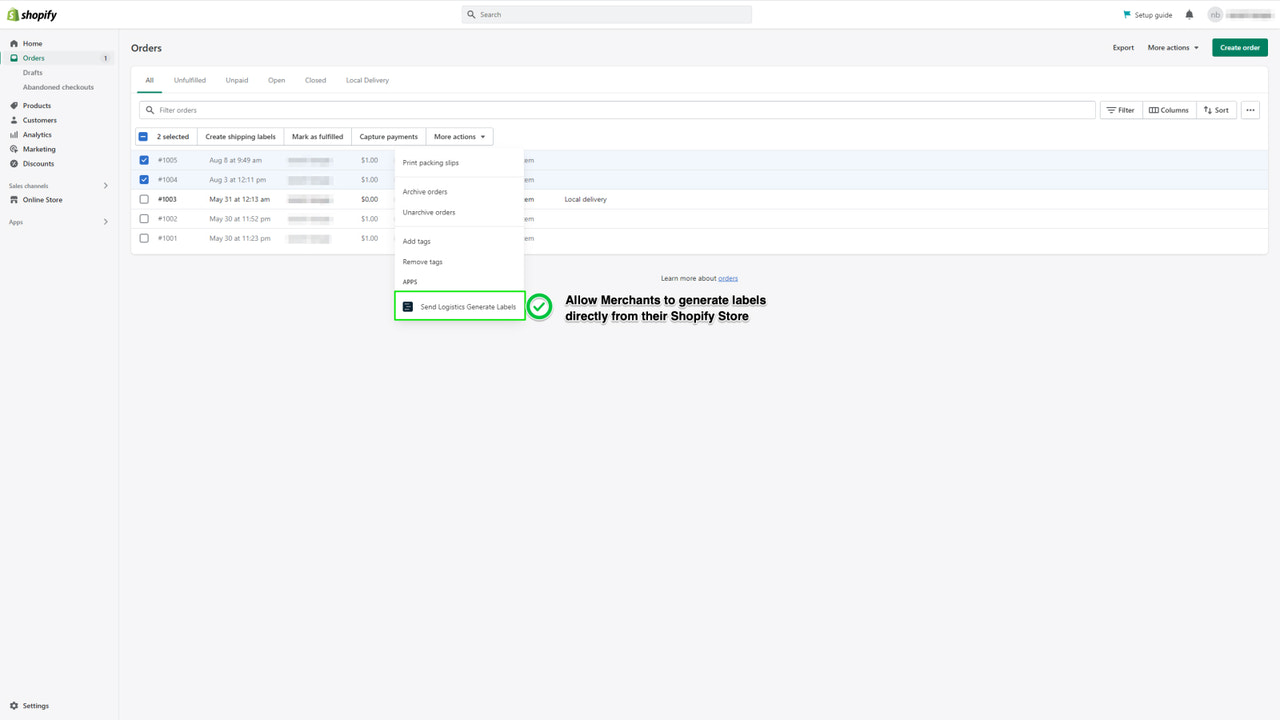
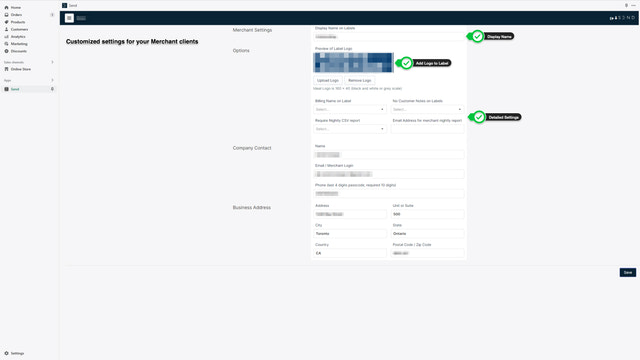
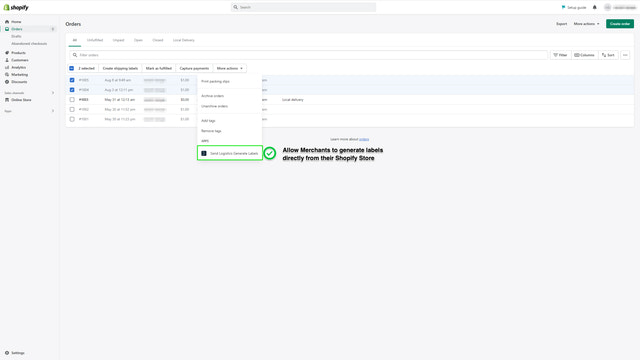
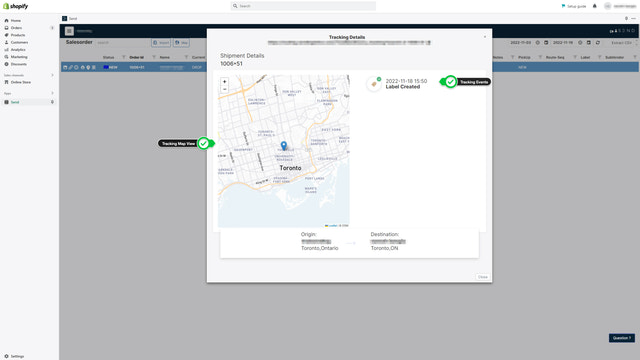
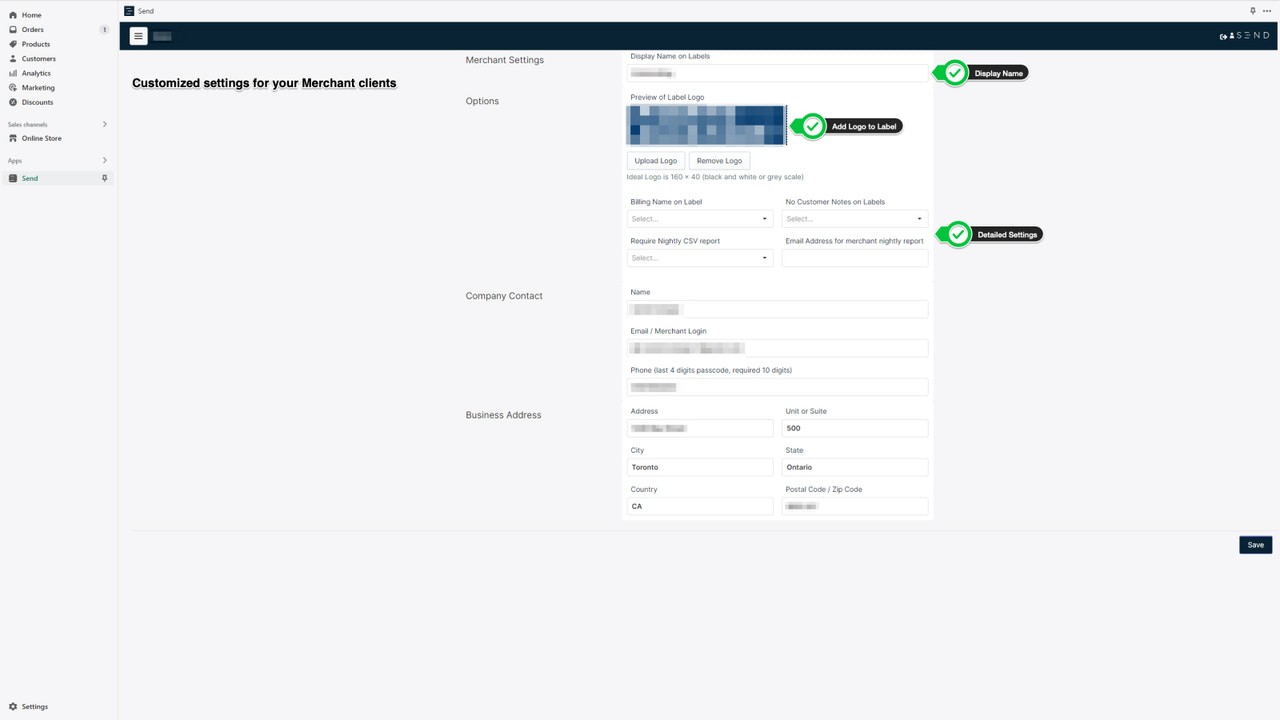
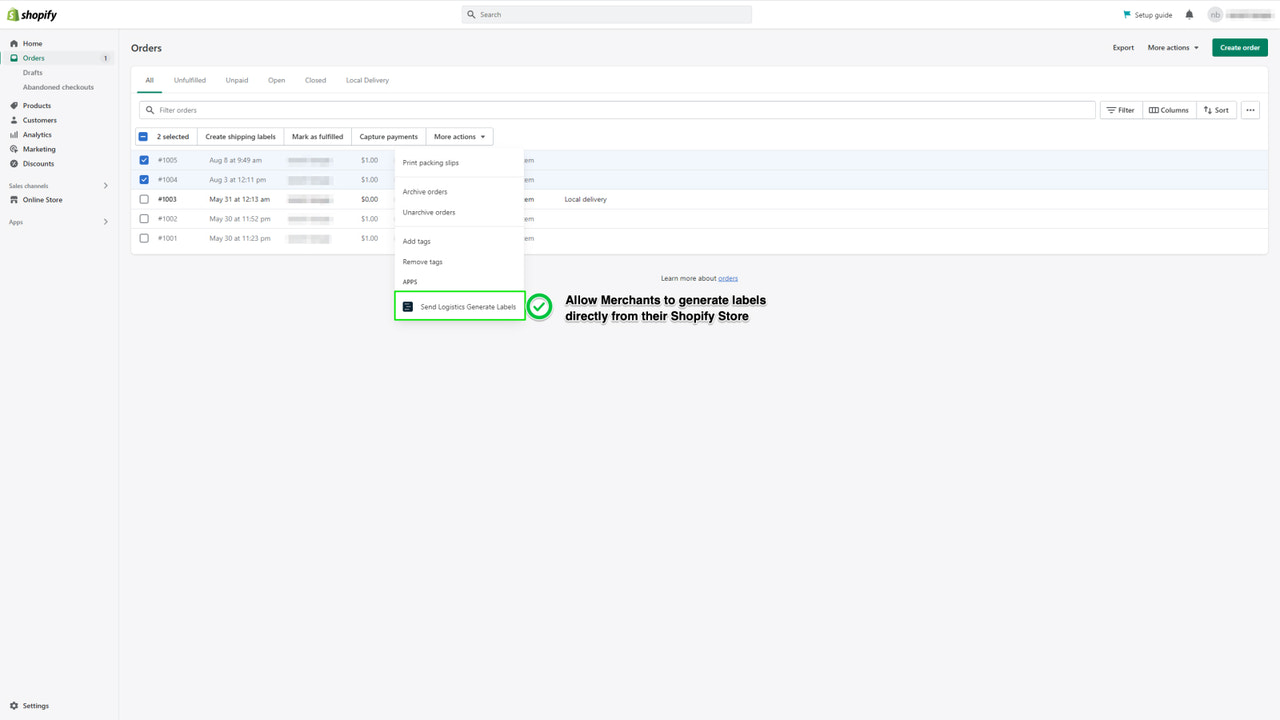
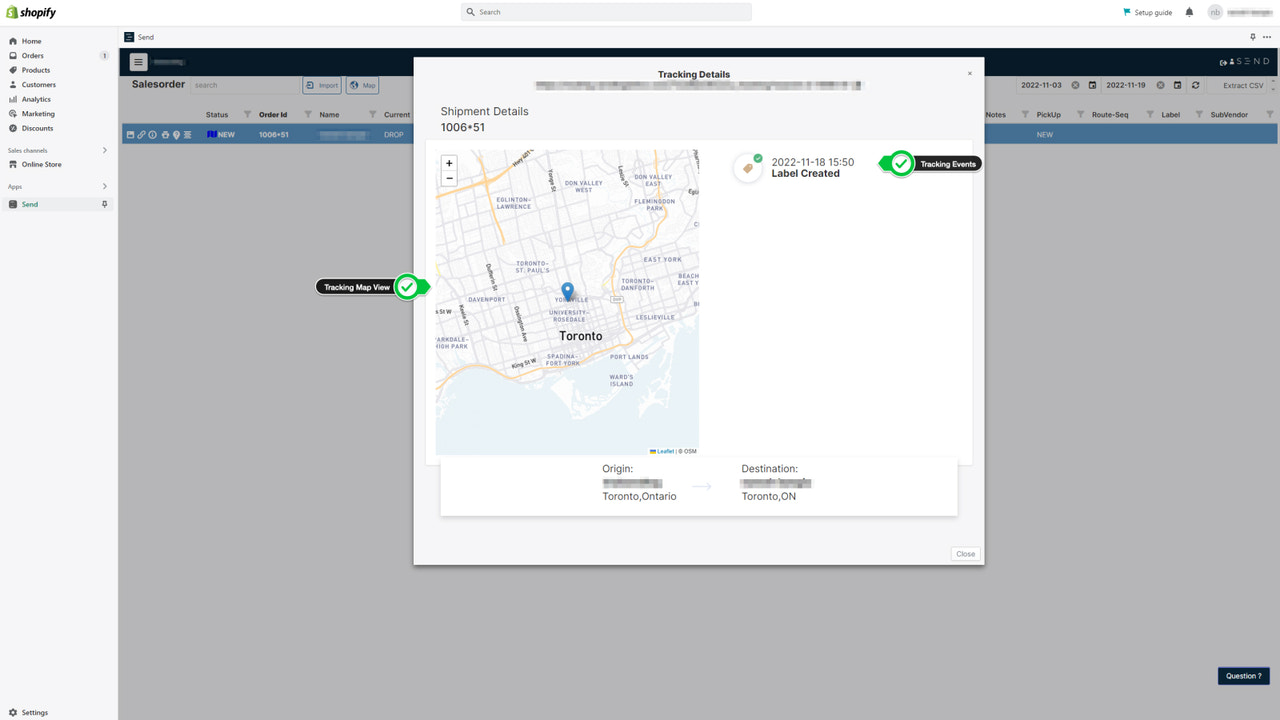
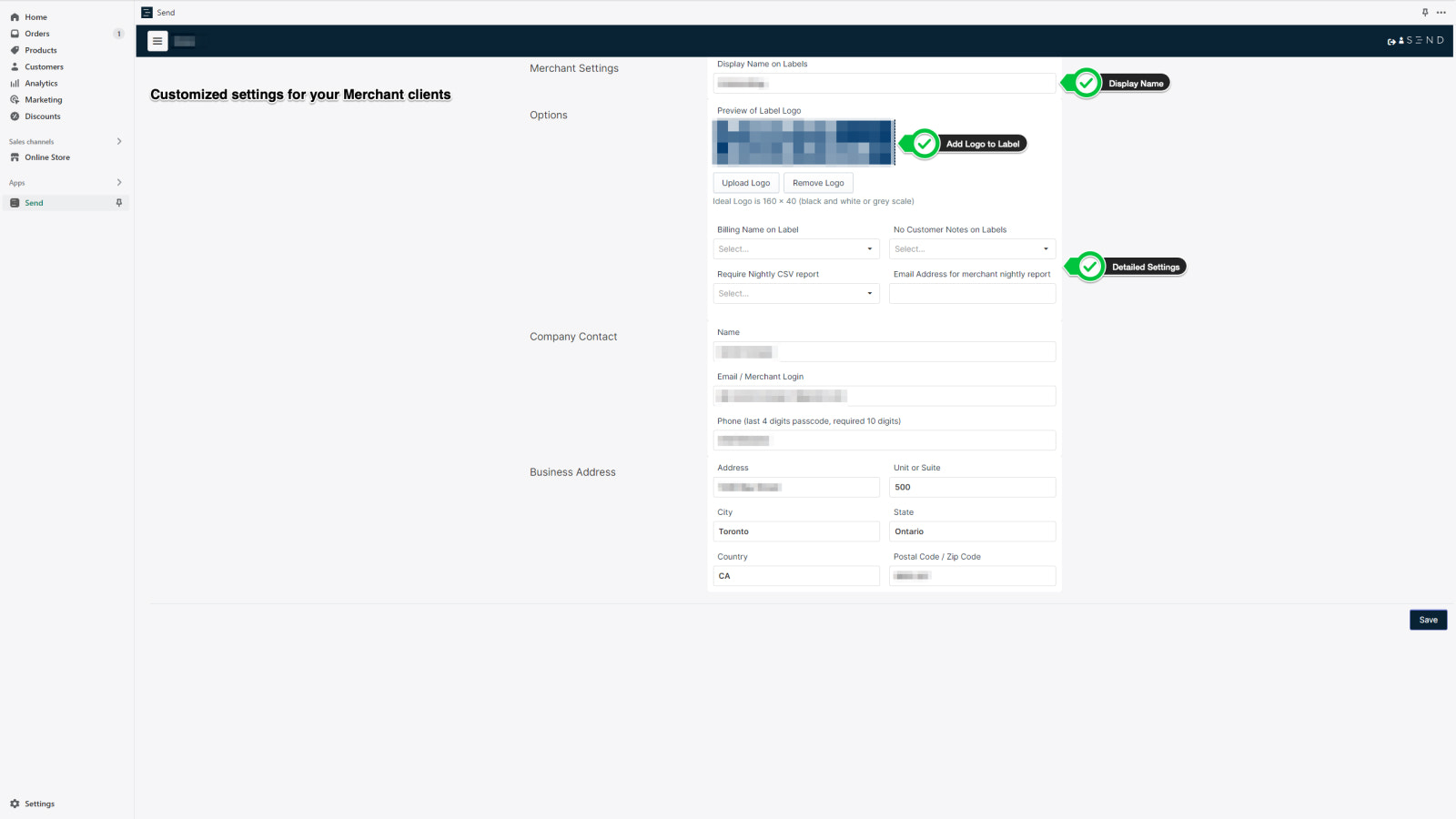
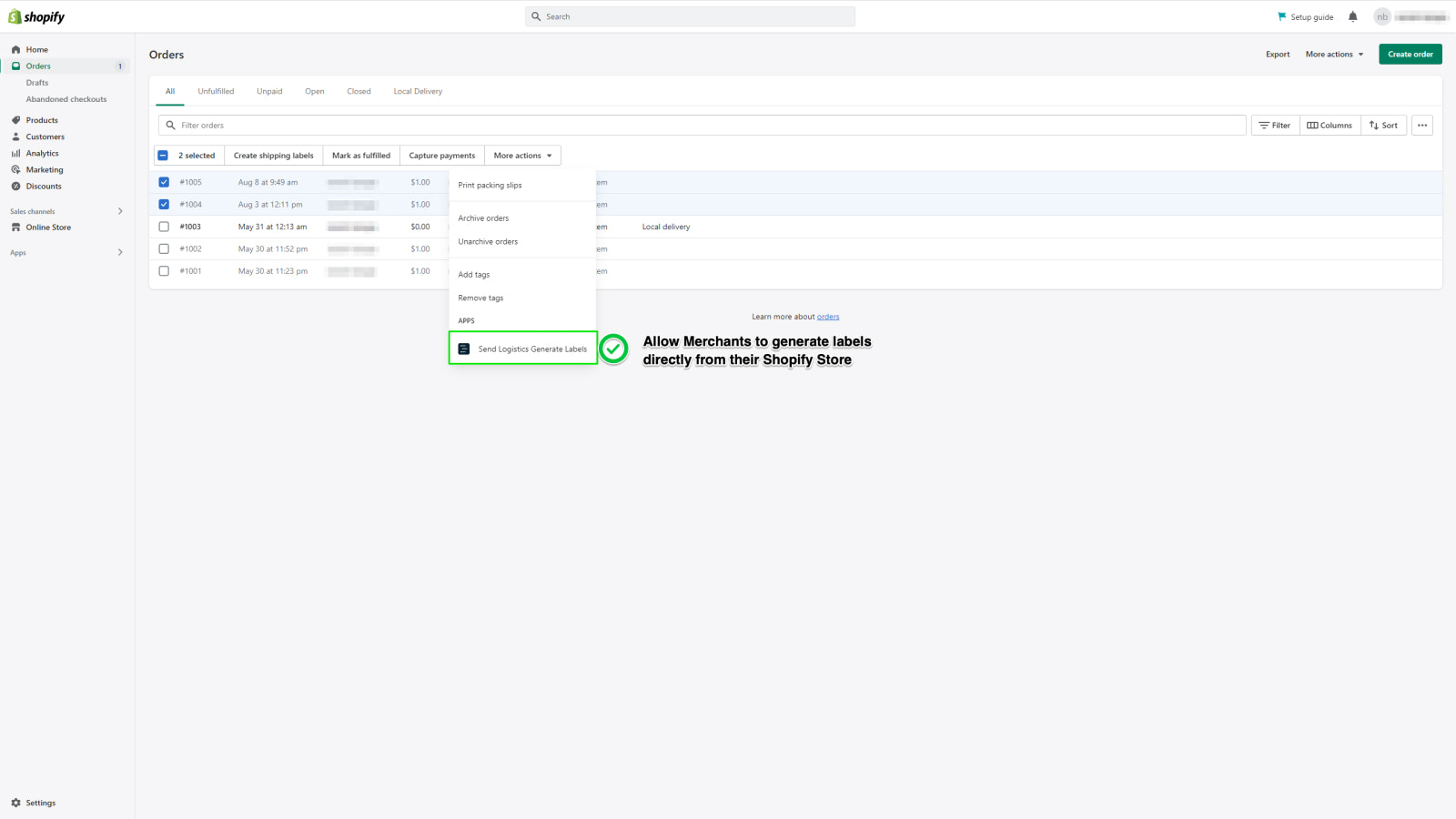
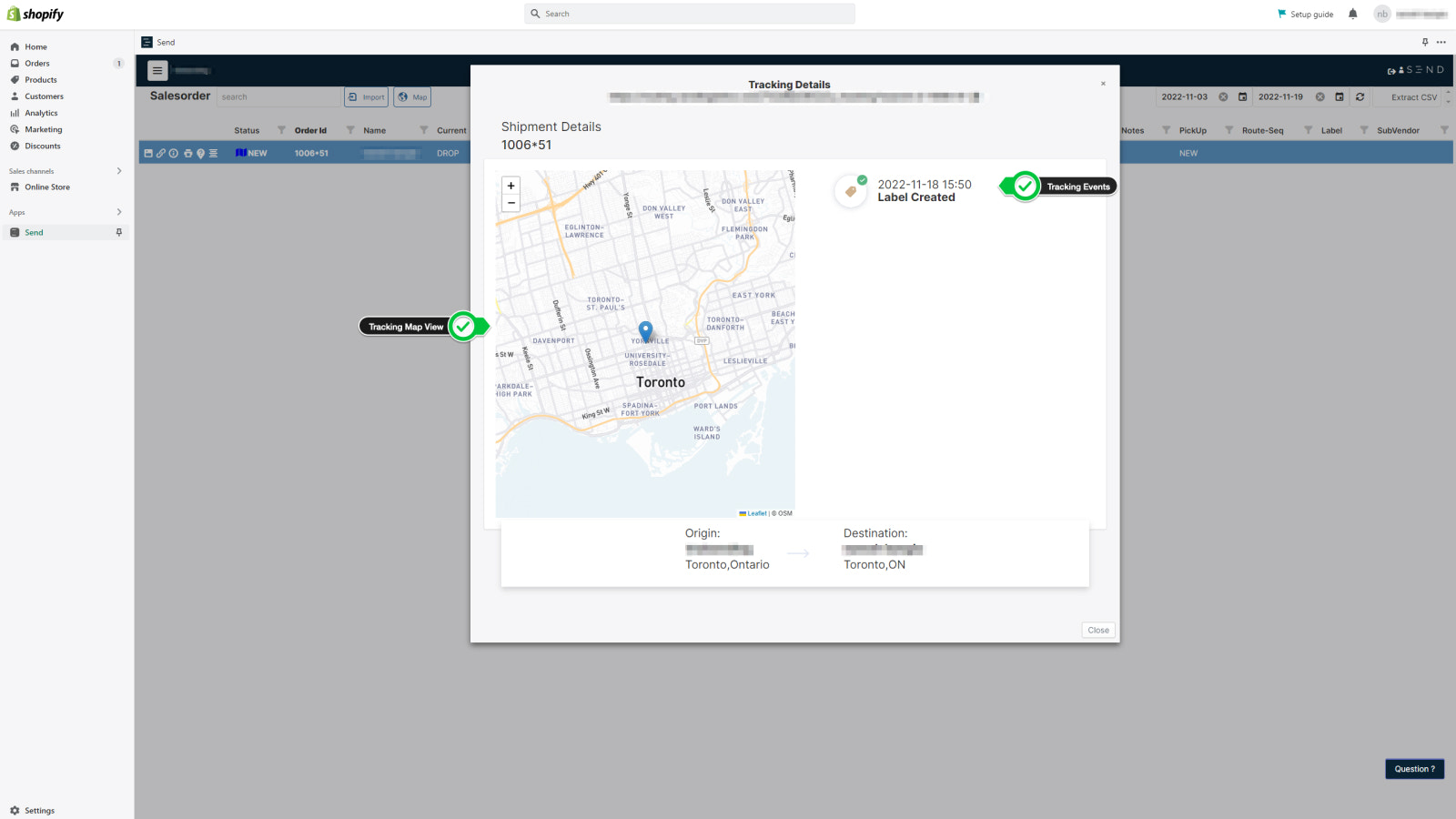
Send connects carriers with their clients. Create and print shipping labels directly from your store. Use the Send platform to connect with your local or regional carriers. Easily integrate and customize shipping zones, rate thresholds, and more. Print labels directly from your Shopify order page—either individually or in bulk. Add your brand logo to shipping labels and customize SMS/email notifications for delivery statuses. Capture proof of delivery (signature, photo, ID verification, age verification) for every order. Clear, detailed tracking reduces inbound support tickets.
Core Functionality
- Integrate in seconds and print labels directly from your store in minutes.
- Maintain your brand identity with logos on labels and customized SMS/email notifications
- Detailed tracking and proof of delivery (photos, signatures, ID/age verification)
Merchant-Friendly
- E-commerce Independent Store Merchants
- Cross-border E-commerce Sellers
- Omnichannel Merchants (Physical + Online)
Basic Information
- Developer:Send Logistics
- Address:1240 Bay St, Suite 500, Toronto, ON, m5r3n7, CA
- Price: Free / Free plan
- Rating:0 / 5
- Comment Count:0 comment
- Release Date:2022-5-16
- Supported languages:English
- Compatible products:Shopify
Application Screenshot
Price Plan
Free
User Location & Comments
User Location
Comments
Shopify API Used
- POST /admin/api/shipping_labels.json
- GET /admin/api/shipping_labels.json
- PUT /admin/api/shipping_labels/{id}.json
Permission:write_shipping_labels,read_shipping_labels,manage_orders
- POST /admin/api/shipping_labels/brand.json
- PUT /admin/api/shipping_labels/brand/{id}.json
- GET /admin/api/shipping_labels/brand.json
Permission:write_shipping_labels,read_shipping_labels,manage_settings
- GET /admin/api/orders/{id}/tracking.json
- GET /admin/api/orders/{id}/delivery_proof.json
- POST /admin/api/orders/{id}/delivery_proof_verify.json
Permission:read_orders,read_tracking,manage_orders