
App Introduction
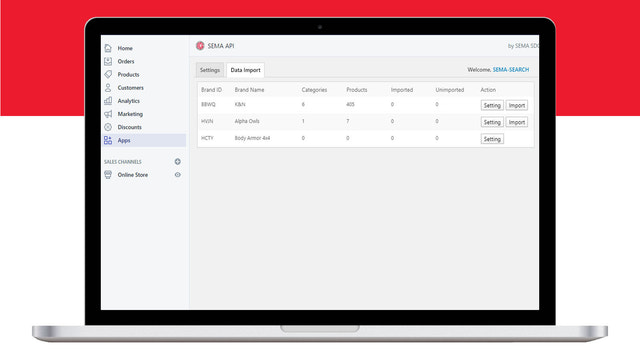
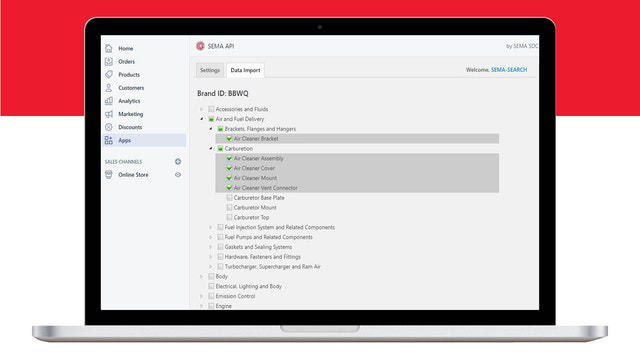
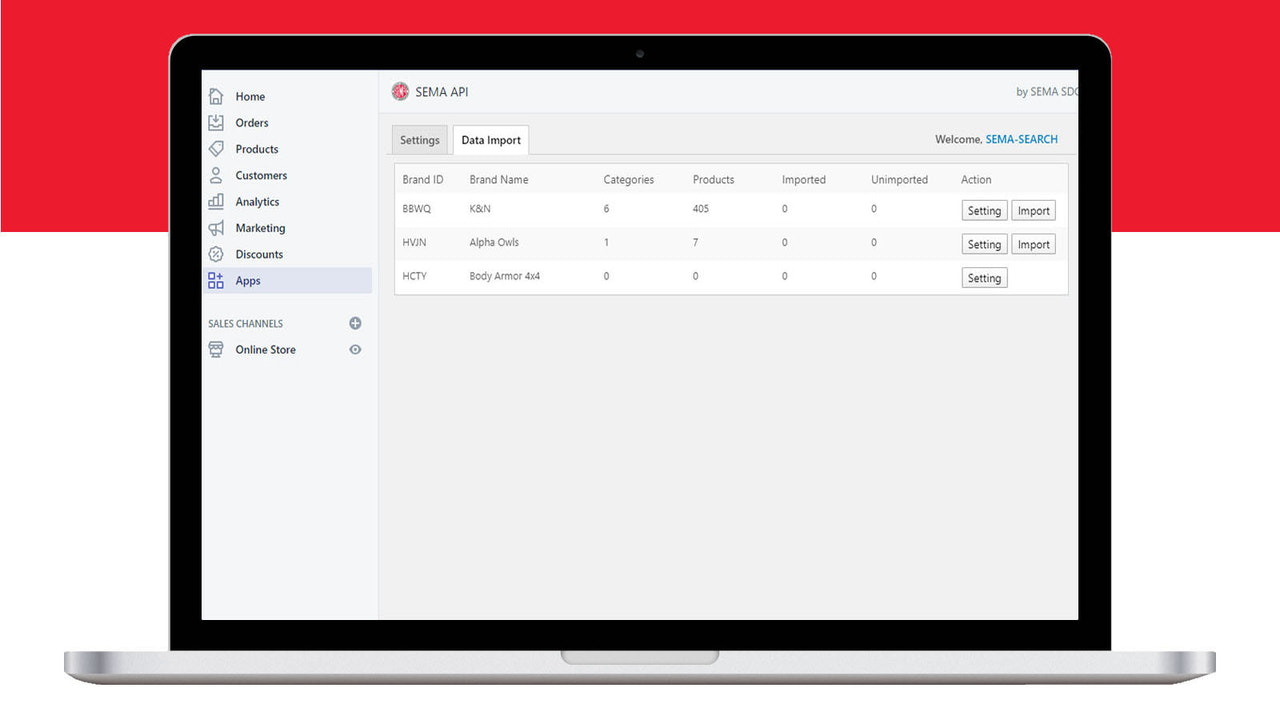
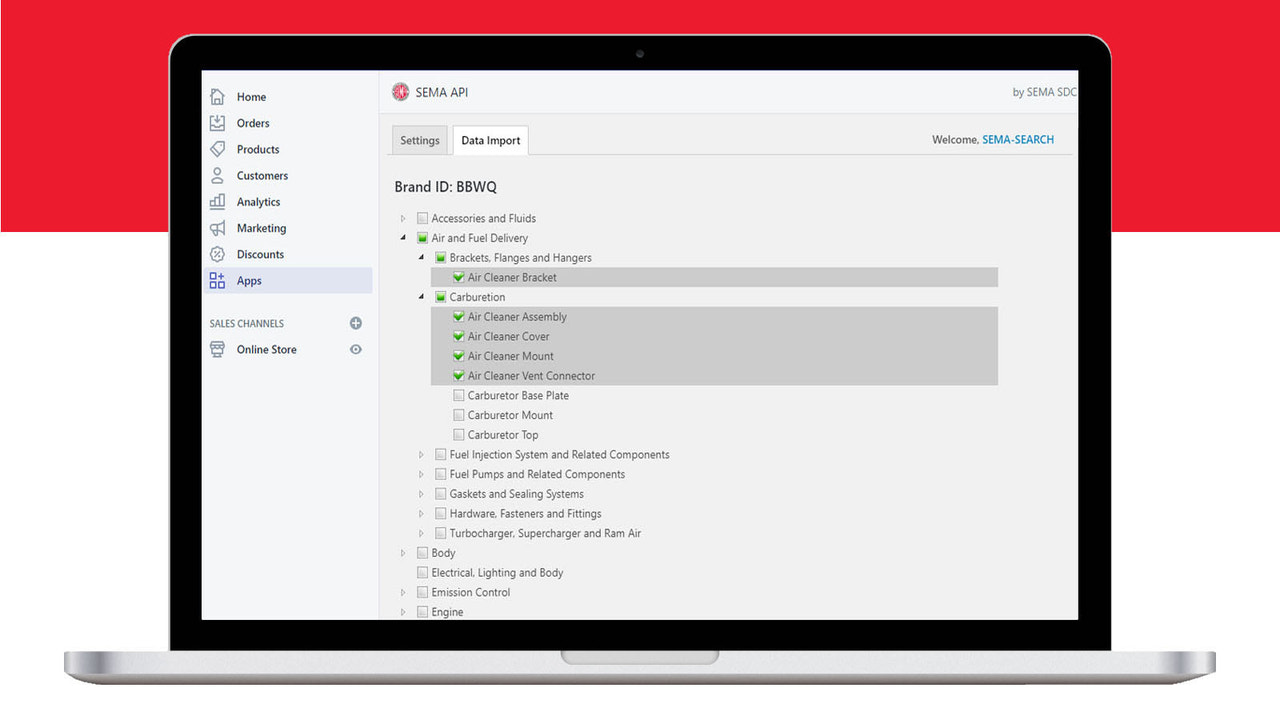
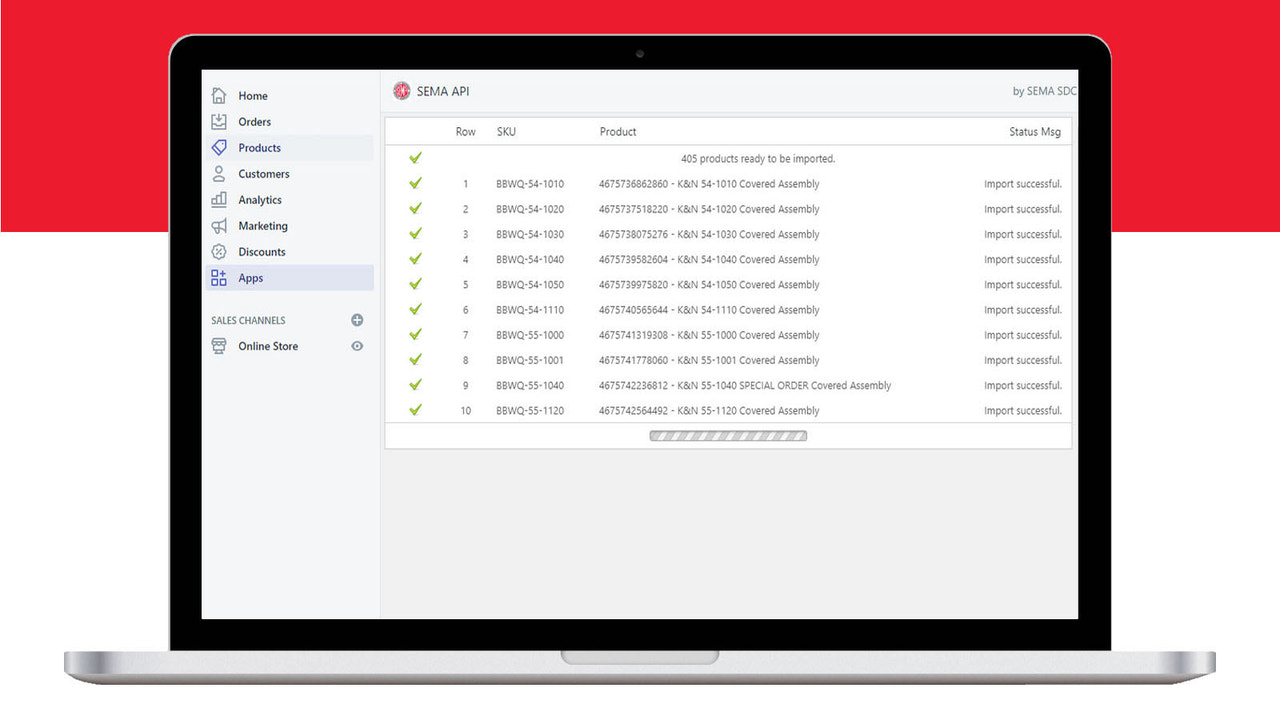
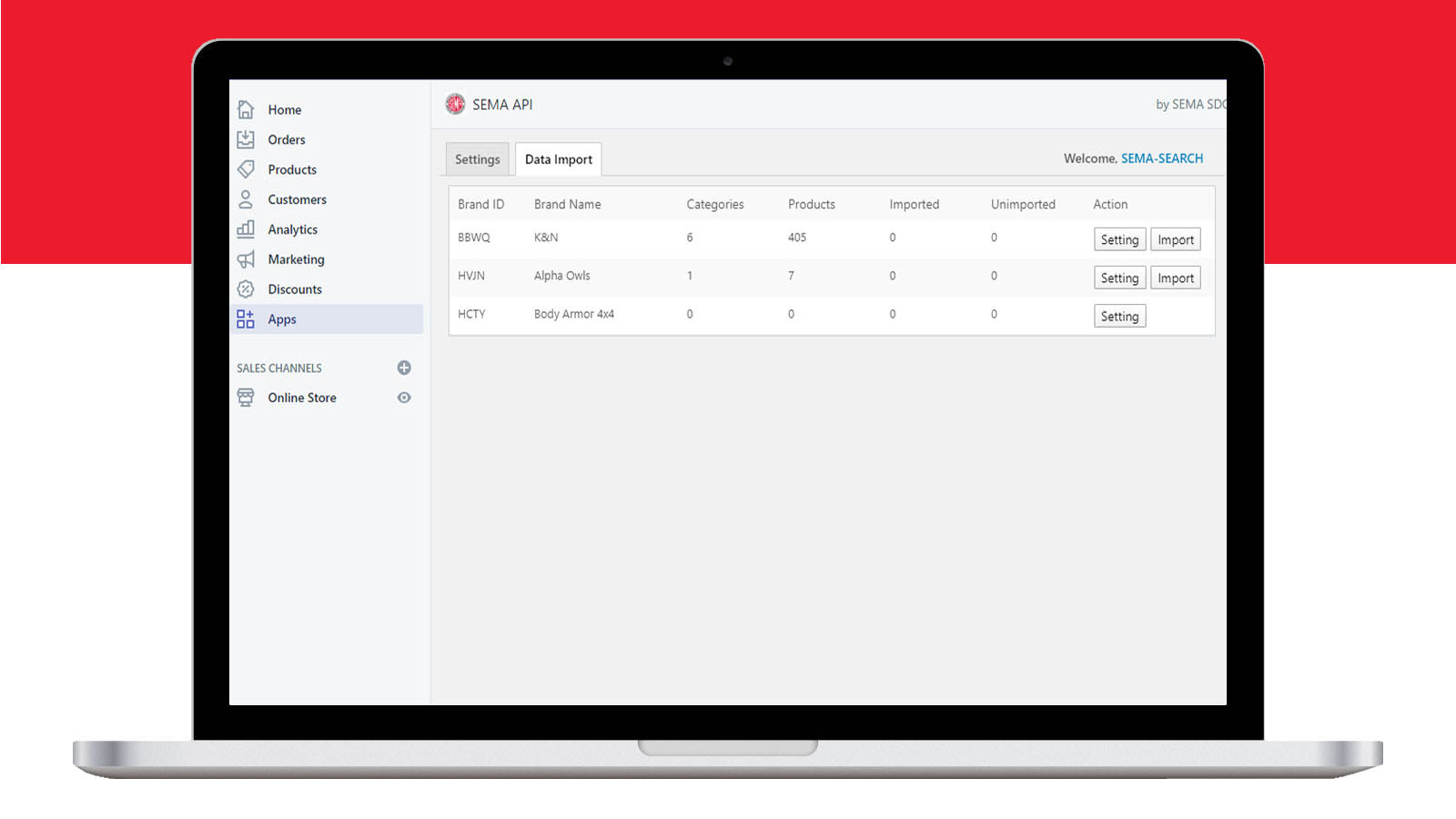
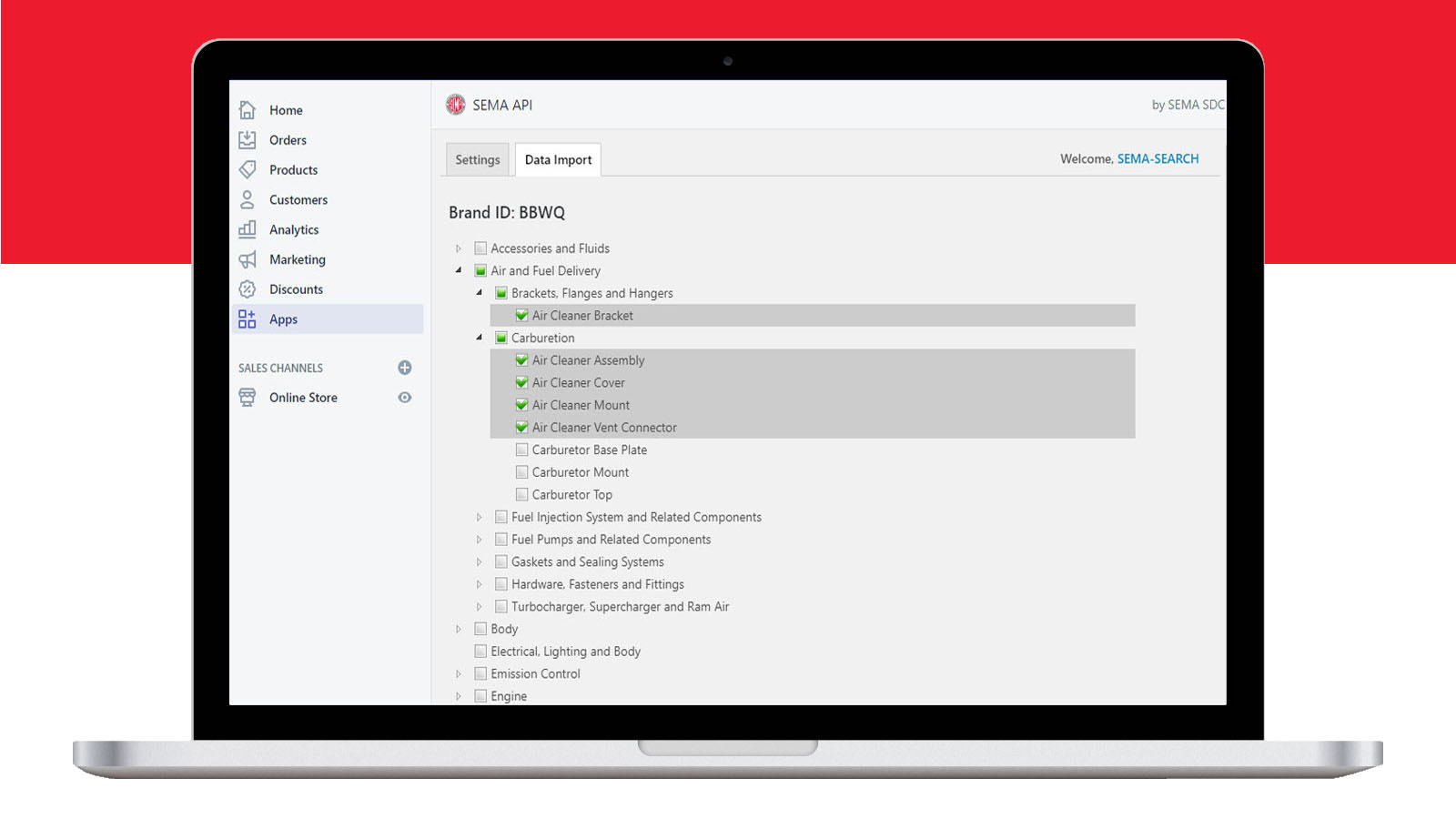
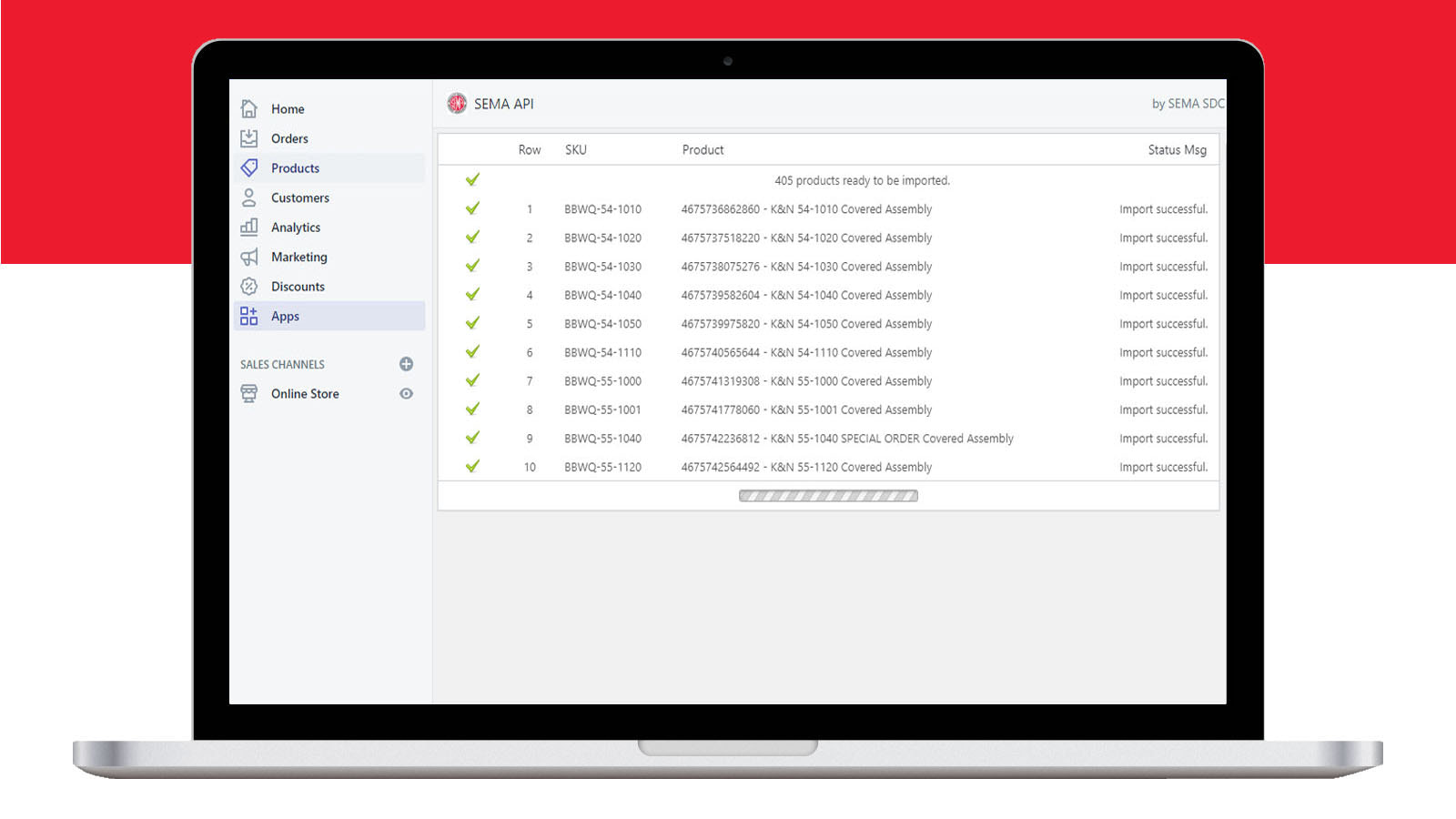
The SEMA Data app is exclusively for SEMA Data members. This app frees you from the clutter of CSV/Excel spreadsheets—import product and vehicle data into your store with just a few clicks. You’ll be able to launch a year-make-model product search, assign custom fitments to your products, and perform other product management tasks directly within the app. Please note, however, that certain themes, customizations, and other apps may conflict with its functionality. We recommend having our team set up the app in your store.
Core Functionality
- Import products via SEMA Data
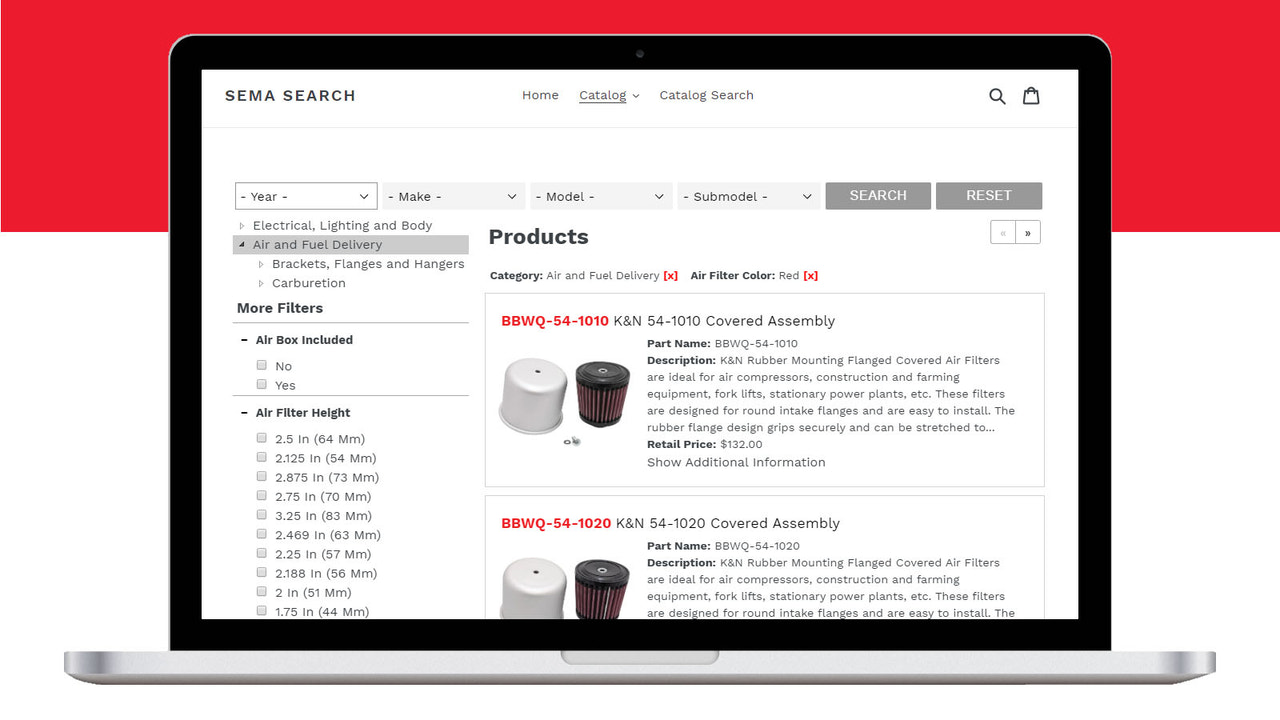
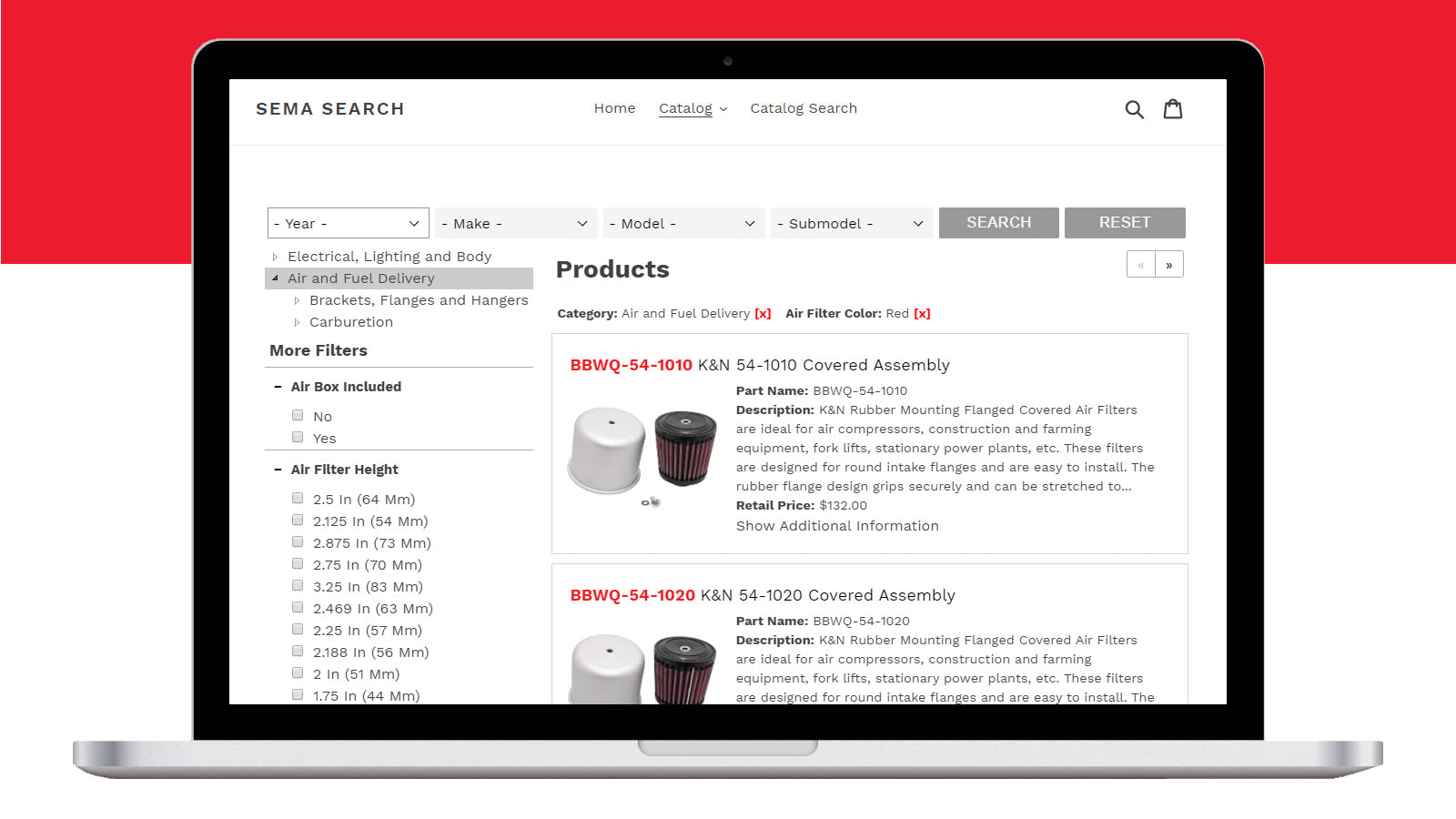
- Year, make, model search and keyword search
- Category, brand, and attribute filters
Merchant-Friendly
- Auto Parts E-commerce
- Vertical Category Merchants
- Auto Parts Independent Stores
Basic Information
- Developer:SEMA Data
- Address:1575 Valley Vista Dr, Diamond Bar, CA, 91765, US
- Price: Free / Free plan
- Rating:1 / 5
- Comment Count:1 comment
- Release Date:2021-7-7
- Supported languages:English
- Compatible products:Shopify
Application Screenshot

Price Plan
Free
Free Plan
User Location & Comments
User Location
Comments
Shopify API Used
- POST /admin/api/products/imports.json
- GET /admin/api/products/imports/{id}.json
- PUT /admin/api/products/imports/{id}.json
Permission:write_products,read_products,manage_imports
- GET /admin/api/products/search.json?year={year}&brand={brand}&model={model}
- GET /admin/api/products/metafields.json?namespace=semadata&key=vehicle_info
- POST /admin/api/metafields.json
Permission:read_products,read_shop,manage_metafields
- GET /admin/api/products.json?category={category}&brand={brand}&attributes={attrs}
- GET /admin/api/collections/{id}/products.json?filters={filters}
- PUT /admin/api/collections/{id}/rules.json
Permission:read_products,read_collections,manage_collections