
App Introduction
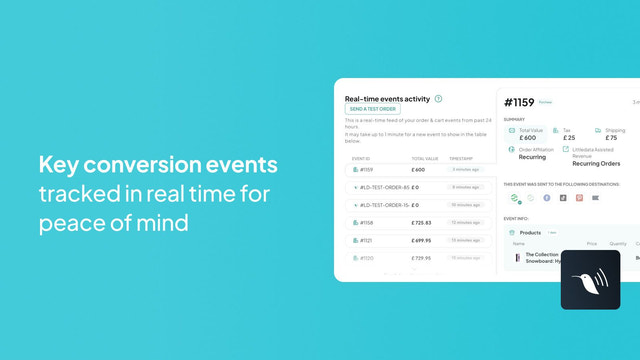
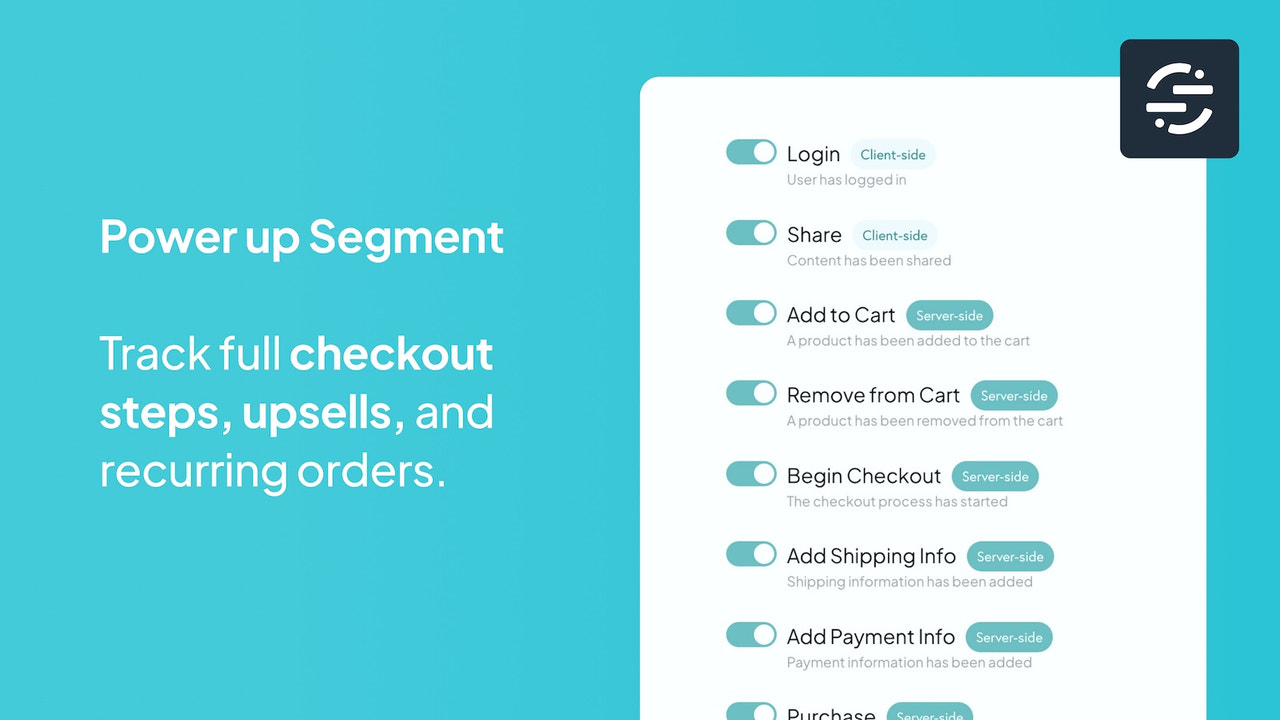
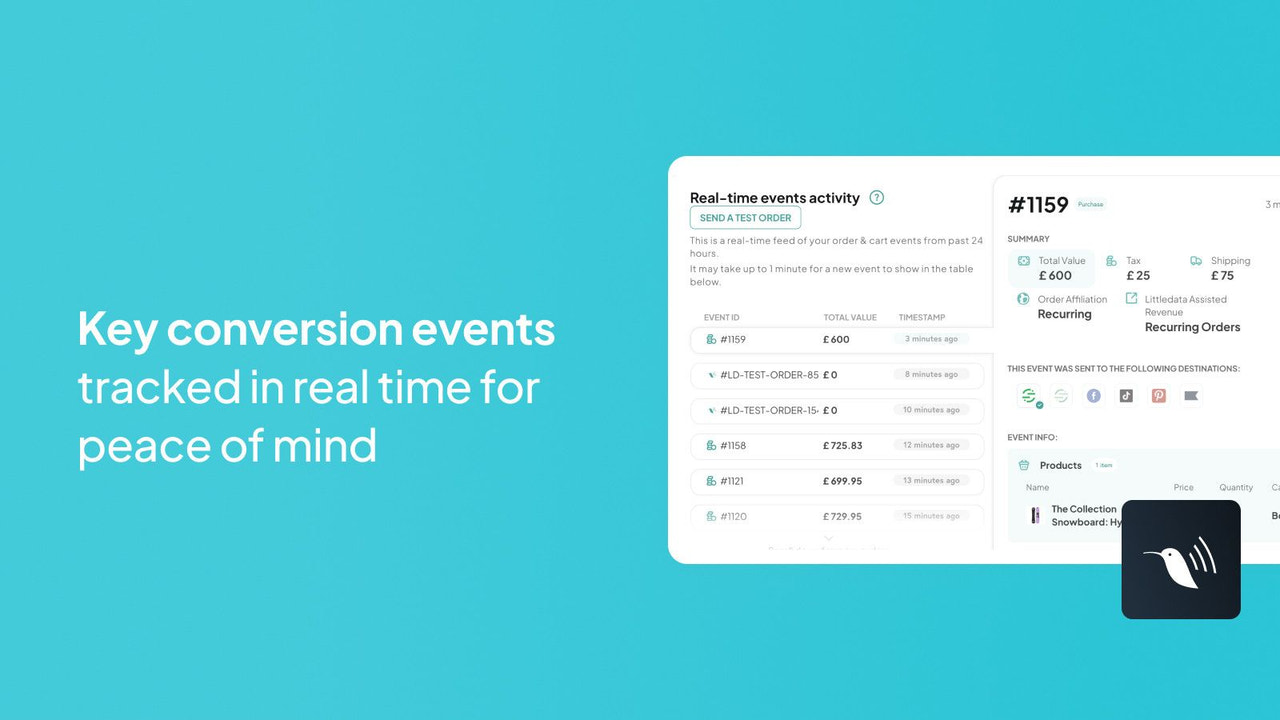
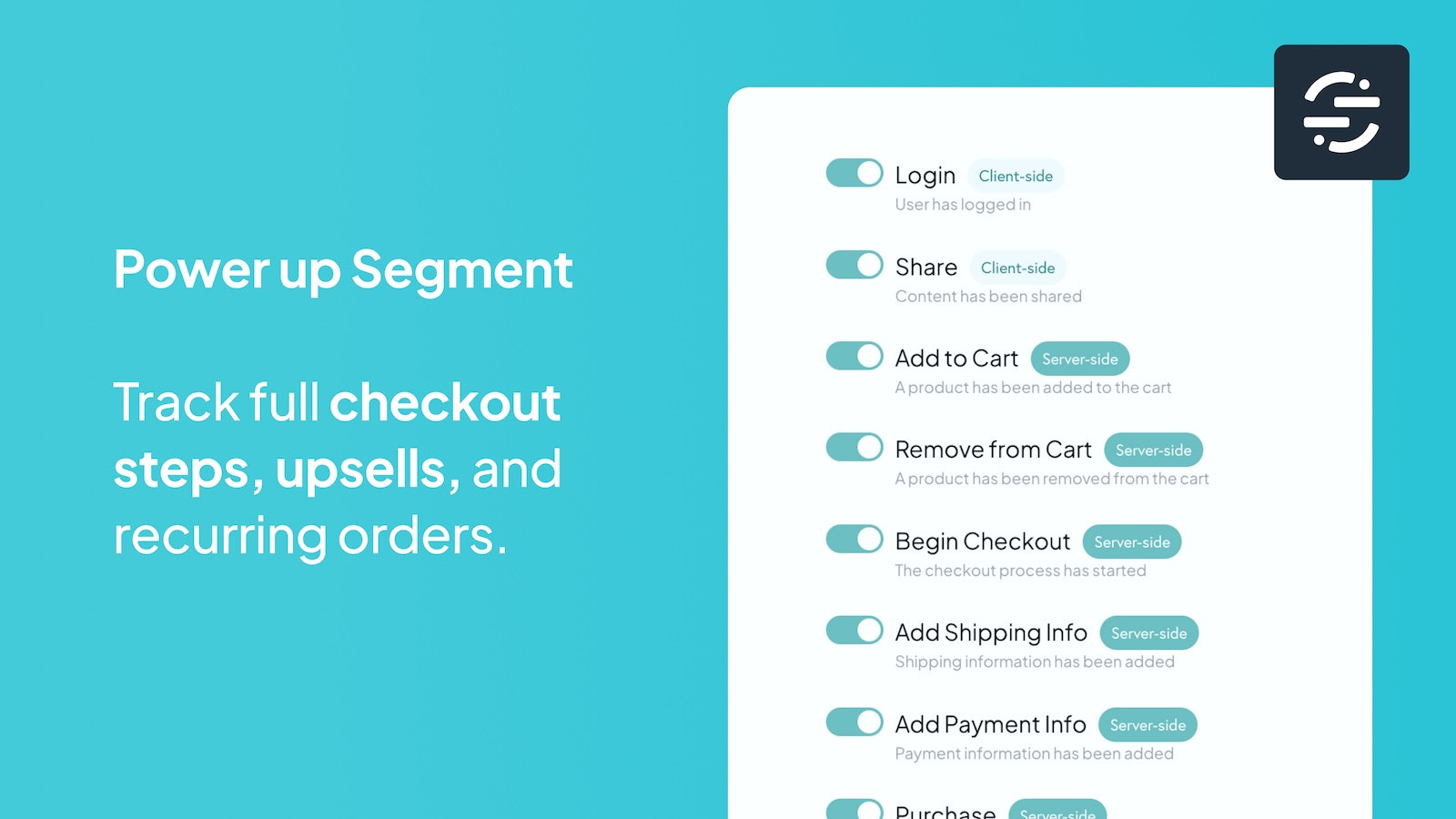
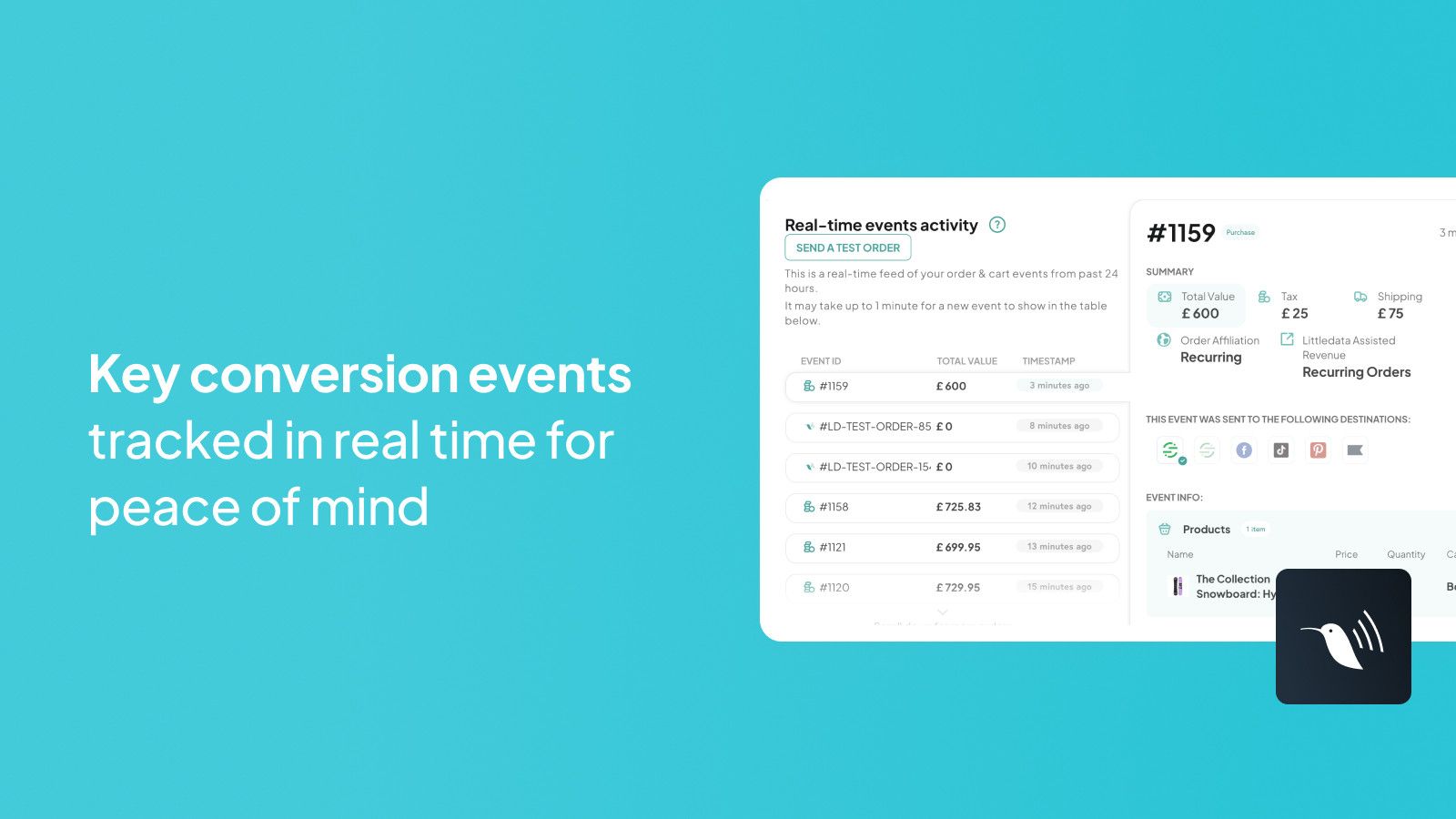
Track 15 Cloud Mode Events, 17 Product Attributes, and 19 User Traits in Real Time and Import to Twilio Segment Littledata connects your Shopify store to Twilio Segment – the leading Customer Data Platform (CDP) that tracks full-funnel e-commerce and customer event data. Littledata automatically sends accurate Shopify data to Segment, enabling you to push this data to any device mode or cloud mode destinations supported by Segment.
Core Functionality
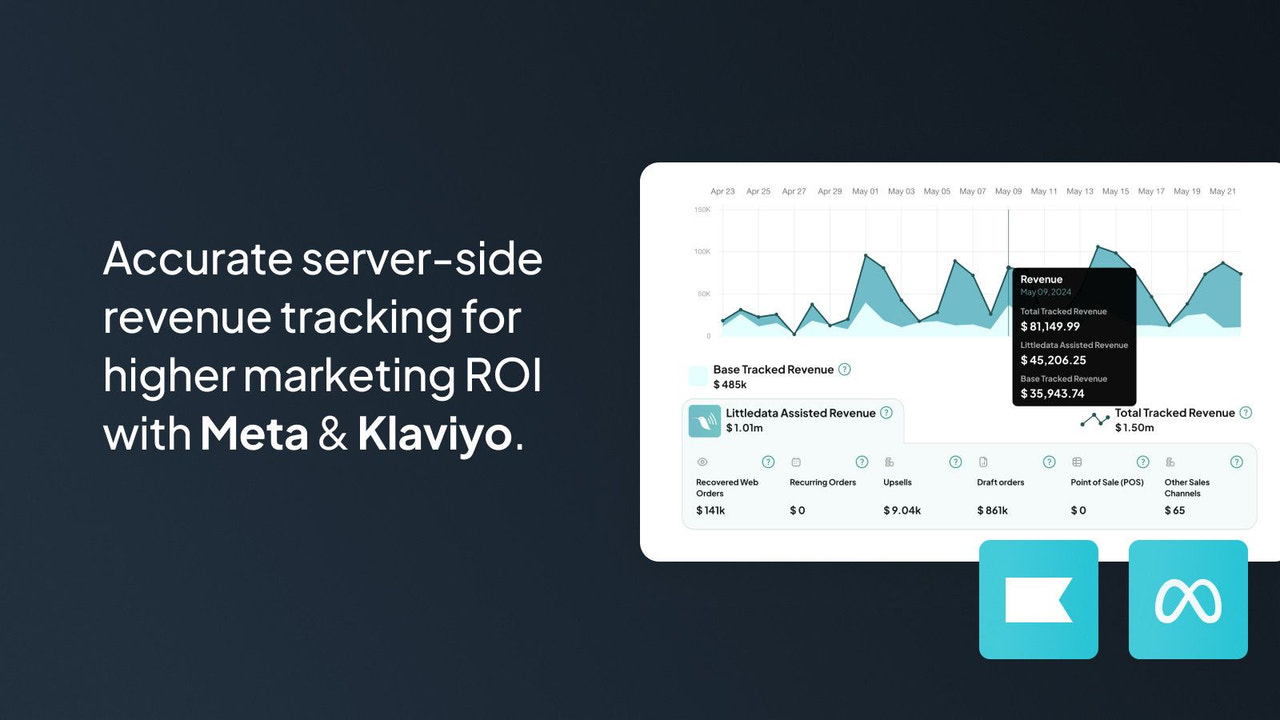
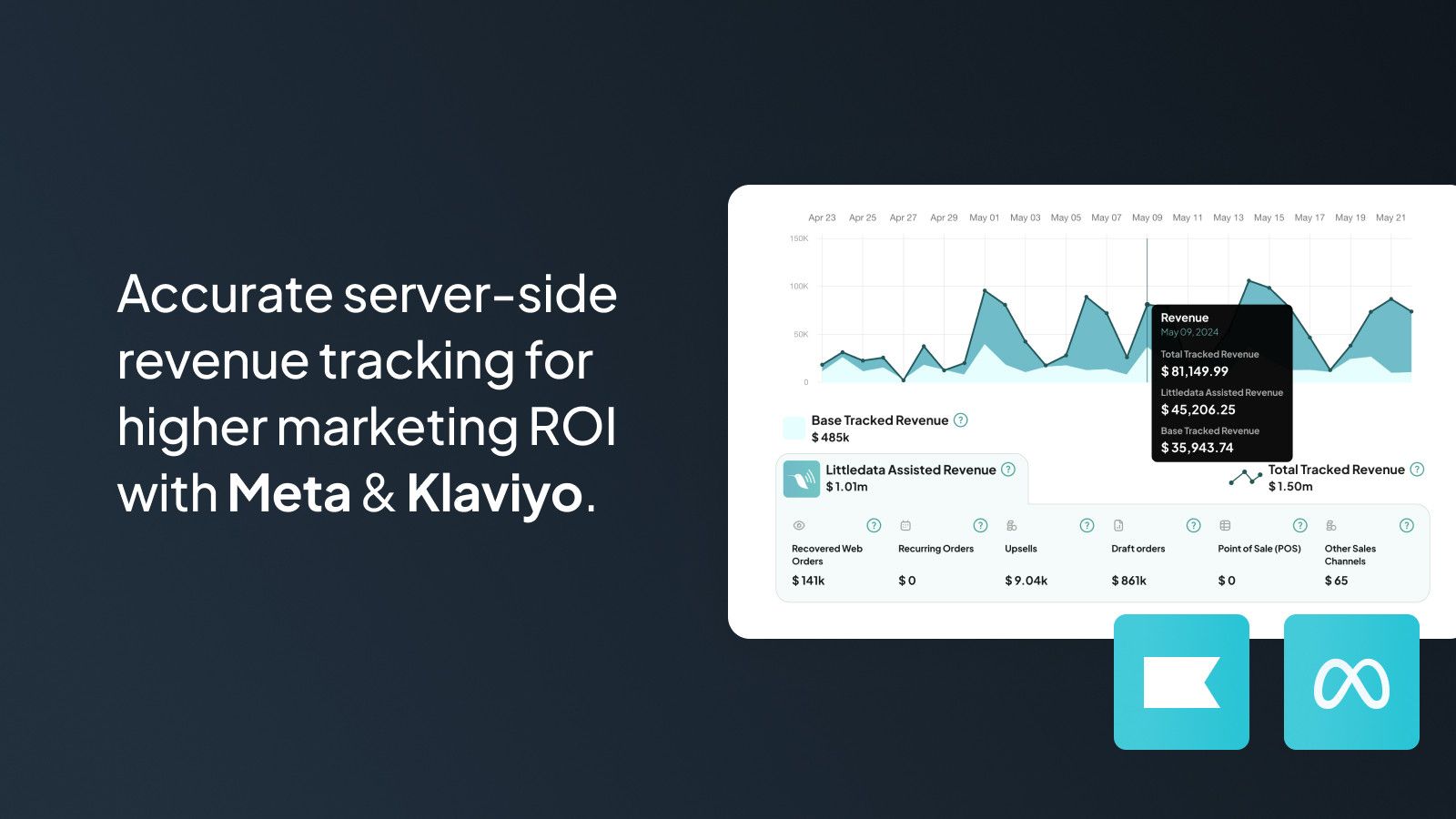
- Track revenue server-side to match your Shopify earnings
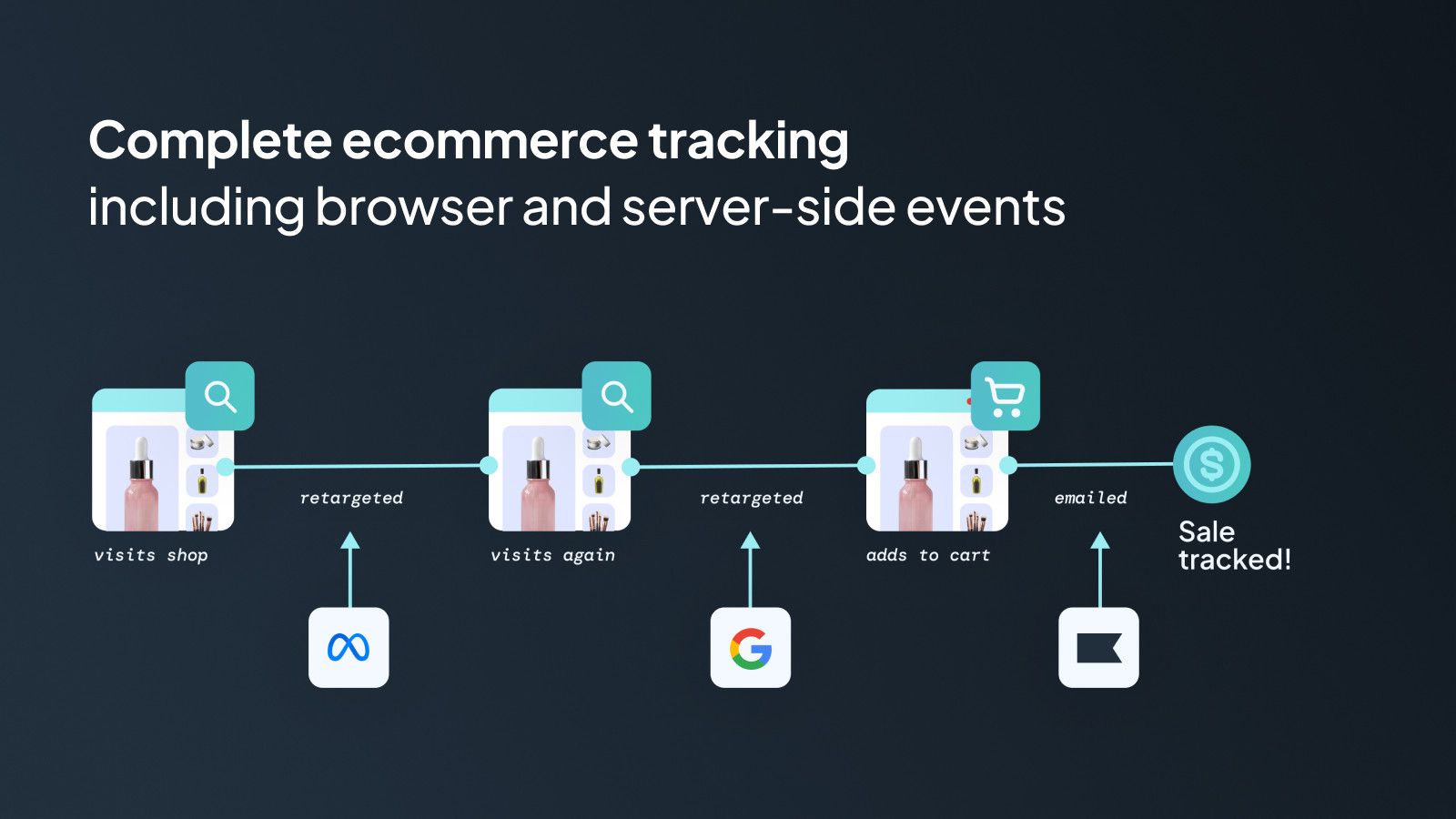
- Set up a complete e-commerce architecture without code
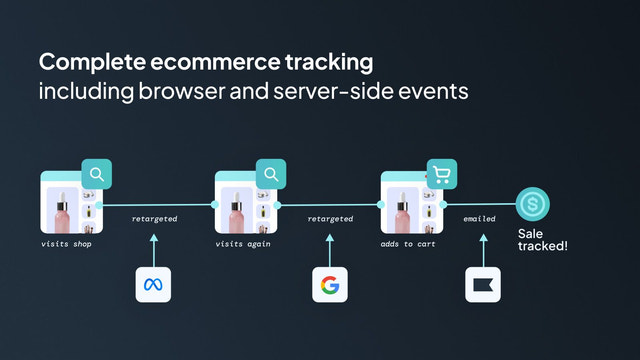
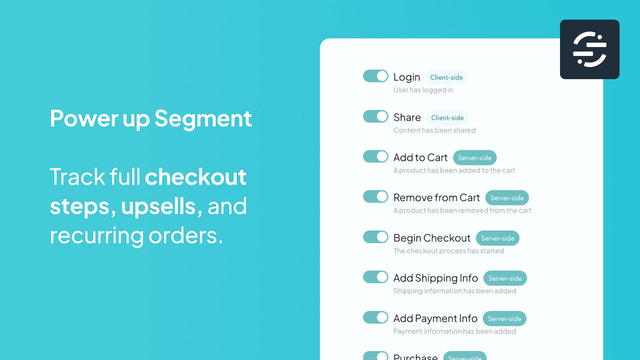
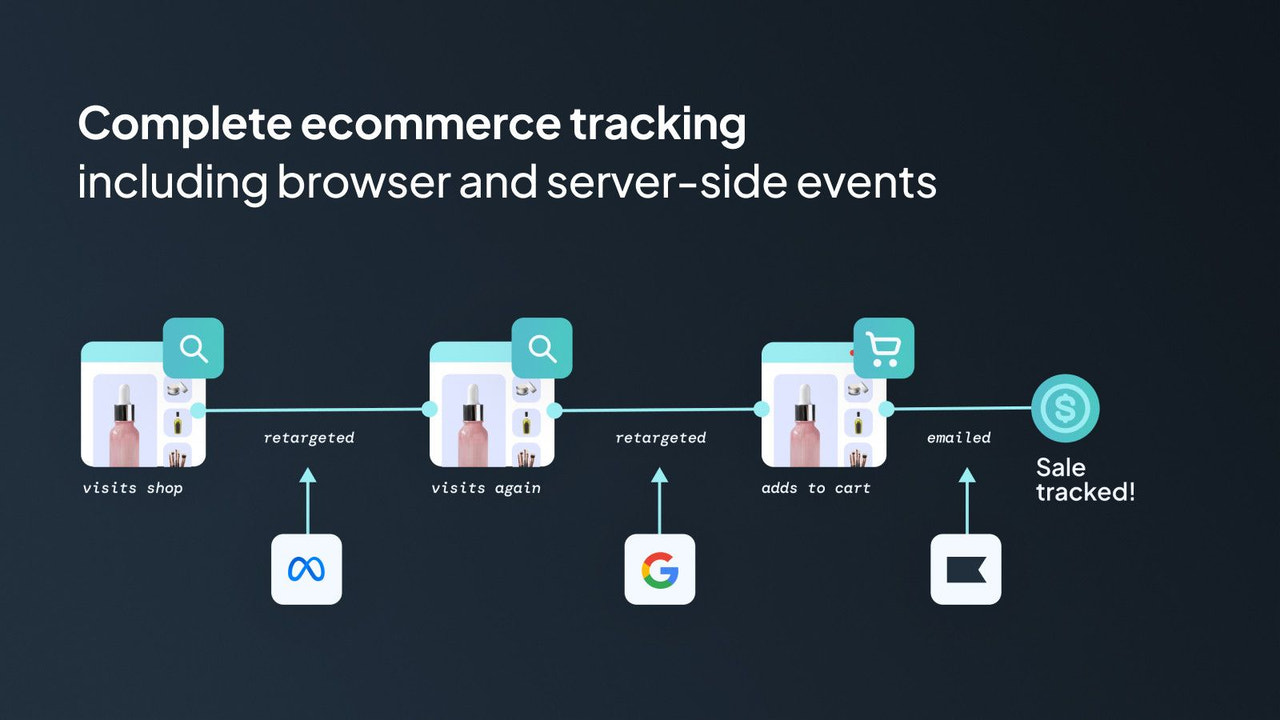
- Capture every customer touchpoint, including checkout steps and post-purchase interactions
- Push customer and marketing data to any Twilio Segment destination
- Built for data experts – making it extremely easy to access accurate data
Merchant-Friendly
- Data-Driven Merchants
- Shopify Independent Station Merchants
- Multi-Channel Marketing Merchants
- Cross-Border E-commerce Merchants
- DTC Brand Merchants
Basic Information
- Developer:Littledata
- Address:Oxford House, 12 - 20 Oxford Street, Newbury, ENG, RG14 1JB, GB
- Price: Free / Free plan
- Rating:4.7 / 5
- Comment Count:10 comment
- Release Date:2019-4-25
- Supported languages:English
- Compatible products:Shopify
Application Screenshot


Price Plan
Standard
$249 / 或 $2,390/年(可节省 20%)
- Up to 1,500 orders per month
- Accurate customer event tracking
- Enhanced marketing attribution
- Email and chat support
Pro
$299 / 或 $2,870/年(可节省 20%)
- Up to 8,000 orders per month
- Accurate customer event tracking
- Improved marketing attribution
- Private webinars
- Priority support
Plus
$950 / 或 $9,120/年(可节省 20%)
- Managed Onboarding
- Analytics Training
- Multi-Country Stores
- Guaranteed Uptime
- Headless Tracking
- Historical Order Import
User Location & Comments
User Location
Comments
Shopify API Used
- POST /admin/api/reports/revenue_matches.json
- GET /admin/api/reports/revenue_matches.json
- PUT /admin/api/reports/revenue_matches/{id}.json
Permission:read_reports,write_reports,manage_finances
- POST /admin/api/shop/settings/architecture.json
- GET /admin/api/shop/settings/architecture.json
- PUT /admin/api/shop/settings/architecture.json
Permission:write_shop_settings,read_shop_settings,manage_shop
- POST /admin/api/customers/touchpoints.json
- GET /admin/api/customers/touchpoints.json
- PUT /admin/api/customers/touchpoints/{id}.json
Permission:read_customers,write_customers,manage_checkouts
- POST /admin/api/apps/twilio_segment/destinations.json
- GET /admin/api/apps/twilio_segment/destinations.json
- PUT /admin/api/apps/twilio_segment/destinations/{id}.json
Permission:write_apps,read_apps,manage_data
- POST /admin/api/data/accuracy/setup.json
- GET /admin/api/data/accuracy/setup.json
- PUT /admin/api/data/accuracy/setup.json
Permission:read_data,write_data,manage_analytics



