
App Introduction
Enhance your theme with our Section Library. Effortlessly edit and manage them right from the Theme Editor. Add more design options to your online store using our easy-to-use pre-built sections. Say goodbye to complex page builders and costly developers. Our sections are designed to work seamlessly with any theme, giving you the flexibility to refine your store’s design without limitations. Perfect for merchants looking to enhance their store’s look and feel directly from the Theme Editor. Why search for the perfect theme when you can customize your existing one to be the ultimate reflection of your brand?
Core Functionality
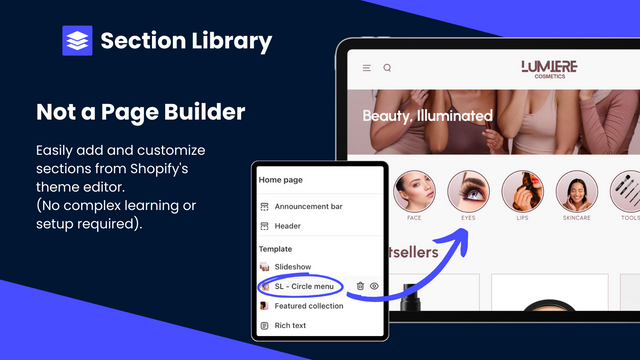
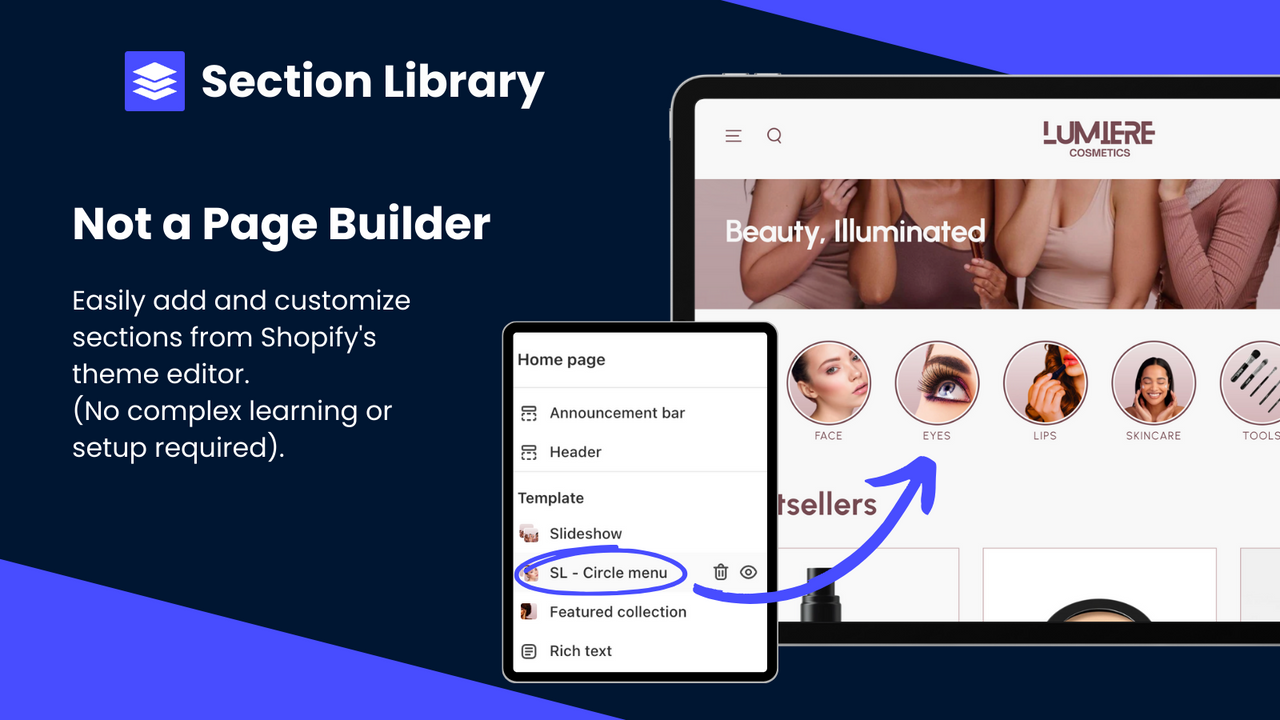
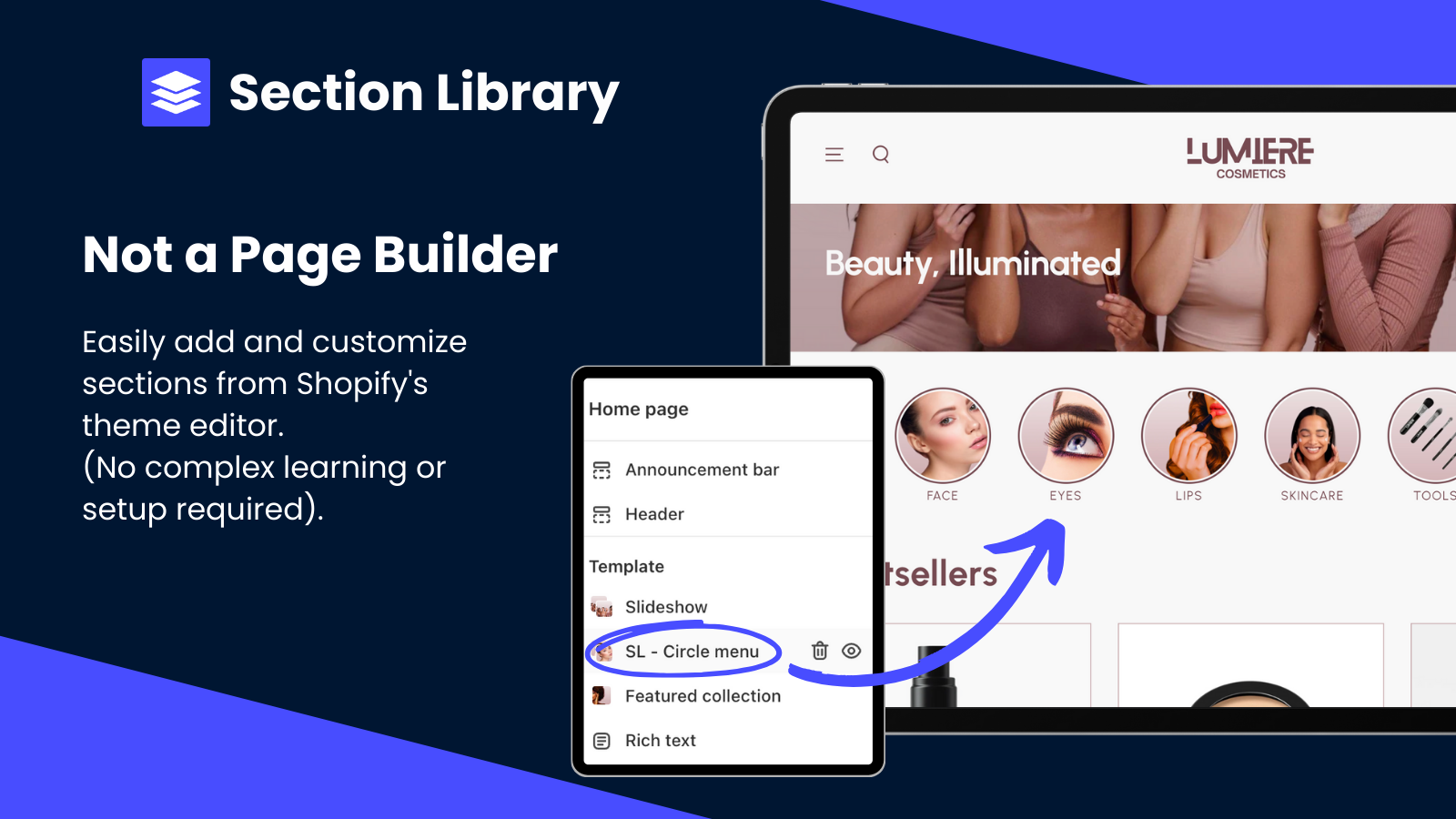
- Browse our library, add to any theme, and customize in Shopify’s Theme Editor.
- Replace slow apps with our high-performance sections to maintain optimal page speed.
- Test sections first to find the ones that best fit your store.
- New Shopify 2.0-ready sections added weekly.
Merchant-Friendly
- Independent Station Merchants
- Small and Medium-sized E-commerce Merchants
- Page Optimization Merchants
- Theme Customization Merchants
Basic Information
- Developer:Optify
- Address:16 Rue Cuvier, Lyon, 69006, FR
- Price: Free / Free plan
- Rating:5 / 5
- Comment Count:2 comment
- Release Date:2023-10-10
- Supported languages:English
- Compatible products:Shopify
Application Screenshot








Price Plan
Free
User Location & Comments
User Location
Comments
Shopify API Used
- POST /admin/api/themes/{theme_id}/assets.json
- PUT /admin/api/themes/{theme_id}/assets.json
- GET /admin/api/themes/{theme_id}/assets.json
Permission:write_themes,read_themes,manage_online_store
- GET /admin/api/apps.json
- DELETE /admin/api/apps/{app_id}.json
- POST /admin/api/themes/{theme_id}/assets.json
Permission:write_apps,read_apps,manage_themes
- GET /admin/api/themes/{theme_id}/preview.json
- POST /admin/api/themes/{theme_id}/assets.json
- GET /admin/api/themes.json
Permission:read_themes,manage_online_store,write_themes
- GET /admin/api/themes/{theme_id}/assets.json
- POST /admin/api/themes/{theme_id}/assets.json
- PUT /admin/api/themes/{theme_id}/assets.json
Permission:write_themes,read_themes,manage_online_store



