
App Introduction
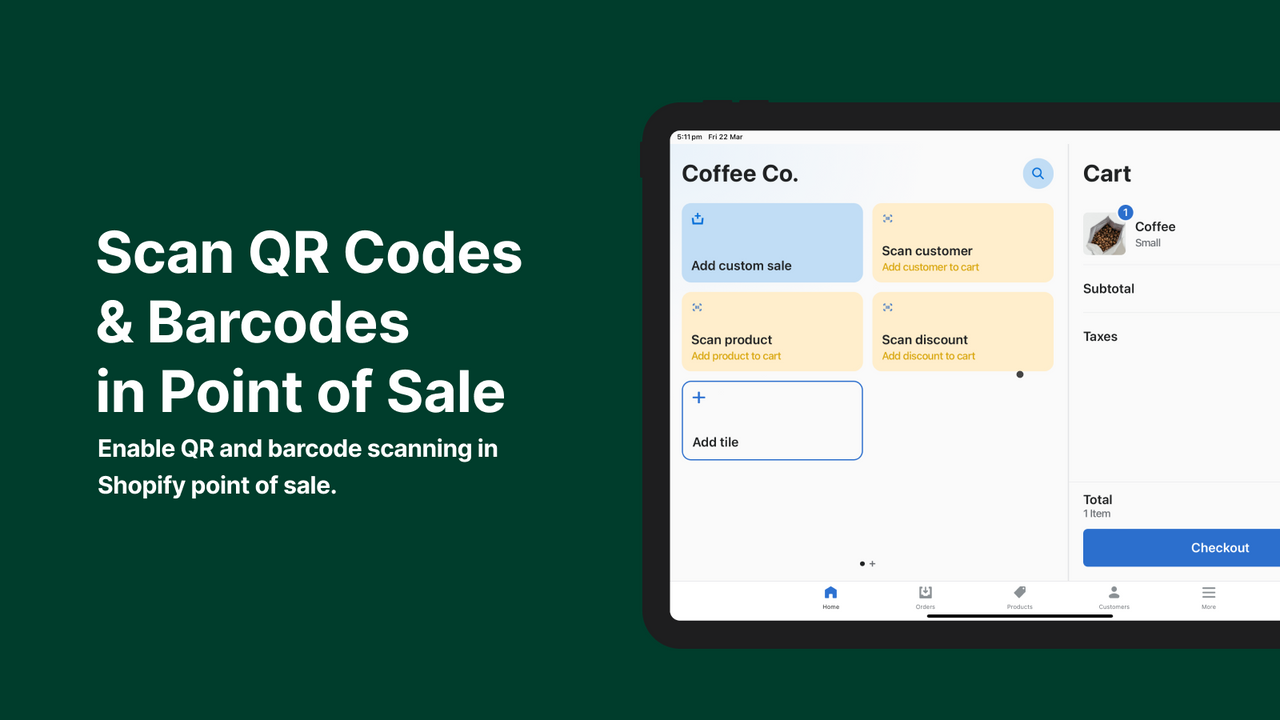
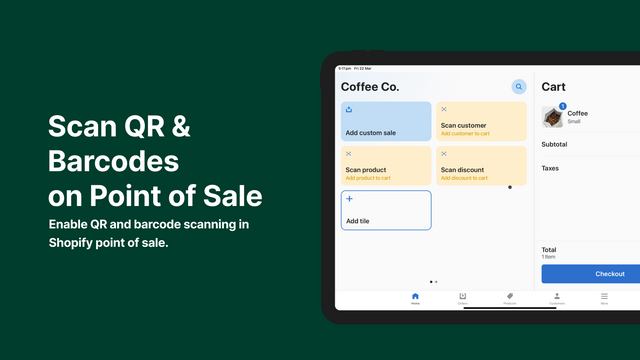
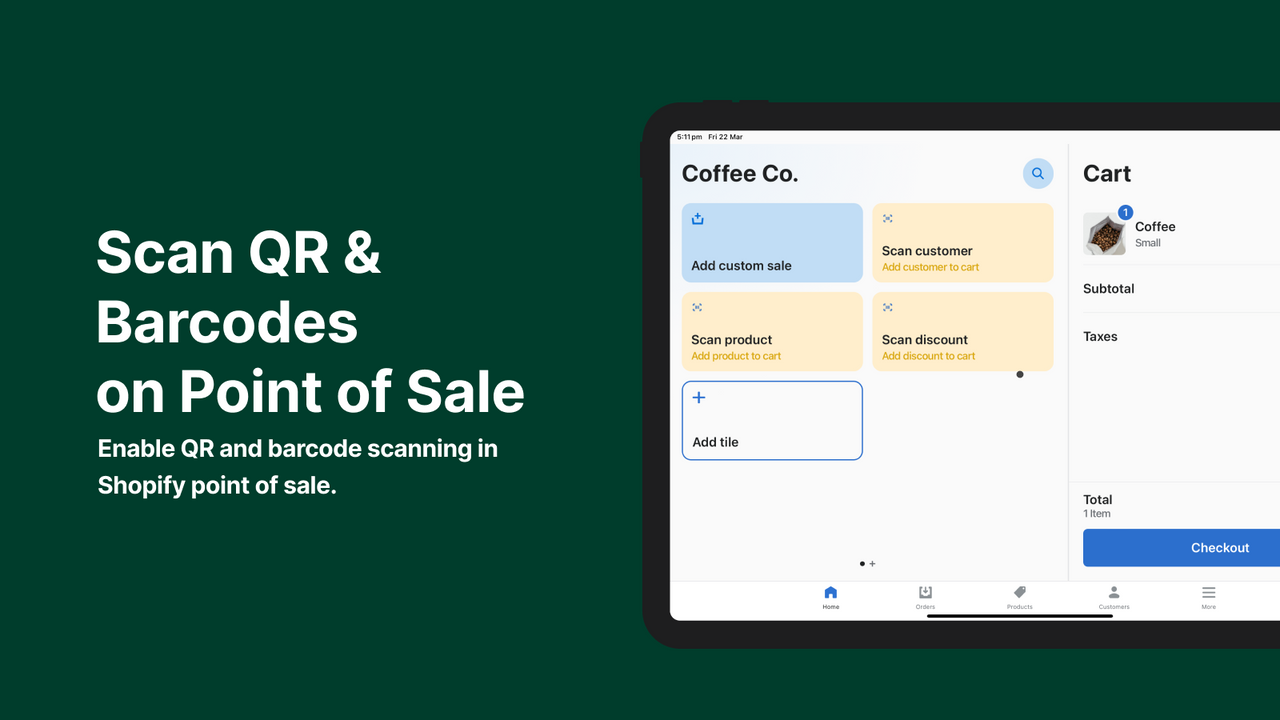
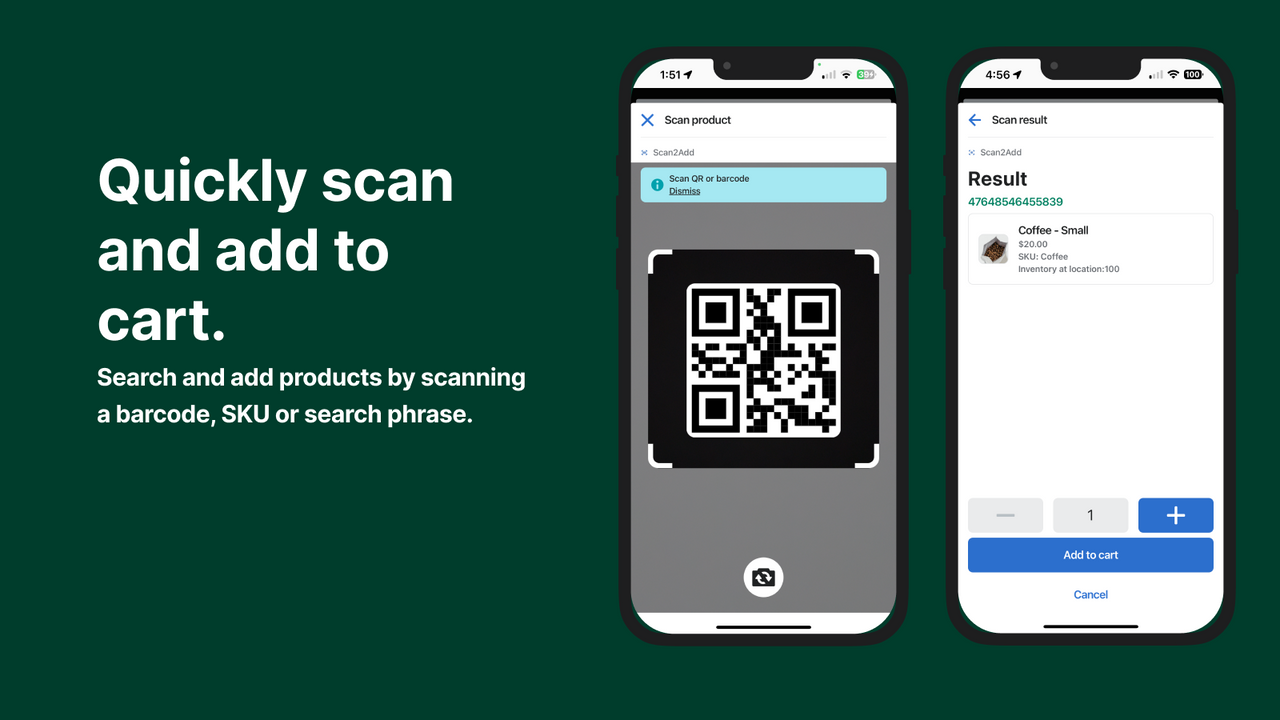
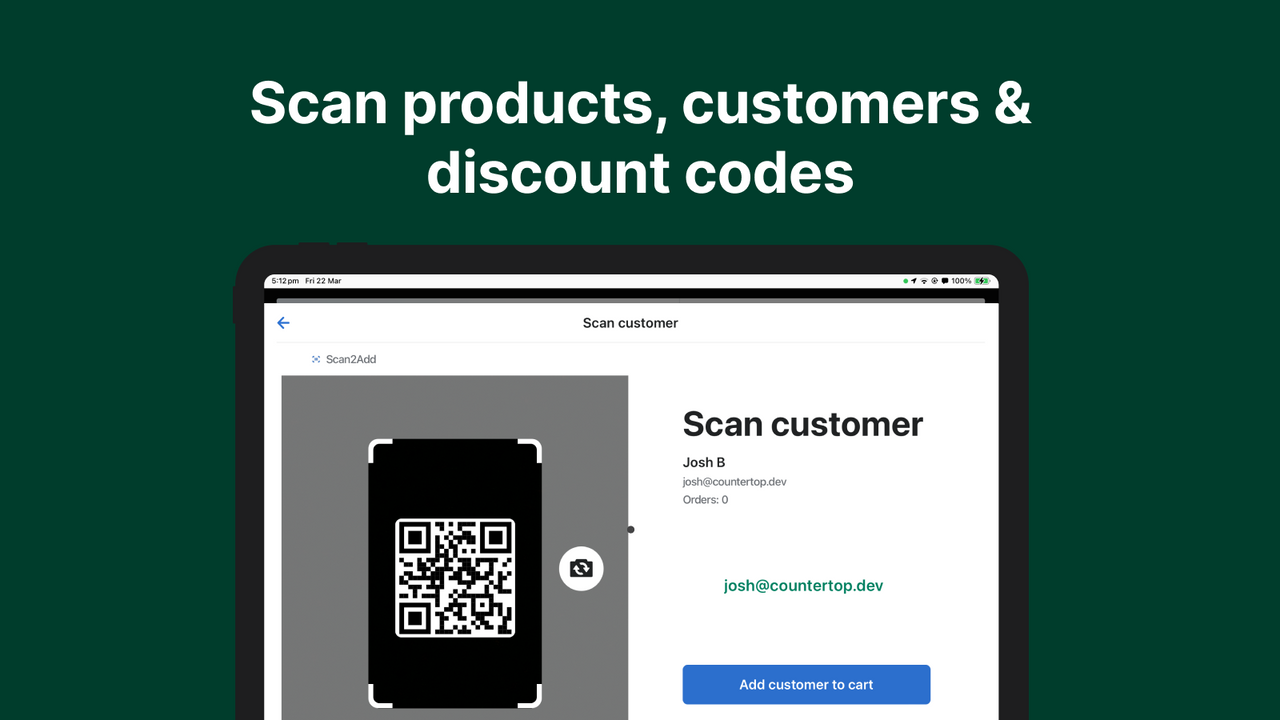
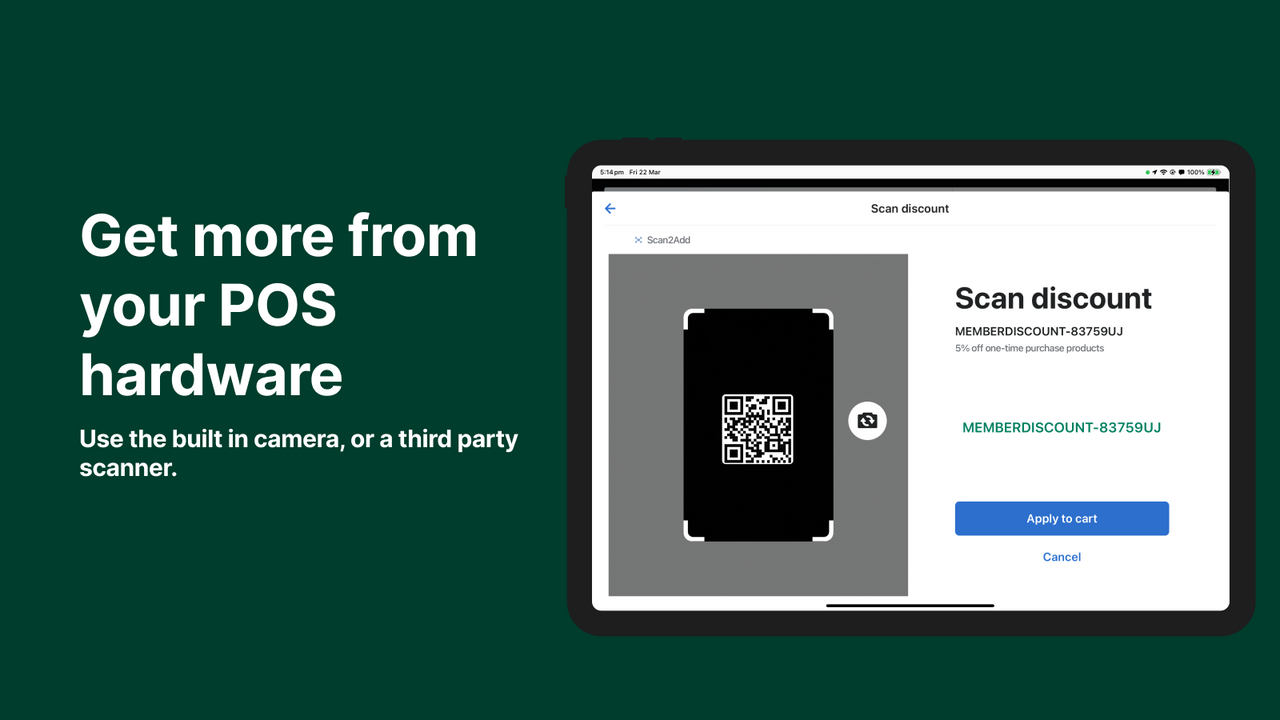
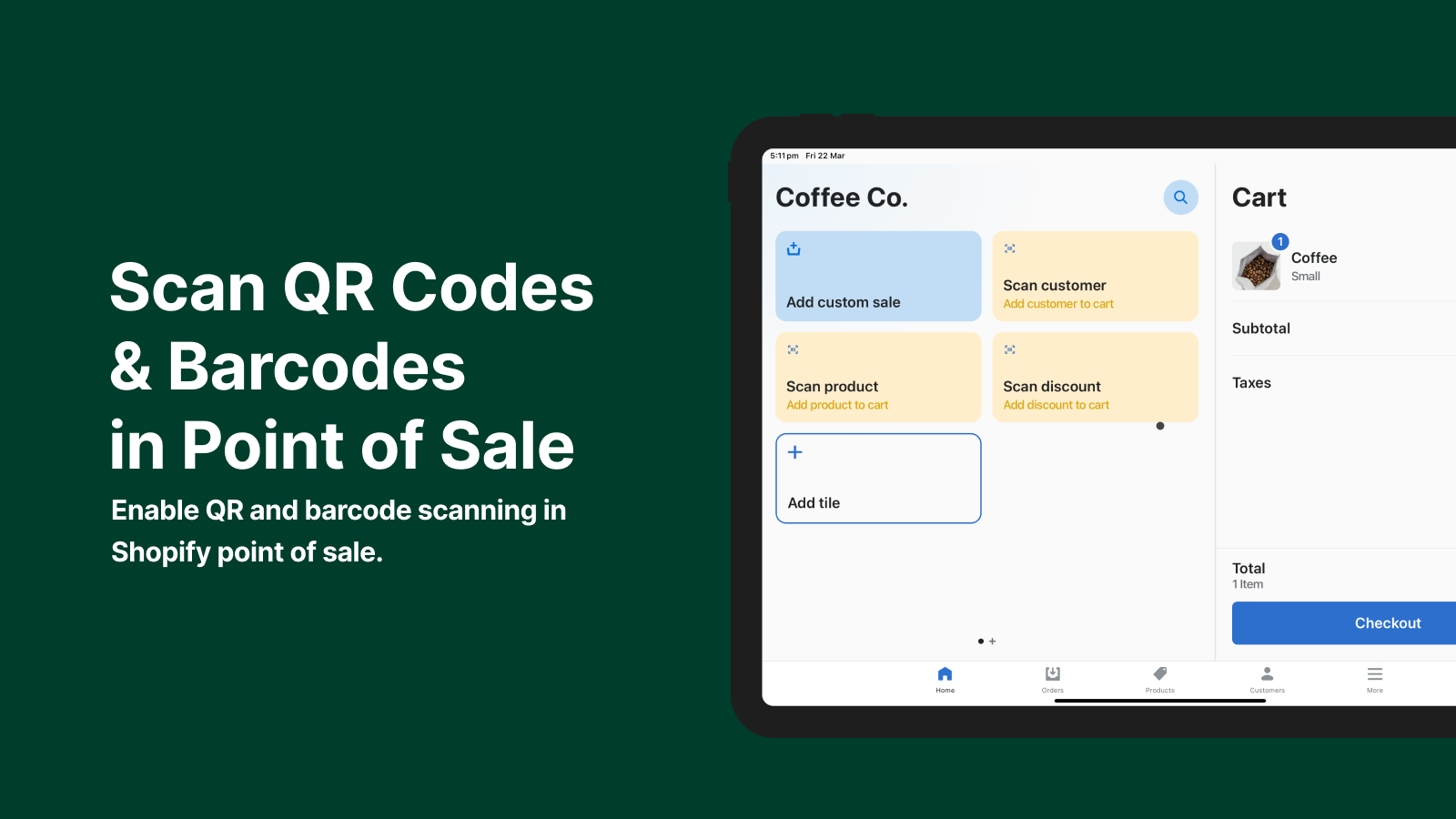
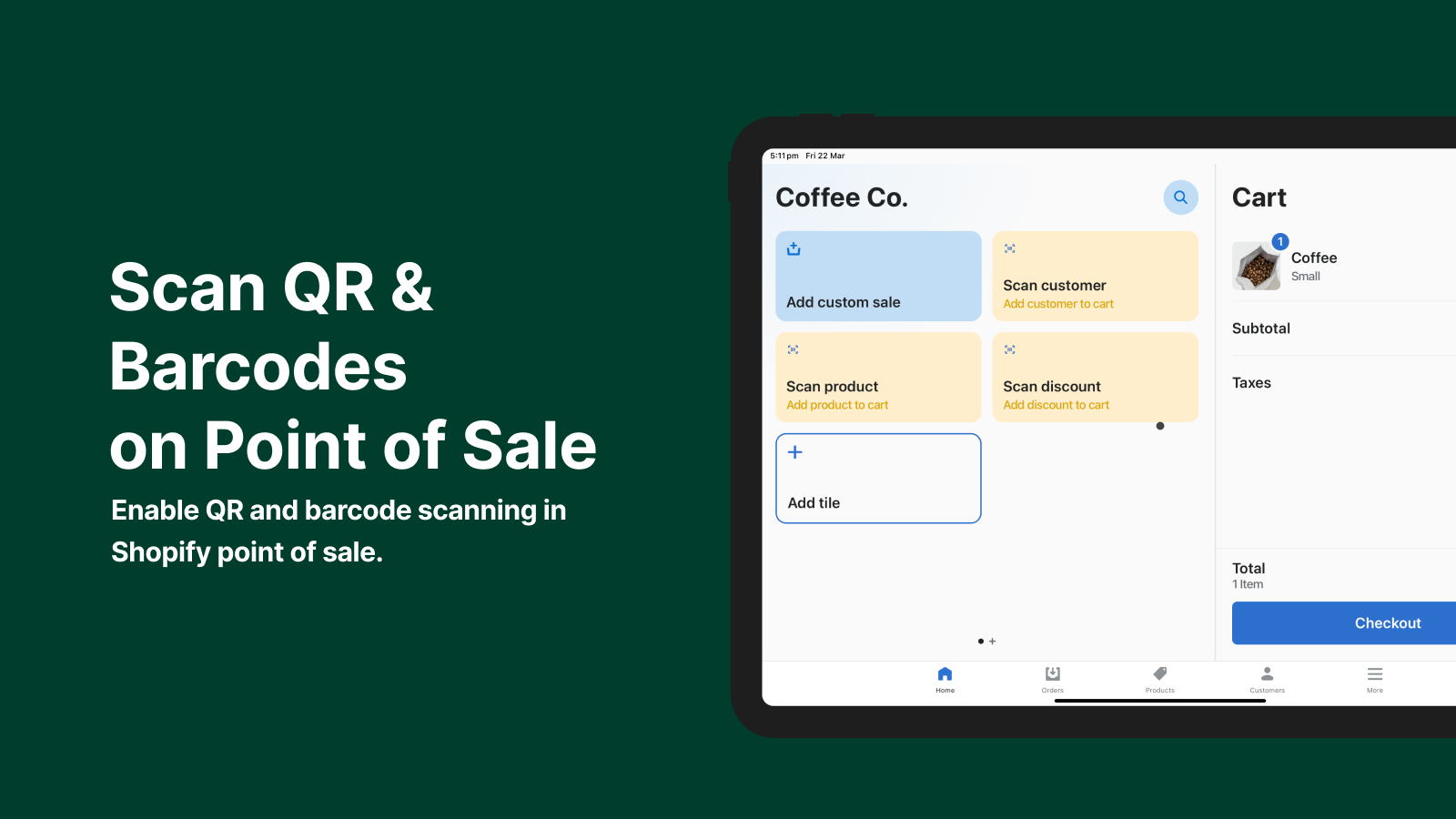
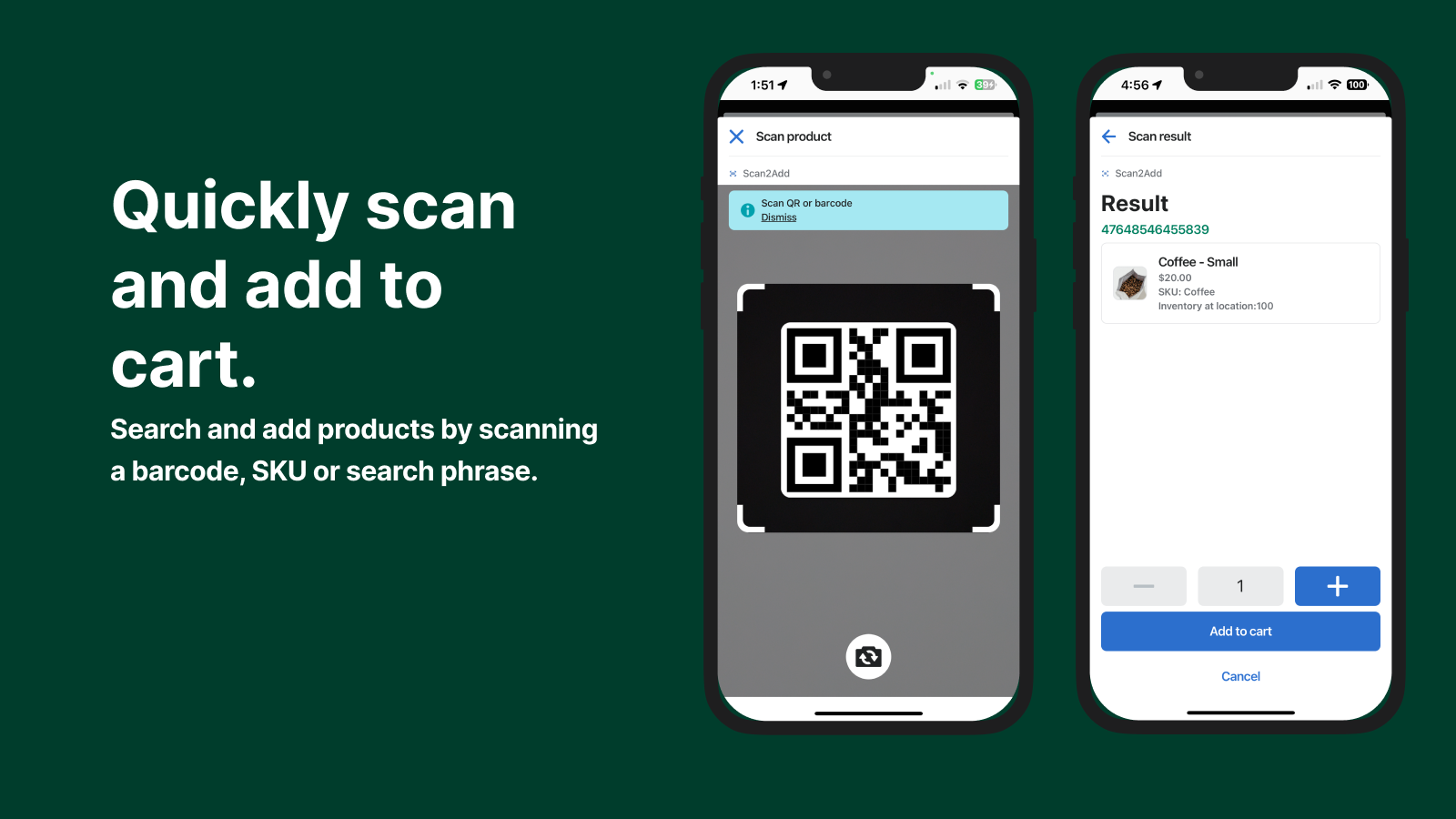
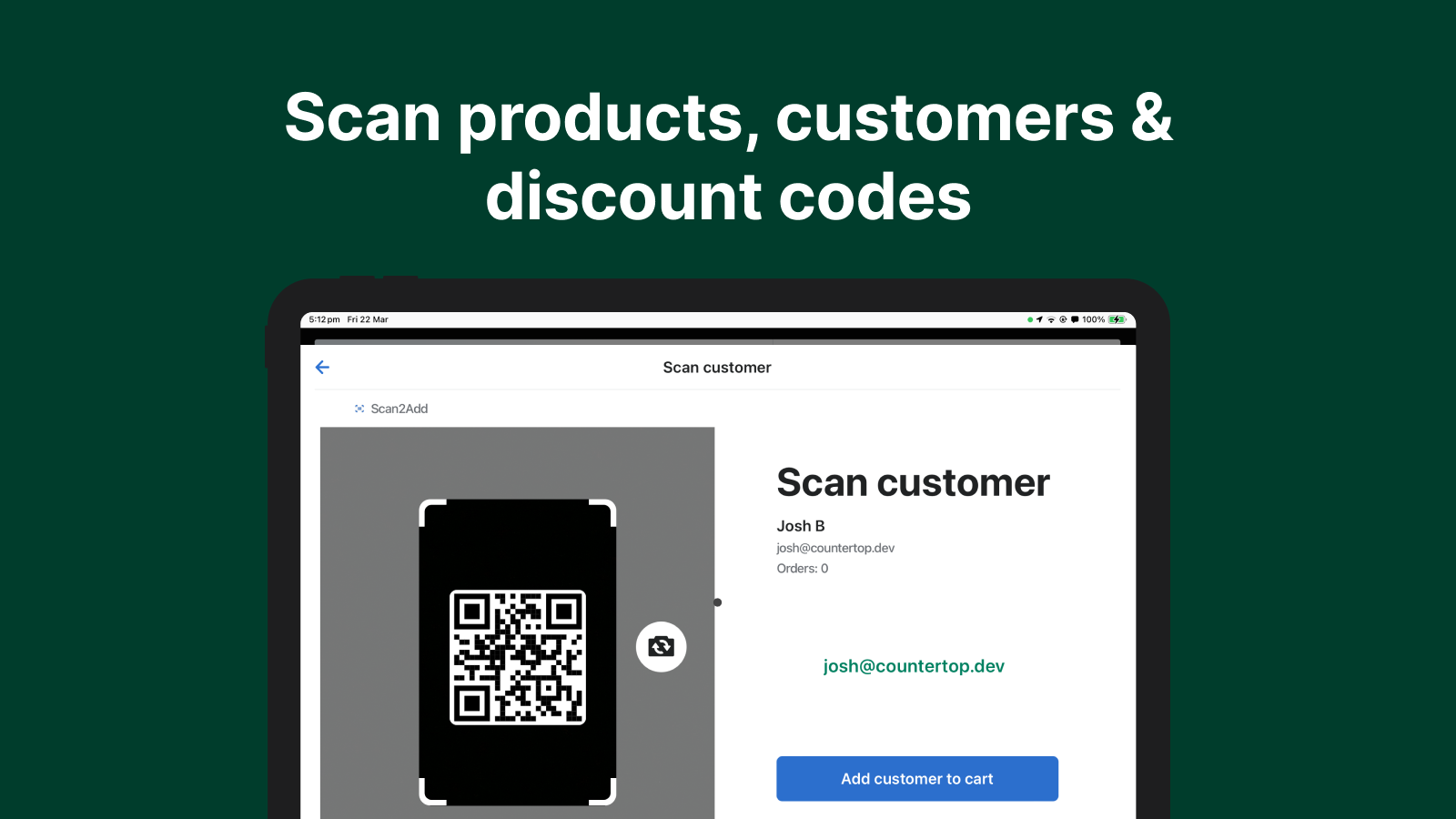
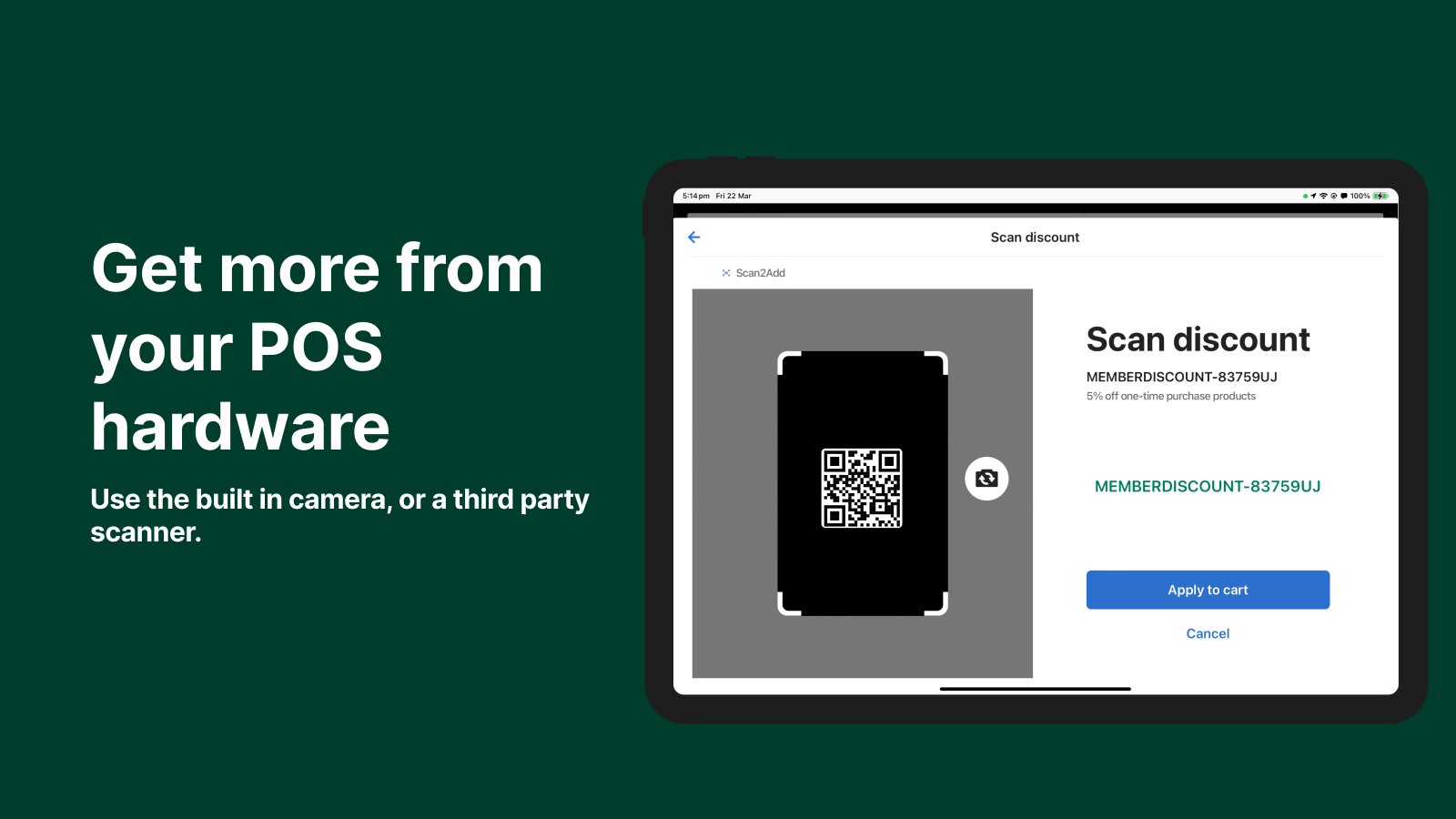
Scan2Add uses your device’s camera or an attached scanner to enable barcode and QR code scanning in the Shopify POS app. Scan product barcodes to search for items, scan customers’ membership barcodes, or apply discount codes embedded in emails. With a native UI extension, this app adds three new tiles to your POS device—enabling scanning and eliminating the need to manually search for products, customers, or discount codes.
Core Functionality
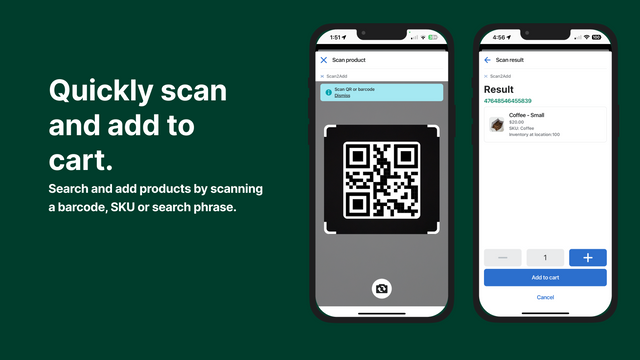
- Scan to search for products and add them to your cart instantly
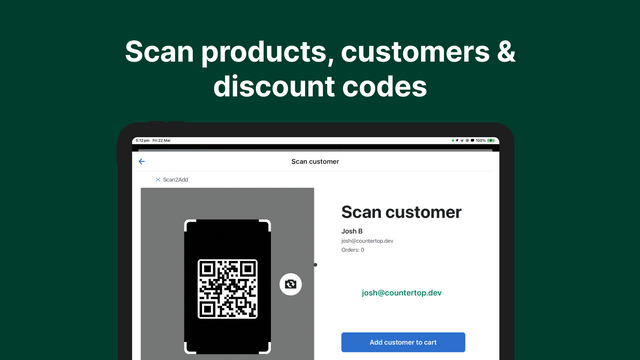
- Scan a customer’s email or ID to add them to your cart.
- Scan discount codes to verify and apply them to your cart
- Avoid manually searching for products, customer names, and discount codes
- Get more from your existing hardware by saving time and eliminating errors.
Merchant-Friendly
- Offline Retail Merchants
- Fast Transaction E-commerce
- Omnichannel Merchants
Basic Information
- Developer:Countertop.dev
- Address:Brisbane, QLD, AU
- Price: Free / Free plan
- Rating:5 / 5
- Comment Count:1 comment
- Release Date:2024-4-8
- Supported languages:English
- Compatible products:Shopify
Application Screenshot
Price Plan
基础版
$7
- Suitable for stores on the Basic Shopify plan.
Shopify
$19
- Suitable for stores on Shopify plans.
高级版
$29
- Suitable for stores on the Advanced plan.
Plus
$49
- Applicable to stores on the Plus plan.
User Location & Comments
User Location
Comments
Shopify API Used
- POST /admin/api/cart/add.json
- GET /admin/api/products.json?limit=1&query={scan_code}
- PUT /admin/api/cart/{cart_id}/items.json
Permission:write_cart,read_products,manage_cart
- GET /admin/api/customers/search.json?query={scan_email_or_id}
- PUT /admin/api/cart/{cart_id}/customer_id.json
- GET /admin/api/cart/{cart_id}.json
Permission:read_customers,write_cart,manage_customers
- POST /admin/api/cart/discounts.json
- GET /admin/api/discount_codes.json?code={scan_code}
- PUT /admin/api/cart/{cart_id}/discounts.json
Permission:write_cart,read_discounts,manage_discounts