
App Introduction
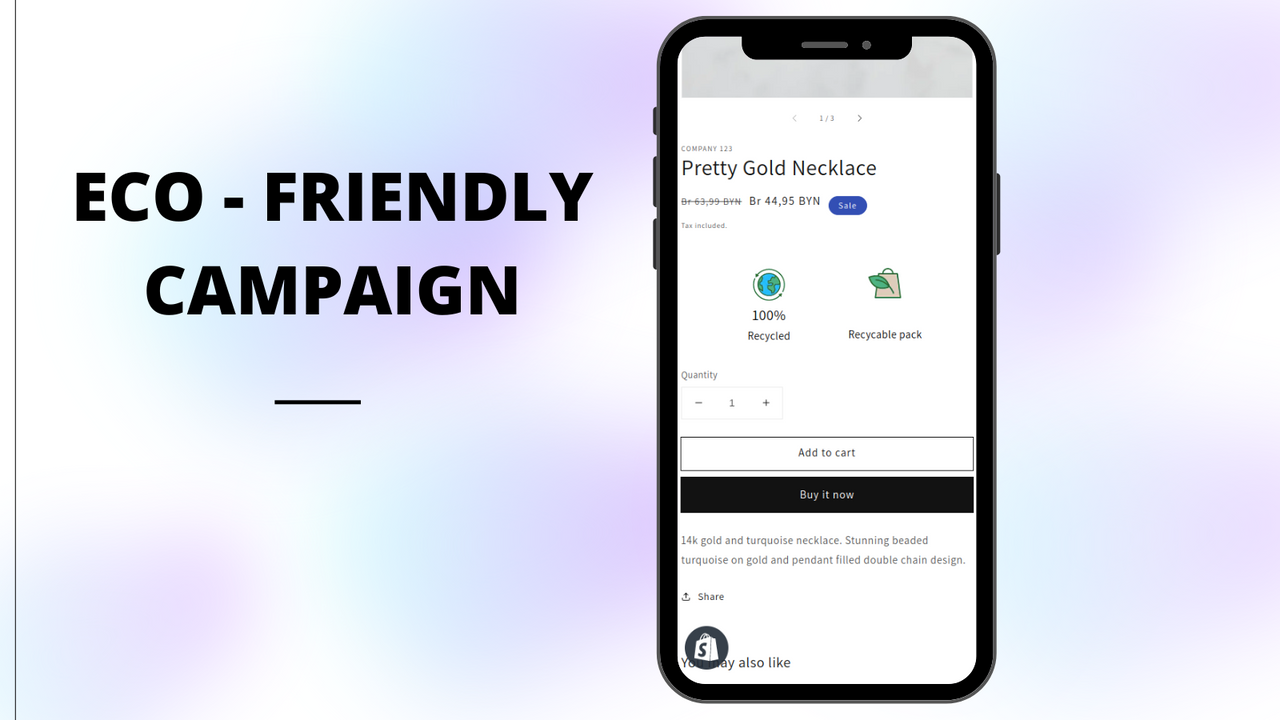
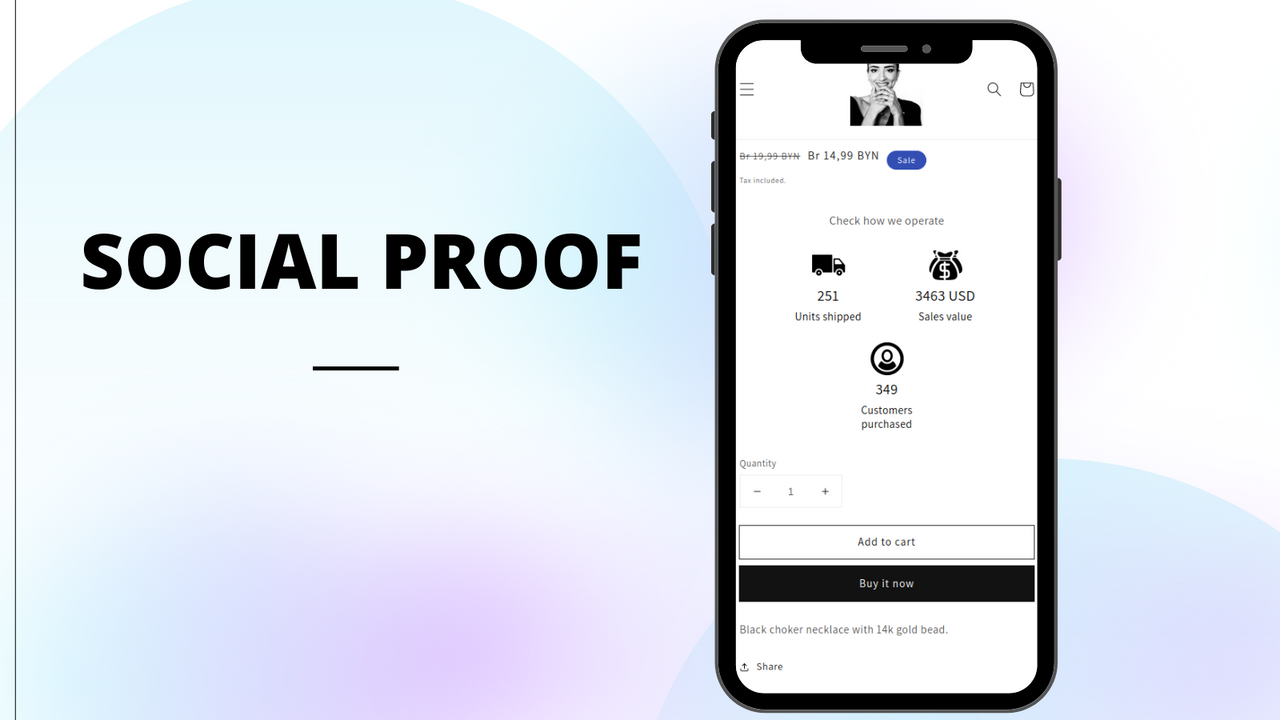
Display an automatic counter on your storefront—for sales, progress, donations, environmental impact, and more. Let Sales Countup represent your brand and showcase your influence. Use its highly customizable automatic counters to easily highlight the funds you’ve donated or allocated to charitable causes. Demonstrate your impact on the planet by featuring eco-friendly product sales or crowdfunding campaign progress. Sales Countup is the perfect tool to showcase your sales volume or promote best-selling products in your online store.
Core Functionality
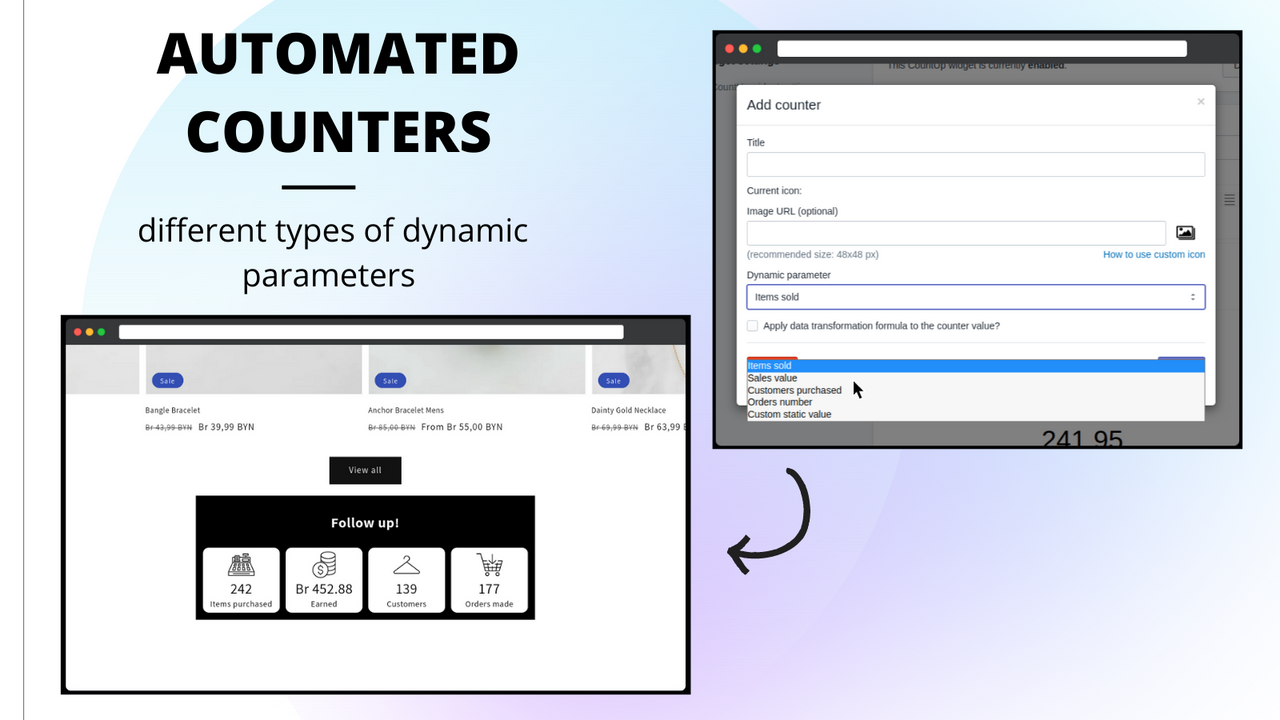
- Track sales value, sold products, orders, and customer counts.
- Transform auto-counters using custom expressions.
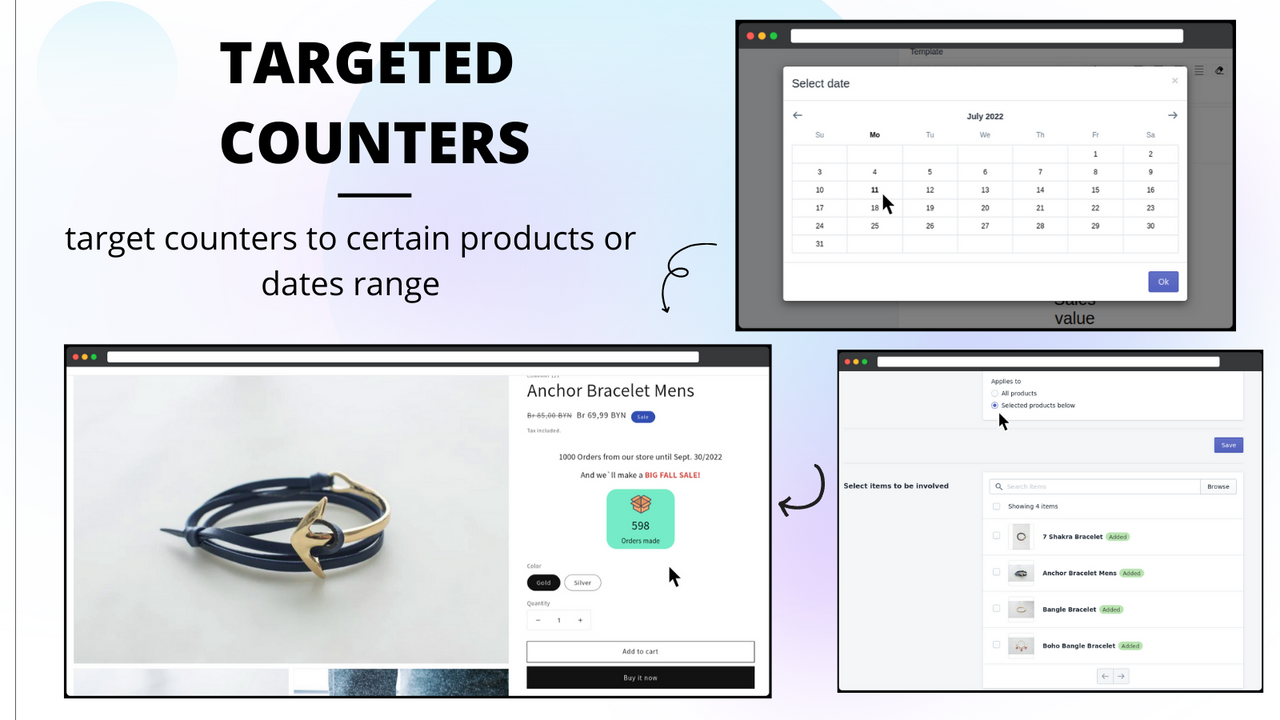
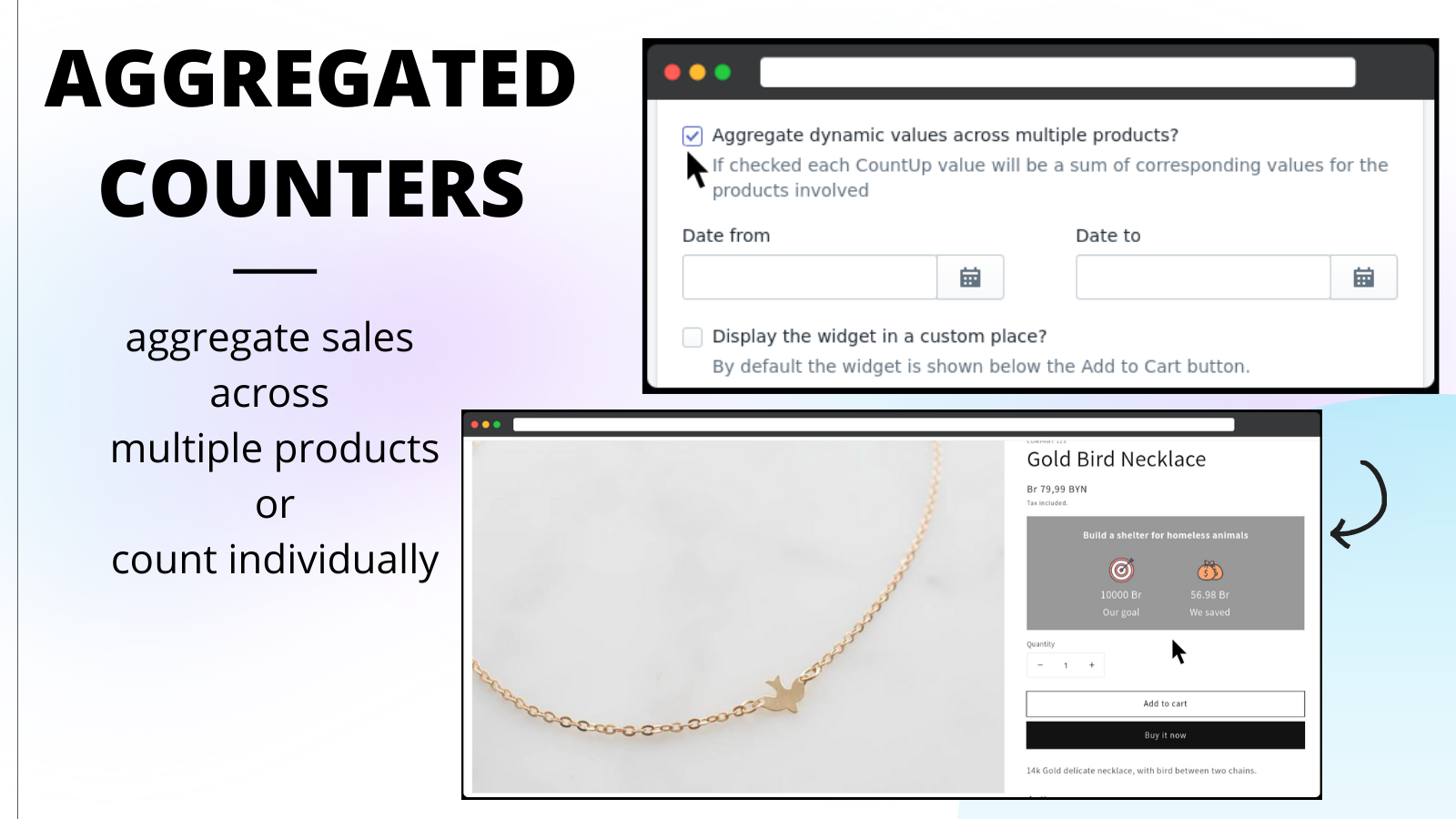
- Target counters to specific products or date ranges.
- Customize counter designs, edit icons, and modify content.
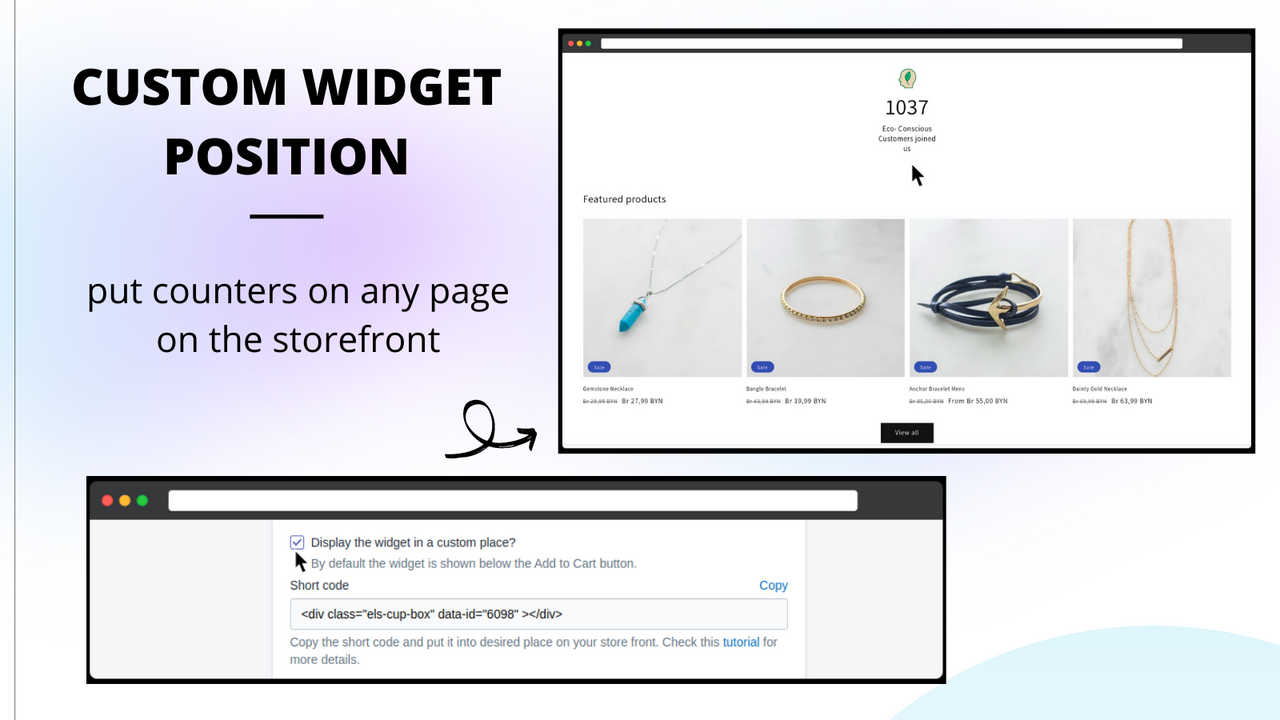
- Place counters on any page of your store's frontend.
Merchant-Friendly
- Independent Station Merchants
- Multi-category E-commerce
- Boutique Merchants
- High-value Merchants
Basic Information
- Developer:EC Apps Sp z o o
- Address:ul. Hoza 86, 410, Warsaw, 00-682, PL
- Price: Free / Free plan
- Rating:5 / 5
- Comment Count:43 comment
- Release Date:2019-7-19
- Supported languages:English
- Compatible products:Shopify
Application Screenshot













Price Plan
免费计划
- Up to 200 orders per month
- 1 widget
- Basic icons
- Automatic (sales-based) counter
- Manual counter
- Product positioning
- Design editor
无限计划
- Free Features
- Unlimited Orders
- Unlimited Widgets
- Unlimited Icons
- Date Range
- Counter Data Conversion
- Priority Support
User Location & Comments
User Location
Comments
Shopify API Used
- GET /admin/api/reports/count.json?type=sales_value
- GET /admin/api/reports/count.json?type=products_sold
- GET /admin/api/reports/count.json?type=orders_count
Permission:read_orders,read_products,read_customers
- POST /admin/api/counter_transforms.json
- PUT /admin/api/counter_transforms/{id}.json
- GET /admin/api/counter_transforms.json
Permission:write_themes,read_themes,manage_metafields
- GET /admin/api/products/{product_id}/count.json
- GET /admin/api/orders/count.json?created_at_min=2024-01-01
- GET /admin/api/customers/count.json?created_at_max=2024-12-31
Permission:read_products,read_orders,read_customers
- POST /admin/api/sections.json
- PUT /admin/api/sections/{id}.json
- POST /admin/api/assets.json
Permission:write_themes,read_themes,manage_assets
- PUT /admin/api/themes/{theme_id}/assets.json
- POST /admin/api/metafields.json
- GET /admin/api/sections.json
Permission:write_themes,read_themes,manage_metafields