
App Introduction
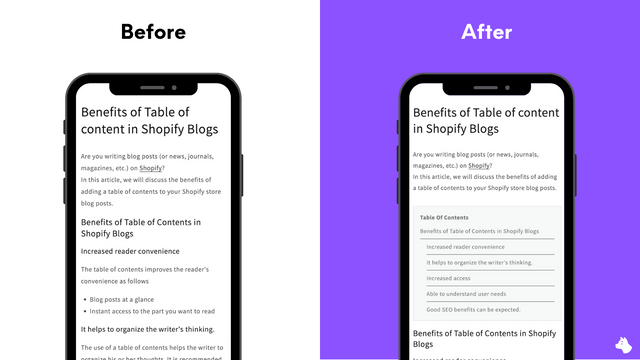
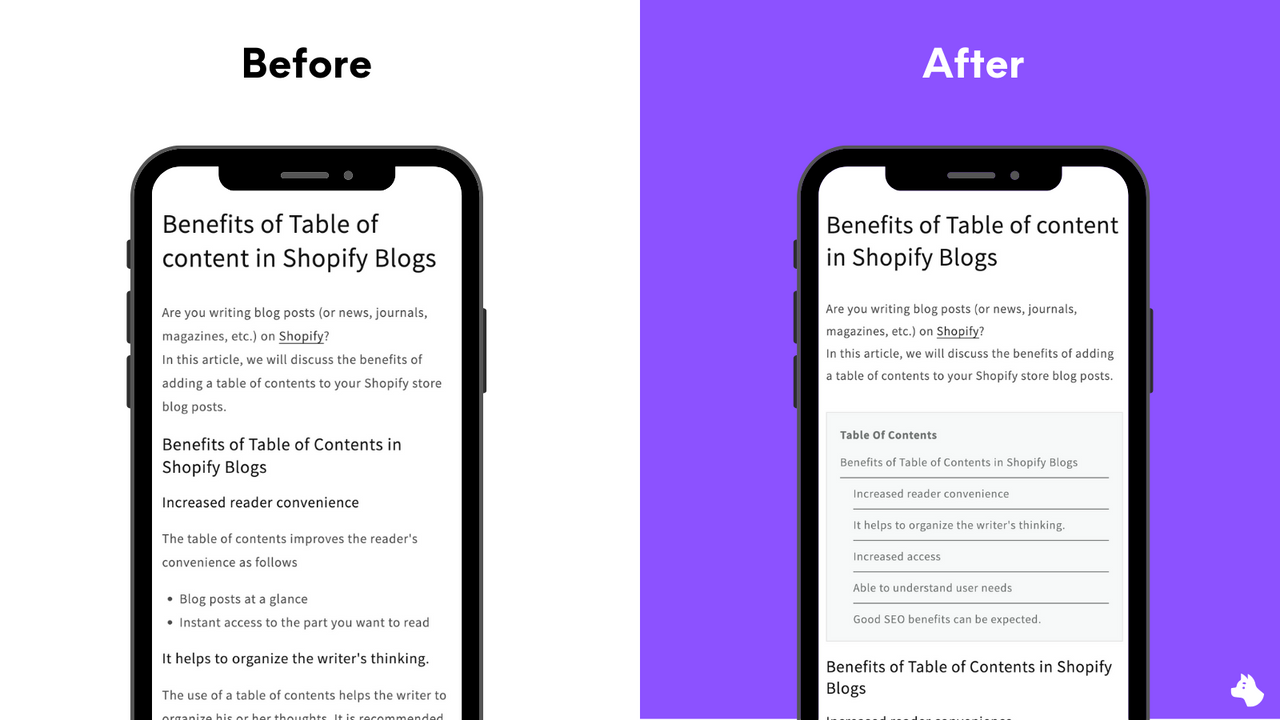
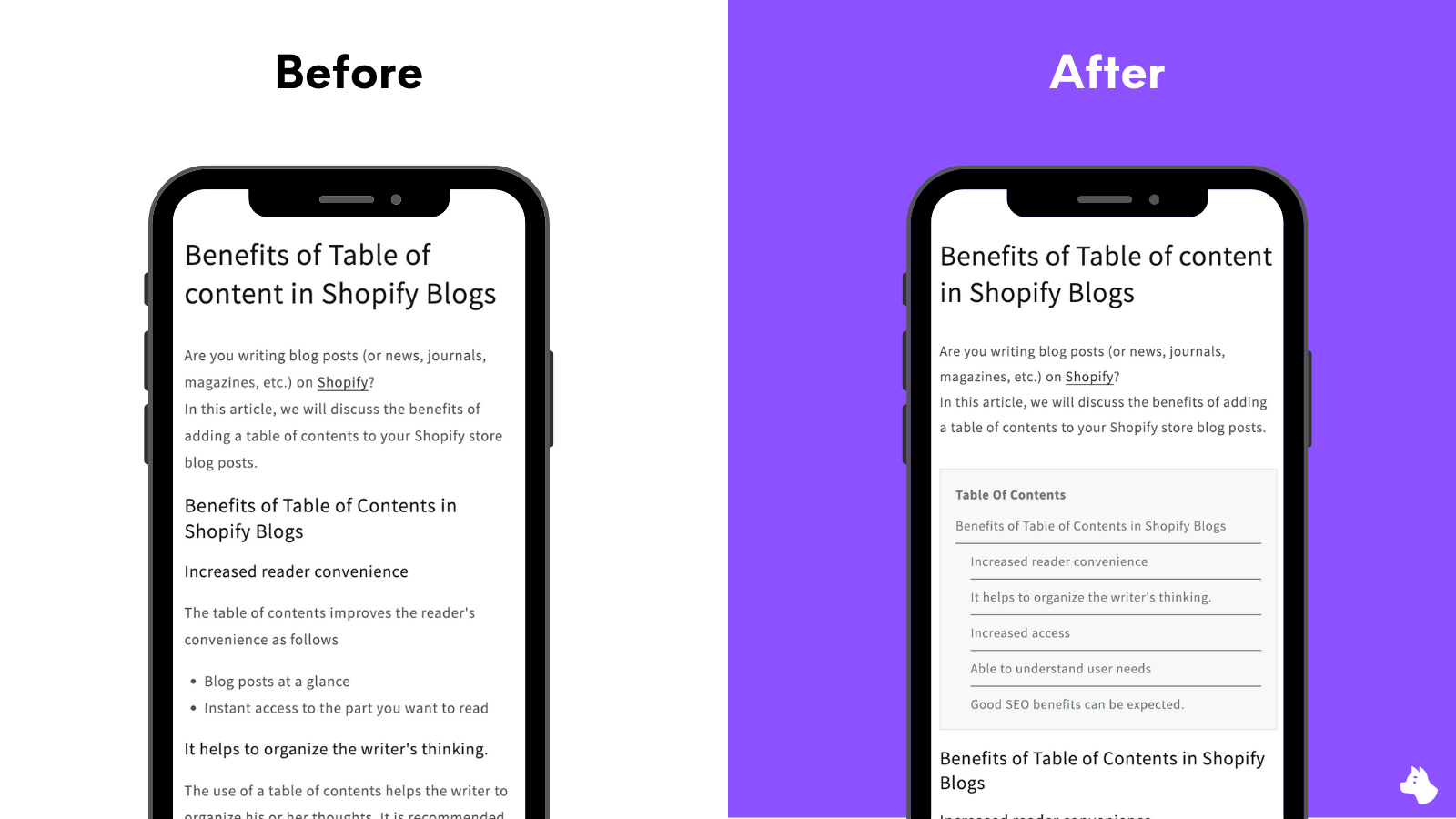
Make your content instantly more navigable and readable RuffRuff Table of Contents helps you add a professional, interactive table of contents (TOC) to your Shopify store — no coding required. Automatically generate a table of contents for any blog post, product description, collection, or page to help your customers find the information they need faster and improve their overall experience on your site.
Core Functionality
- Add a table of contents to any page instantly
- No coding required — quick and easy setup
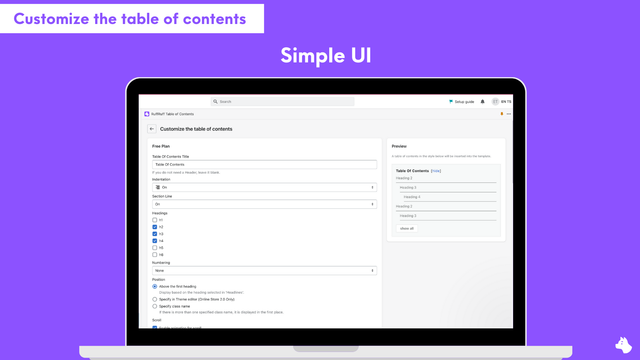
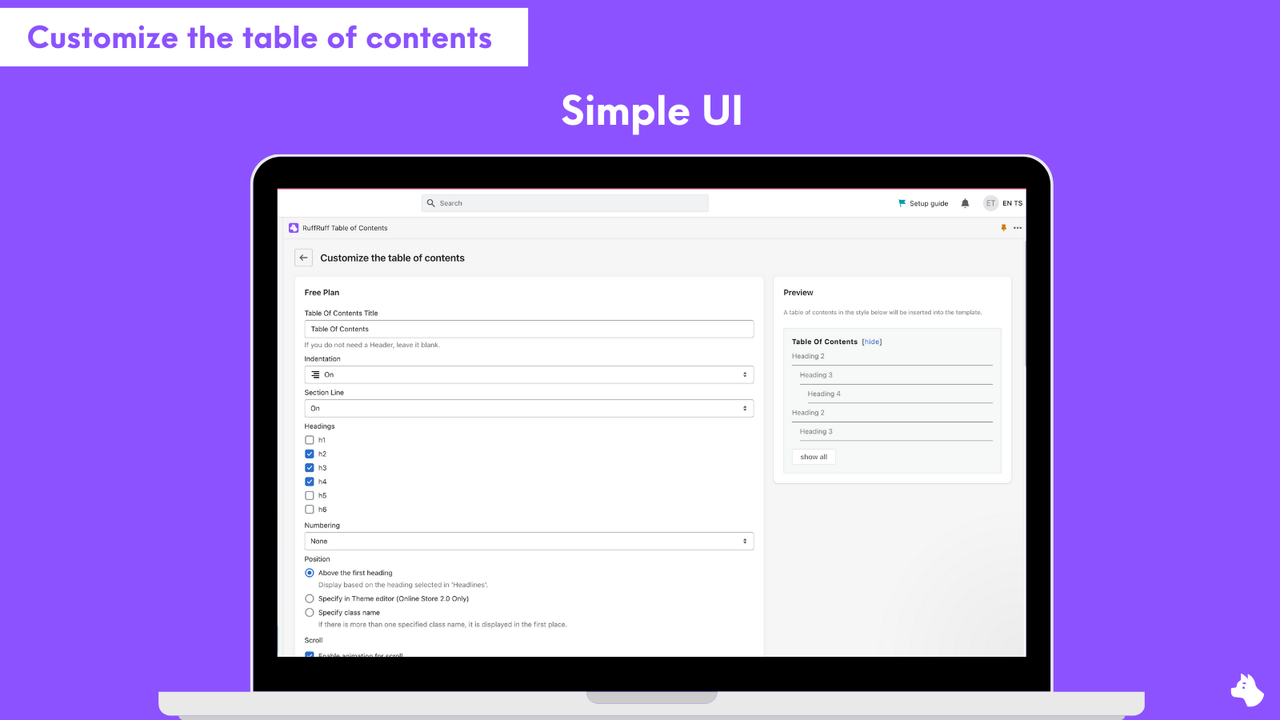
- Fully customizable to fit your store
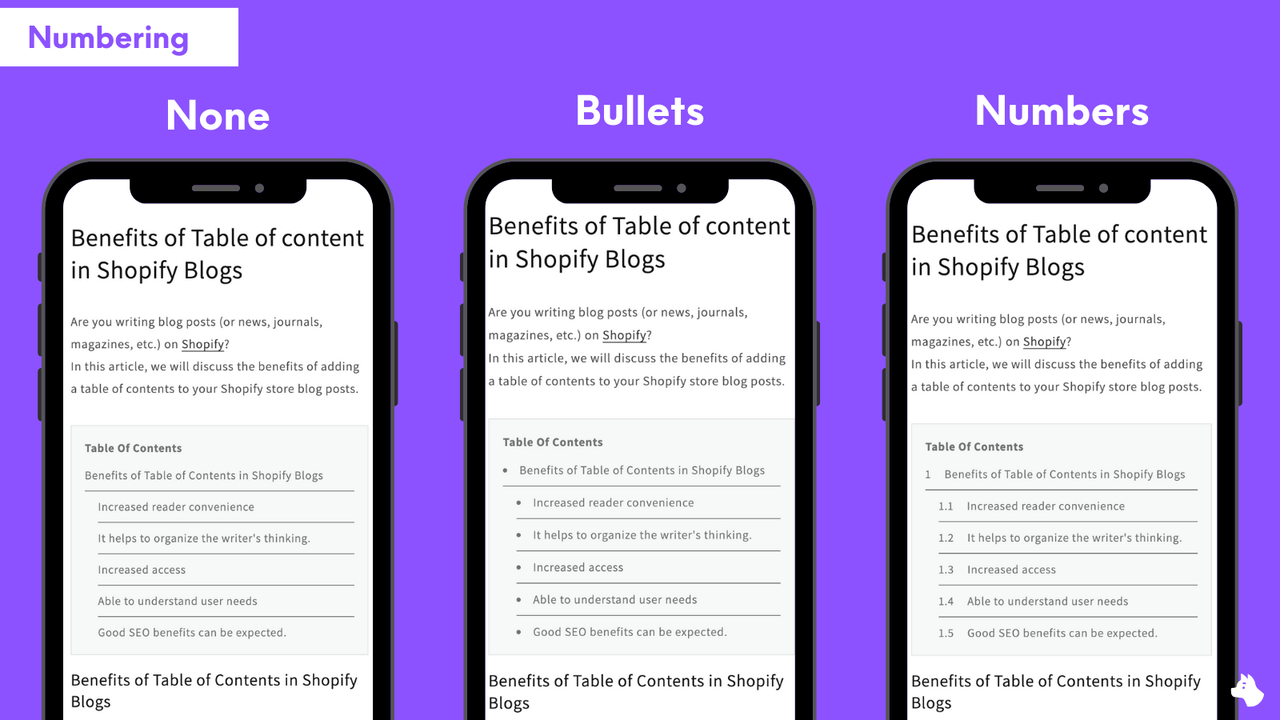
- Boost readability and SEO
Merchant-Friendly
- Content-based Independent Station
- Knowledge Payment Merchants
- Multi-category E-commerce Site
Basic Information
- Developer:Tsun Inc.
- Address:中央町24-37, 鹿児島市, JP-46, 8900053, JP
- Price: Free / Free plan
- Rating:4.3 / 5
- Comment Count:16 comment
- Release Date:2022-12-5
- Supported languages:English、Japanese
- Compatible products:Shopify
Application Screenshot



Price Plan
免费计划
免费
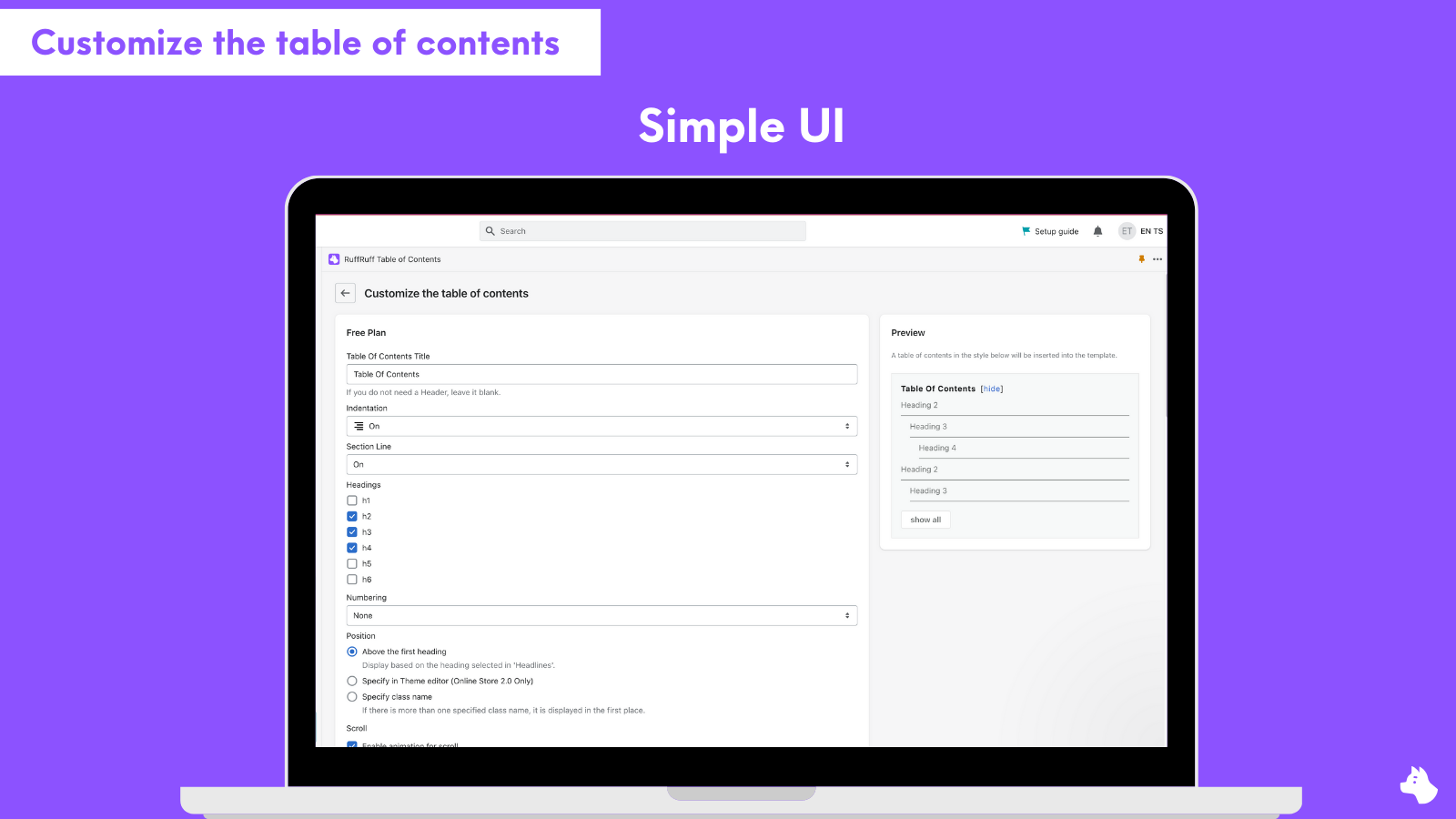
- Show Table of Contents on Blog Posts
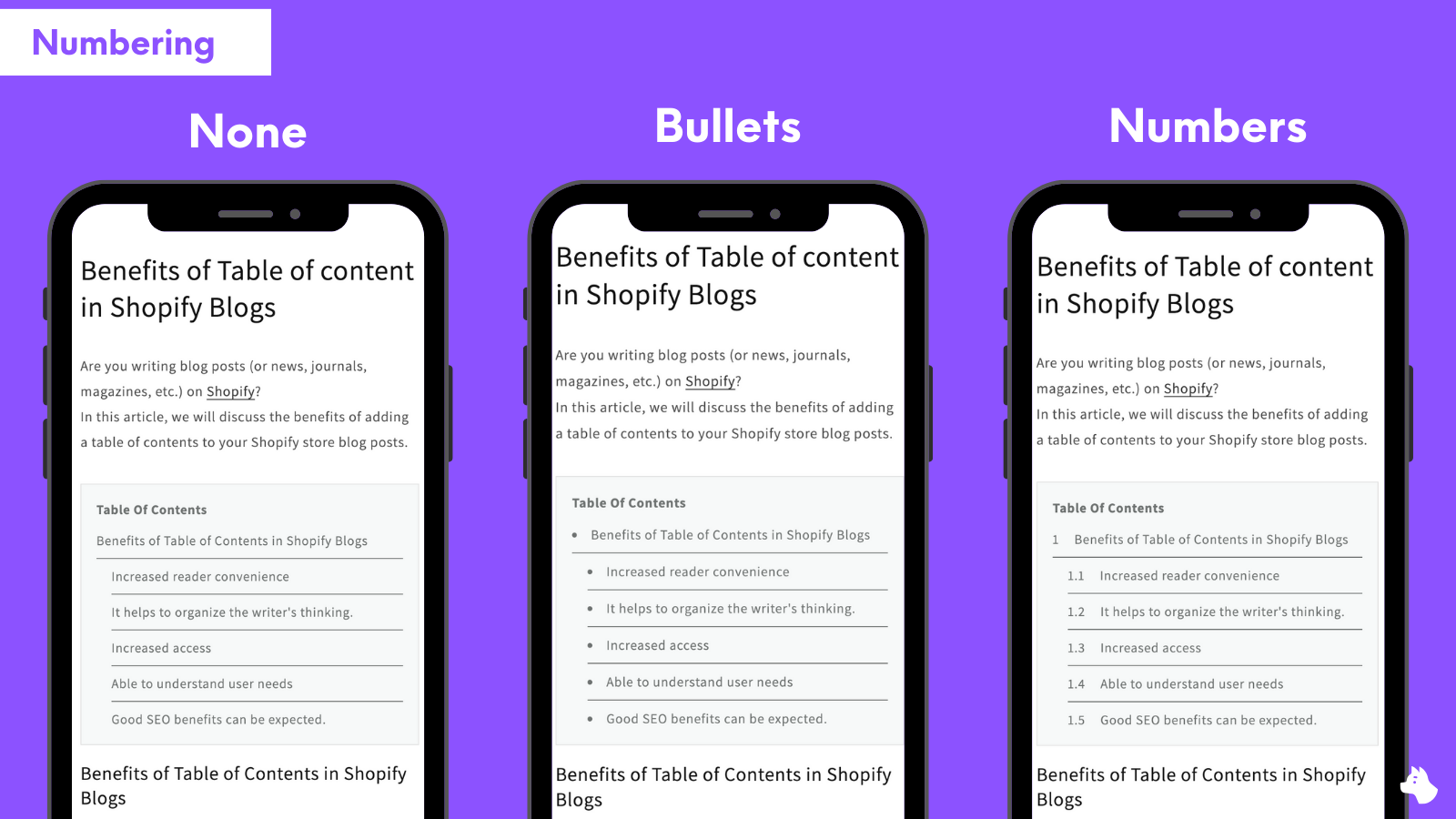
- Custom Design
- Change Display Position
- Live Preview
轻量计划
$3.99 / 或 $39.60/年(可节省 17%)
- All Free Plan Features
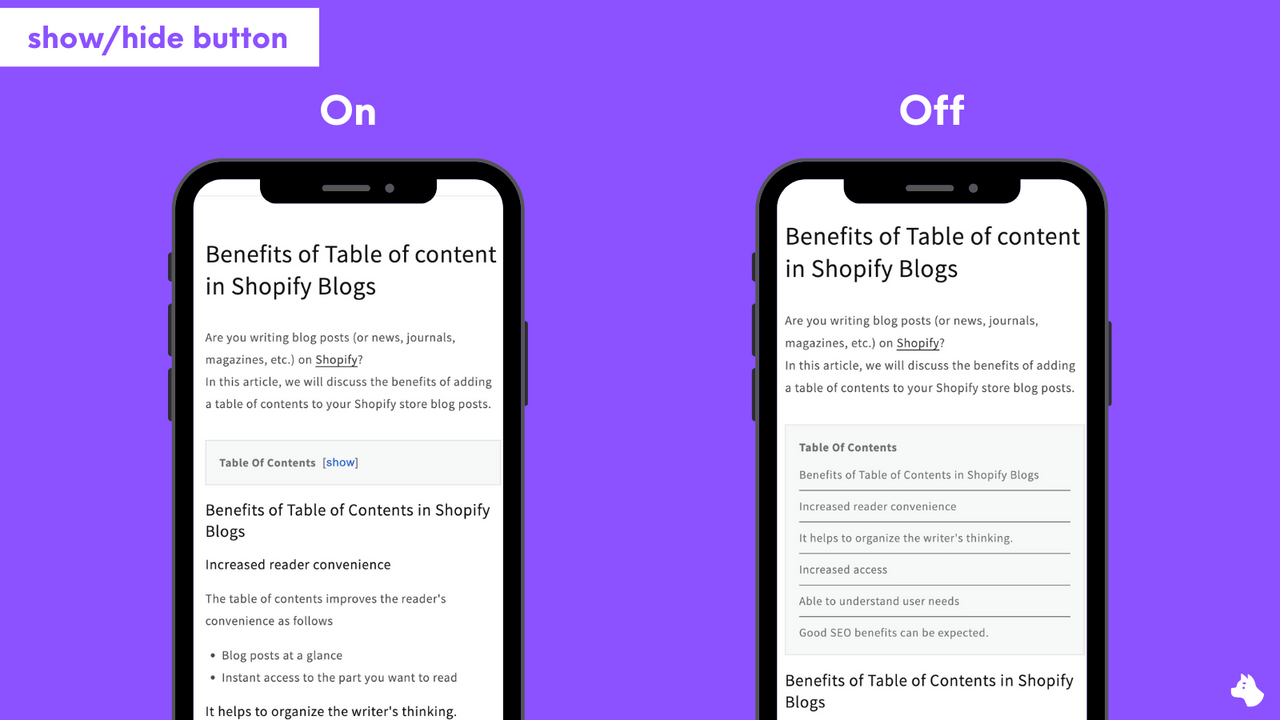
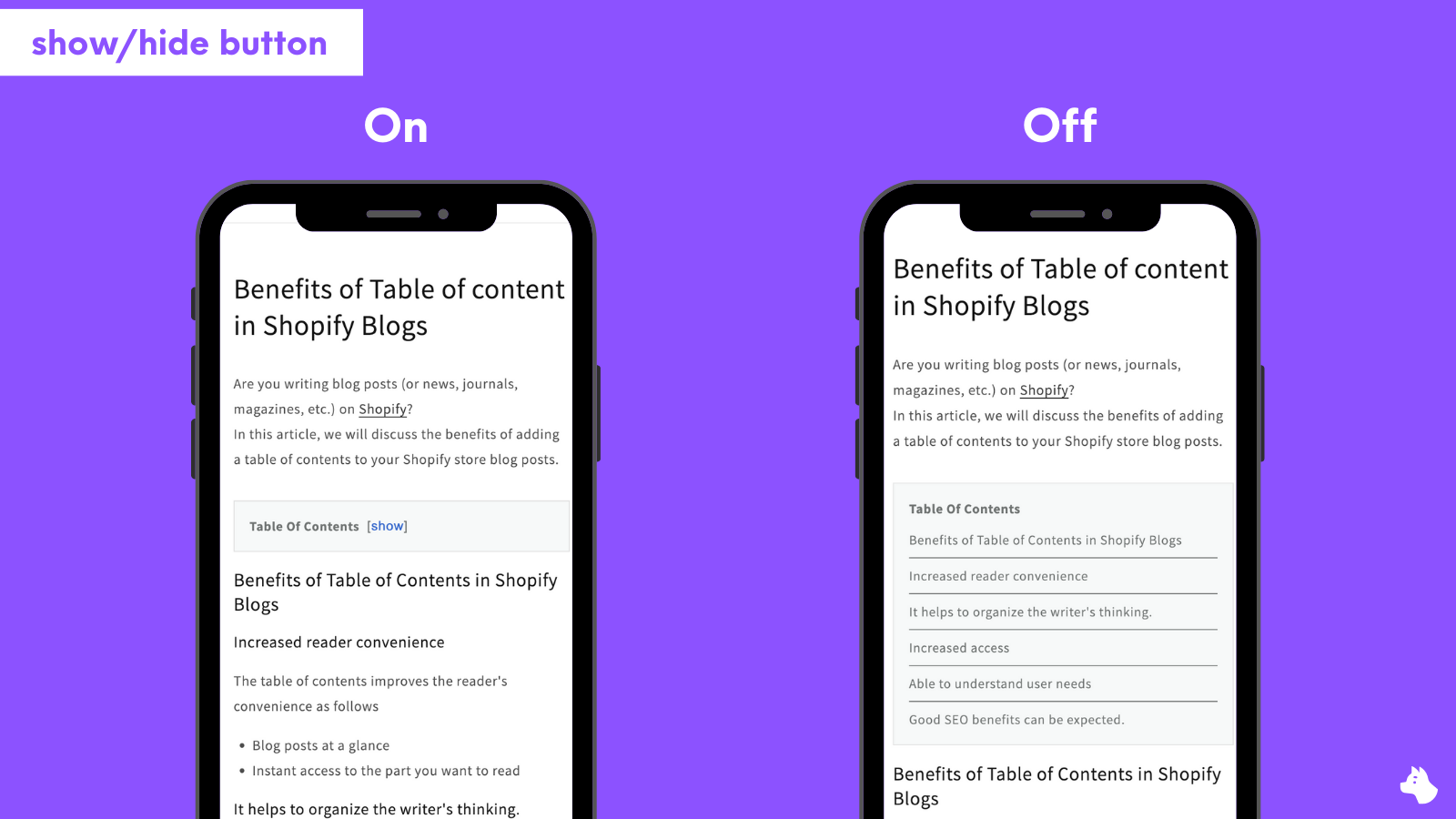
- Show/Hide Catalog Button
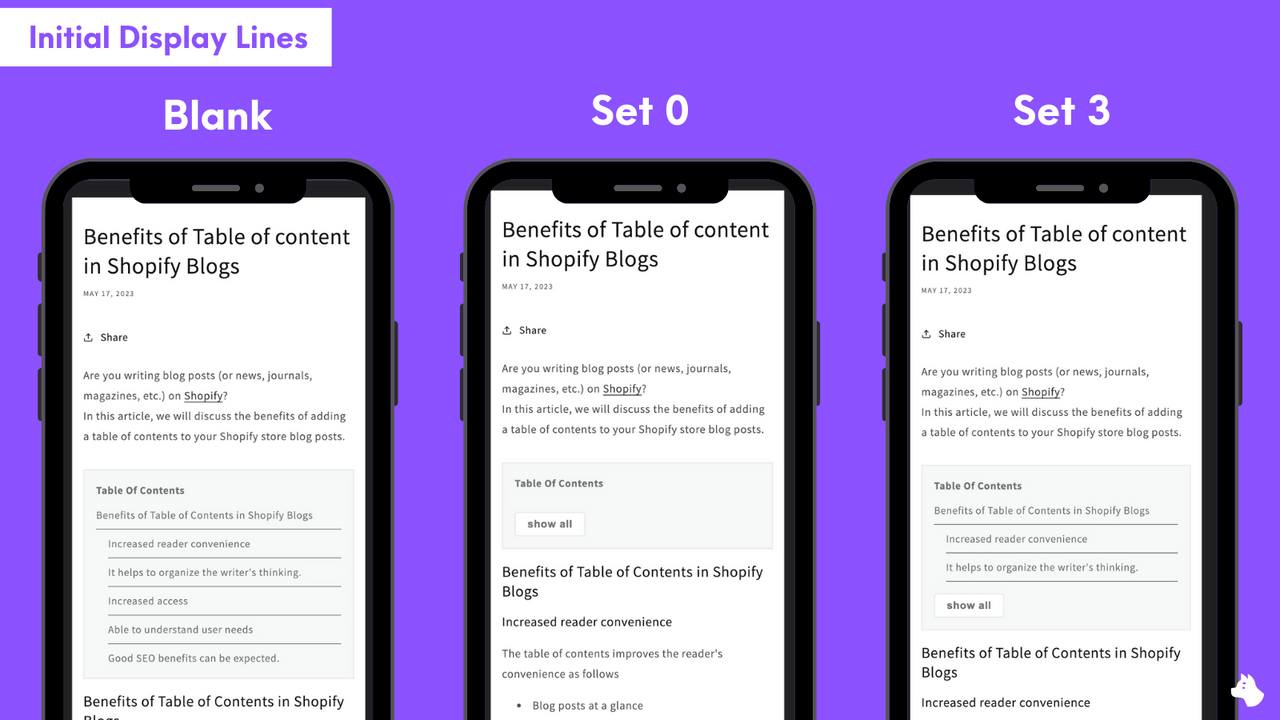
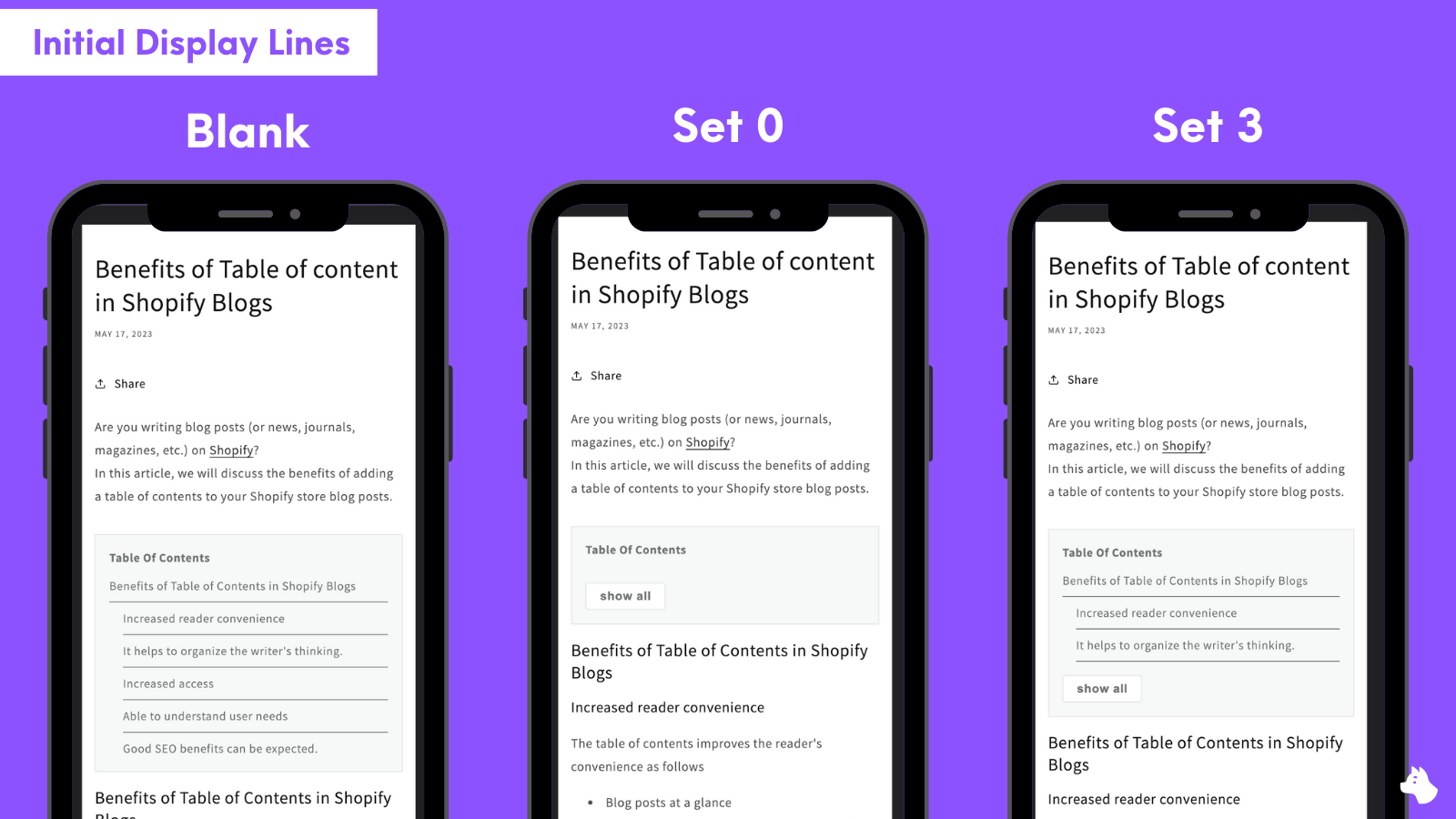
- Option to Partially Display Catalog
- No Branding
常规计划
$9.99 / 或 $99.60/年(可节省 17%)
- All Light Plan Features
- Show Catalog on Products
- Show Catalog on Collections
- Show Catalog on Any Page
User Location & Comments
User Location
Comments
Shopify API Used
- POST /admin/api/pages.json
- PUT /admin/api/pages/{page_id}.json
- GET /admin/api/pages.json
Permission:write_pages,read_pages,manage_themes
- POST /admin/api/metafields.json
- PUT /admin/api/metafields/{metafield_id}.json
- GET /admin/api/metafields.json
Permission:write_metafields,read_metafields,manage_themes
- PUT /admin/api/themes/{theme_id}/assets.json
- POST /admin/api/sections.json
- GET /admin/api/themes/{theme_id}/assets.json
Permission:write_themes,read_themes,manage_assets



