App Introduction
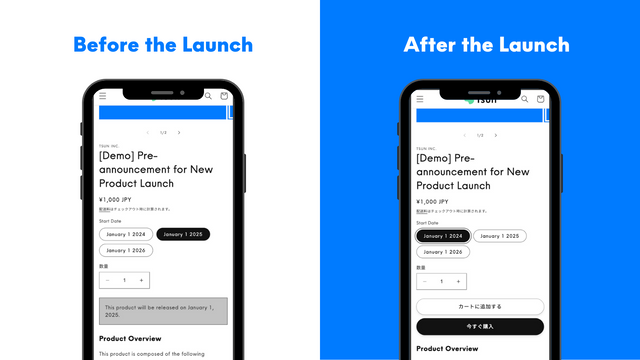
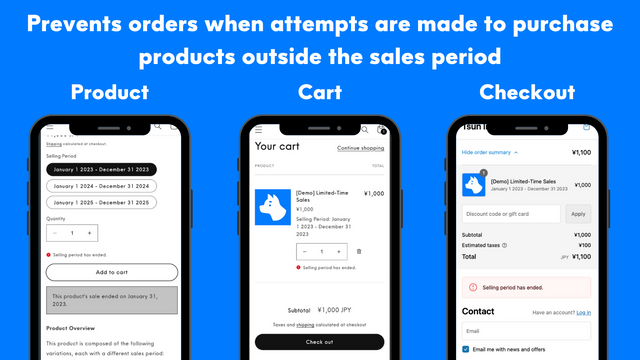
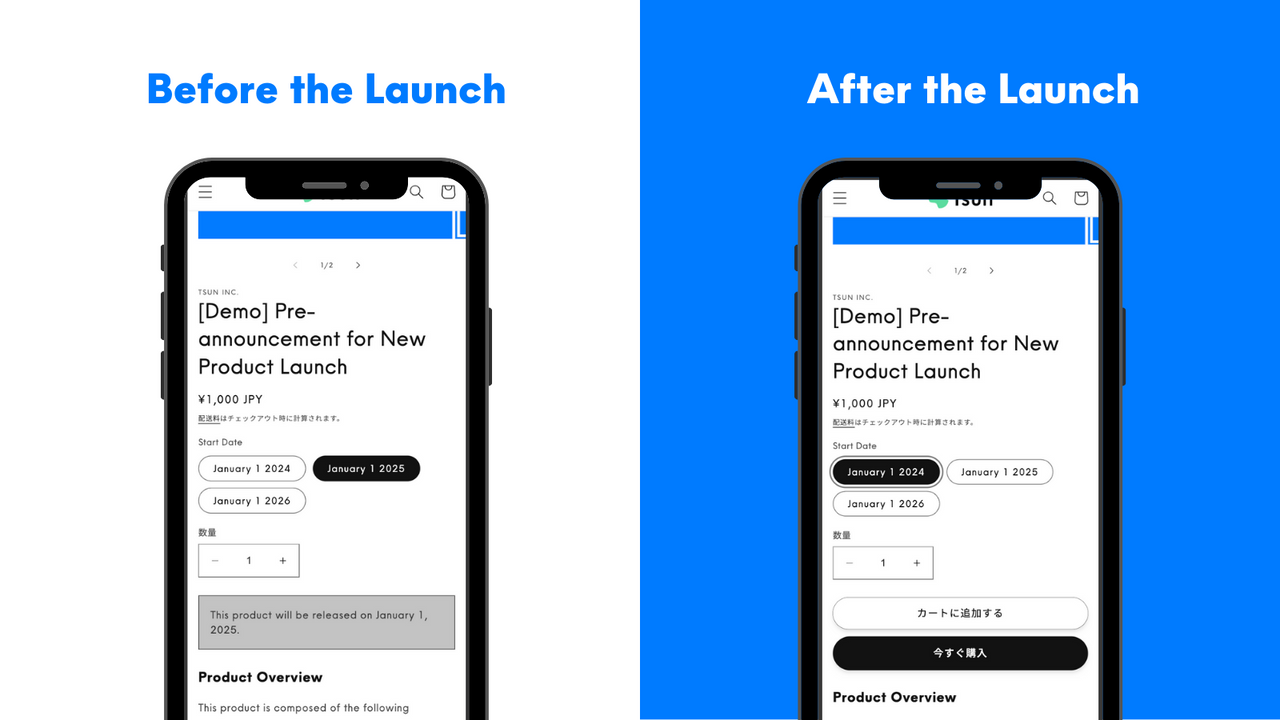
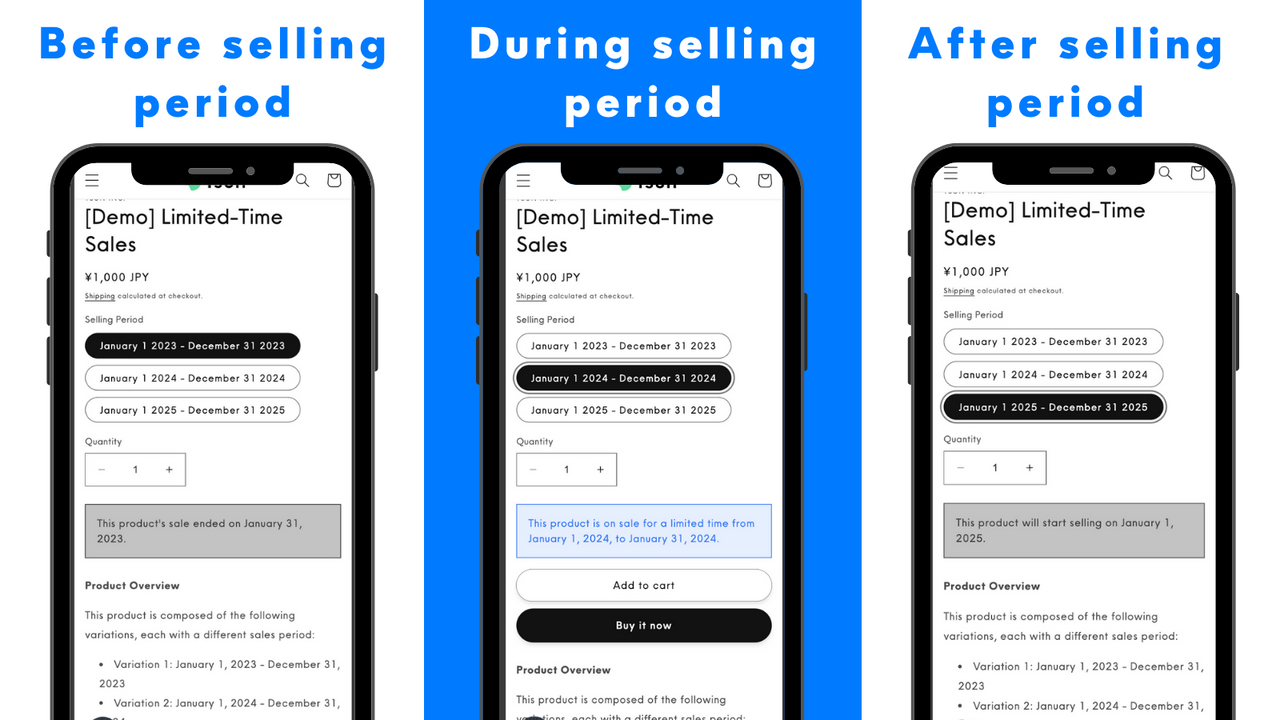
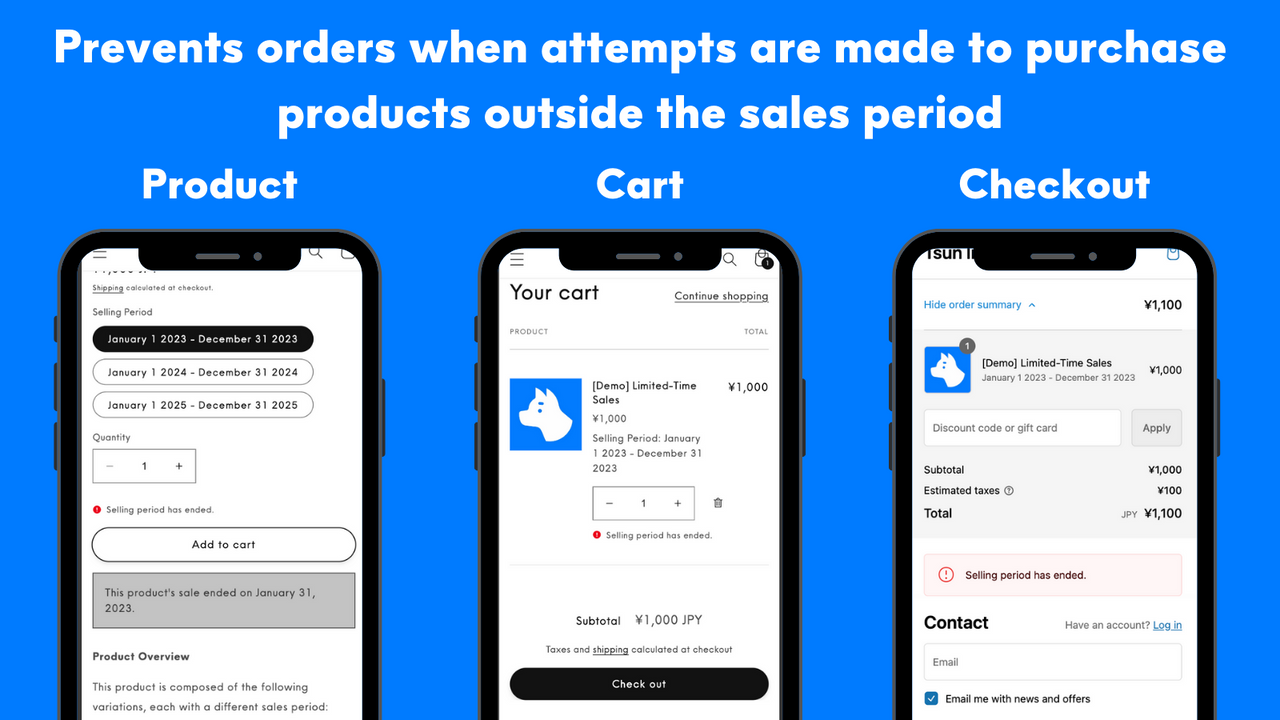
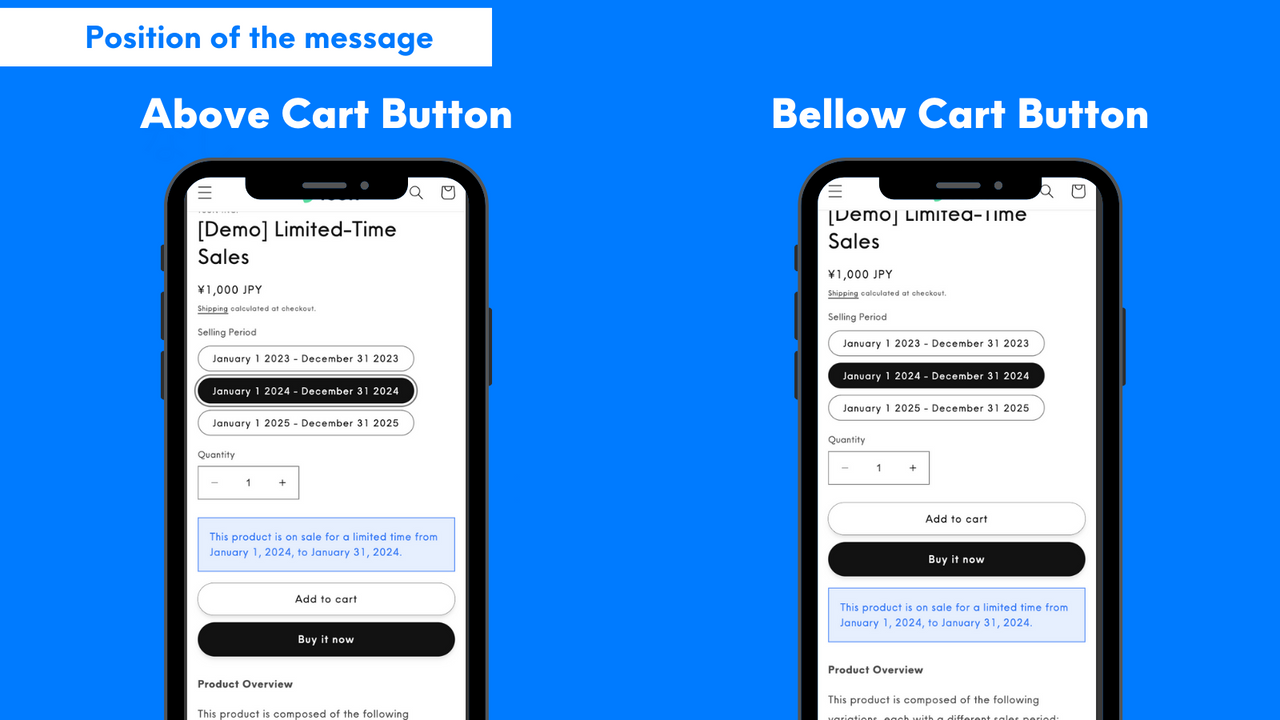
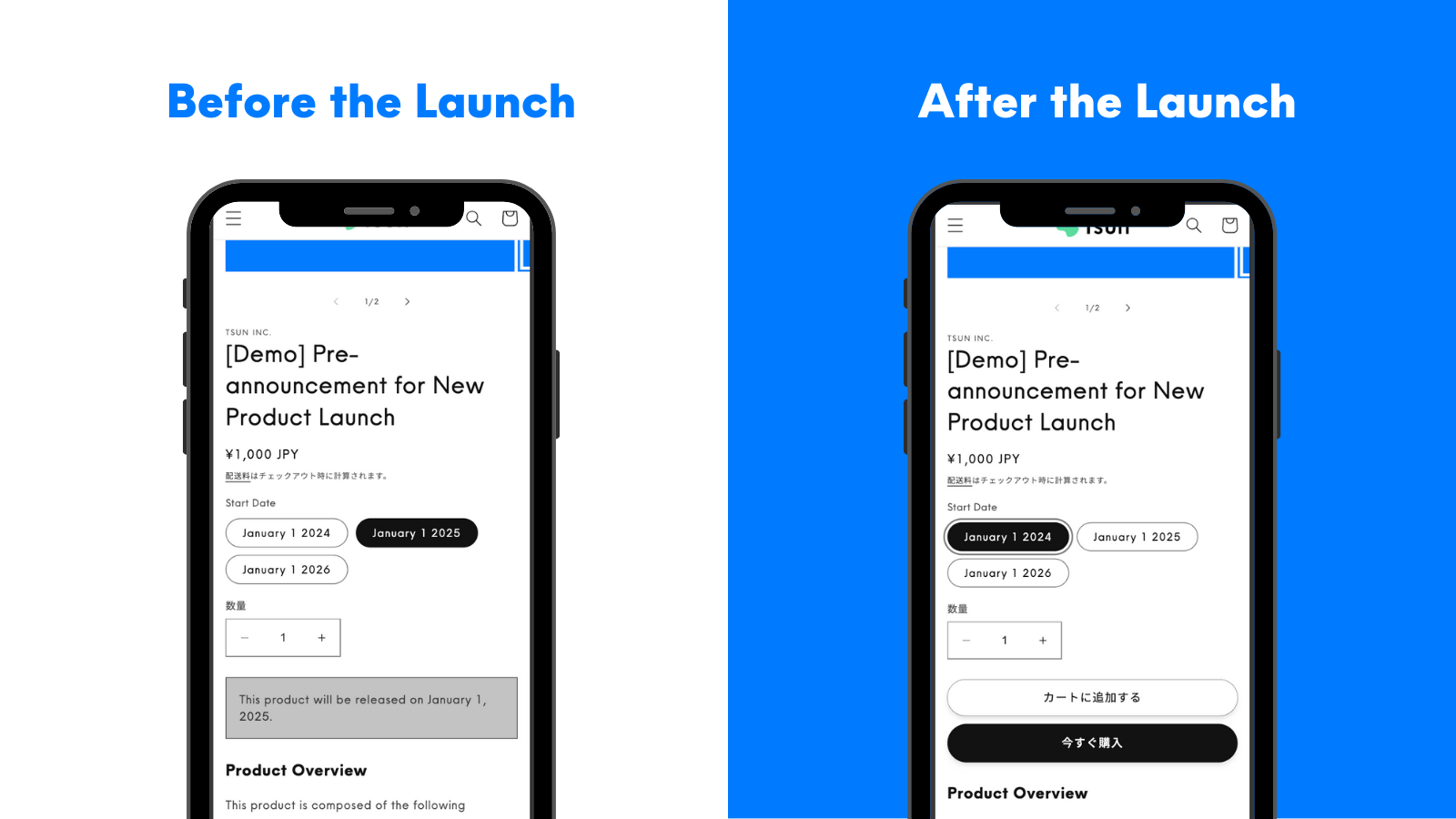
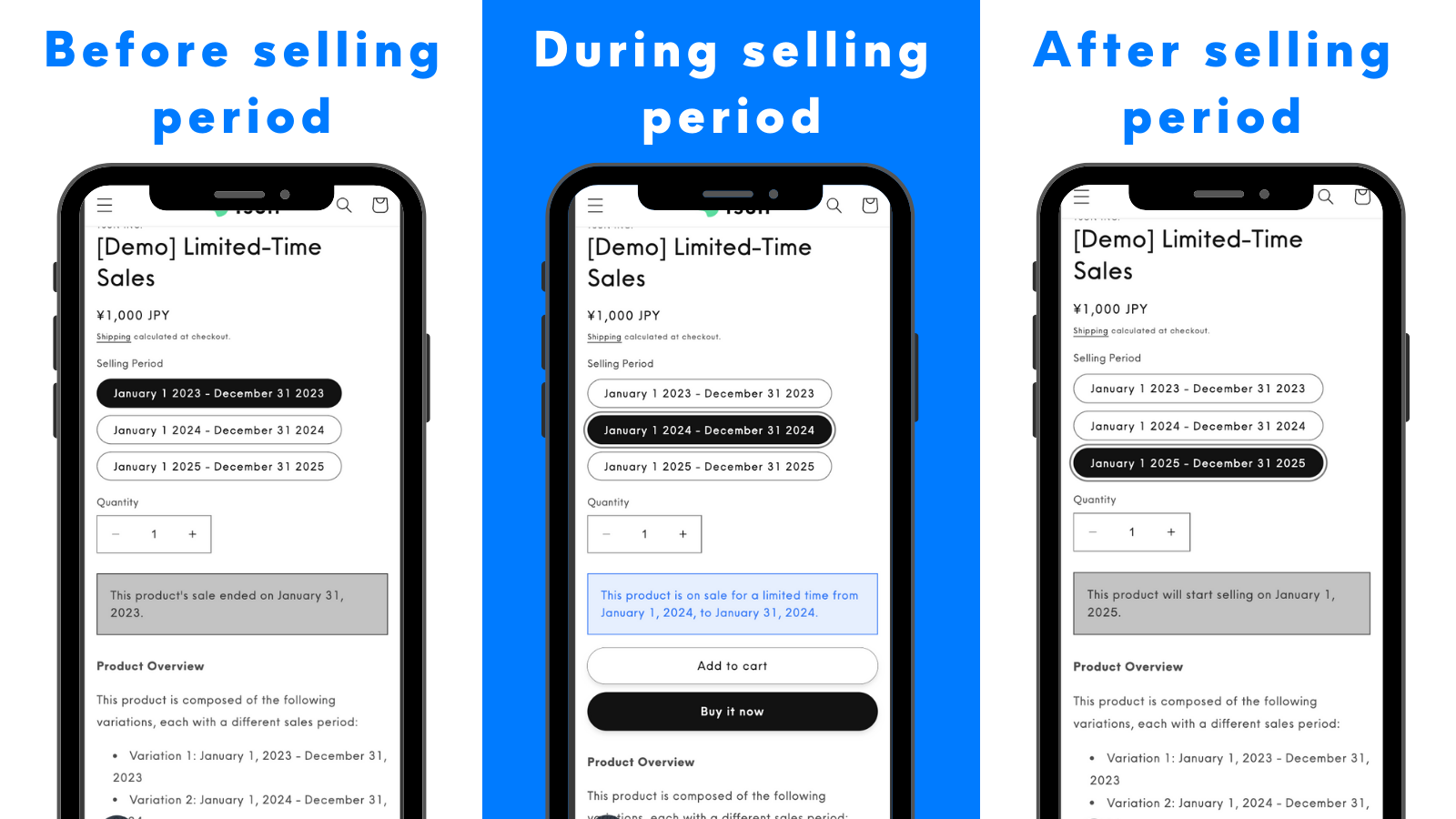
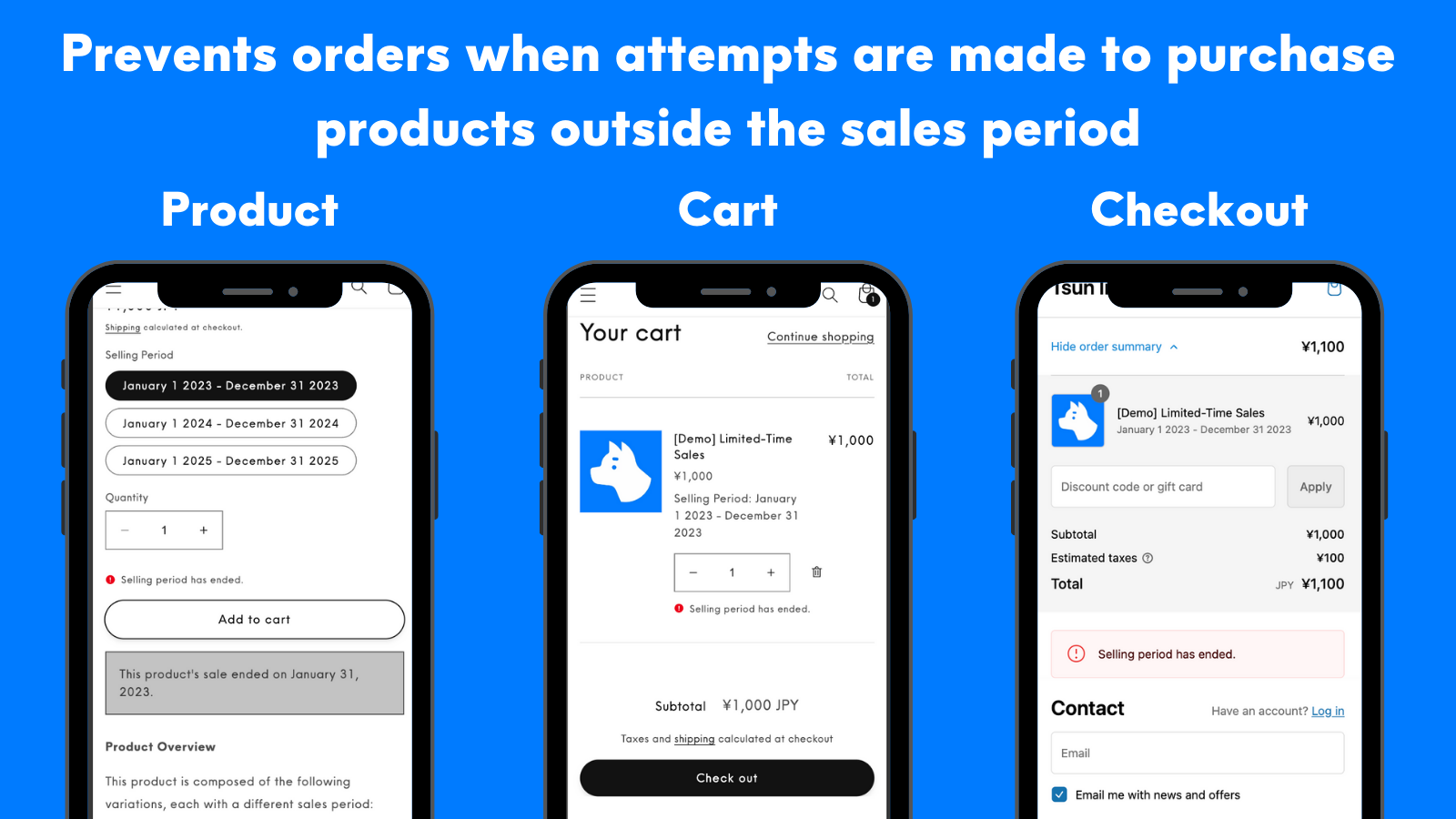
3 simple setup steps, no coding required. Add new product launch announcements and set sales periods. Our app lets you easily run pre-launch announcements and limited-time sales. The "Add to Cart" button automatically hides when a product is not in its sales period and reappears once the sales period begins. You can also display unique messages for products before, during, and after the sales period. As Japan’s first app to leverage Cart and Checkout Validation APIs, our solution prevents purchases outside the sales window—an edge case unaddressed by existing apps.
Core Functionality
- Set a sales period for each product variant.
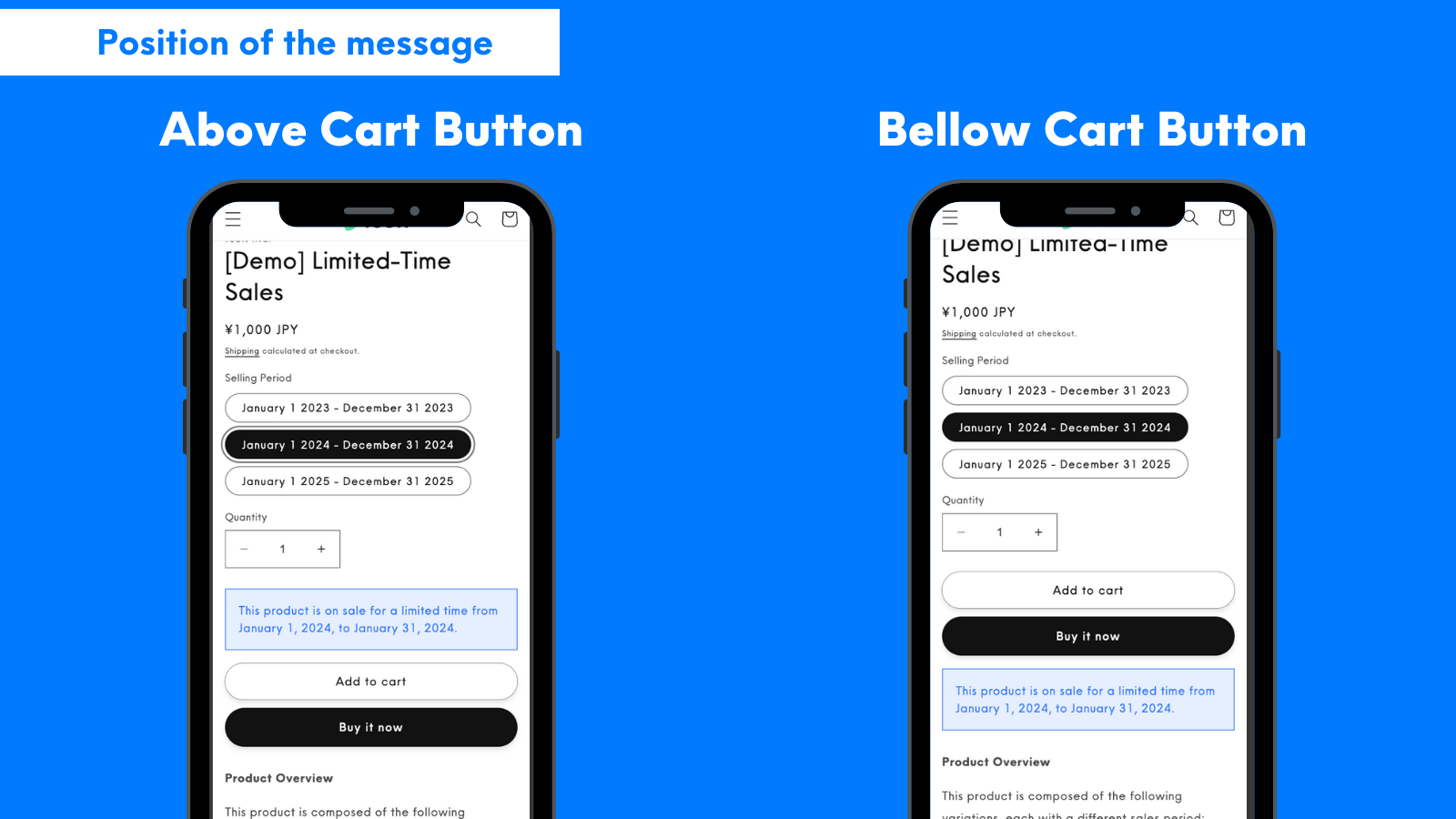
- Customize message wording, display position, and design.
- Intuitive setup with real-time confirmation of changes.
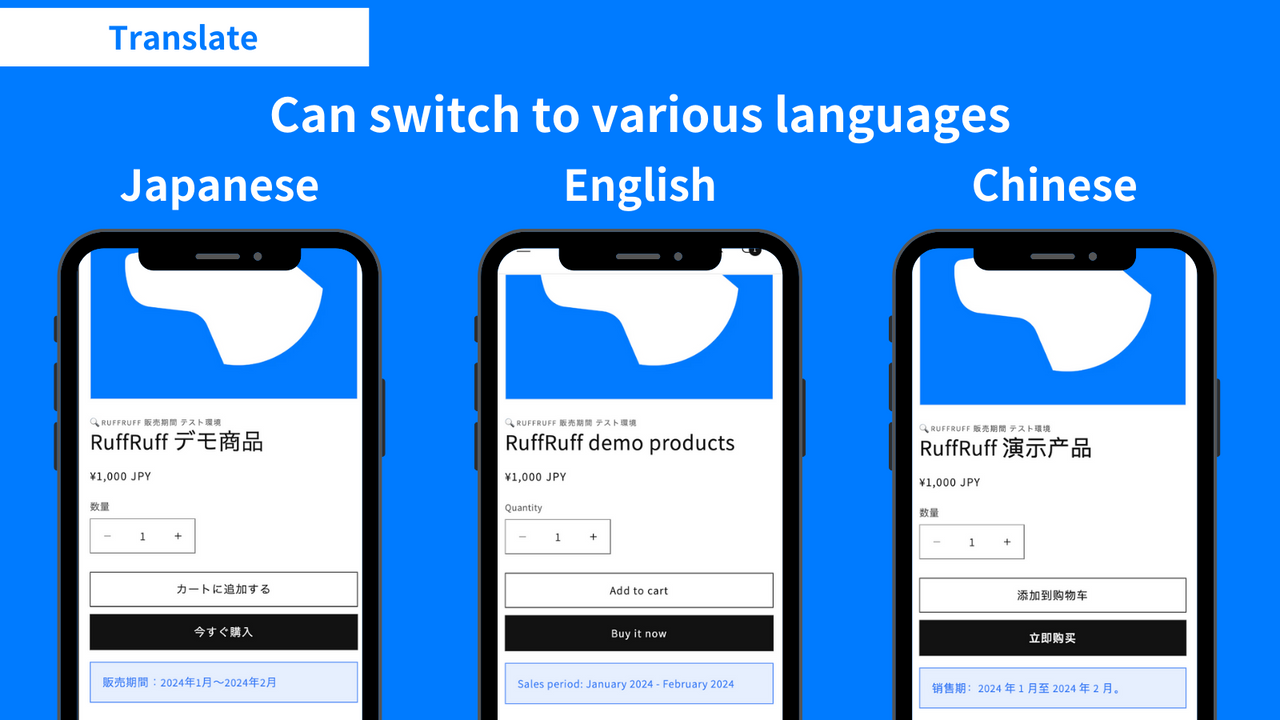
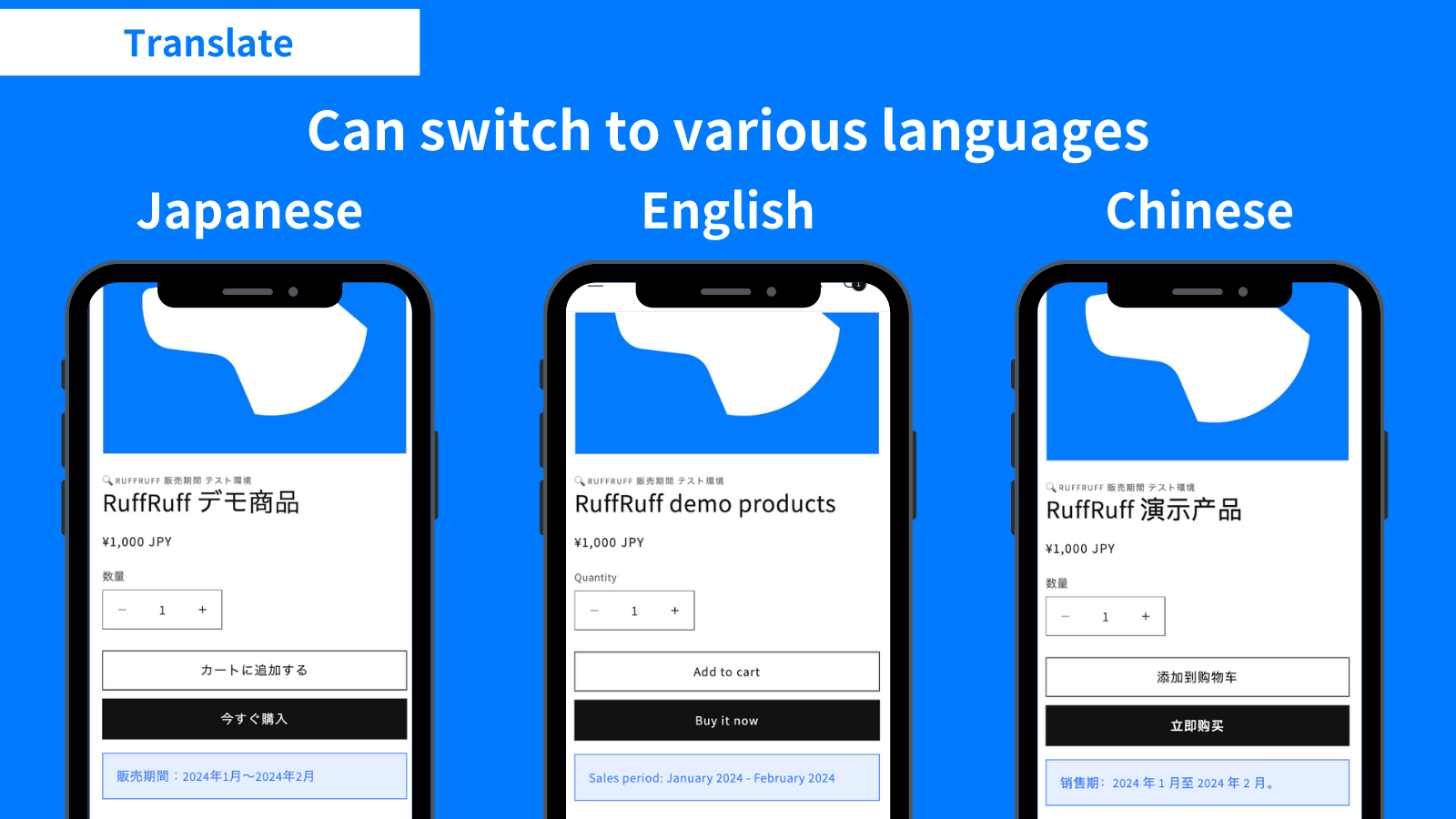
- Translation | Switch between multiple languages.
- Prevent orders from being placed outside the sales period.
Merchant-Friendly
- Fashion & Apparel Merchants
- Electronics Retailers
- Seasonal Product Merchants
- Cross-border E-commerce Sellers
- FMCG Independent Stores
Basic Information
- Developer:Tsun Inc.
- Address:中央町24-37, 鹿児島市, JP-46, 8900053, JP
- Price: Free / Free plan
- Rating:5 / 5
- Comment Count:2 comment
- Release Date:2024-1-25
- Supported languages:Japanese、English
- Compatible products:Shopify
Application Screenshot

Price Plan
月度计划
- All Features
- Developing a store is free.
年度计划
- All Features
- Save 2 months.
- Free store development.
User Location & Comments
User Location
Comments
Shopify API Used
- POST /admin/api/products/{product_id}/variants/{variant_id}.json
- PUT /admin/api/products/{product_id}/variants/{variant_id}.json
- GET /admin/api/products/{product_id}/variants/{variant_id}.json
Permission:write_products,read_products,manage_inventory
- POST /admin/api/shop/settings/messages.json
- PUT /admin/api/shop/settings/messages/{message_id}.json
- GET /admin/api/shop/settings/messages.json
Permission:write_themes,read_themes,manage_shop_locales
- POST /admin/api/settings/preview.json
- PUT /admin/api/settings/preview/{setting_id}.json
- GET /admin/api/settings/preview.json
Permission:write_shop_settings,read_shop_settings,manage_products
- POST /admin/api/translations.json
- PUT /admin/api/translations/{translation_id}.json
- GET /admin/api/translations.json
Permission:write_translations,read_translations,manage_shop_locales
- POST /admin/api/orders/validate.json
- PUT /admin/api/orders/validate/{order_id}.json
- GET /admin/api/orders/validate.json
Permission:write_orders,read_orders,manage_products