RTL Master: עברית / عربي
App Introduction
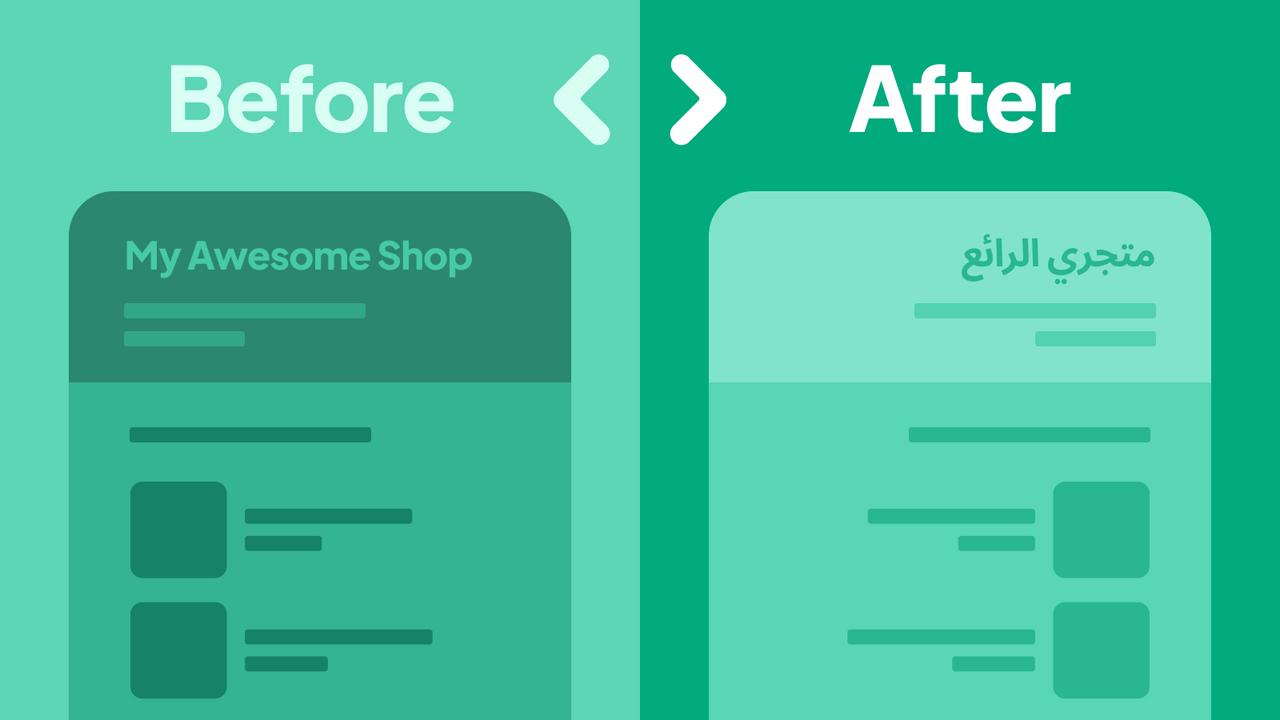
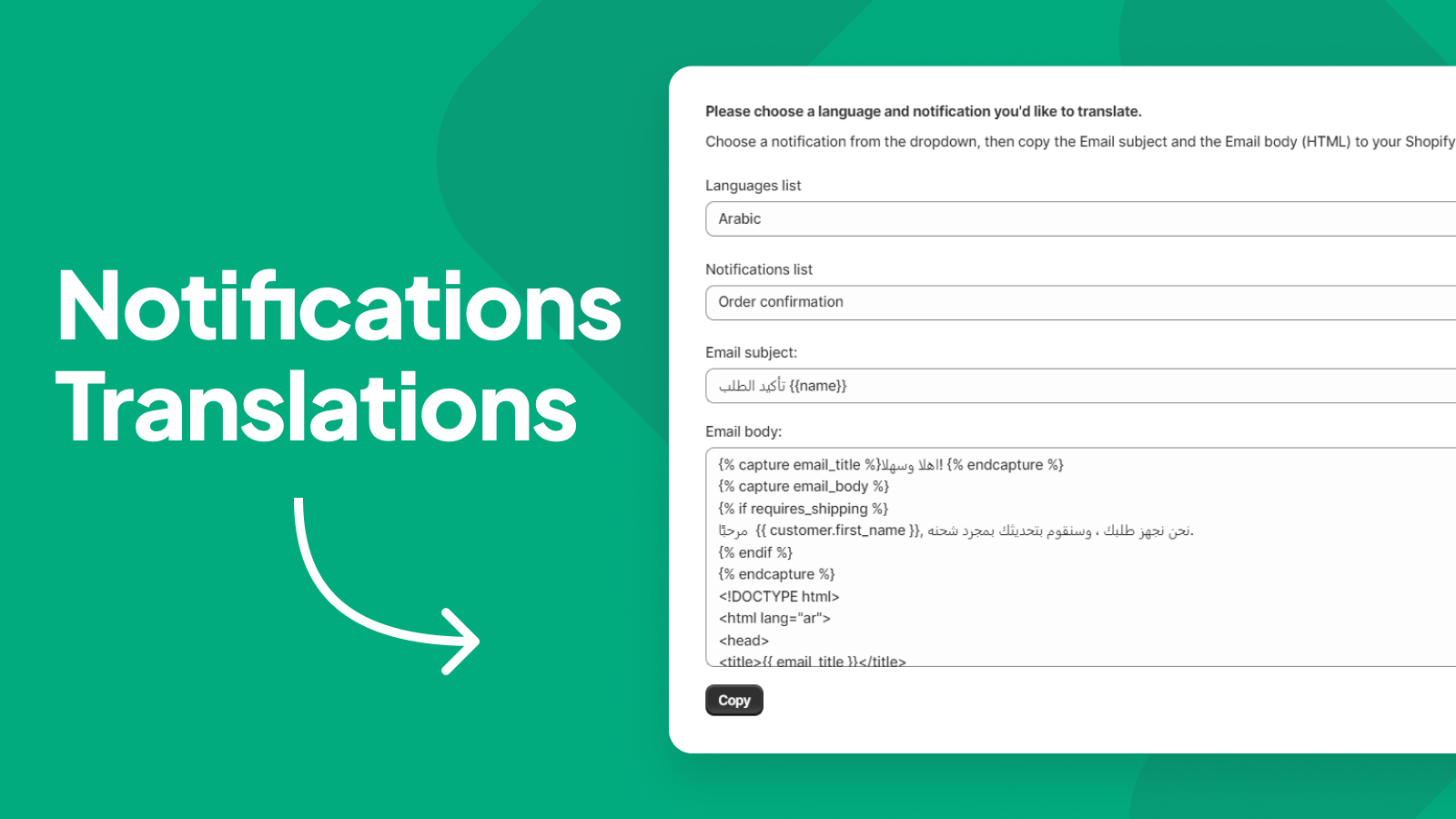
Easily translate your store into Hebrew/Arabic (עברית\عربي) and enable right-to-left (RTL) display! RTL Master provides everything your Shopify store needs for Hebrew, Arabic, or multilingual support. It offers RTL layouts for every theme and lets you translate your entire store into Hebrew and Arabic with just one click. The app also includes unique Arabic and Hebrew fonts for your language, plus pre-translated store notifications in Hebrew and Arabic. RTL Master delivers an all-in-one solution for your store—no extra apps required to manage Hebrew or Arabic stores.
Core Functionality
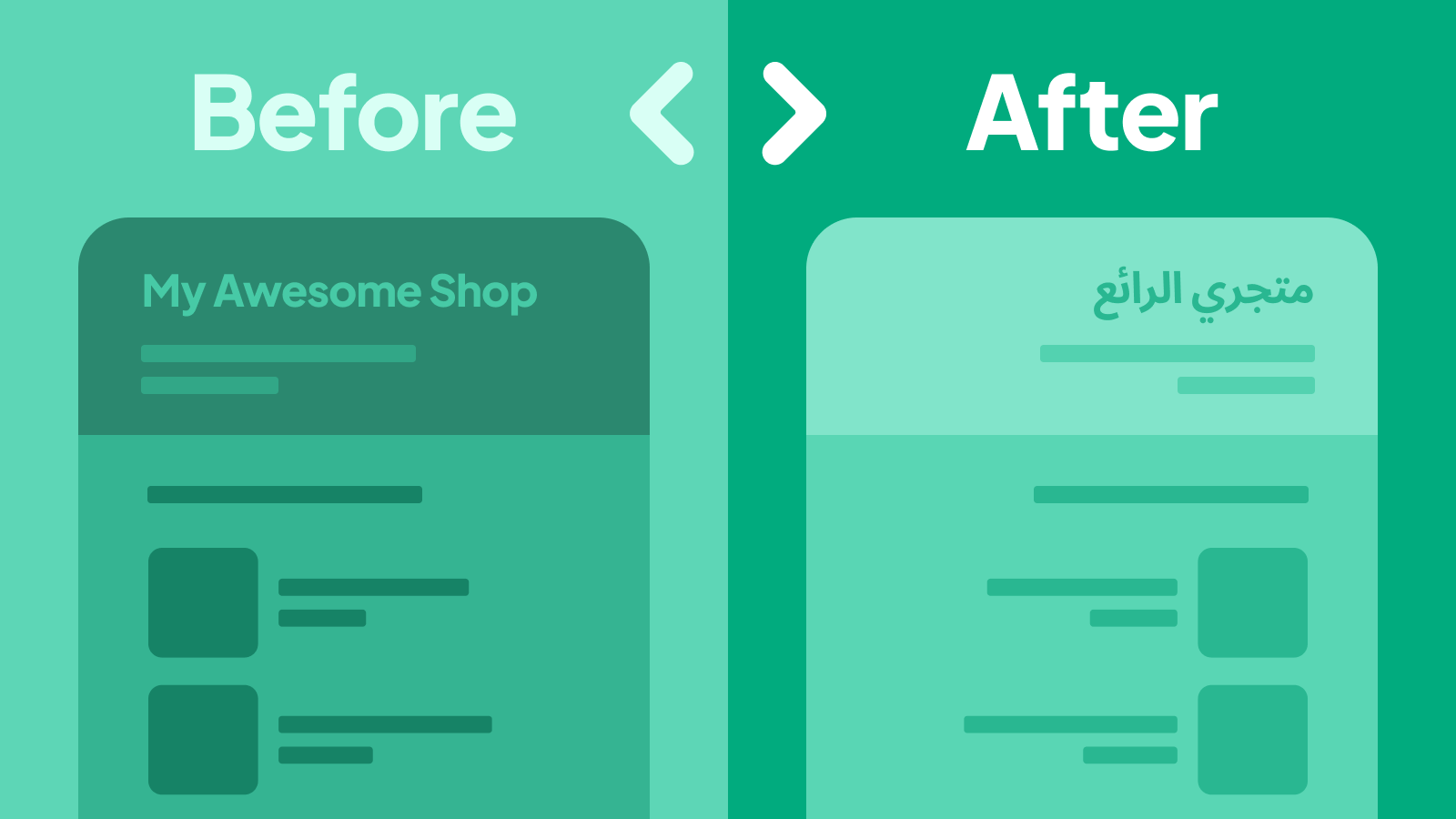
- RTL Layout - Transform any theme you love into a right-to-left layout
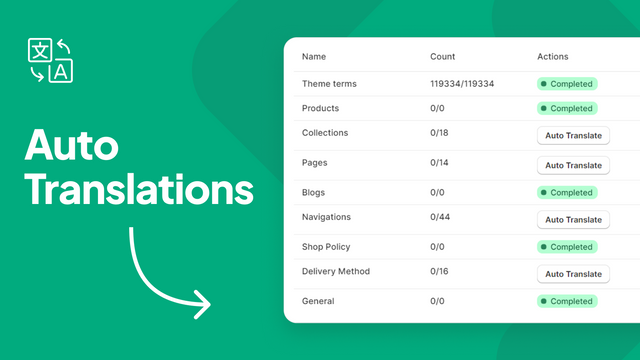
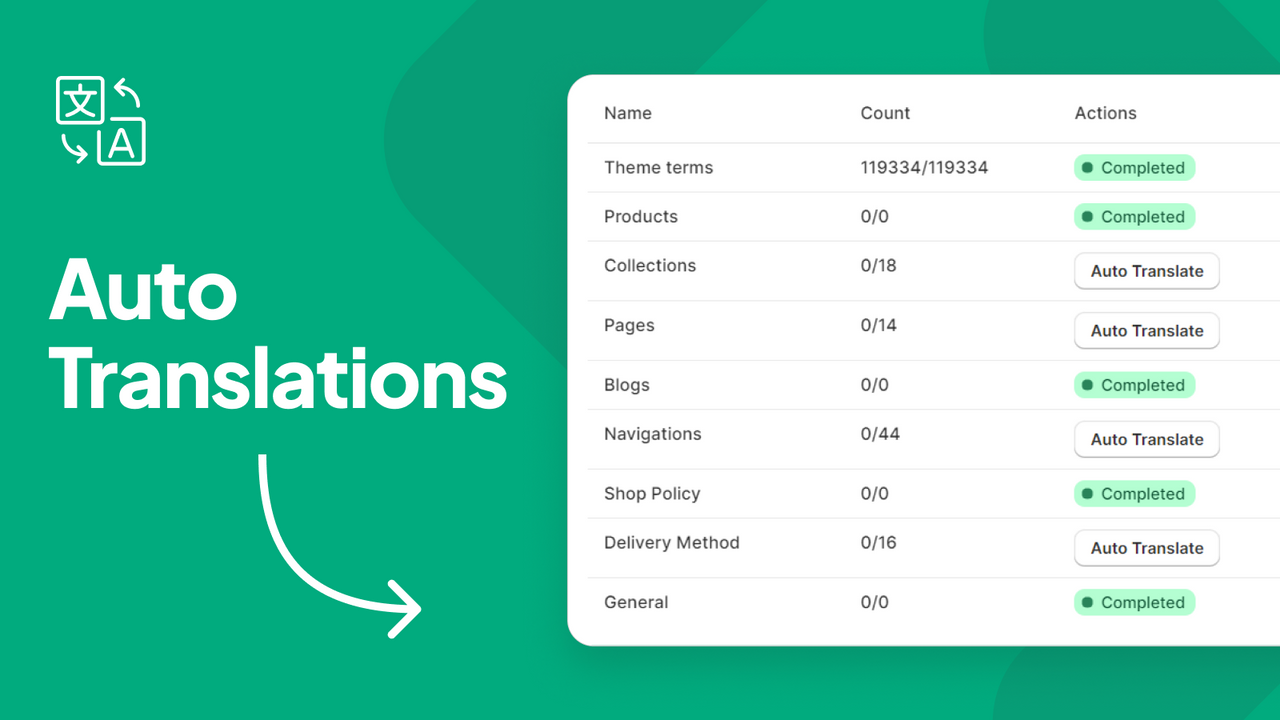
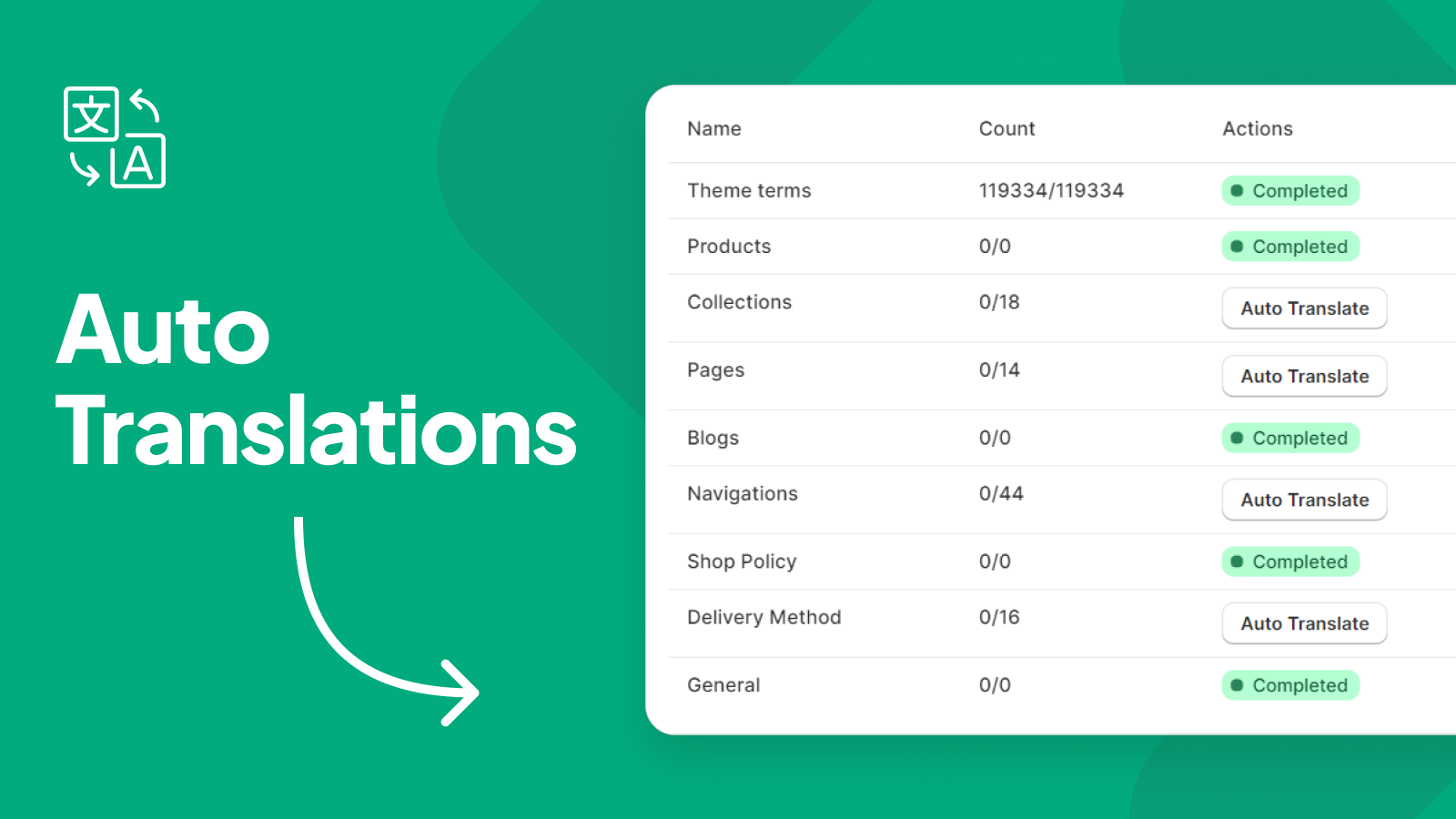
- Auto Translation - Translate your store to Hebrew or Arabic with one click
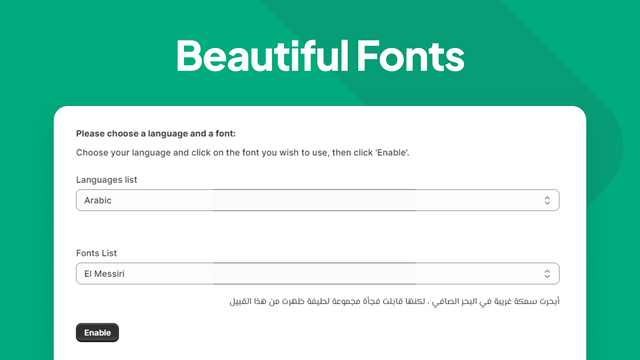
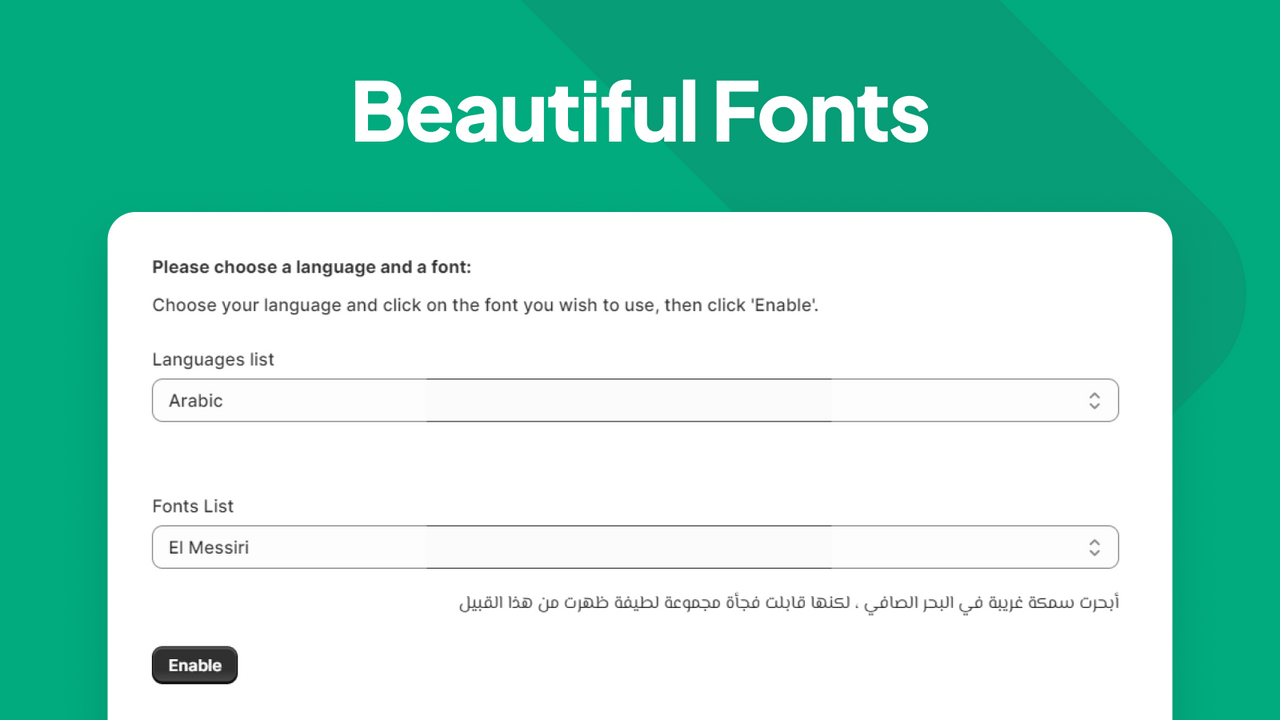
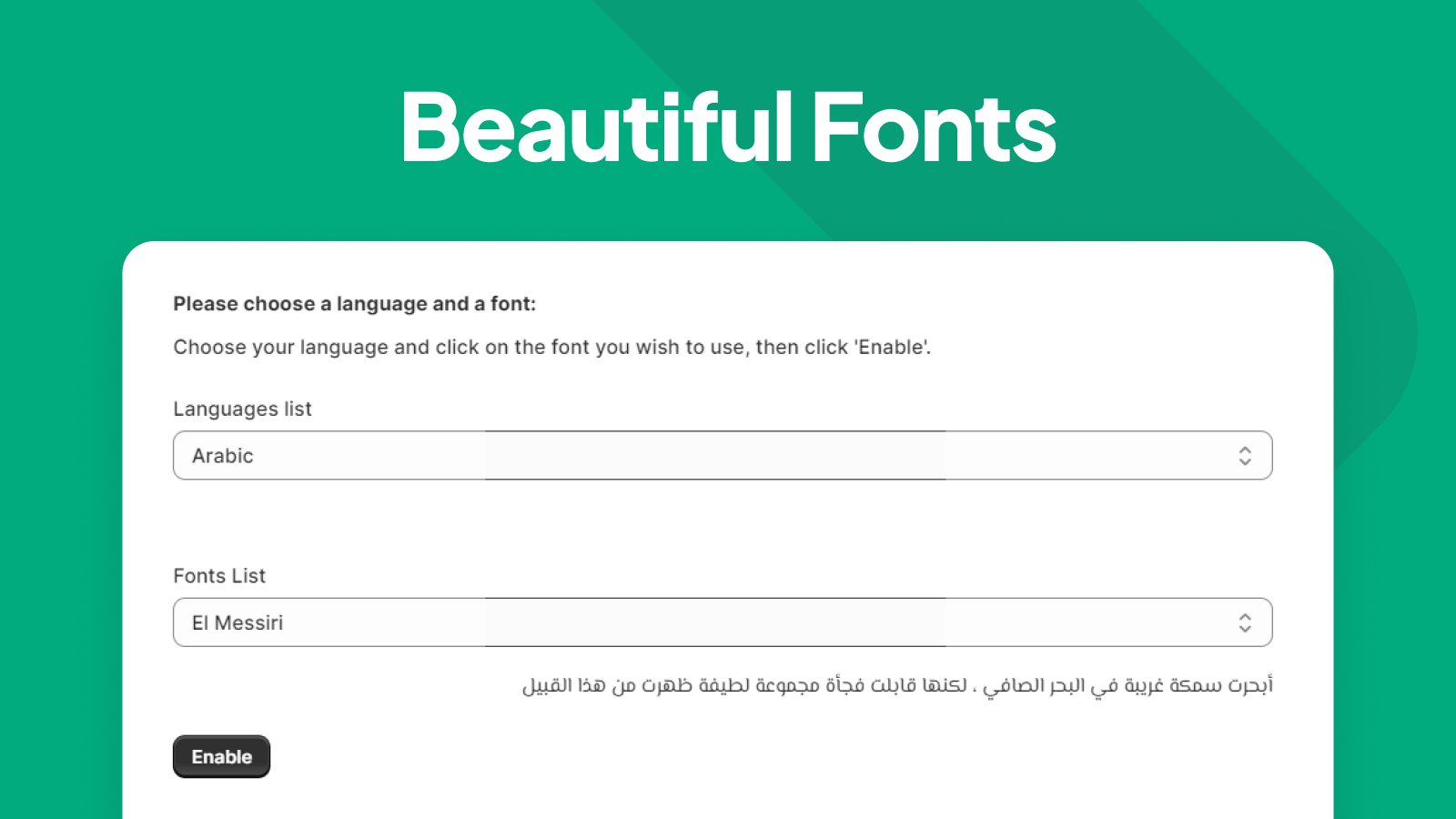
- Fonts - Choose from a variety of stunning Hebrew/Arabic fonts
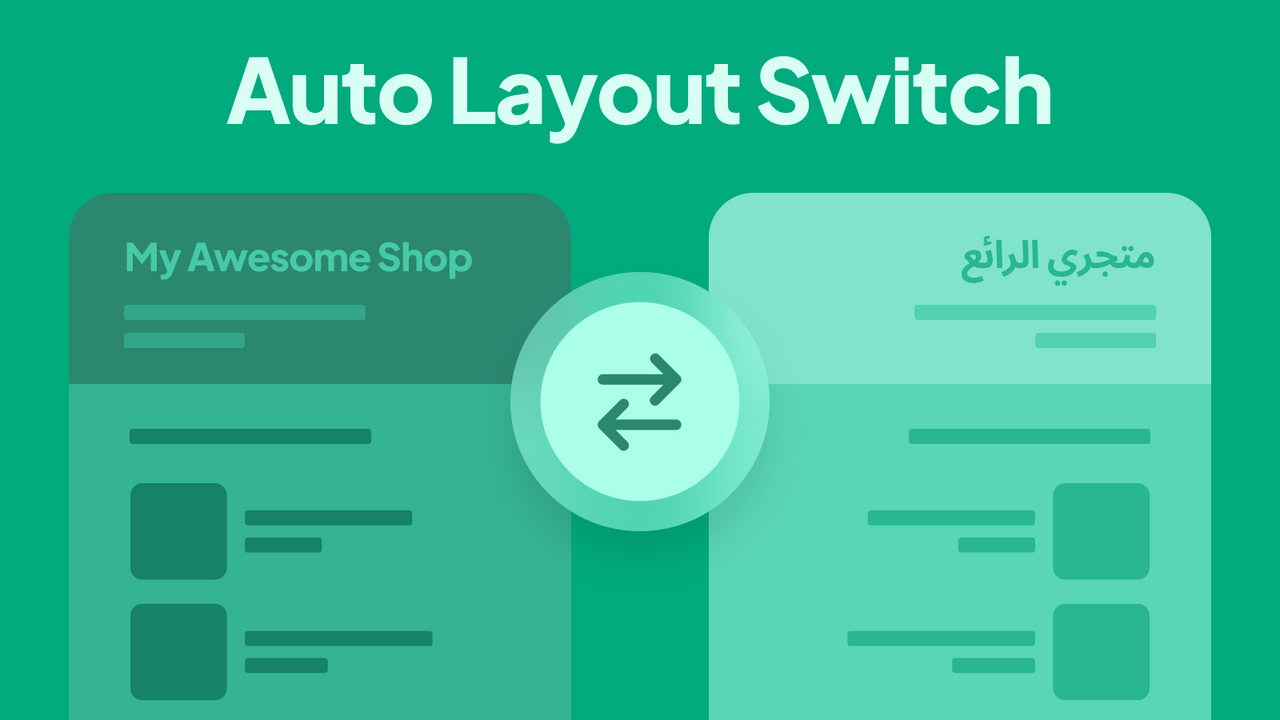
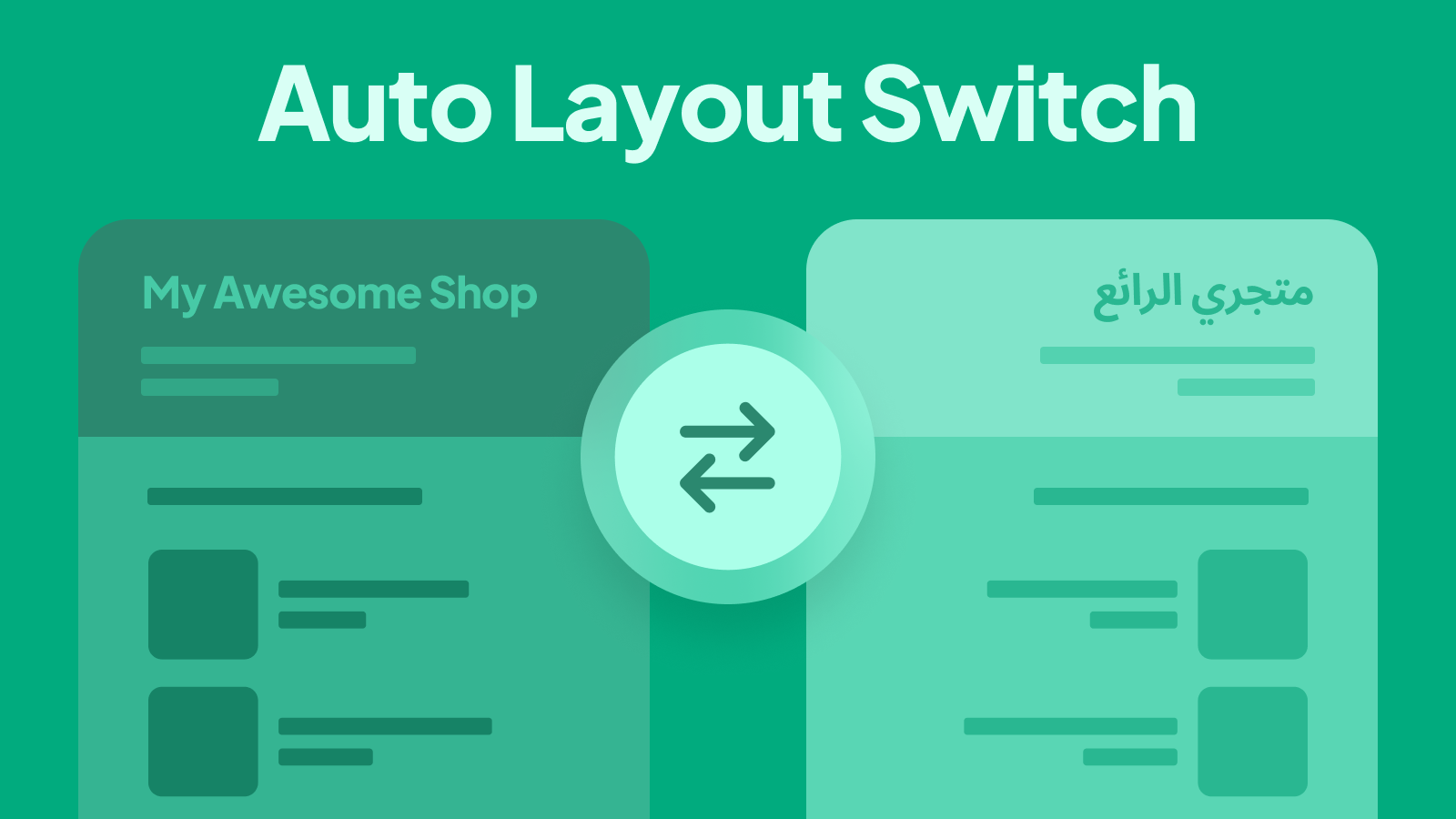
- RTL/LTR Switch - Multi-language stores automatically switch layouts based on the selected language
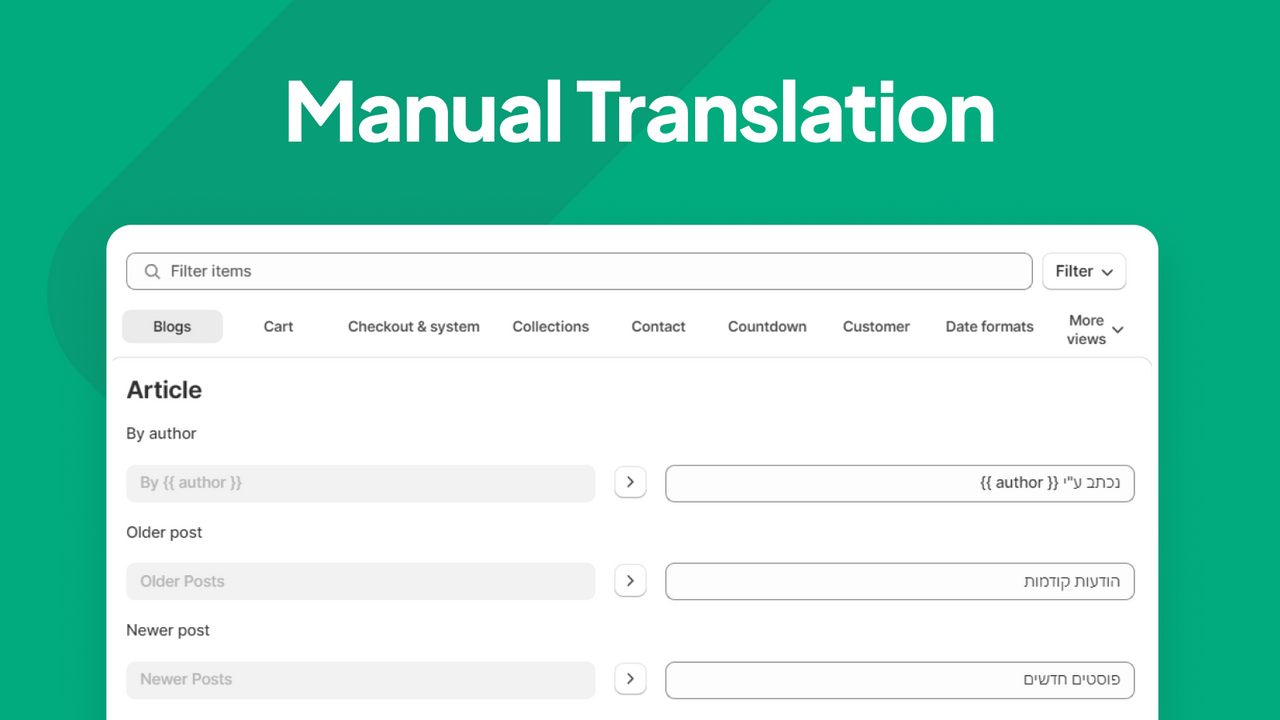
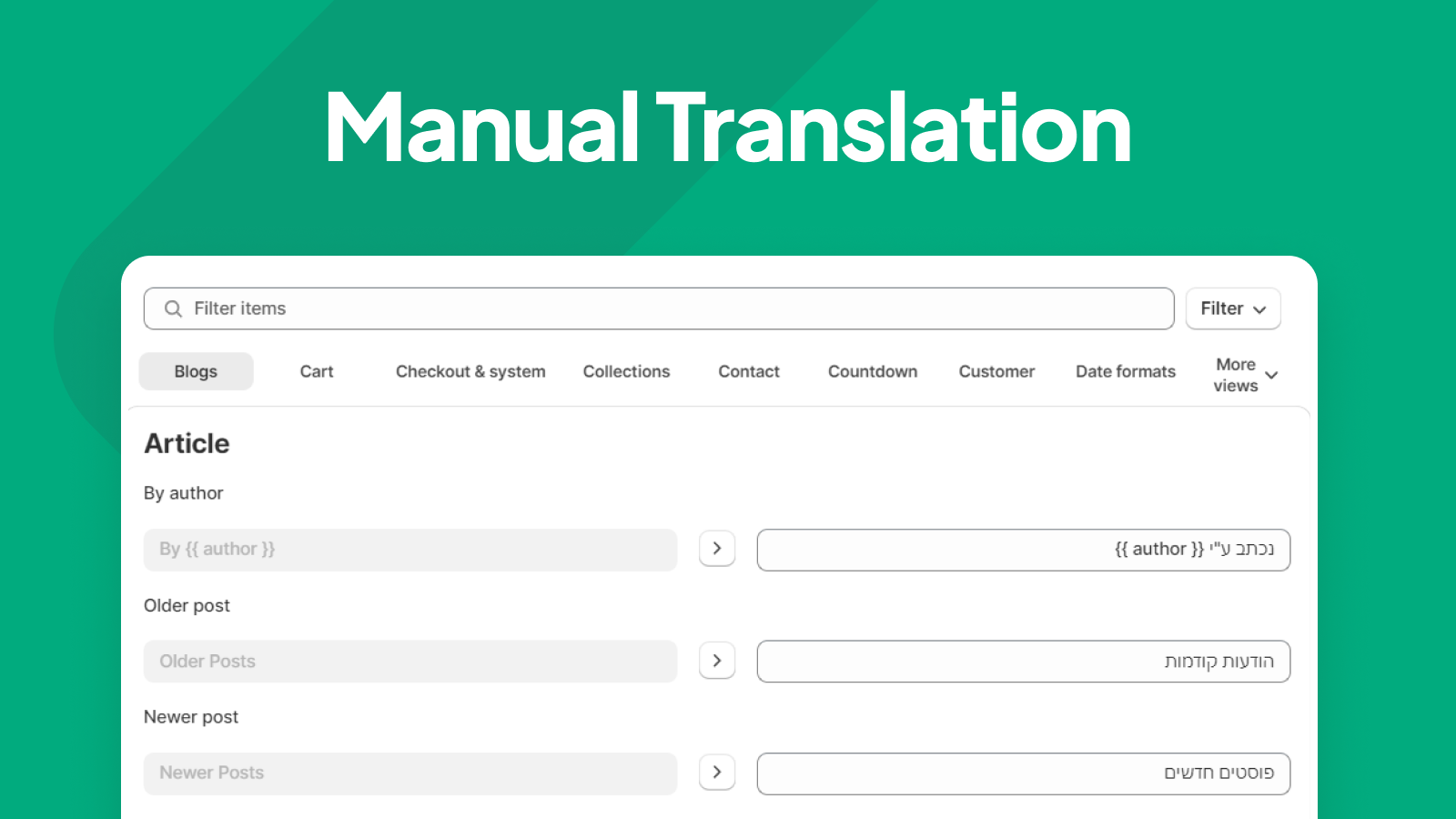
- Manual Translation - Manually translate specific terms and use your own wording
Merchant-Friendly
- Middle East Merchants
- Multilingual E-commerce
- Hebrew Merchants
- Arabic Merchants
Basic Information
- Developer:Hebrew & Arabic Apps
- Address:Tel Aviv, Tel Aviv, 6516411, IL
- Price: Free / Free plan
- Rating:4.9 / 5
- Comment Count:51 comment
- Release Date:2020-12-7
- Supported languages:English
- Compatible products:Shopify
Application Screenshot
Price Plan
PREMIUM
- 5-Day Free Trial
- RTL Layout
- Theme Translation
- Custom Fonts
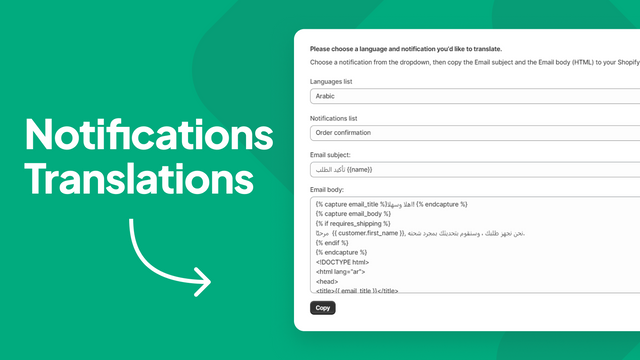
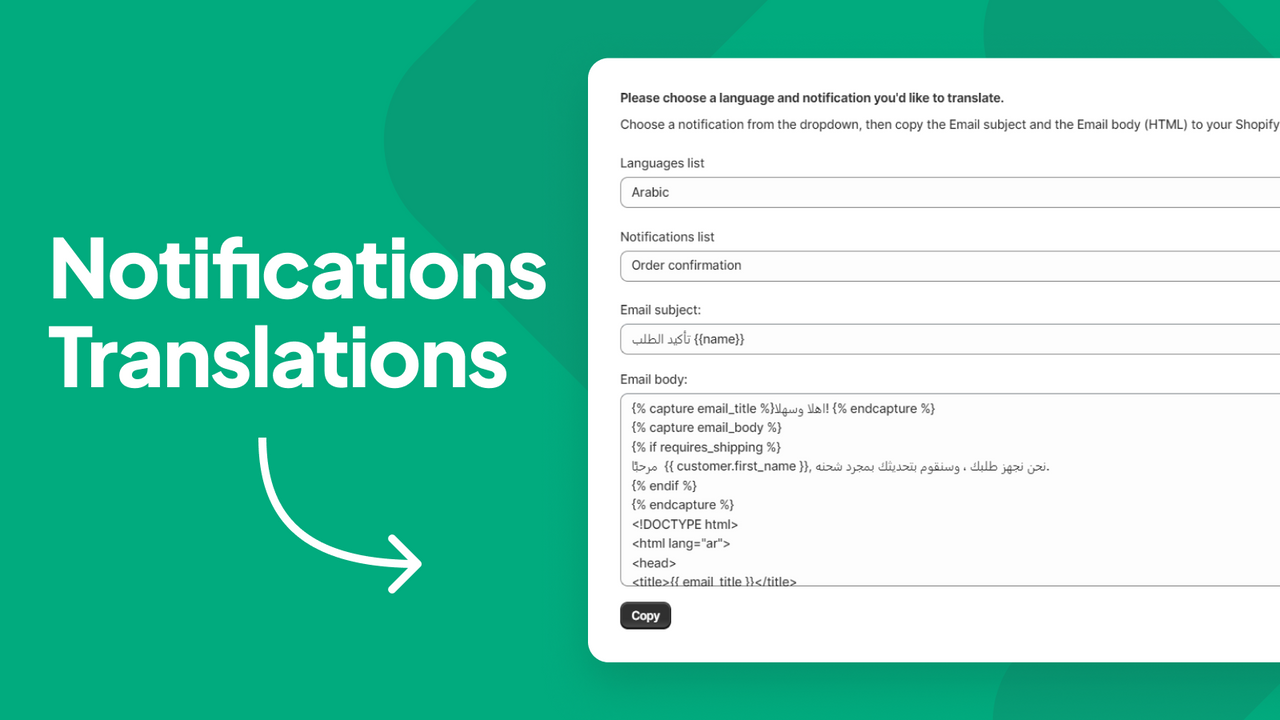
- Notifications RTL + Translation
- Email + Chat Support
- Monthly Updates
- Video Tutorials
Ultimate
- Includes all content from Premium plus:
- RTL/LTR Layout Switch
- Priority Support
- Custom CSS Editor
International
- Includes all content from Ultimate plus:
- Translate your entire store into any language
- Manual translator
- Automatic translator
- 1 million translation credits per month
User Location & Comments
User Location
Comments
Shopify API Used
- POST /admin/api/themes/{theme_id}/settings.json
- GET /admin/api/themes/{theme_id}/settings.json
- PUT /admin/api/themes/{theme_id}/assets.json
Permission:write_themes,read_themes,manage_shop_locales
- POST /admin/api/translations.json
- GET /admin/api/translations.json
- PUT /admin/api/translations/{id}.json
Permission:write_translations,read_translations,manage_shop_locales
- POST /admin/api/themes/{theme_id}/assets.json
- GET /admin/api/themes/{theme_id}/assets.json
- PUT /admin/api/themes/{theme_id}/settings.json
Permission:write_themes,read_themes,manage_assets
- GET /admin/api/shop_locales.json
- POST /admin/api/themes/{theme_id}/settings.json
- PUT /admin/api/shop_locales/{code}.json
Permission:read_shop_locales,write_themes,manage_shop_locales
- POST /admin/api/translations/{resource_type}/{resource_id}.json
- GET /admin/api/translations/{resource_type}/{resource_id}.json
- PUT /admin/api/translations/{resource_type}/{resource_id}/{id}.json
Permission:write_translations,read_translations,manage_shop_locales