
App Introduction
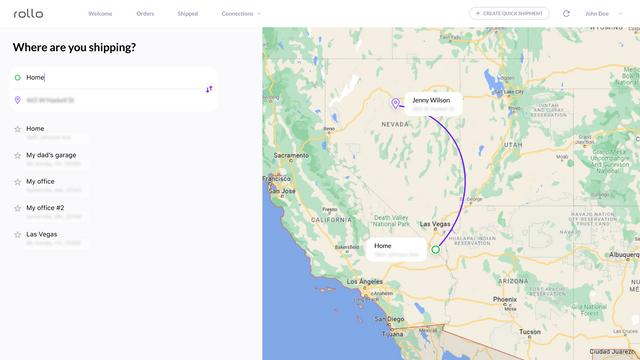
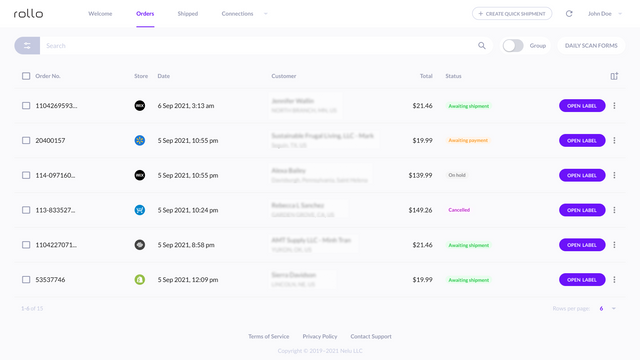
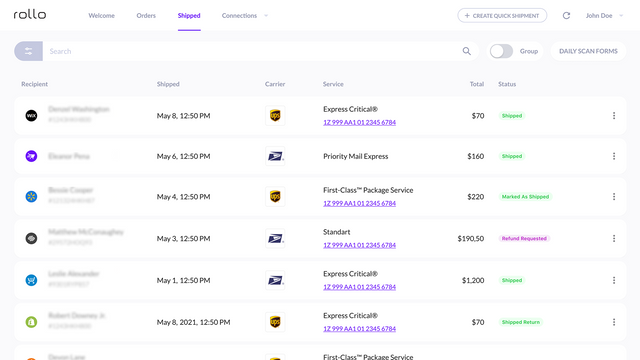
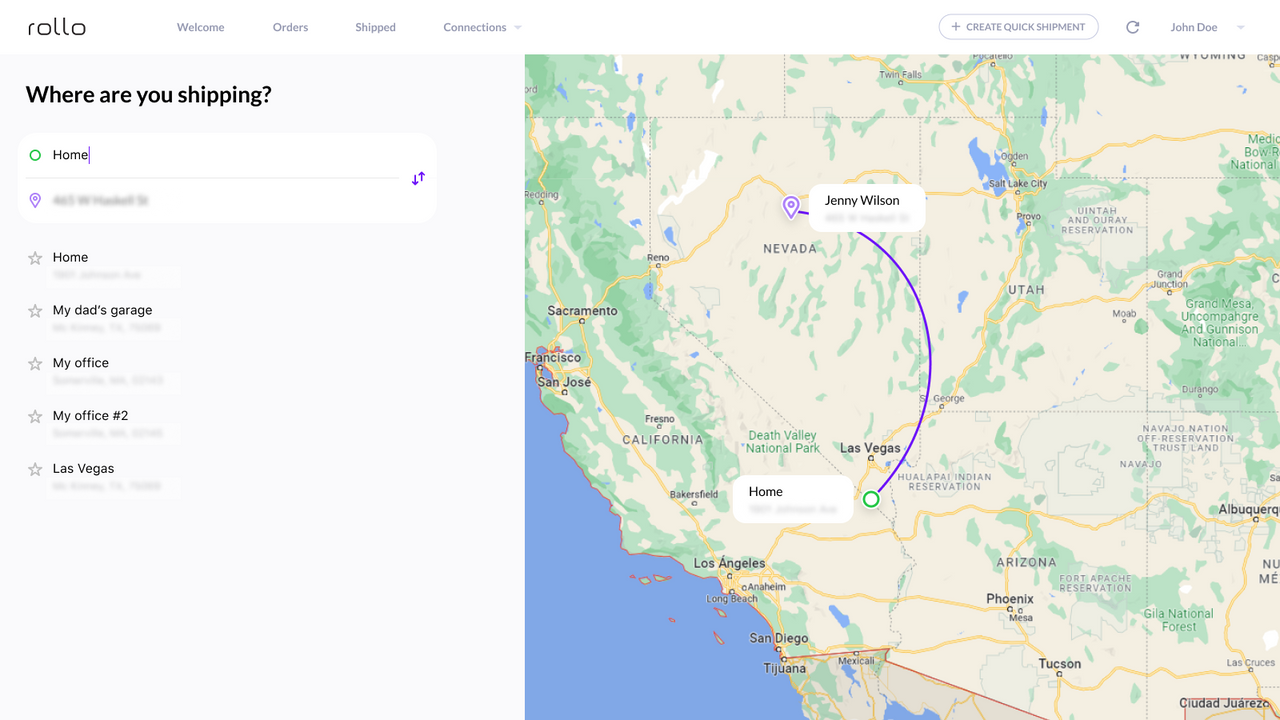
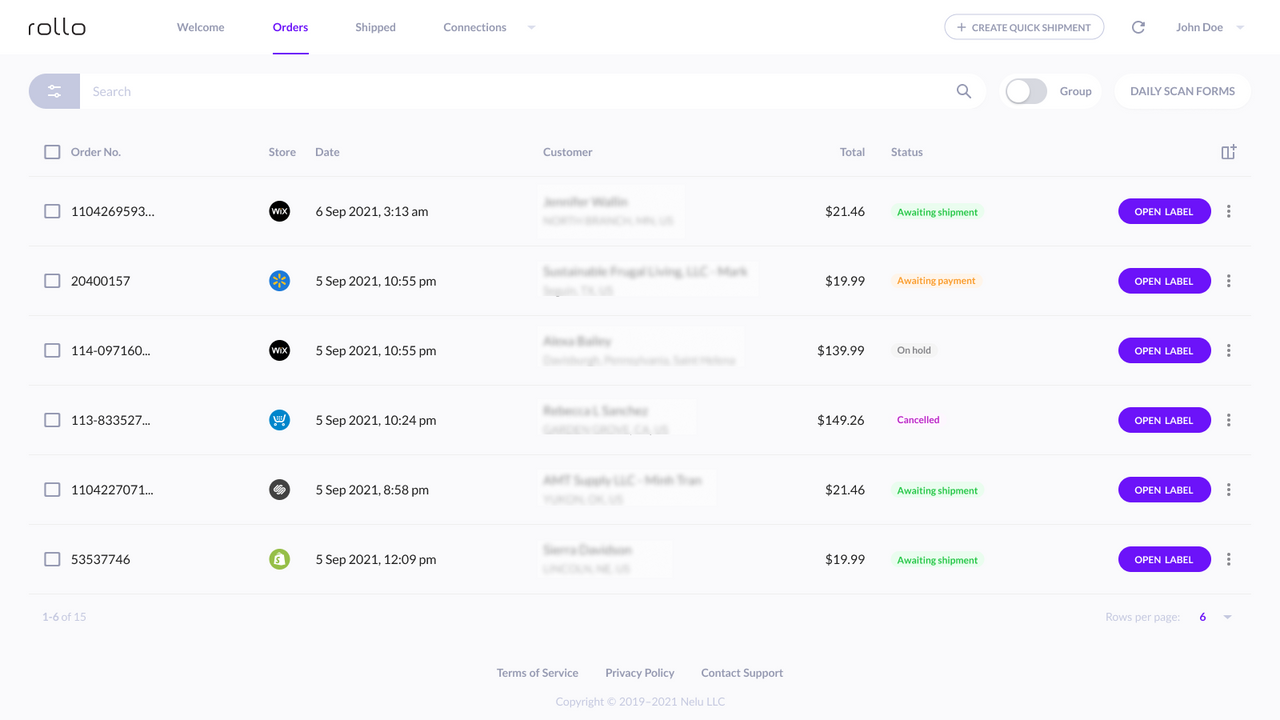
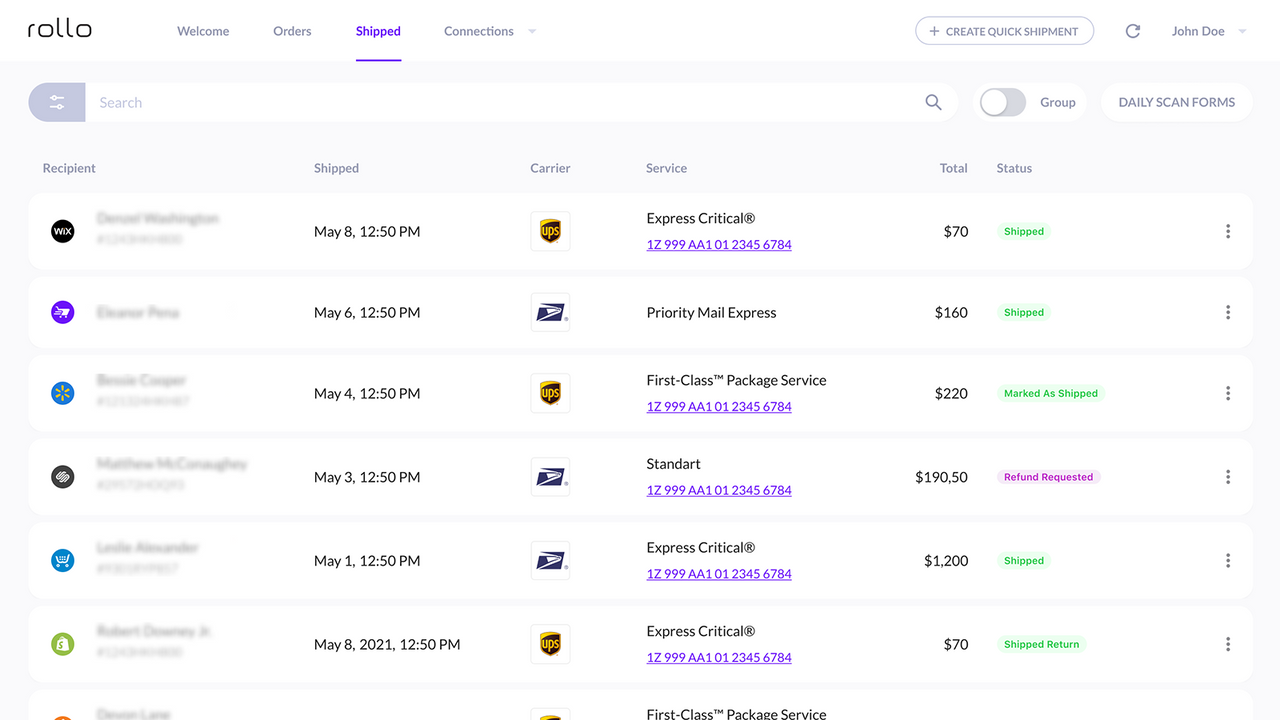
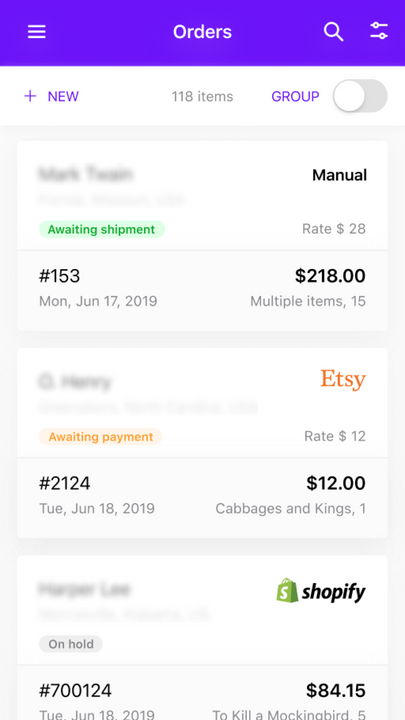
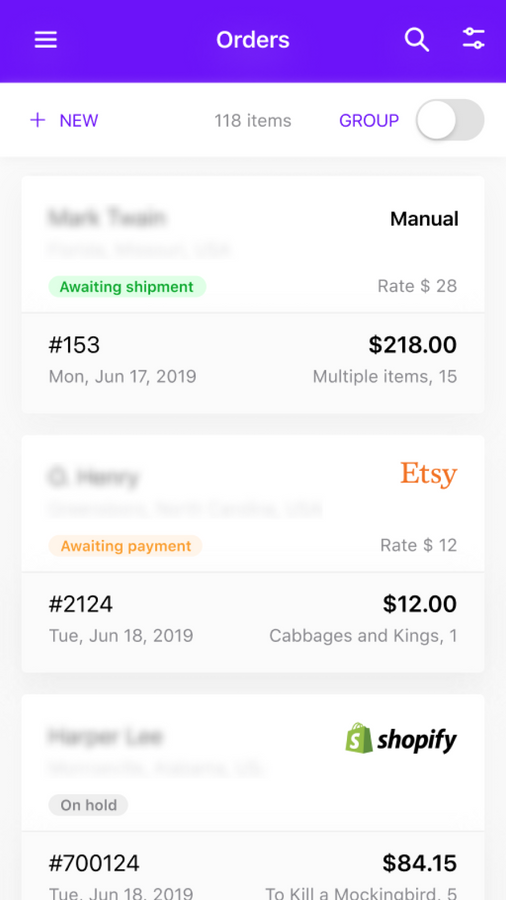
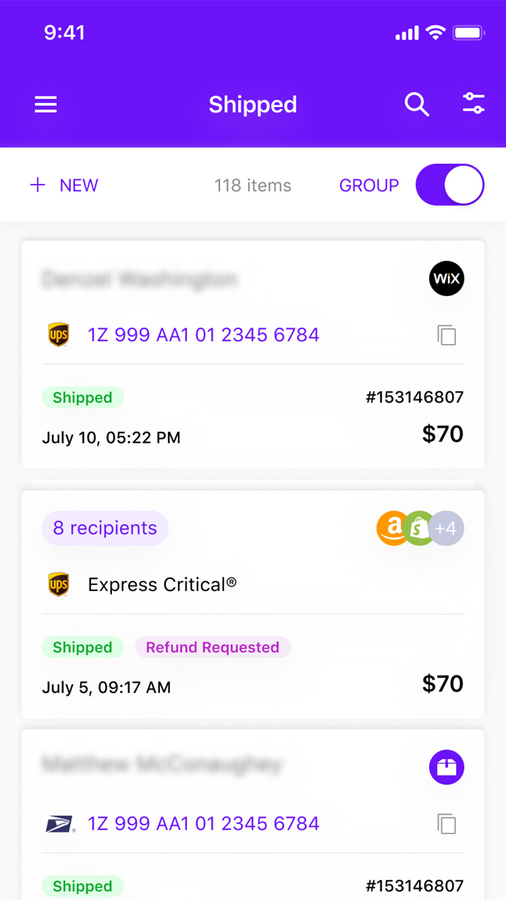
Manage all your e-commerce orders and create discounted shipping labels. Just peel and stick. Manage orders from all sales channels on your phone (or via desktop) through the Rollo app. Rollo automatically imports your new orders from stores, groups them, and notifies you. Easily create shipping labels in bulk to save up to 90% on shipping costs. Plus! Optionally connect the Rollo app to your Rollo printer for ink-free, thermal printing.
Core Functionality
- Import all online orders to Rollo Ship
- Save up to 90% on shipping costs with major carriers
- Schedule package pickup via Rollo
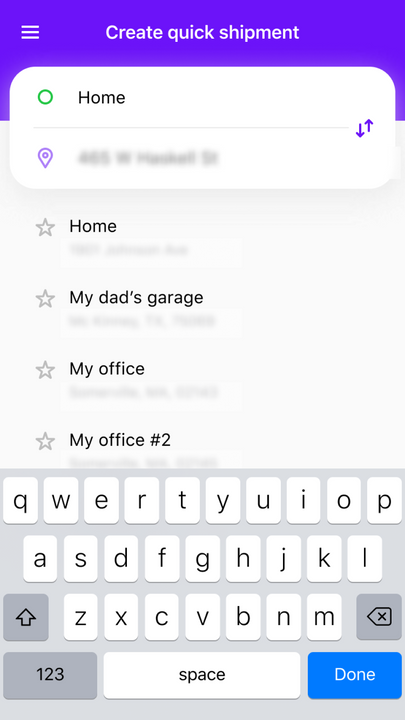
- Easily and quickly create shipping labels
- Optional - Connect Rollo Ship to a Rollo printer for fast, ink-free printing
Merchant-Friendly
- Independent Station Merchants
- E-commerce Sellers
- Cross-border E-commerce
- Small & Medium Merchants
- Retail Merchants
Basic Information
- Developer:Rollo
- Address:1801 S DECATUR BLVD, #14923, Las Vegas, NV, 89114, US
- Price: Free / Free plan
- Rating:1.2 / 5
- Comment Count:7 comment
- Release Date:2021-2-5
- Supported languages:English
- Compatible products:Shopify
Application Screenshot
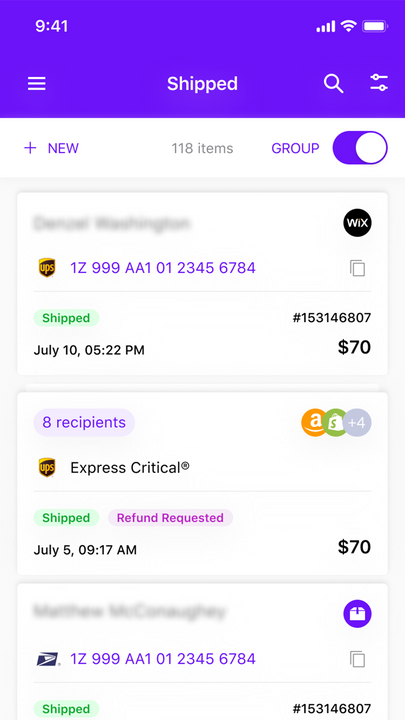
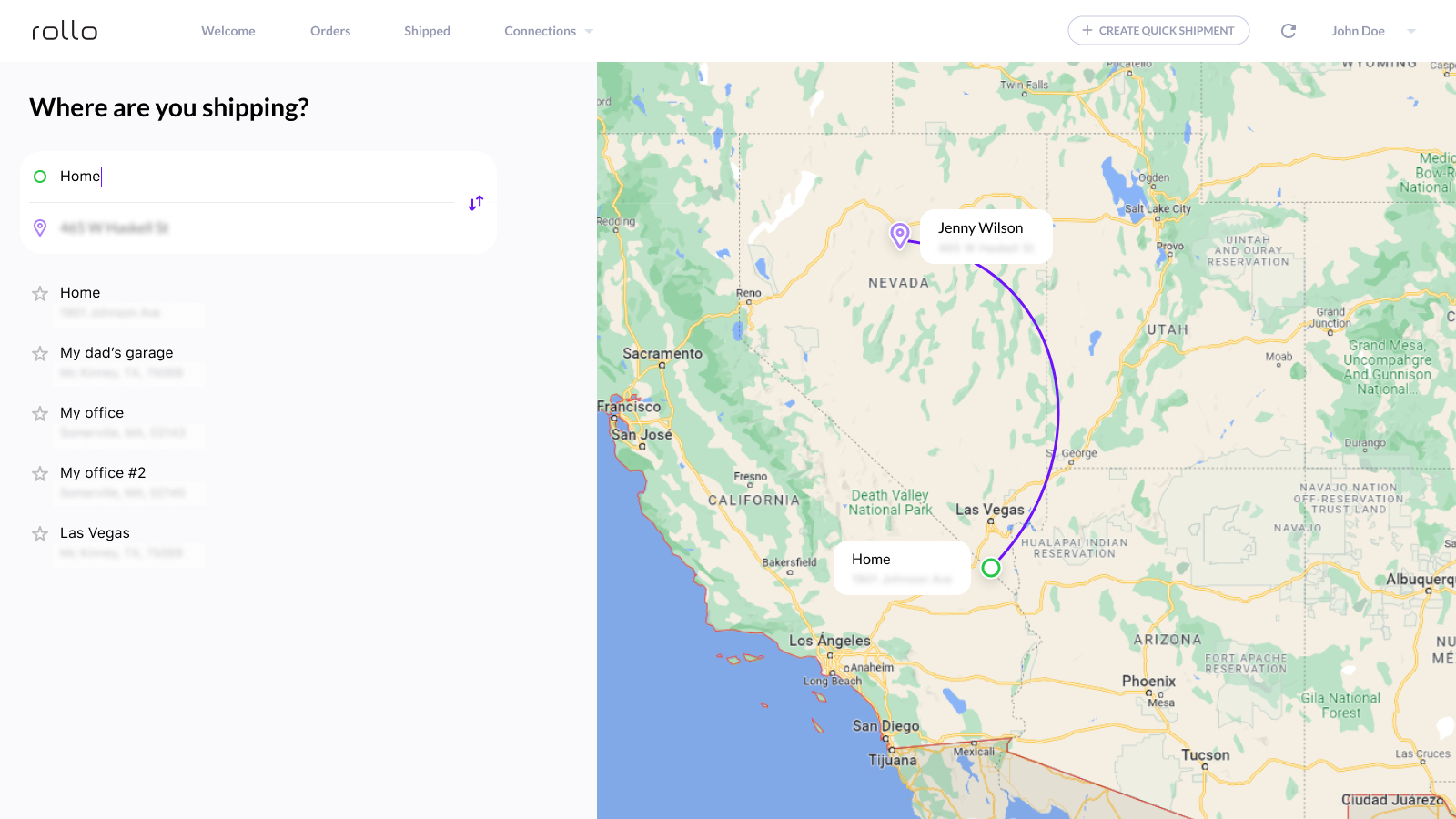
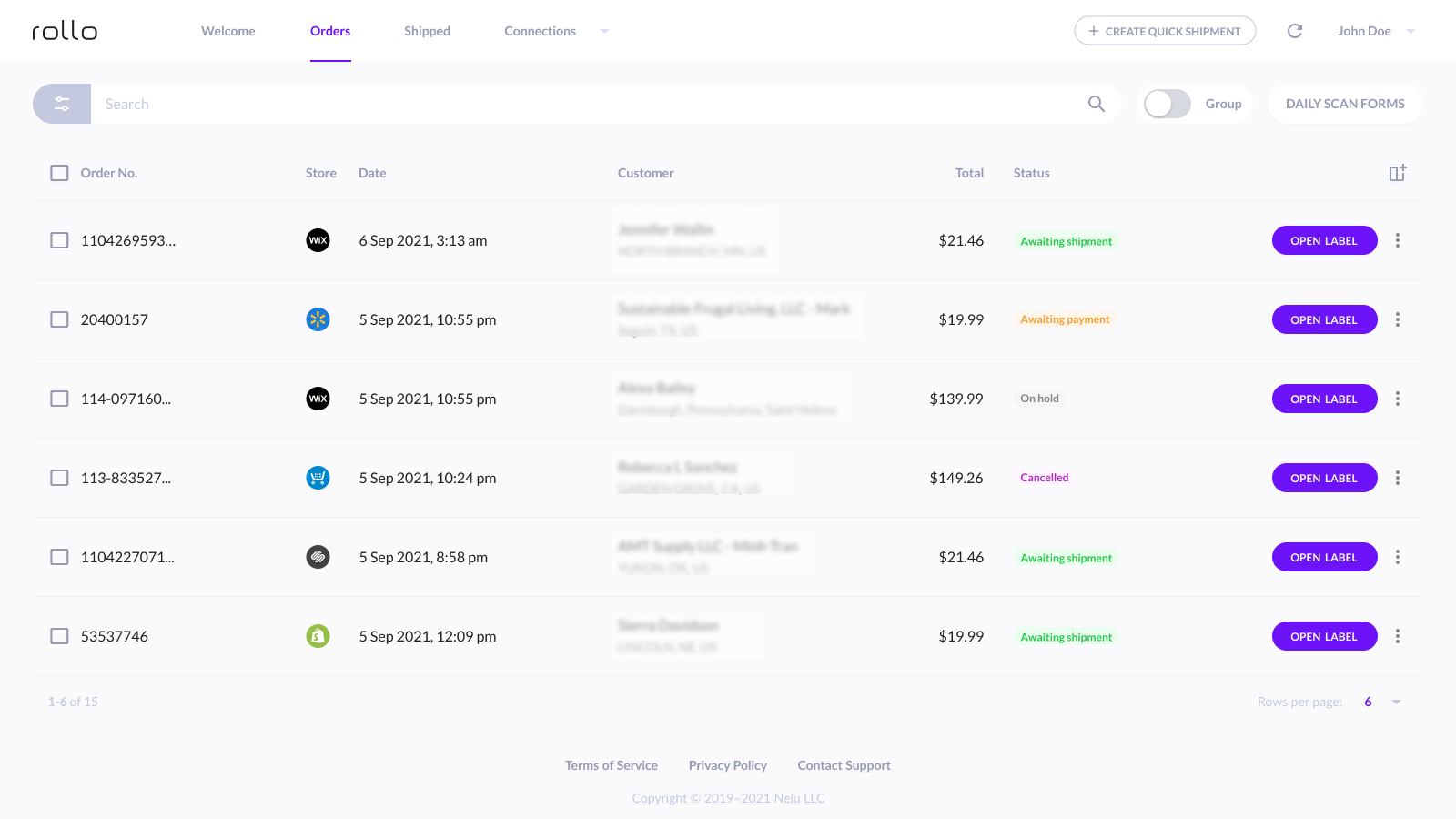

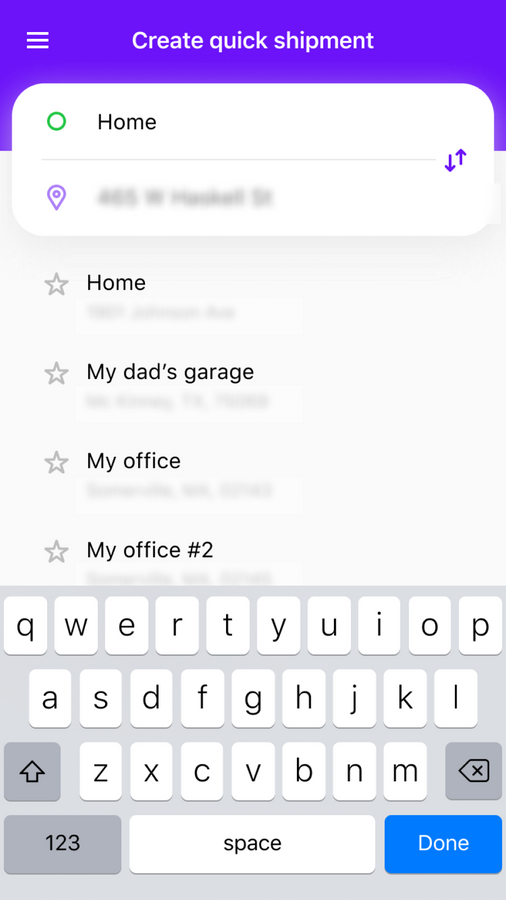
Price Plan
免费
免费安装
User Location & Comments
User Location
Comments
Shopify API Used
- POST /admin/api/orders/export.json?destination=rollo_ship
- GET /admin/api/orders.json?status=fulfillment_ready
- POST /admin/api/rollo_ship/orders/batch.json
Permission:read_orders,write_orders,manage_fulfillments
- GET /admin/api/rollo_ship/rates.json?order_id={id}
- POST /admin/api/rollo_ship/rate_compare.json
- GET /admin/api/carriers/{carrier_id}/rates.json
Permission:read_shipping,read_orders,manage_carriers
- POST /admin/api/rollo_ship/pickup.json
- PUT /admin/api/rollo_ship/pickup/{id}.json
- GET /admin/api/rollo_ship/pickup.json
Permission:write_fulfillments,read_fulfillments,manage_orders
- POST /admin/api/rollo_ship/labels.json
- GET /admin/api/rollo_ship/labels/{id}.pdf
- PUT /admin/api/rollo_ship/labels/{id}.json
Permission:write_fulfillments,read_fulfillments,manage_orders
- POST /admin/api/rollo_ship/printer/connect.json
- GET /admin/api/rollo_ship/printer/status.json
- PUT /admin/api/rollo_ship/printer/settings.json
Permission:read_fulfillments,manage_apps,write_fulfillments