
LINE誘導ボタンらくらく設置|リテリア LINE誘導
App Introduction
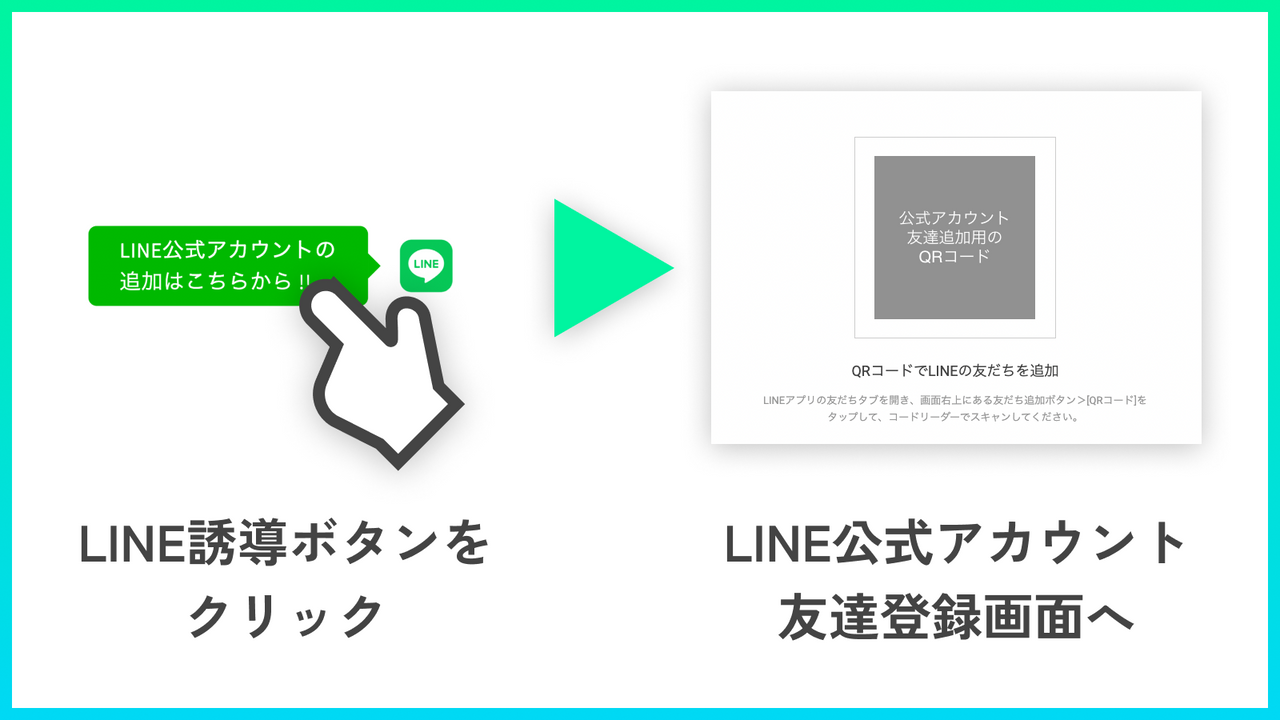
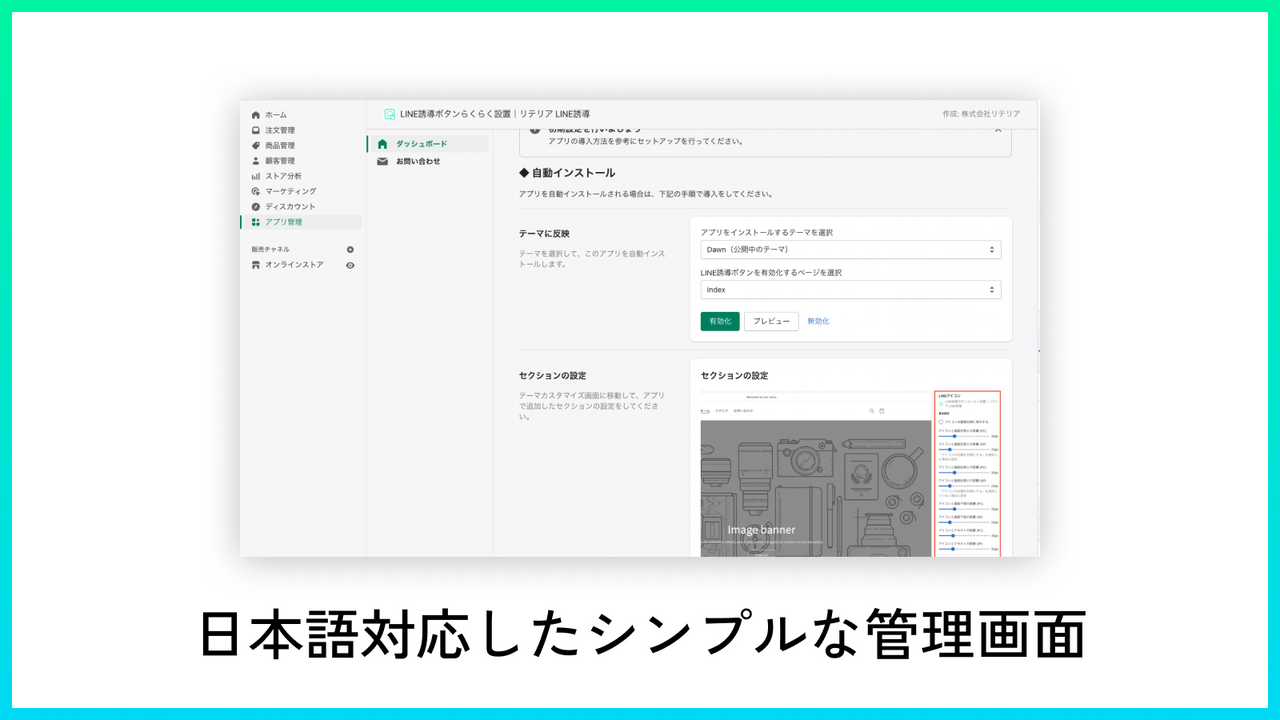
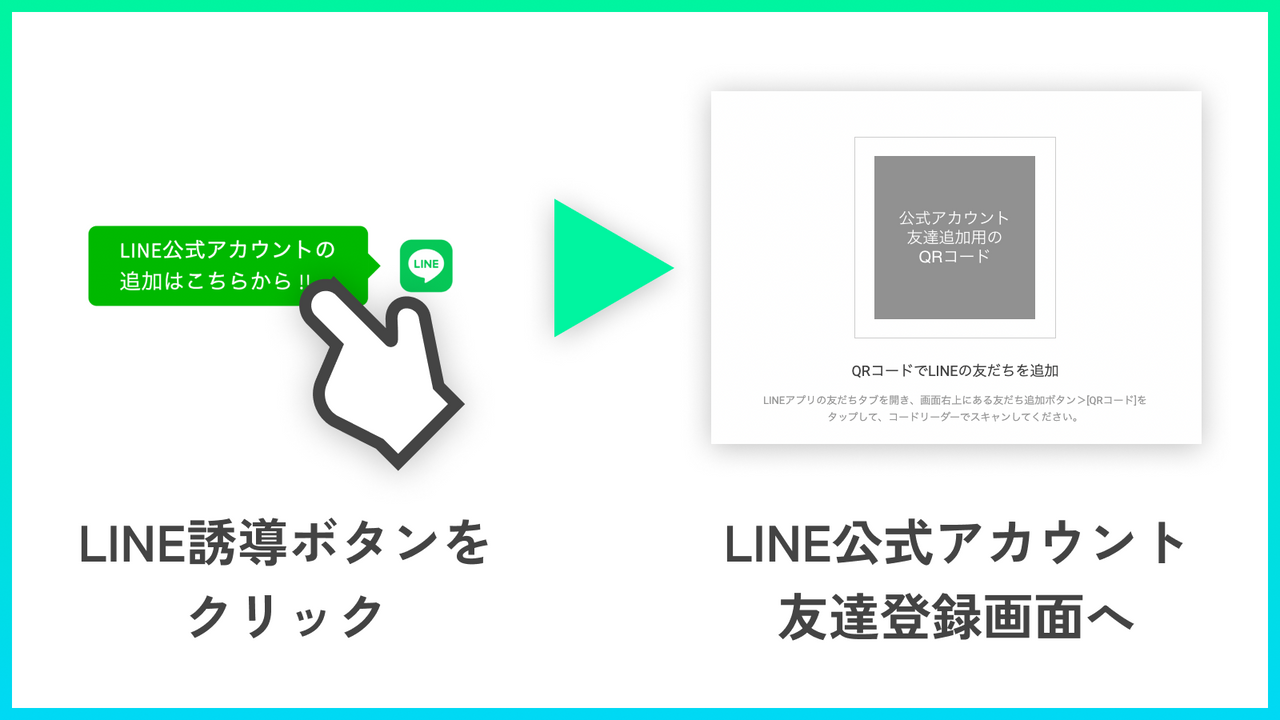
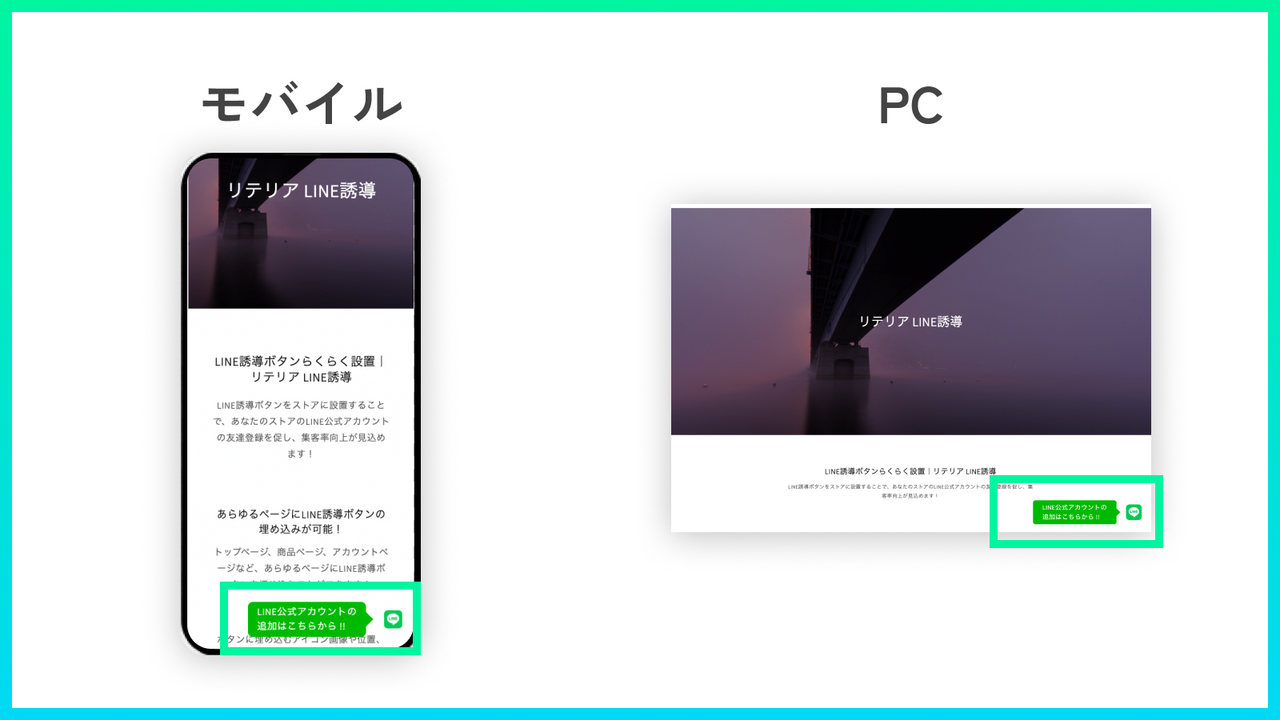
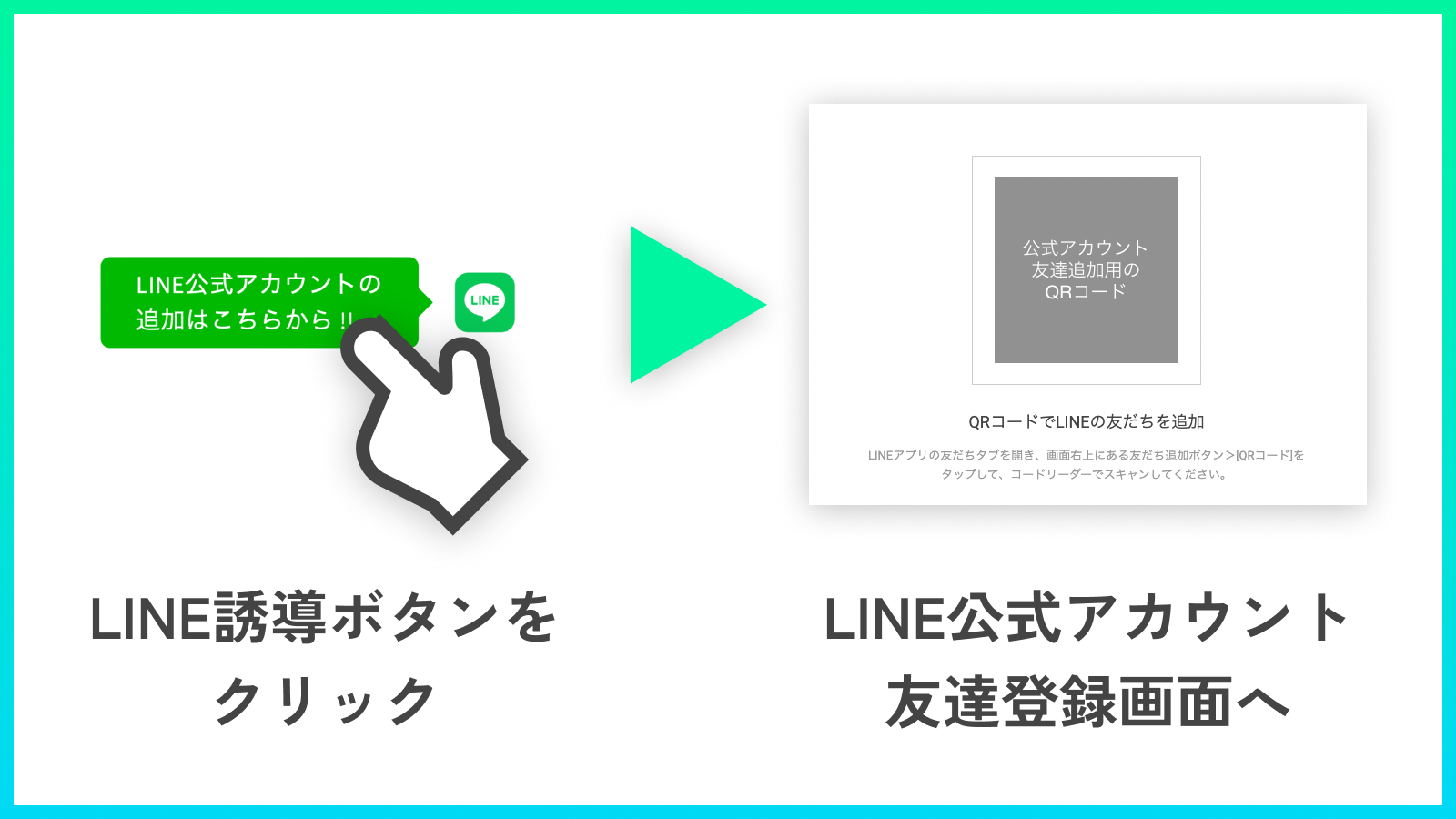
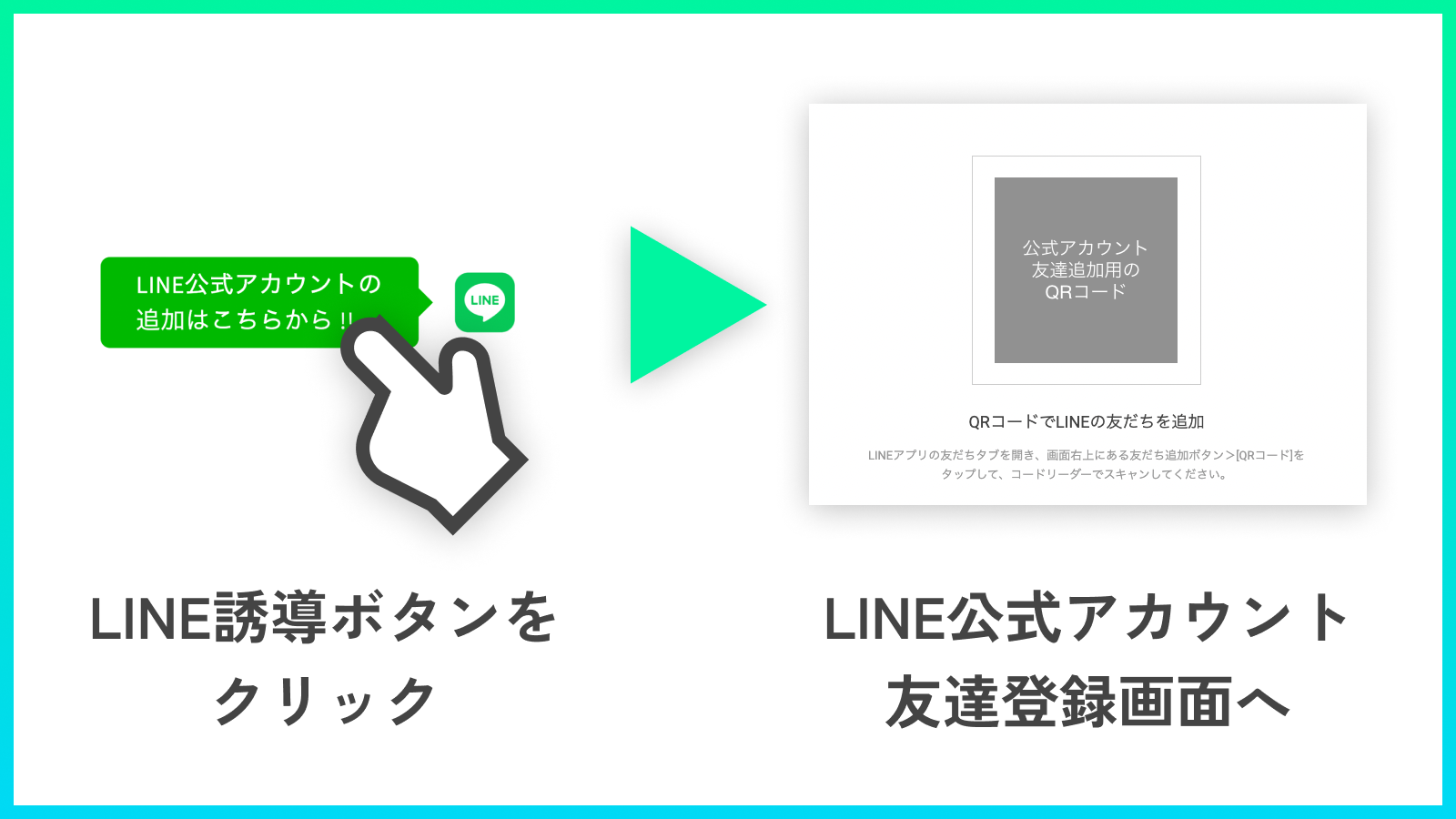
By installing the LINE lead button on your store, you can encourage users to follow your store’s official LINE account—helping boost your customer acquisition rate! Embed the LINE lead button on every page! Do you want to embed a LINE lead button in your Shopify store? Need to increase traffic flow from your Shopify online store to LINE? Looking to strengthen marketing by integrating your Shopify online store with LINE? The **LINE Lead Button Easy Setup | Litellia LINE Lead** solves all these pain points! With this app, you can add the LINE lead button to your store *without editing any code*! Use **LINE Lead Button Easy Setup | Litellia LINE Lead** to drive more traffic to LINE, and elevate your customer acquisition power and conversion rates!
Core Functionality
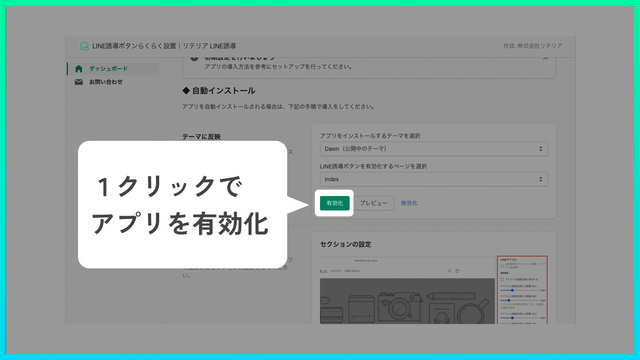
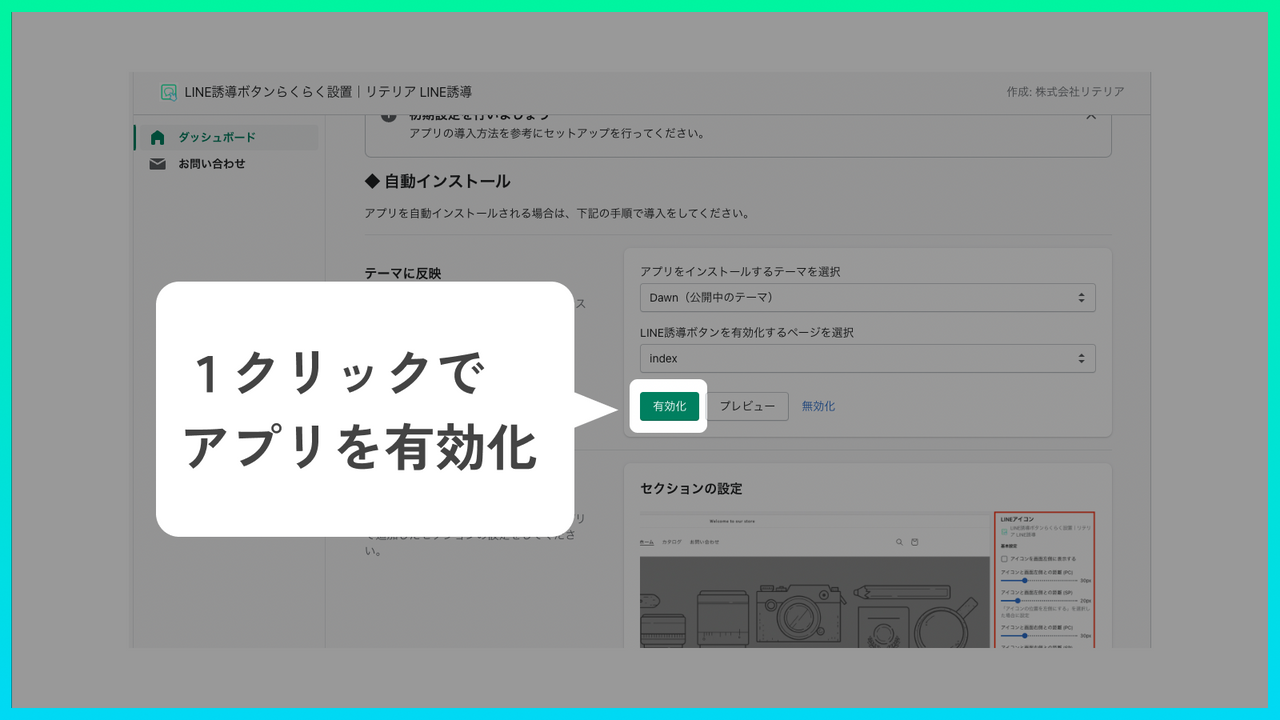
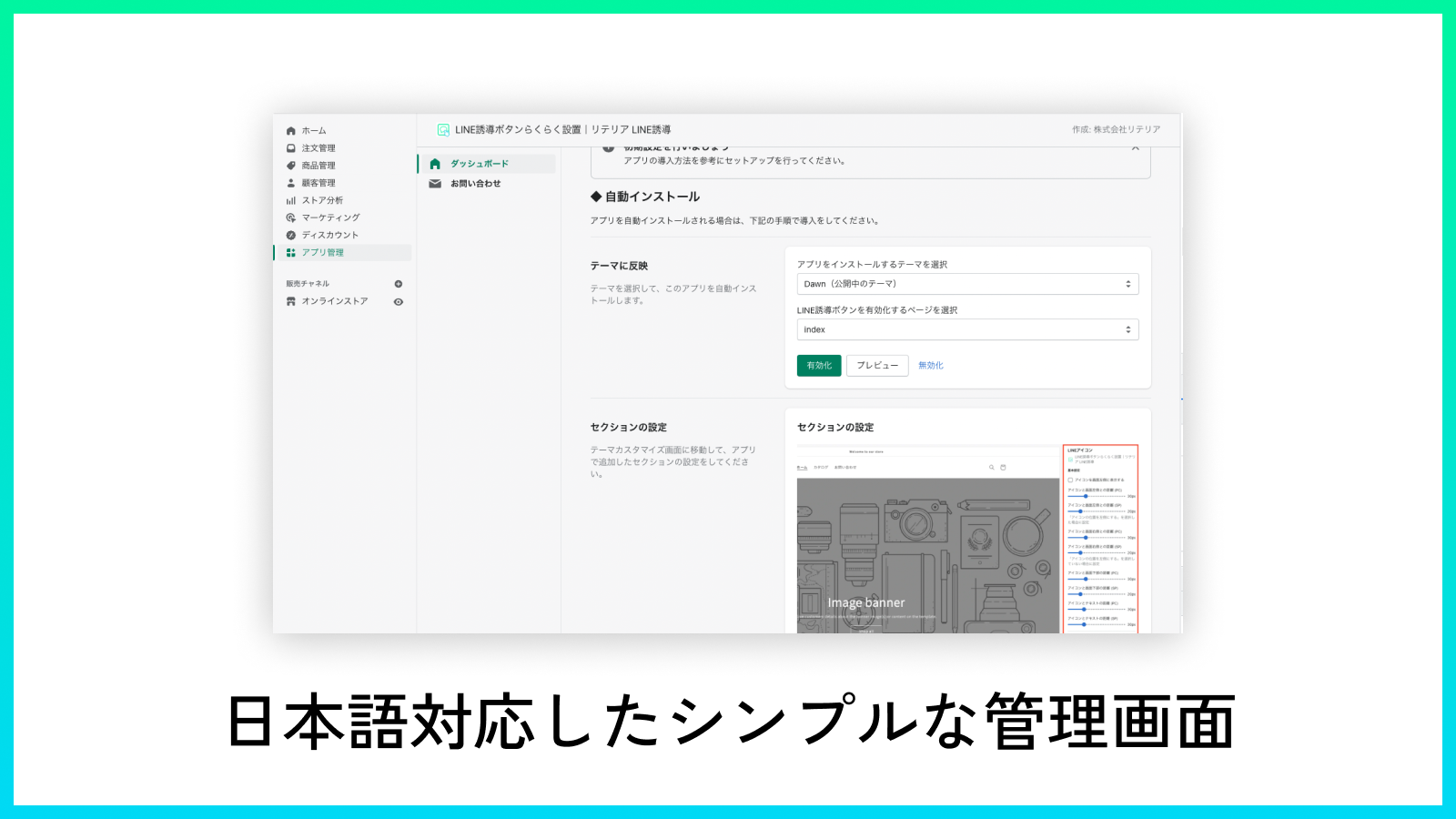
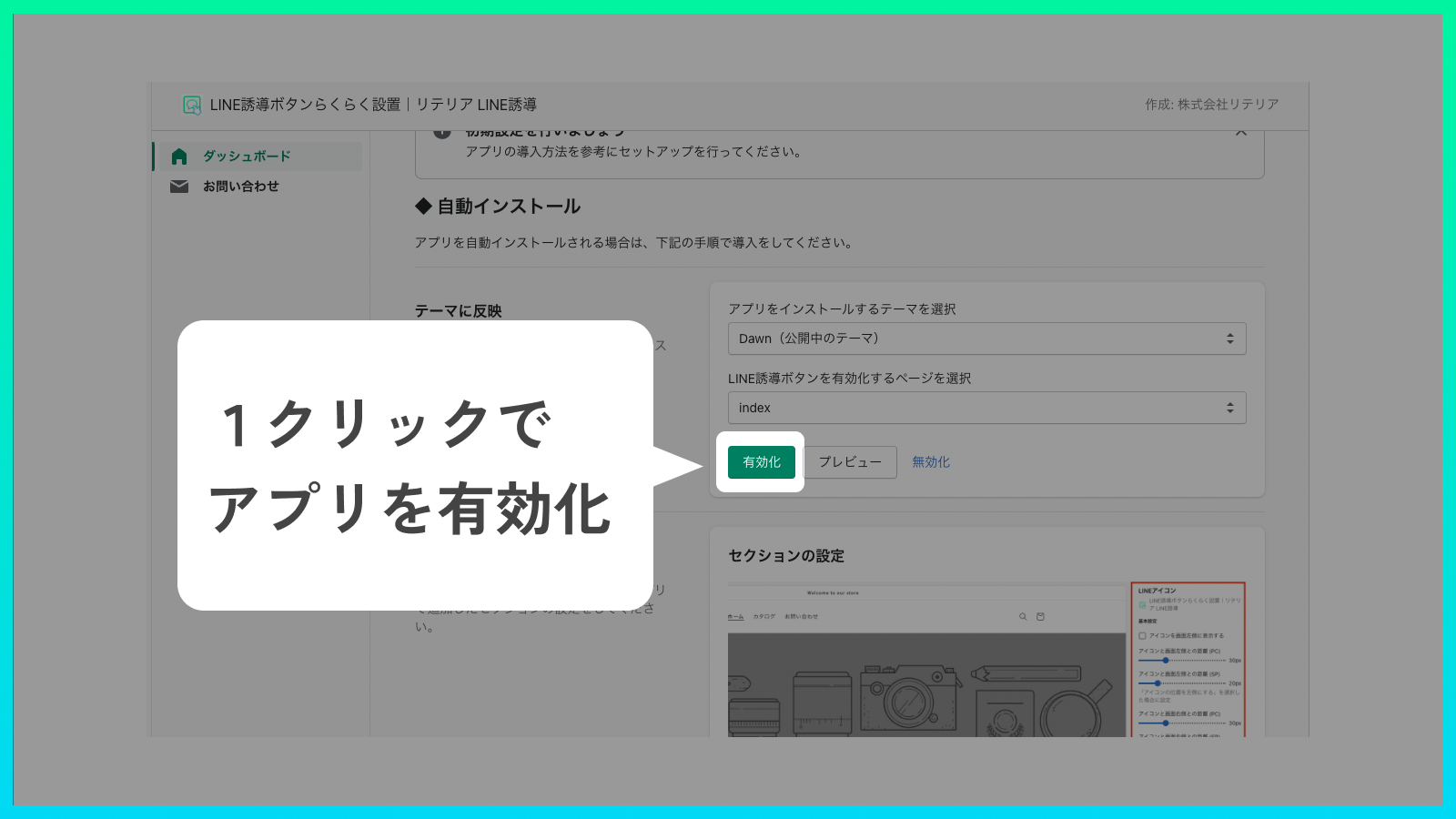
- All you need to do is install the app and add the app block to the page where you want to use it! No code editing required, so anyone can use it easily.
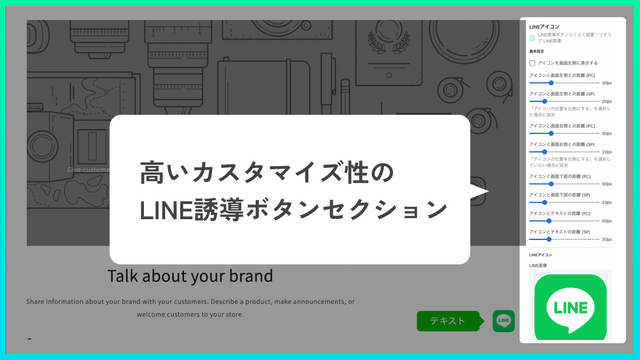
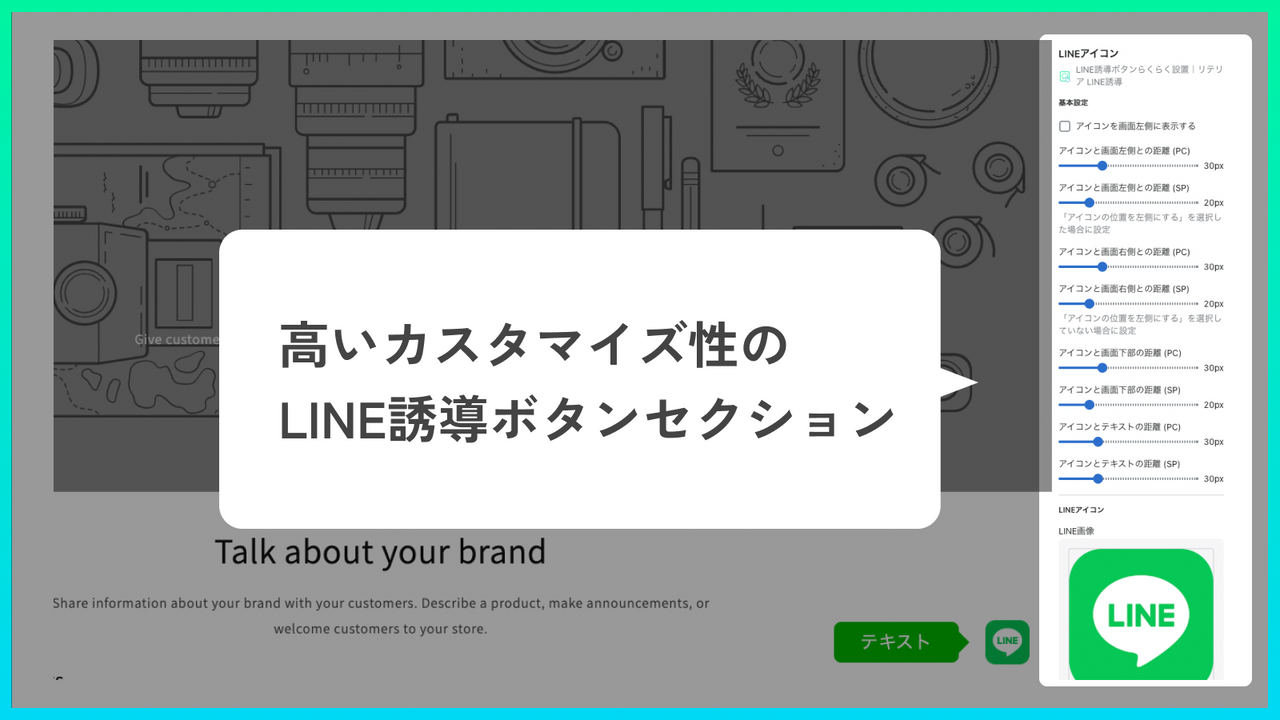
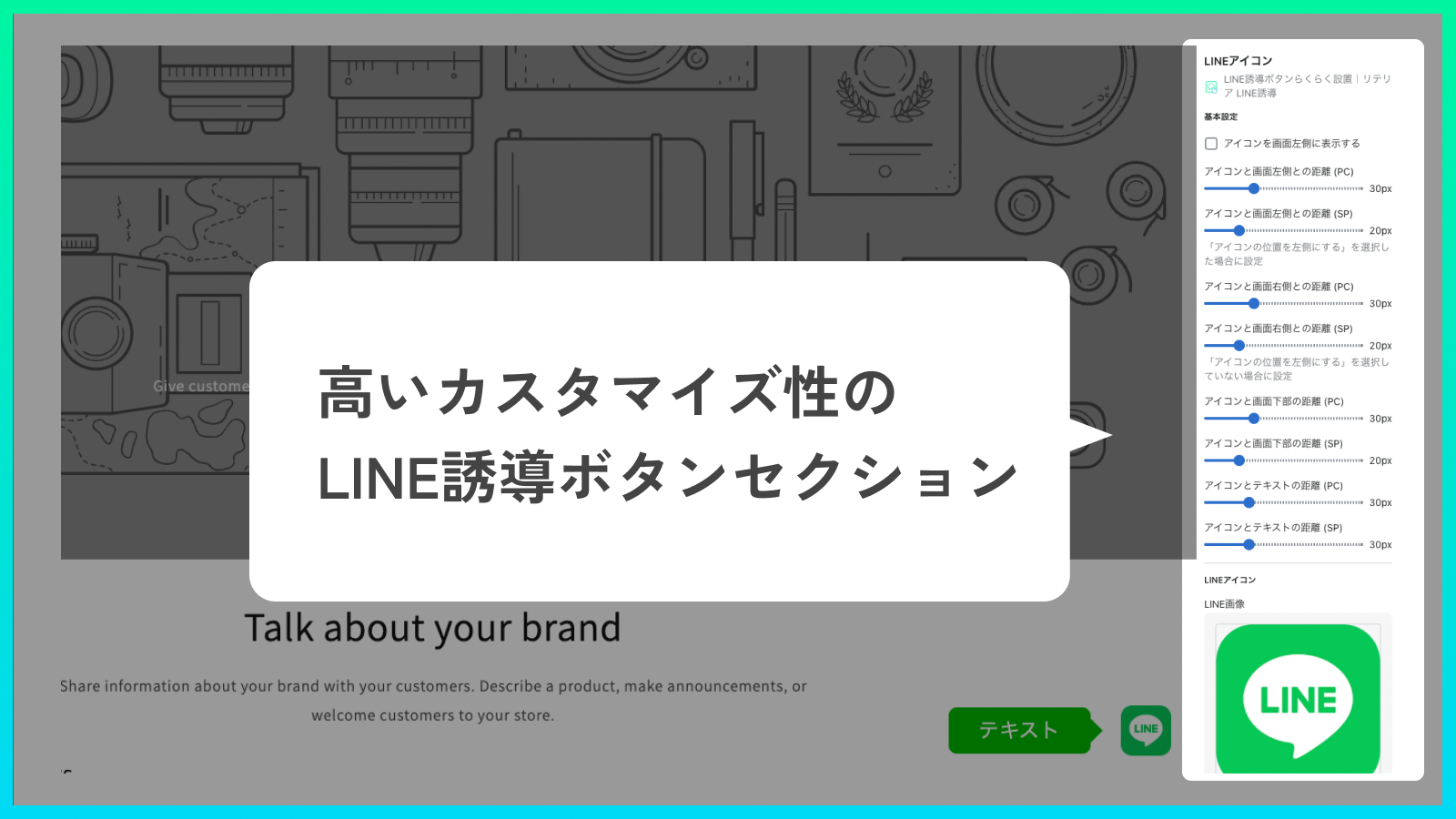
- You can customize a wide range of elements, including the icon image (LINE icon) embedded in the button, position, color, text, and margins.
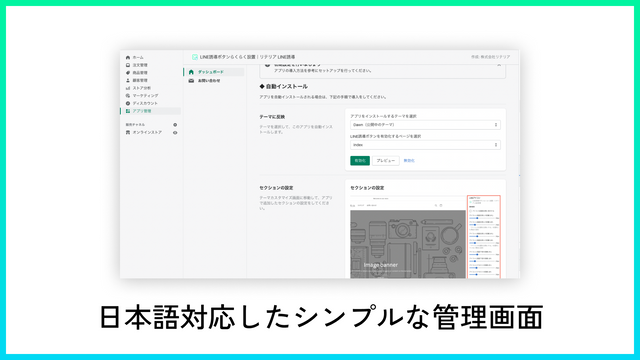
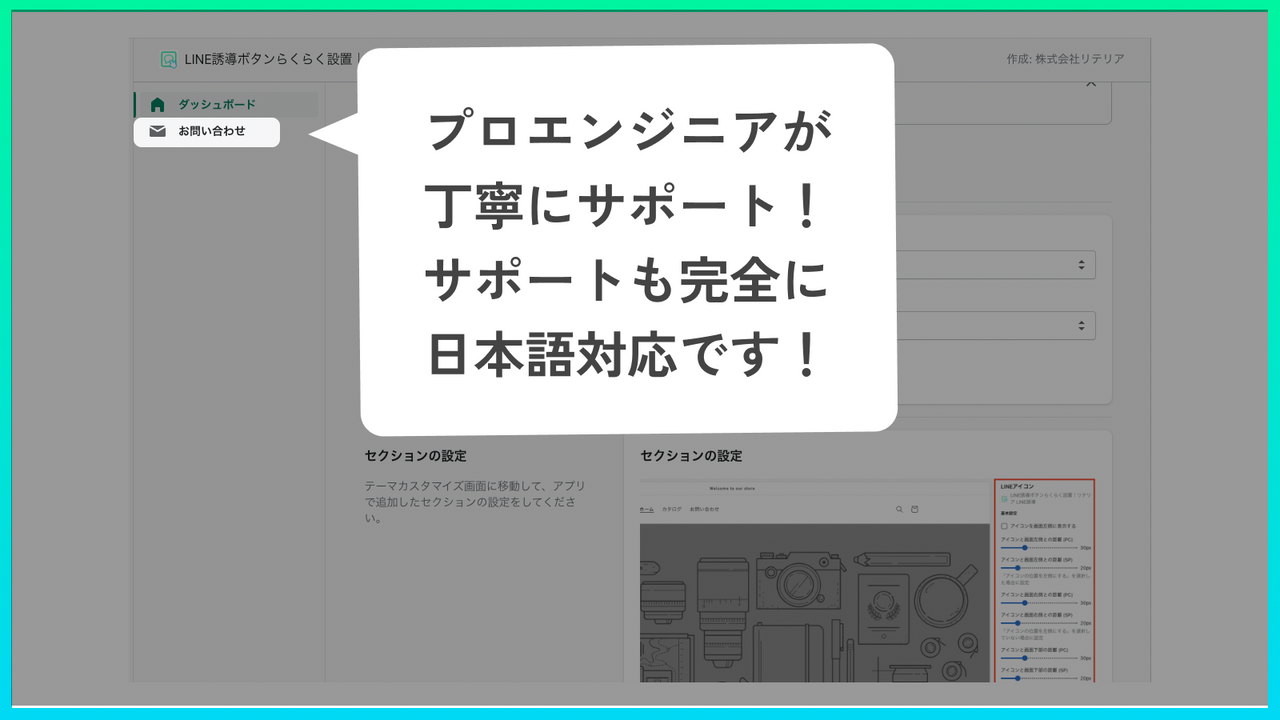
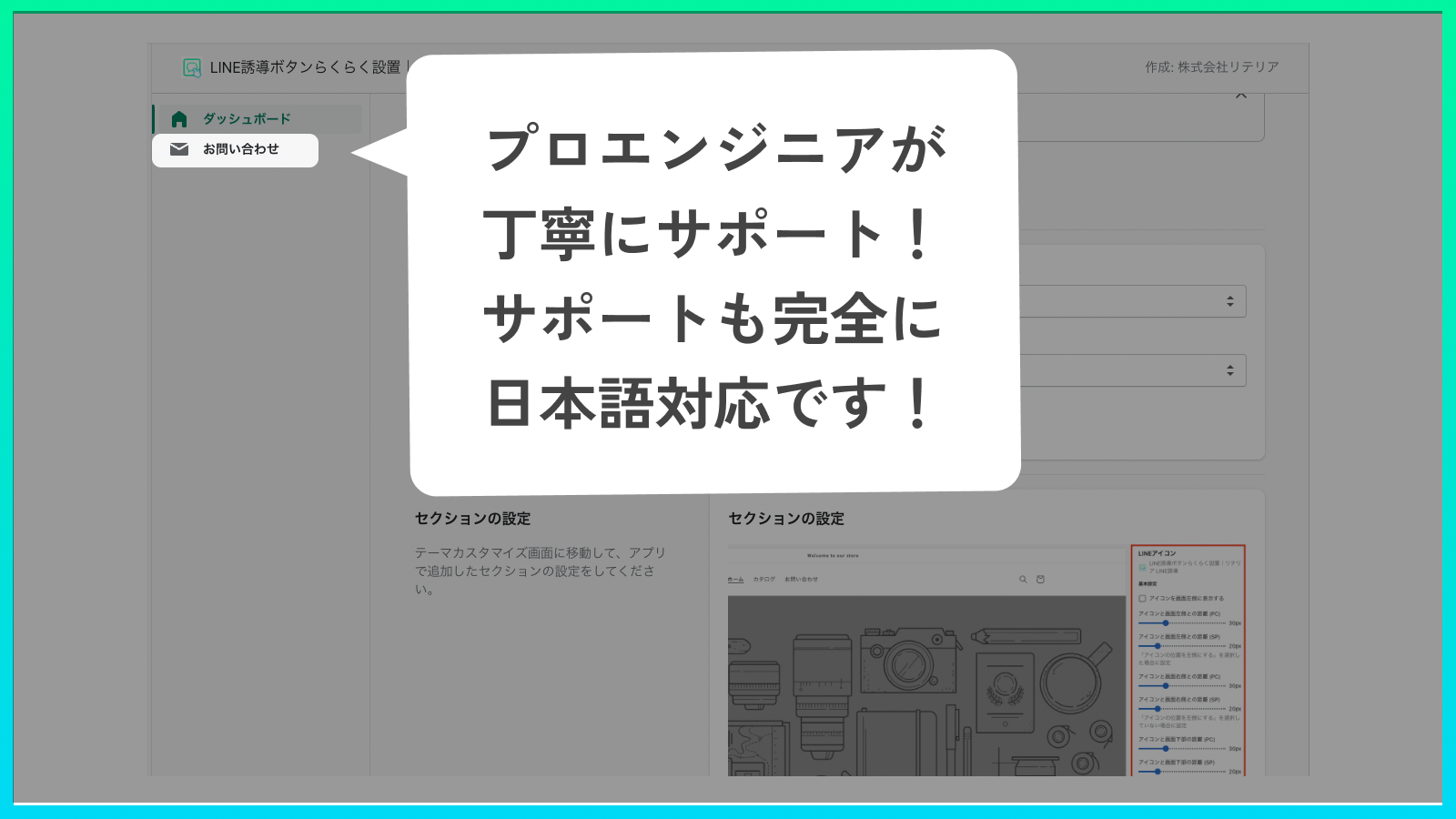
- Japanese engineers provide attentive support. The advantage of this app is that you can use an app comparable to overseas-made ones with full Japanese language support!
- This app is compatible only with Online Store 2.0. It has minimal interference with theme code or other apps, allowing you to use the app safely.
Merchant-Friendly
- Japanese Independent Station Merchants
- Japanese E-commerce Sellers
- Online Retail Merchants
Basic Information
- Developer:株式会社リテリア
- Address:三軒茶屋二丁目2番13-11-02号, 世田谷区, JP-13, 154-0024, JP
- Price: Free / Free plan
- Rating:4 / 5
- Comment Count:1 comment
- Release Date:2022-5-11
- Supported languages:Japanese
- Compatible products:Shopify
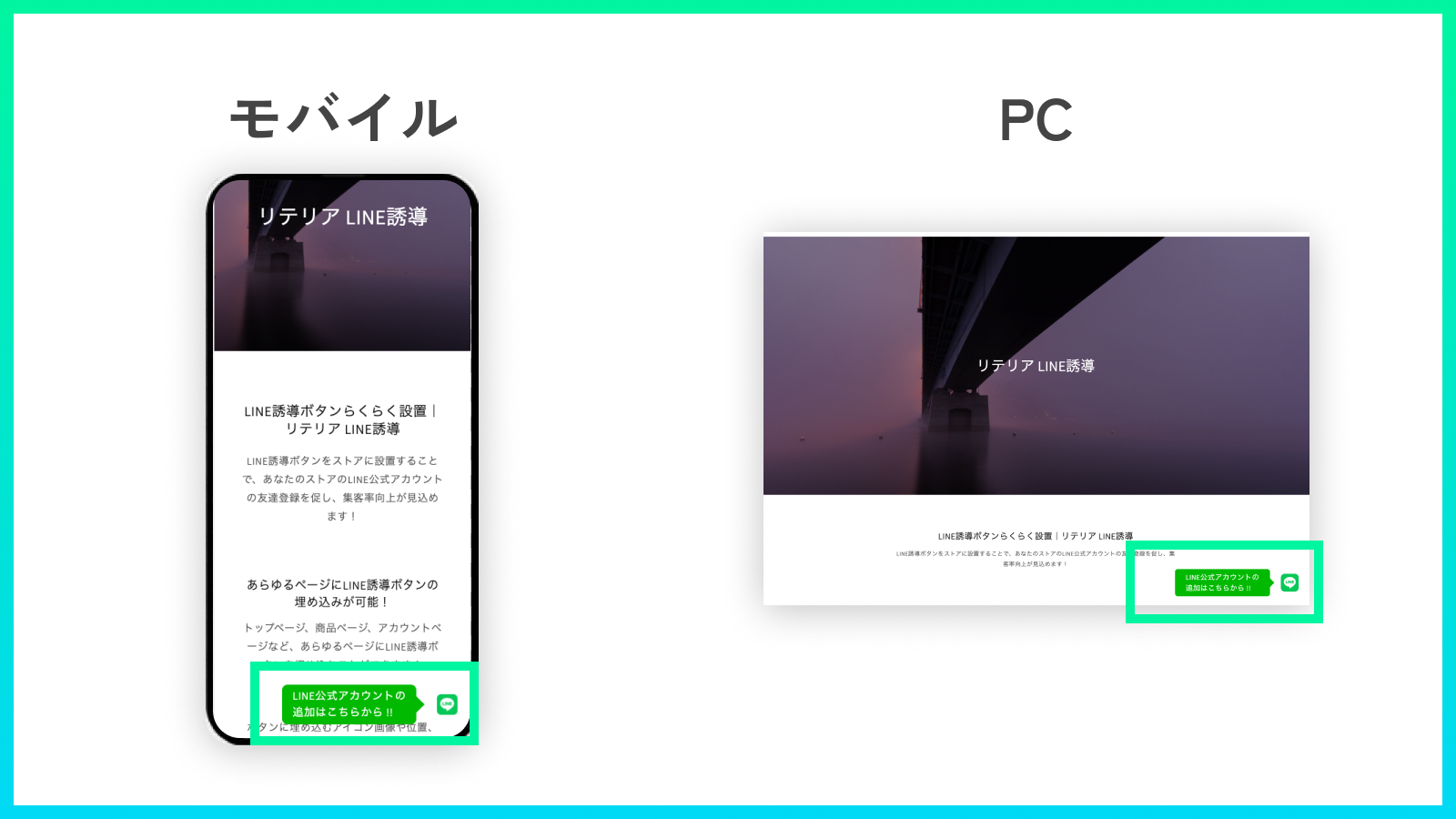
Application Screenshot
Price Plan
Basic Plan
- You can try the app for free for 7 days from the installation date.
- For development stores, you can try all features indefinitely and completely free of charge.
User Location & Comments
User Location
Comments
Shopify API Used
- POST /admin/api/themes/{theme_id}/assets.json
- PUT /admin/api/themes/{theme_id}/assets.json
- GET /admin/api/themes/{theme_id}/assets.json
Permission:write_themes,read_themes,manage_online_store
- POST /admin/api/app_blocks/{block_id}/settings.json
- PUT /admin/api/app_blocks/{block_id}/settings.json
- GET /admin/api/app_blocks/{block_id}/settings.json
Permission:write_app_blocks,read_app_blocks,manage_themes
- POST /admin/api/app_blocks/{block_id}/translations.json
- PUT /admin/api/app_blocks/{block_id}/translations.json
- GET /admin/api/app_blocks/{block_id}/translations.json
Permission:write_translations,read_translations,manage_app_blocks