
App Introduction
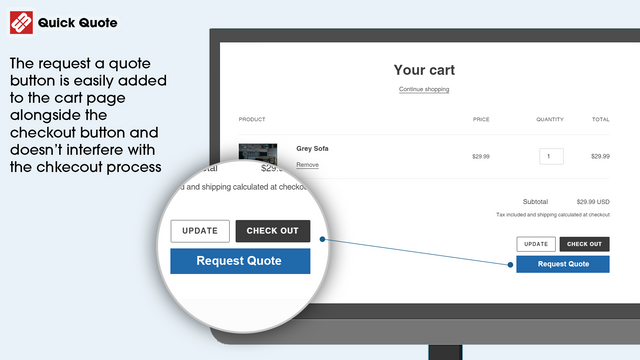
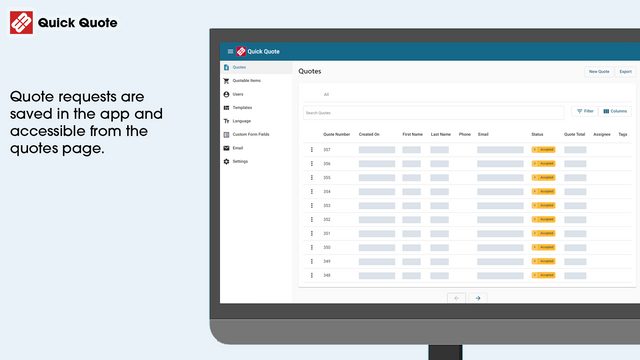
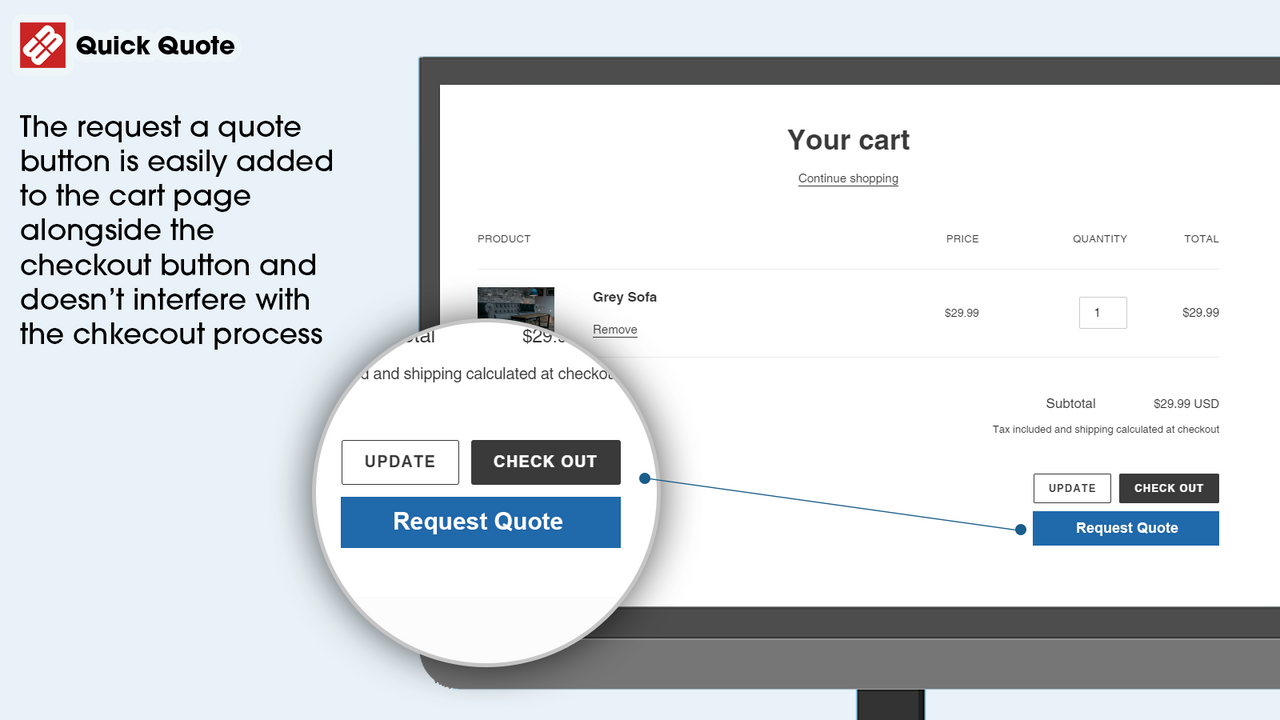
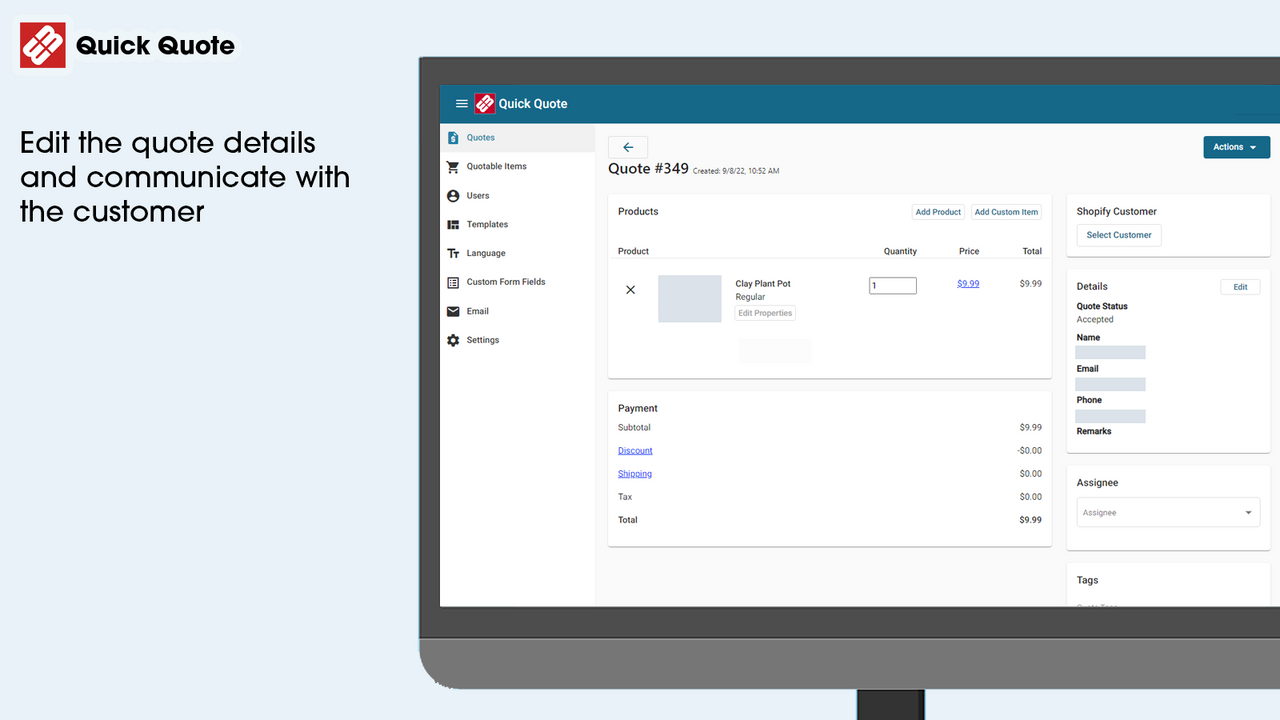
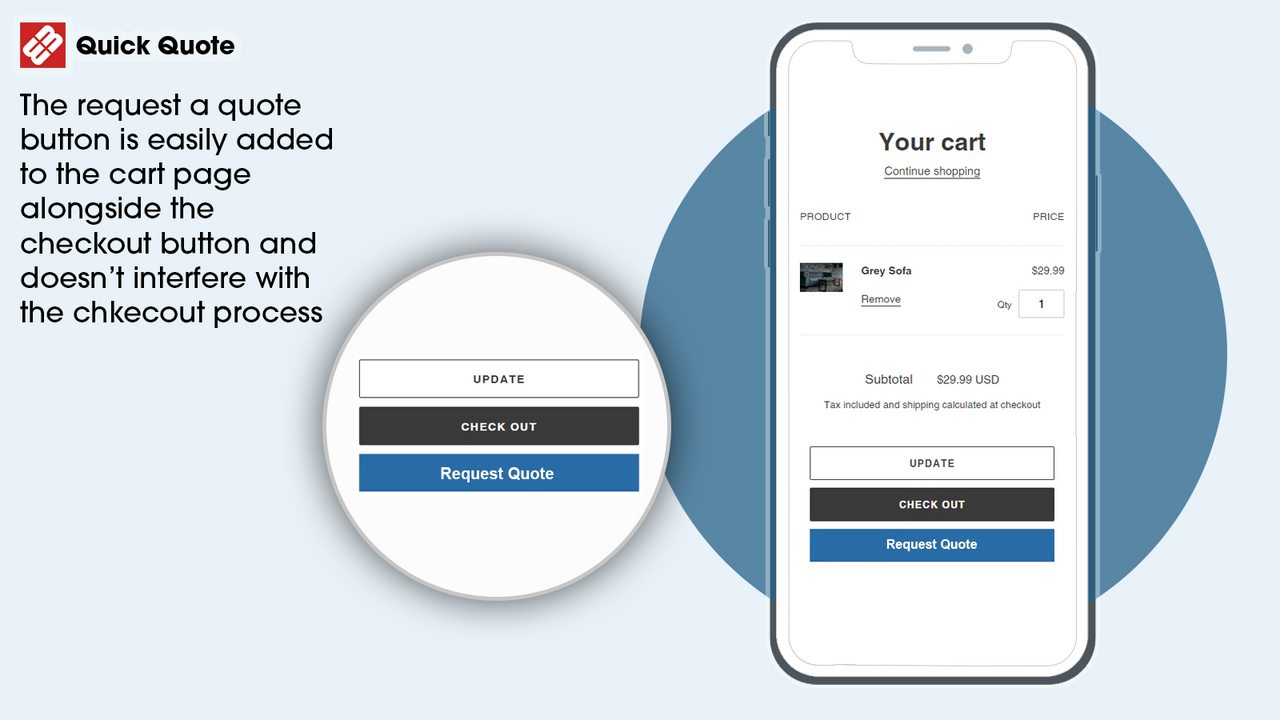
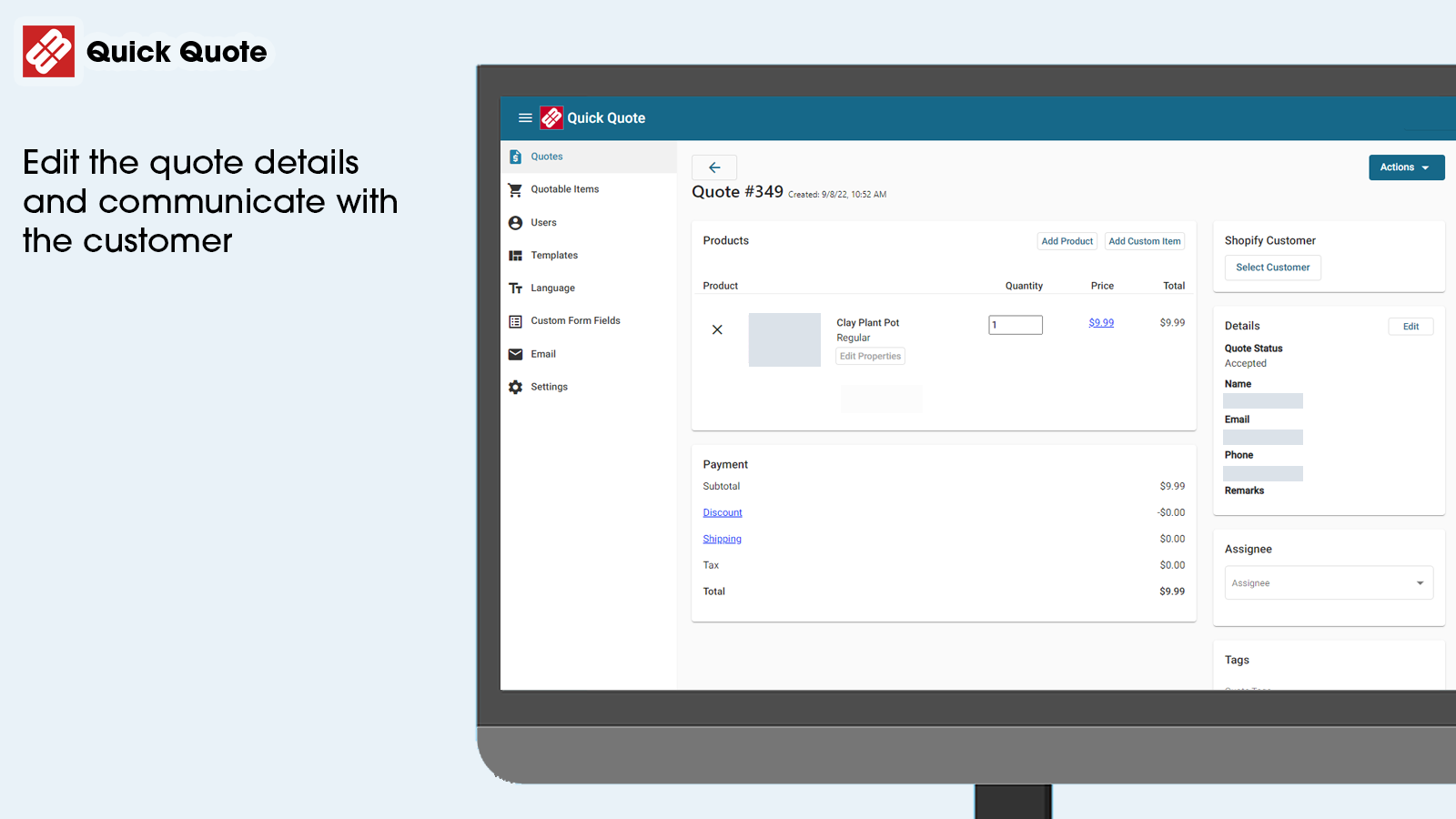
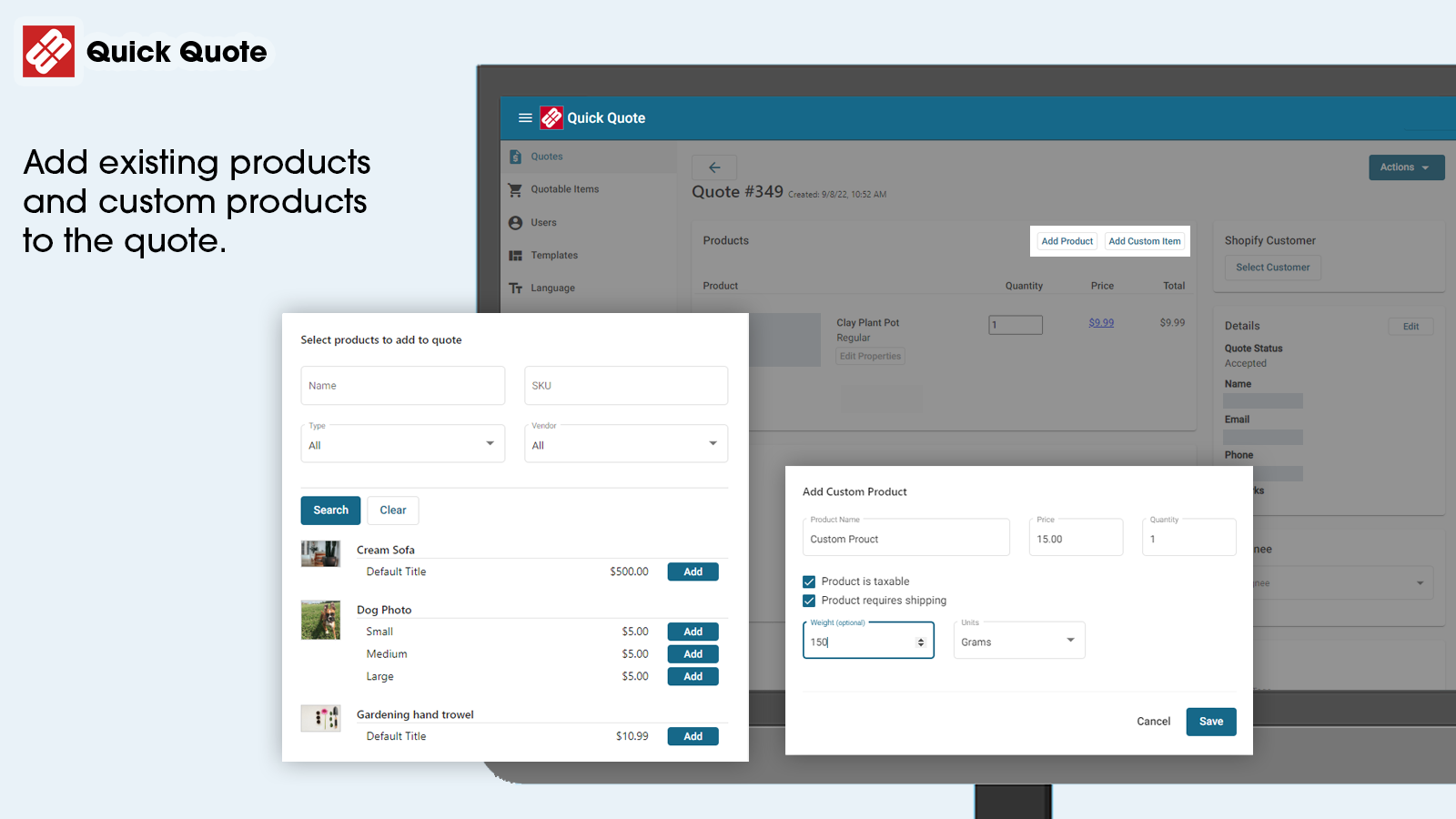
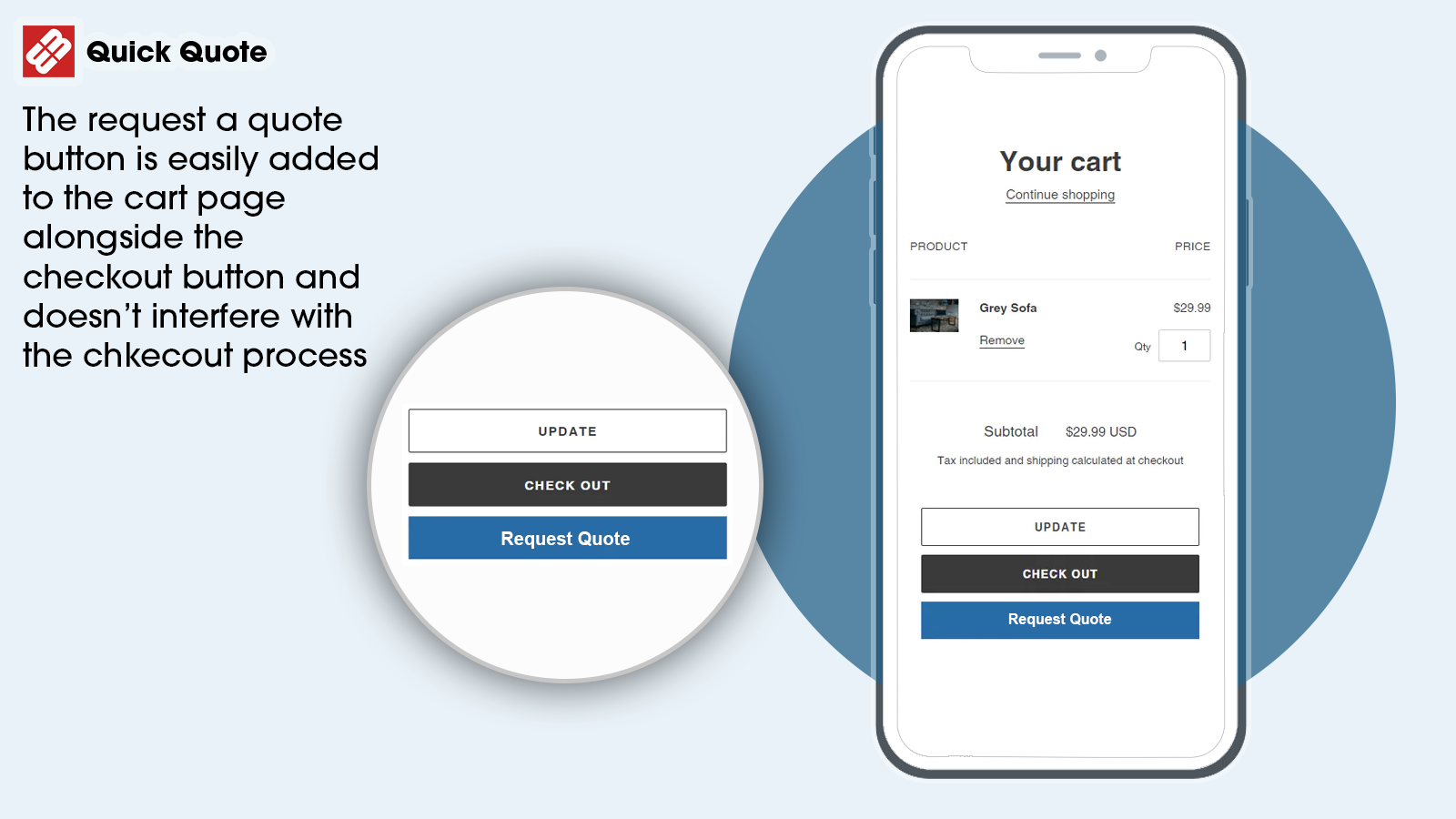
Let your customers request quotes directly from the cart. From the standard Shopify cart, customers can submit a quote request. This sends an email to you with all the requested items, and also creates an editable quote in the app admin. From there, you can reply with a quote that includes price discounts—customers can then accept the quote and proceed to checkout. If they’re not ready to checkout yet, they can also leave comments on the quote, which will trigger an email notification to you.
Core Functionality
- Custom Quote Submission
- Email Notifications
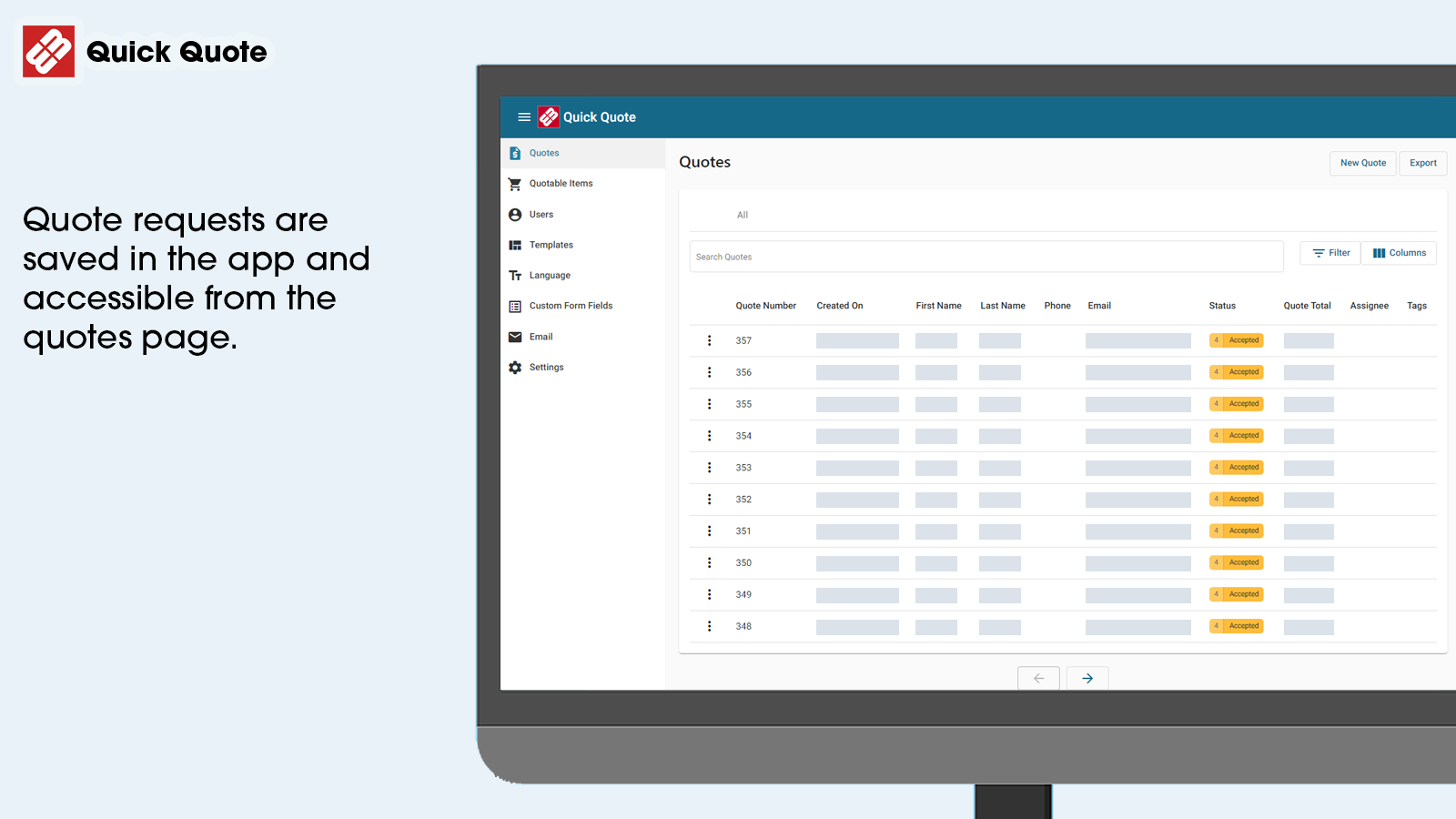
- Track Quote Status
Merchant-Friendly
- B2B Independent Station Merchants
- Custom Product E-commerce
- Wholesale E-commerce Merchants
Basic Information
- Developer:W3trends
- Address:8904 Fairbanks N. houston Rd. Suite 220, Houston, TX, 77064, US
- Price: Free / Free plan
- Rating:5 / 5
- Comment Count:56 comment
- Release Date:2015-12-15
- Supported languages:English
- Compatible products:Shopify
Application Screenshot



Price Plan
基础
$8.99
- Generate Quote Requests from Cart
- Send Custom Price Proposals
- Customers Can Checkout in Shopify
- Comment on Quotes
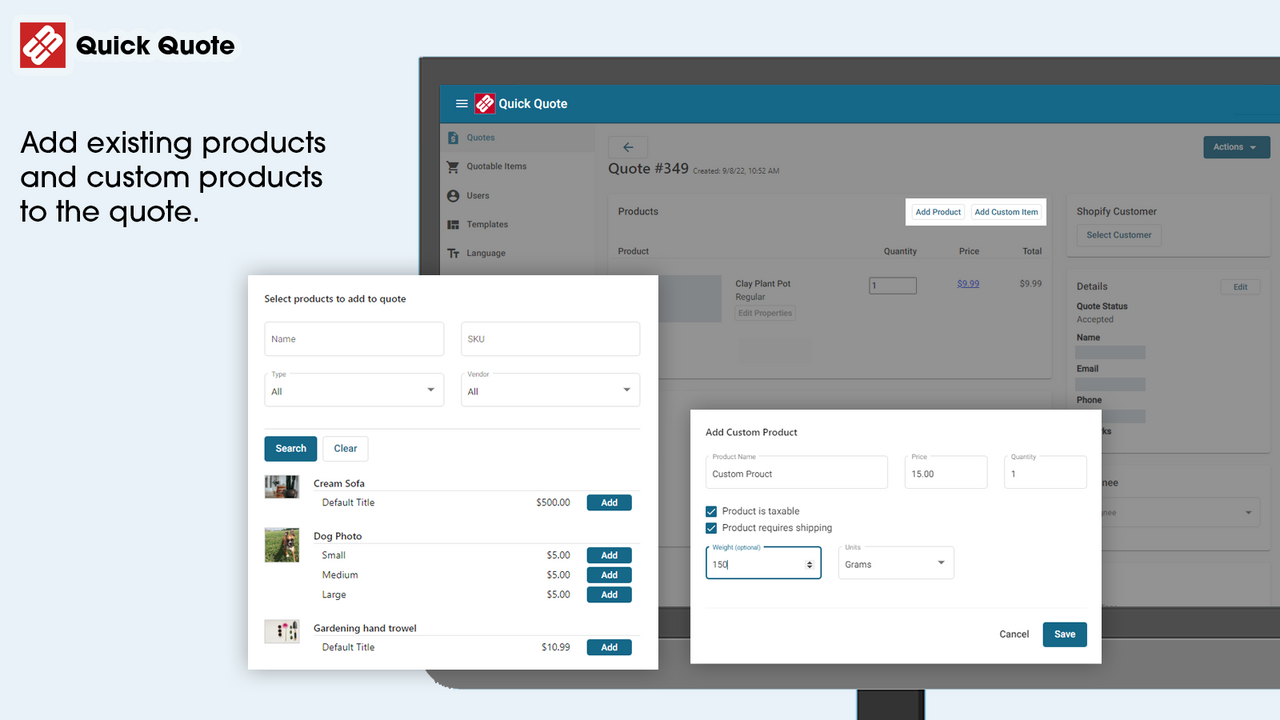
- Manage Quotable Products
专业
$16.99
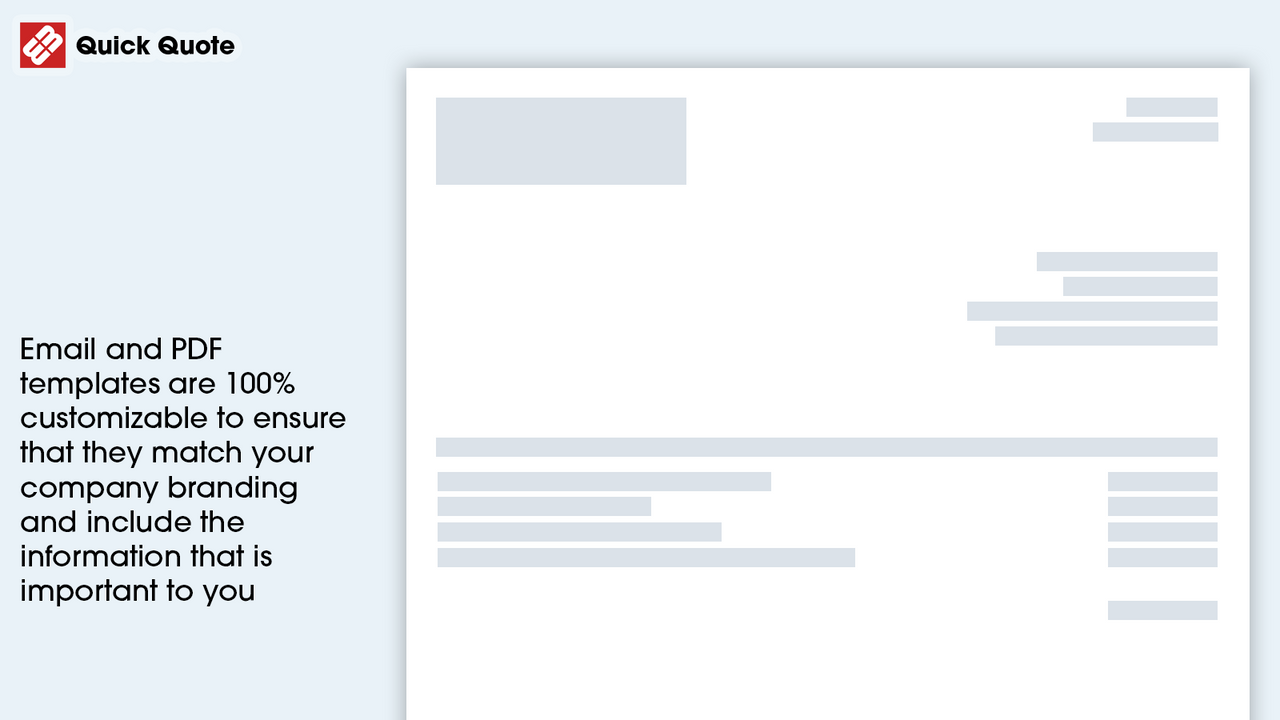
- Custom Email Templates
- Remove Powered By Text
- Generate Quotes in Admin
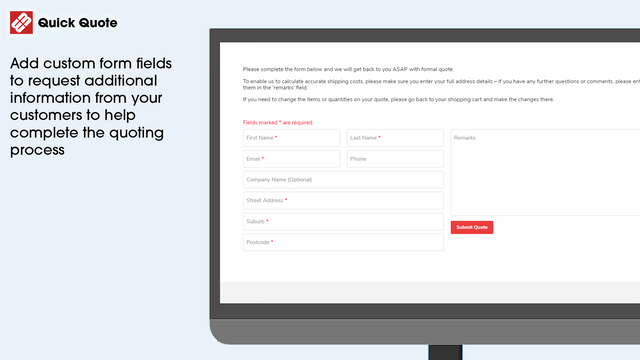
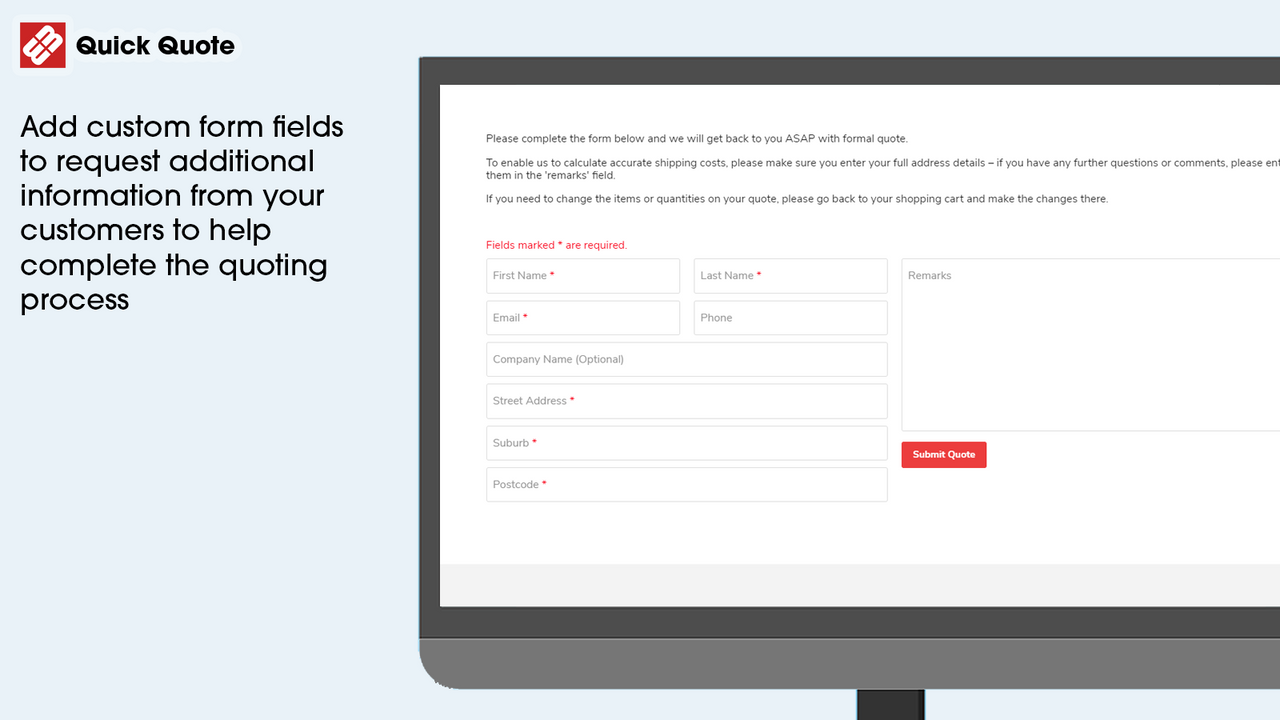
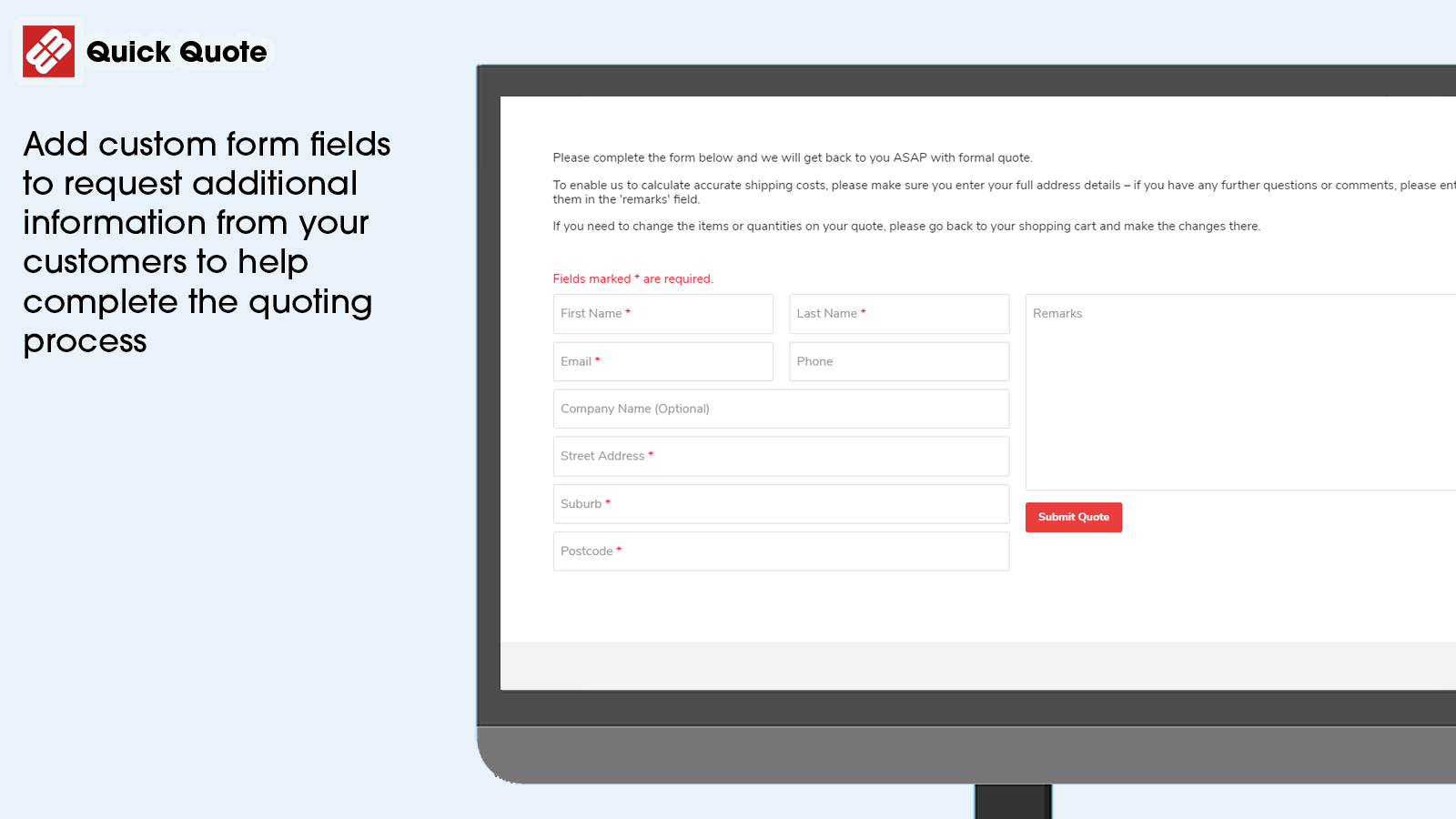
- Custom Fields on Quote Form
- Edit Quote PDF with Liquid Templates
User Location & Comments
User Location
Comments
Shopify API Used
- POST /admin/api/quotes.json
- PUT /admin/api/quotes/{quote_id}.json
- GET /admin/api/quotes/{quote_id}.json
Permission:write_quotes,read_quotes,manage_orders
- POST /admin/api/email_templates.json
- PUT /admin/api/email_templates/{template_id}.json
- GET /admin/api/email_templates.json
Permission:write_email_templates,read_email_templates,manage_notifications
- GET /admin/api/quotes.json?status=active
- PUT /admin/api/quotes/{quote_id}/status.json
- GET /admin/api/quotes/{quote_id}/timeline.json
Permission:read_quotes,manage_orders,read_timeline