YouQuote: Request a Quote Form
App Introduction
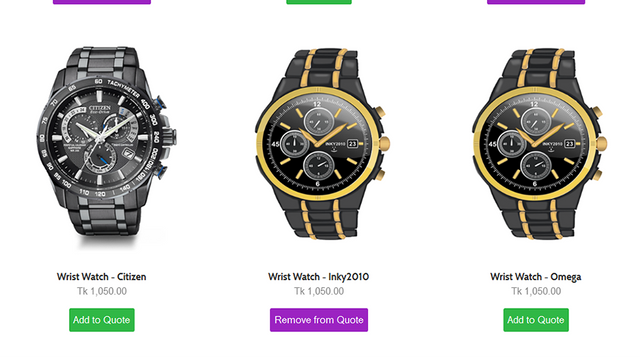
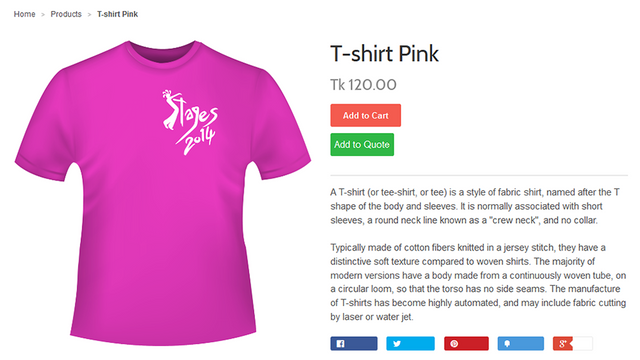
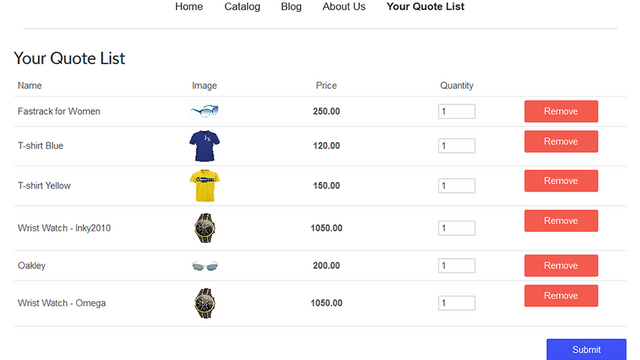
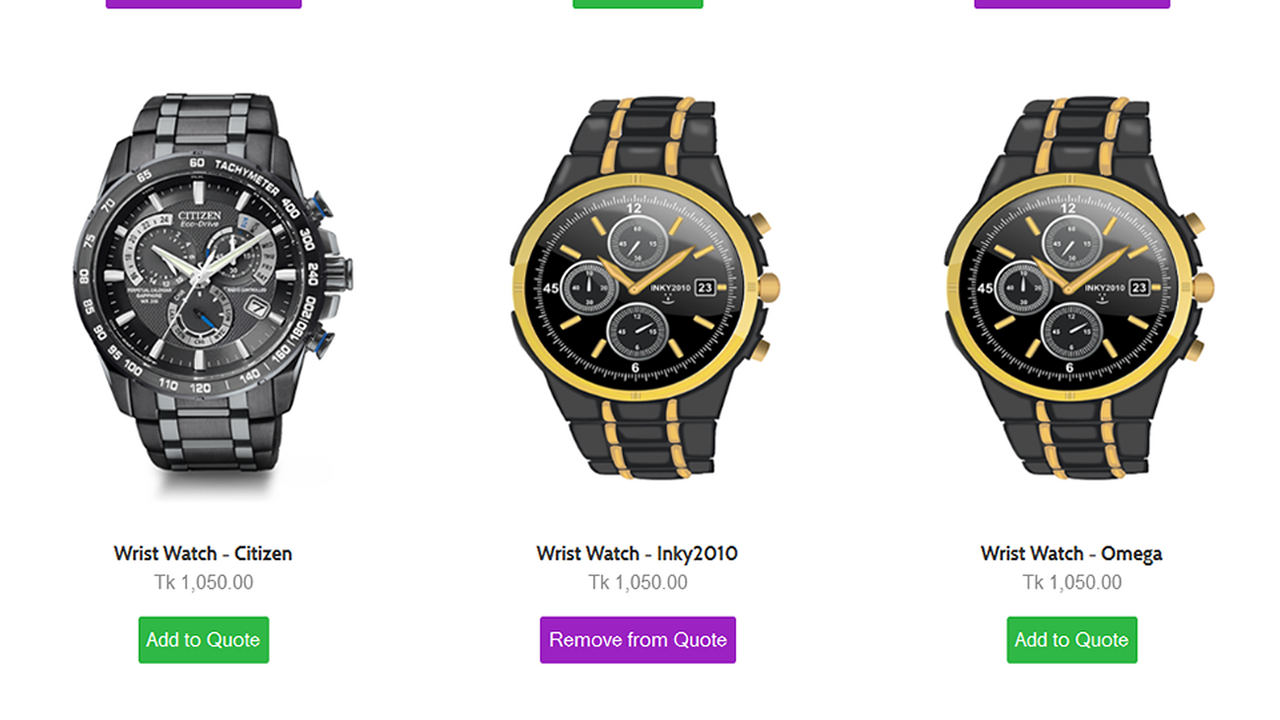
"Request a Quote" features a personalized quote form that hides prices, free shipping, discounts, and draft orders Empower customers to request quotes from product, collection, homepage, or cart pages. Create multiple customizable forms to display on specific, distinct products. Show quote buttons on any page of your store. Convert cart items into quotes and send them directly to the store owner. Merchants can edit quotes into draft orders, apply discounts, free shipping, or shipping fees, and send PDF invoices with checkout links via email—making it easy for customers to engage and negotiate for optimal win-win deals.
Core Functionality
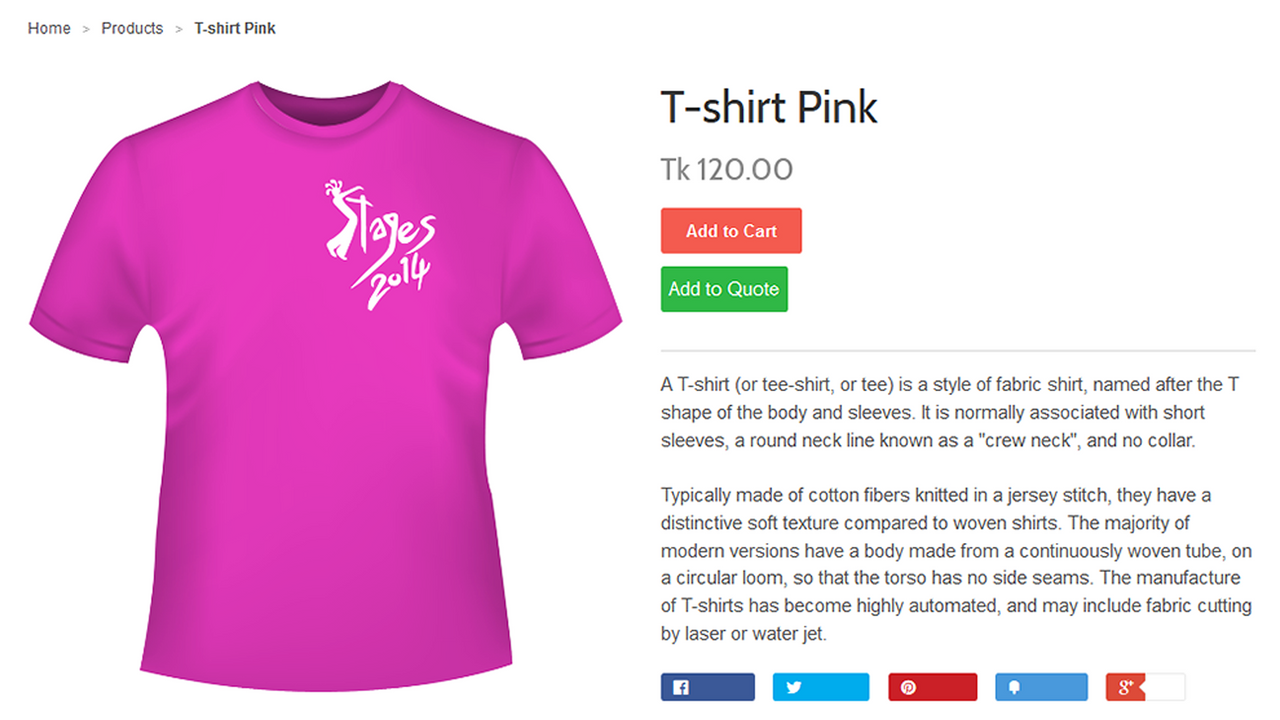
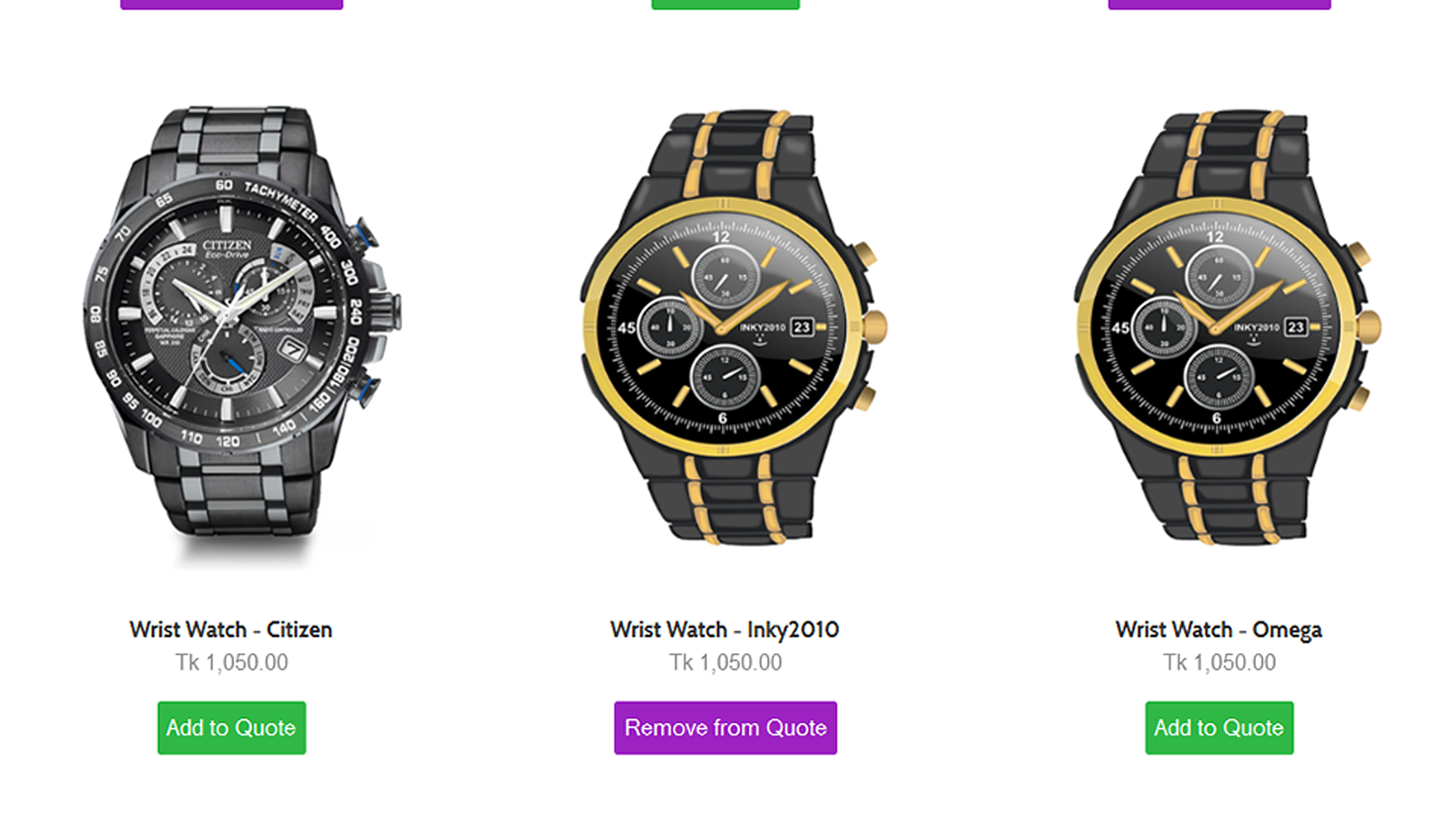
- Hide prices and display 'Request Quote' buttons on products, collections, homepage, cart, and any page
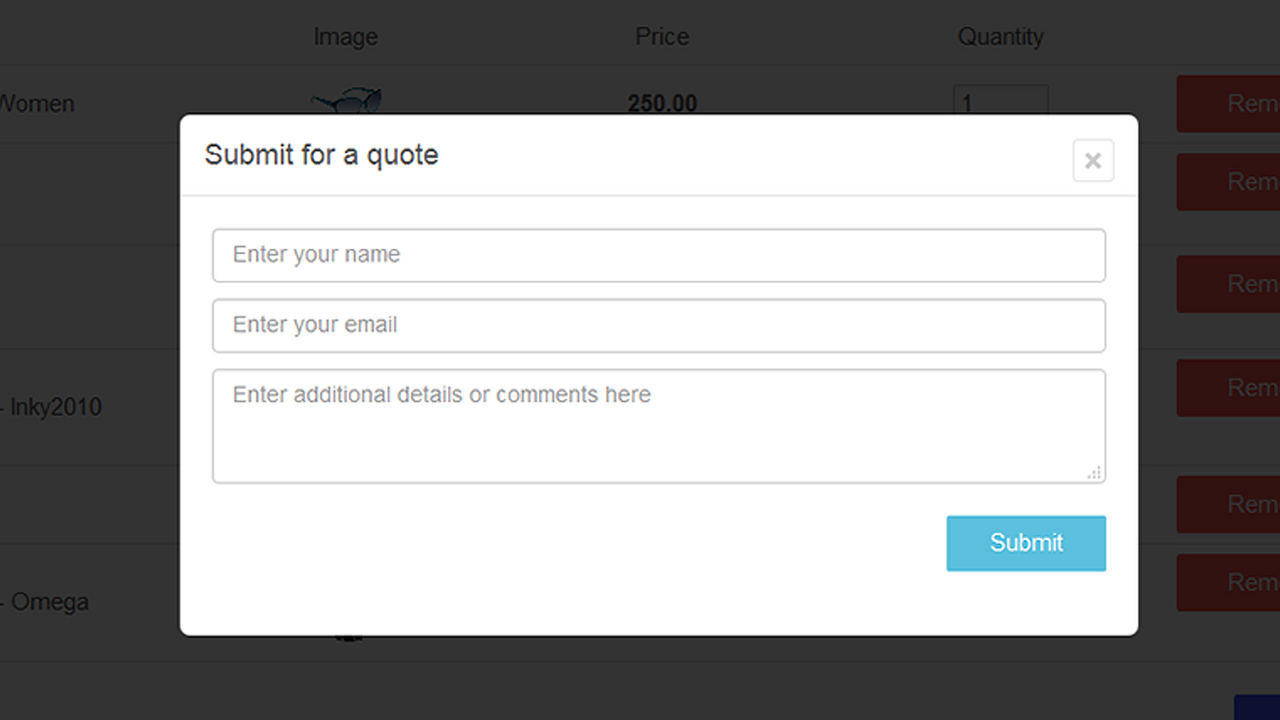
- Customizable multi-quote forms with product-specific options
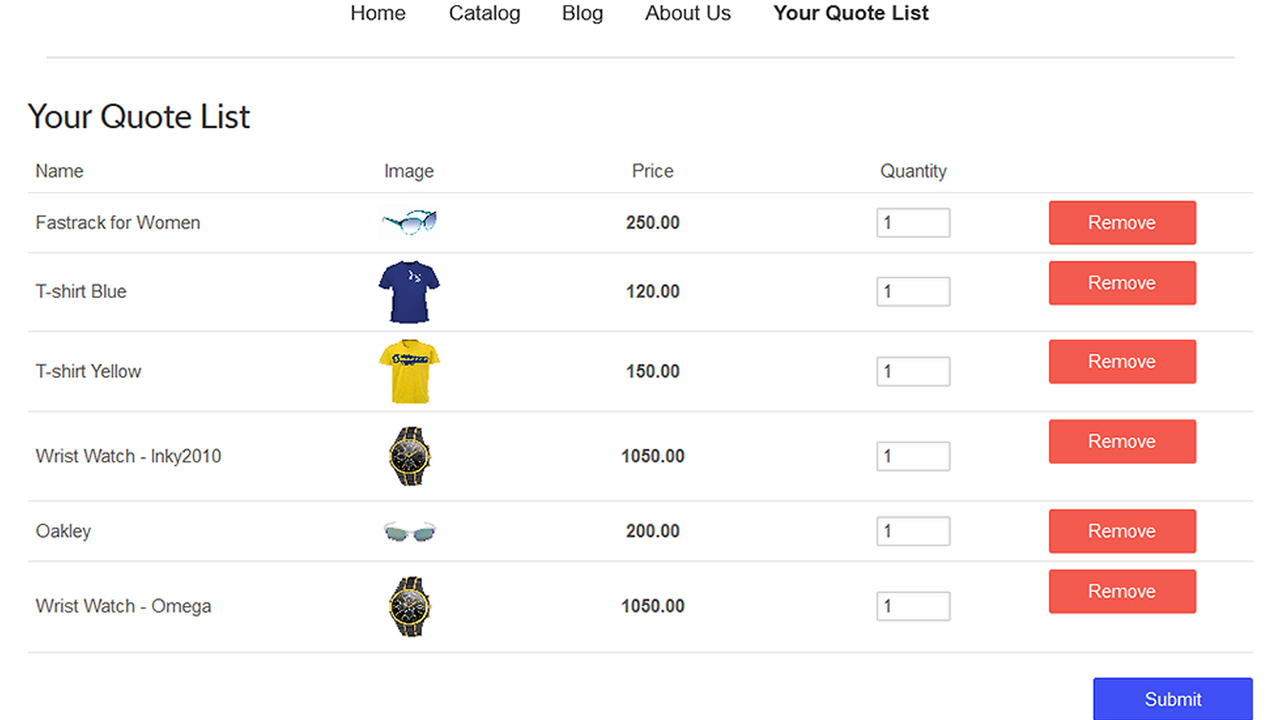
- Cart-to-quote functionality: Submit quote requests instantly for cart items
- Convert quotes to draft orders, add discounts or free shipping, and send checkout links via email
- Email PDF quotes with checkout links for easy purchasing
Merchant-Friendly
- B2B Wholesale Merchants
- Custom Product Merchants
- High-value Goods Merchants
- Enterprise E-commerce Merchants
Basic Information
- Developer:SolverCircle
- Address:271/A, Outer Circular Road, Bara Moghbazar, Dhaka, 1217, BD
- Price: Free / Free plan
- Rating:5 / 5
- Comment Count:27 comment
- Release Date:2015-8-12
- Supported languages:English
- Compatible products:Shopify
Application Screenshot
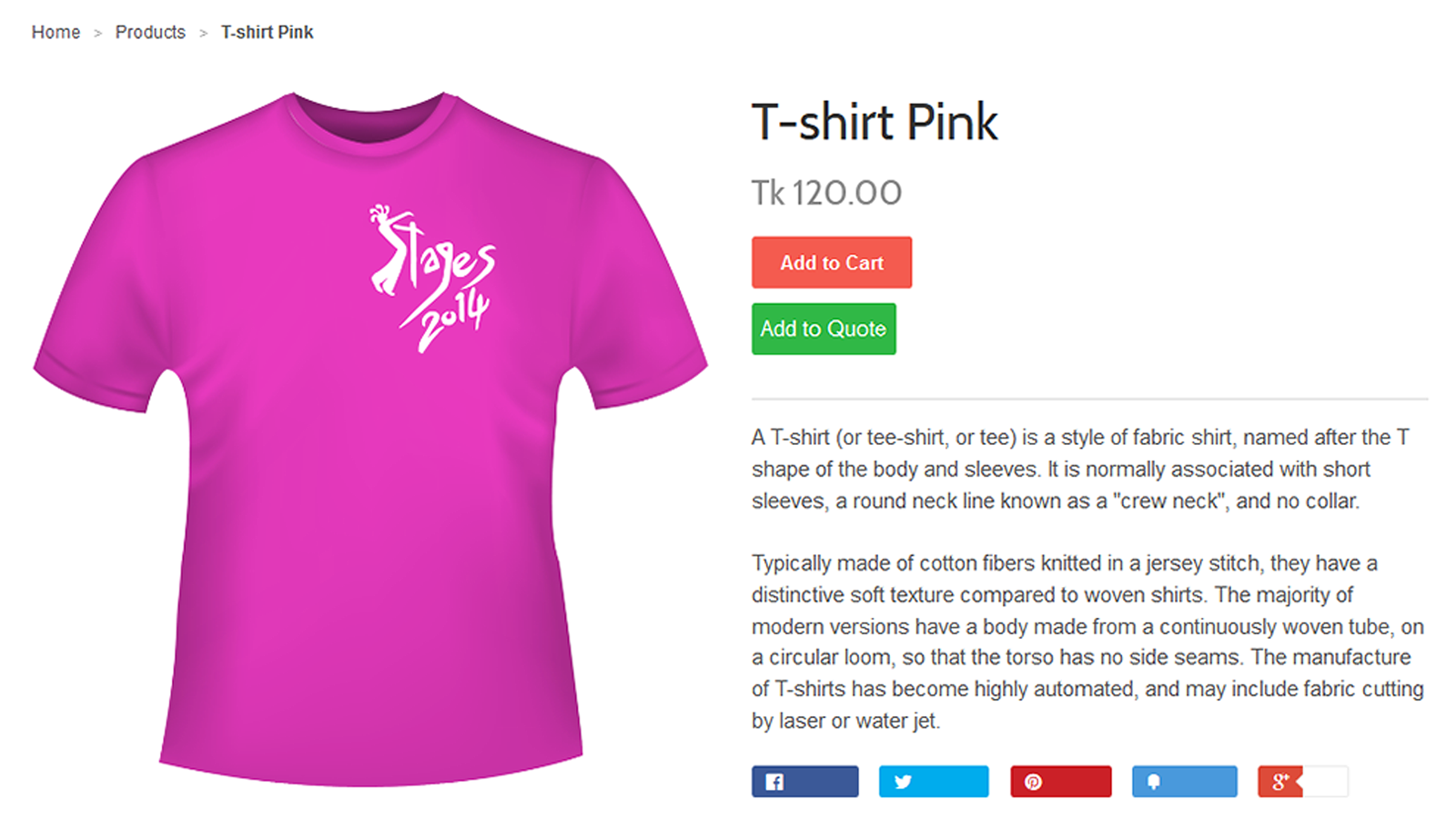
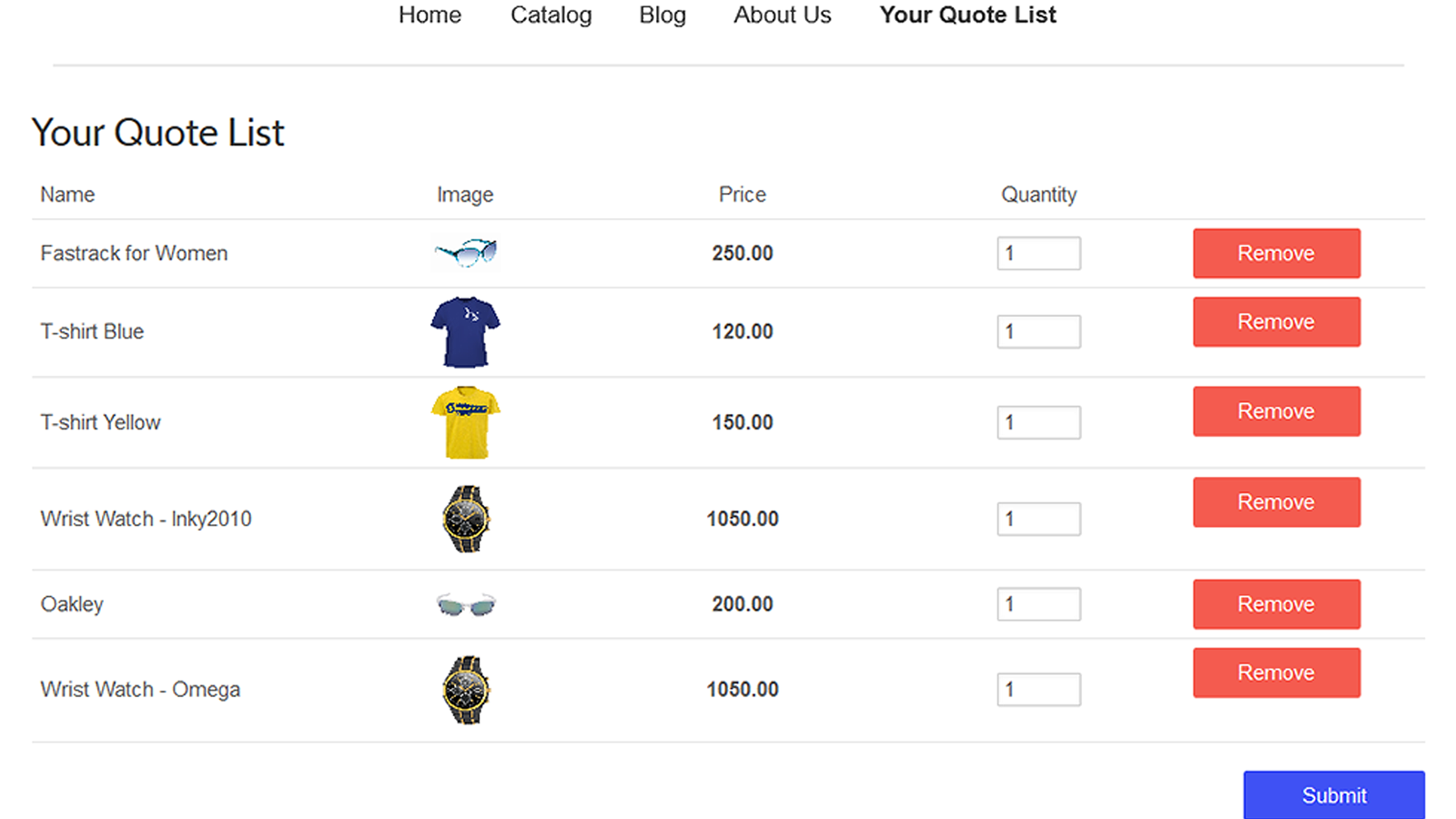
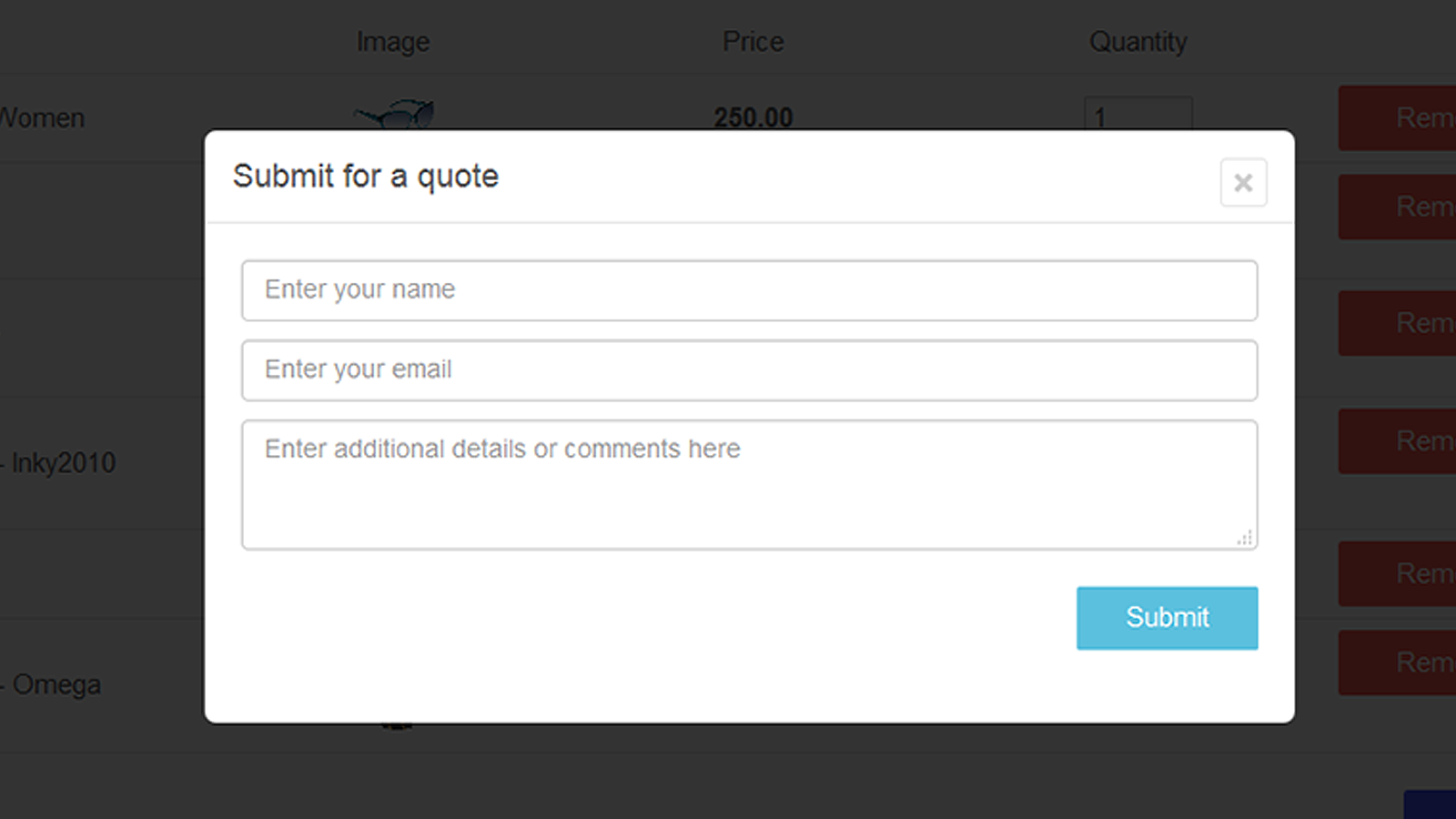
Price Plan
FREE
- Develop a Forever-Free Store
- Hide Prices and Add-to-Cart Button
- Send Quotes as PDF via Email
- Quote Button on Collection Pages
- File Upload in Quote Forms
- Convert Cart Items to Quote Requests
- Customizable Quote Button
- Editable Email Templates
Premium
- Unlimited Quote Requests
- Personalized Multiple Quote Forms
- Specific Product Quote Forms with Options
- Email PDF Quotes with Checkout Links
- Convert Quotes to Draft Orders
- Free Shipping and Discounts
- All Free Plan Features
- Free App Setup Support - Live Chat
User Location & Comments
User Location
Comments
Shopify API Used
- POST /admin/api/metafields.json
- PUT /admin/api/products/{product_id}.json
- PUT /admin/api/collections/{collection_id}.json
Permission:write_products,write_collections,manage_metafields
- POST /admin/api/metafields.json
- PUT /admin/api/metafields/{metafield_id}.json
- GET /admin/api/metafields.json
Permission:manage_metafields,write_products,read_products
- POST /admin/api/carts/{cart_id}/metafields.json
- GET /admin/api/carts/{cart_id}.json
- POST /admin/api/quotes.json
Permission:read_carts,write_quotes,manage_metafields
- POST /admin/api/draft_orders.json
- PUT /admin/api/draft_orders/{draft_order_id}.json
- GET /admin/api/quotes/{quote_id}.json
Permission:write_draft_orders,read_quotes,manage_discounts
- POST /admin/api/quotes/{quote_id}/send.json
- PUT /admin/api/quotes/{quote_id}.json
- GET /admin/api/draft_orders/{draft_order_id}.json
Permission:write_quotes,read_draft_orders,send_email