
App Introduction
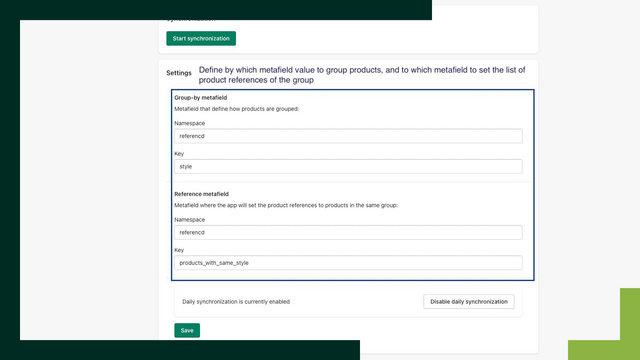
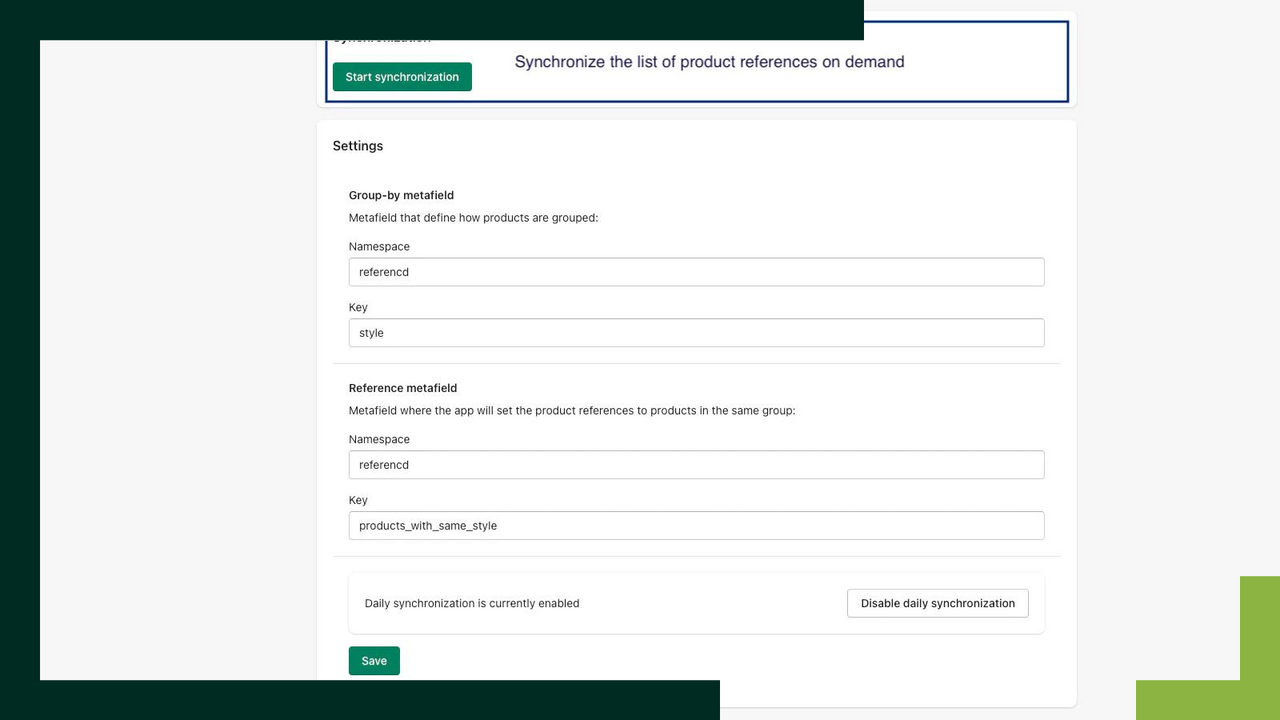
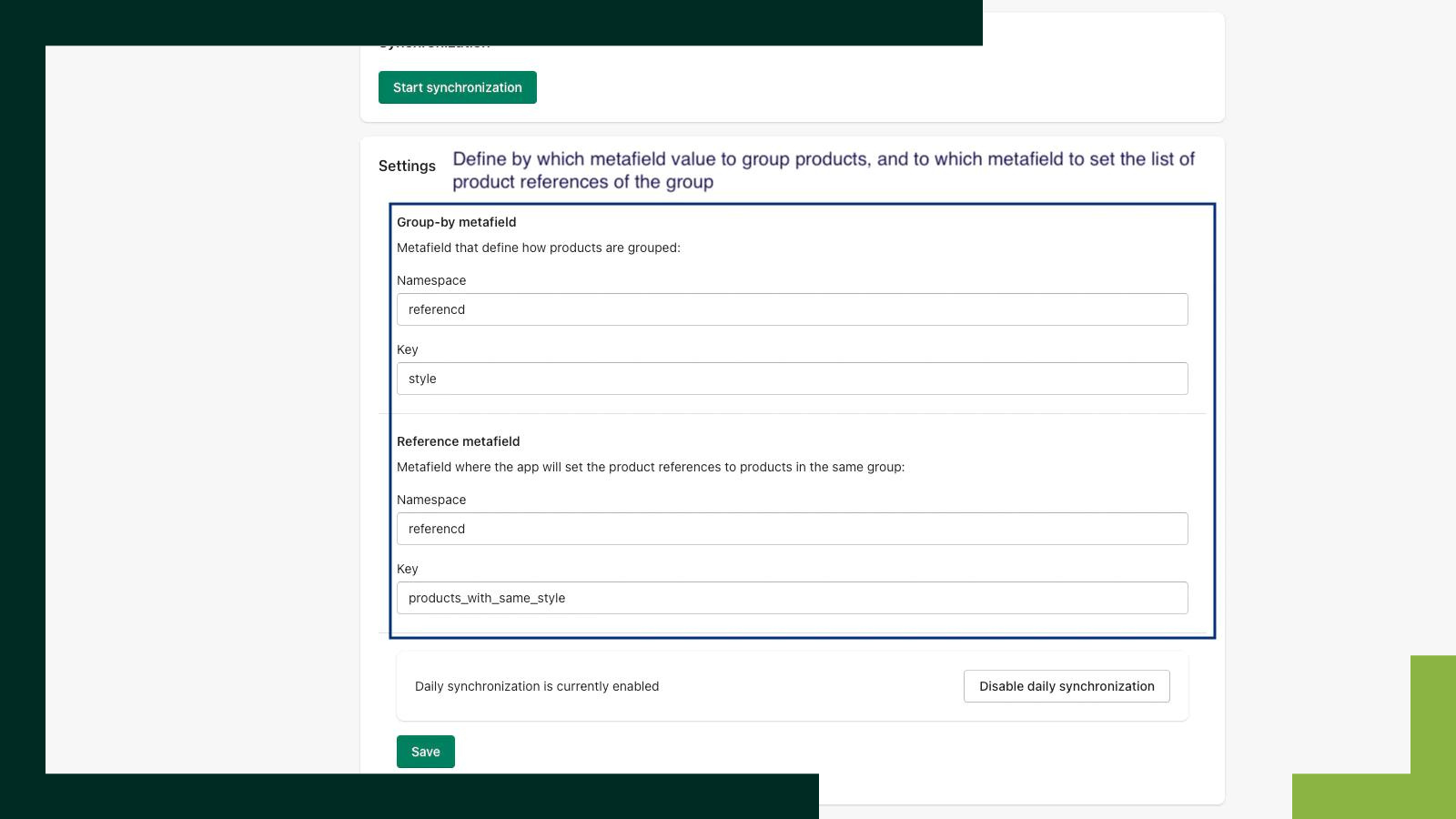
This app updates a metafield that contains a reference list of other products matching a given value. Do you want a given product to reference a list of other products matching a specific value, but don’t want to maintain that reference list yourself? In a fashion store, this could mean referencing products of the same style. Other use cases include grouping products by color or similar attributes. With #ProductReference, you can select which metafield value should group products together (e.g., style), and the app will update and maintain a reference list for each product in another defined metafield.
Core Functionality
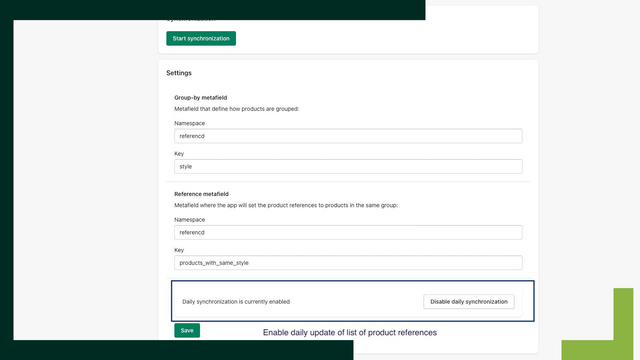
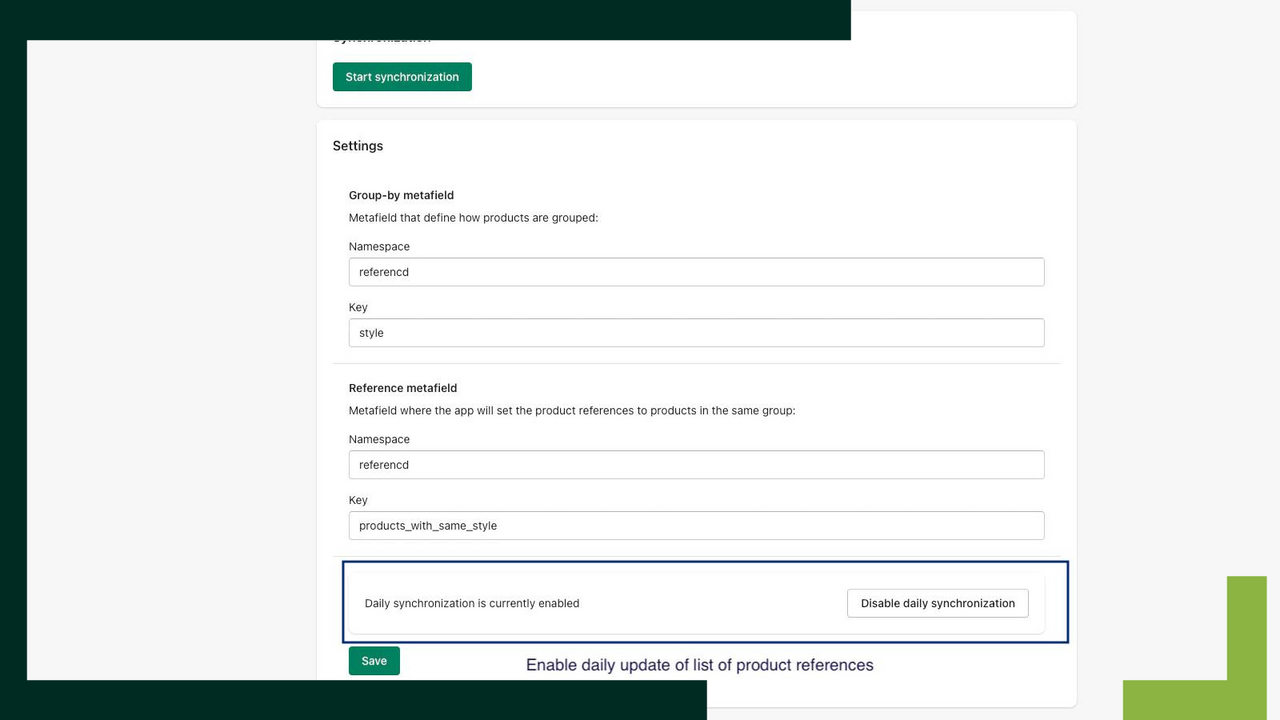
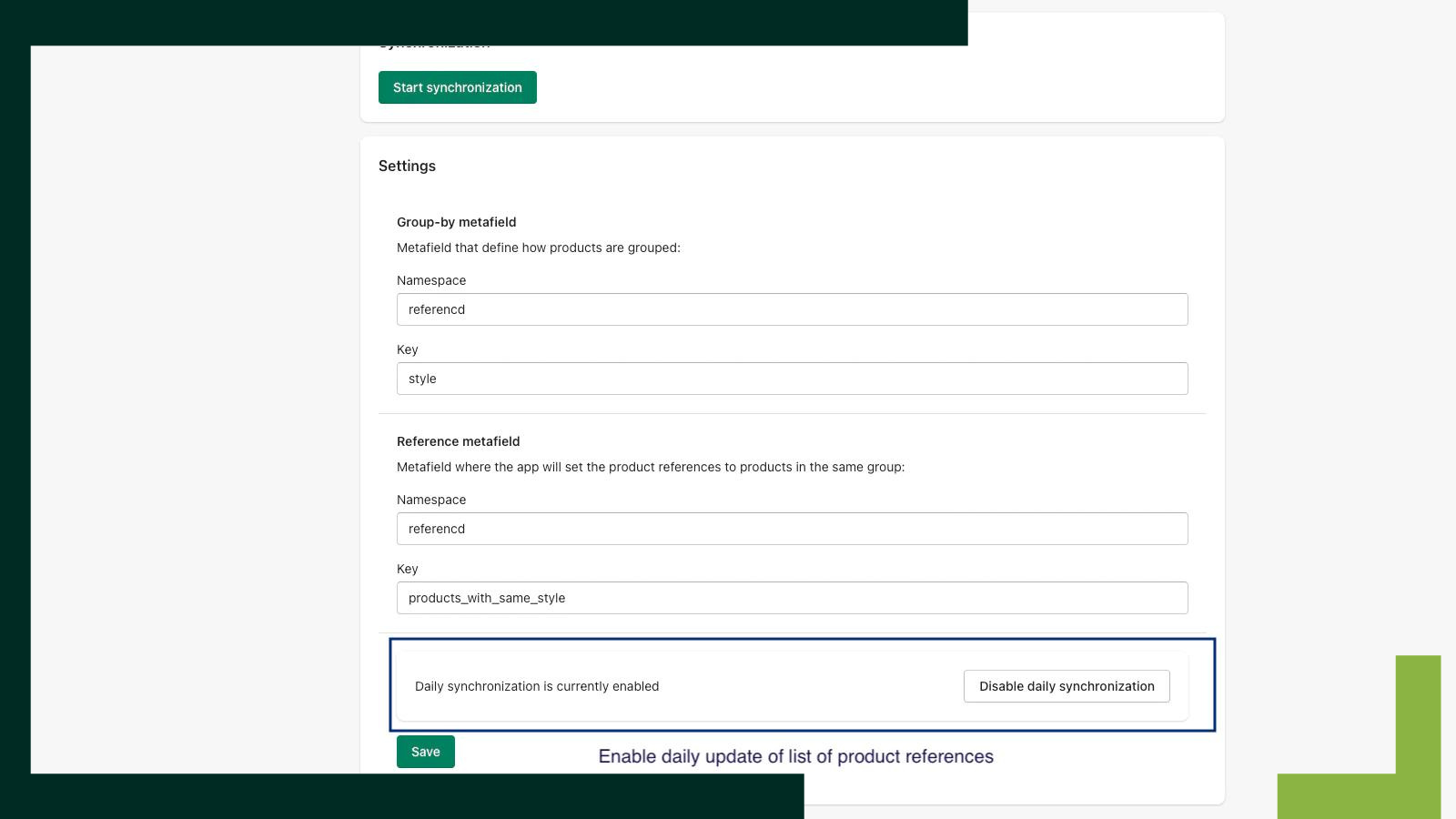
- Automatically maintain product reference data for new and updated products
- Display relevant product reference lists on pages like product pages
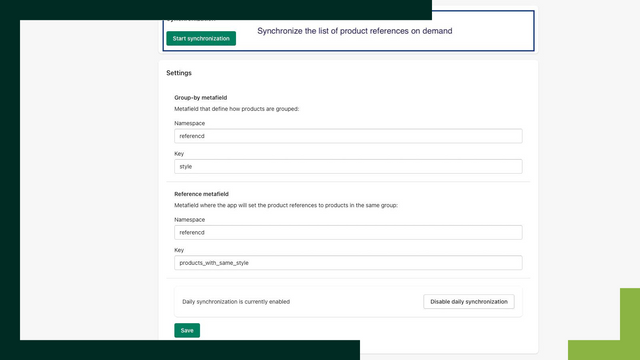
- Maintain product reference data on demand
Merchant-Friendly
- Independent Station Merchants
- Multi-category E-commerce
- Boutique Merchants
- Cross-border E-commerce
Basic Information
- Developer:D.TAILS
- Address:Rådmandsgade 45A, Copenhagen N, 2200, DK
- Price: Free / Free plan
- Rating:0 / 5
- Comment Count:0 comment
- Release Date:2023-3-9
- Supported languages:English
- Compatible products:Shopify
Application Screenshot




Price Plan
基础
- Daily Sync Product Reference List
- On-Demand Sync Product Reference List
User Location & Comments
User Location
Comments
Shopify API Used
- POST /admin/api/product_references.json
- PUT /admin/api/product_references/{id}.json
- GET /admin/api/product_references.json
Permission:write_product_references,read_product_references,manage_products
- GET /admin/api/products/{product_id}/references.json
- GET /admin/api/product_references.json?product_id={id}
- GET /admin/api/products.json?fields=id,title,reference_ids
Permission:read_product_references,read_products,view_online_store
- PUT /admin/api/product_references/{id}.json
- DELETE /admin/api/product_references/{id}.json
- POST /admin/api/product_references/batch.json
Permission:write_product_references,read_product_references,manage_products