
らくらくランキング表示アプリ|リテリア Ranking
App Introduction
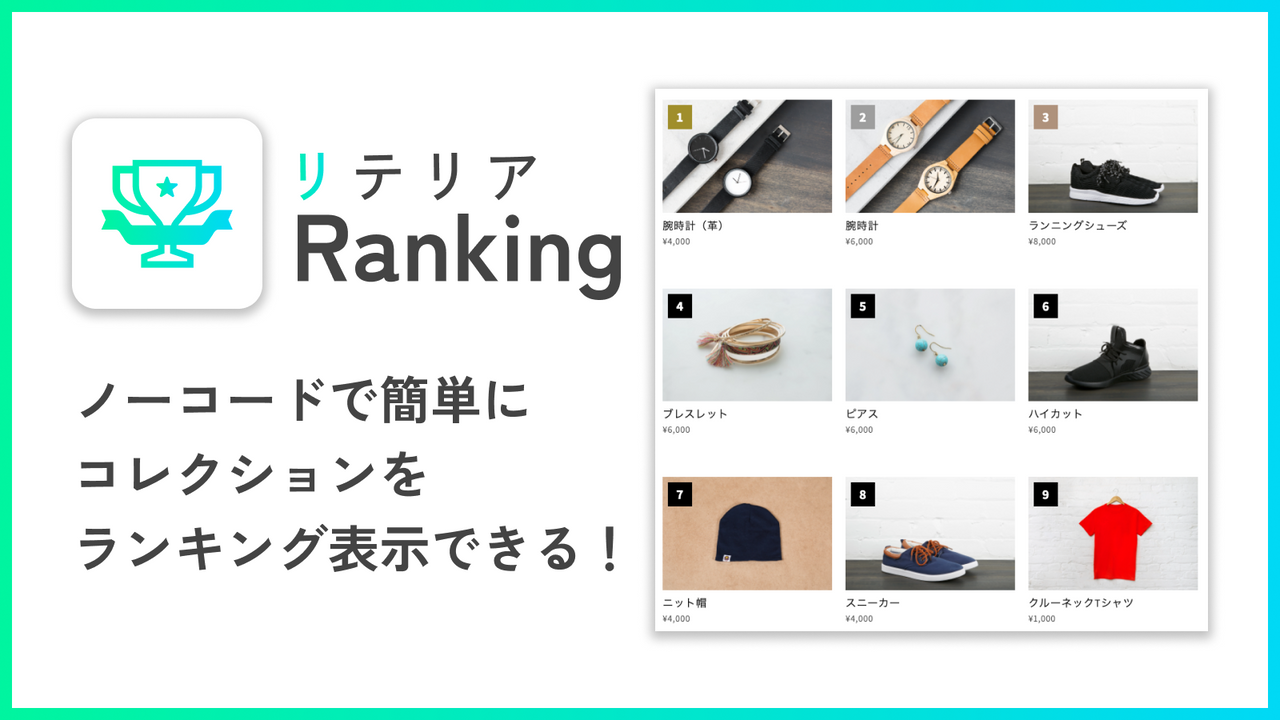
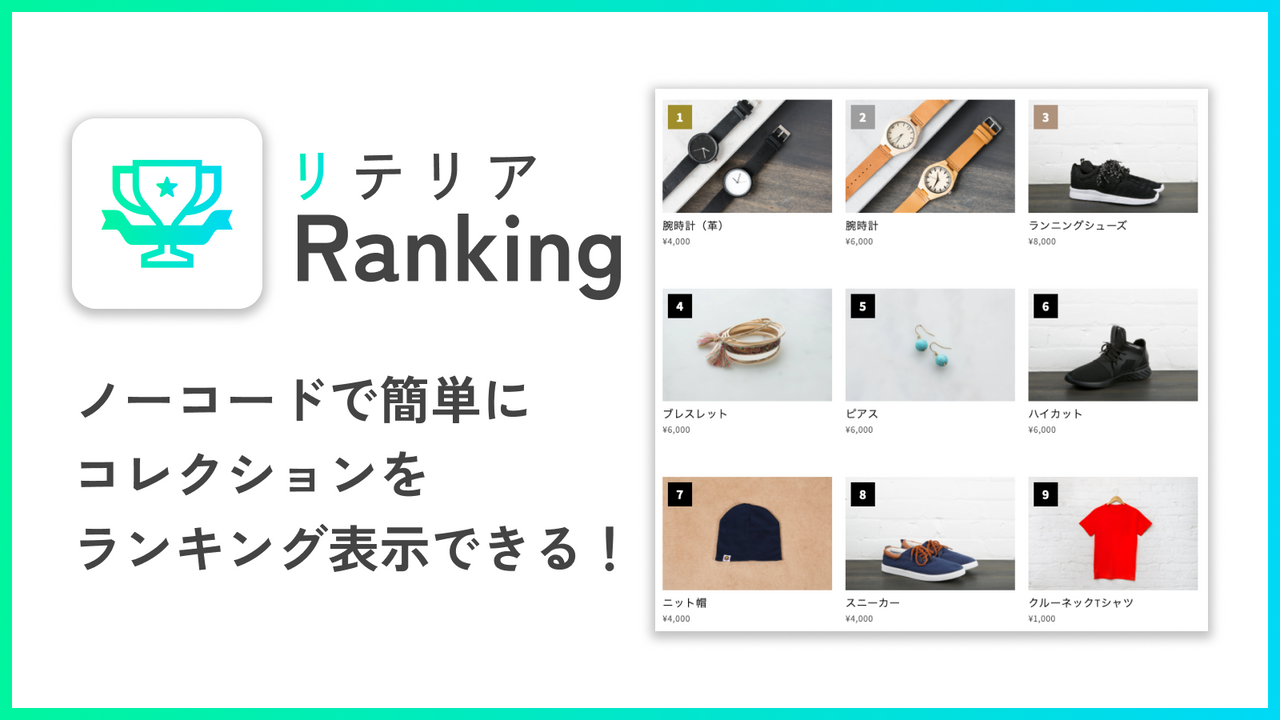
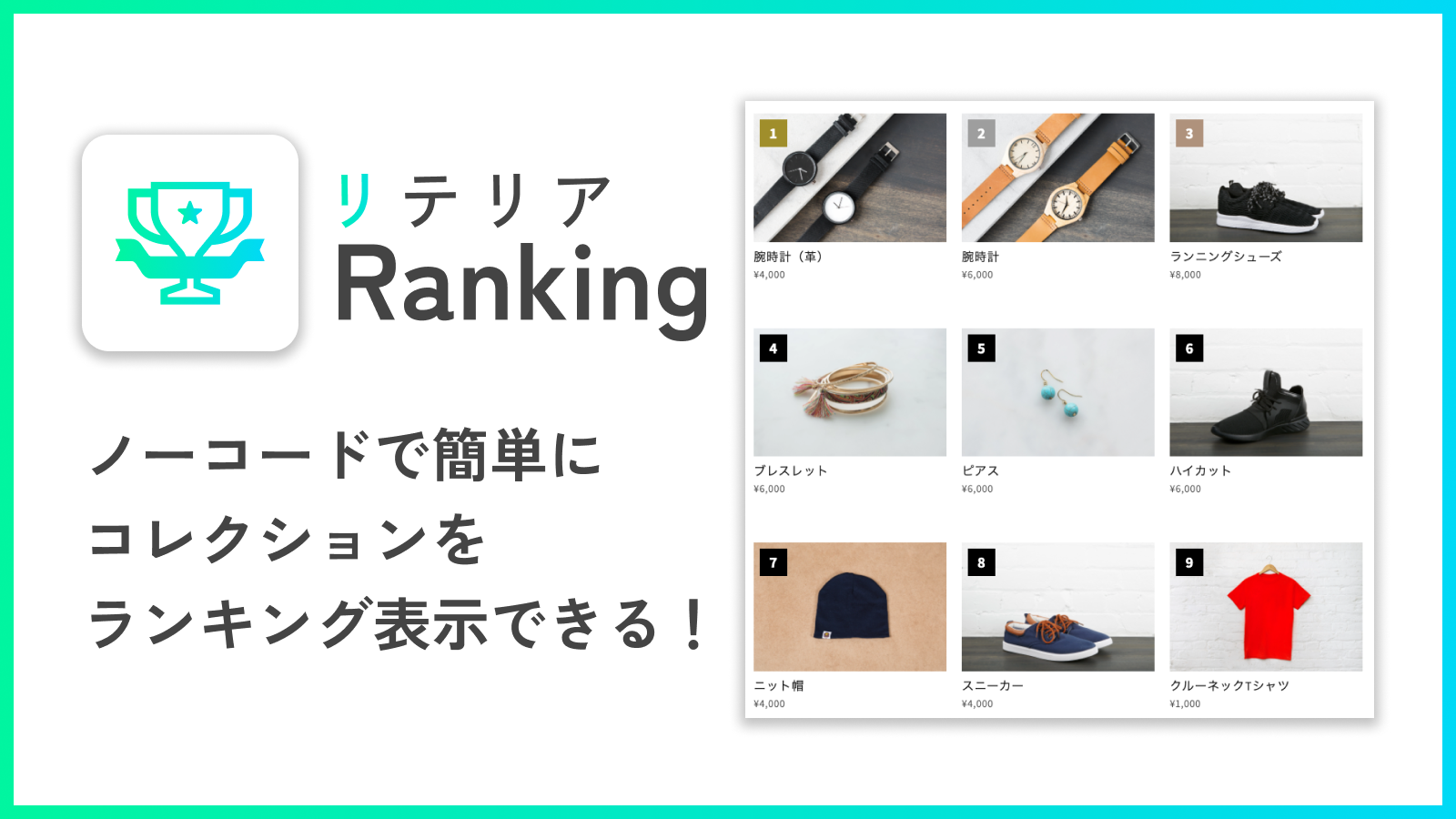
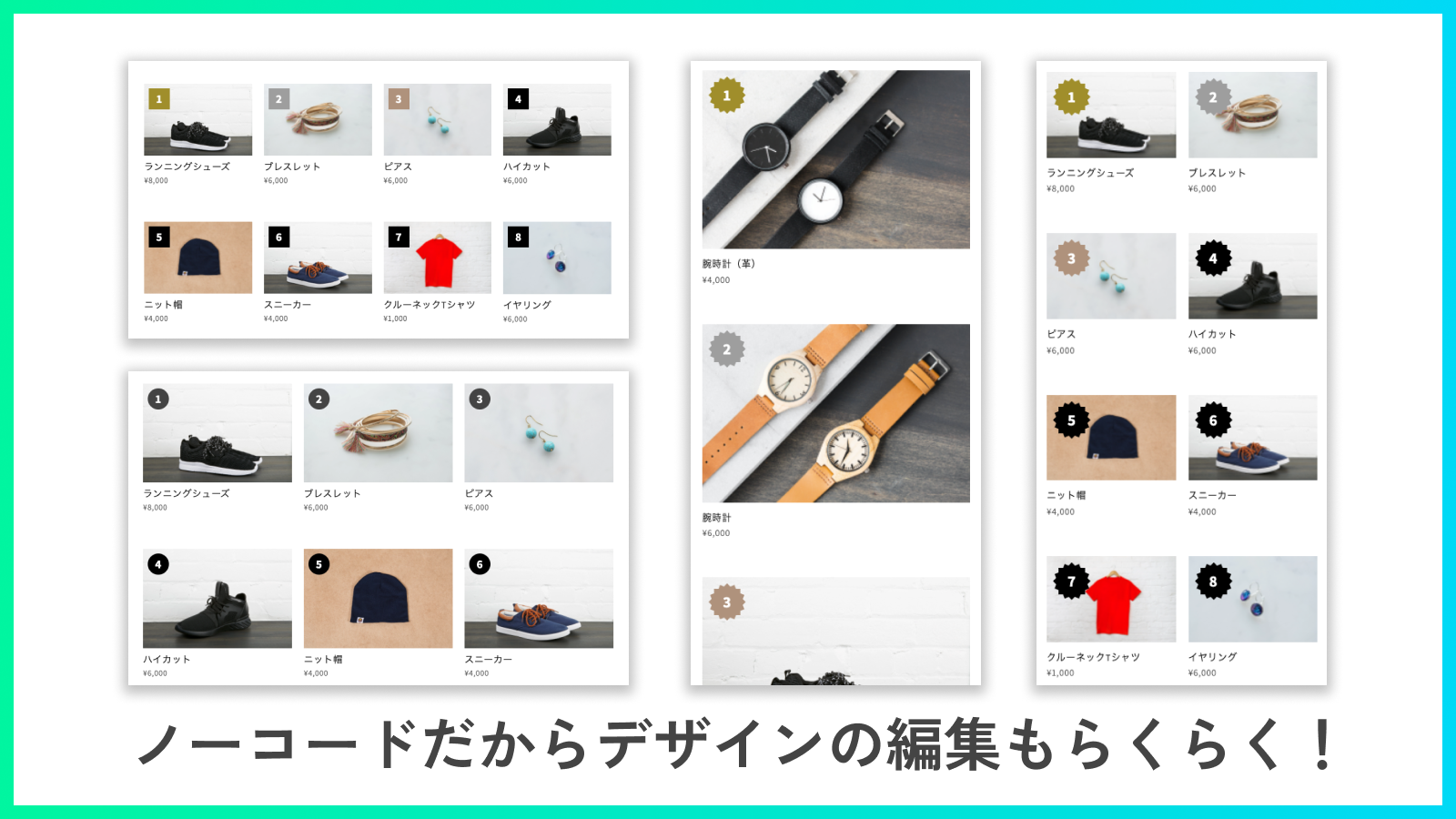
Boost Purchase Intent! Drive Sales with Popular Product Rankings for Your Store Rank Collections Without Code! “I want to display collection rankings...” “For rankings, I need no-code customization with design flexibility...” Riteria Ranking solves these pain points! With our app, you can showcase collection rankings **without writing a single line of code**. Enjoy high customization to craft the perfect ranking display for your brand! Feature collection rankings and highlight your store’s bestsellers to convert more customers!
Core Functionality
- Set the sort order to 'Best Sellers' when creating a collection to display items by sales volume, or choose 'Manual' to set a custom ranking
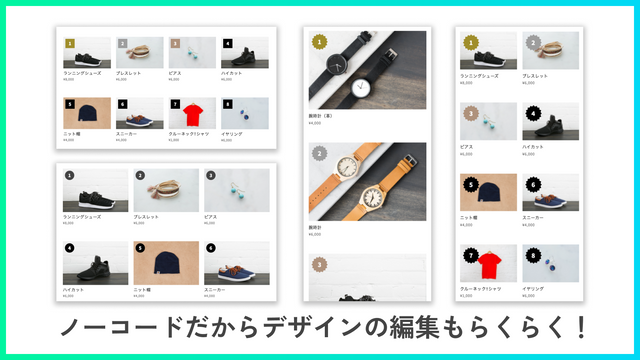
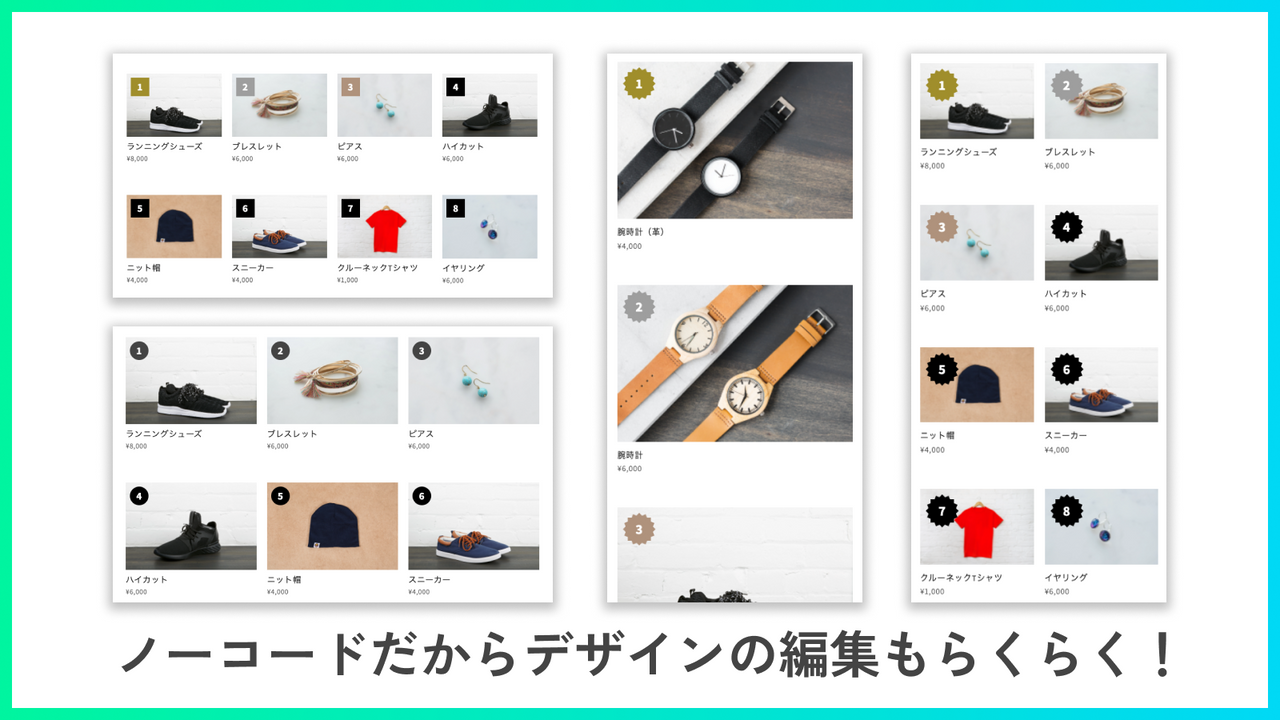
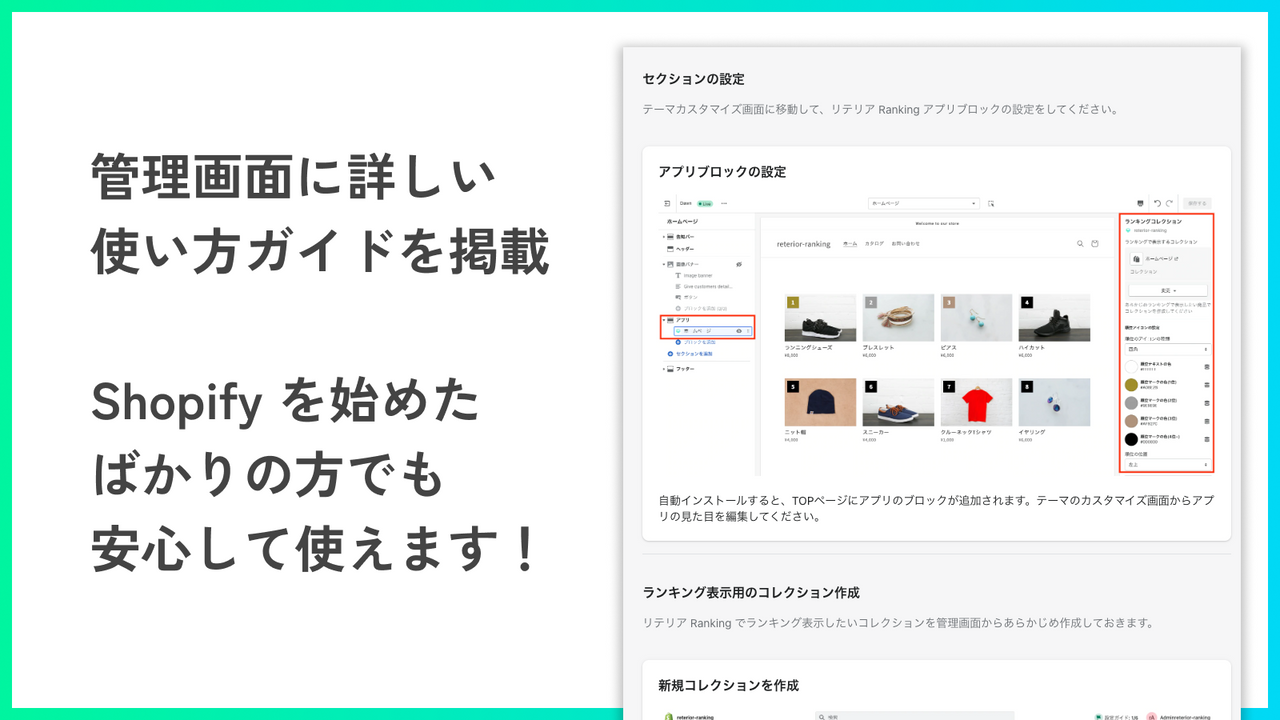
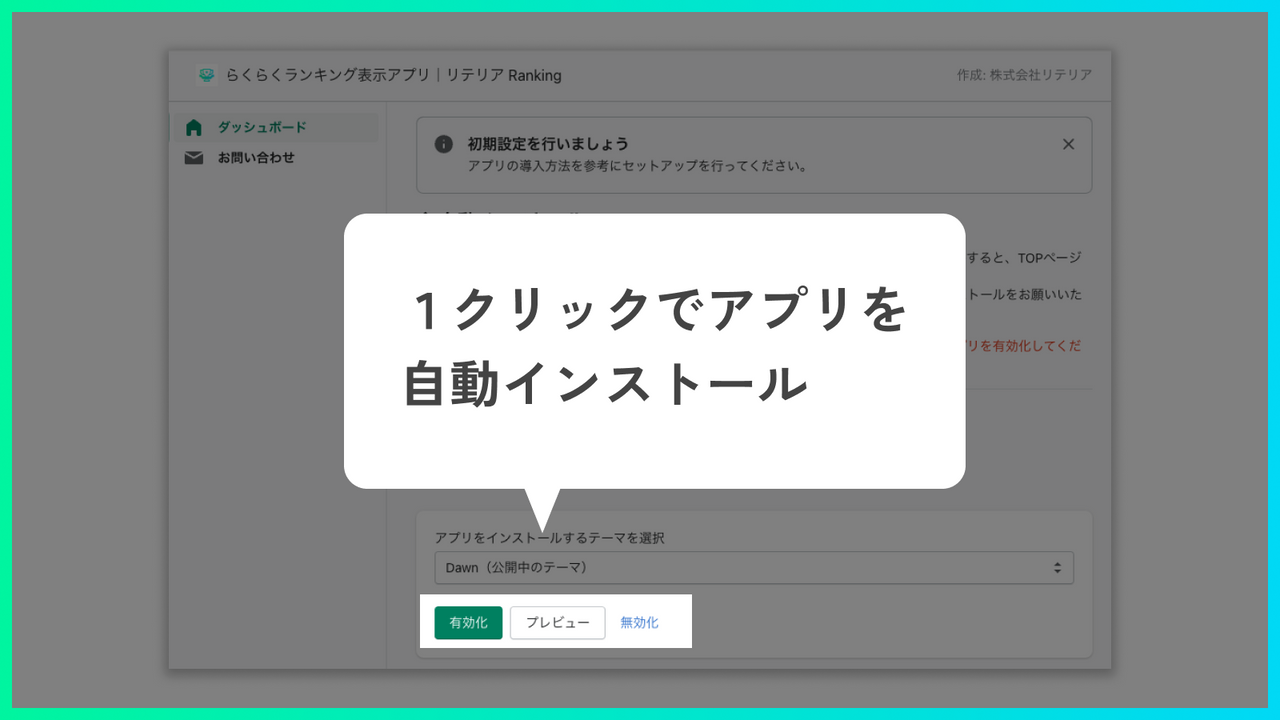
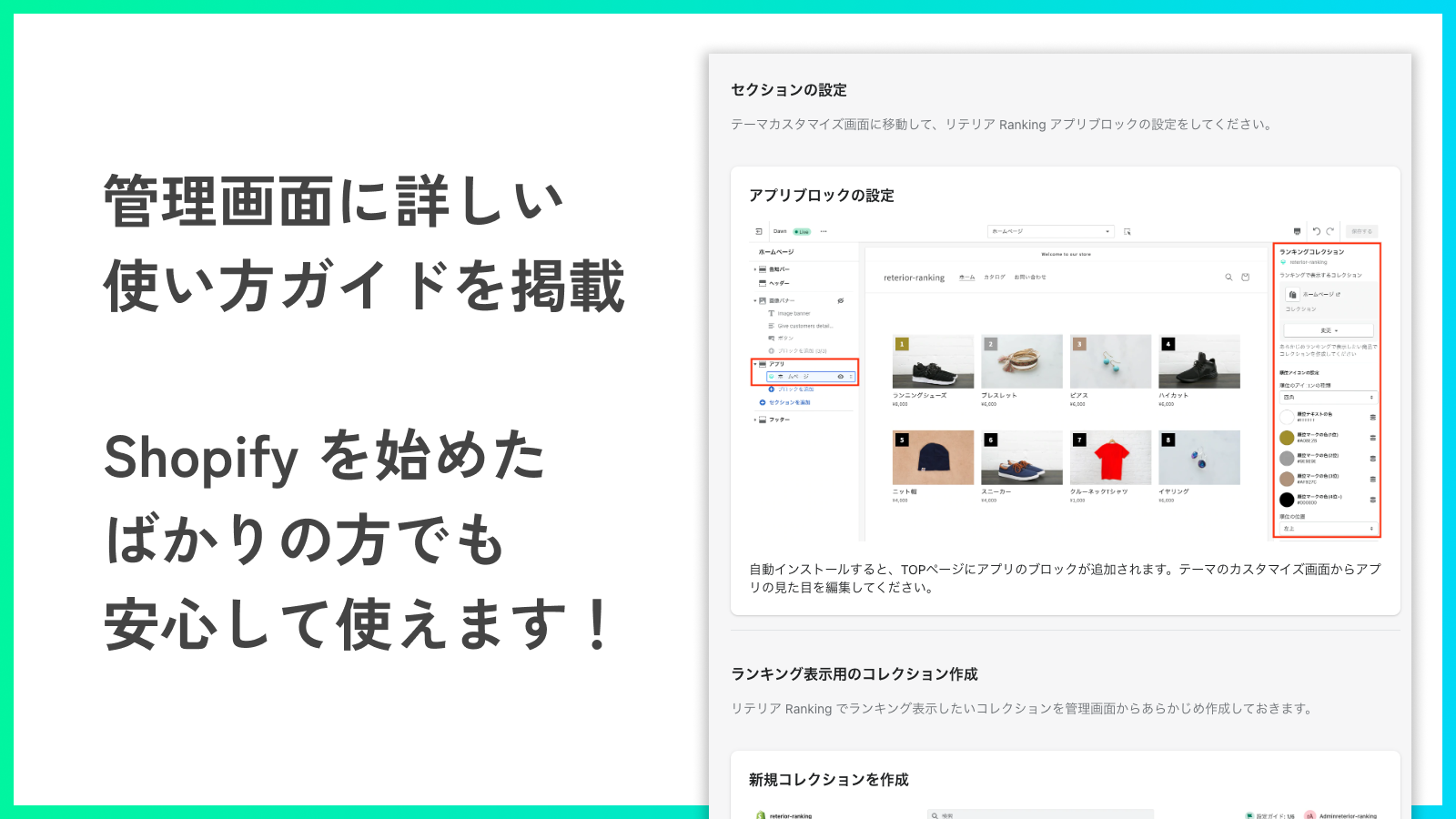
- Customize designs with the same actions as sections in the Theme Editor—edit while previewing changes in real time
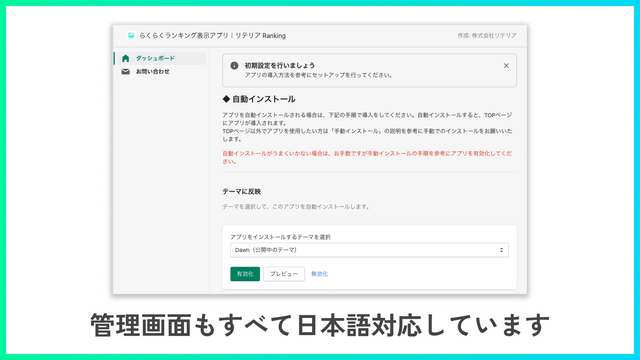
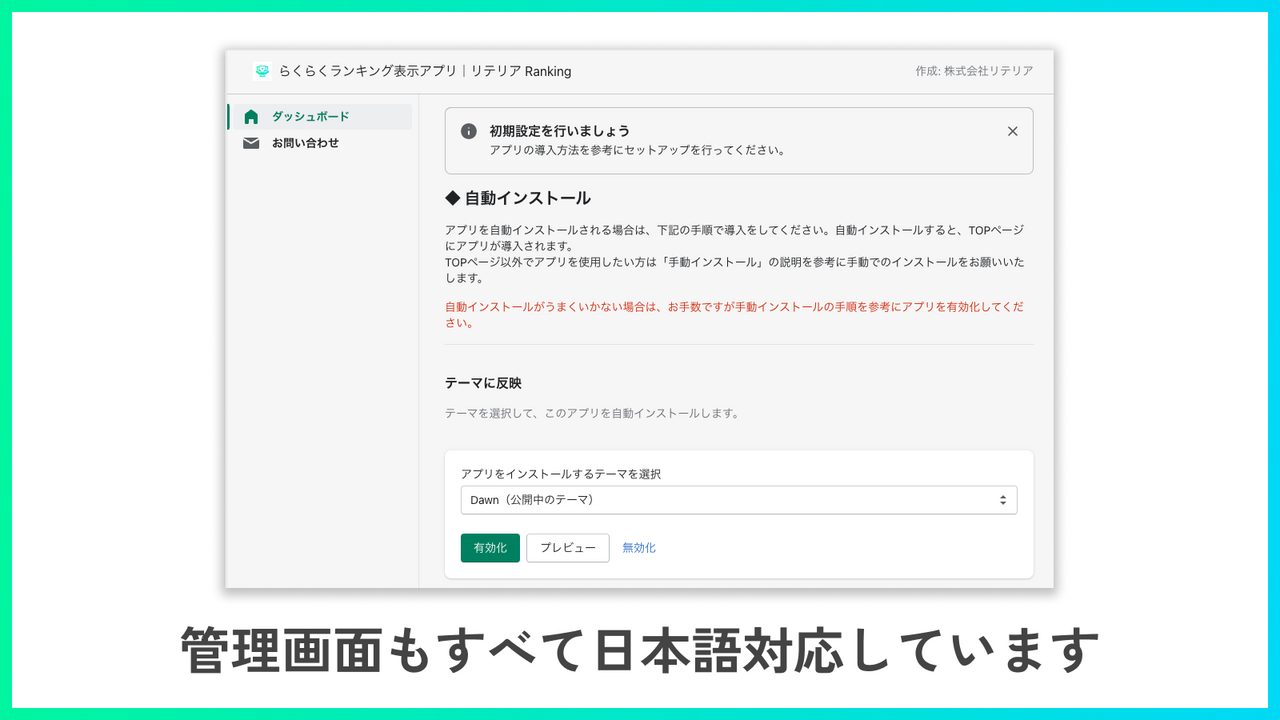
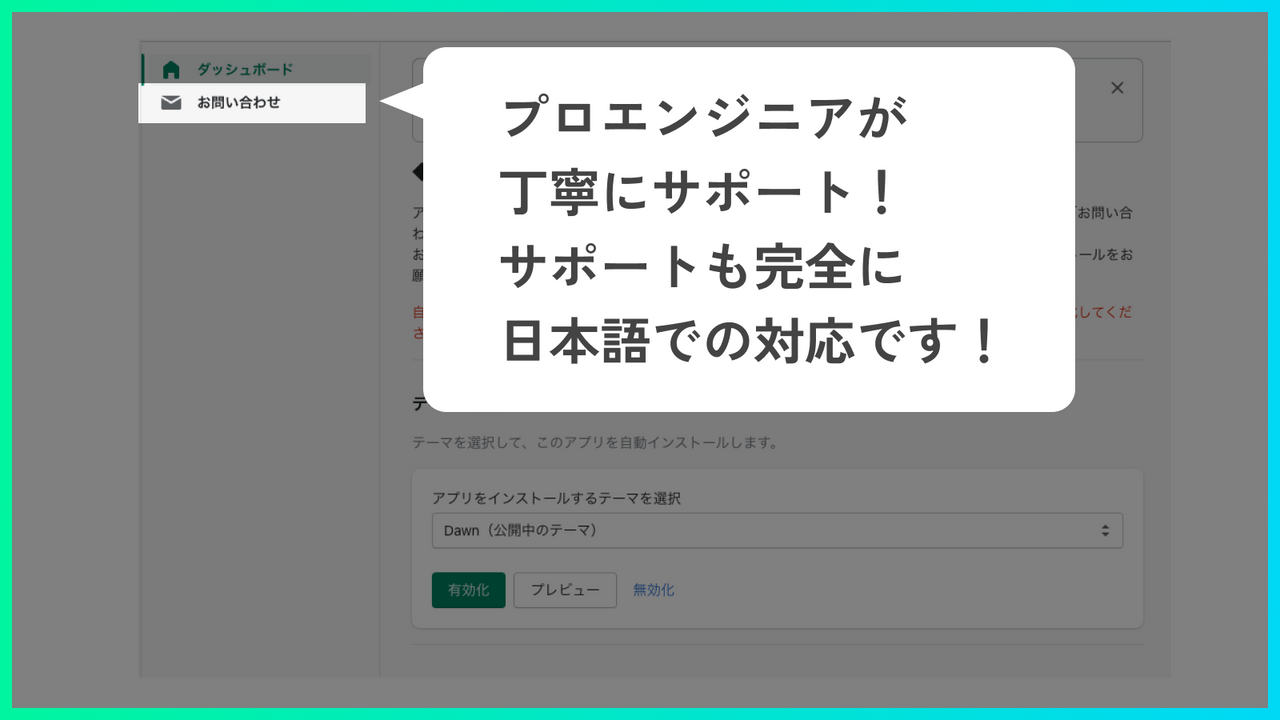
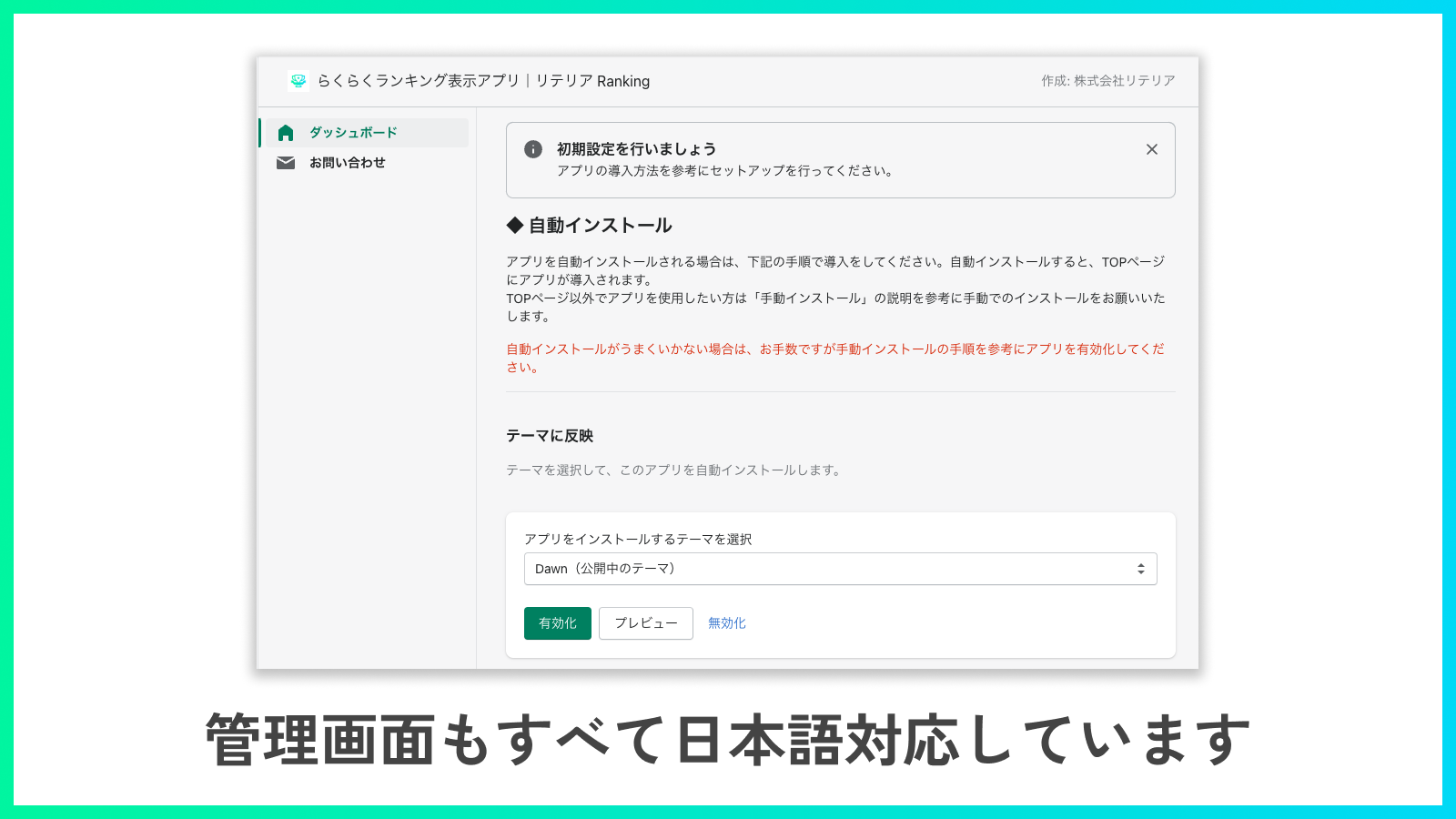
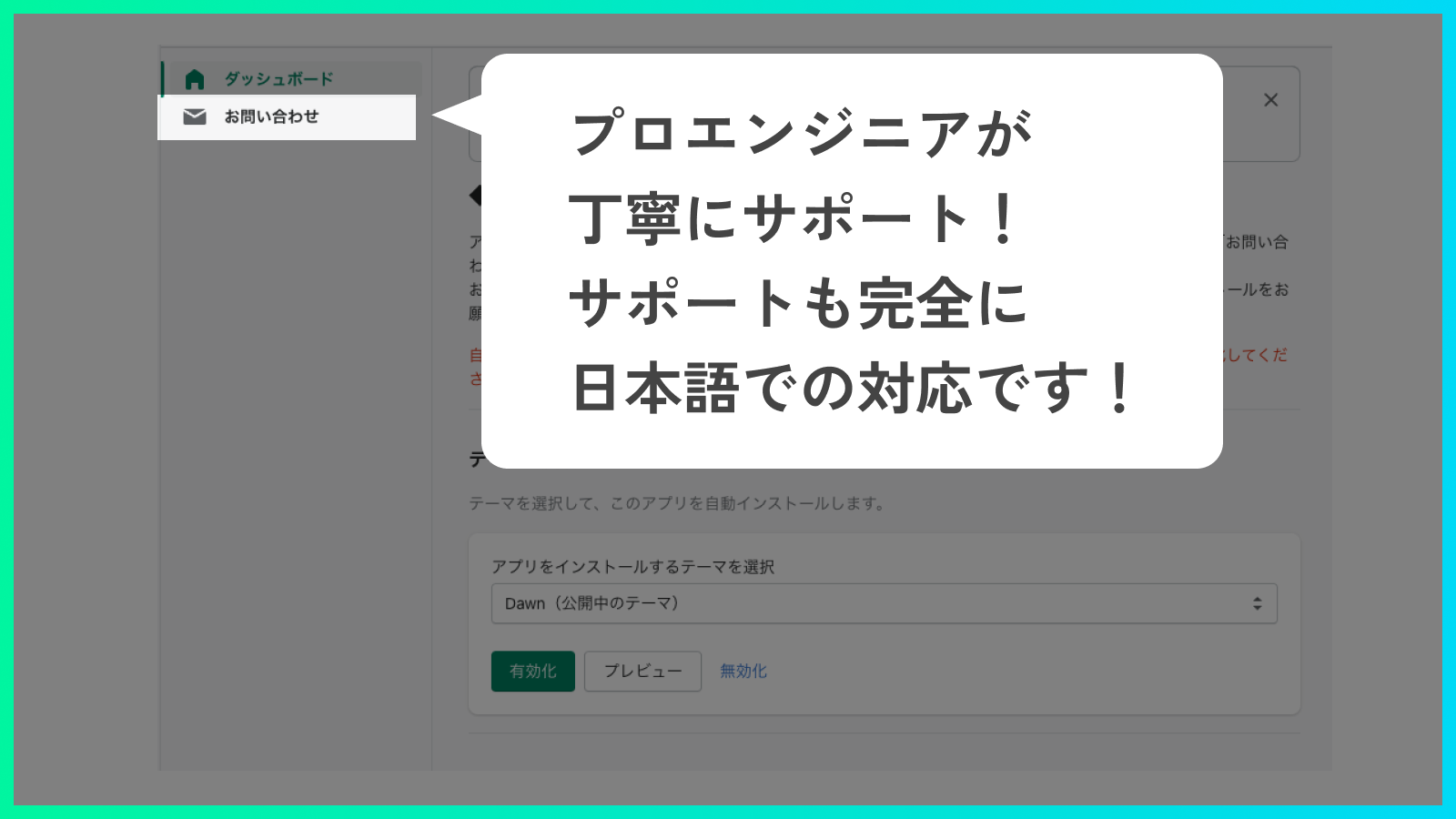
- Designed by Japanese engineers for Japanese users, with full Japanese language support. Feel confident using it even if you’re new to Shopify
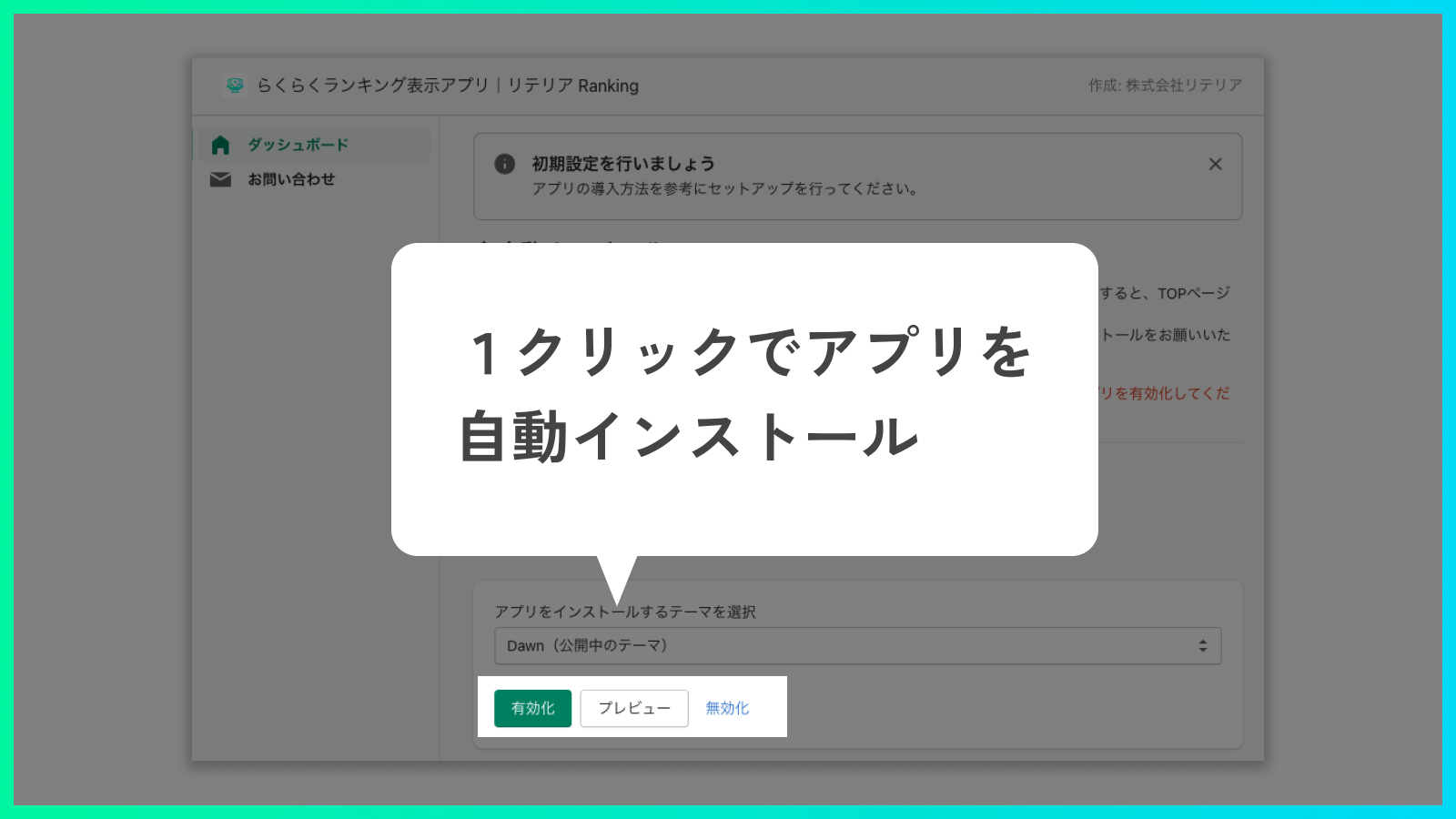
- This app is compatible only with Online Store 2.0. It has minimal interference with theme code or other apps, so you can use it safely
Merchant-Friendly
- Japanese Independent Station Merchants
- Japanese E-commerce Sellers
- Japanese-language E-commerce Merchants
- Online Store 2.0 Users
Basic Information
- Developer:株式会社リテリア
- Address:三軒茶屋二丁目2番13-11-02号, 世田谷区, JP-13, 154-0024, JP
- Price: Free / Free plan
- Rating:3 / 5
- Comment Count:1 comment
- Release Date:2022-5-10
- Supported languages:Japanese
- Compatible products:Shopify
Application Screenshot
Price Plan
Basic Plan
- You can try the app for free for 7 days from the installation date.
- For development stores, you can try all features indefinitely and completely free of charge.
User Location & Comments
User Location
Comments
Shopify API Used
- POST /admin/api/collections.json
- PUT /admin/api/collections/{id}.json
- GET /admin/api/collections/{id}.json
Permission:write_collections,read_collections,manage_products
- GET /admin/api/themes/{id}/assets.json
- PUT /admin/api/themes/{id}/assets.json
- POST /admin/api/themes/{id}/preview.json
Permission:write_themes,read_themes,manage_online_store
- GET /admin/api/shop.json
- PUT /admin/api/shop.json
- GET /admin/api/translations.json
Permission:read_shop,write_shop,manage_translations
- GET /admin/api/themes.json
- PUT /admin/api/apps/{id}/settings.json
- GET /admin/api/shop.json
Permission:read_themes,write_apps,read_shop