
App Introduction
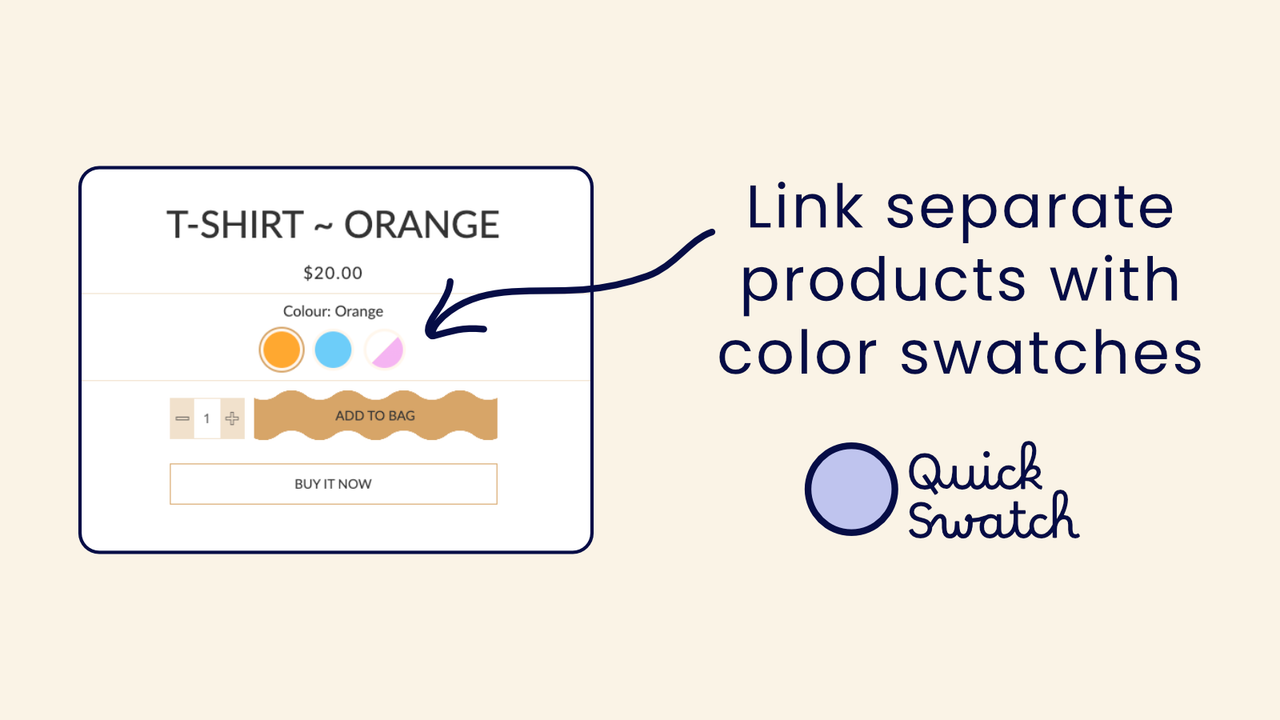
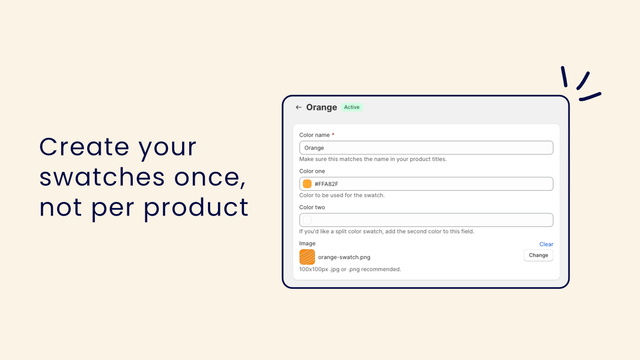
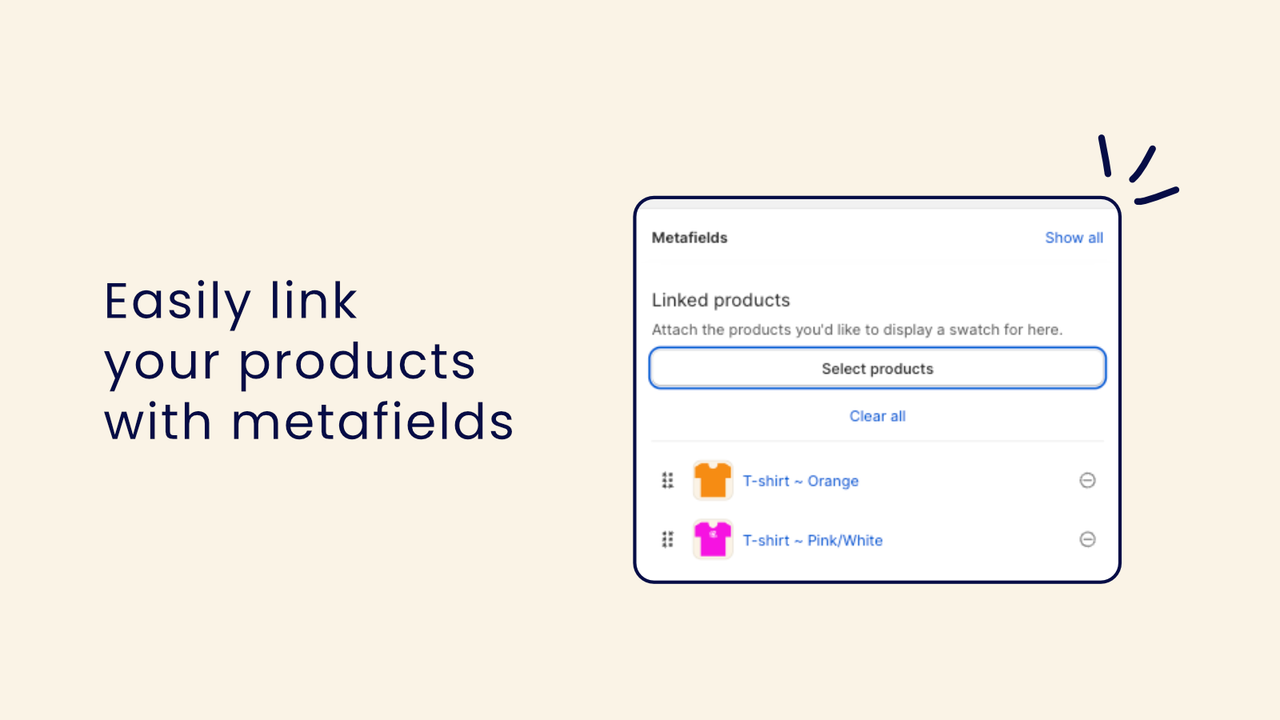
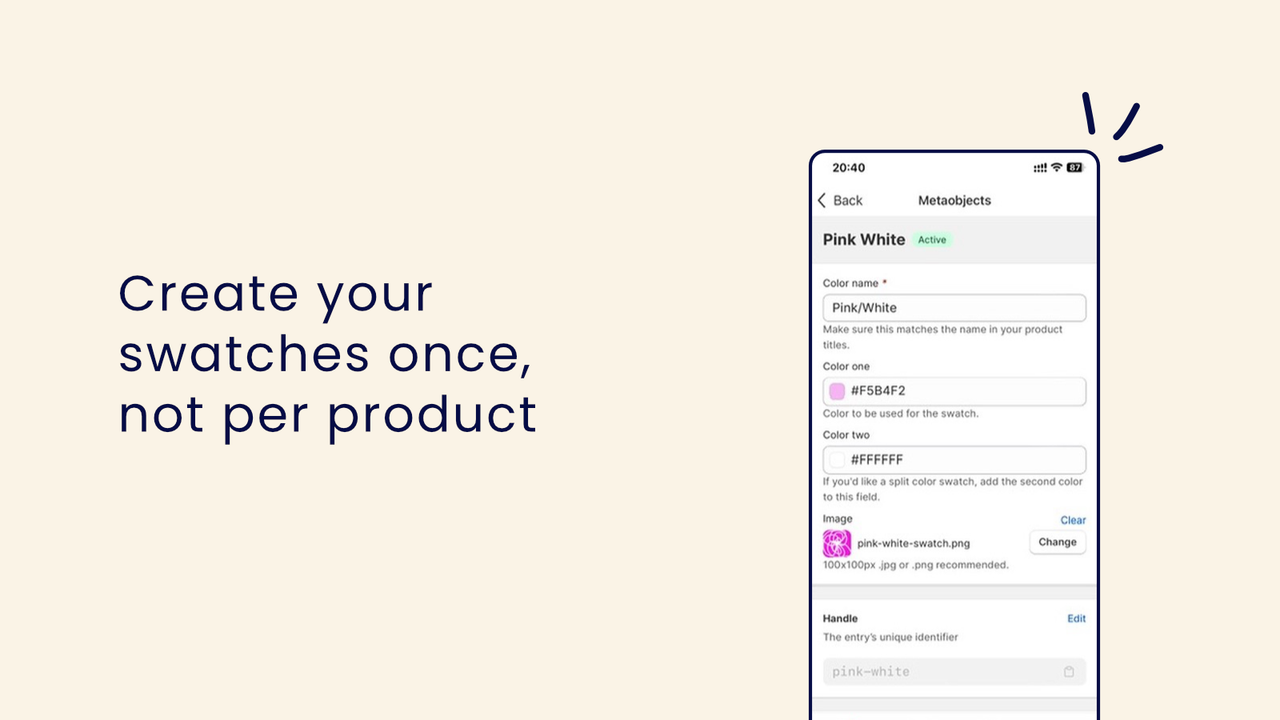
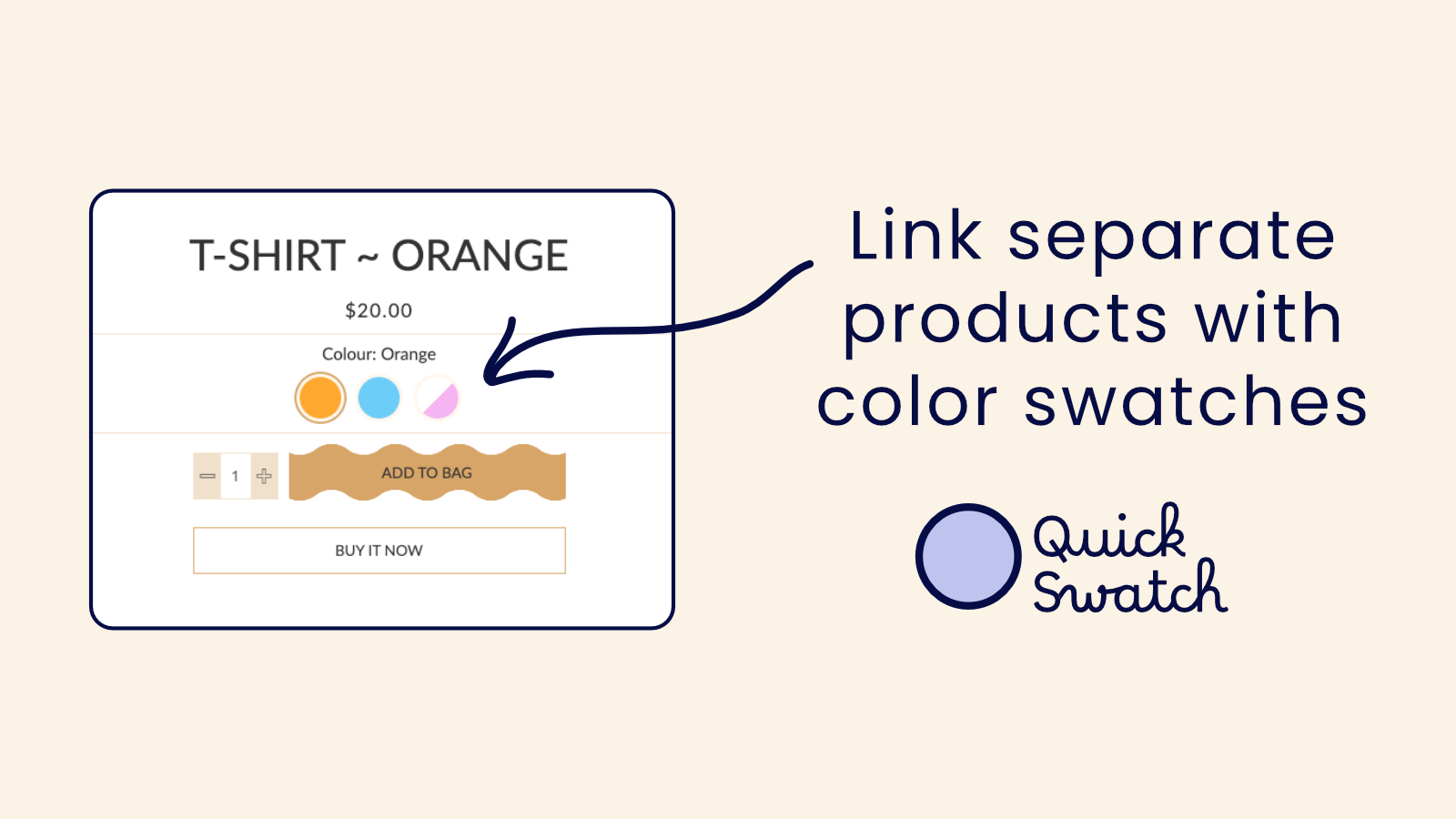
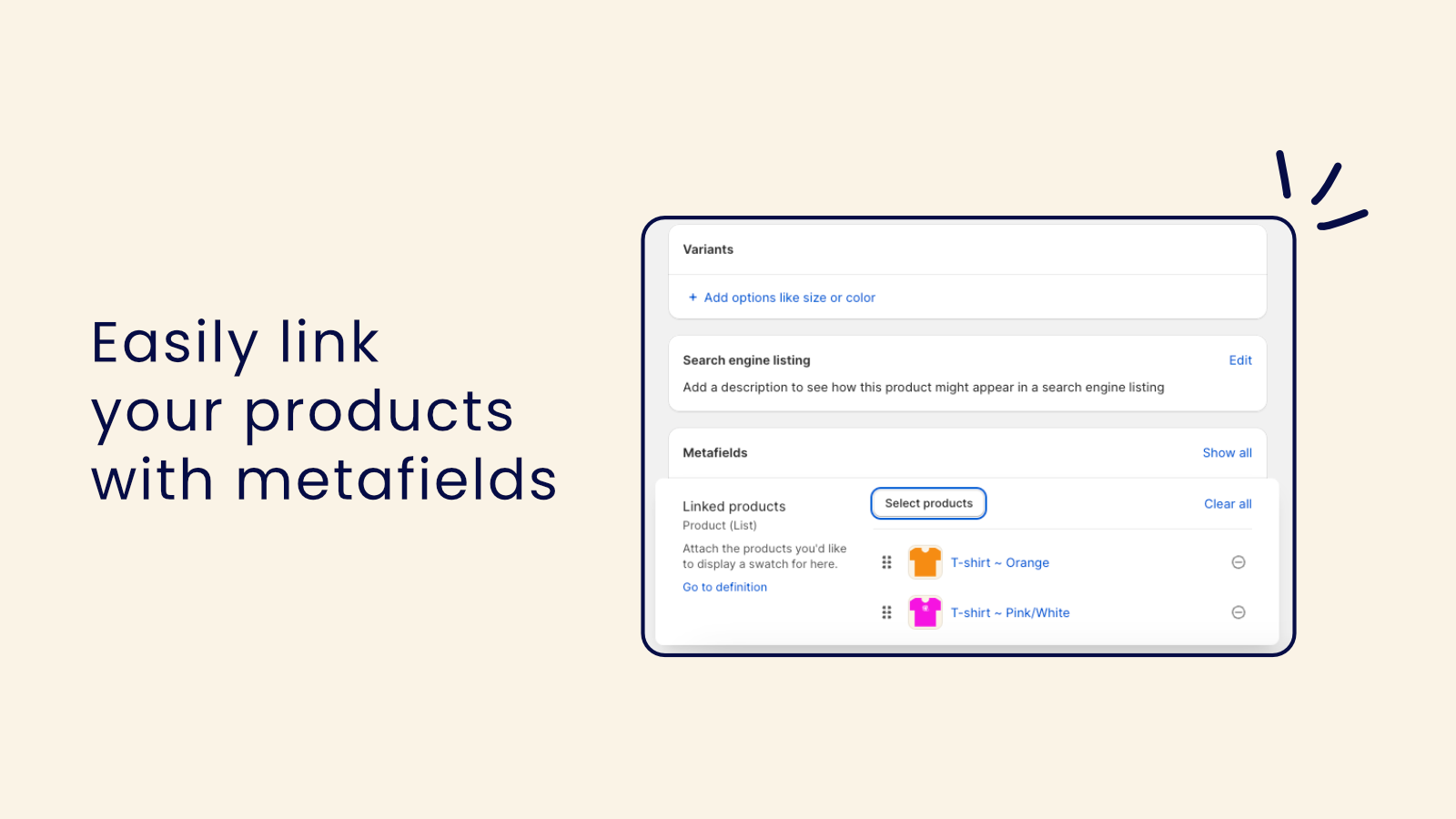
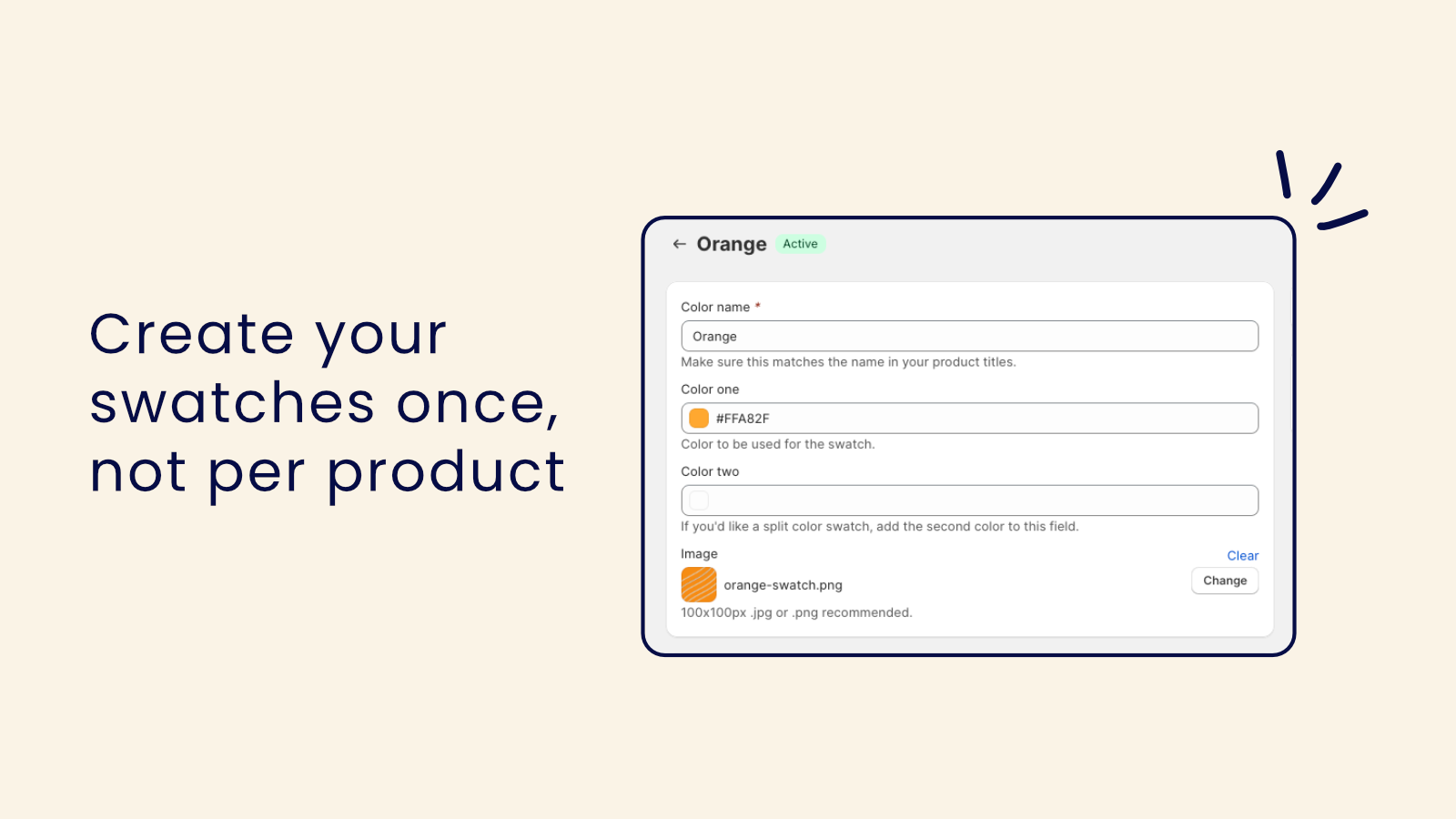
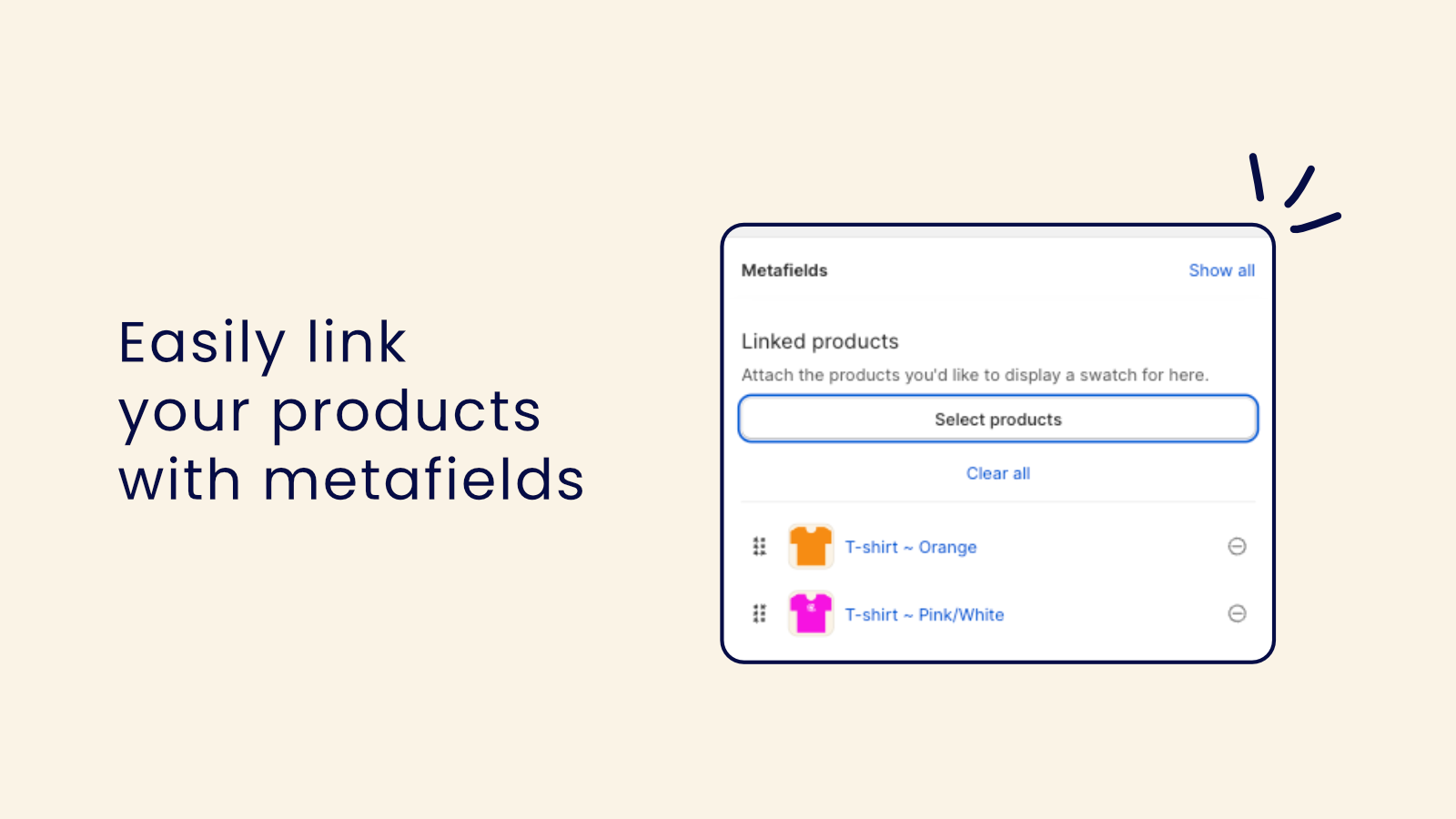
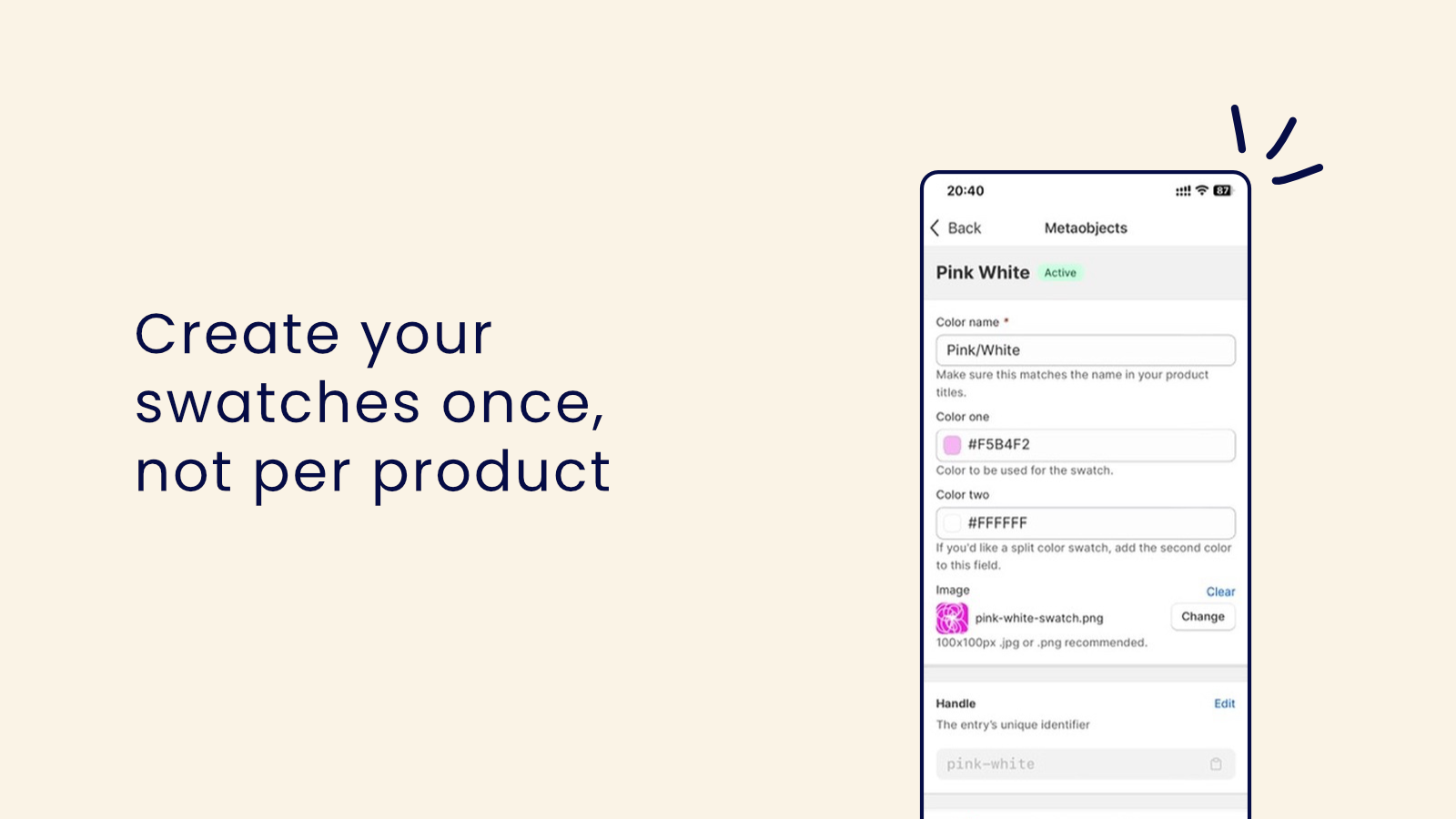
Link similar products with color swatches. Use our app right where you already edit your products and styles. Have you created products of different colors as separate products instead of variants? Use QuickSwatch to add color swatches that link these products. This is a simple way to improve customer navigation, making it easier for shoppers to find what they’re looking for. Once installed, all QuickSwatch settings are managed via metafields and our theme app extensions. You’ll save time by not having to switch back and forth between the app and your products.
Core Functionality
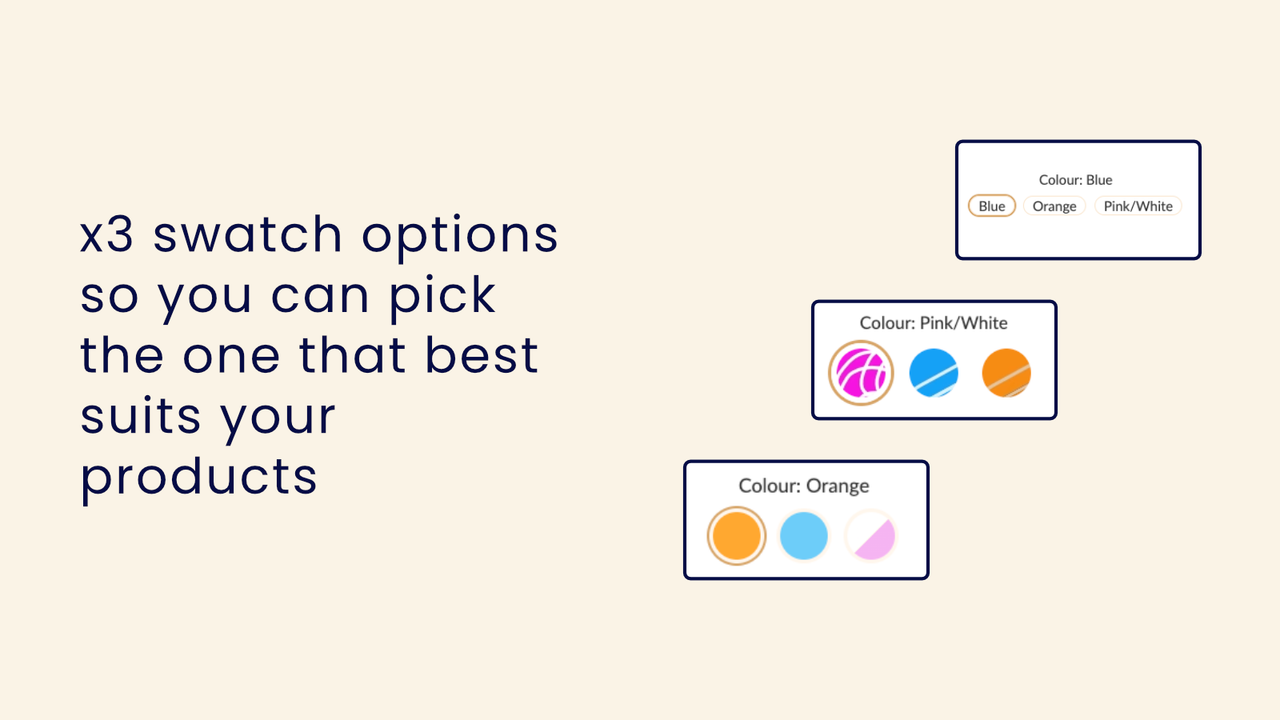
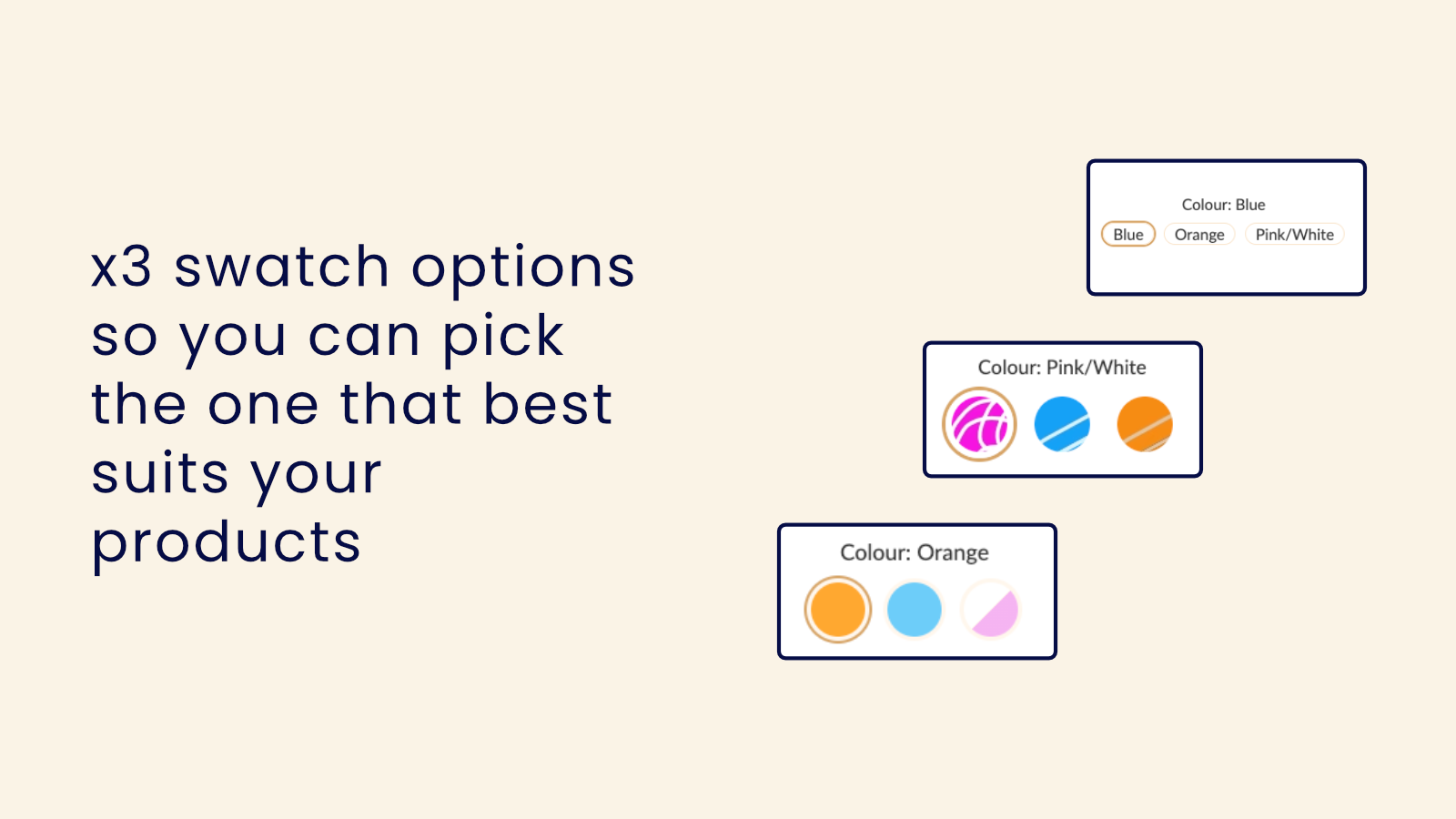
- x3 Swatch Options - Text Links, Color/Sectioned Swatches, and Image Swatches
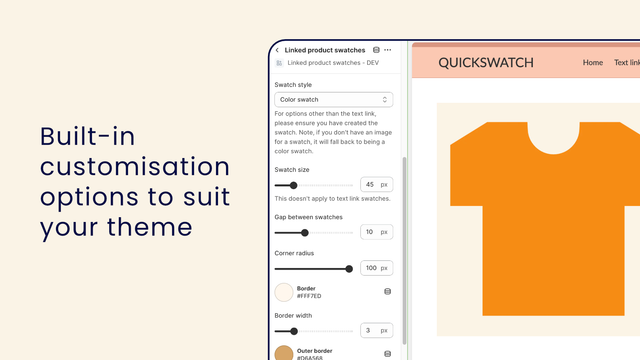
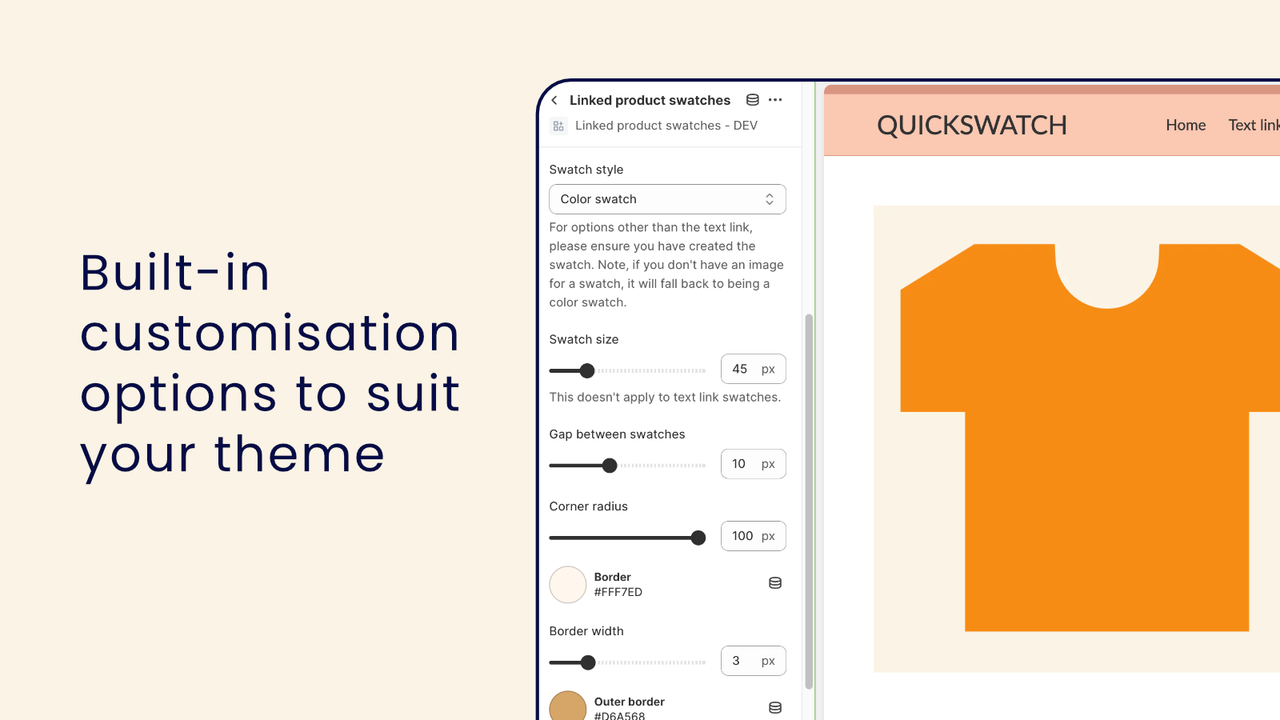
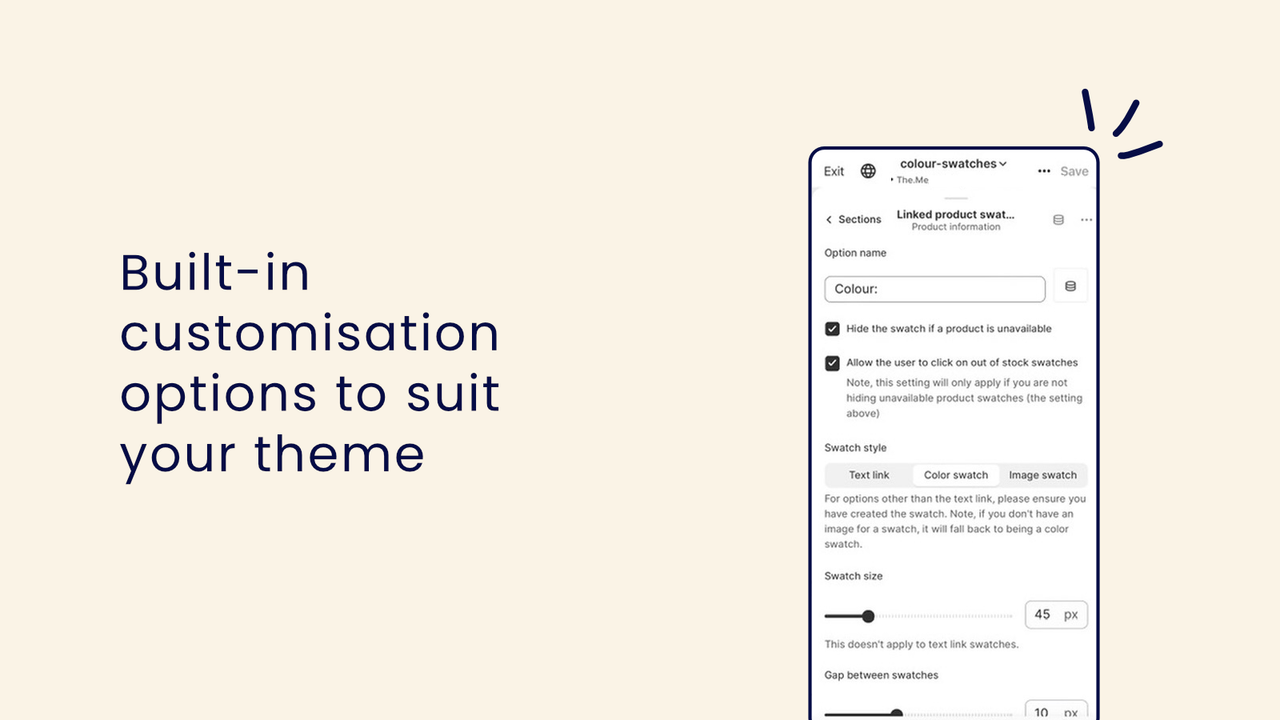
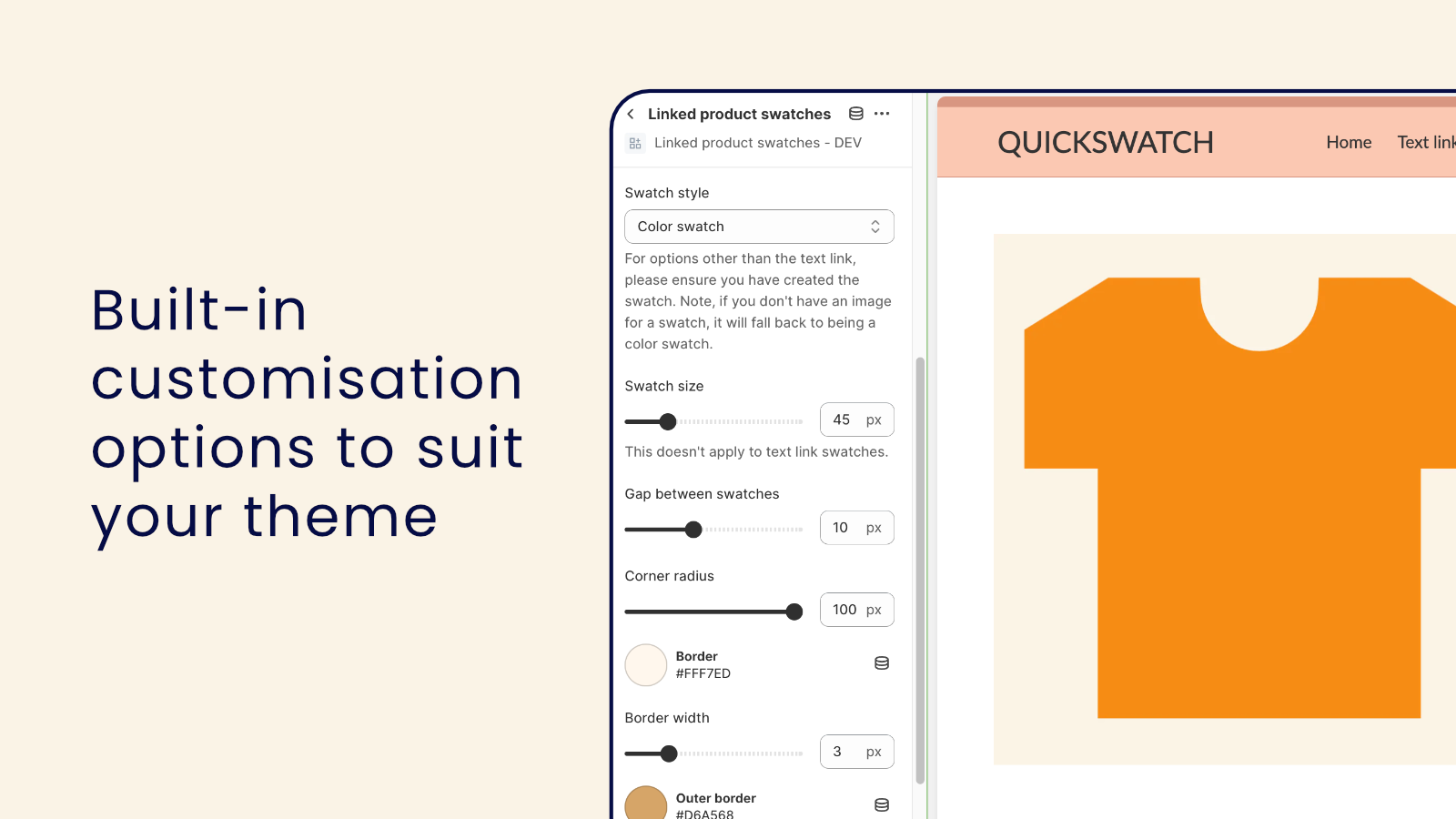
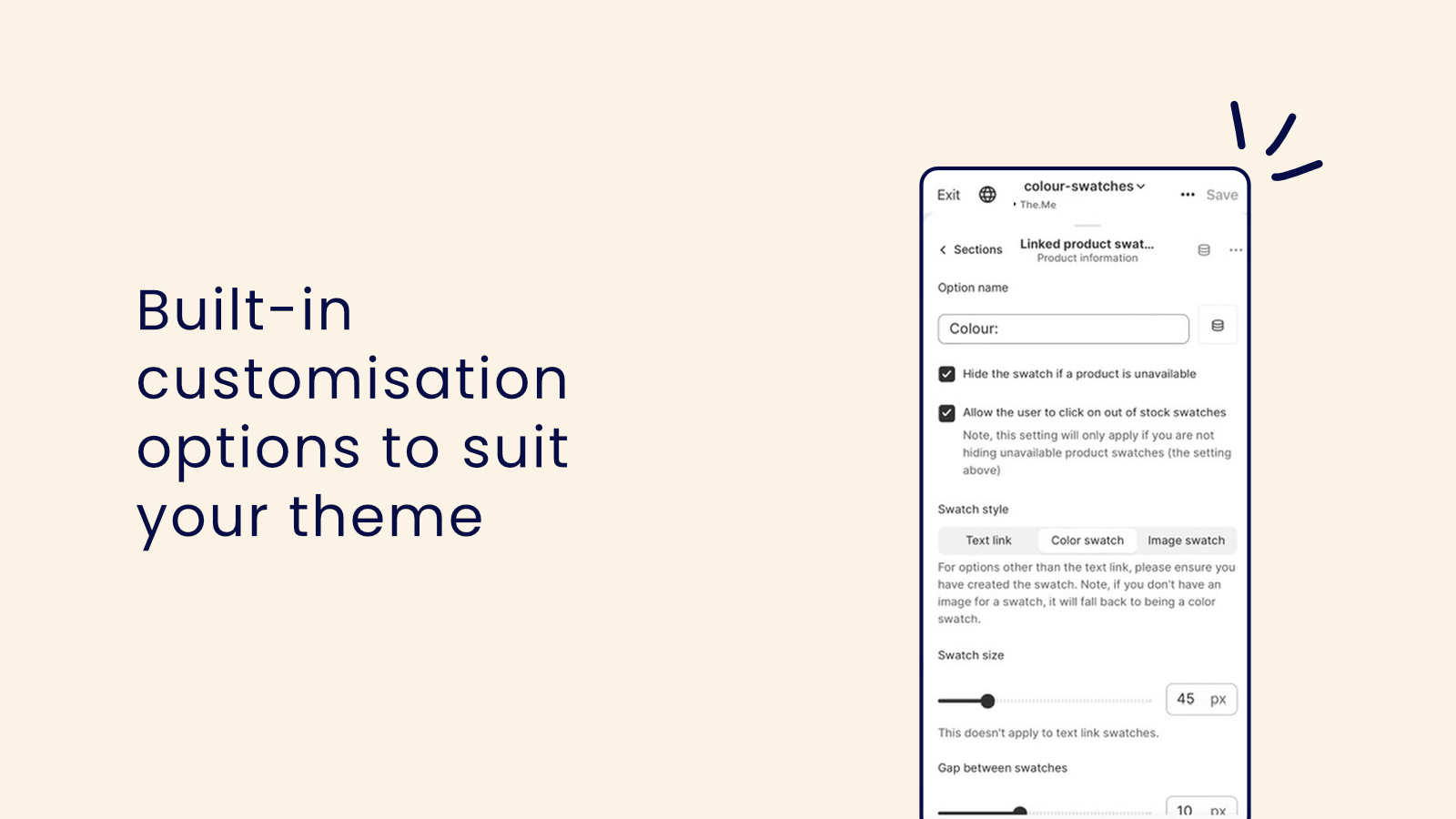
- Built-in Style Settings to Easily Match Swatches to Your Store Design
- Add via Your Theme for Minimal Load Time Impact and Seamless Integration
- Link Products via the Product Tab in Shopify Admin Instead of App Pages
- One-Click Setting to Hide Swatches for Out-of-Stock Products
Merchant-Friendly
- Apparel & Accessories Merchants
- Home Goods Merchants
- Beauty & Skincare Merchants
- Electronics Merchants
Basic Information
- Developer:Squiggle & Code
- Address:PO Box 550, Carlton South, VIC, 3053, AU
- Price: Free / Free plan
- Rating:0 / 5
- Comment Count:0 comment
- Release Date:2023-11-28
- Supported languages:English
- Compatible products:Shopify
Application Screenshot




Price Plan
标准
- Access all swatch types
- Unlimited products/swatches
- Options for handling out-of-stock products
- Suitable for Online Store 2.0 themes
User Location & Comments
User Location
Comments
Shopify API Used
- POST /admin/api/products/{product_id}/options.json
- PUT /admin/api/products/{product_id}/options/{option_id}.json
- GET /admin/api/products/{product_id}/options.json
Permission:write_products,read_products,manage_inventory
- POST /admin/api/themes/{theme_id}/assets.json
- PUT /admin/api/themes/{theme_id}/assets.json
- GET /admin/api/themes/{theme_id}/assets.json
Permission:write_themes,read_themes,manage_products
- POST /admin/api/themes/{theme_id}/sections.json
- PUT /admin/api/themes/{theme_id}/sections.json
- GET /admin/api/themes/{theme_id}/sections.json
Permission:write_themes,read_themes,manage_products
- POST /admin/api/products/{product_id}/tags.json
- PUT /admin/api/products/{product_id}/tags.json
- GET /admin/api/products/{product_id}/tags.json
Permission:write_products,read_products,manage_tags
- POST /admin/api/products/{product_id}/variants.json
- PUT /admin/api/products/{product_id}/variants.json
- GET /admin/api/products/{product_id}/variants.json
Permission:write_products,read_products,manage_inventory



