
App Introduction
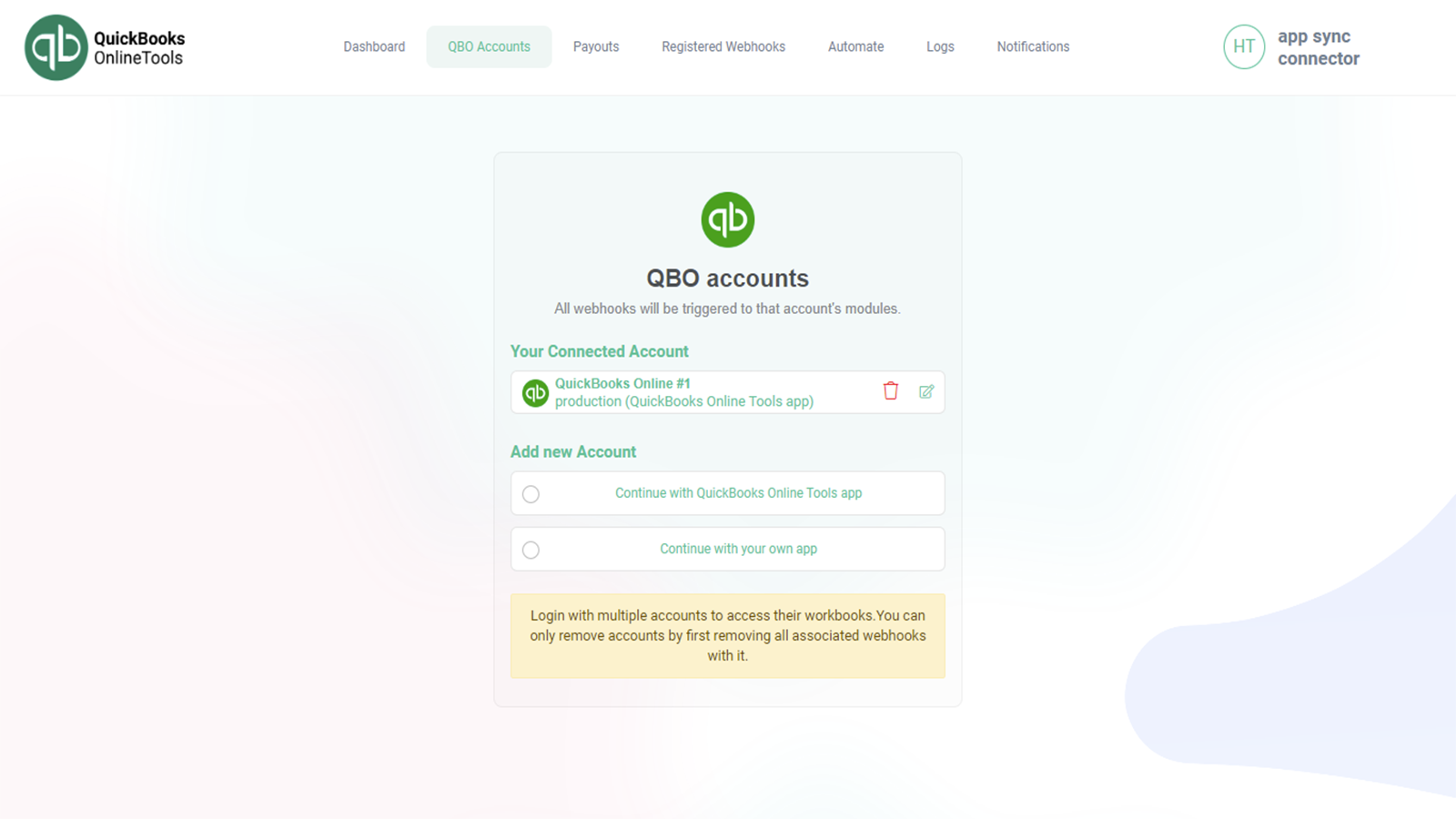
Connect, Automate, and Grow Your Business with QuickBooks Sync Connector Streamline your financial workflows and gain valuable insights into your online store’s performance. QuickBooks Sync Connector seamlessly integrates Shopify with QuickBooks, allowing you to effortlessly sync your online store’s sales data to QuickBooks. This integration enables the two platforms to communicate and share data—for example, when a customer makes a purchase on your Shopify store, the transaction data is automatically sent to QuickBooks. This saves time by reducing the need for manual data entry.
Core Functionality
- Automatically sync your Shopify sales data to QuickBooks
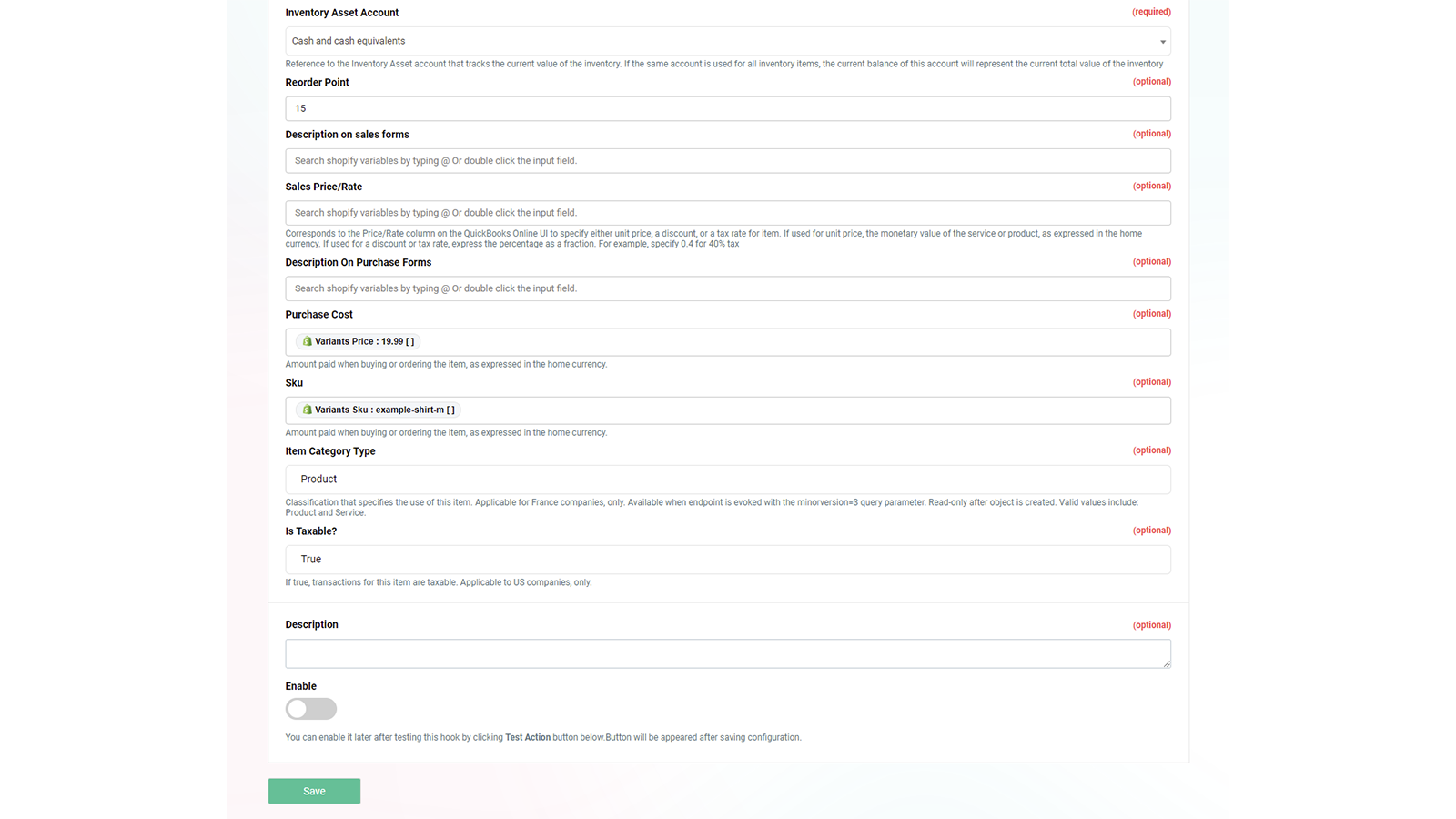
- Customize data mapping between Shopify and QuickBooks
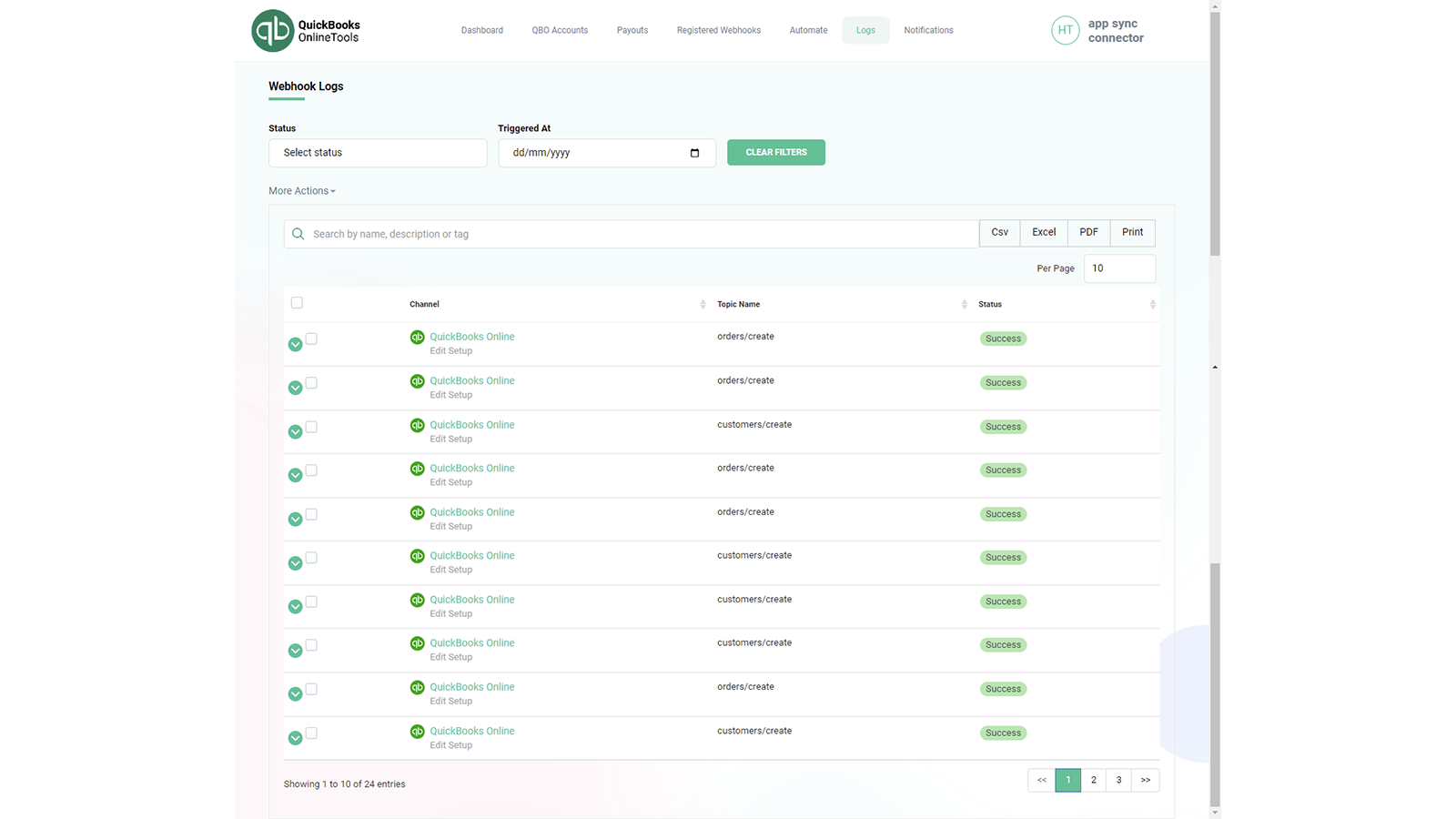
- Real-time data synchronization to keep your financial records up-to-date
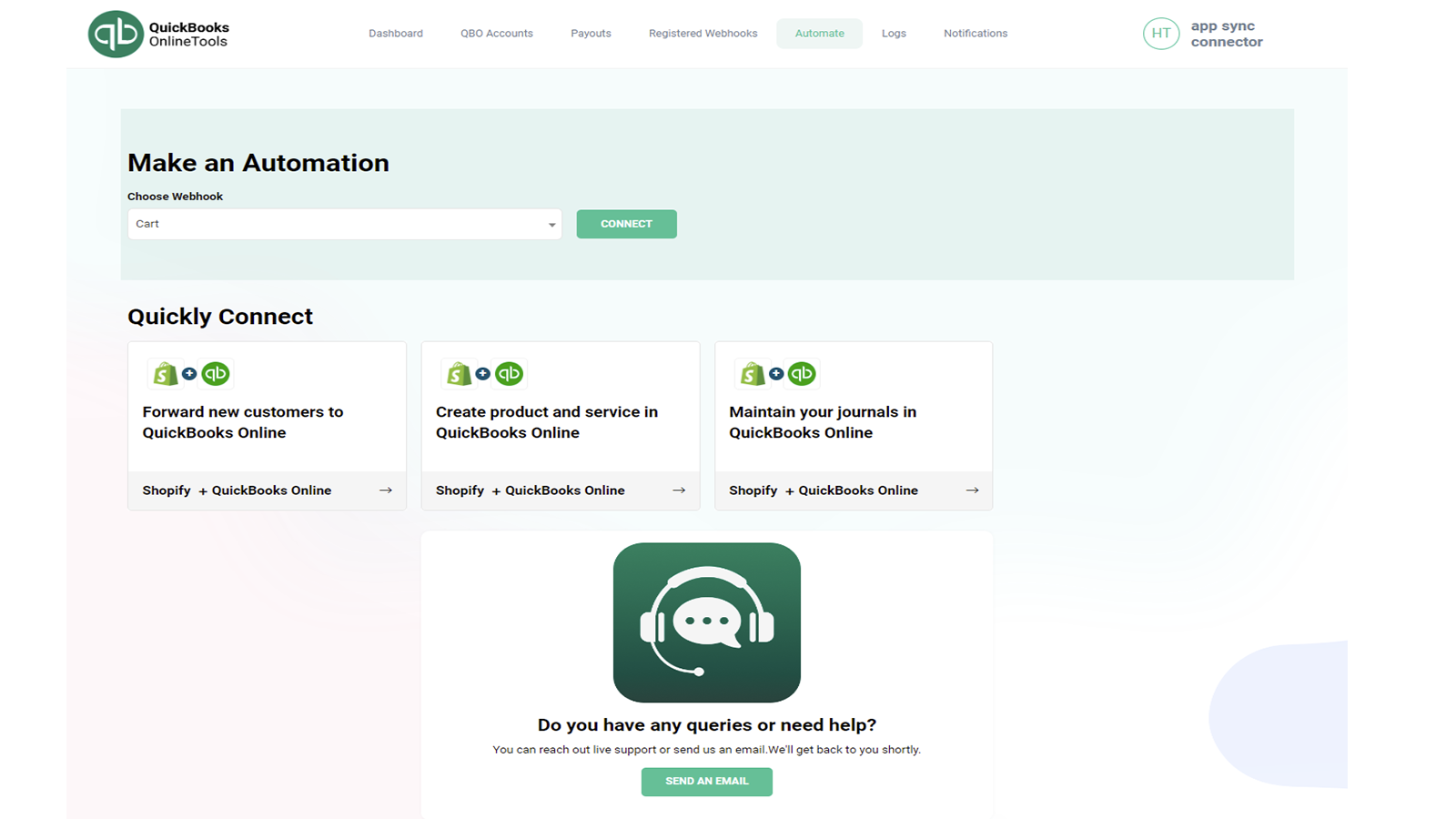
- Choose which webhook data is sent to QuickBooks Online
- Easy app setup with no coding or technical skills required
Merchant-Friendly
- Small & Medium E-commerce Merchants
- Shopify Independent Sellers
- Finance Automation Merchants
- Multi-channel Sellers
Basic Information
- Developer:Boohead, Inc.
- Address:24854 Winona, Dearborn, MI, 48124, US
- Price: Free / Free plan
- Rating:0 / 5
- Comment Count:0 comment
- Release Date:2023-4-27
- Supported languages:English
- Compatible products:Shopify
Application Screenshot
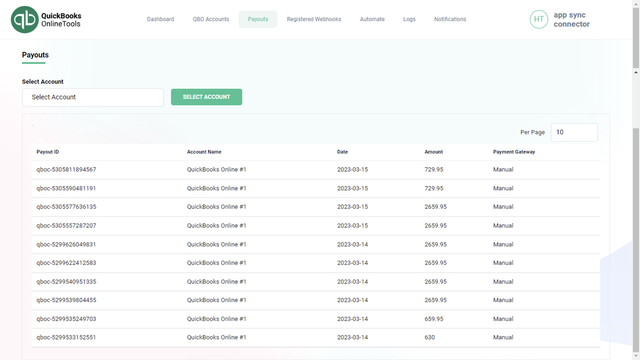

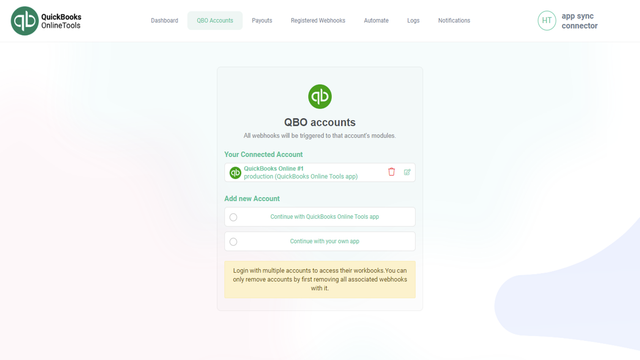
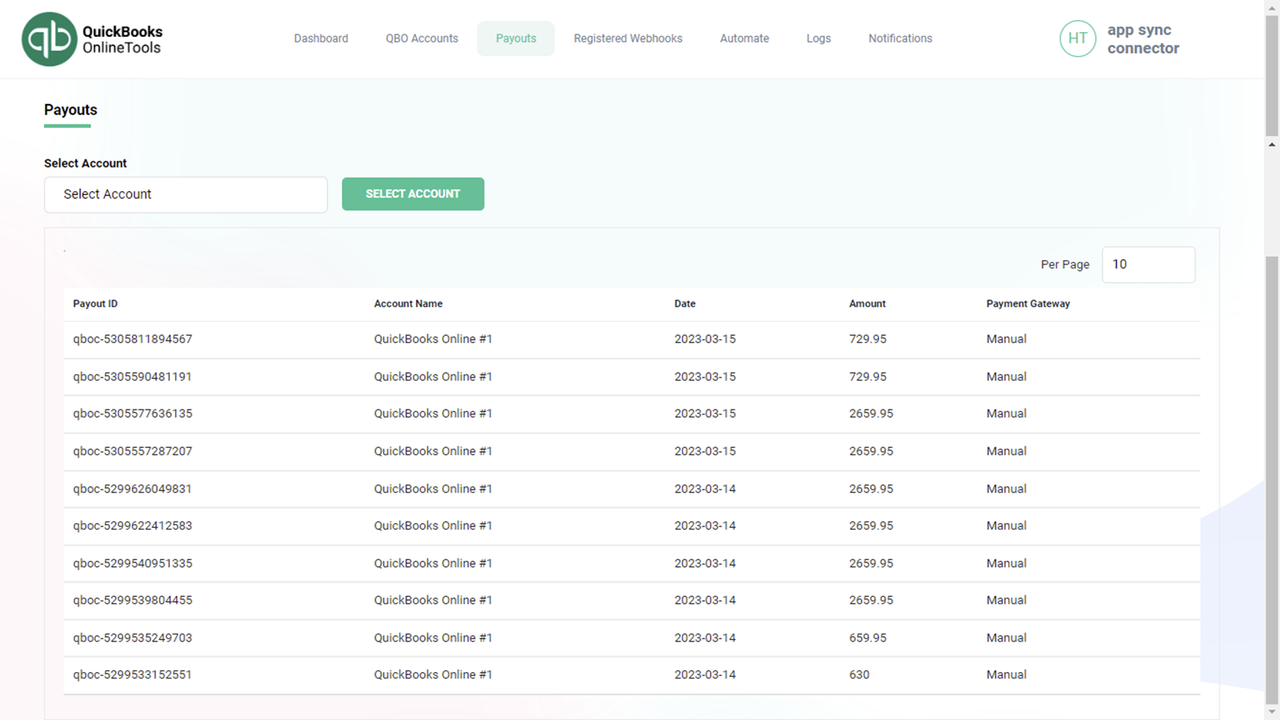
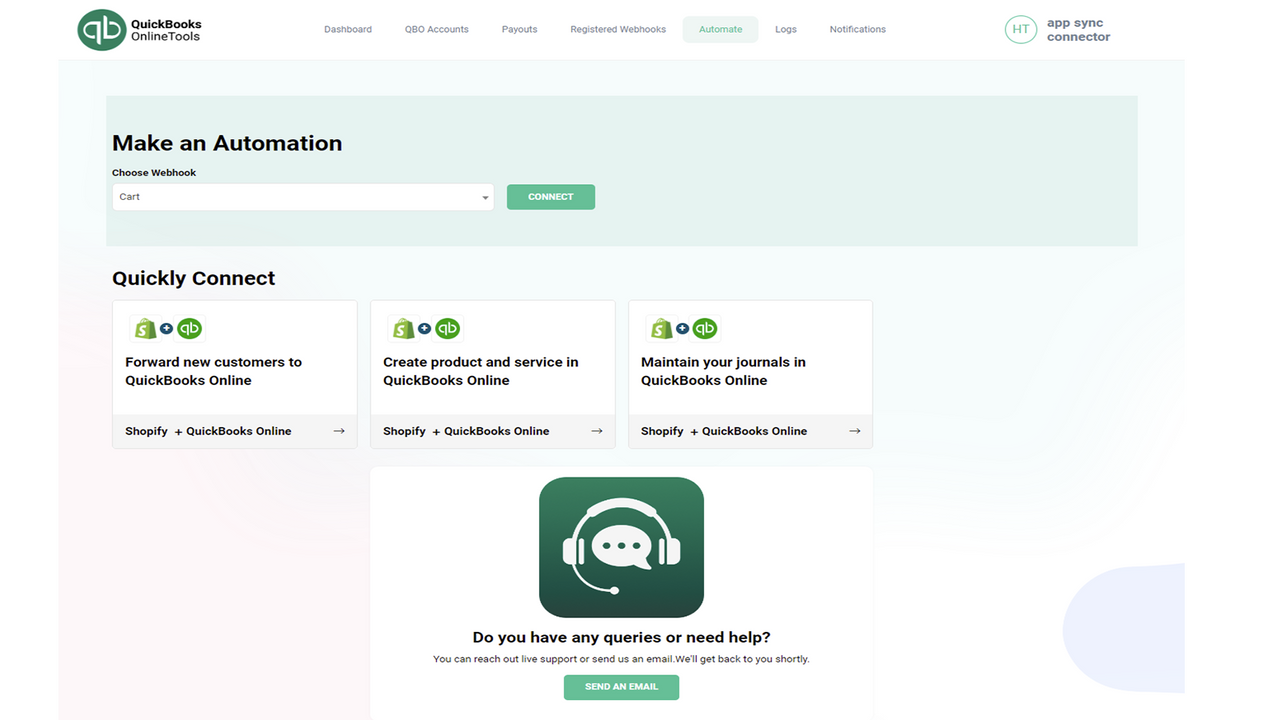
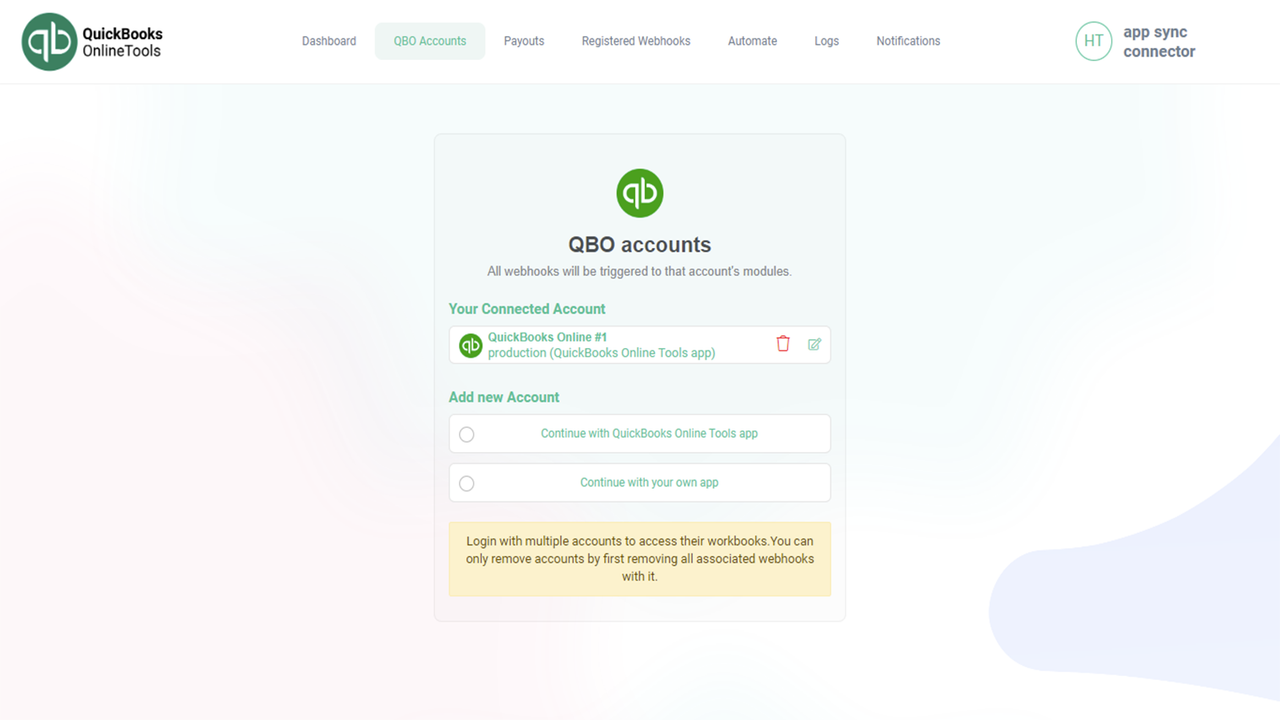
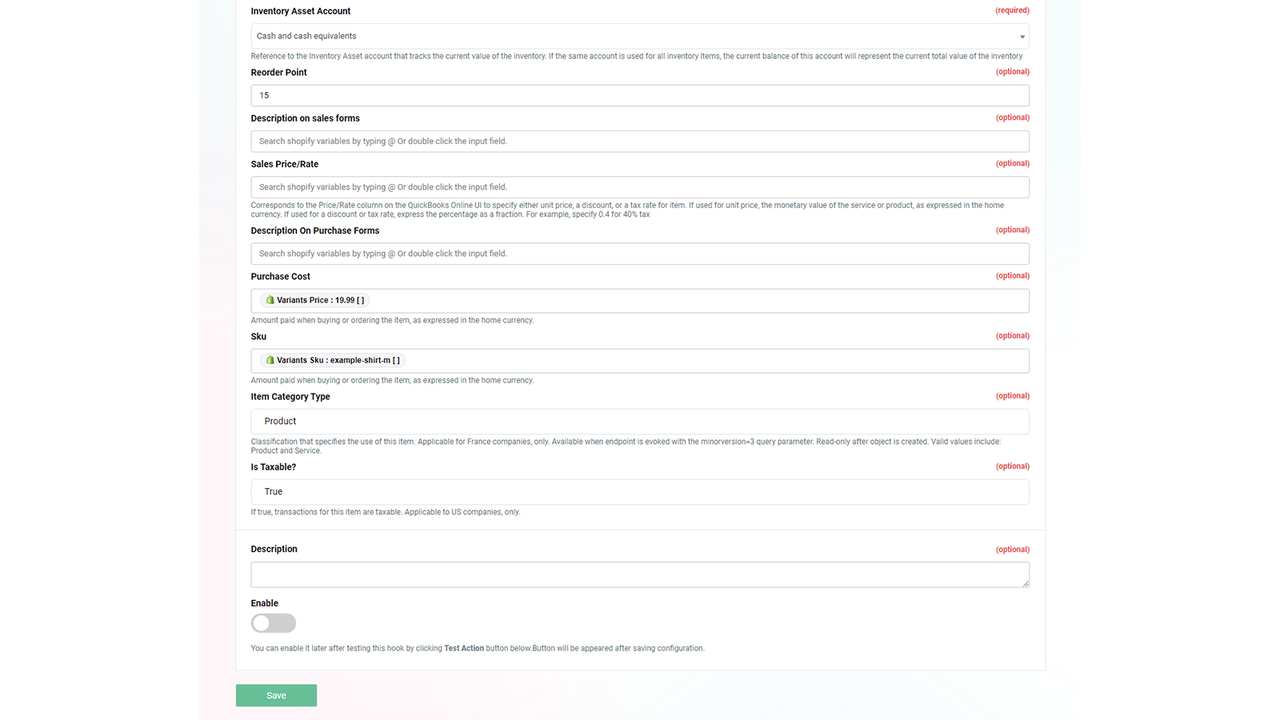

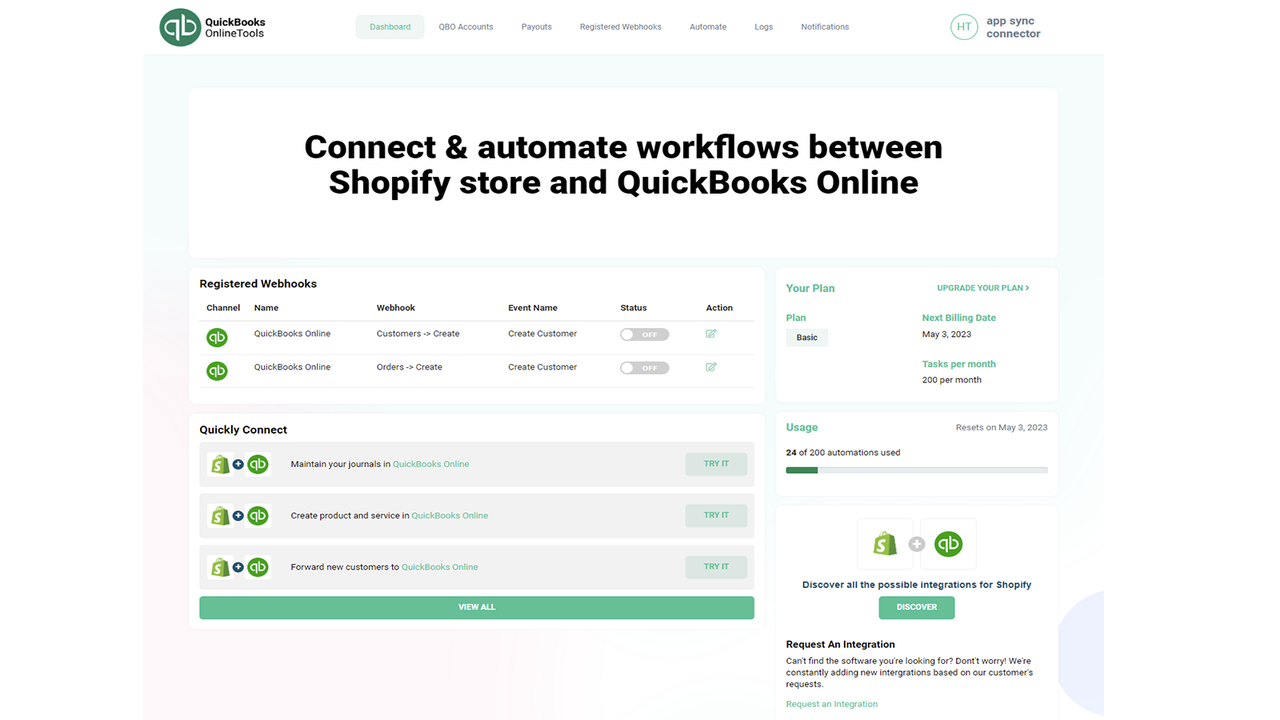
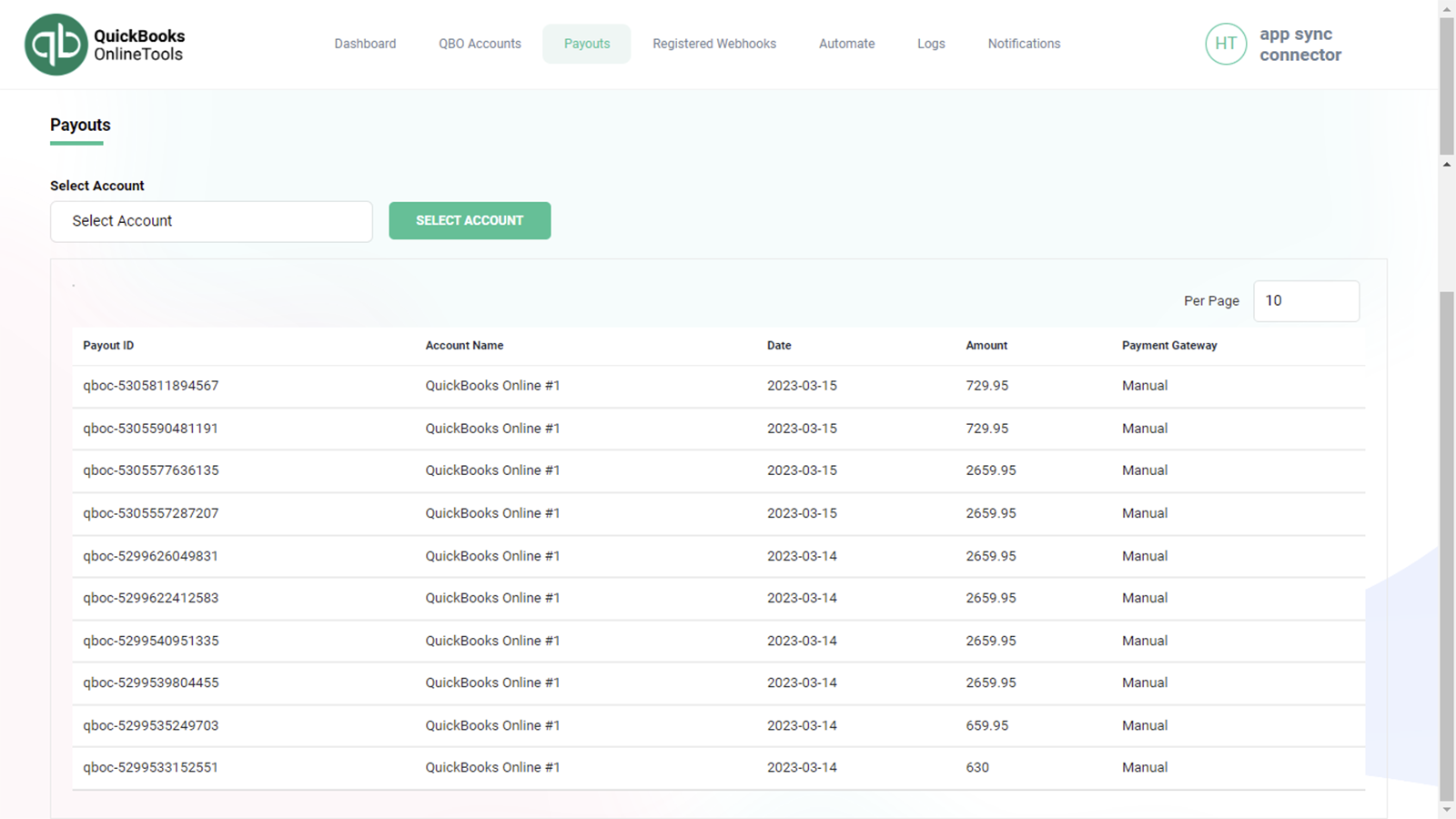
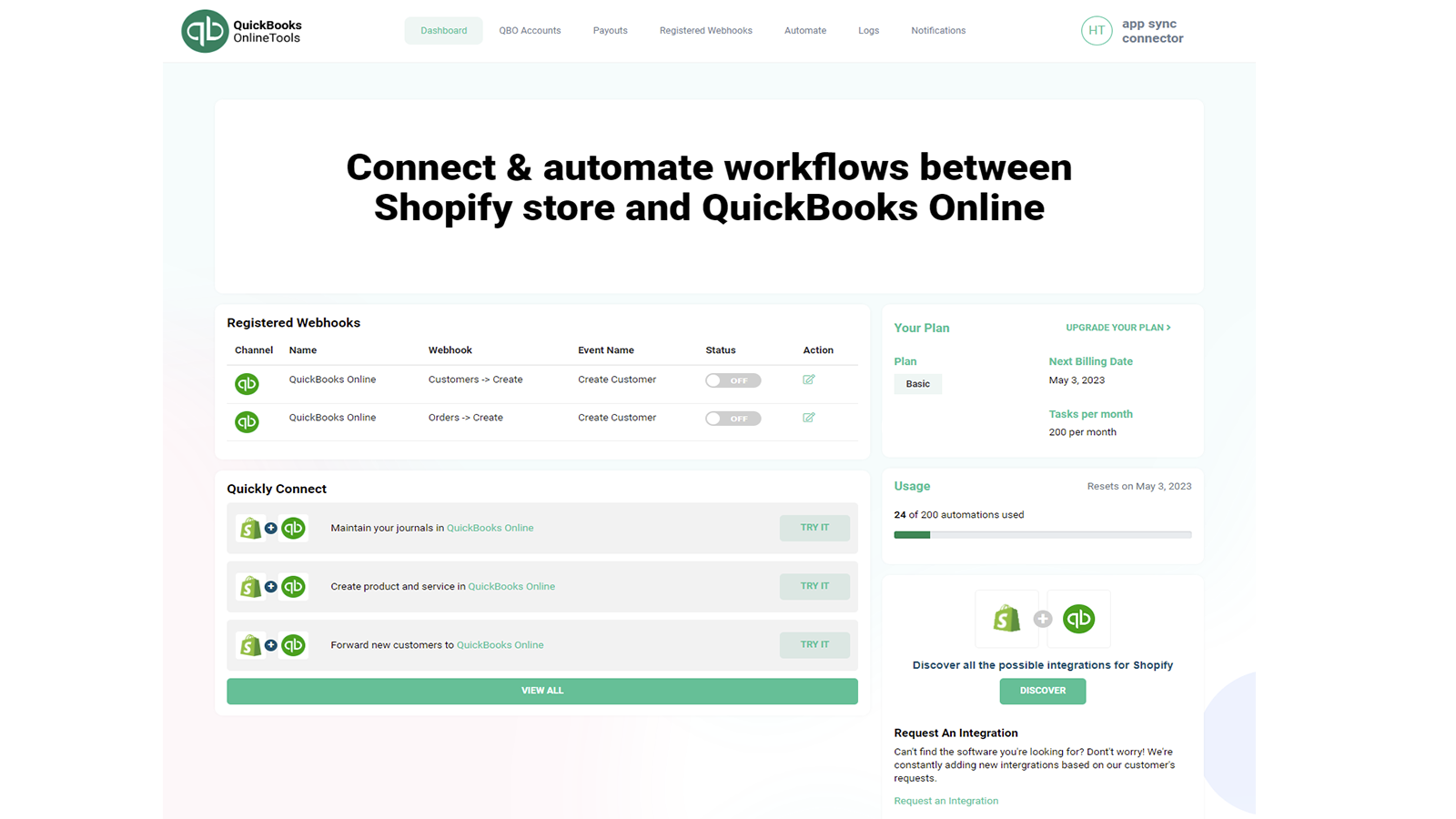
Price Plan
Basic
- 2 Active Webhooks
- 200 Tasks per Month
- 7-Day Log Retention
Professional
- 10 Active Webhooks
- 10,00 Tasks per Month
- 7-Day Log Retention
Elite
- Unlimited Active Webhooks
- 20,000 Tasks per Month
- 30-Day Log Retention
User Location & Comments
User Location
Comments
Shopify API Used
- POST /admin/api/quickbooks/sync/trigger.json
- GET /admin/api/quickbooks/sync/status.json
- PUT /admin/api/quickbooks/sync/settings.json
Permission:read_orders,write_inventory,manage_quickbooks
- POST /admin/api/quickbooks/mapping.json
- PUT /admin/api/quickbooks/mapping/{id}.json
- GET /admin/api/quickbooks/mapping.json
Permission:read_products,write_quickbooks,manage_mappings
- POST /admin/api/quickbooks/realtime/activate.json
- GET /admin/api/quickbooks/realtime/status.json
- PUT /admin/api/quickbooks/realtime/interval.json
Permission:read_orders,write_quickbooks,manage_webhooks
- POST /admin/api/quickbooks/webhook/filter.json
- PUT /admin/api/quickbooks/webhook/filter/{id}.json
- GET /admin/api/quickbooks/webhook/filter.json
Permission:read_webhooks,write_quickbooks,manage_settings
- POST /admin/api/quickbooks/setup/complete.json
- GET /admin/api/quickbooks/setup/guide.json
- PUT /admin/api/quickbooks/setup/connect.json
Permission:read_shop,write_quickbooks,manage_apps