
App Introduction
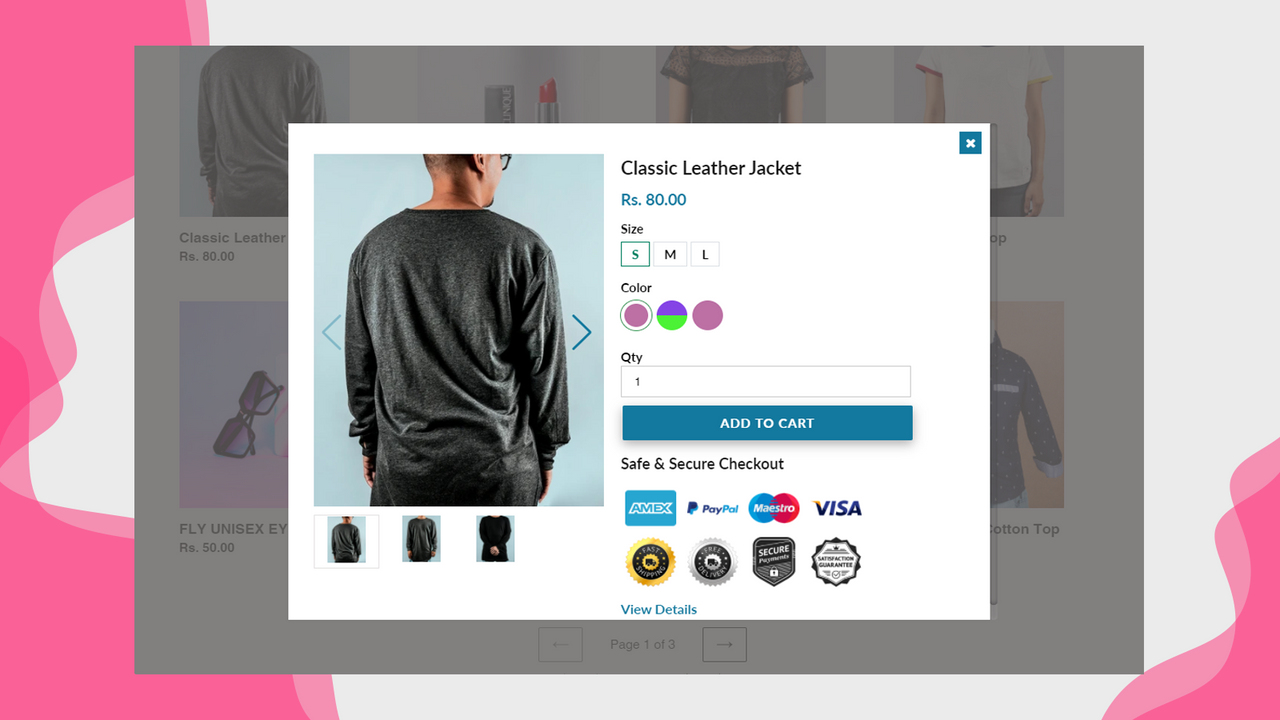
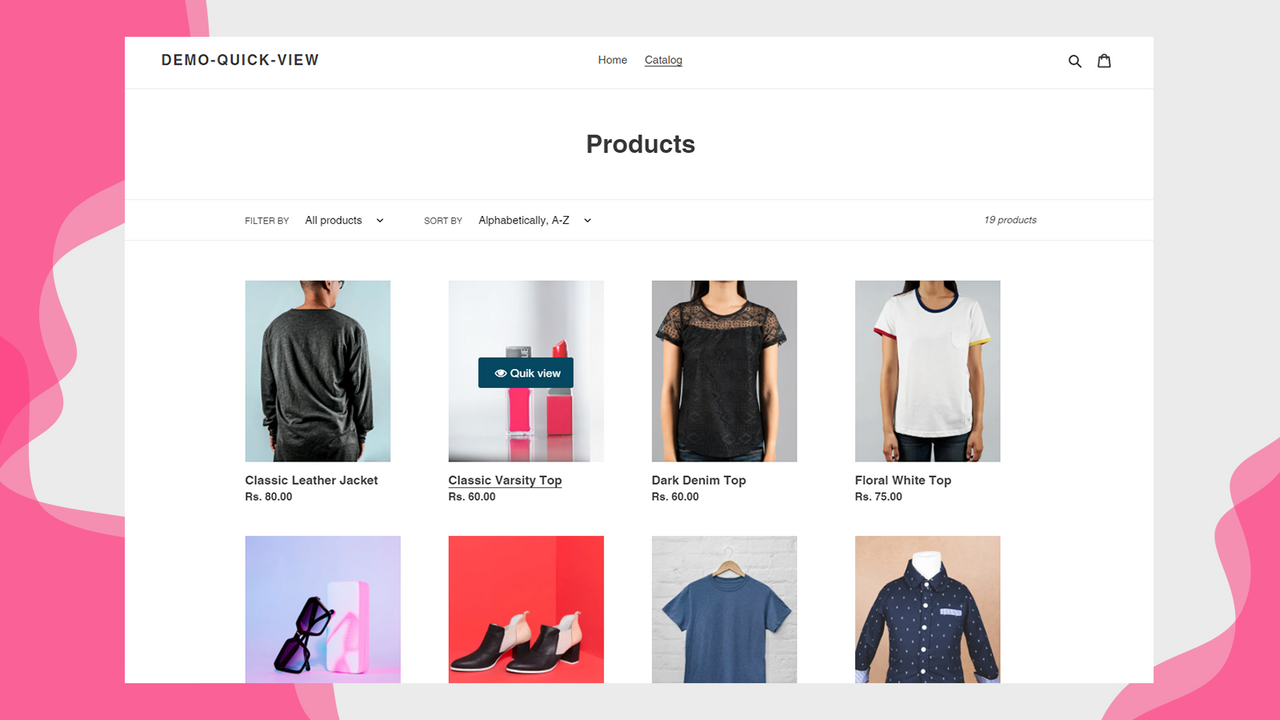
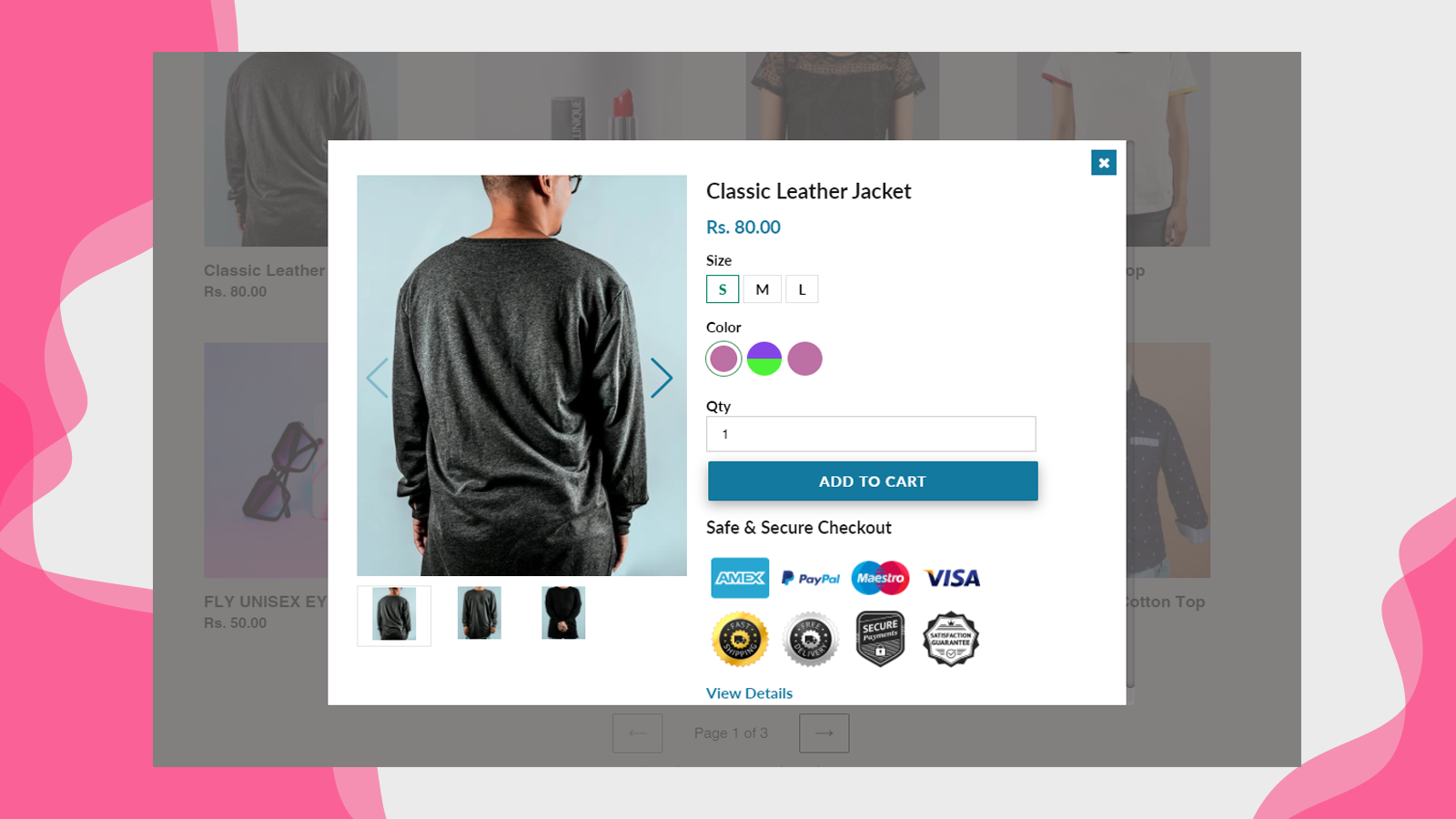
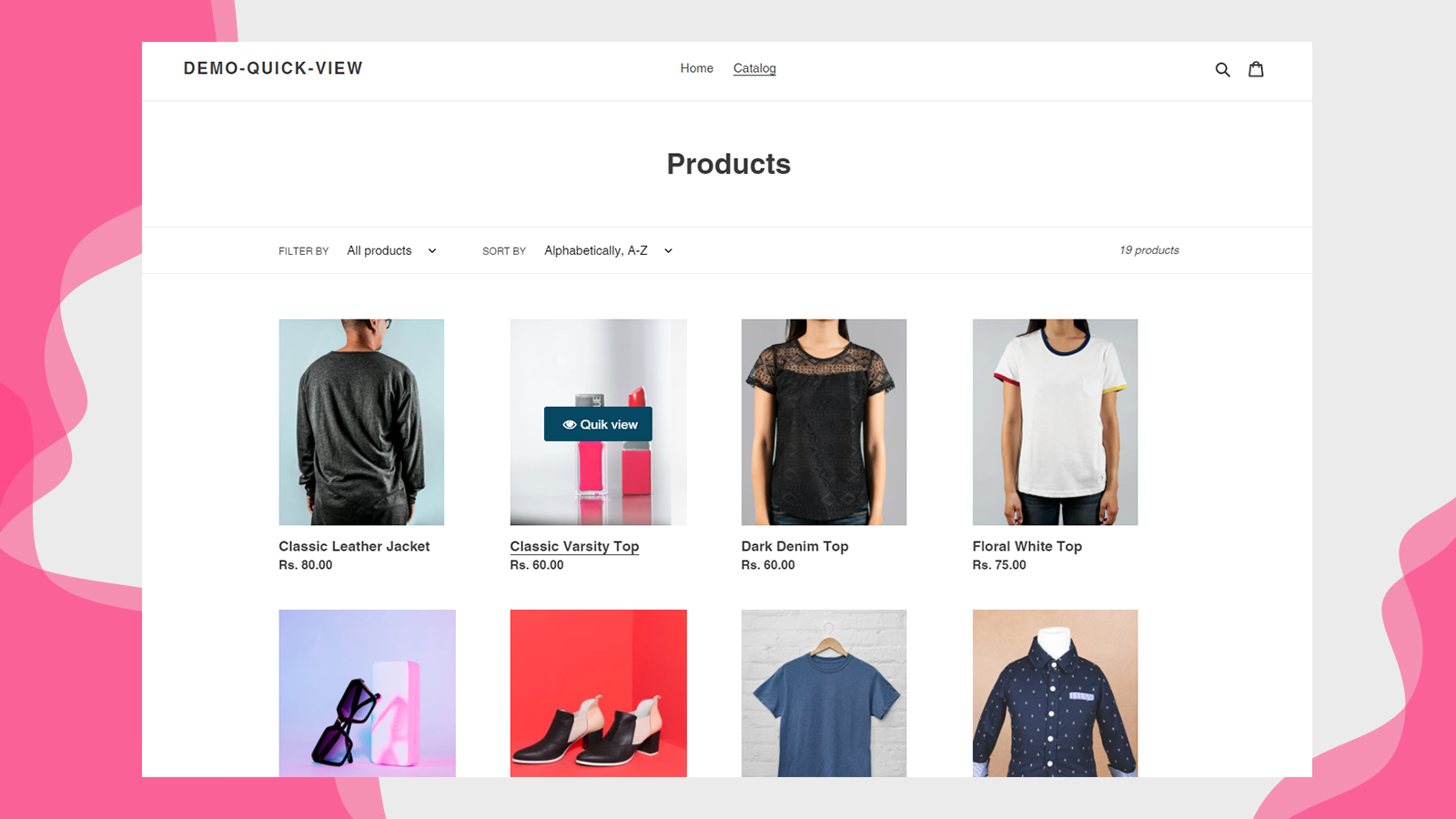
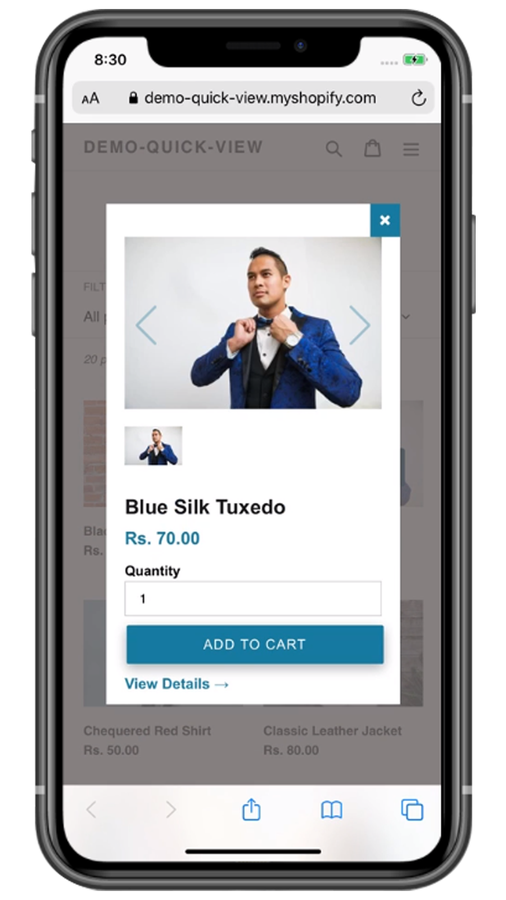
The Quick View Maker app lets users quickly preview products without opening the product page. It provides shoppers with a convenient way to access product info instantly, complete with smooth animations. This step saves time and delivers a faster, more intuitive browsing experience. Quick view is a must-have feature for online stores—the more product details you show customers, the higher your conversion rate will be. When shoppers search for products on your store, they want the process to be fast. They aim to explore the maximum number of items in the shortest time possible.
Core Functionality
- Quick view products and add to cart instantly without opening the product page
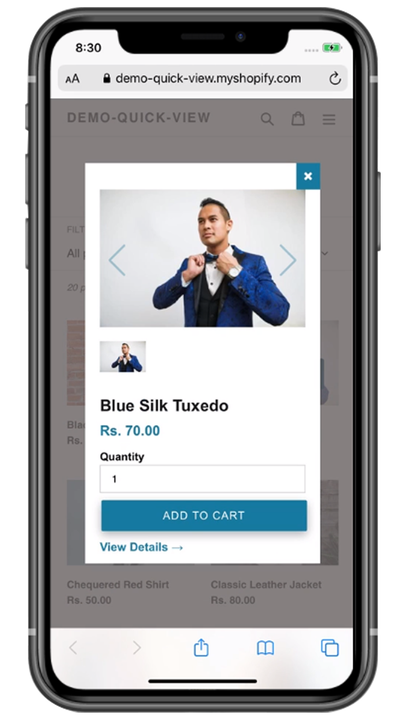
- Fully responsive across all screen resolutions, from laptops to mobile devices
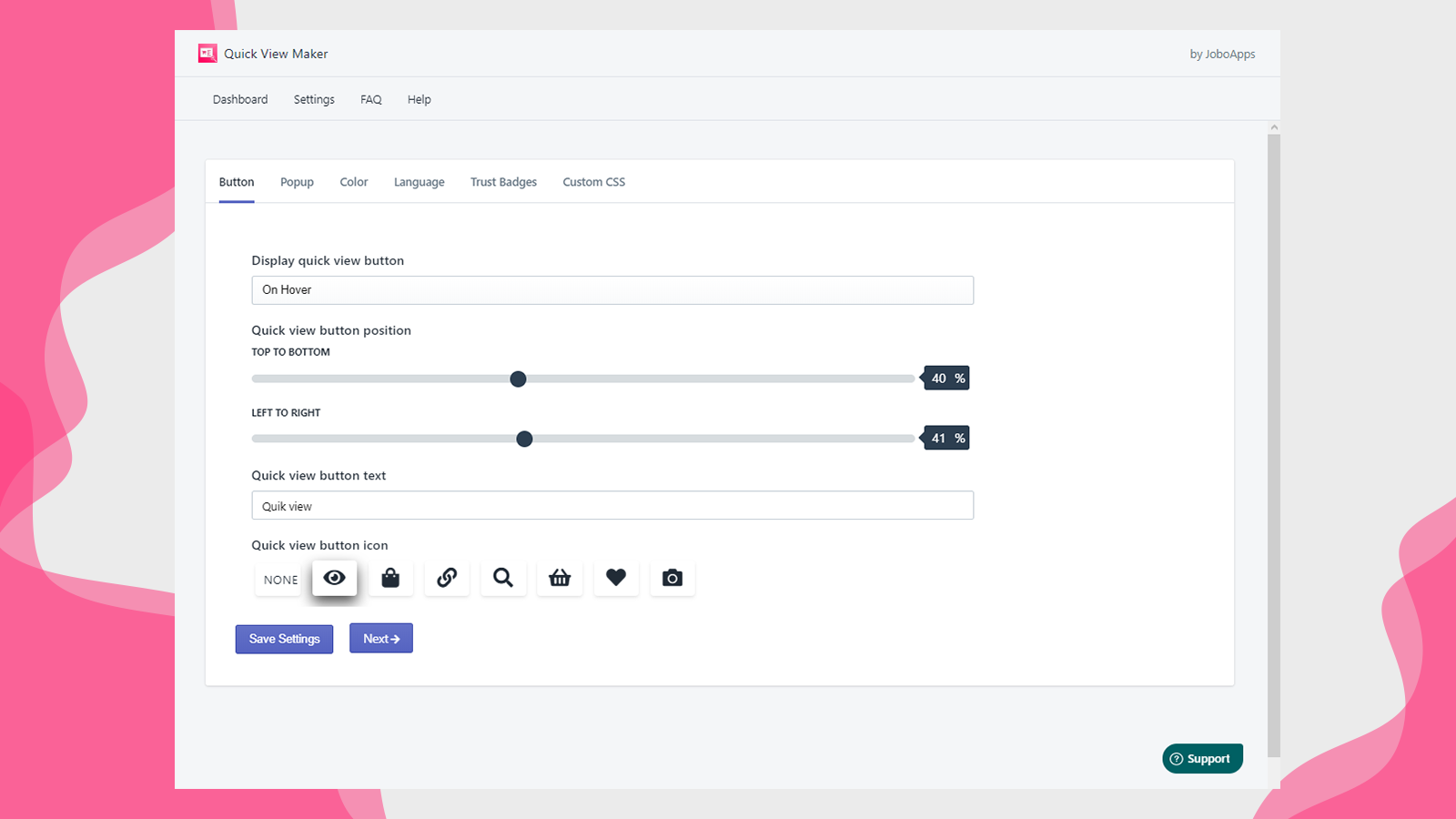
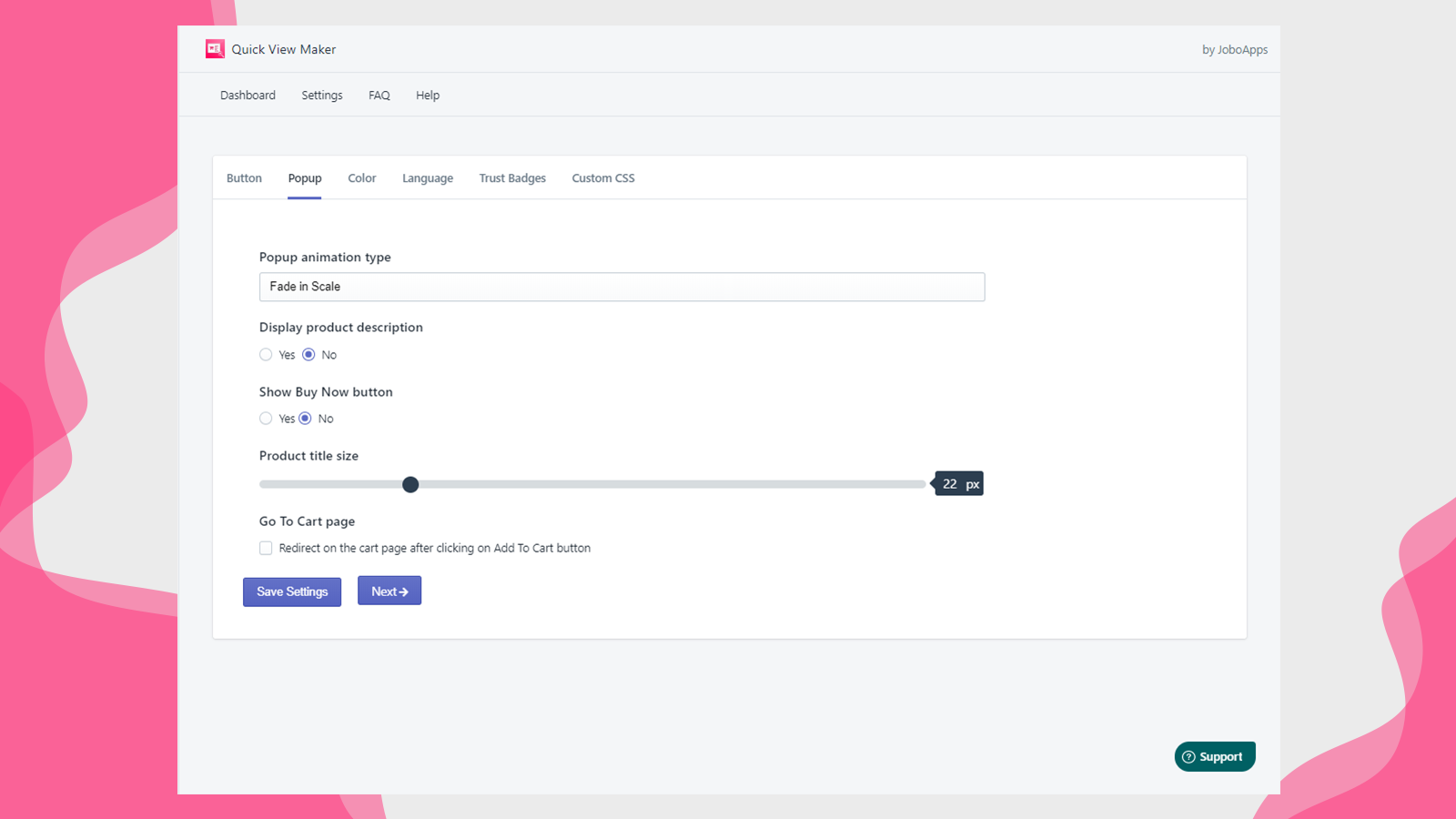
- Fully customizable quick view and pop-up button designs for easy personalization
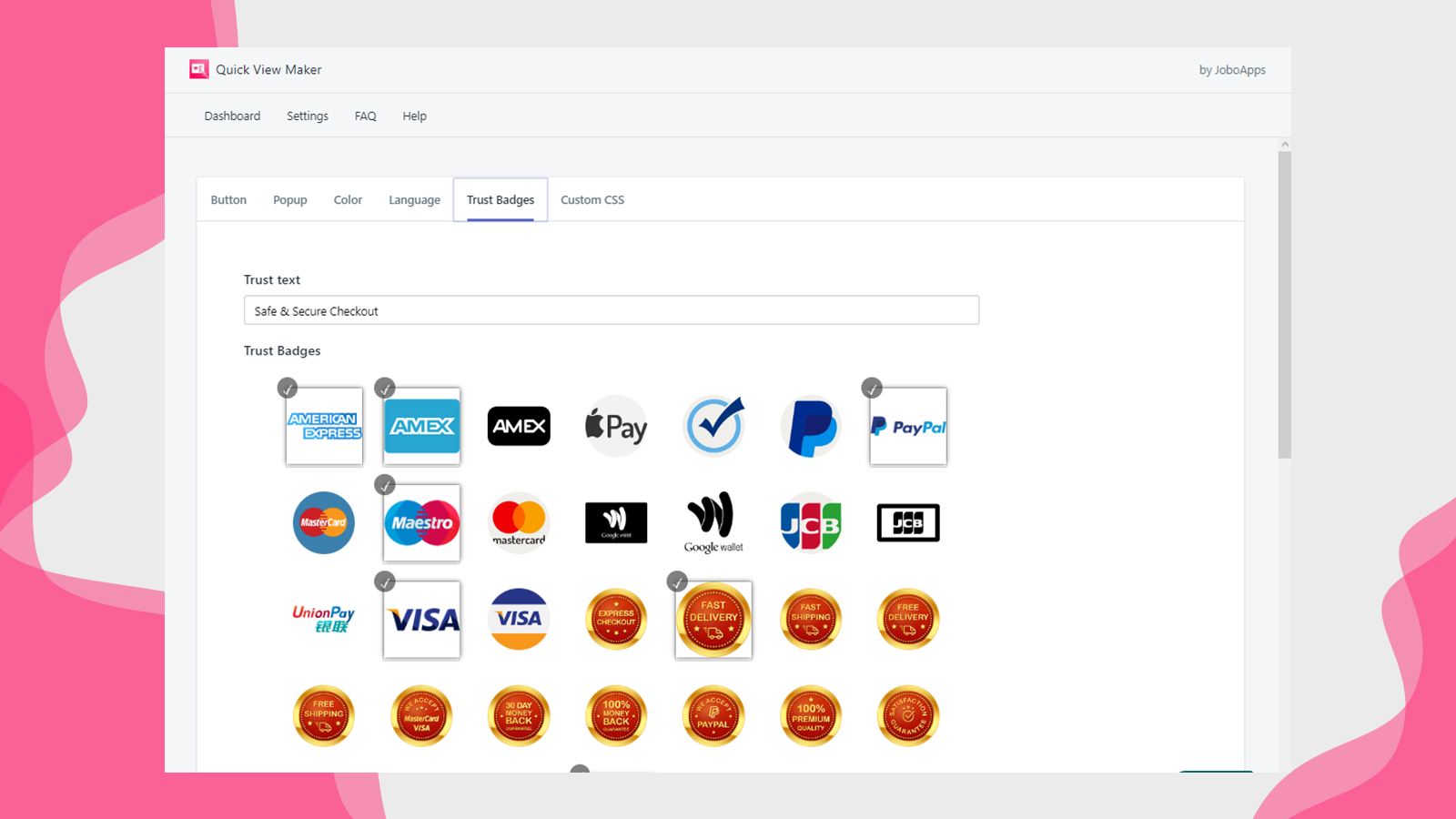
- Trust badges with upload support, featuring 15 different pop-up effects
- Color swatch options, quick button settings, and customizable quick view content
Merchant-Friendly
- Fashion & Apparel Merchants
- Home Goods Merchants
- Electronics Merchants
- Shopify Store Sellers
Basic Information
- Developer:JoboApps
- Address:Vridhi IT Solutions, WARD NO 6, BADI BHIMPURA, KAITHUN, Kota, RJ, 325001, IN
- Price: Free / Free plan
- Rating:0 / 5
- Comment Count:0 comment
- Release Date:2020-8-26
- Supported languages:English
- Compatible products:Shopify
Application Screenshot

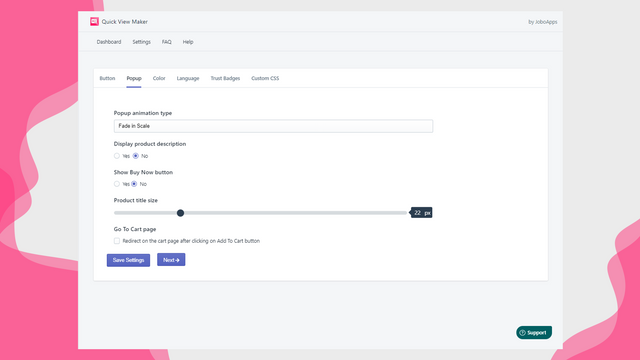
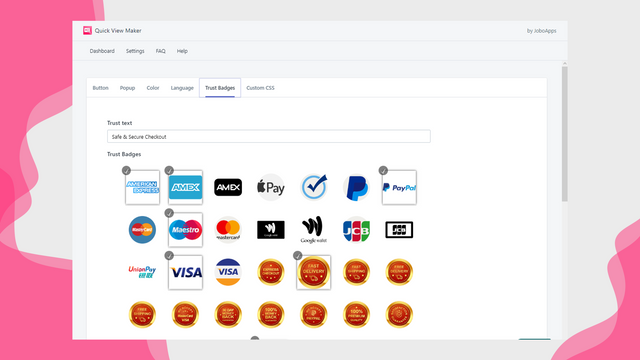
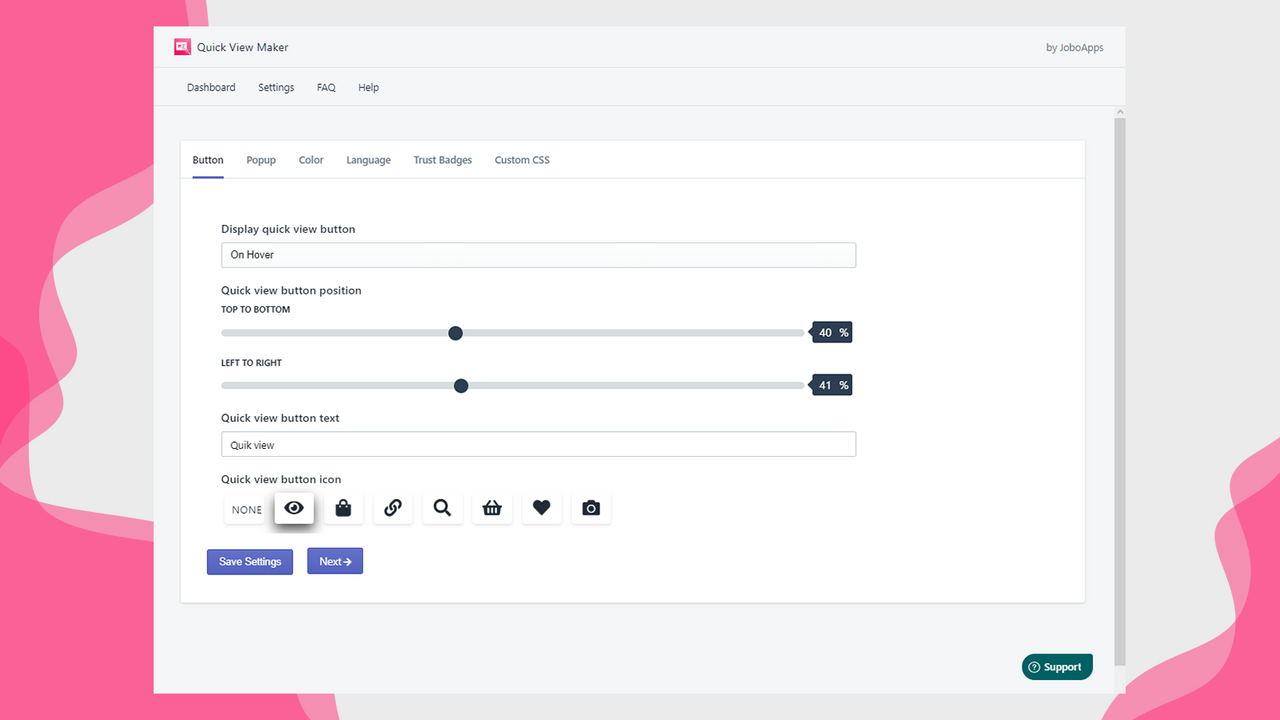
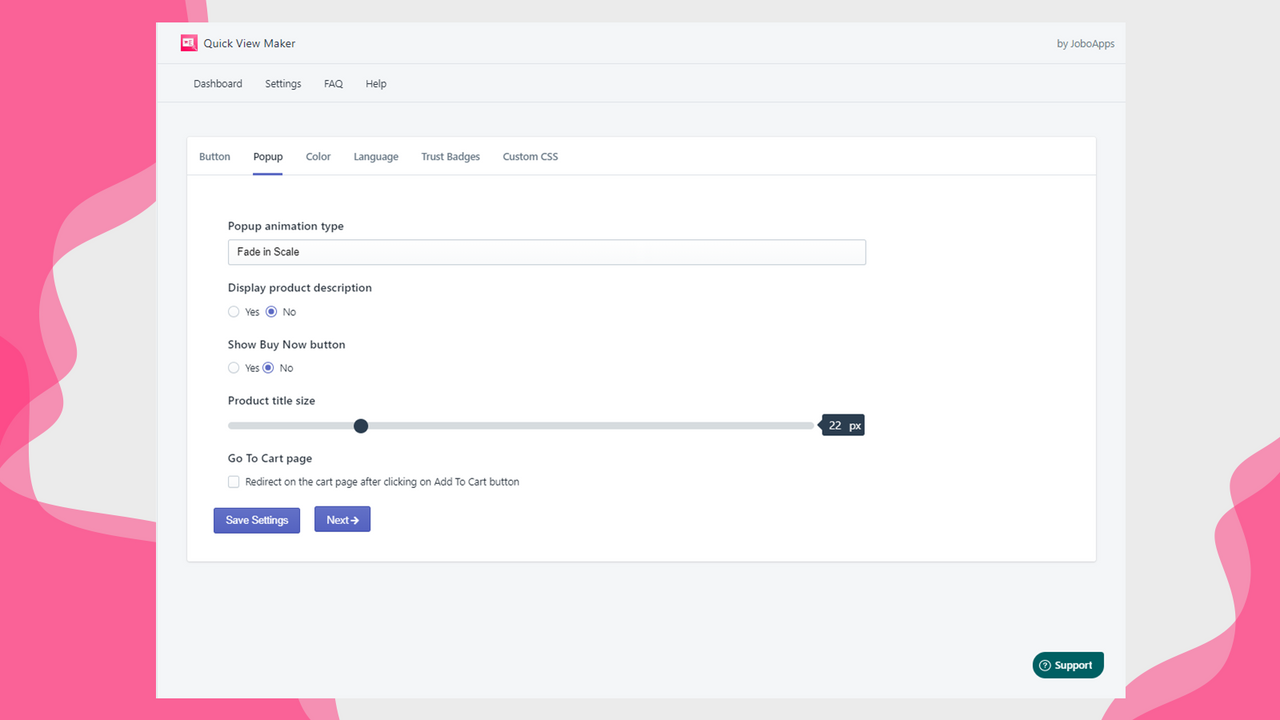

Price Plan
Premium
- Color Swatch Options
- Trust Badges & Custom Badge Upload
- Product Image Zoom
- 15 Beautiful Different Popup Effects
User Location & Comments
User Location
Comments
Shopify API Used
- GET /admin/api/products/{product_id}.json
- POST /admin/api/cart/add.json
- GET /admin/api/products.json?limit=50
Permission:read_products,write_cart,read_customers
- GET /admin/api/shop.json
- GET /admin/api/themes/{theme_id}.json
- GET /admin/api/online_store/preview.json
Permission:read_shop,read_themes,manage_online_store
- PUT /admin/api/themes/{theme_id}/assets.json
- POST /admin/api/online_store/sections.json
- GET /admin/api/themes/{theme_id}/assets.json
Permission:write_themes,manage_online_store,read_products
- POST /admin/api/files.json
- GET /admin/api/files.json
- PUT /admin/api/themes/{theme_id}/assets.json
Permission:write_files,read_files,write_themes
- GET /admin/api/products/{product_id}/variants.json
- PUT /admin/api/products/{product_id}/variants.json
- POST /admin/api/cart/add.json
Permission:read_products,write_products,write_cart



