
App Introduction
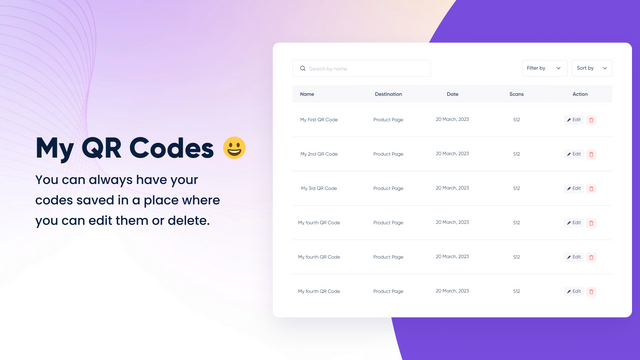
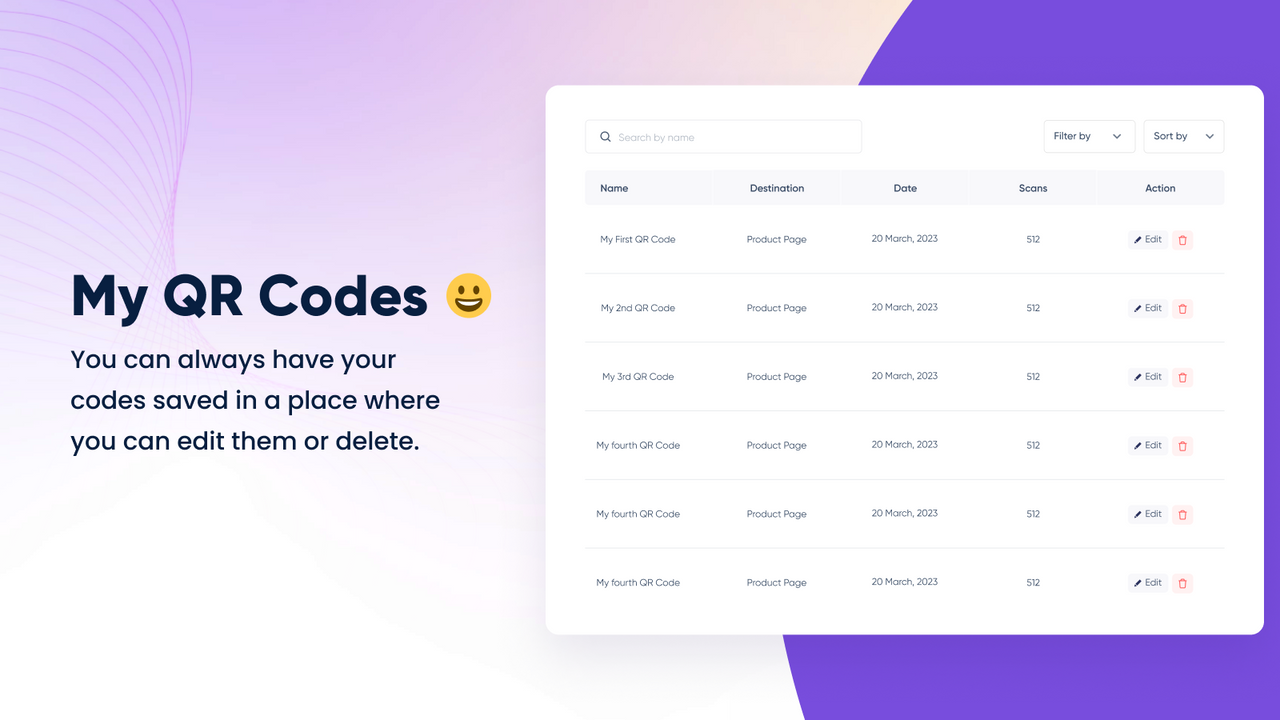
QR Pro is an amazing tool that quickly generates unique QR codes for your products or website. QR Pro is an amazing tool that not only lets you quickly generate and create your own unique QR codes, but also offers many additional features to enhance your experience. With QR Pro, you can always stay informed about which codes are in use and which are not. Plus, QR Pro provides a variety of customization options, allowing you to tailor QR codes to your specific needs. It’s compatible with Shipstation, Shippo, Aftership, Stocky, POS, and Track123.
Core Functionality
- Create unique QR codes for products and websites
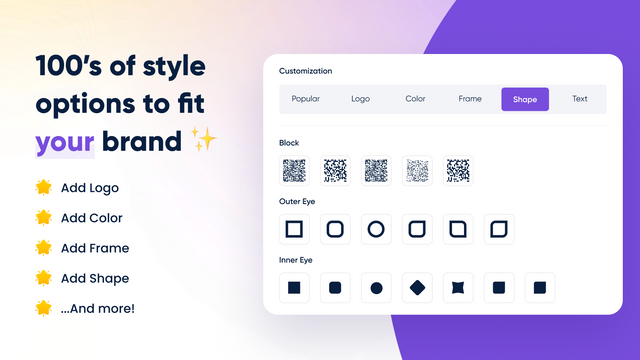
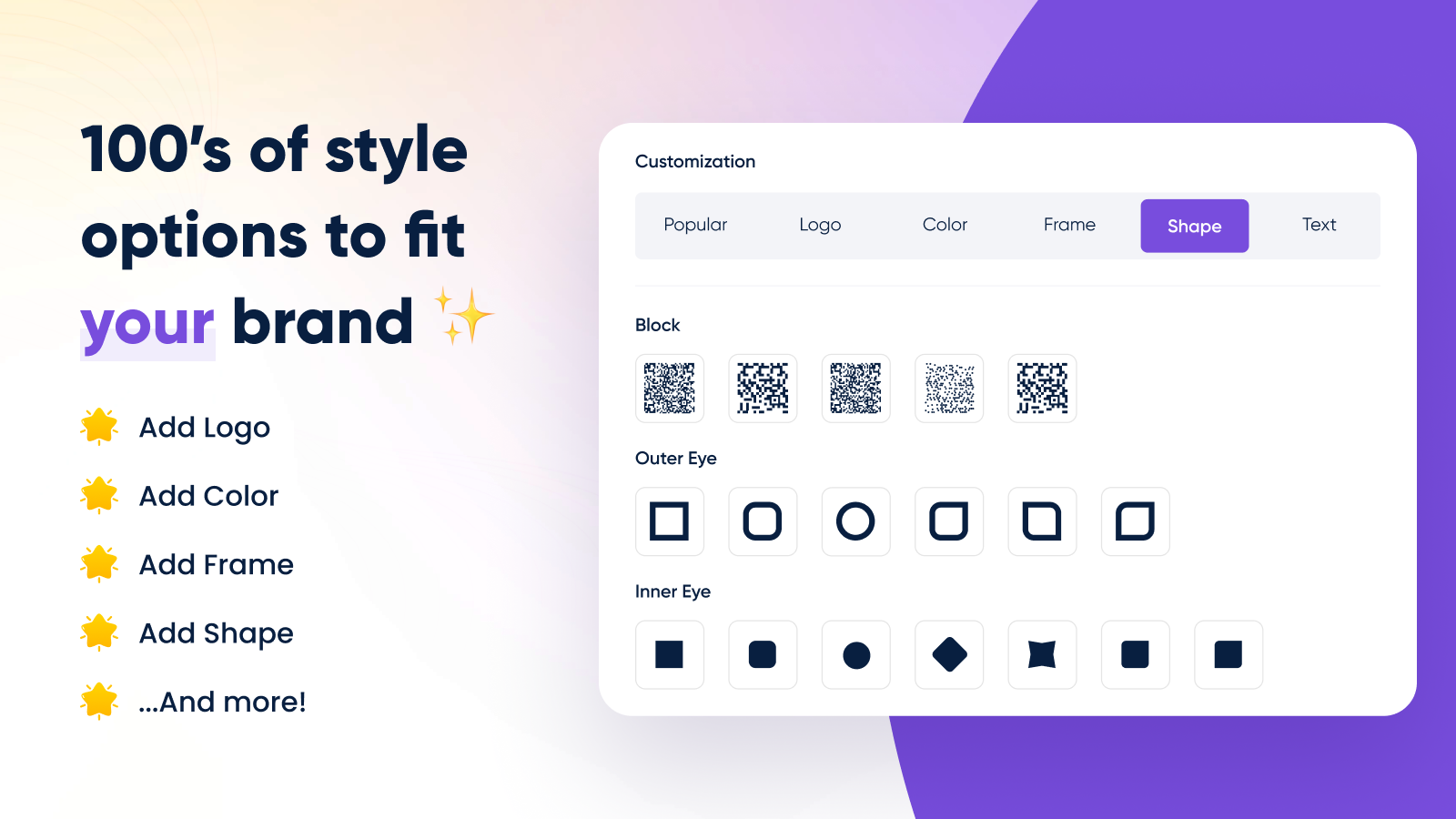
- Customize generated QR codes
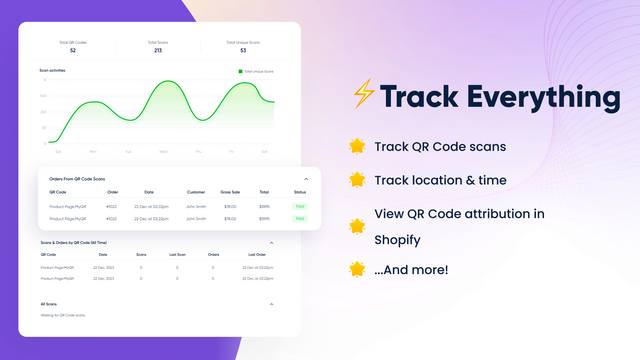
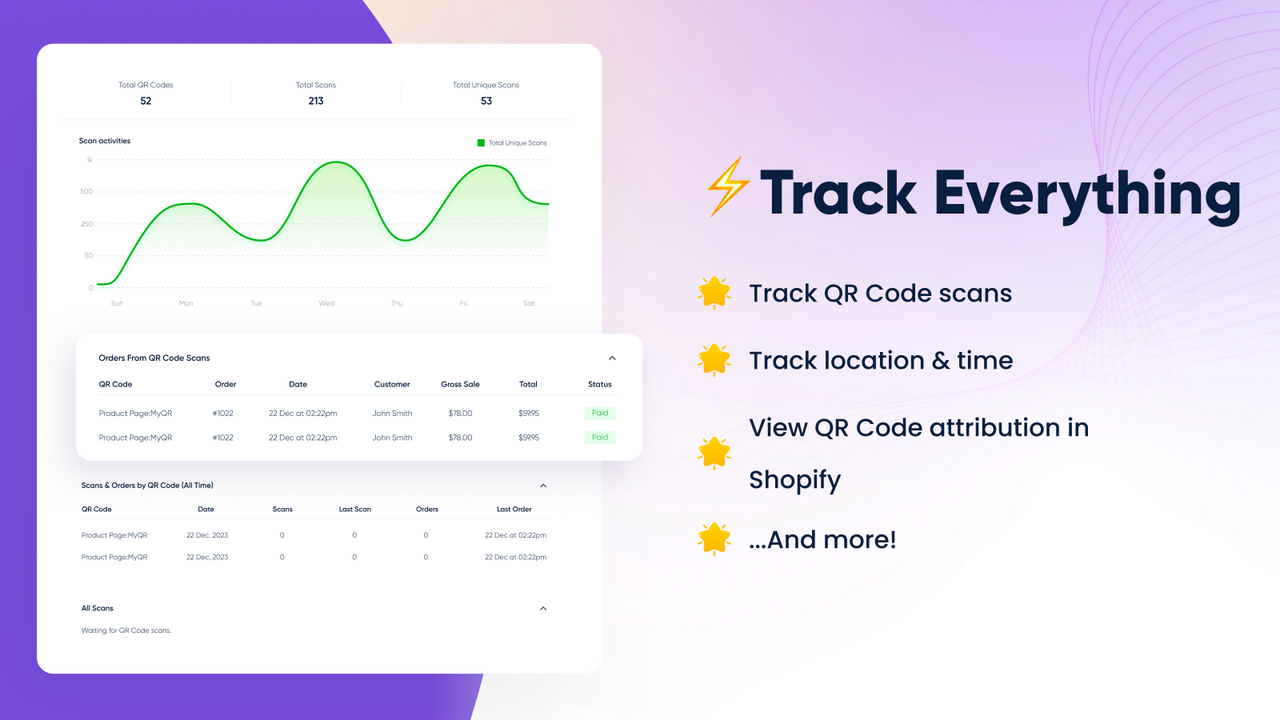
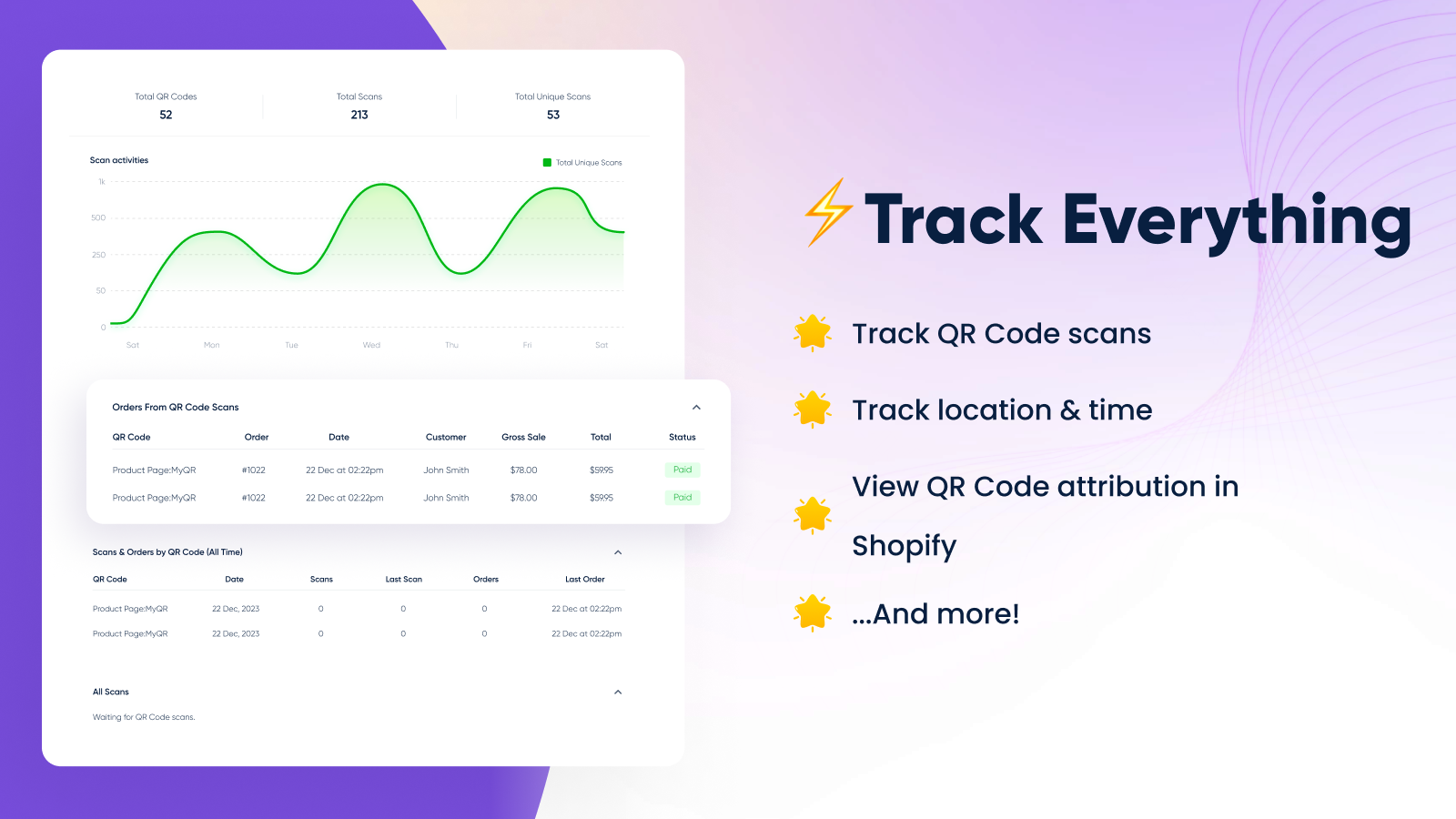
- Track and monitor QR code scans
Merchant-Friendly
- Offline Retail Merchants
- Product Marketing Merchants
- Omnichannel E-commerce Merchants
- Brand Promotion Merchants
Basic Information
- Developer:Innovation Labs.
- Address:Toronto, ON, CA
- Price: Free / Free plan
- Rating:4.6 / 5
- Comment Count:51 comment
- Release Date:2023-9-21
- Supported languages:English
- Compatible products:Shopify
Application Screenshot
Price Plan
Starter
- 10 QR Codes
- Unlimited Scans
- Custom Styles
- Chat and Email Support
Pro
- All Starter Features
- 50 QR Codes
- More Customization Options
- Scan Reports
- VIP Support
Empire
- All Pro Features
- 250 QR Codes
- Order Attribution & Tracking
- VIP Support
Unicorn
- All Empire Features
- Unlimited QR Codes
- Unlimited Customization
- Order Attribution & Tracking
- VIP Support
User Location & Comments
User Location
Comments
Shopify API Used
- POST /admin/api/products/{product_id}/qrcodes.json
- GET /admin/api/products/{product_id}/qrcodes.json
- PUT /admin/api/products/{product_id}/qrcodes/{id}.json
Permission:write_qrcode,read_qrcode,manage_products
- POST /admin/api/shops/{shop_id}/qrcodes.json
- GET /admin/api/shops/{shop_id}/qrcodes.json
- DELETE /admin/api/shops/{shop_id}/qrcodes/{id}.json
Permission:write_qrcode,read_qrcode,manage_online_store
- PUT /admin/api/qrcodes/{id}/customize.json
- GET /admin/api/qrcodes/{id}/customize.json
- POST /admin/api/qrcodes/{id}/customize/design.json
Permission:write_qrcode,read_qrcode,manage_assets
- GET /admin/api/qrcodes/{id}/scans.json
- GET /admin/api/qrcodes/scans/stats.json
- GET /admin/api/qrcodes/{id}/scans/real_time.json
Permission:read_qrcode,read_analytics,manage_reports



