
App Introduction
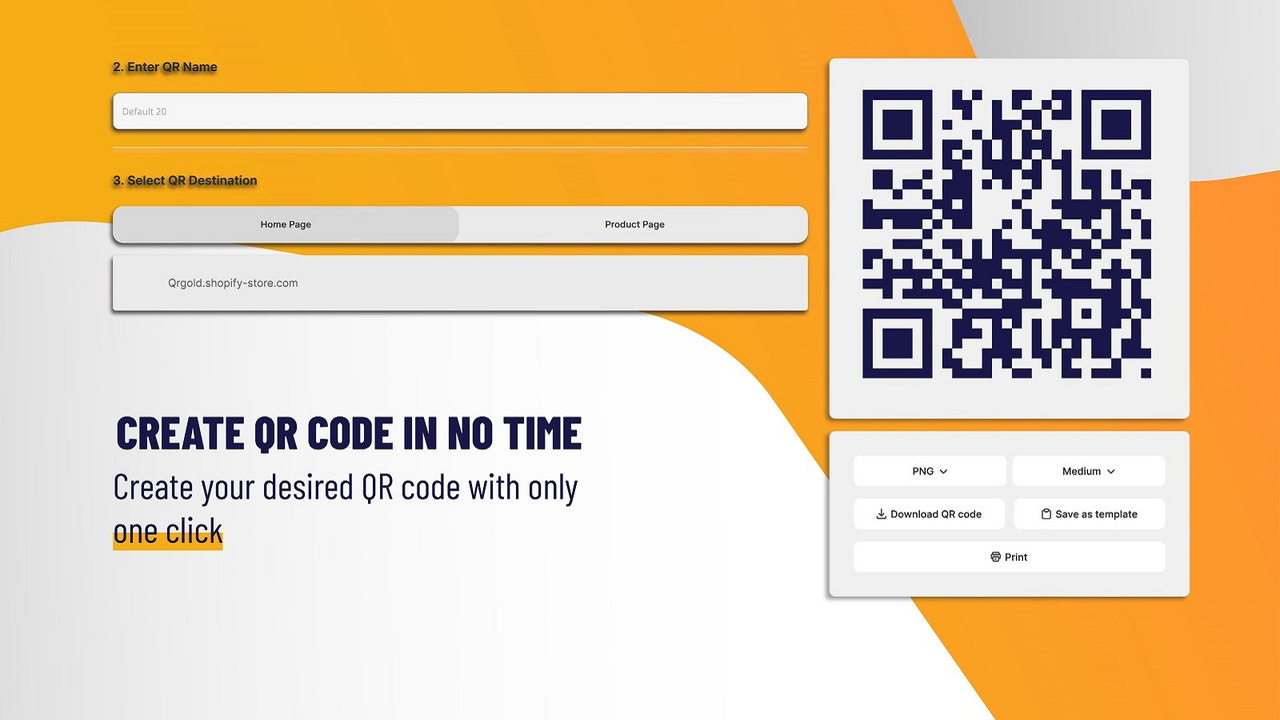
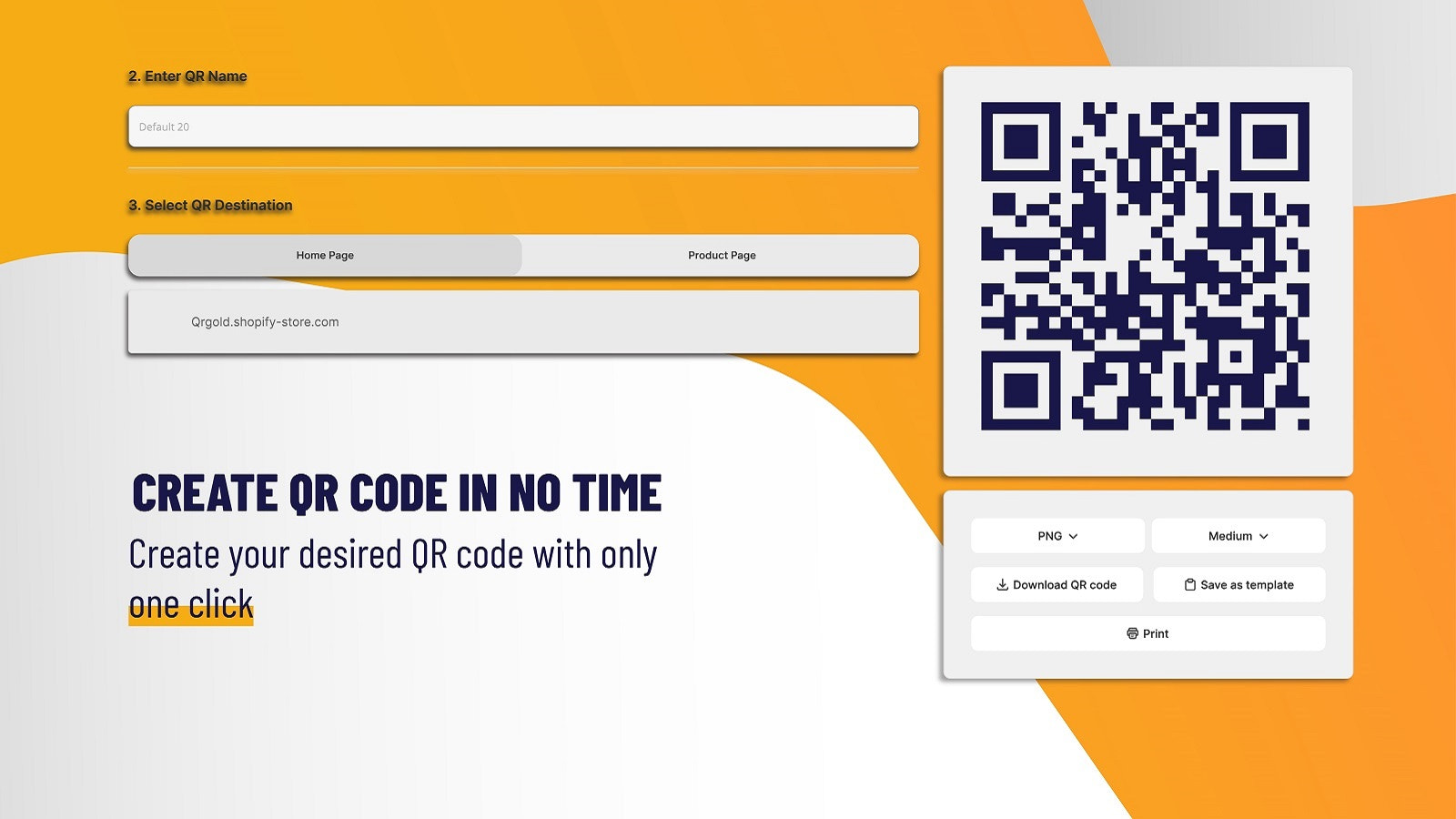
Design QR code labels for your products in one click. Create your own unique label styles. The QrGold app lets you easily craft labels that align with your brand and usage needs. It supports various paper sizes, styles, and dynamic formats, enabling you to design stunning labels that boost your online and offline sales and marketing results. Update your dynamic QR codes even after printing. Save time with bulk QR code creation. Gain valuable engagement insights by tracking QR code performance.
Core Functionality
- Use dynamic QR codes that can be updated even after printing—no worries.
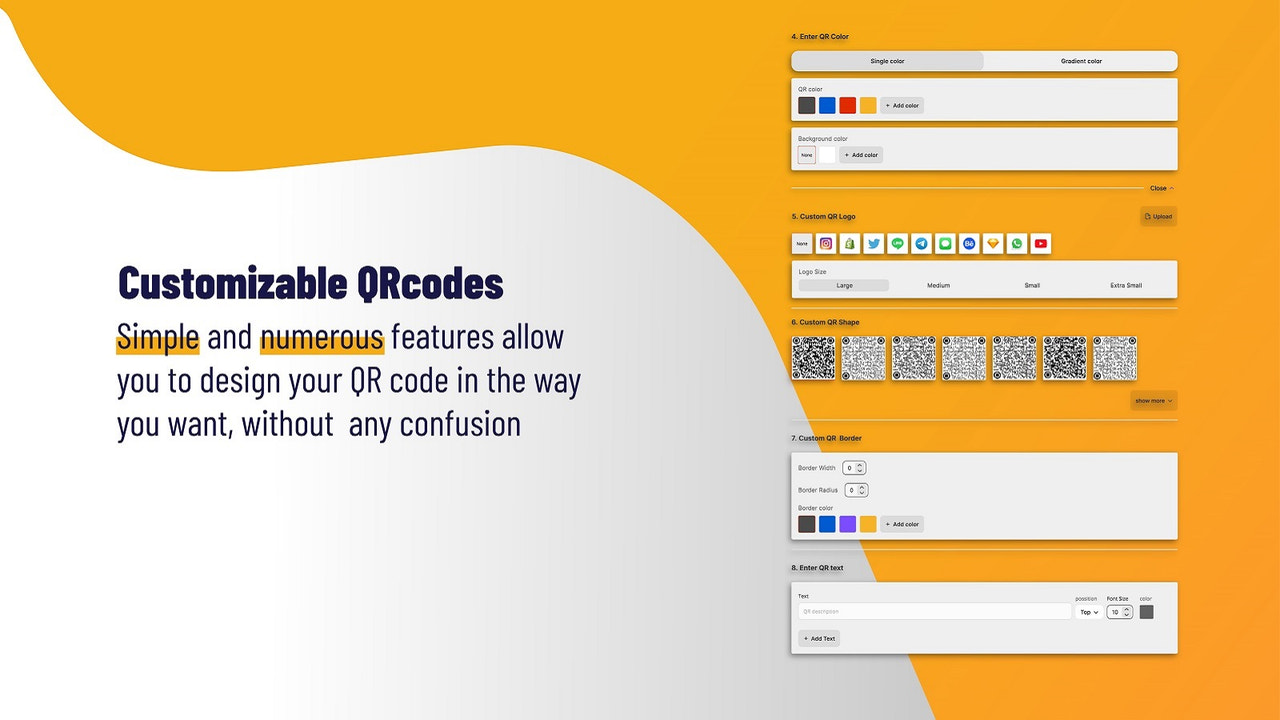
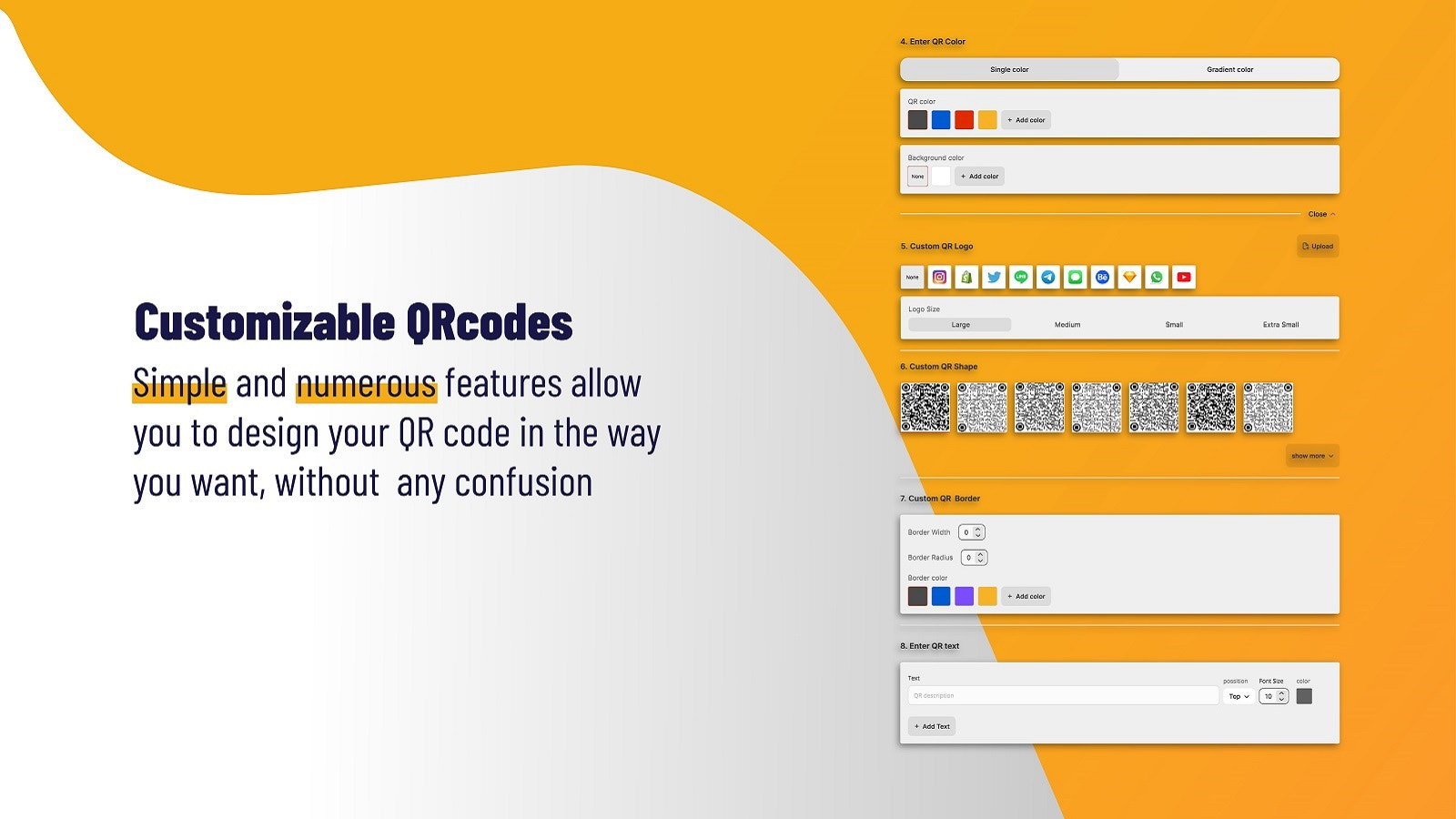
- Fully customizable QR code designs (styles, colors, frames, and text)
- Link your QR codes to anything in your store (products, collections, pages, etc.)
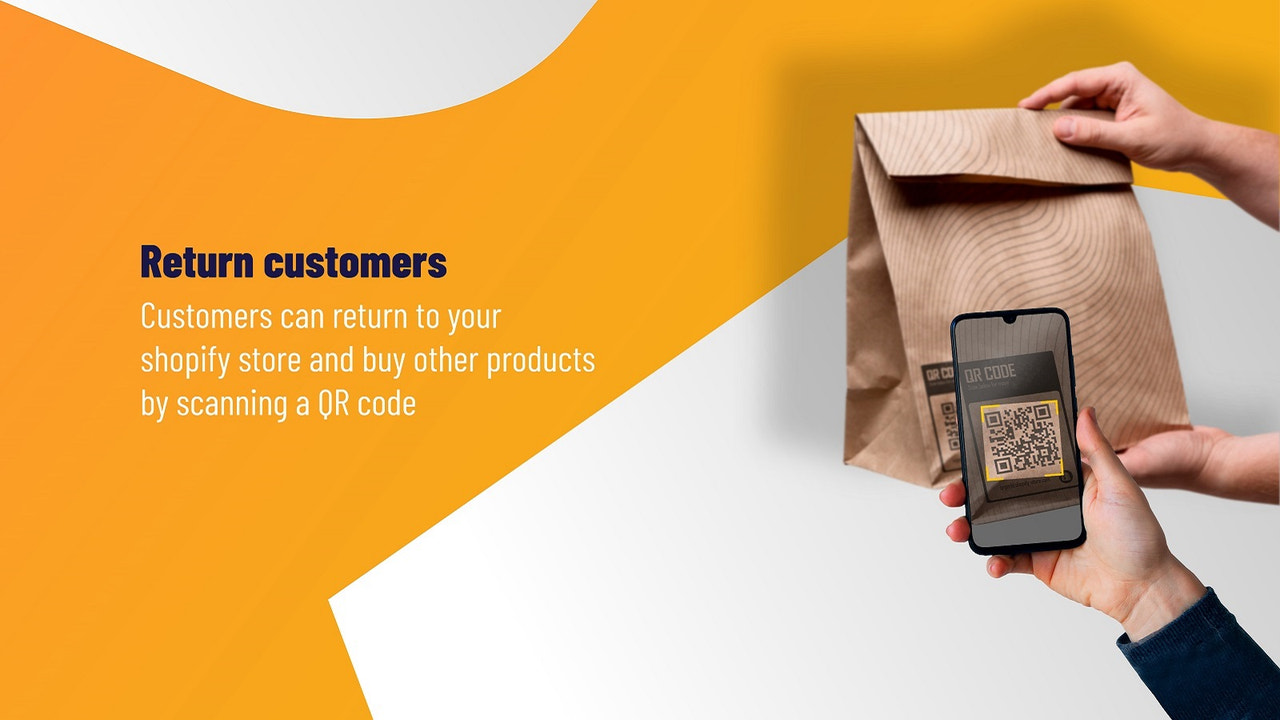
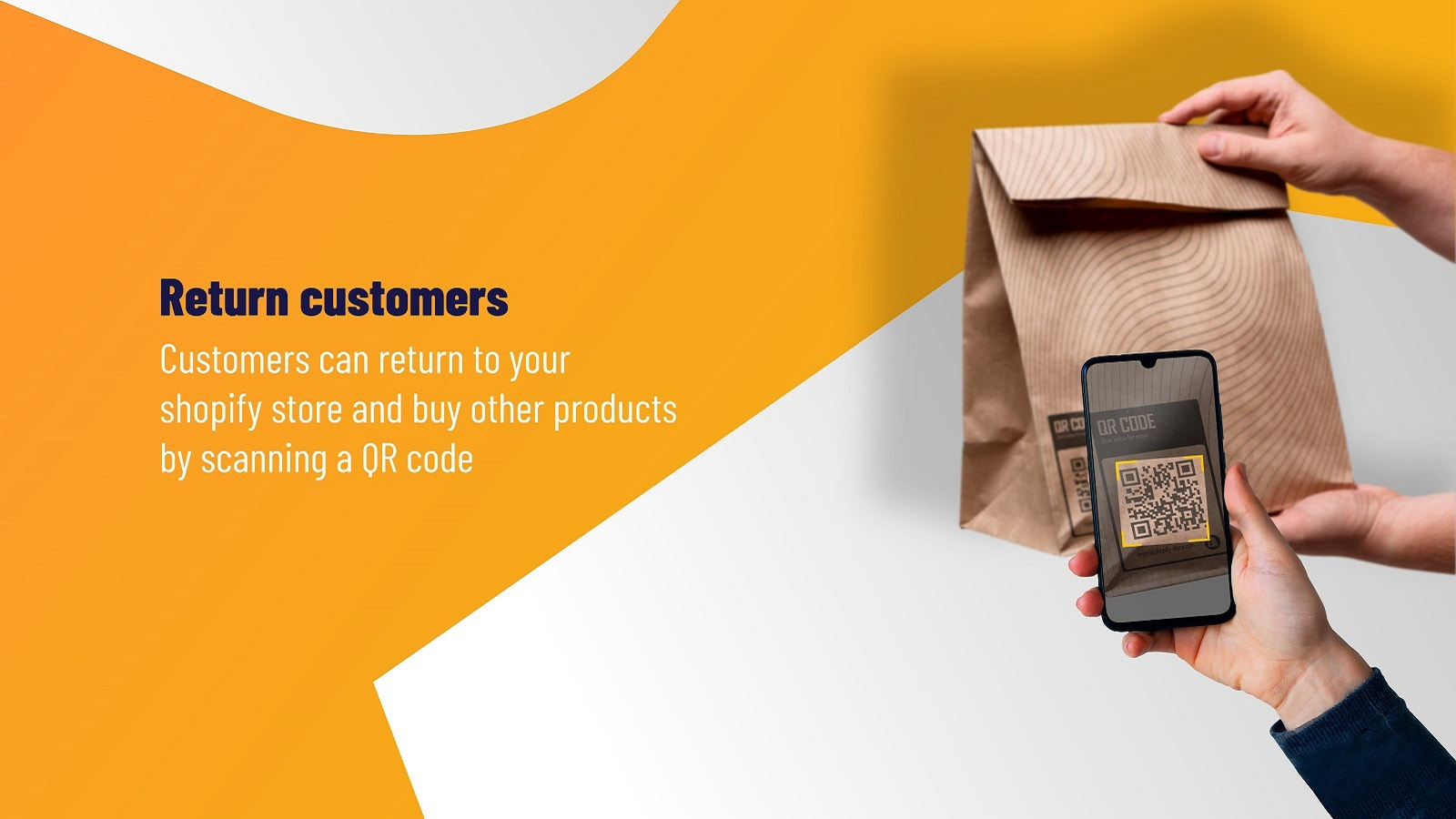
- Enhance your customers’ post-purchase experience with auto-generated QR codes.
- Set up and manage SKUs for your products.
Merchant-Friendly
- Physical Retail Merchants
- Independent E-commerce Stores
- Multi-channel Sellers
- Brand E-commerce
Basic Information
- Developer:Qteam
- Address:KUALA LAMPUR WP, kuala lampur, KUL, 53300, MY
- Price: Free / Free plan
- Rating:1 / 5
- Comment Count:1 comment
- Release Date:2023-12-4
- Supported languages:English
- Compatible products:Shopify
Application Screenshot






Price Plan
Free
User Location & Comments
User Location
Comments
Shopify API Used
- POST /admin/api/qr_codes.json
- PUT /admin/api/qr_codes/{id}.json
- GET /admin/api/qr_codes/{id}.json
Permission:write_qr_codes,read_qr_codes,manage_products
- POST /admin/api/qr_codes/design.json
- PUT /admin/api/qr_codes/design/{id}.json
- GET /admin/api/qr_codes/design/{id}.json
Permission:write_qr_codes,read_qr_codes,manage_storefront
- POST /admin/api/qr_codes/links.json
- PUT /admin/api/qr_codes/links/{id}.json
- GET /admin/api/qr_codes/links.json
Permission:write_qr_codes,read_qr_codes,manage_pages
- POST /admin/api/post_purchase/qr_codes.json
- PUT /admin/api/post_purchase/qr_codes/{id}.json
- GET /admin/api/post_purchase/qr_codes.json
Permission:write_qr_codes,read_qr_codes,manage_orders
- POST /admin/api/products/{product_id}/variants.json
- PUT /admin/api/products/{product_id}/variants/{variant_id}.json
- GET /admin/api/products/{product_id}/variants.json
Permission:write_products,read_products,manage_inventory



