
Addify ‑ Products Table List
App Introduction
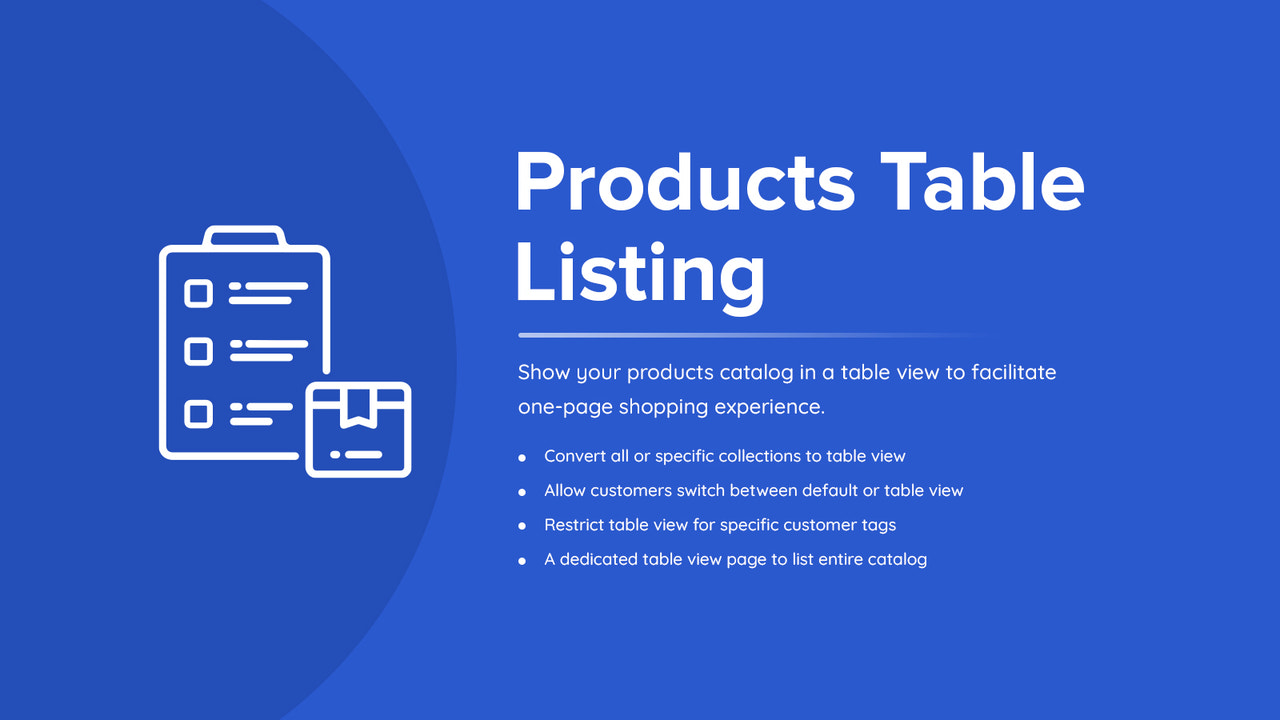
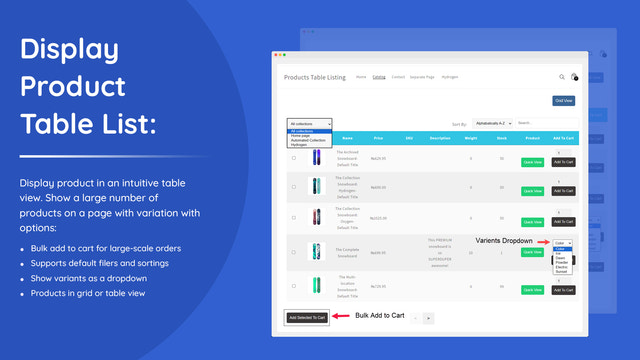
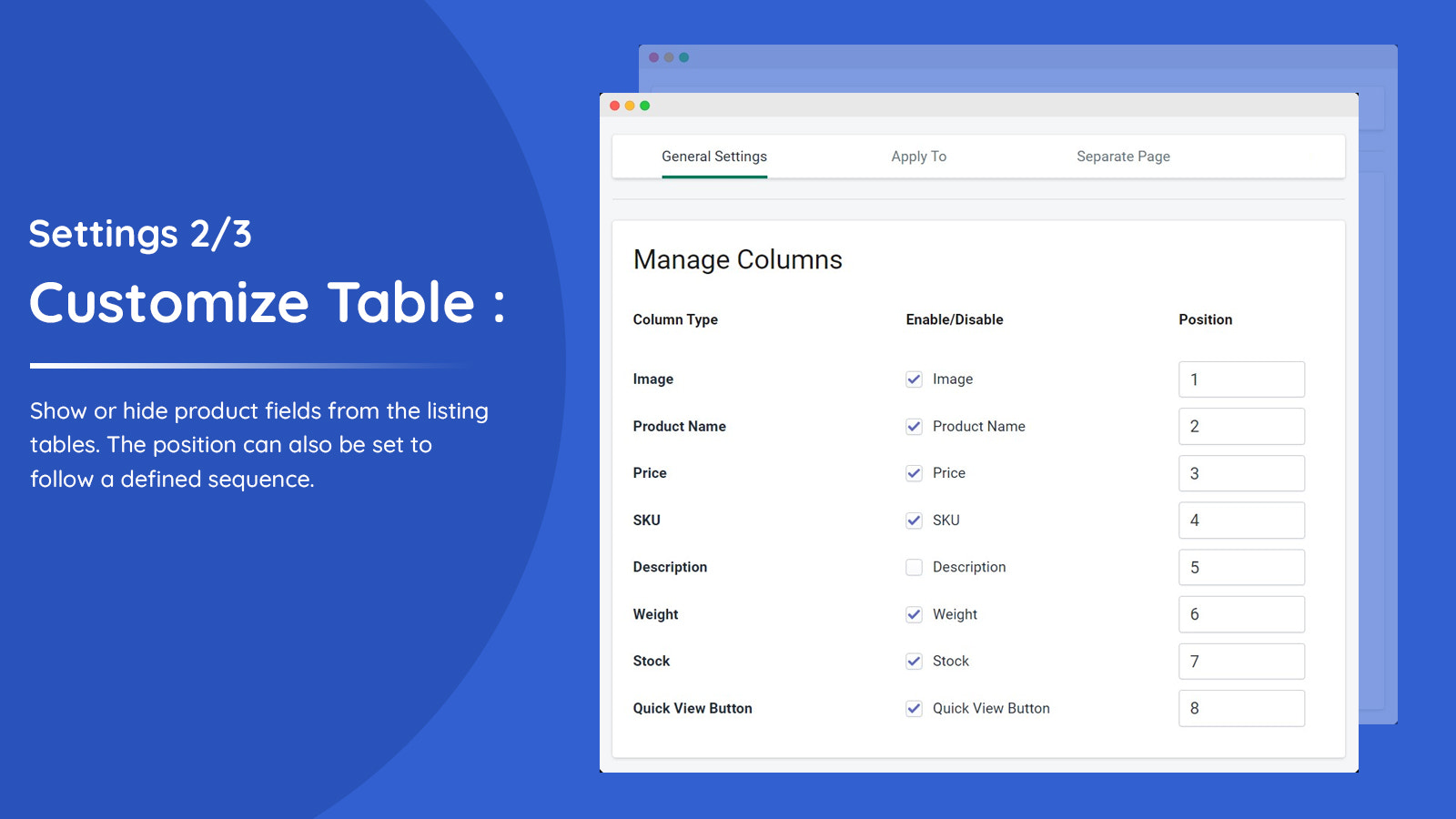
Display your products in a table format to let customers easily browse your catalog. Showcase products in a table list format so customers can view the most product details without visiting each product’s detail page. Customize the table by selecting 9 default fields, and add Quick Buy and bulk add-to-cart buttons for enhanced customer convenience. You can display both the default view and the table list view simultaneously, allowing customers to browse your catalog effortlessly. Enable the table view for specific product collections and customer tags (e.g., B2B, wholesale).
Core Functionality
- Display products in a customizable table list view.
- Enable table view for all or specific product collections.
- Show the product table to all or specific customer tags.
- Customize the table and allow customers to switch between the default view and table view.
- Create a dedicated product list page to display the entire catalog.
Merchant-Friendly
- Independent Station Merchants
- Multi-category E-commerce
- Boutique Brand Stores
- Wholesale & Retail Merchants
Basic Information
- Developer:Addify
- Address:Premises # 001 - 35527, DSO-IFZA, IFZA Properties, Dubai Silicon Oasis, Dubai, DU, 341041, AE
- Price: Free / Free plan
- Rating:5 / 5
- Comment Count:1 comment
- Release Date:2024-7-17
- Supported languages:English
- Compatible products:Shopify
Application Screenshot




Price Plan
BASIC
- Suitable for Basic Shopify plan.
STANDARD
- Available for Standard Shopify plan.
ADVANCED
- Available for Advanced Shopify plan.
PLUS
- 适用于Shopify Plus计划。
User Location & Comments
User Location
Comments
Shopify API Used
- POST /admin/api/metafields.json
- PUT /admin/api/metafields/{id}.json
- GET /admin/api/metafields.json
Permission:write_metafields,read_metafields,manage_products
- PUT /admin/api/collections/{id}.json
- GET /admin/api/collections.json
- POST /admin/api/collections/{id}/metafields.json
Permission:write_collections,read_collections,manage_products
- POST /admin/api/customer_tags/metafields.json
- PUT /admin/api/customer_tags/{tag}/metafields/{id}.json
- GET /admin/api/customer_tags.json
Permission:write_customers,read_customers,manage_products
- POST /admin/api/shop/metafields.json
- PUT /admin/api/shop/metafields/{id}.json
- GET /admin/api/shop/metafields.json
Permission:write_shop,read_shop,manage_products
- POST /admin/api/pages.json
- PUT /admin/api/pages/{id}.json
- GET /admin/api/pages.json
Permission:write_pages,read_pages,manage_products