
App Introduction
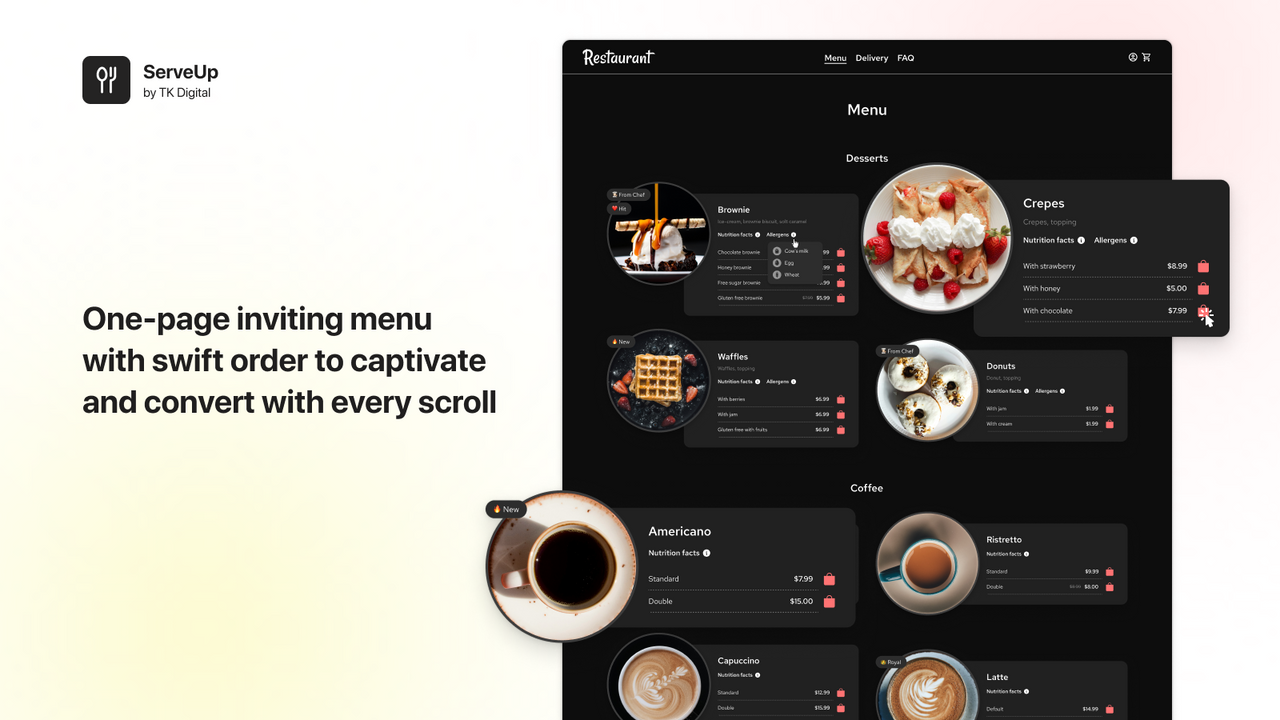
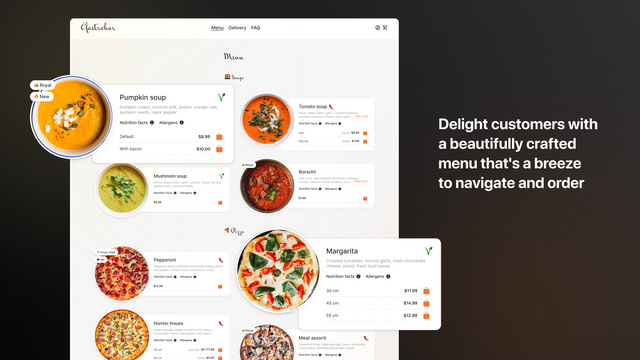
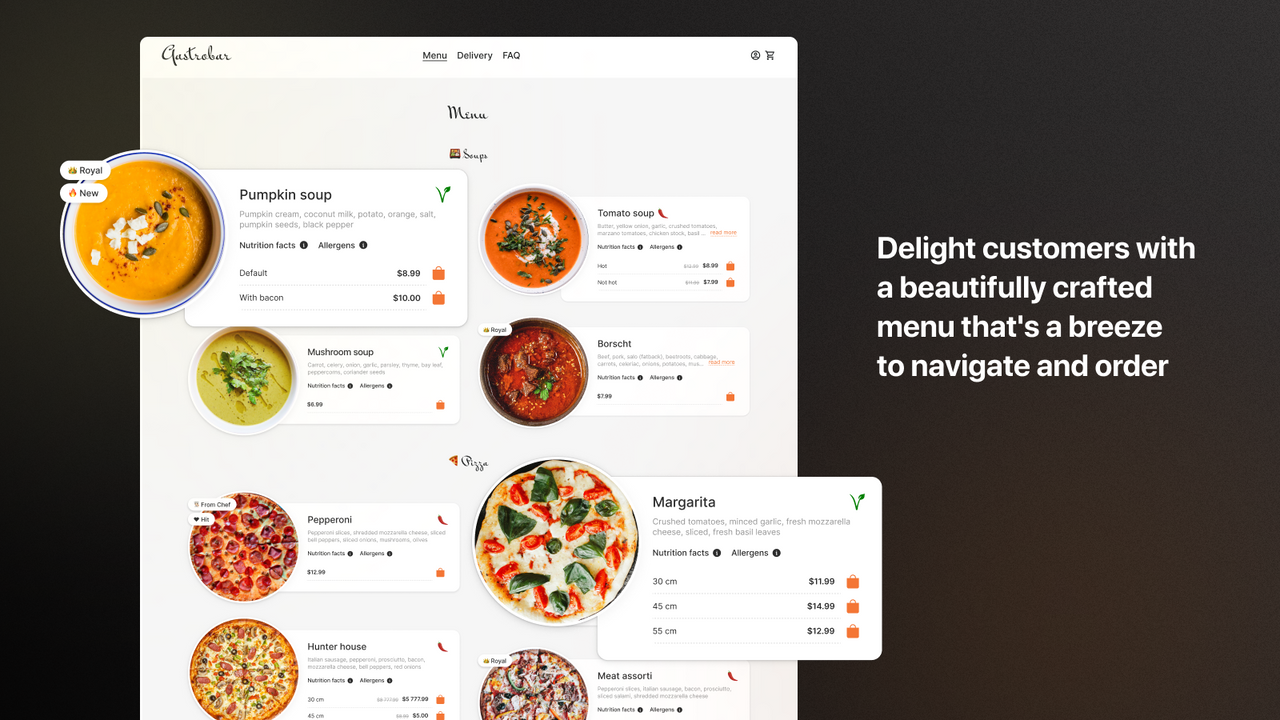
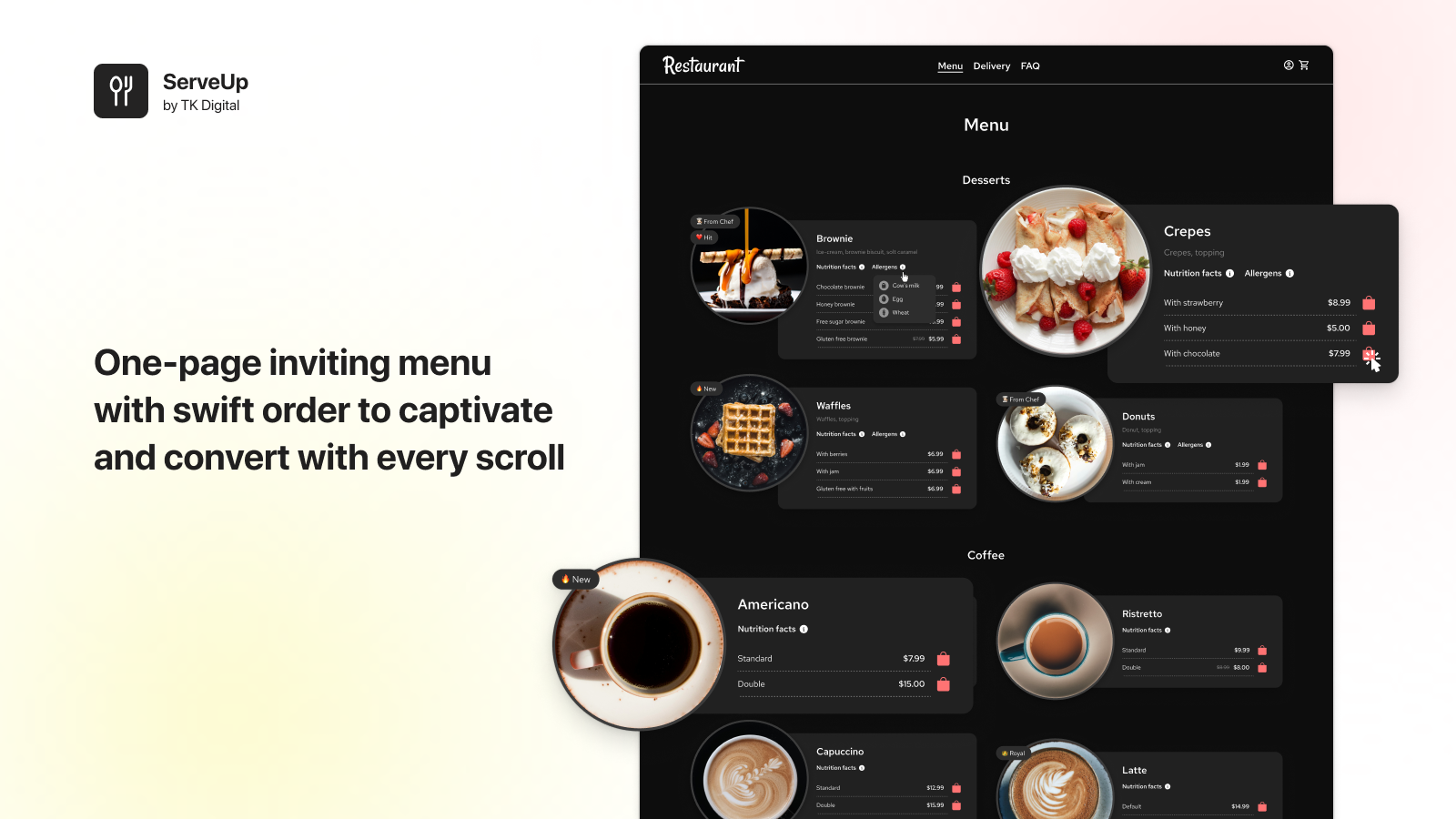
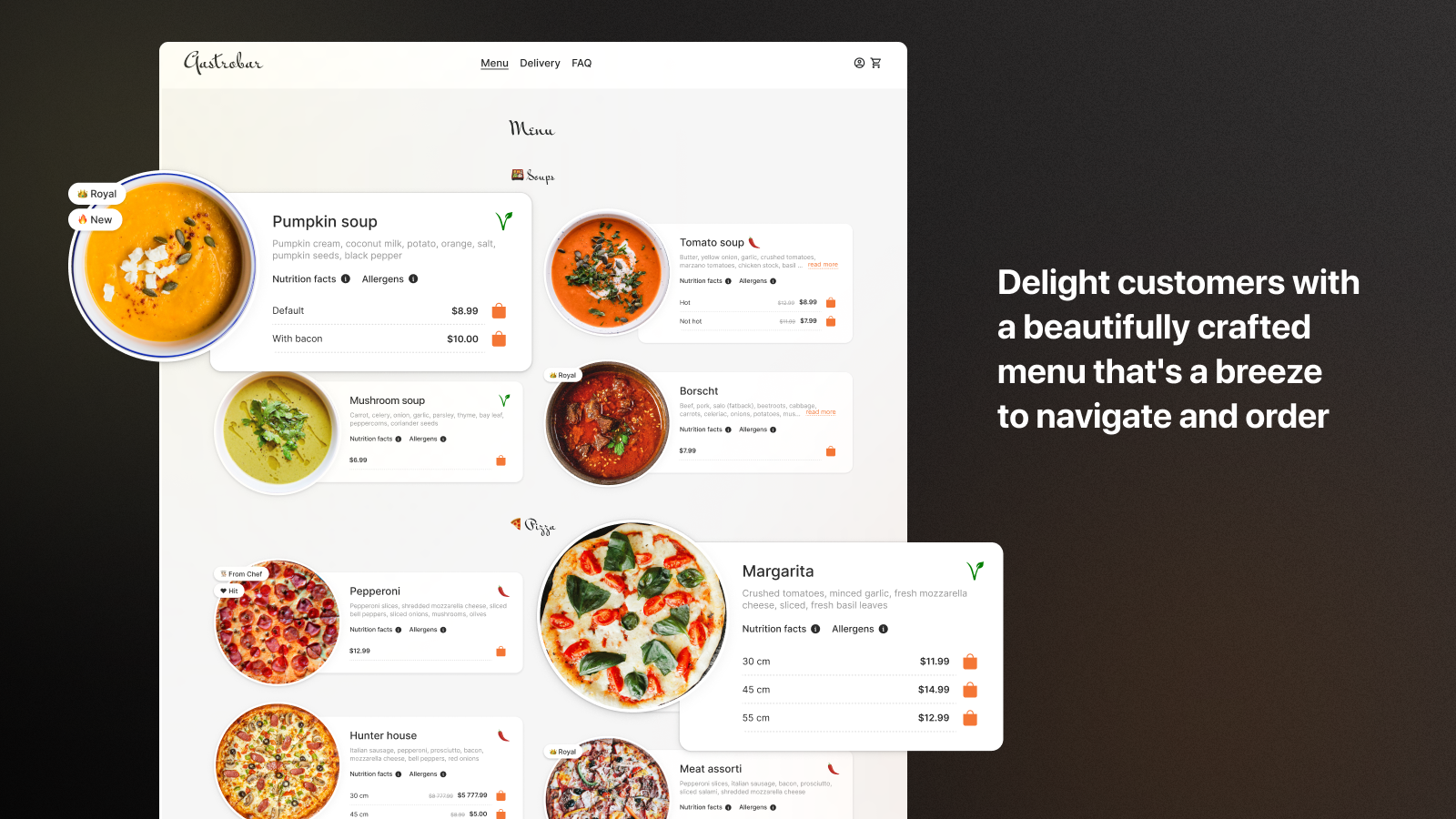
Display your dishes and drinks on your website with an elegant, practical, and customizable café menu. ServeUp transforms ordinary product lists into visually stunning, enticing, and easy-to-navigate restaurant menus. Its comprehensive feature set allows merchants to customize the app to align with industry formats that work best for café menus. Whether you run a small café or a large restaurant with an extensive product range, ServeUp helps you create a user-friendly, intuitive menu for drinks and food to drive orders. The product listing page is fully customizable to fit any theme.
Core Functionality
- Top-tier menu layout ensures optimal user experience
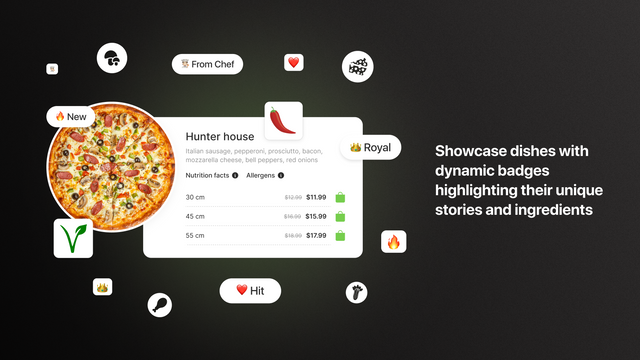
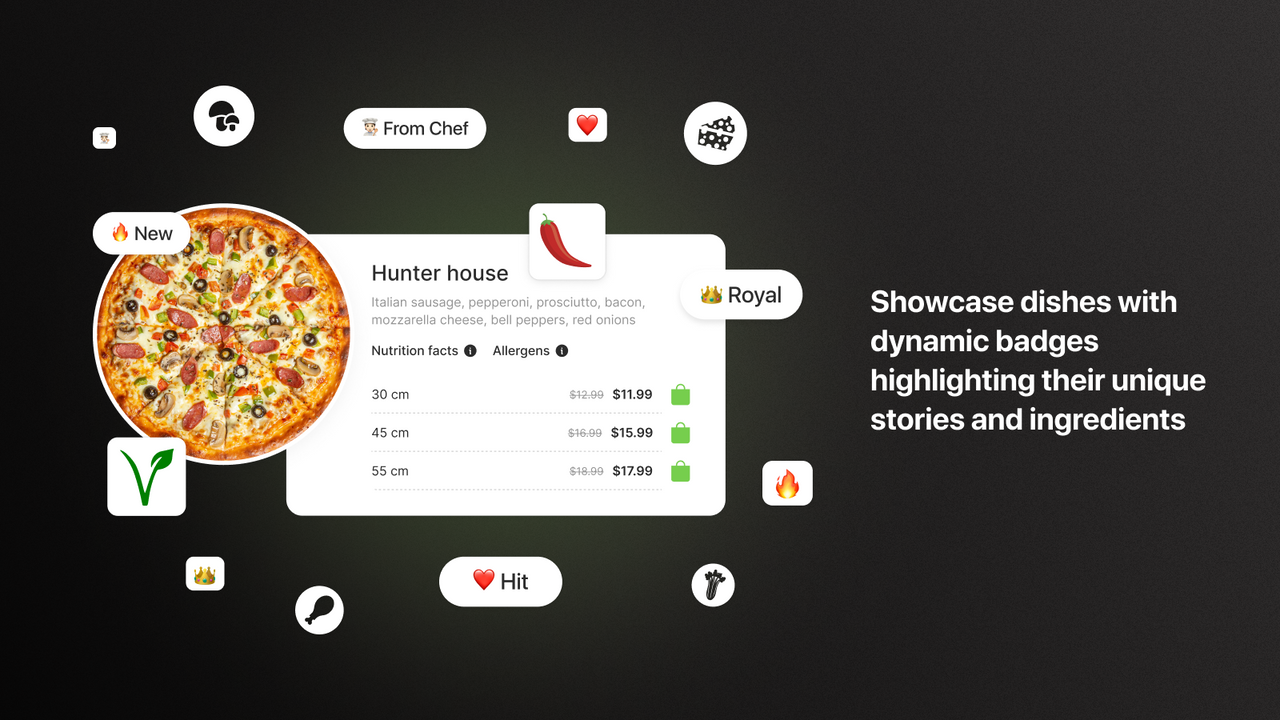
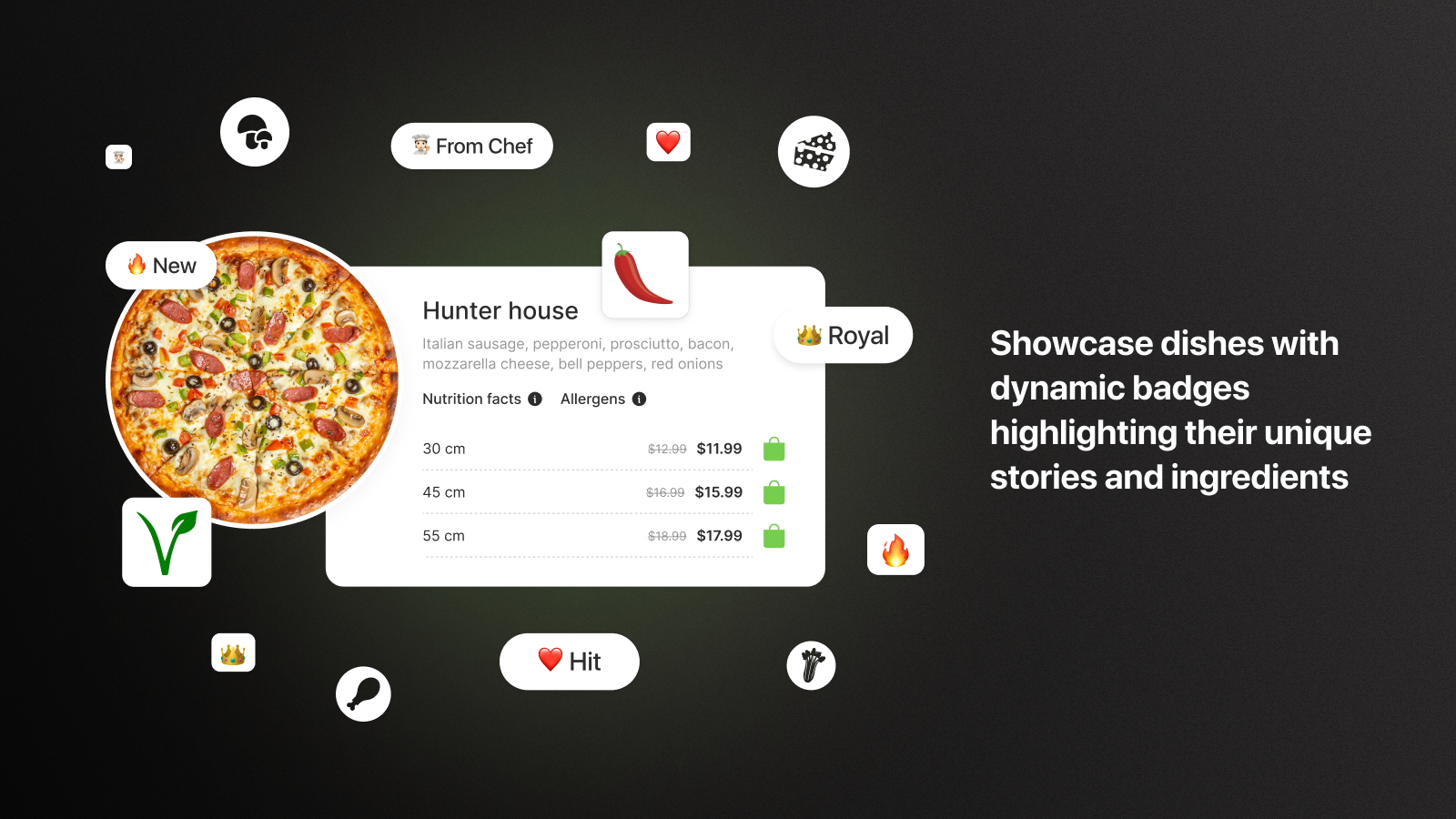
- Badge collections let you visualize dish details or product listings
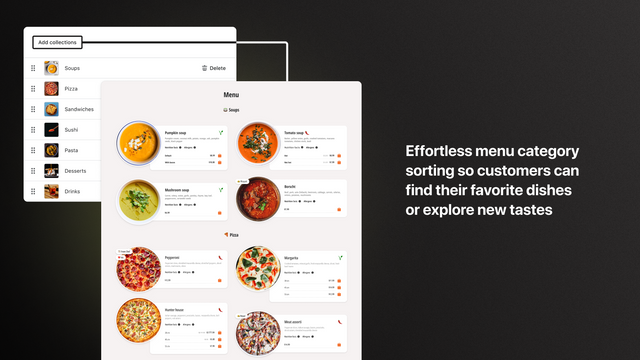
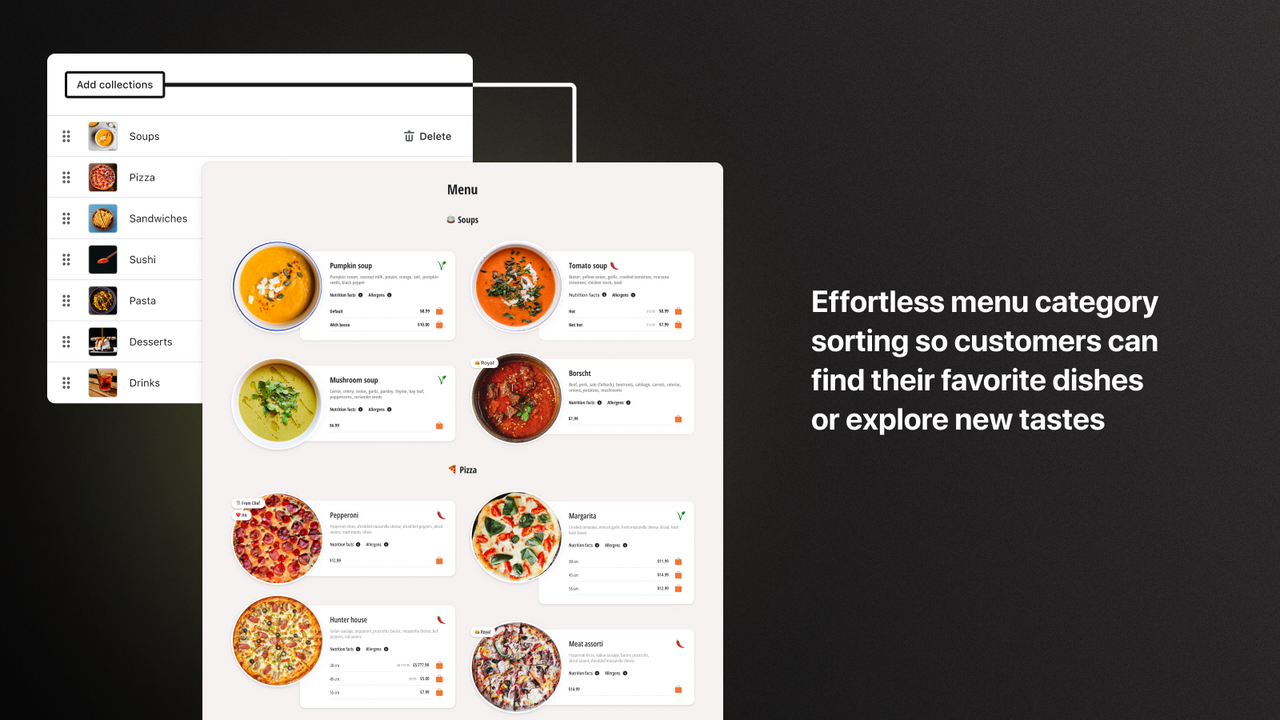
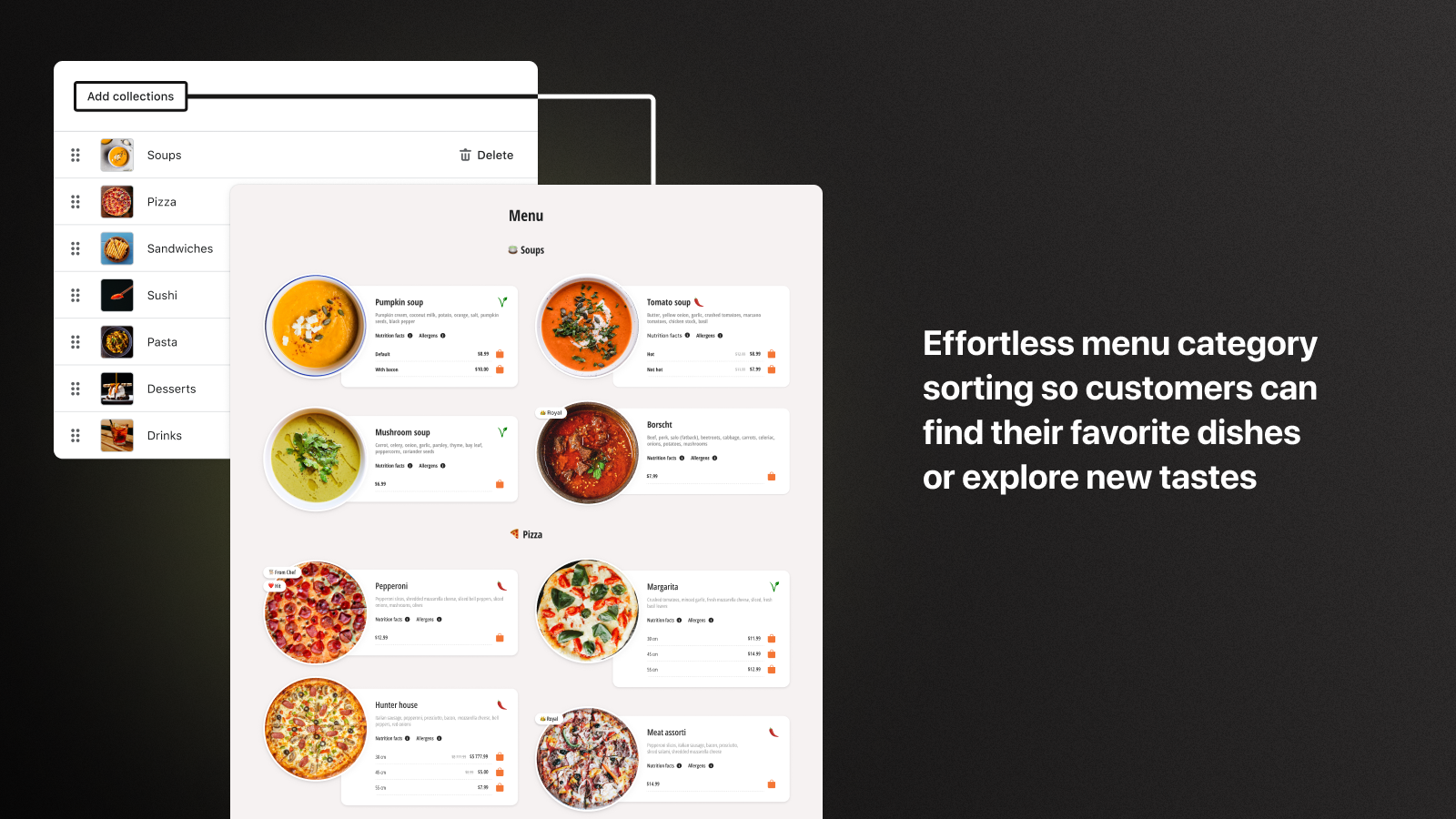
- Dish category sorting to organize your menu based on your needs
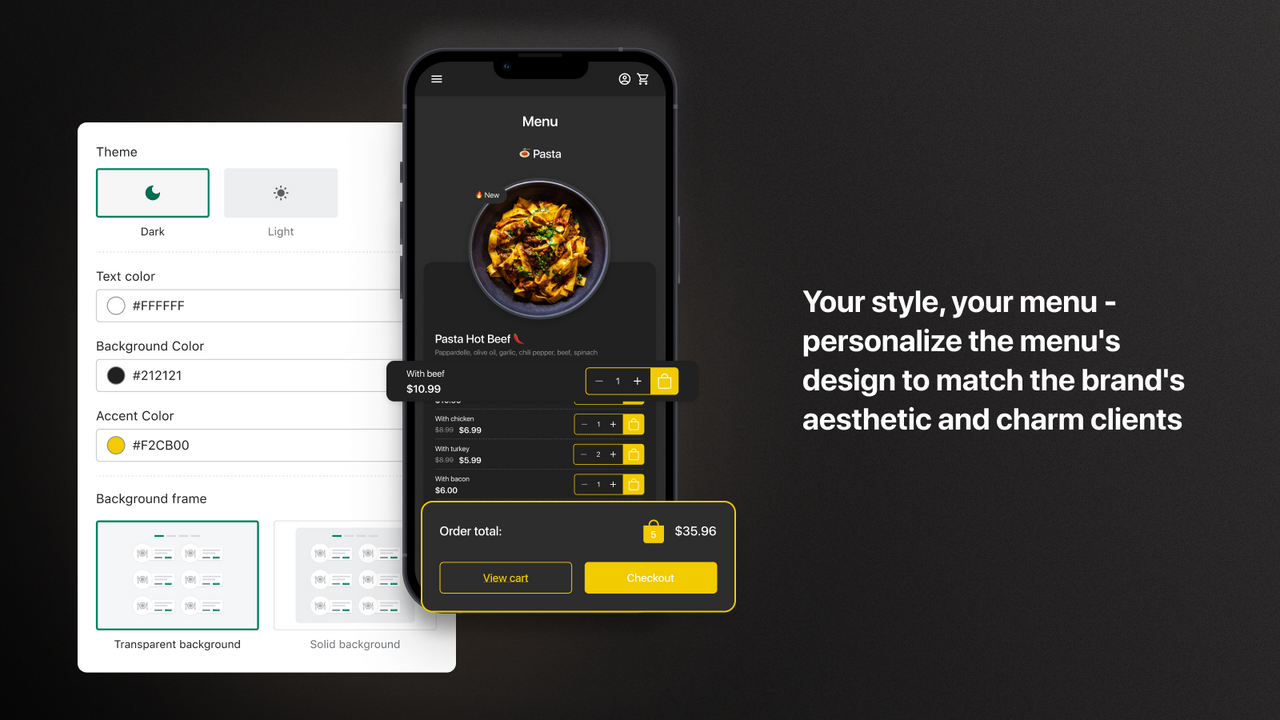
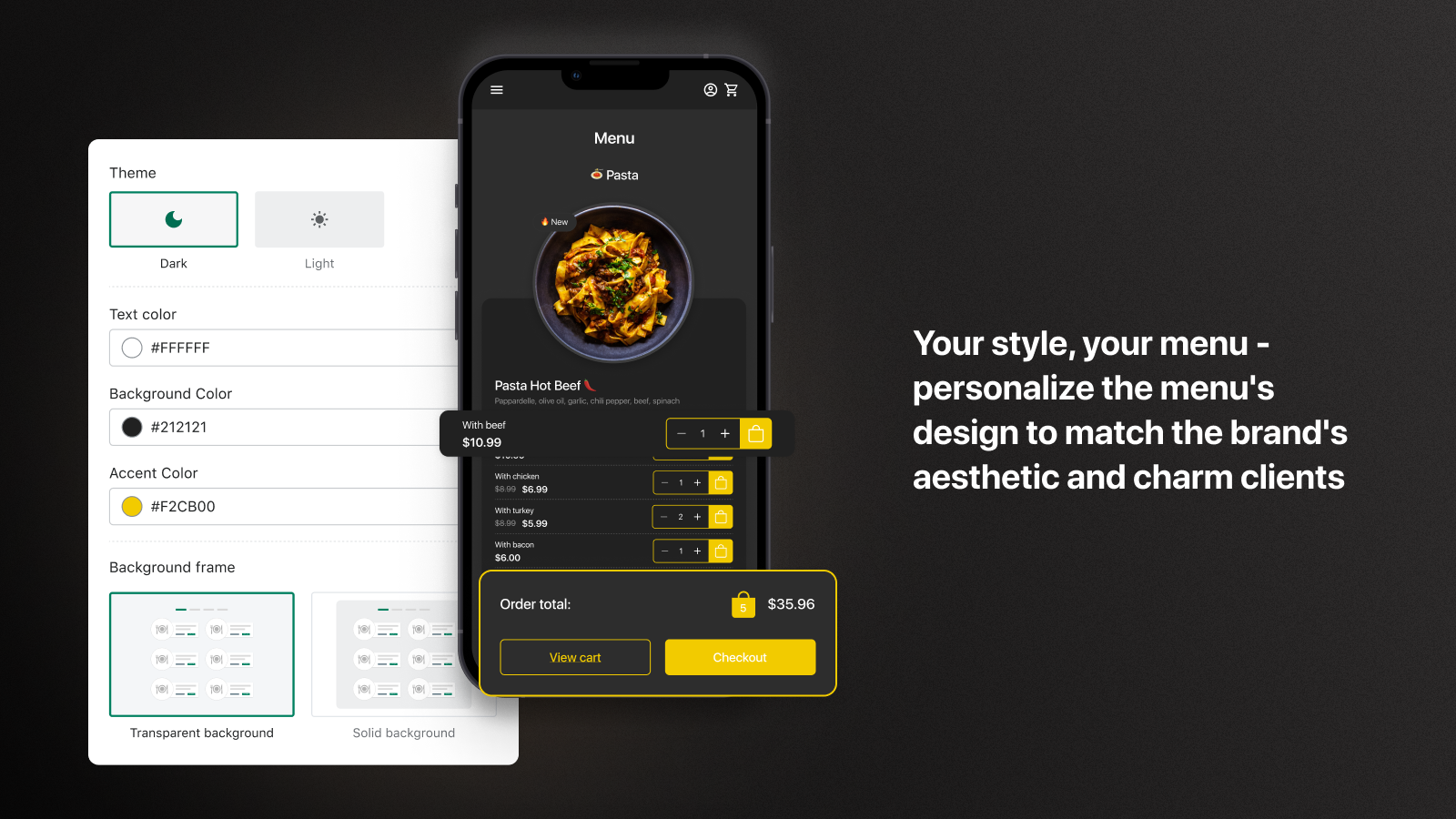
- Customizable design to match your business style
- Simple navigation that all users will love
Merchant-Friendly
- Catering Takeout Merchants
- Retail E-commerce Merchants
- Multi-category Store Merchants
- Independent Station Merchants
Basic Information
- Developer:TK Digital
- Address:ul. Dziatwy 18B / 32, Warsaw, 03-109, PL
- Price: Free / Free plan
- Rating:5 / 5
- Comment Count:12 comment
- Release Date:2022-8-31
- Supported languages:English
- Compatible products:Shopify
Application Screenshot
Price Plan
Premium
- 2 Layouts
- 3 Product Card Views
- Display Allergens and Nutritional Information
- Badge Collection
- Customizable User Interface
- Light and Dark Themes
- Top-tier 24/7 Support
User Location & Comments
User Location
Comments
Shopify API Used
- POST /admin/api/menu.json
- PUT /admin/api/menu/{id}.json
- GET /admin/api/menu.json
Permission:write_menu,read_menu,manage_online_store
- POST /admin/api/badge.json
- PUT /admin/api/badge/{id}.json
- GET /admin/api/badge.json
Permission:write_badge,read_badge,manage_products
- POST /admin/api/collection/sort.json
- PUT /admin/api/collection/{id}/sort.json
- GET /admin/api/collection.json
Permission:write_collections,read_collections,manage_products
- POST /admin/api/theme.json
- PUT /admin/api/theme/{id}.json
- GET /admin/api/theme.json
Permission:write_themes,read_themes,manage_online_store
- POST /admin/api/navigation.json
- PUT /admin/api/navigation/{id}.json
- GET /admin/api/navigation.json
Permission:write_navigation,read_navigation,manage_online_store