
App Introduction
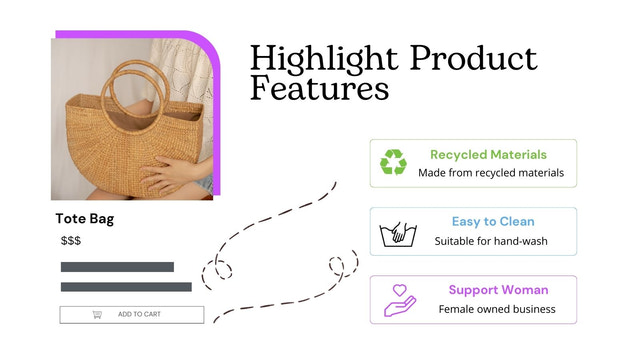
Display product features, descriptions, and promotional info via banners and icons. Automate your product pages! Our app enhances your product pages with powerful banners, icons, labels, and text. You can easily highlight your products and quickly showcase discount badges, bestseller labels, customer reviews, promotional banners, coupon codes, and sales banners on product pages. Create multiple customizable banners and apply them to different product pages effortlessly. These customizable banners help you build more engaging product pages to attract more attention, boost conversion rates, and increase sales.
Core Functionality
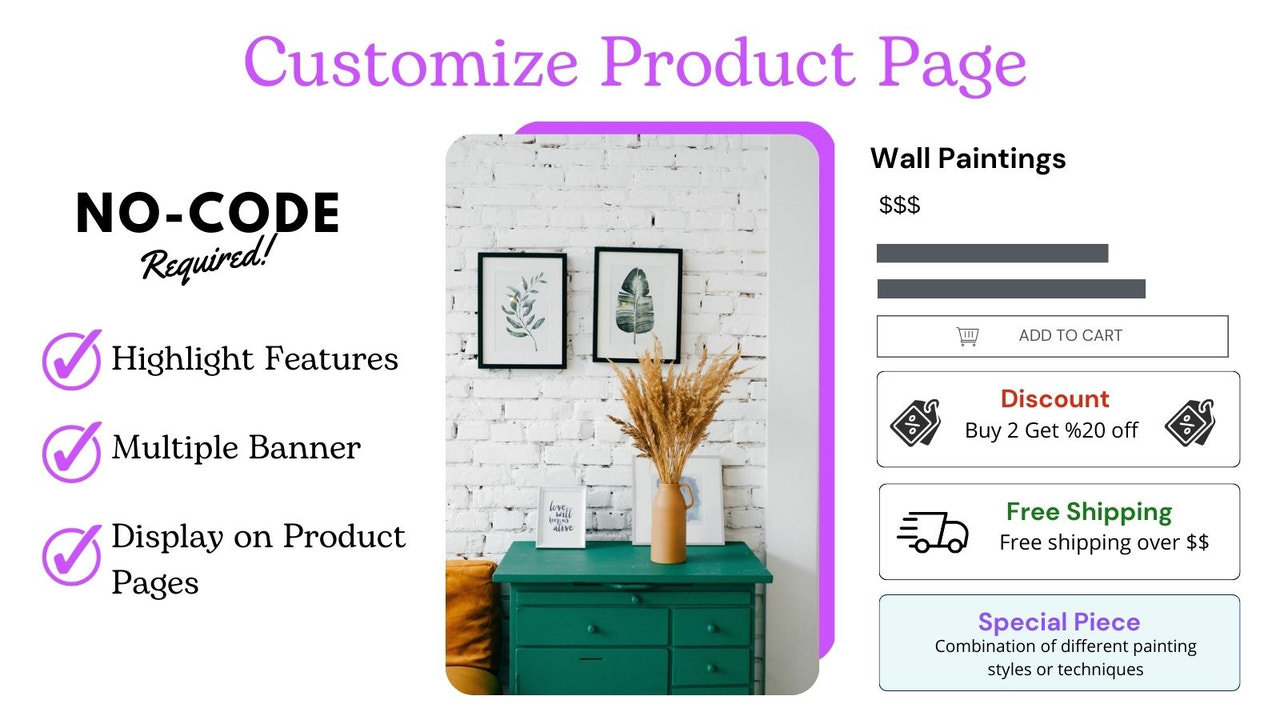
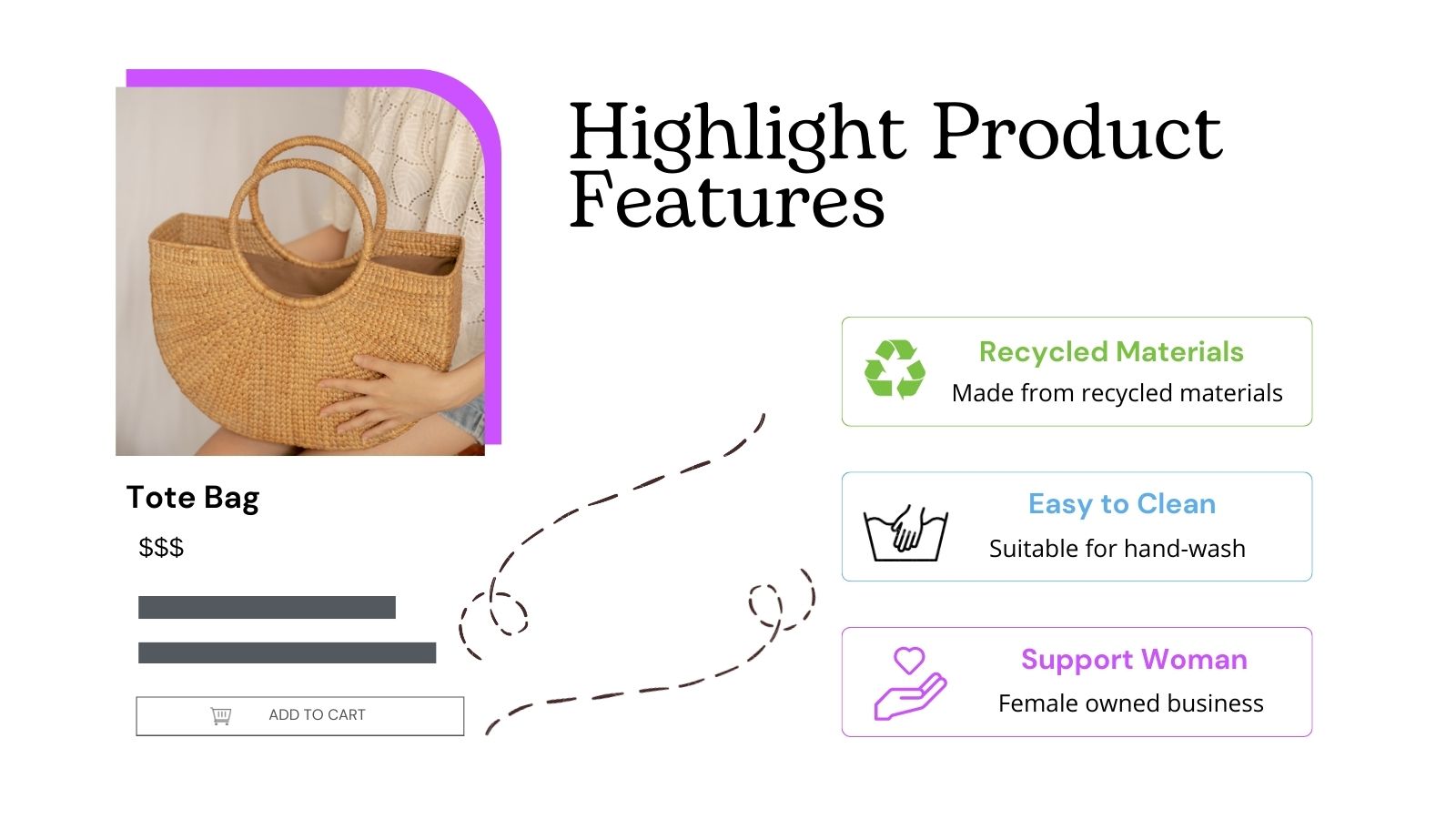
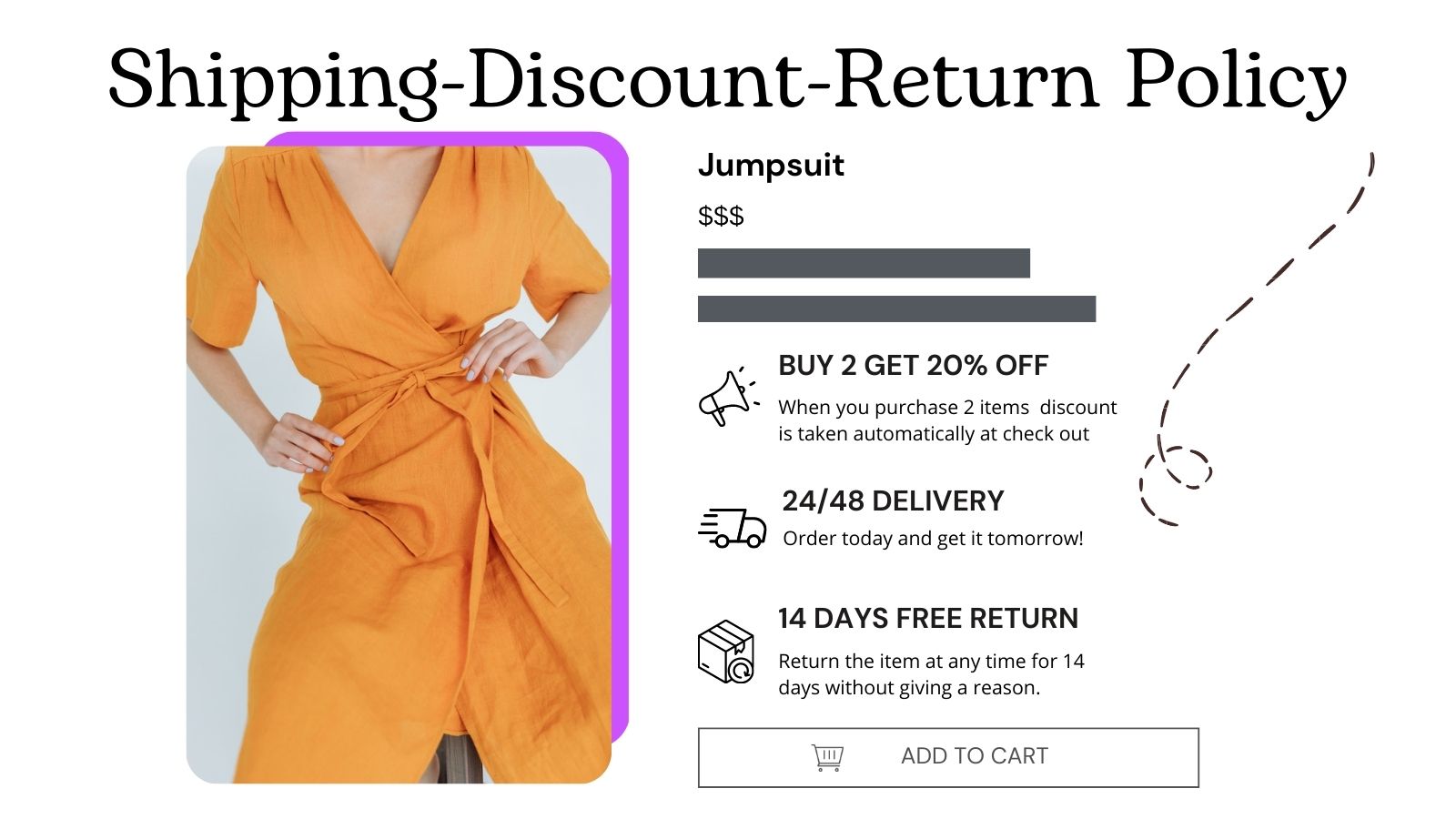
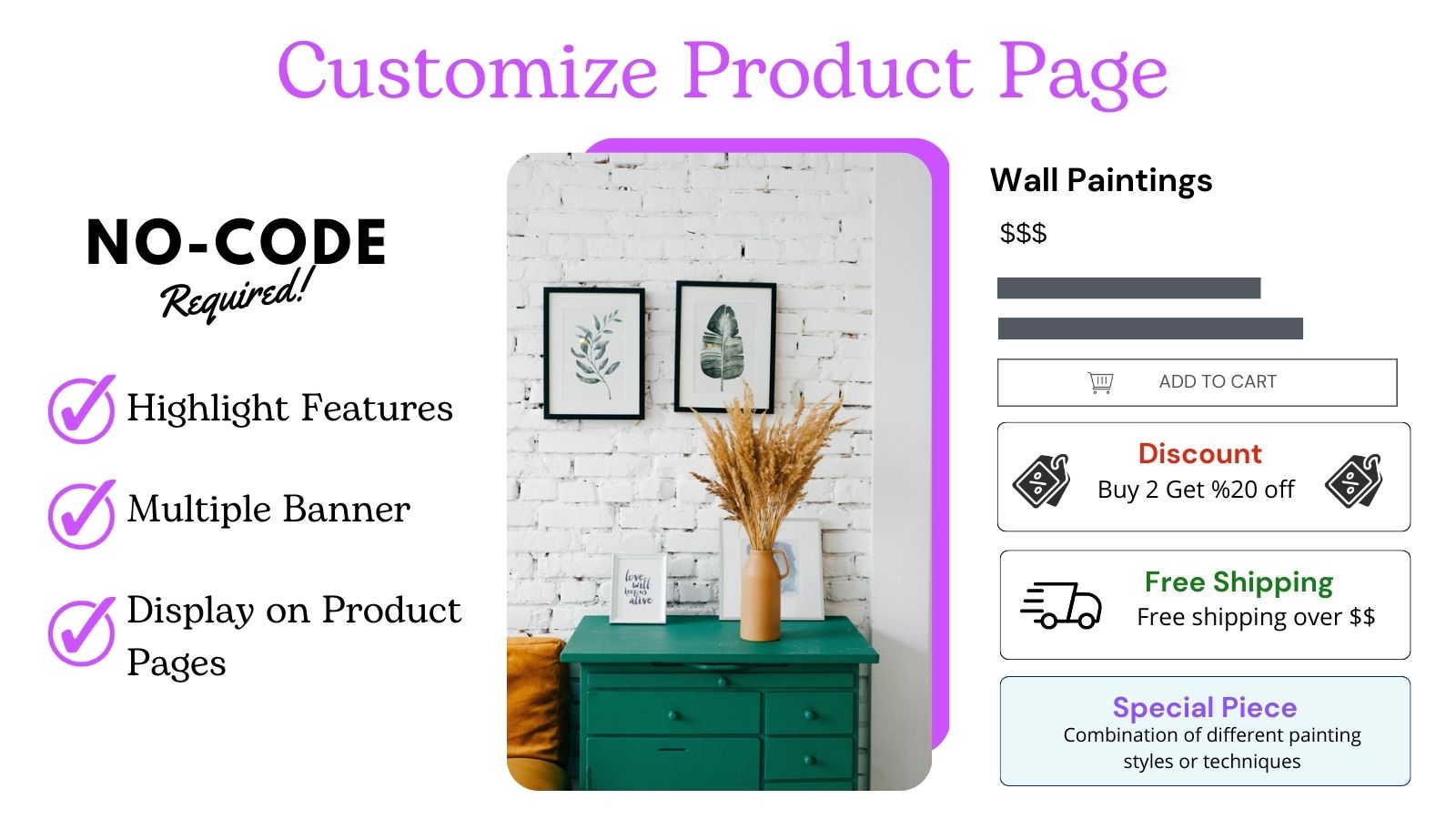
- Create banners for promotions, discount codes, free shipping, and product features
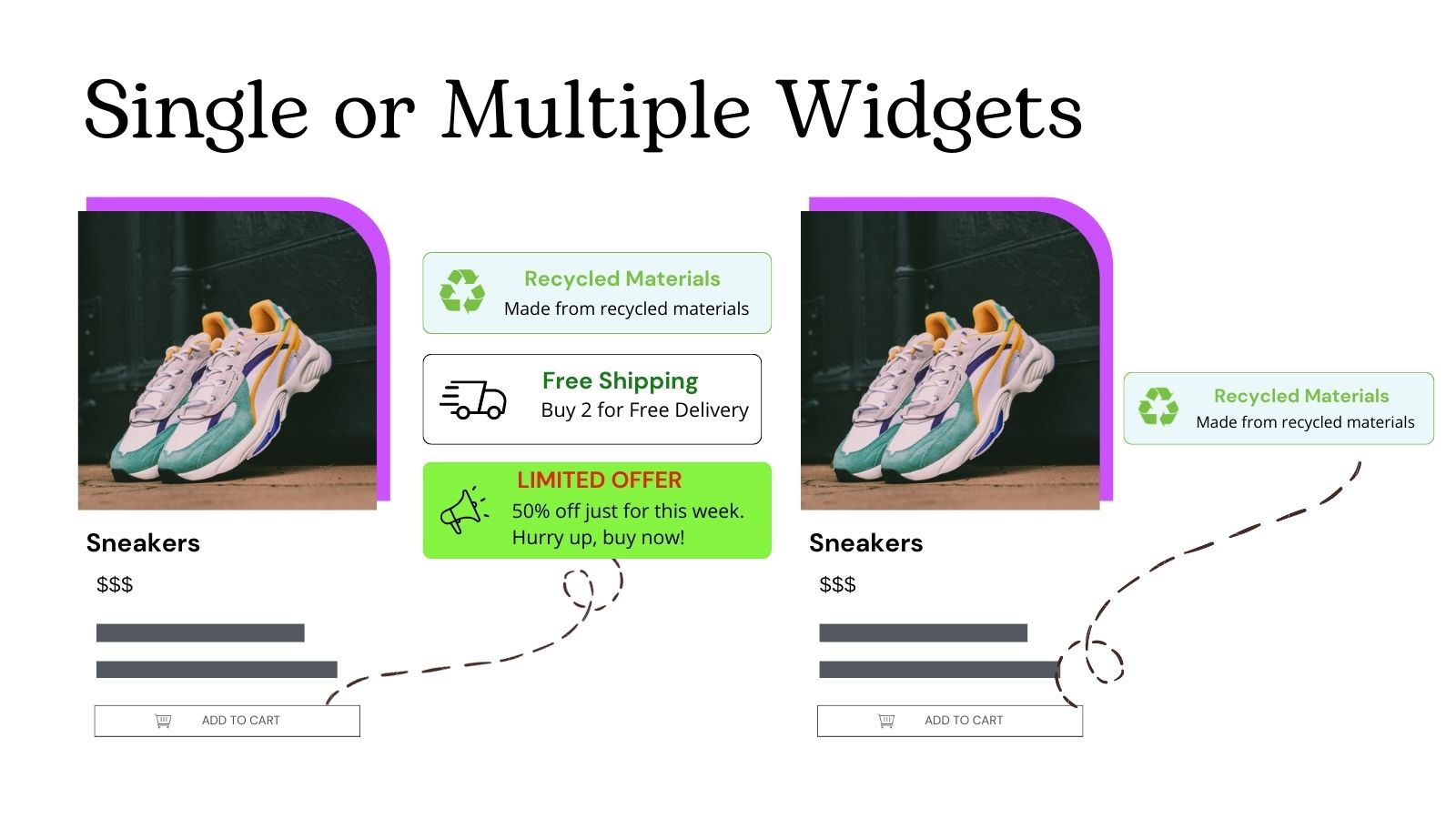
- Quickly apply single or multiple banners to different product pages
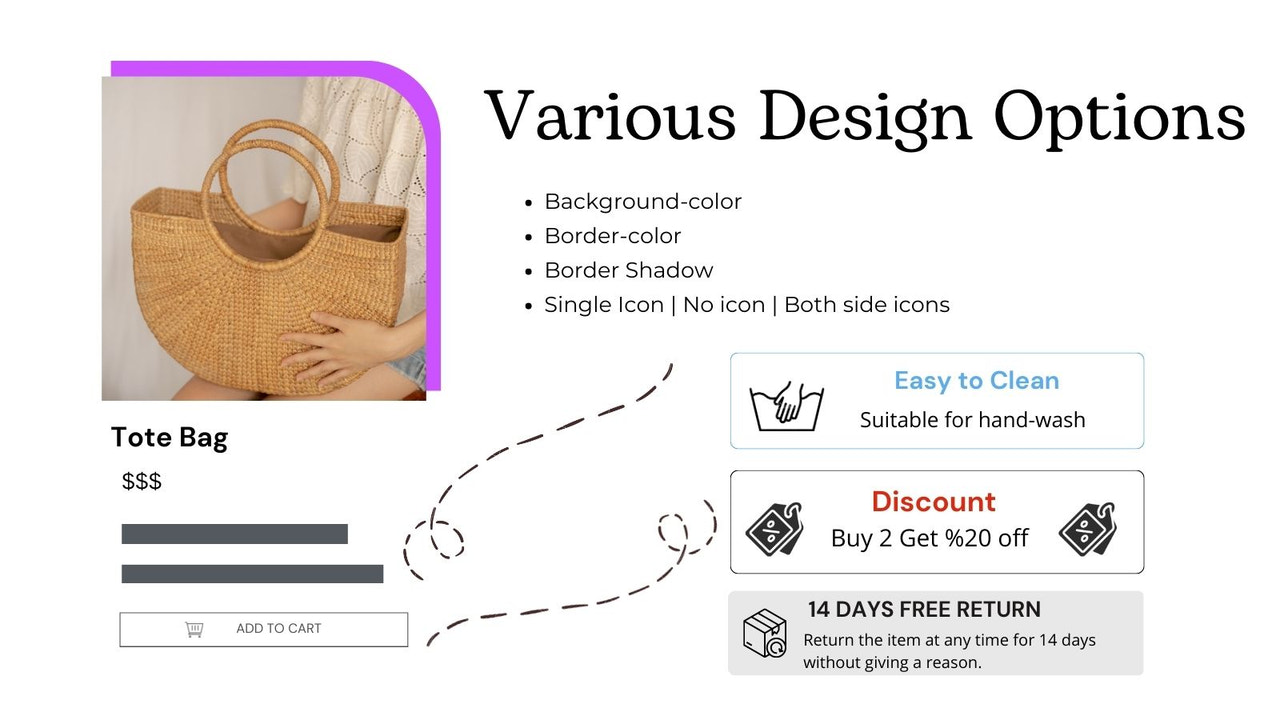
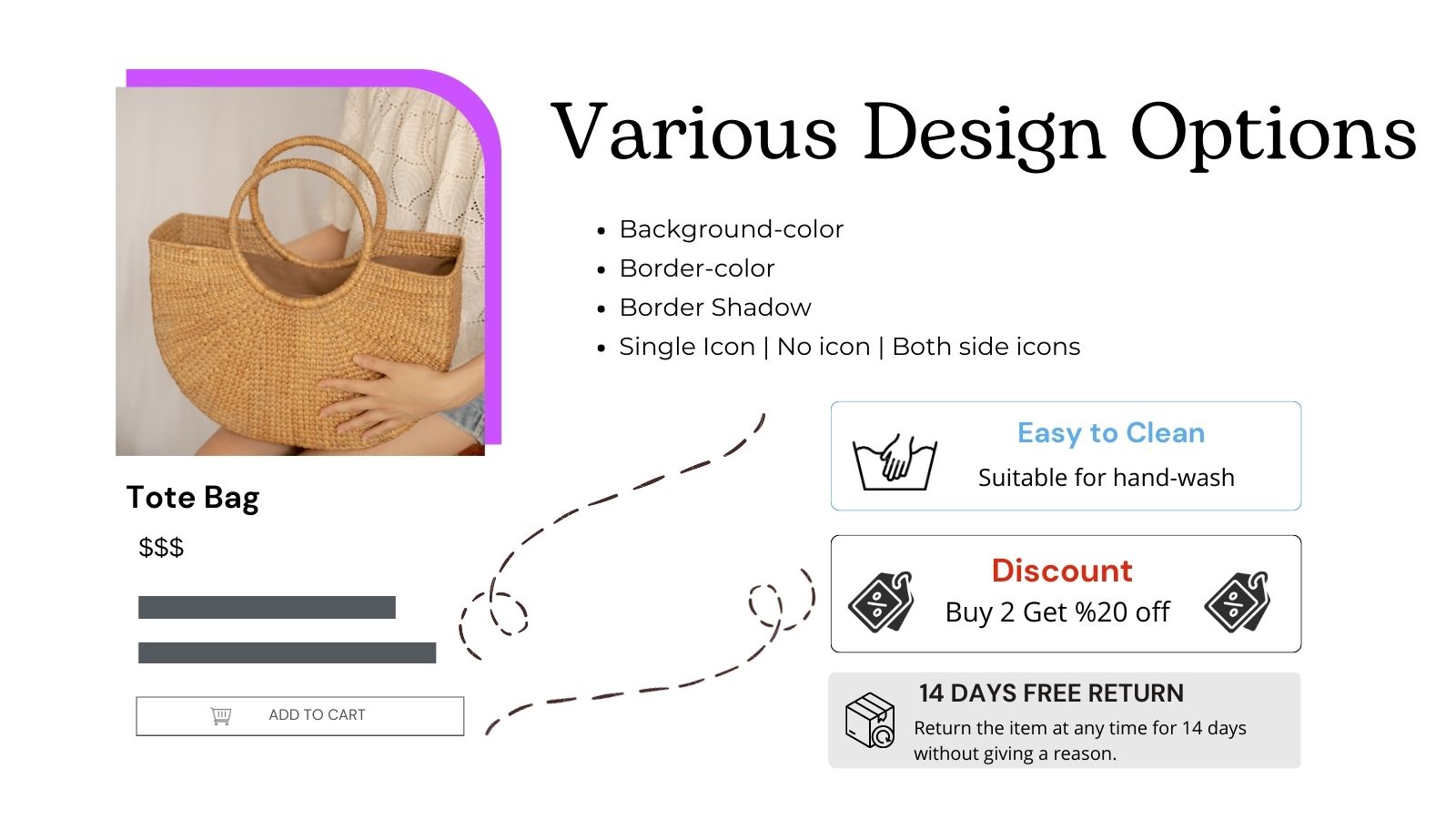
- Customize smart banners with your colors, messages, text, and product descriptions
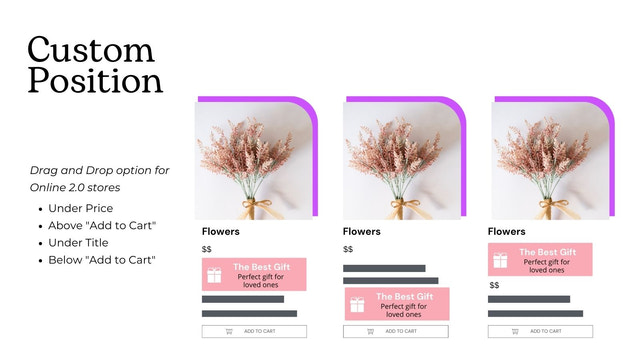
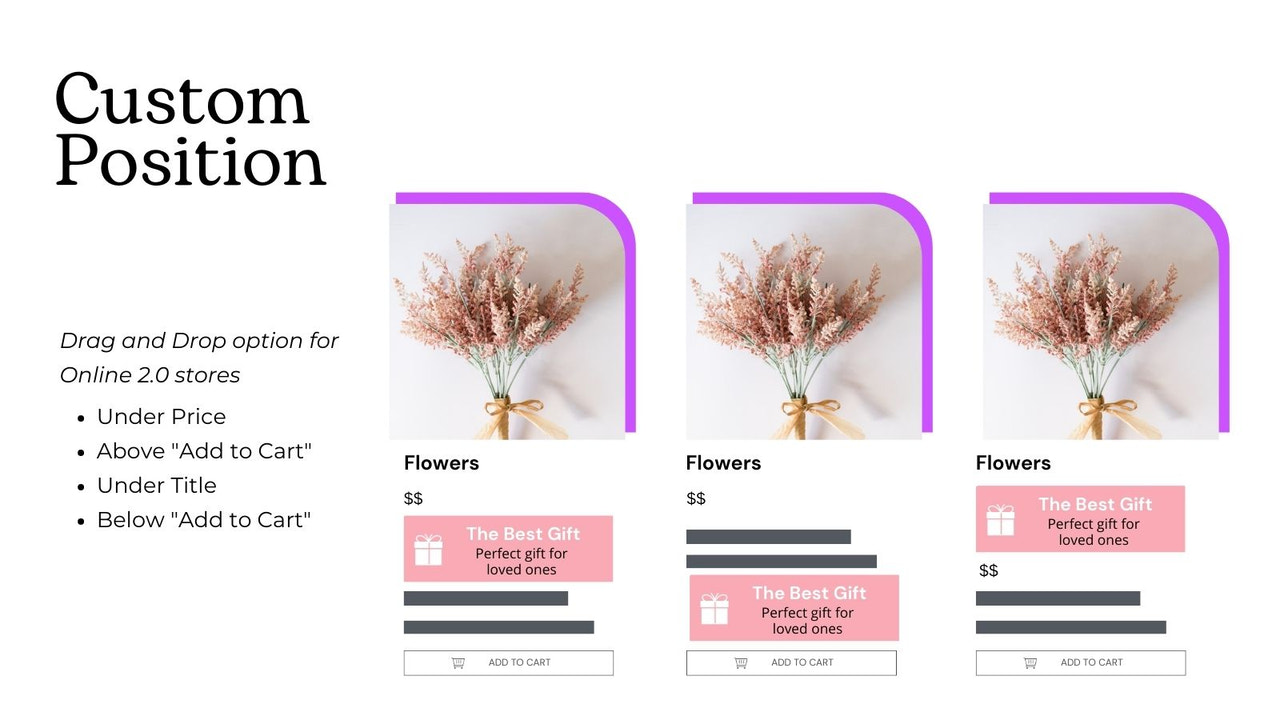
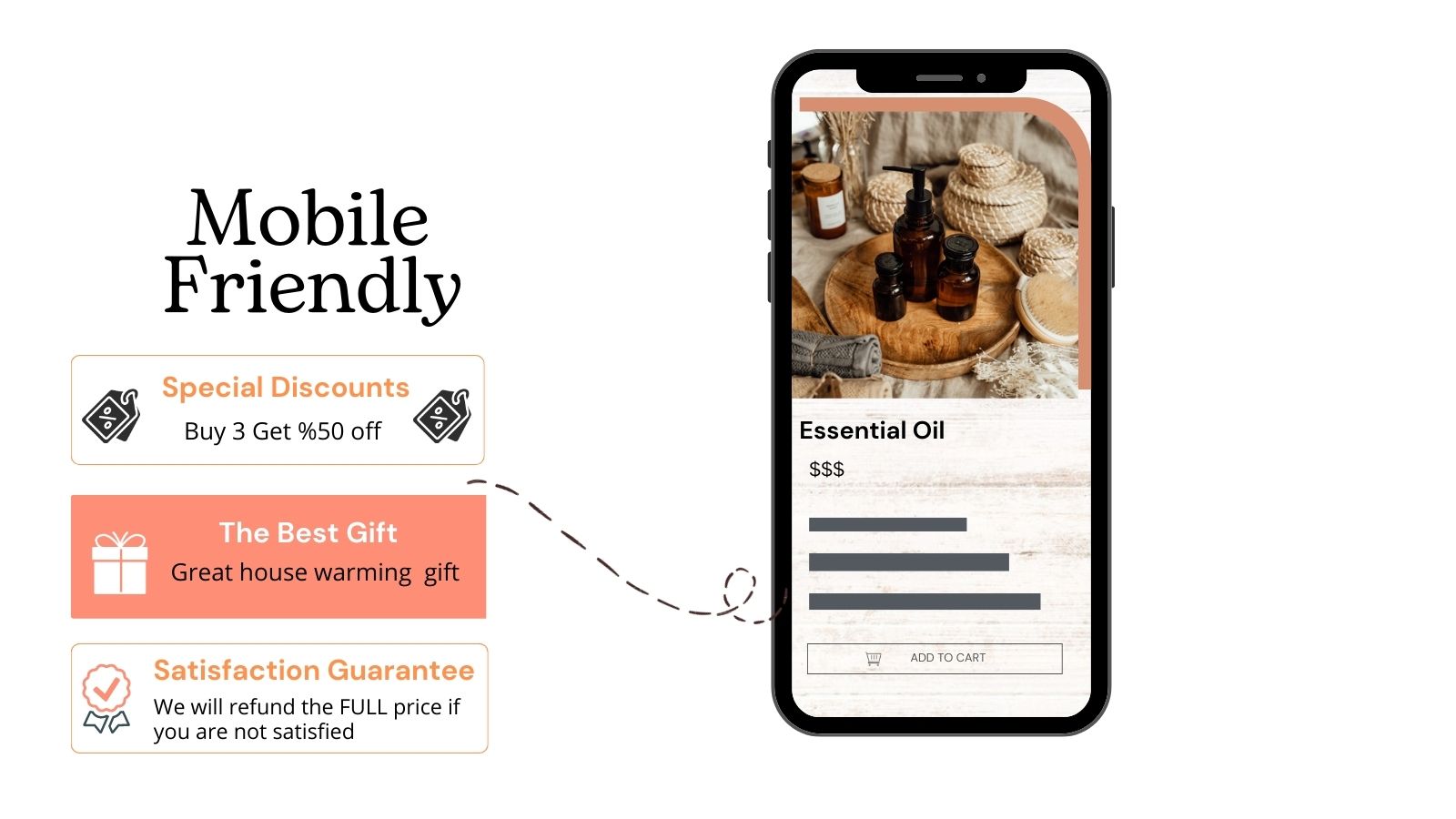
- Add icons or emojis to banners and position them above or below the 'Add to Cart' button
- Add links to banners and create product page buttons. Display discounts and discount codes.
Merchant-Friendly
- Independent Station Merchants
- Discount E-commerce
- Fashion Apparel Merchants
- Home Goods Merchants
- Multi-category E-commerce
Basic Information
- Developer:HeyMerch
- Address:Jingan, Shanghai, SH, 200001, CN
- Price: Free / Free plan
- Rating:4 / 5
- Comment Count:33 comment
- Release Date:2022-10-28
- Supported languages:English
- Compatible products:Shopify
Application Screenshot






Price Plan
免费计划
- 适用于最多3个产品的商店
- 创建多横幅
- 库中有许多图标
- 自定义样式
- 横幅的动态库存数量
每月4.99
- Create unlimited banners
- Many icons in the library
- Customize styles
- Dynamic inventory count for banners
- 7-day support
每年49.99
- Create Unlimited Banners
- Lots of Icons in the Library
- Customize Styles
- Dynamic Inventory Quantity for Banners
- 24/7 Support
User Location & Comments
User Location
Comments
Shopify API Used
- POST /admin/api/banners.json
- PUT /admin/api/banners/{id}.json
- GET /admin/api/banners.json
Permission:write_banners,read_banners,manage_products
- POST /admin/api/banners/{id}/products.json
- PUT /admin/api/banners/{id}/products/{product_id}.json
- GET /admin/api/banners/{id}/products.json
Permission:write_banners,read_banners,manage_products
- PUT /admin/api/banners/{id}/customization.json
- GET /admin/api/banners/{id}/customization.json
- POST /admin/api/banners/{id}/customization/color.json
Permission:write_banners,read_banners,manage_themes
- POST /admin/api/banners/{id}/icons.json
- PUT /admin/api/banners/{id}/icons/{icon_id}.json
- DELETE /admin/api/banners/{id}/icons/{icon_id}.json
Permission:write_banners,read_banners,manage_media
- PUT /admin/api/banners/{id}/link.json
- GET /admin/api/banners/{id}/link.json
- POST /admin/api/banners/{id}/button.json
Permission:write_banners,read_banners,manage_products



