
App Introduction
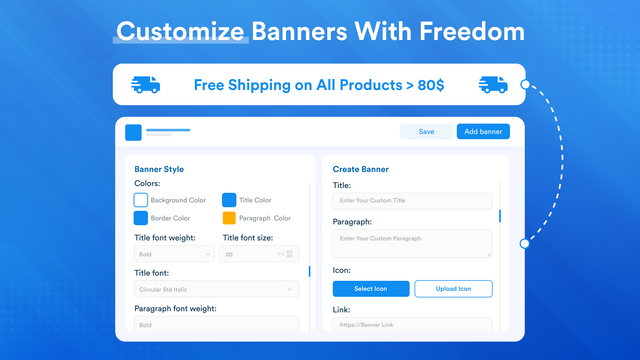
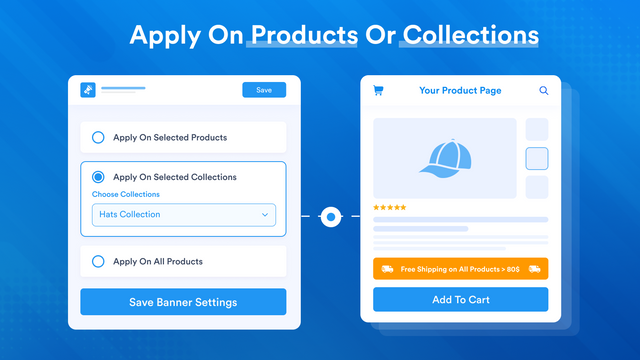
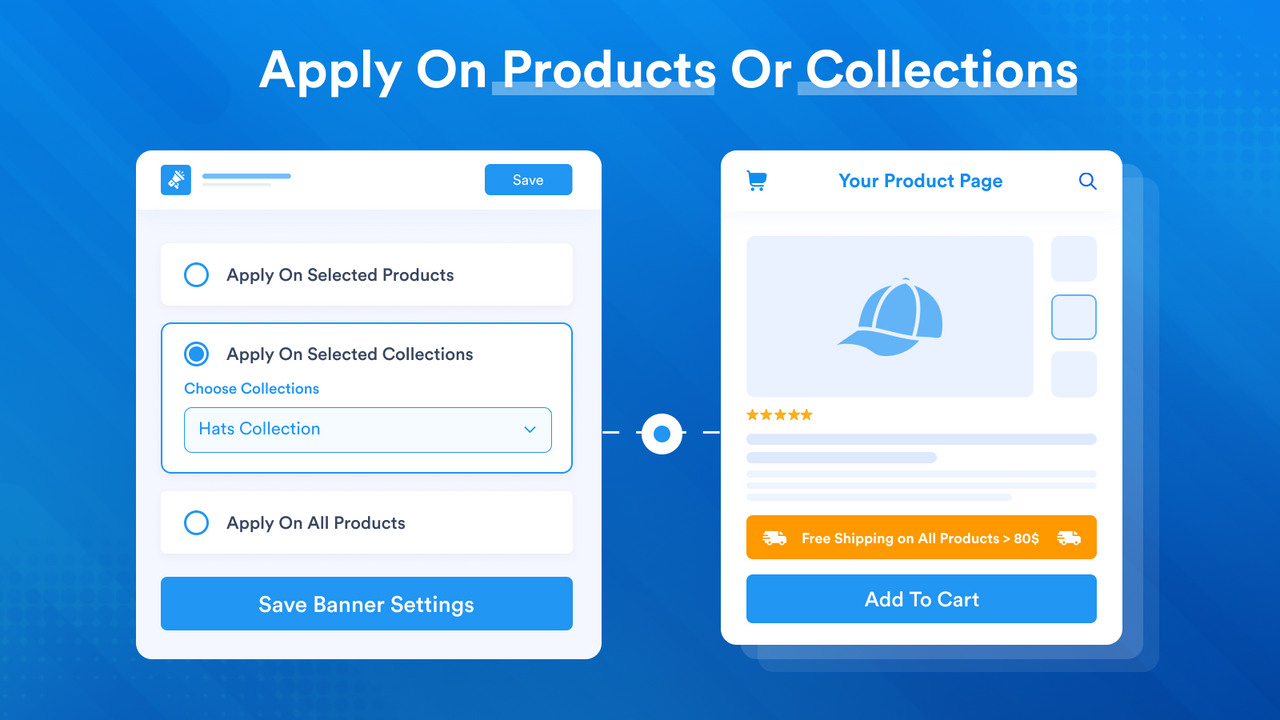
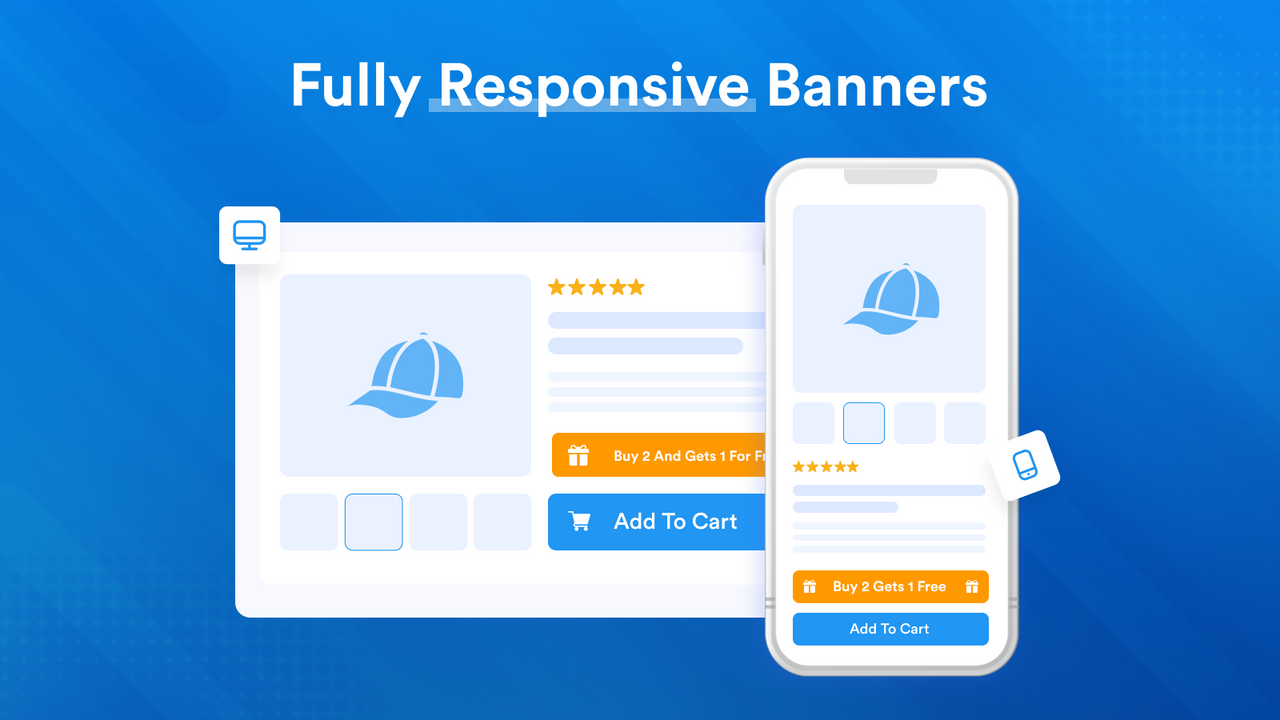
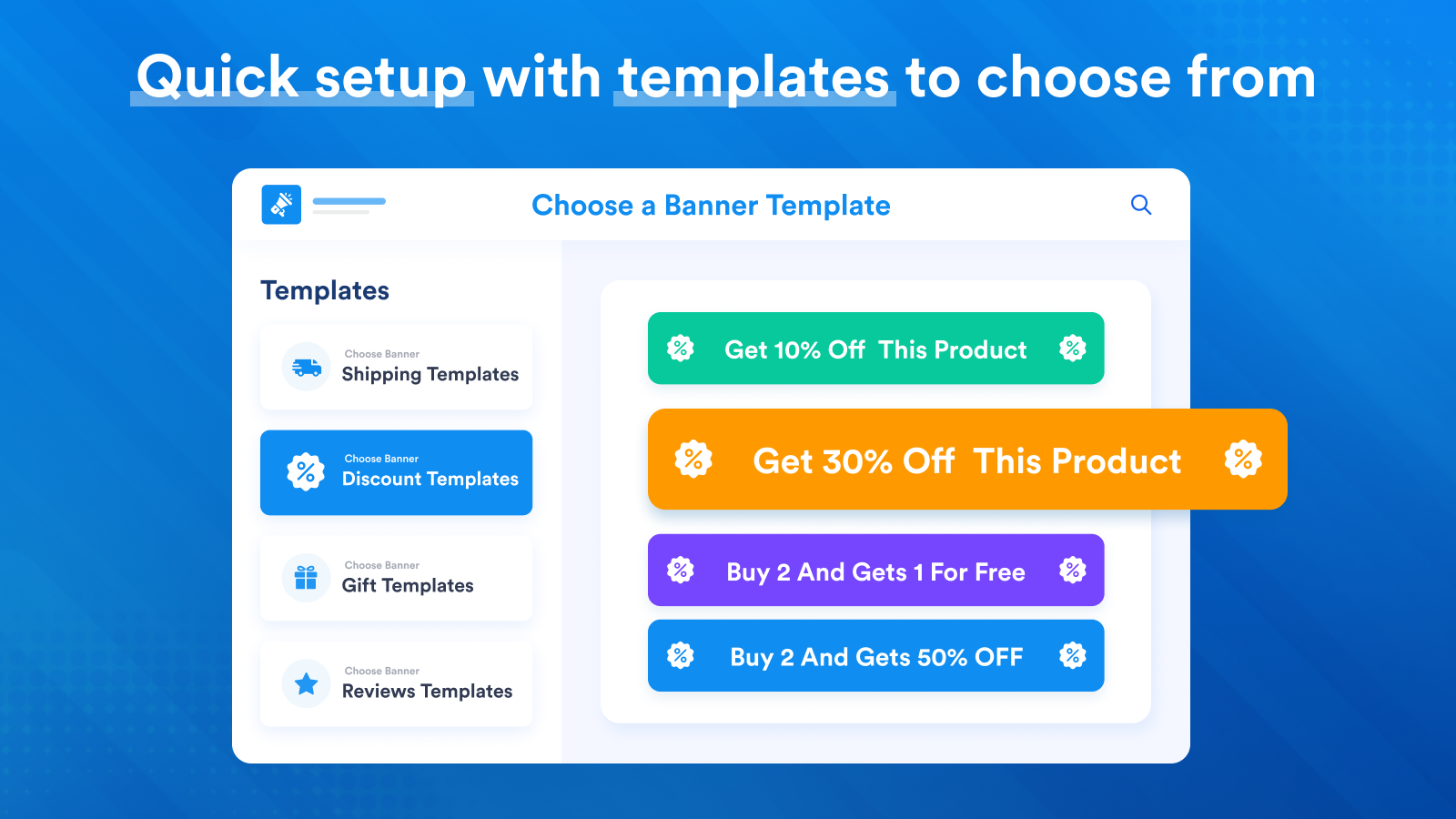
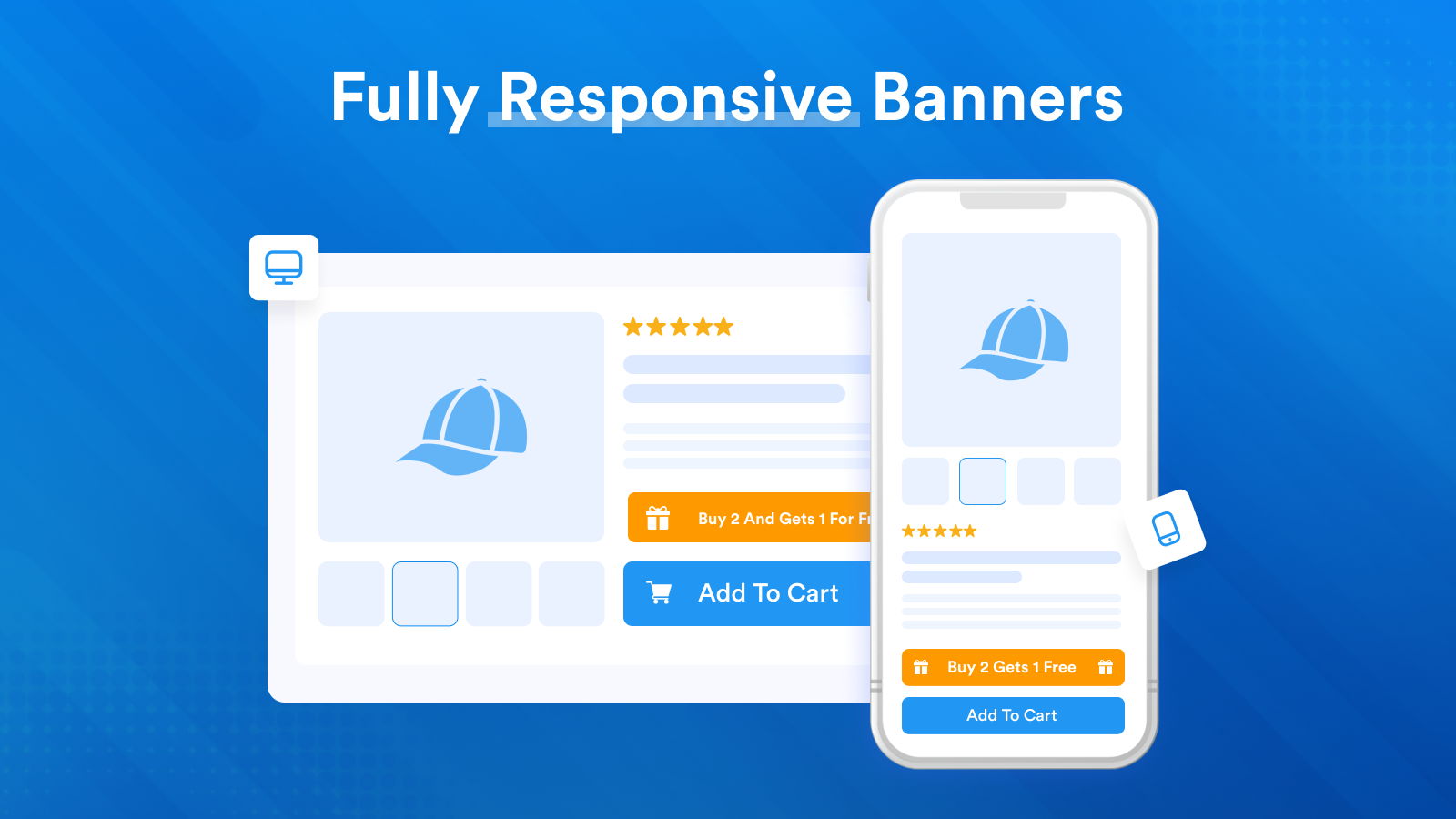
Add banners, bars, labels, text, and buttons to hundreds of product pages in minutes. Product page banners help you highlight important information on your product pages. Easily apply specific banners to particular products/collections or simply apply them to all products. There are numerous styling options for designing banners. This app is well-designed, lightweight, and easy to use.
Core Functionality
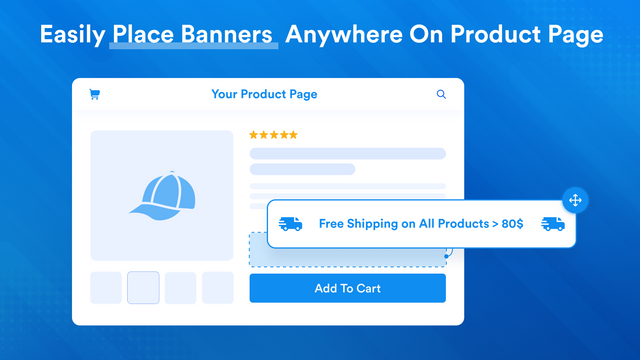
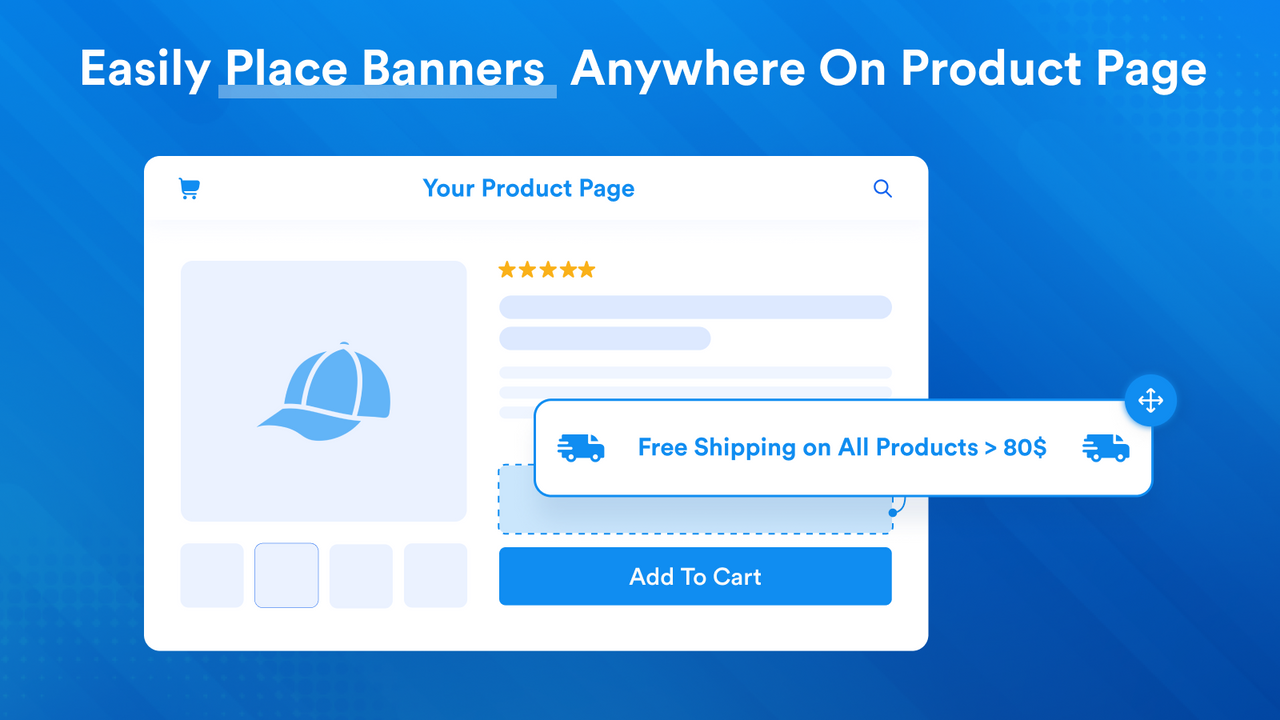
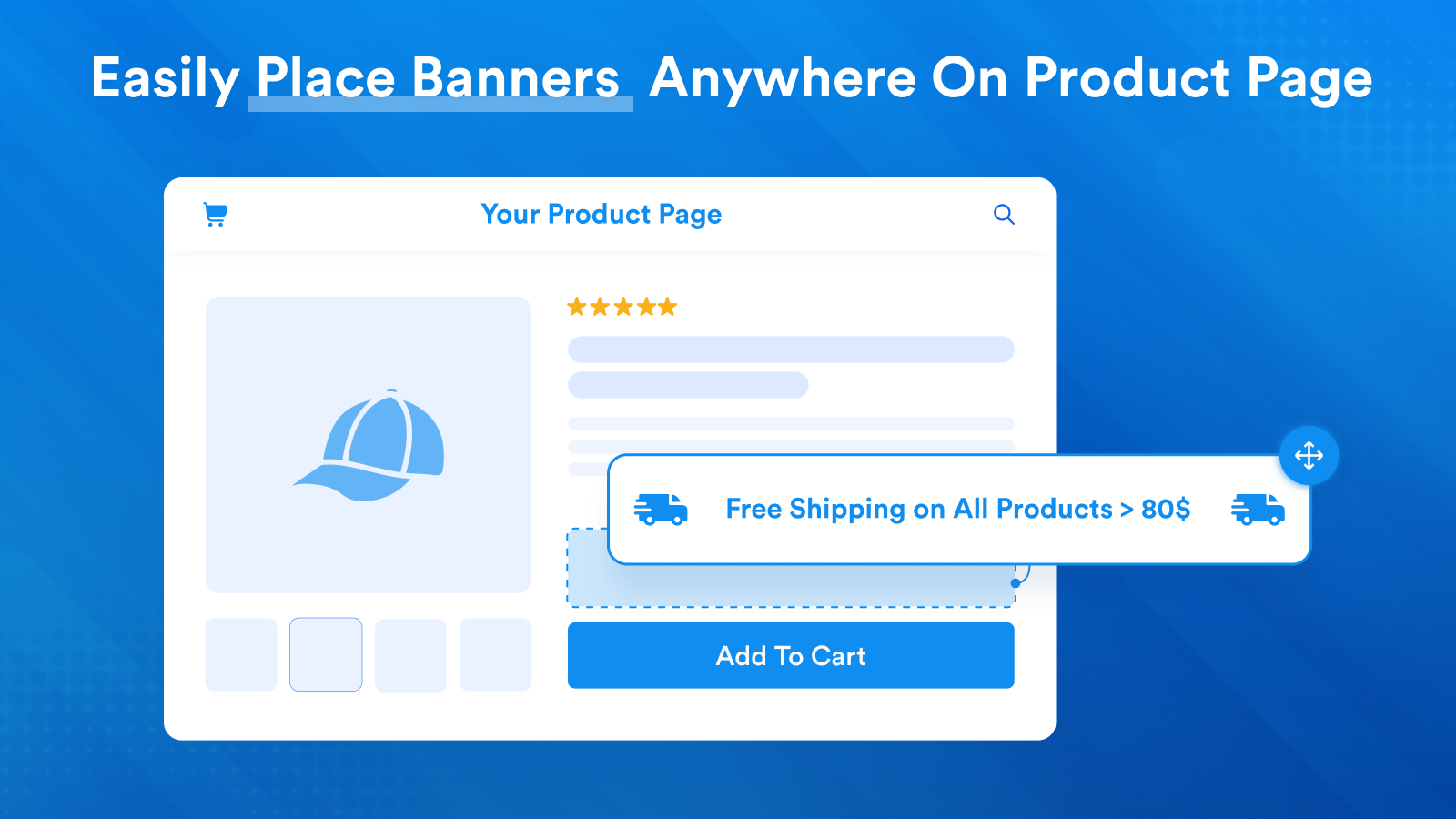
- Add banners, bars, and text anywhere on product pages
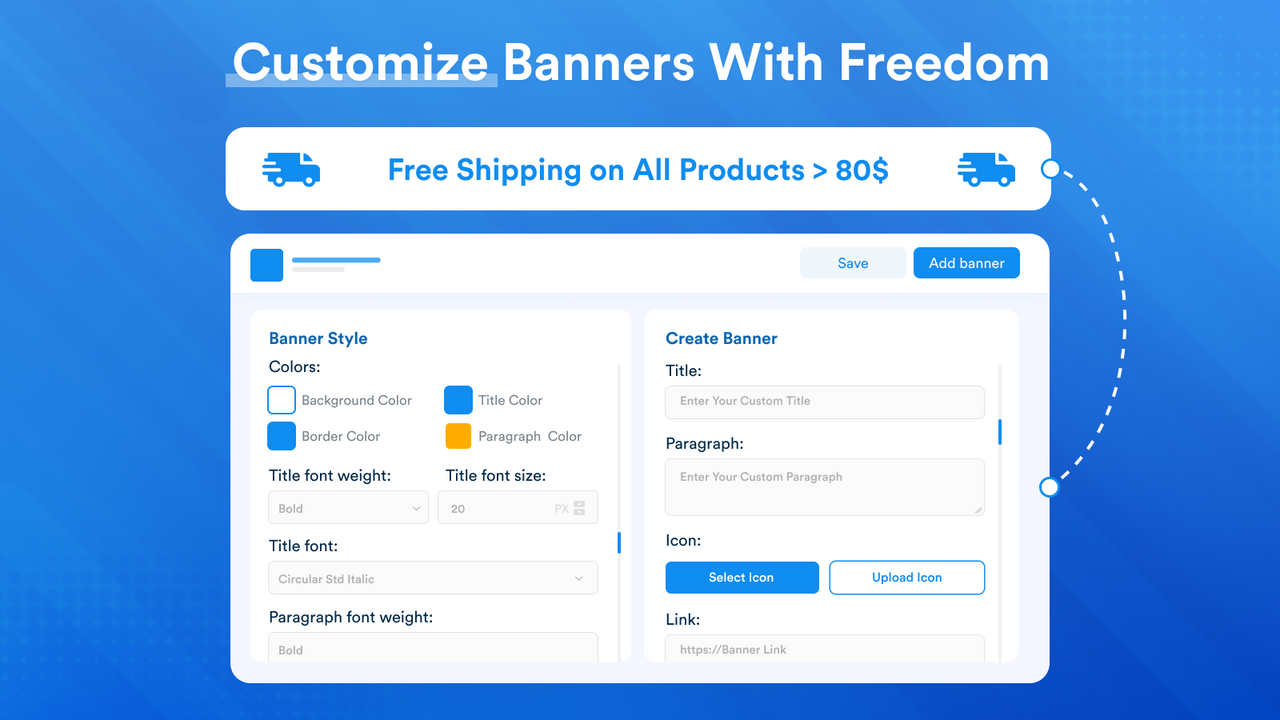
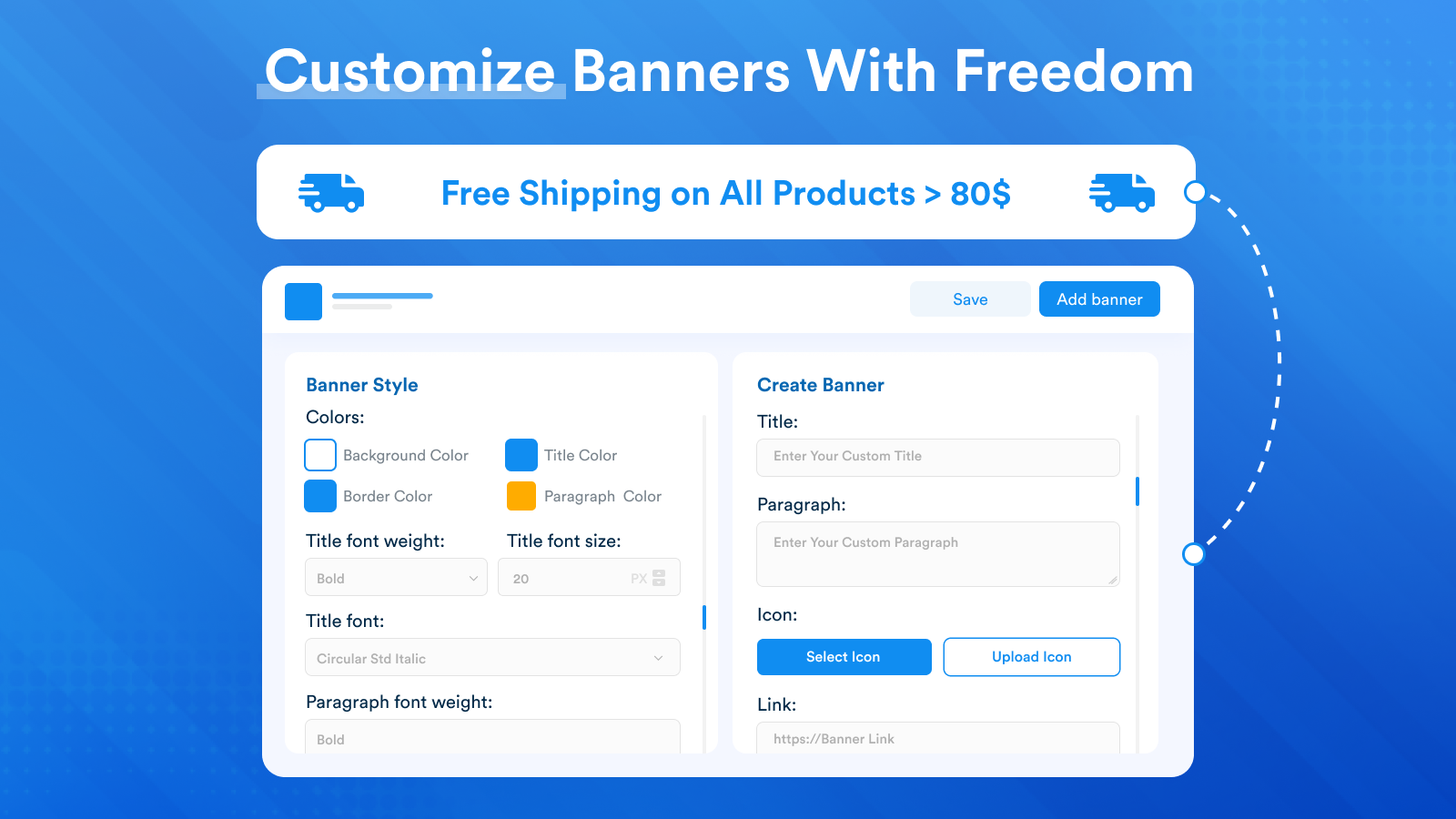
- Fully customizable. Design your banners with our canvas-style editor. Add links
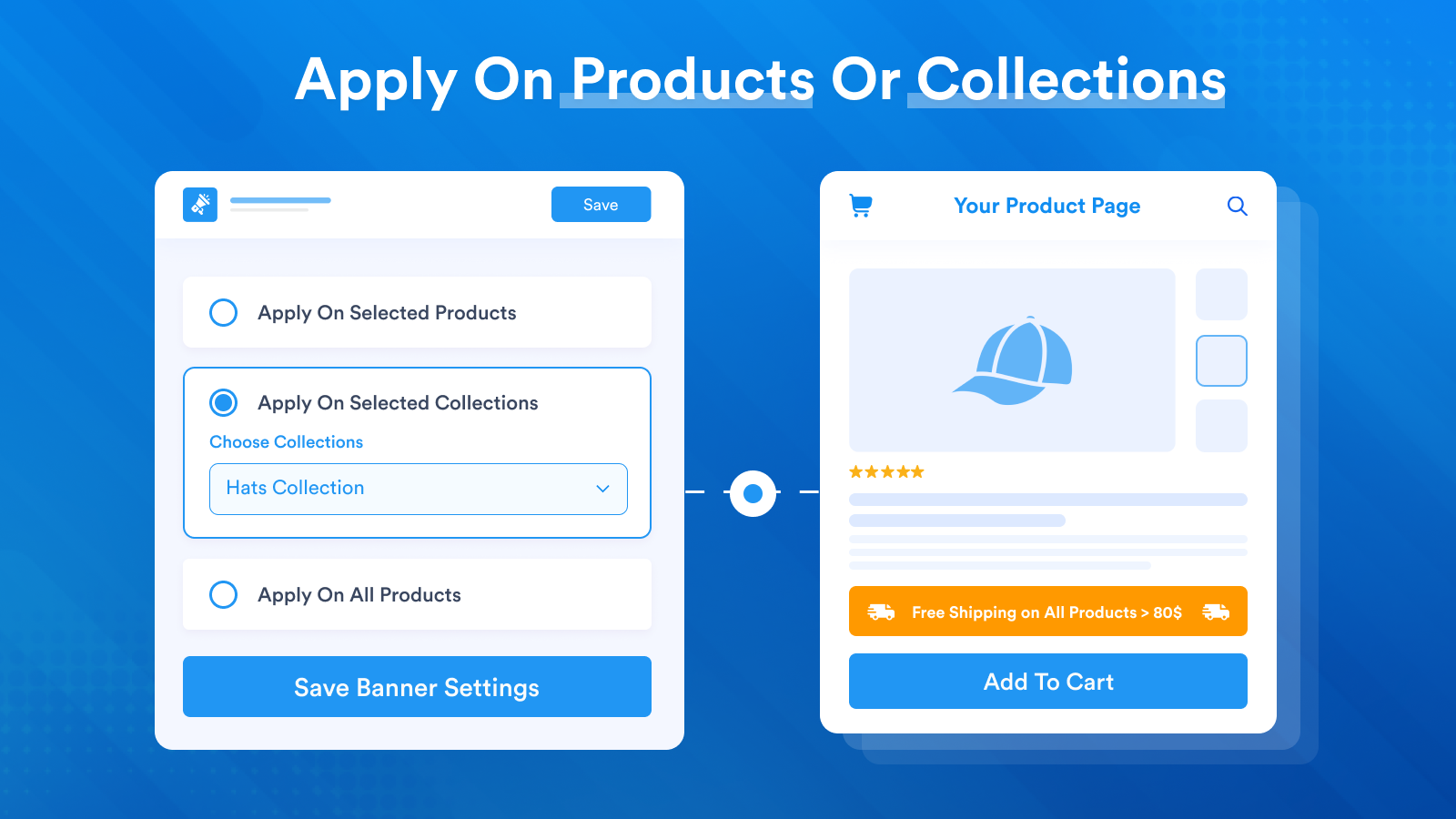
- Full control over which products display the banner. Sync with collections.
- Compatible with Online Store 2.0. Drag and drop it to your desired position on product pages
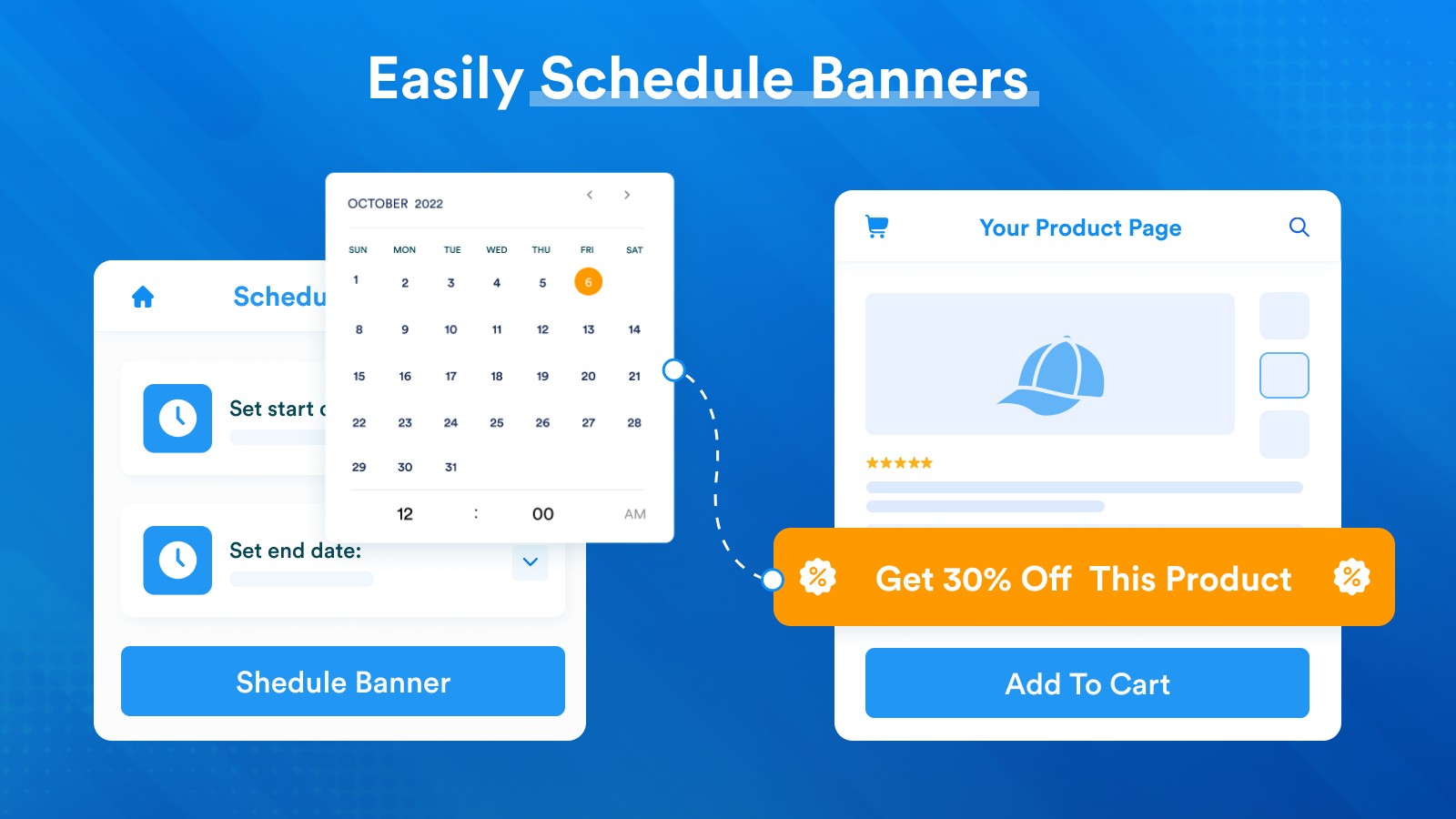
- Schedule banners to show only between set dates and times
Merchant-Friendly
- Independent Station Merchants
- Multi-category E-commerce
- Fashion Retail Merchants
- Holiday Promotion Merchants
Basic Information
- Developer:Product Page Banners 🎨
- Address:Julius Bloms Gade 23, 3, København N, 2200, DK
- Price: Free / Free plan
- Rating:4.9 / 5
- Comment Count:23 comment
- Release Date:2021-9-3
- Supported languages:English
- Compatible products:Shopify
Application Screenshot




Price Plan
增长
$4.95
- Fixed monthly fee. No hidden costs
- Unlimited products, orders, and traffic
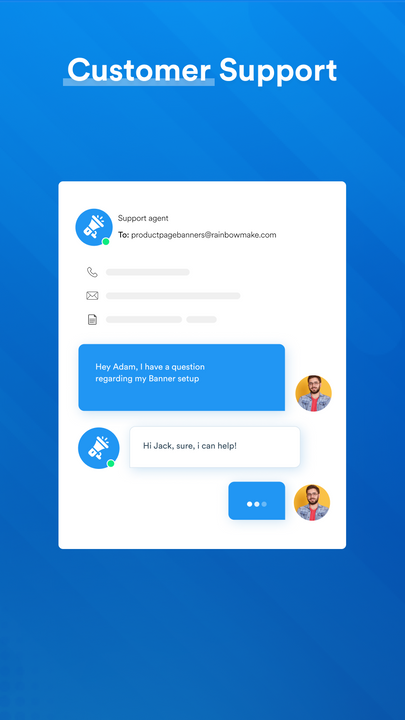
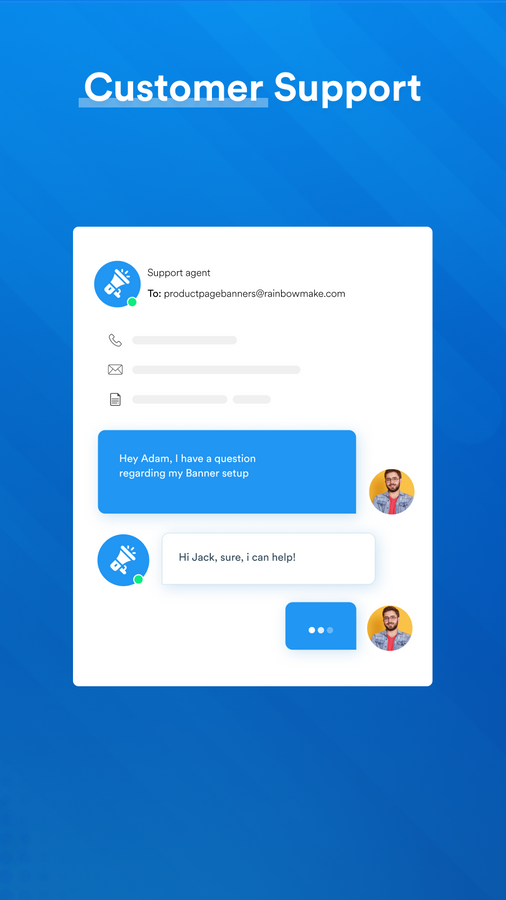
- Fast, efficient, and knowledgeable support
Shopify Plus商店
$19.95
- Same as Growth, but for Shopify Plus stores only. Includes WhatsApp support.
User Location & Comments
User Location
Comments
Shopify API Used
- POST /admin/api/banners.json
- PUT /admin/api/banners/{id}.json
- GET /admin/api/banners.json
Permission:write_banners,read_banners,manage_themes
- PUT /admin/api/banners/{id}/design.json
- POST /admin/api/banners/{id}/links.json
- GET /admin/api/banners/{id}/design.json
Permission:write_banners,read_banners,manage_themes
- PUT /admin/api/banners/{id}/visibility.json
- POST /admin/api/banners/{id}/collections.json
- GET /admin/api/banners/{id}/visibility.json
Permission:write_banners,read_banners,manage_collections
- PUT /admin/api/banners/{id}/position.json
- GET /admin/api/banners/{id}/position.json
- POST /admin/api/themes/{theme_id}/sections.json
Permission:write_themes,read_themes,manage_banners
- PUT /admin/api/banners/{id}/schedule.json
- GET /admin/api/banners/{id}/schedule.json
- DELETE /admin/api/banners/{id}/schedule.json
Permission:write_banners,read_banners,manage_themes