
App Introduction
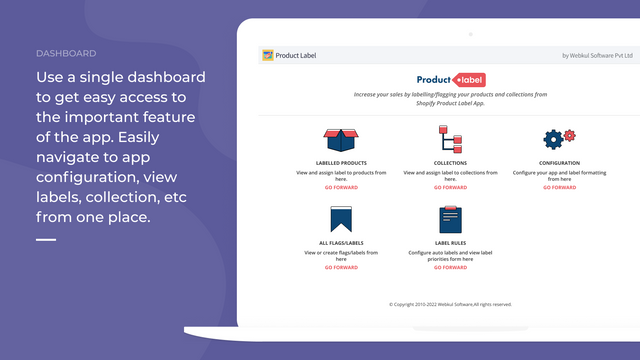
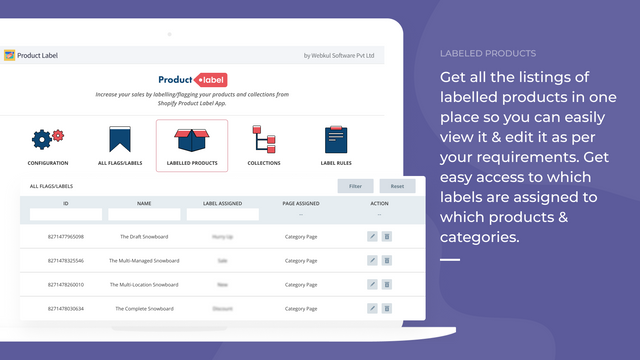
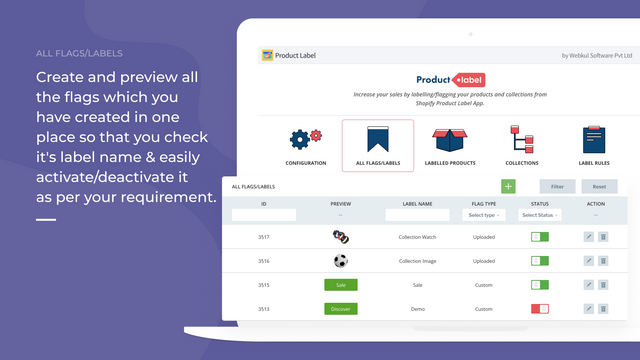
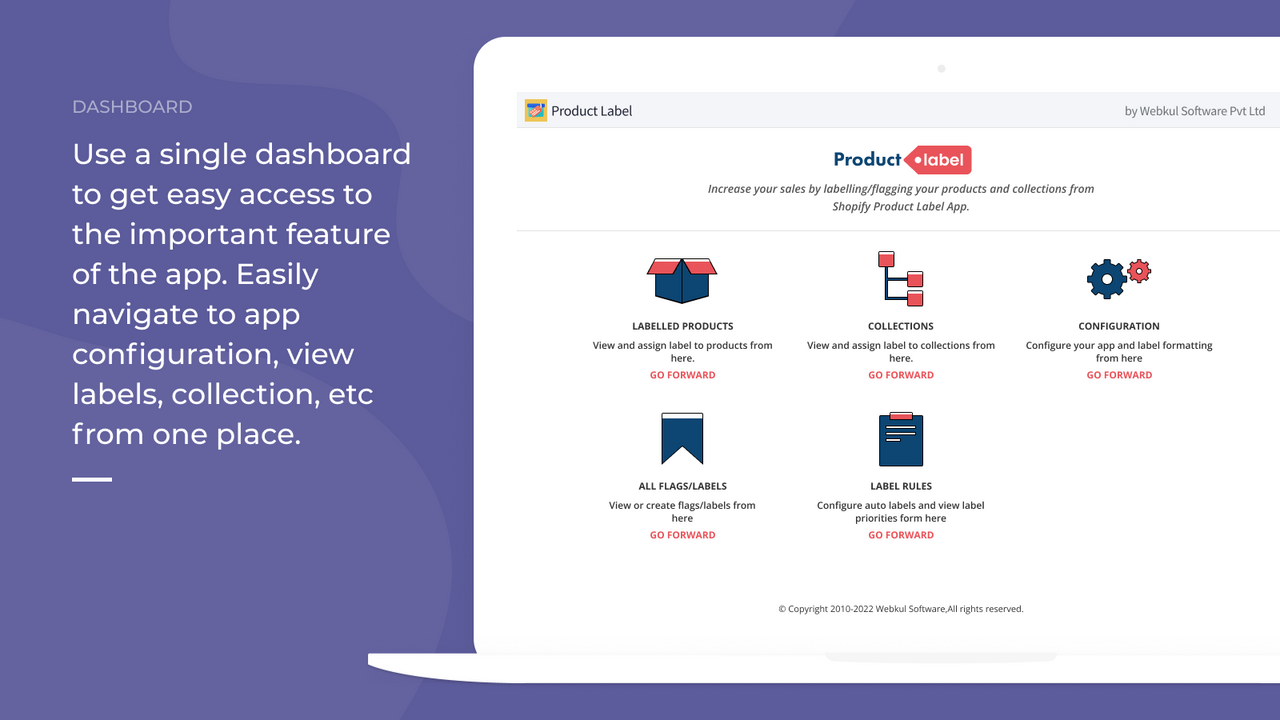
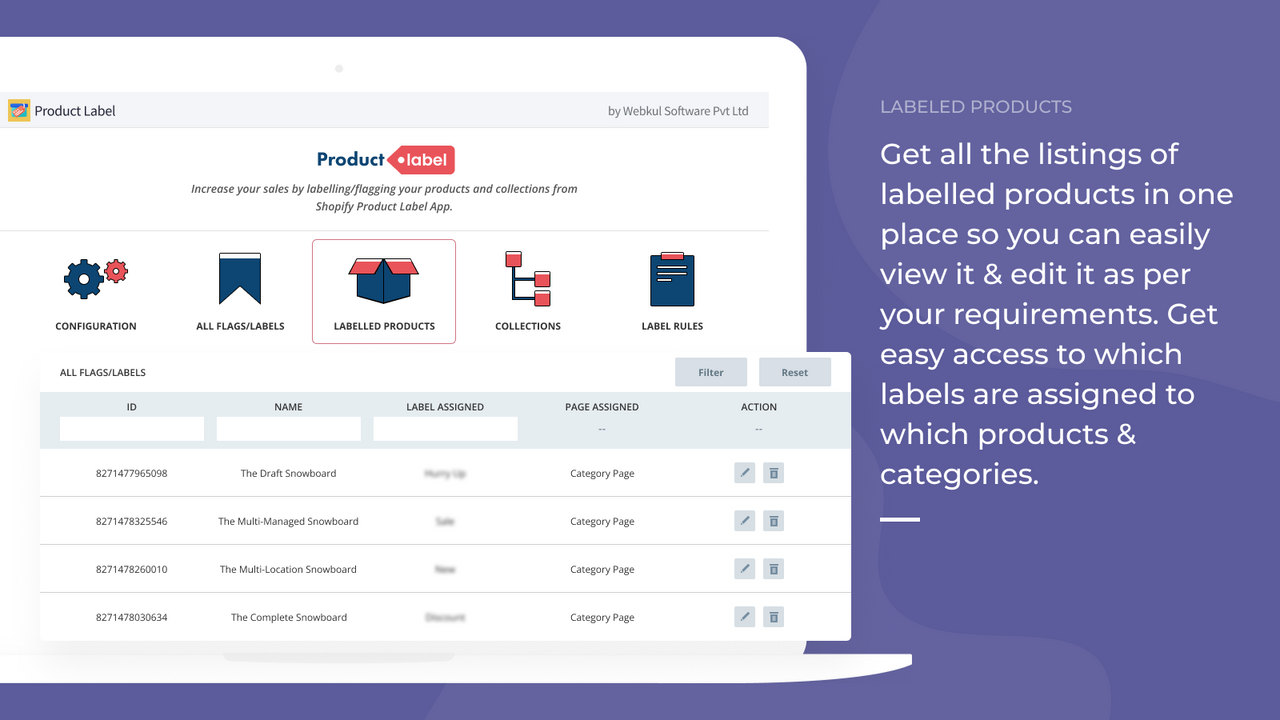
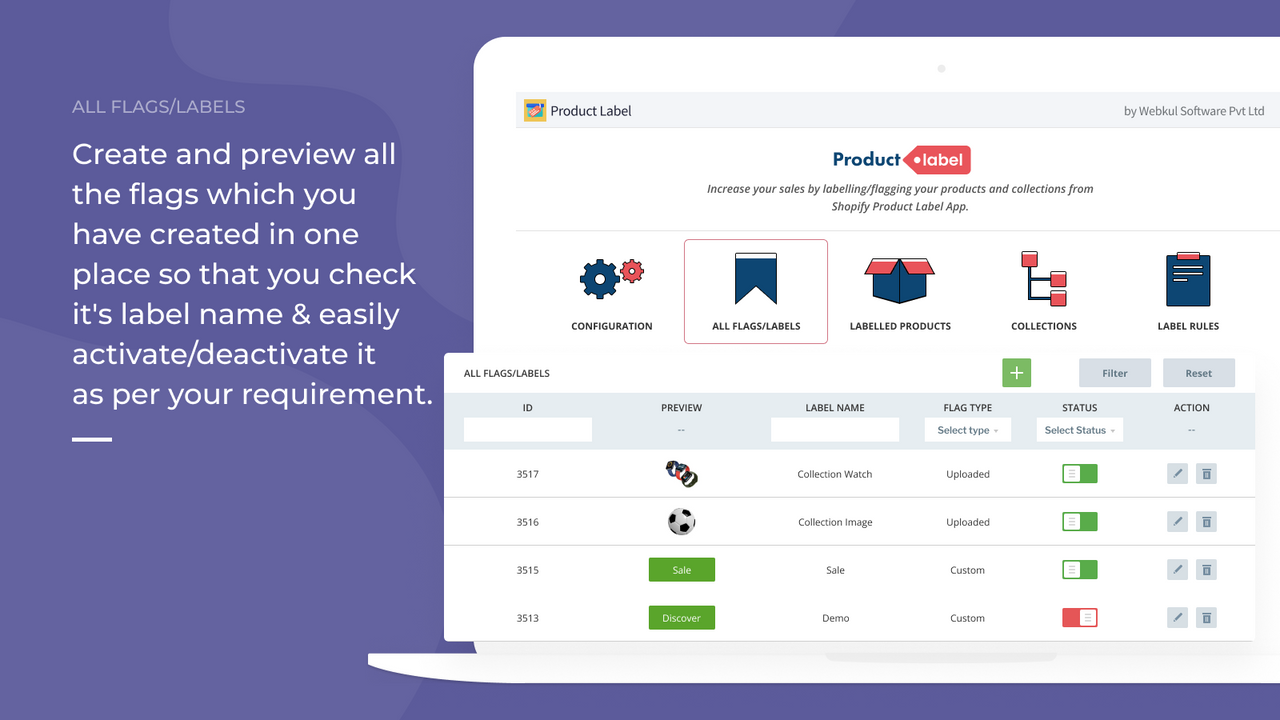
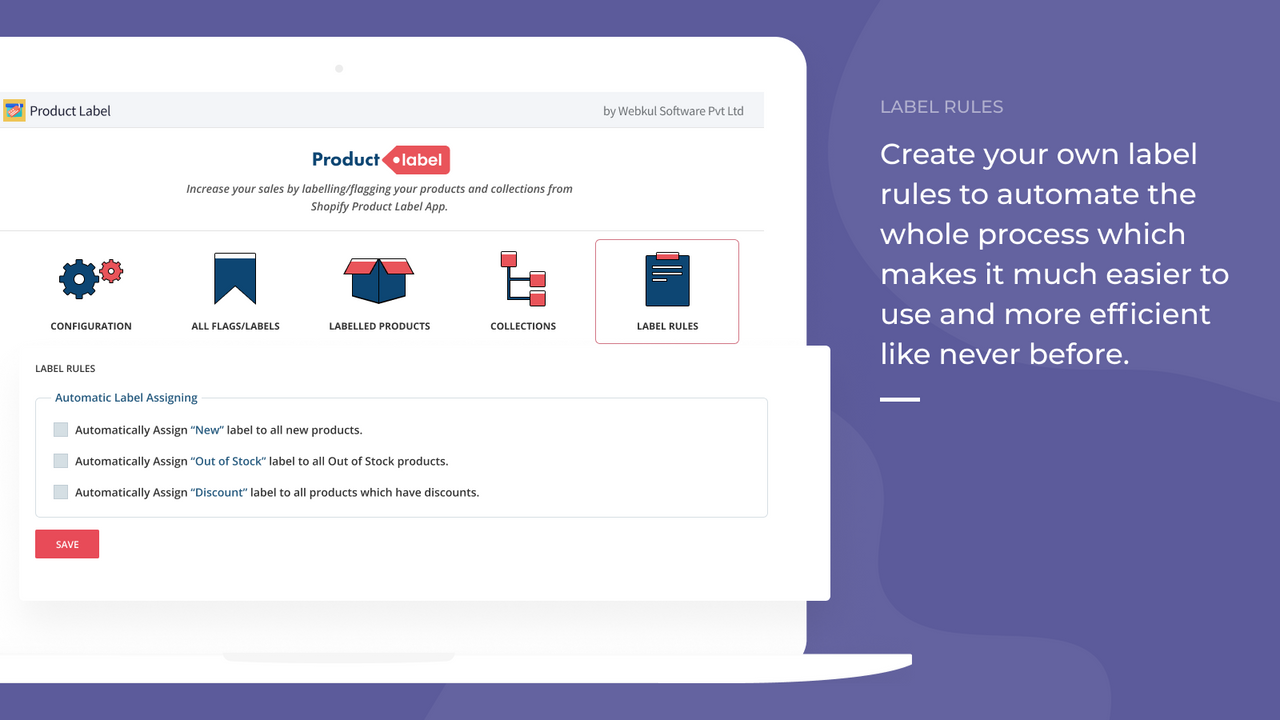
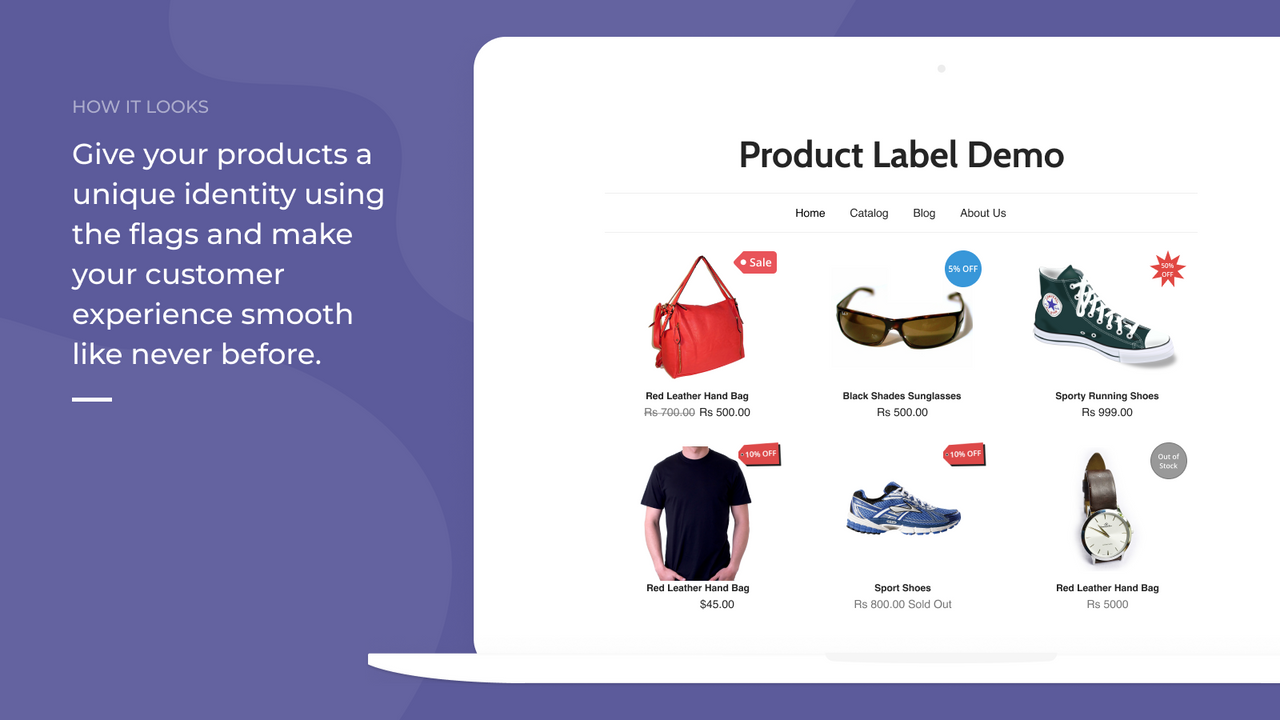
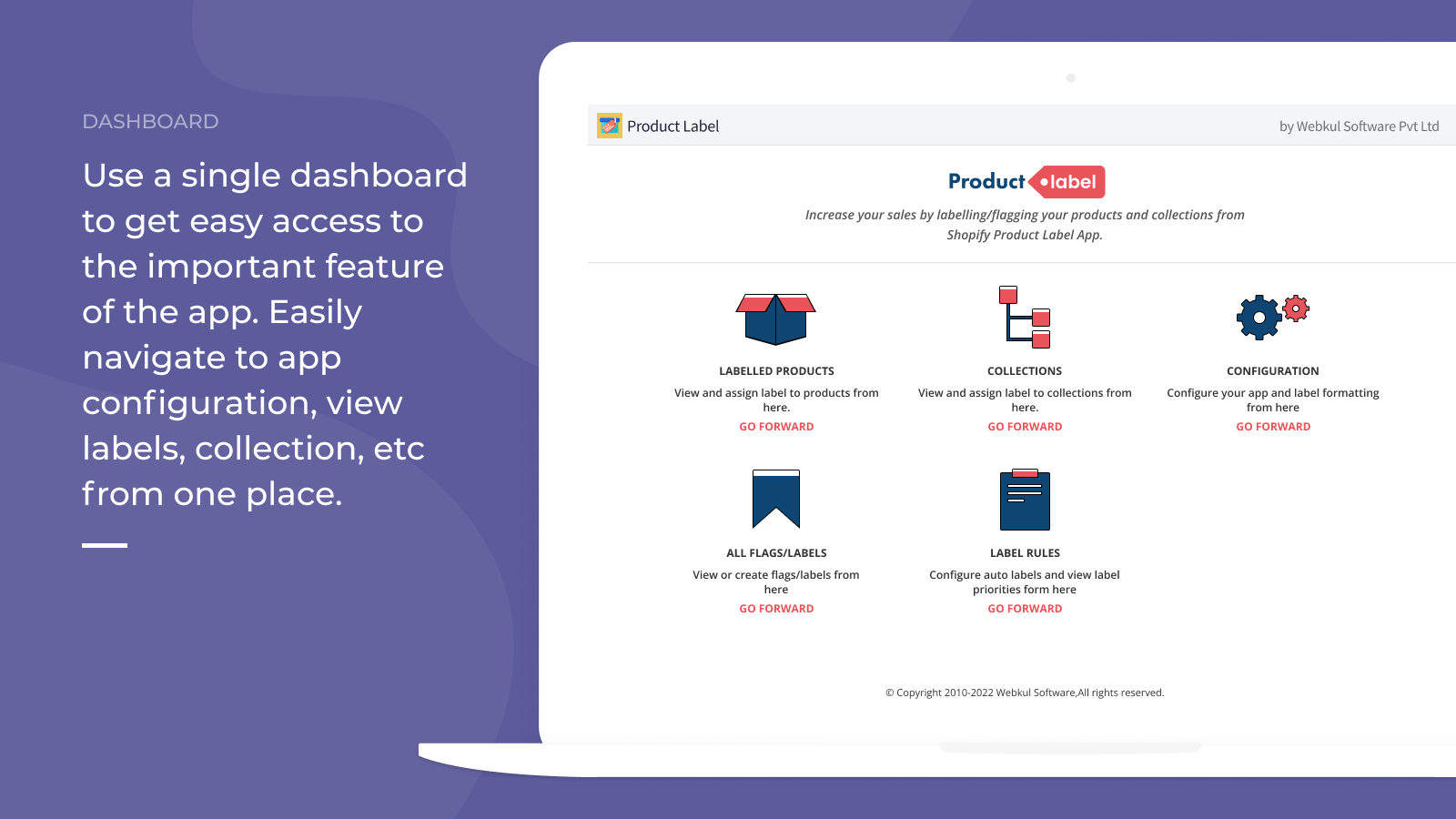
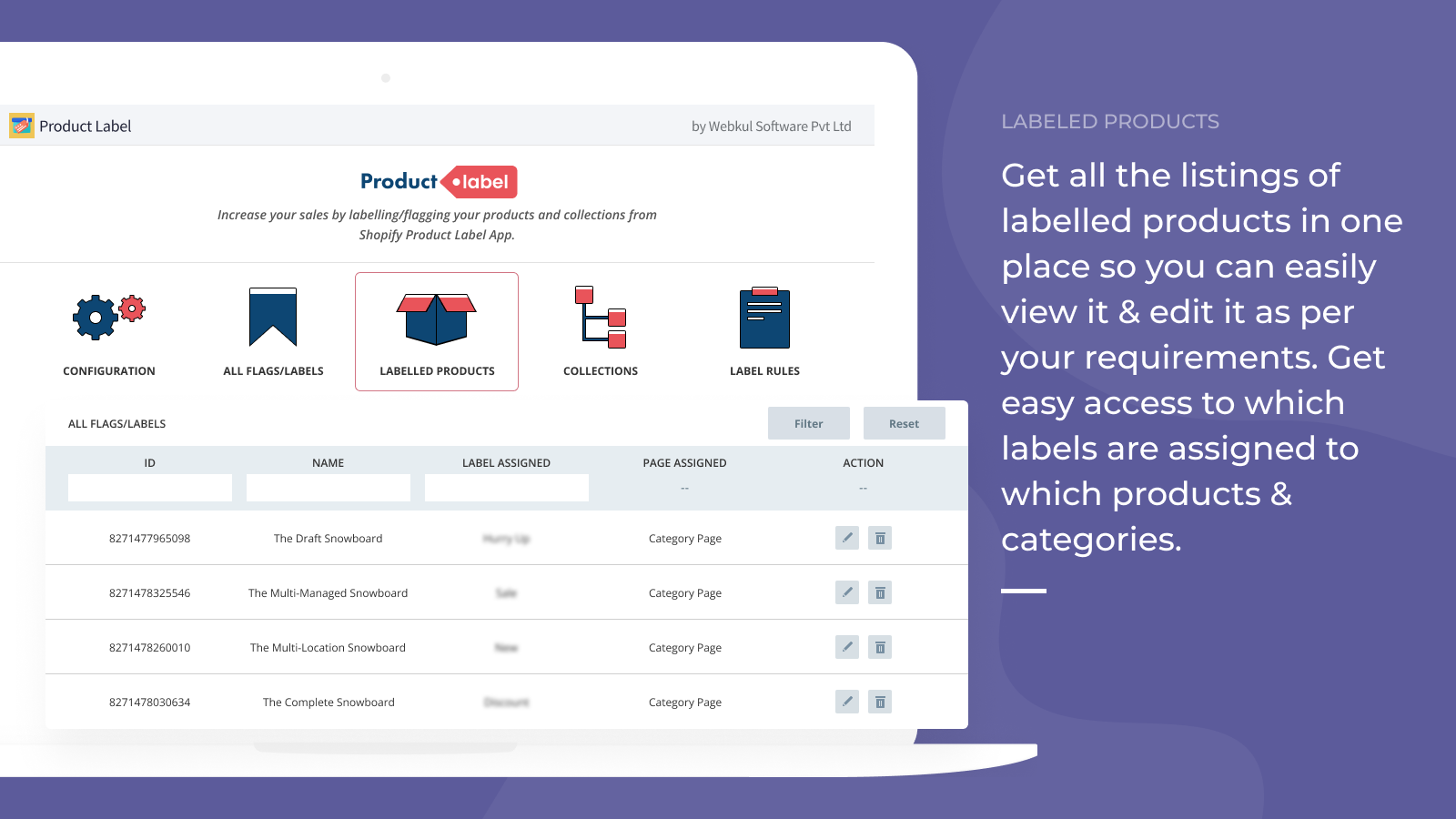
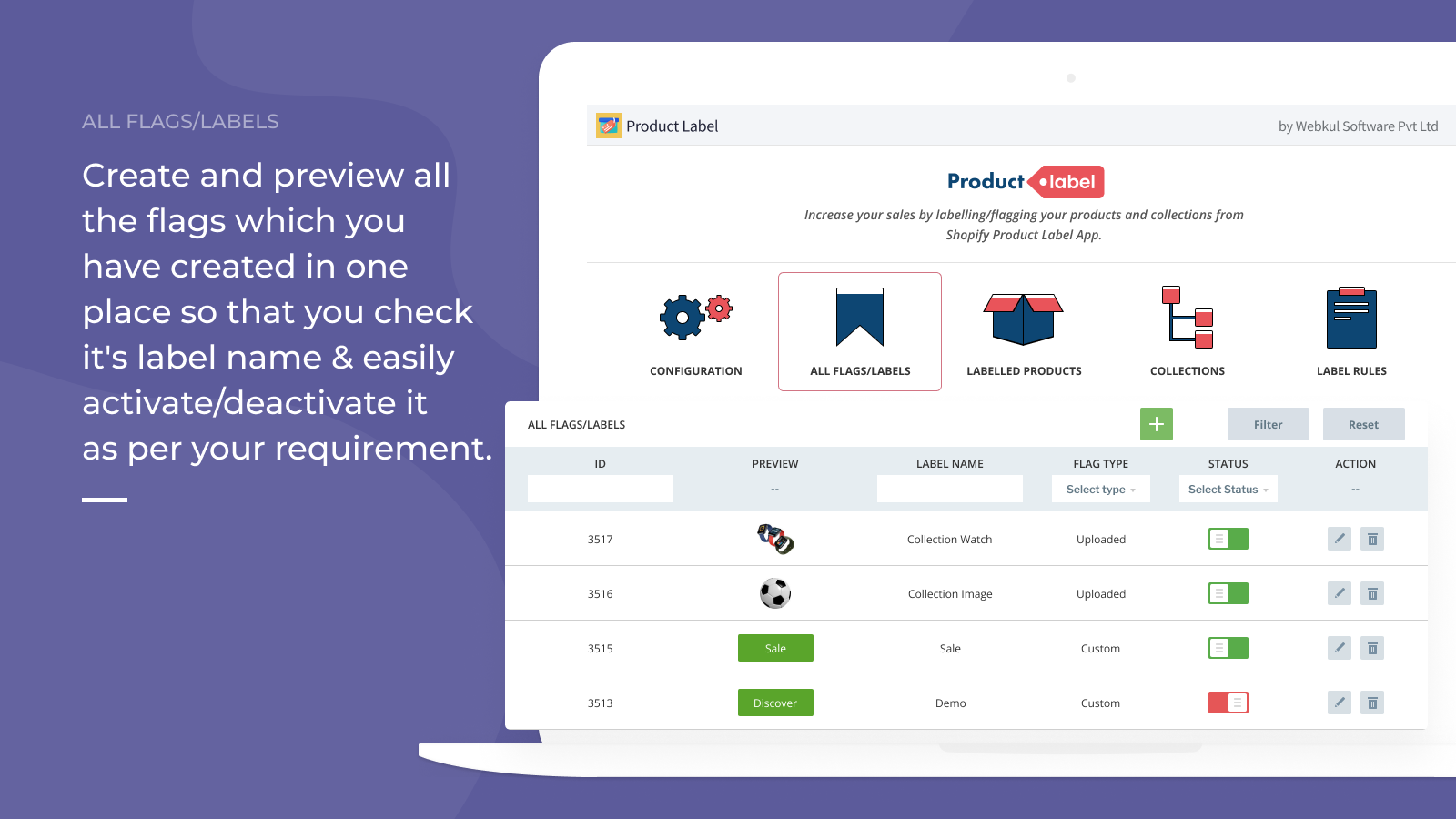
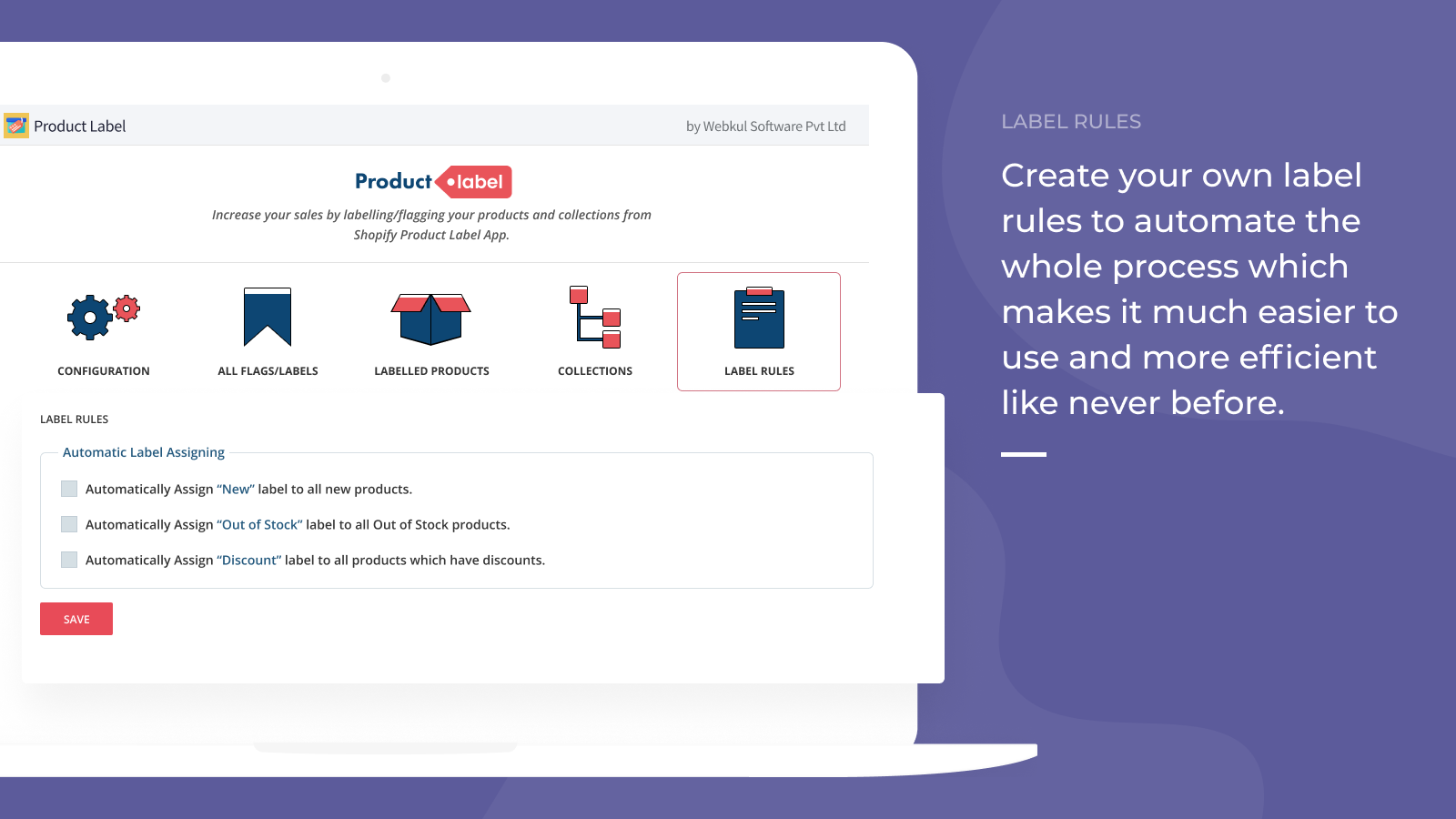
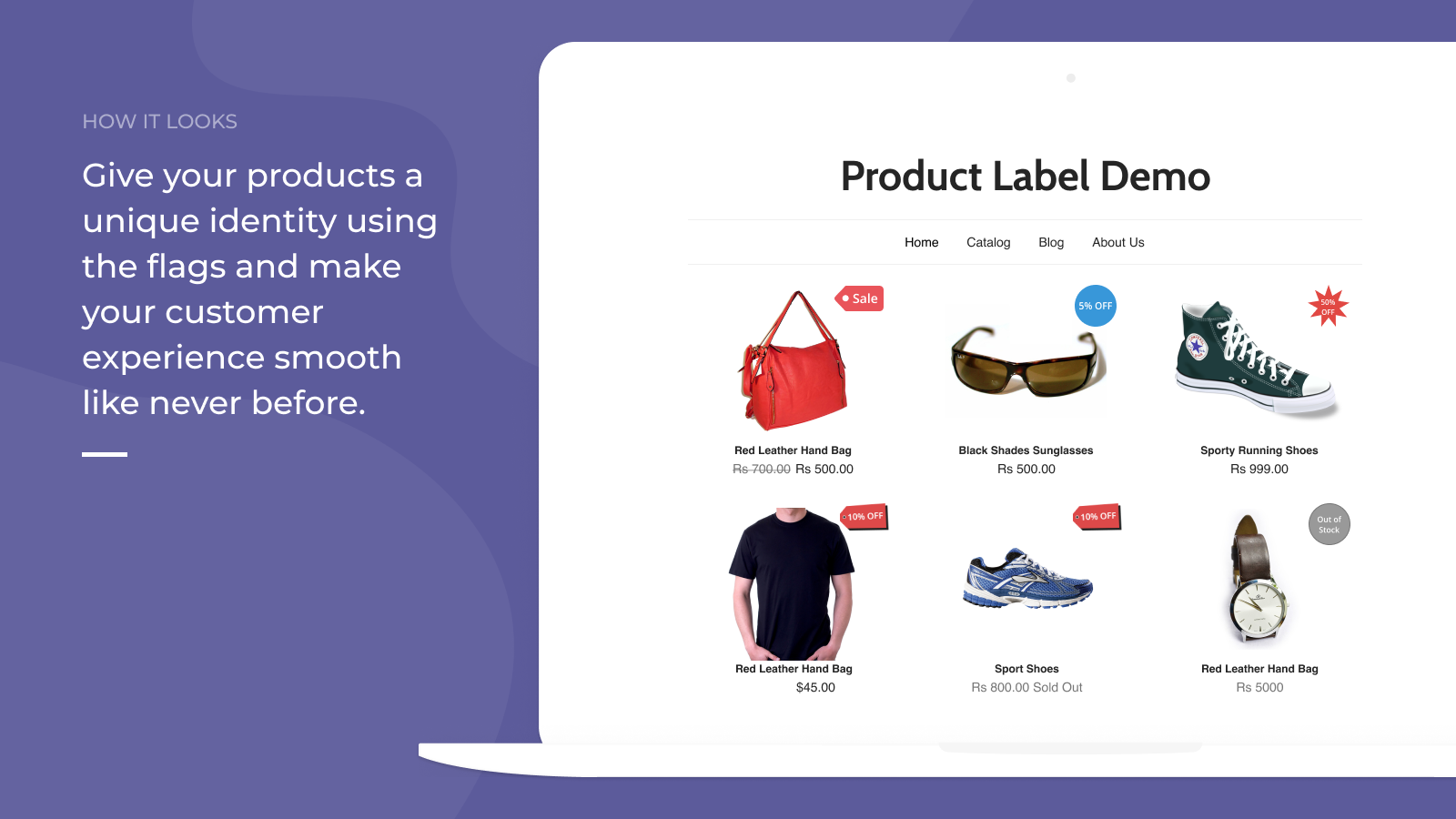
Create tags for your products. There are multiple default tag options available for you to choose from to boost your store’s sales. With this app, you can now assign tags to various products. The key advantage of this app is that you can even add new tags yourself according to your own preferences. You can also choose which pages the tags should appear on — namely the homepage, category pages, and product pages. Tags can be displayed on all three pages, or only one page, based on your needs. Admins can choose to add new tags for any product, or select from the default tags.
Core Functionality
- Admins can add new tags and assign these added tags to products.
- The app comes with default tags available.
- Admins can choose which pages the tags should appear on.
- Tags can be displayed on the homepage, category pages, and product pages.
- If needed, admins can even edit or delete tags at any time.
Merchant-Friendly
- Independent Station Merchants
- Multi-category E-commerce
- Boutique Merchants
- Cross-border E-commerce
Basic Information
- Developer:Webkul Software Pvt Ltd
- Address:H-28, Sector 63, Noida, UP, 201301, IN
- Price: Free / Free plan
- Rating:1 / 5
- Comment Count:2 comment
- Release Date:2016-3-28
- Supported languages:English
- Compatible products:Shopify
Application Screenshot


Price Plan
基础计划
User Location & Comments
User Location
Comments
Shopify API Used
- POST /admin/api/tags.json
- GET /admin/api/tags.json
- PUT /admin/api/products/{product_id}.json
Permission:write_tags,read_tags,manage_products
- GET /admin/api/tags.json?default=true
- PUT /admin/api/tags/{tag_id}.json
- DELETE /admin/api/tags/{tag_id}.json
Permission:read_tags,write_tags,manage_products
- POST /admin/api/shop.json
- GET /admin/api/shop.json
- PUT /admin/api/shop.json
Permission:write_shop,read_shop,manage_products
- PUT /admin/api/tags/{tag_id}.json
- DELETE /admin/api/tags/{tag_id}.json
- GET /admin/api/tags/{tag_id}.json
Permission:write_tags,read_tags,manage_products