
App Introduction
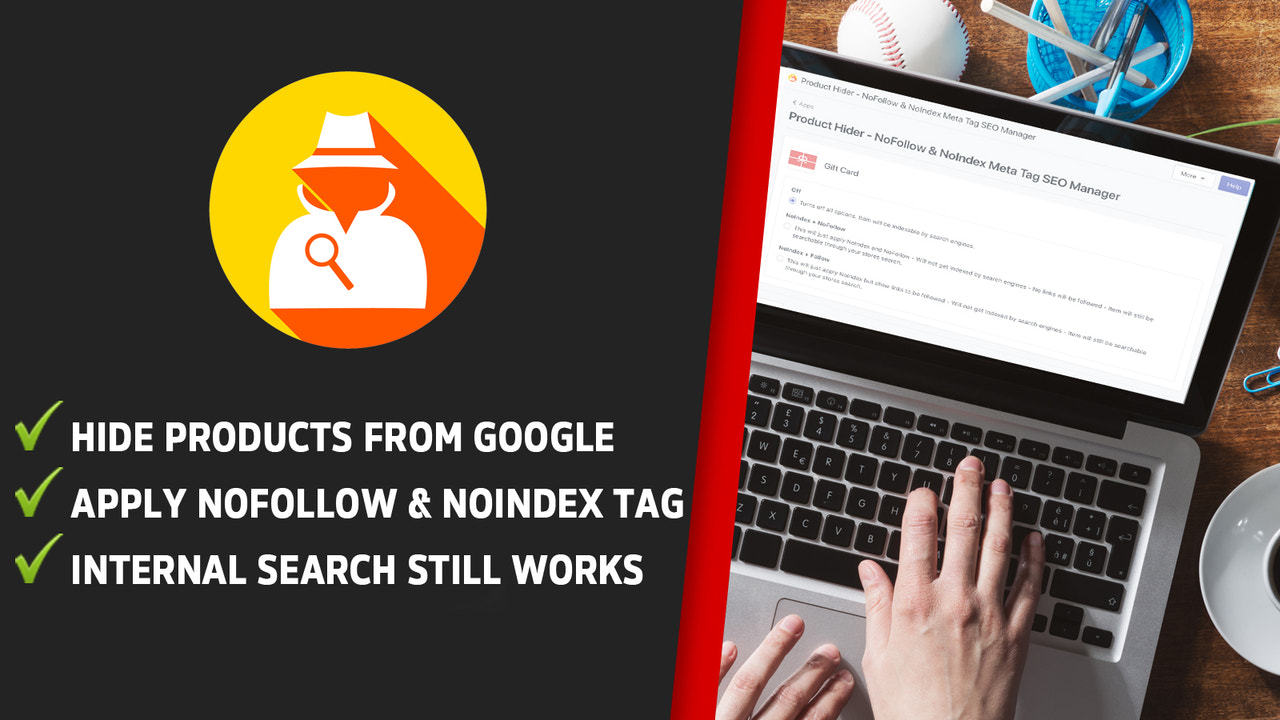
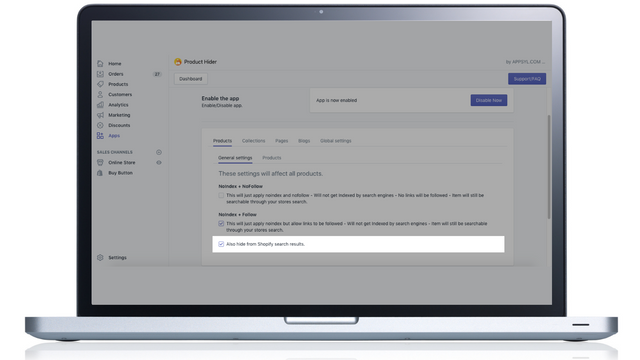
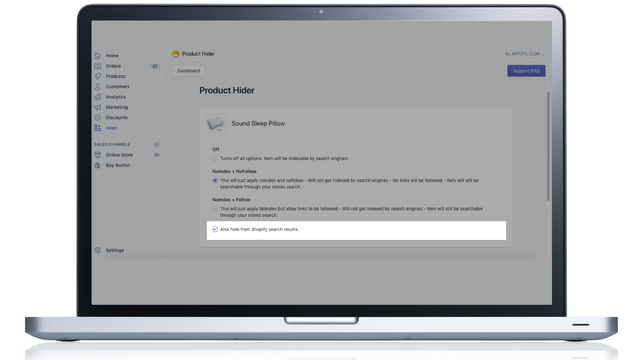
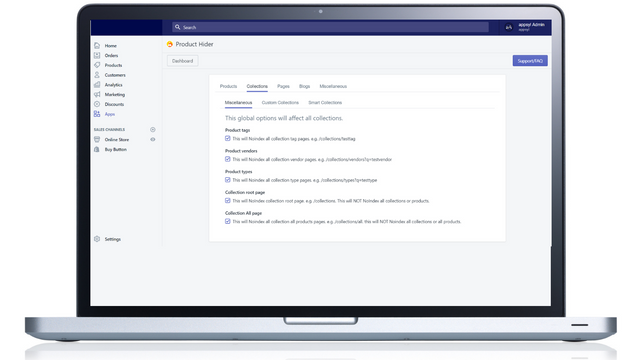
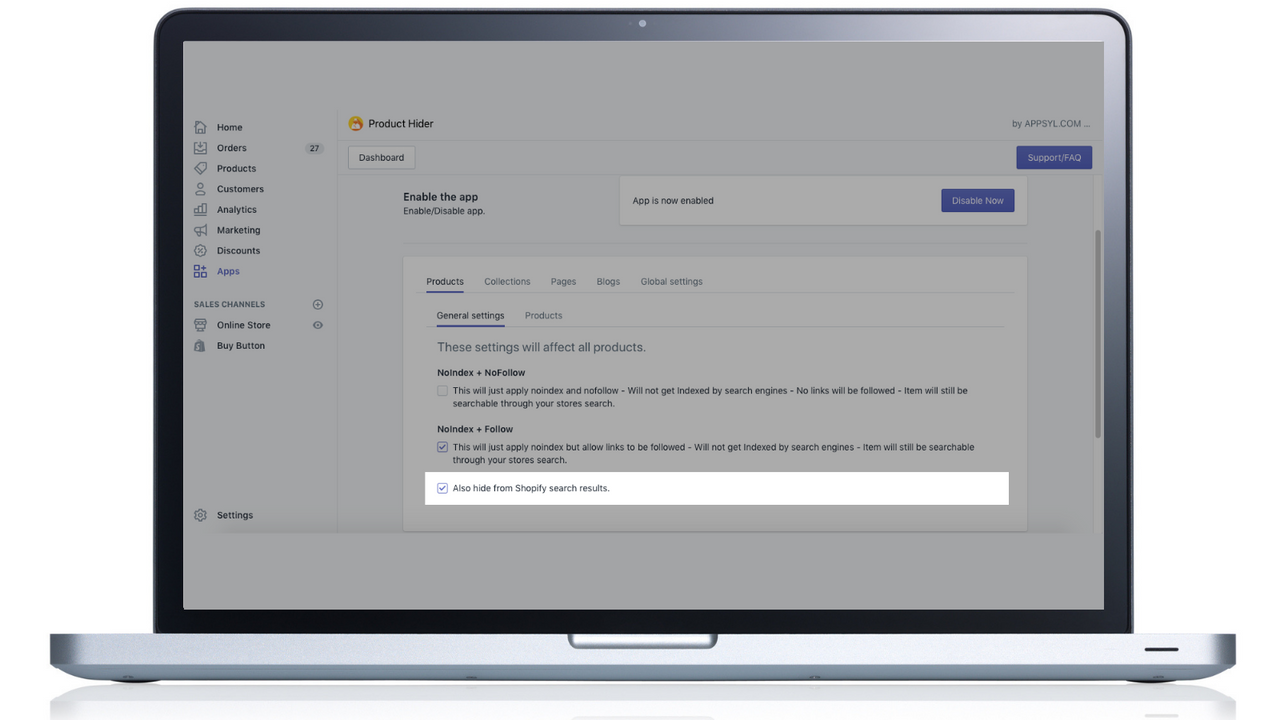
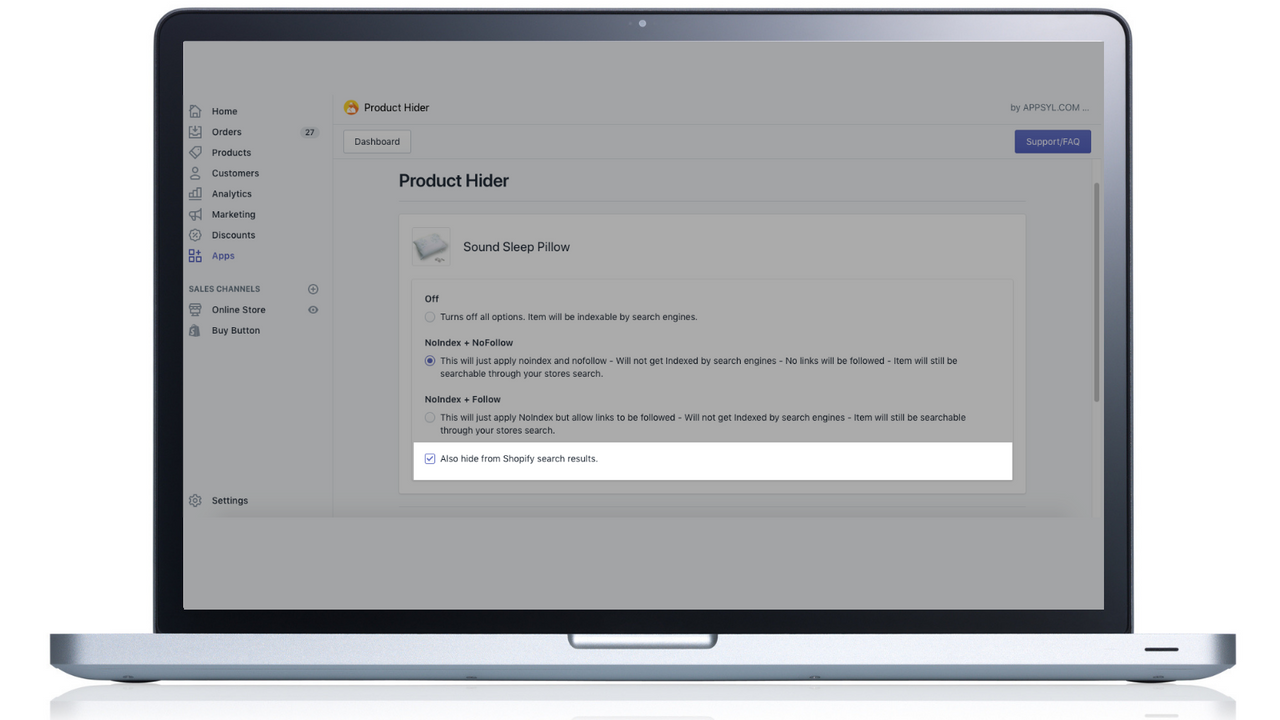
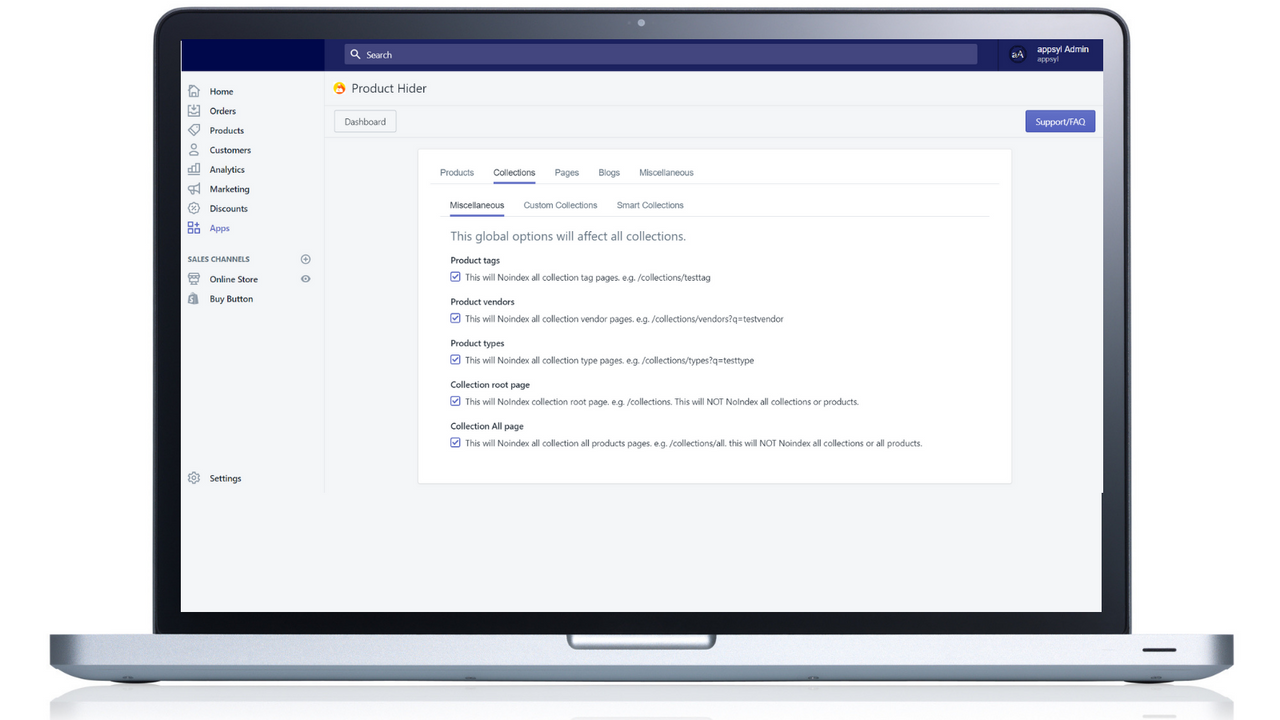
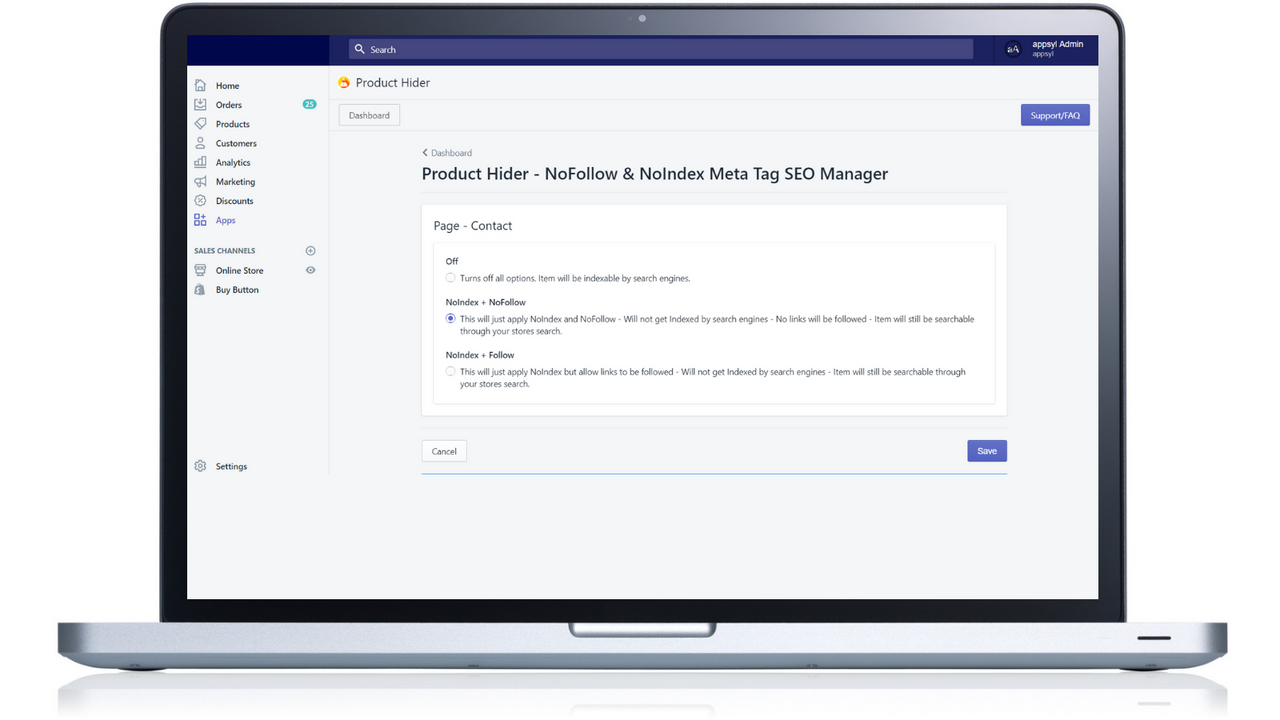
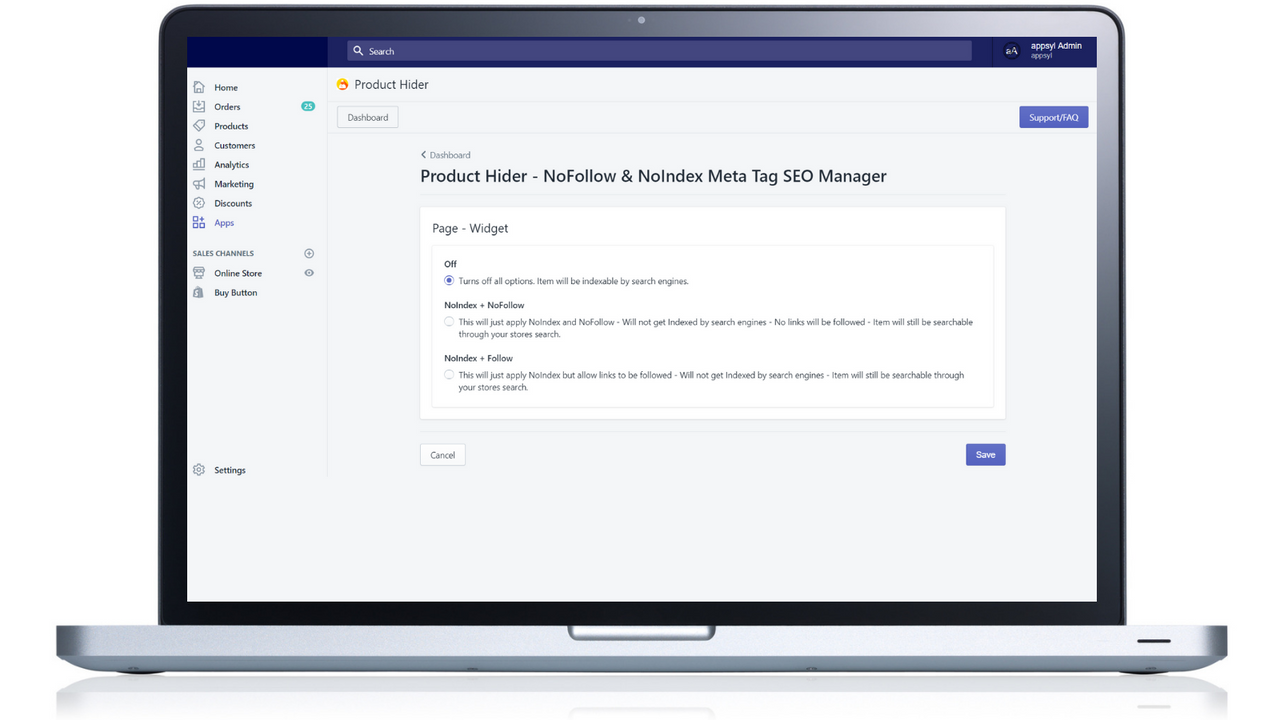
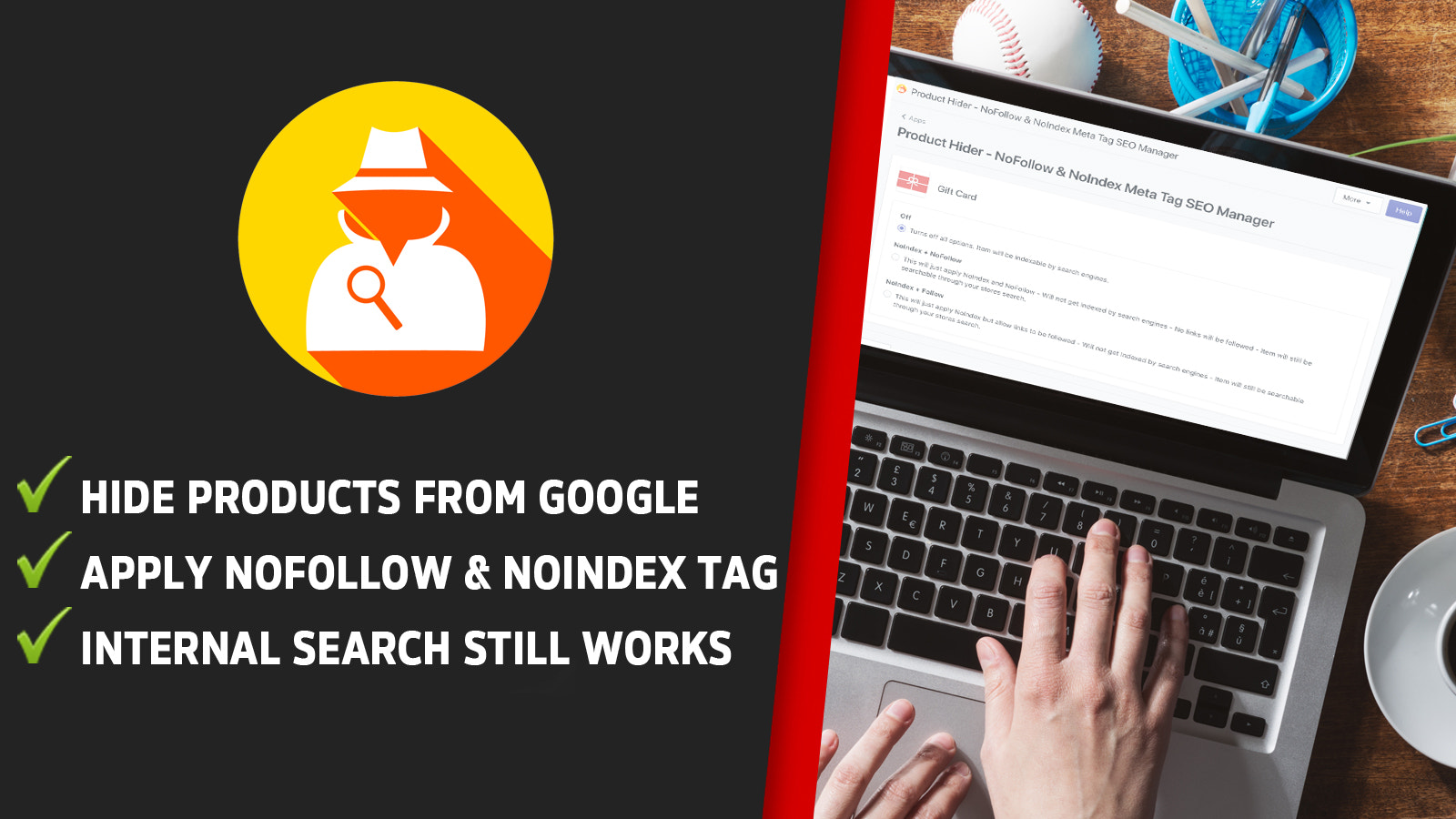
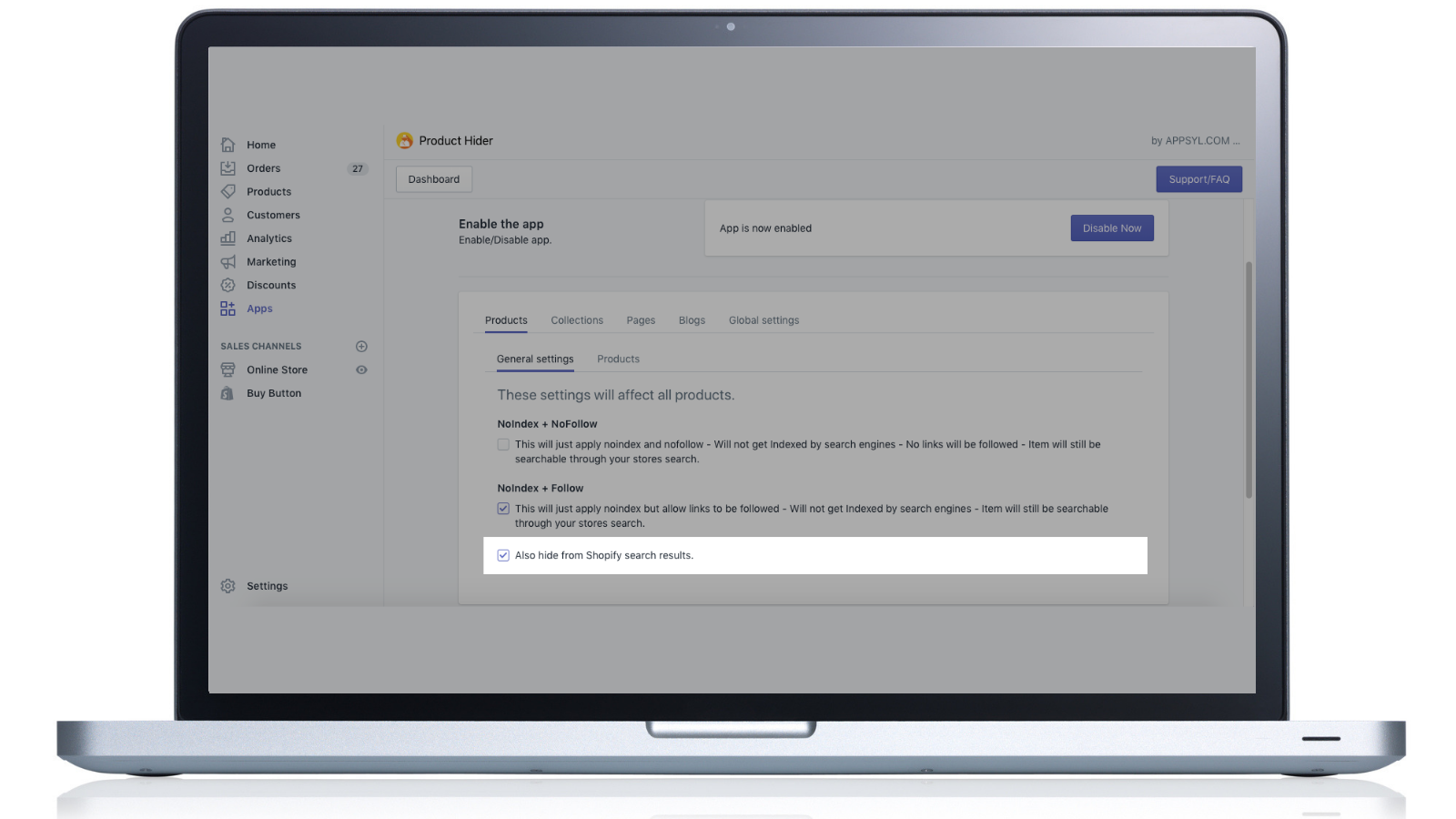
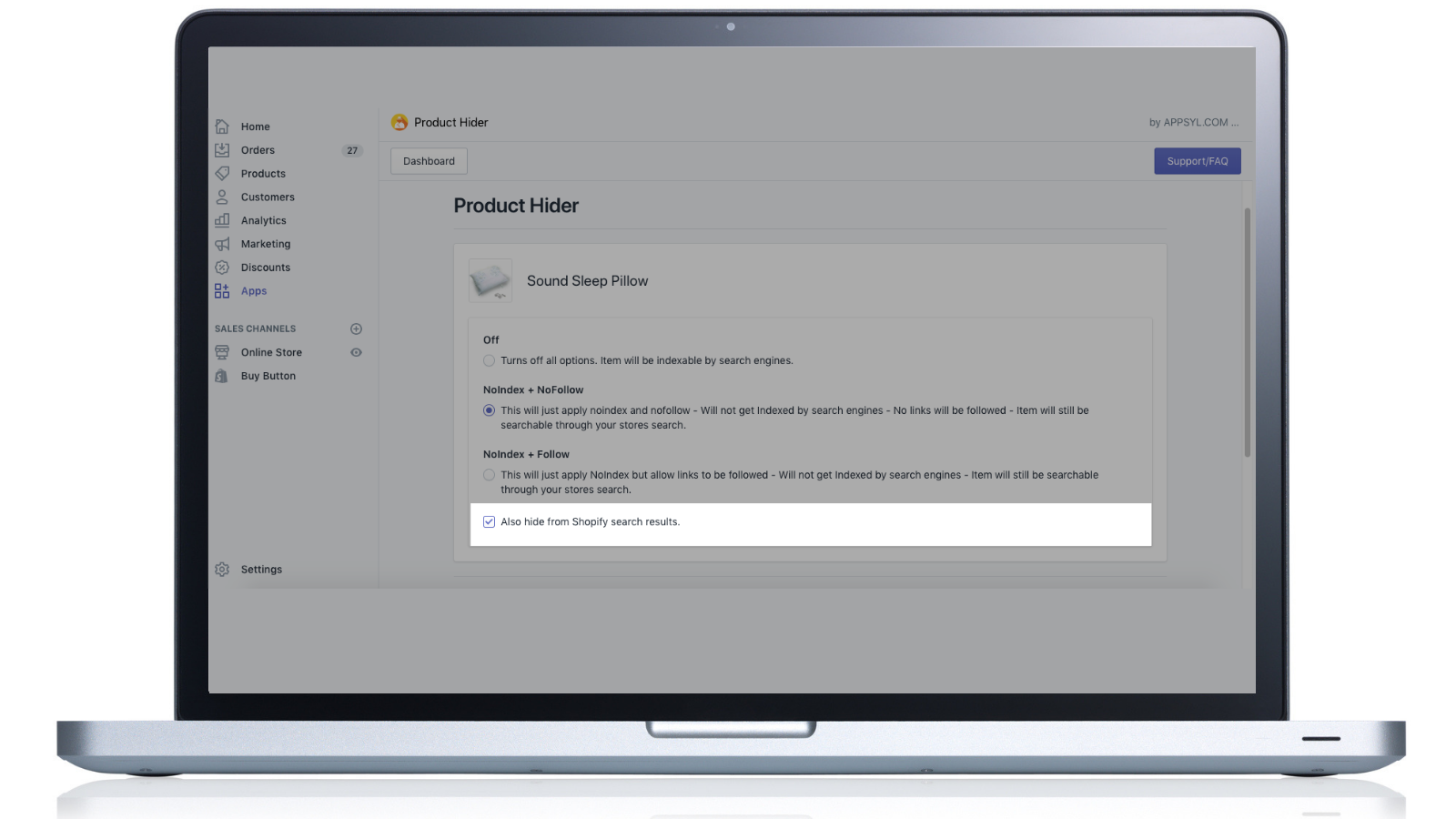
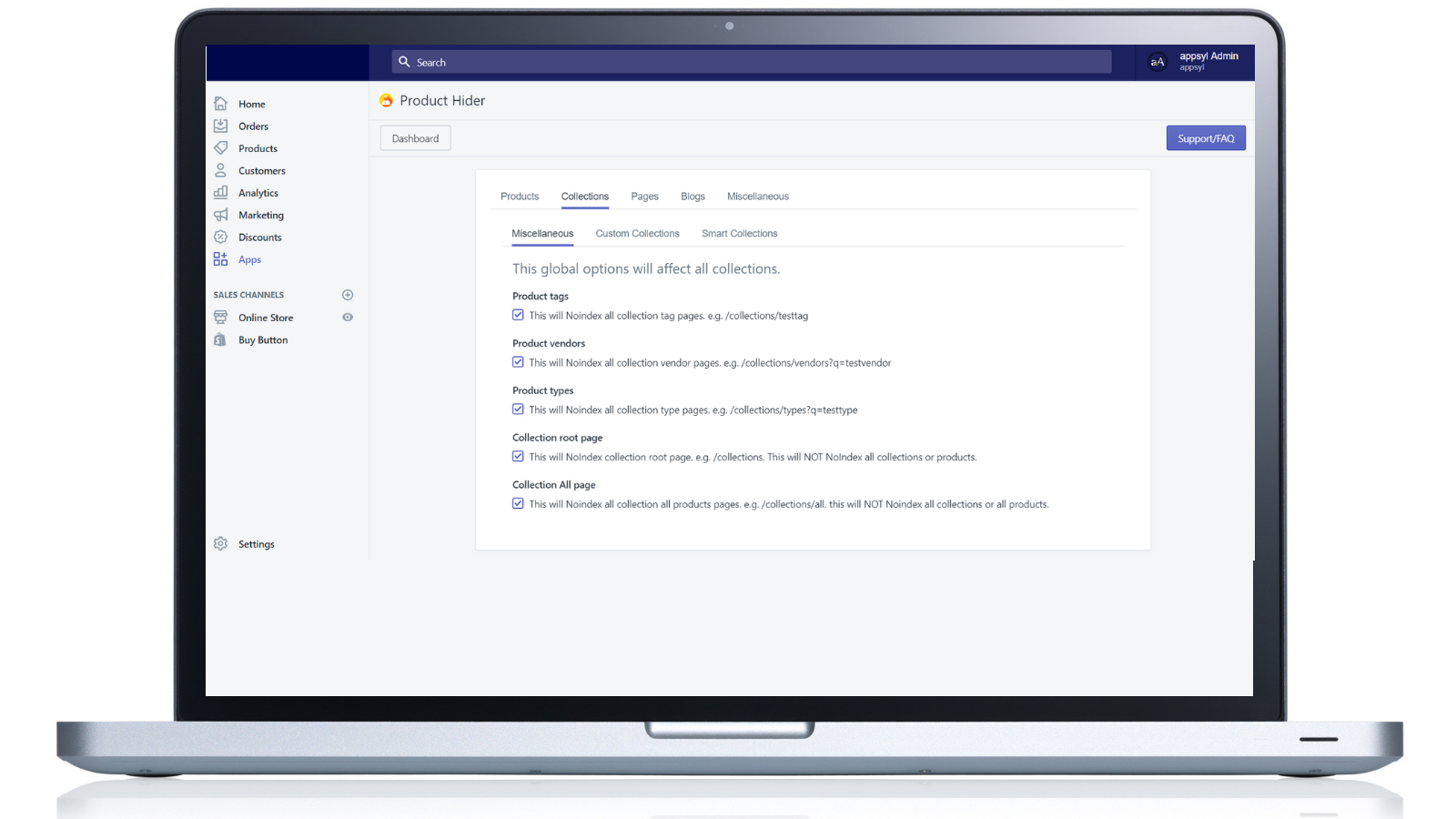
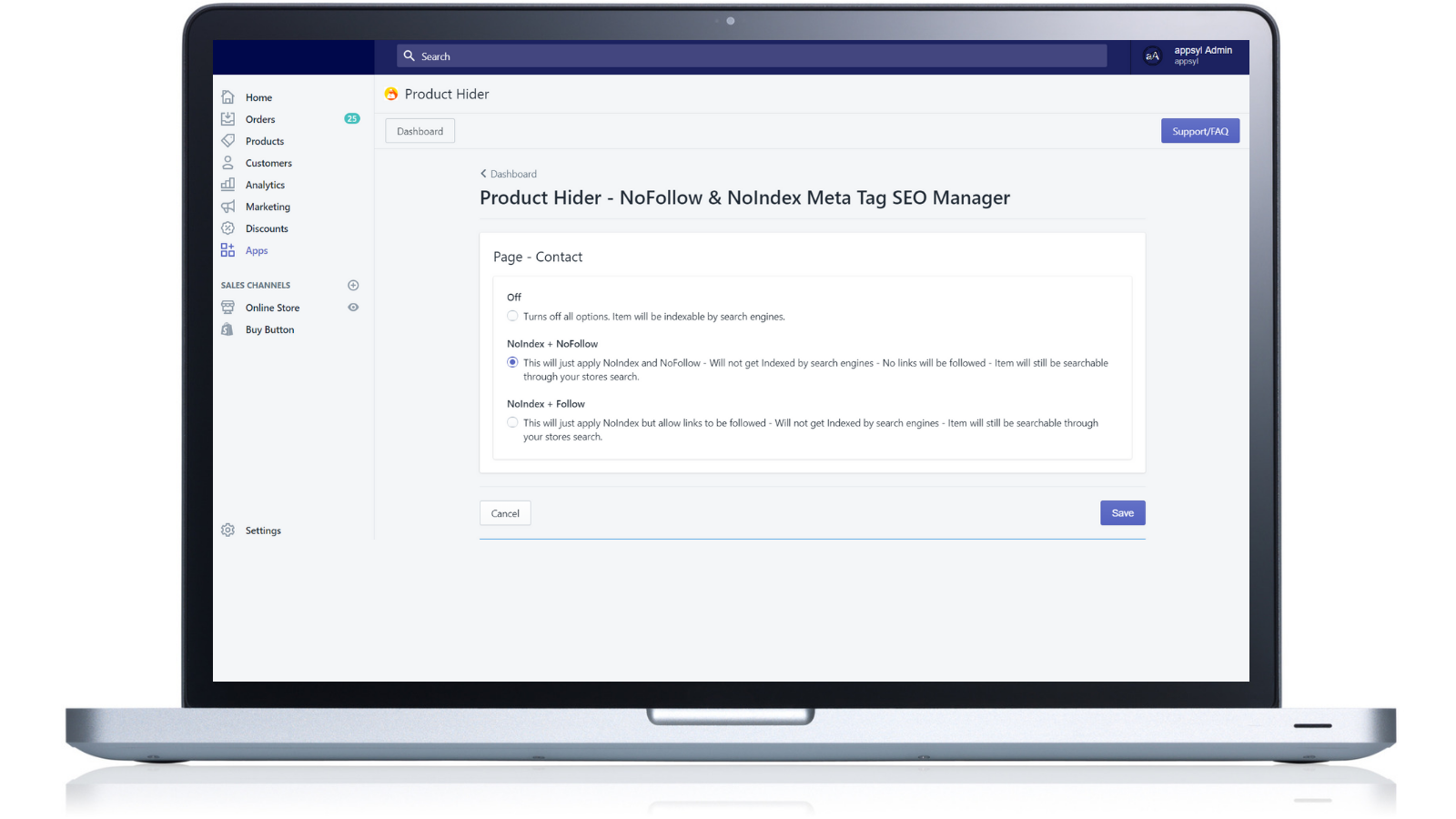
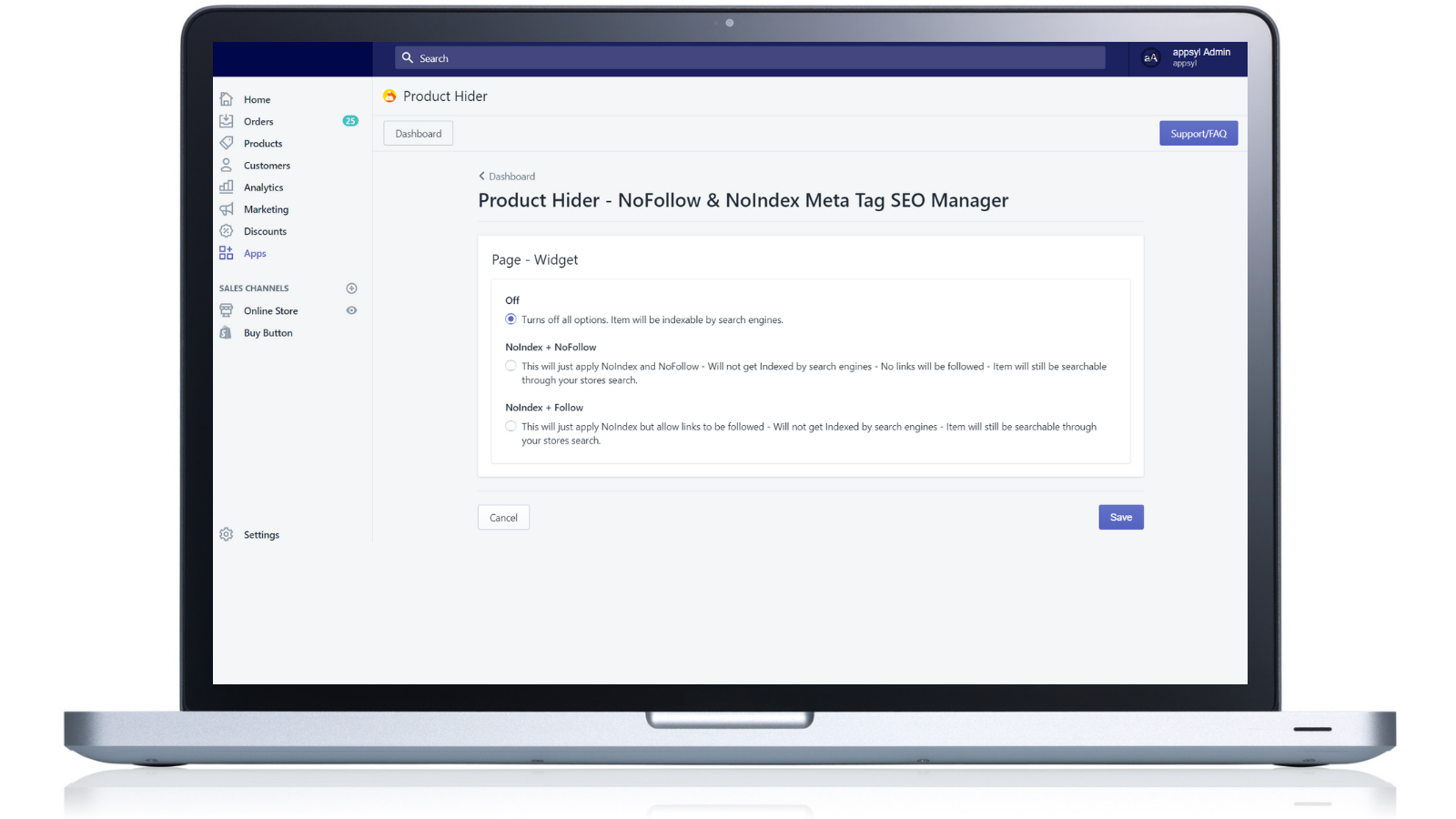
Use Product Hider to add NoFollow and NoIndex meta tags or hide your products so they don’t appear in internal search You can choose to make your products invisible in Google SERPs (Search Engine Results Pages). Ensure you control which parts of your store search engines index and track by using noindex and/or nofollow meta tags. If you prefer, you can also hide specific products or all products from your store’s internal search. Use the "Product Hider - No Follow and No Index Meta Tags SEO Manager" app to hide your products from Google, Bing, and Yahoo!.
Core Functionality
- Apply NOFOLLOW and/or NOINDEX meta tags
- Hide products from internal search
- Secure your store and hide products from Google
Merchant-Friendly
- Independent Station Merchants
- Boutique Merchants
- Private Label E-commerce
Basic Information
- Developer:APPSYL.COM - Apps You Love
- Address:207 Taaffe Place, Office 3A, Brooklyn, NY, 11205, US
- Price: Free / Free plan
- Rating:0 / 5
- Comment Count:0 comment
- Release Date:2018-12-13
- Supported languages:English
- Compatible products:Shopify
Application Screenshot
Price Plan
完整
$9.99
User Location & Comments
User Location
Comments
Shopify API Used
- POST /admin/api/products/{product_id}/metafields.json
- PUT /admin/api/products/{product_id}/metafields/{id}.json
- GET /admin/api/products/{product_id}/metafields.json
Permission:write_products,read_products,manage_metafields
- PUT /admin/api/products/{product_id}.json
- GET /admin/api/products.json?searchable=false
- POST /admin/api/collections/{collection_id}/products.json
Permission:write_products,read_products,manage_collections
- PUT /admin/api/products/{product_id}/metafields.json
- GET /admin/api/products.json?tag=google_hide
- POST /admin/api/shop/metafields.json
Permission:write_products,read_products,manage_metafields