SS: Toggle Description
by AppScoped · Category: Design Elements - Others
Free Plan
Built for Shopify
App Introduction
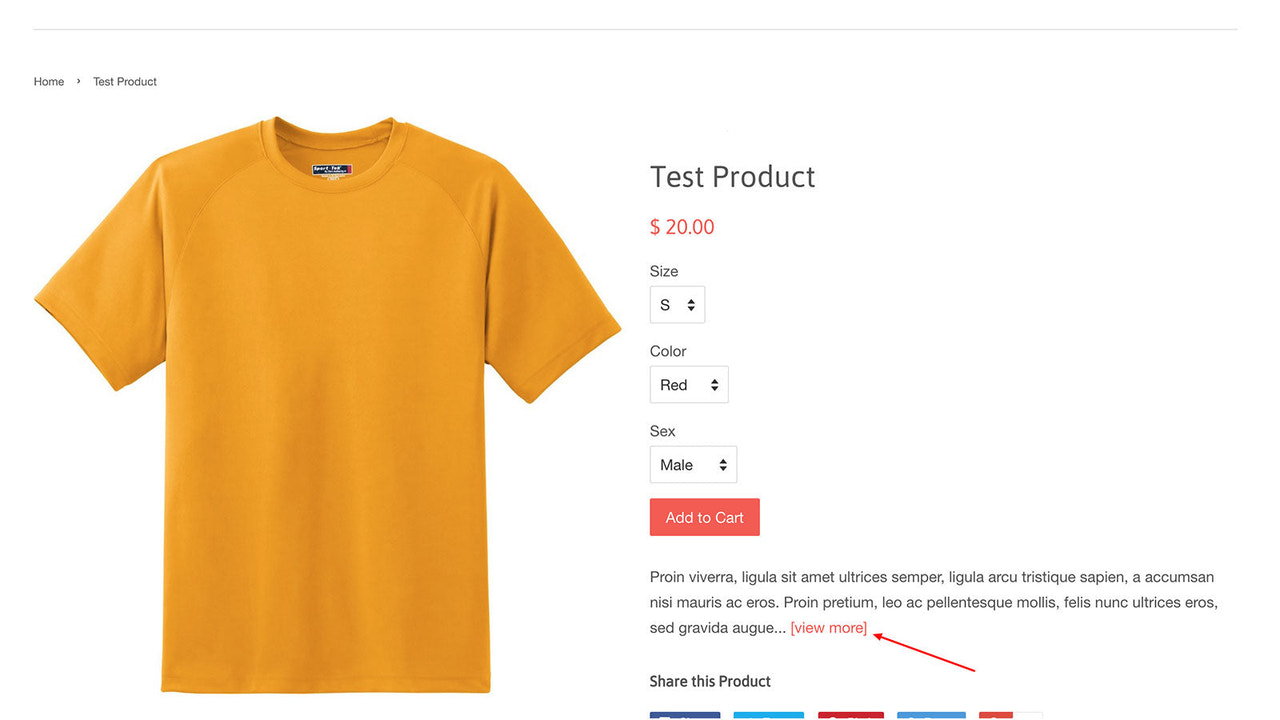
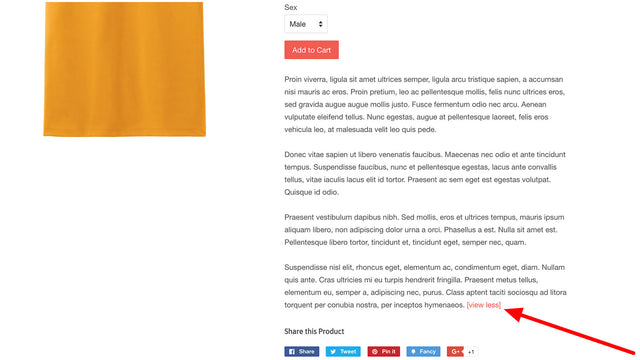
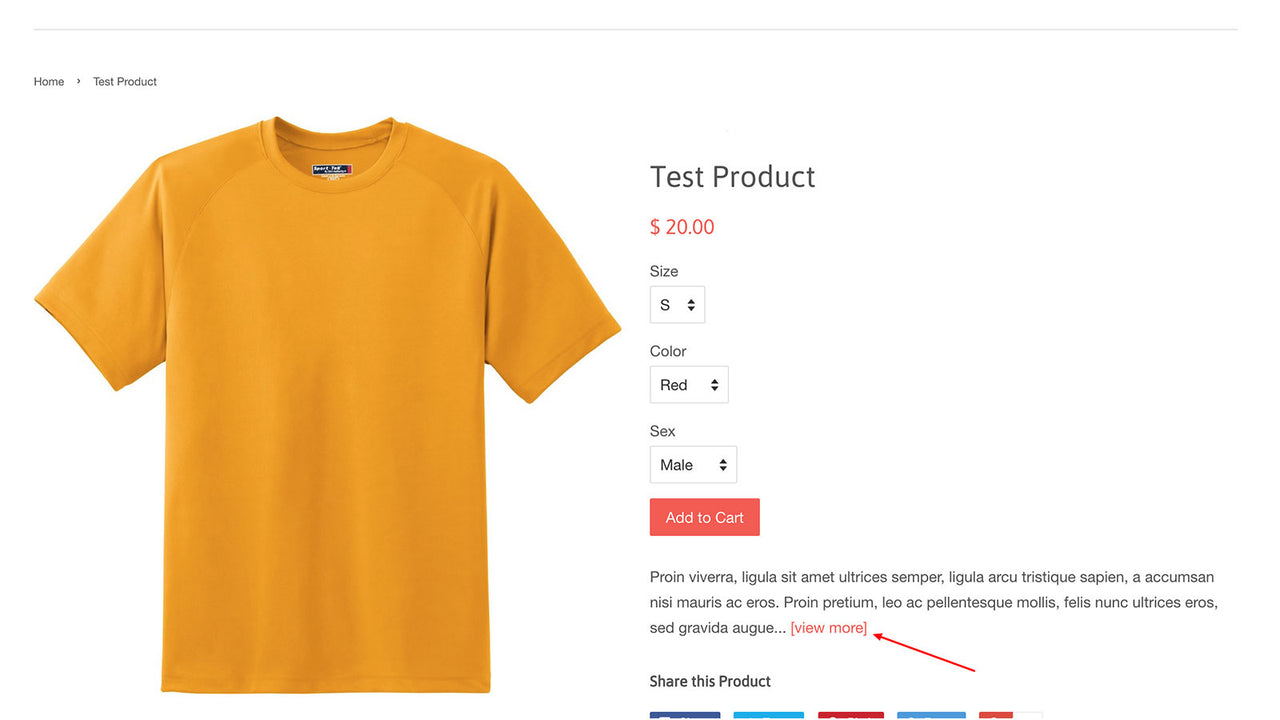
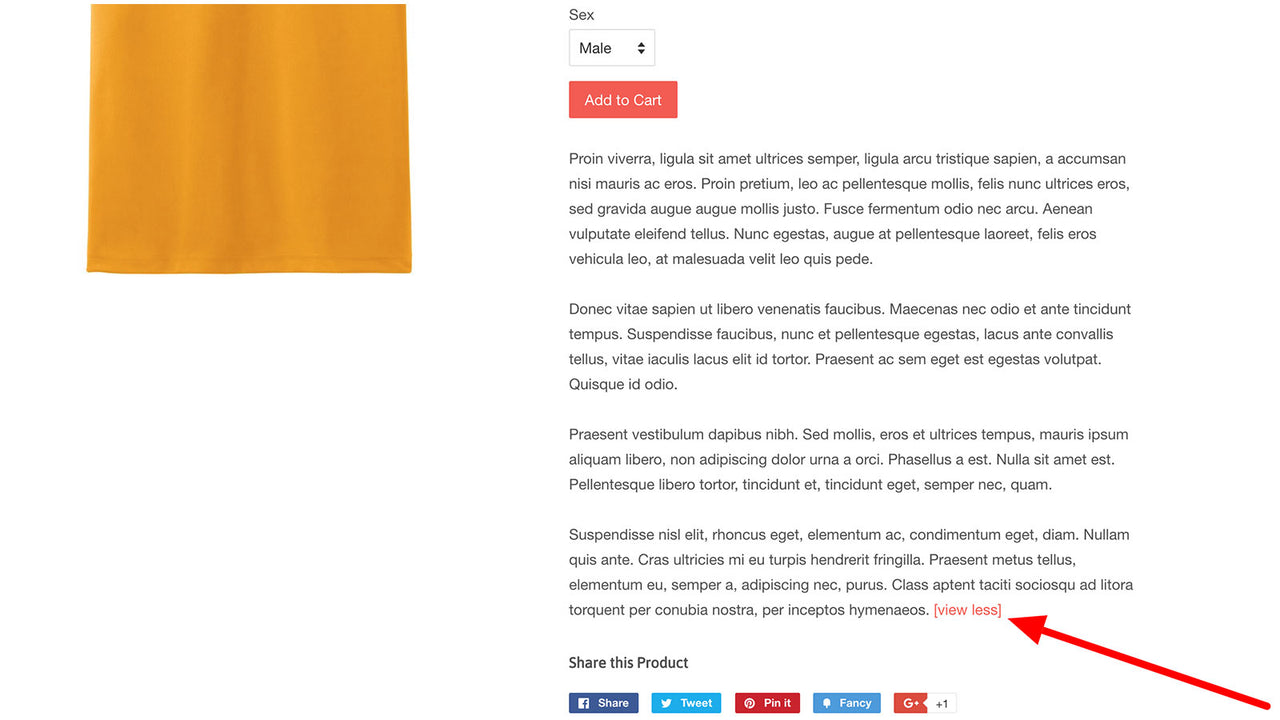
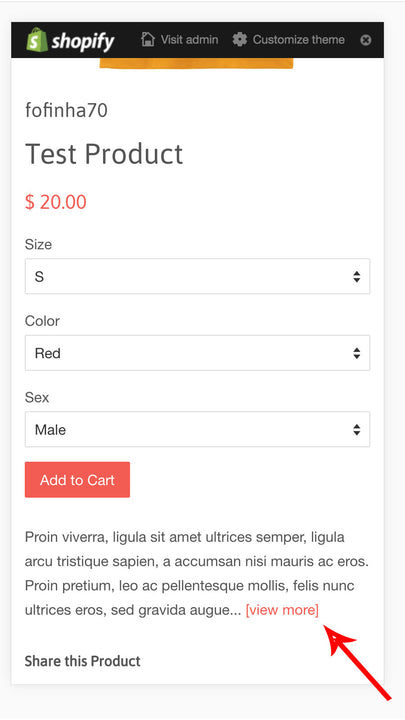
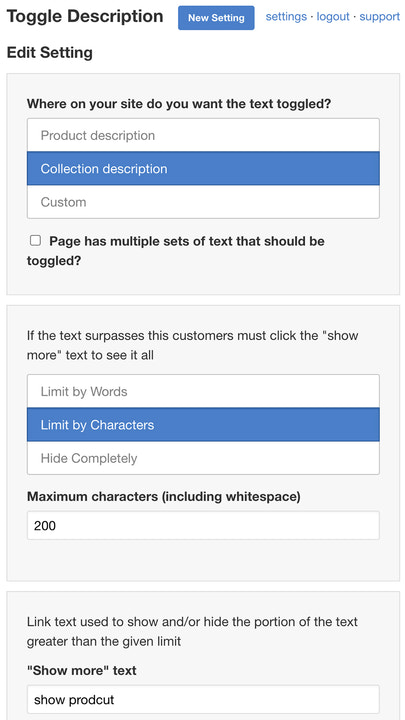
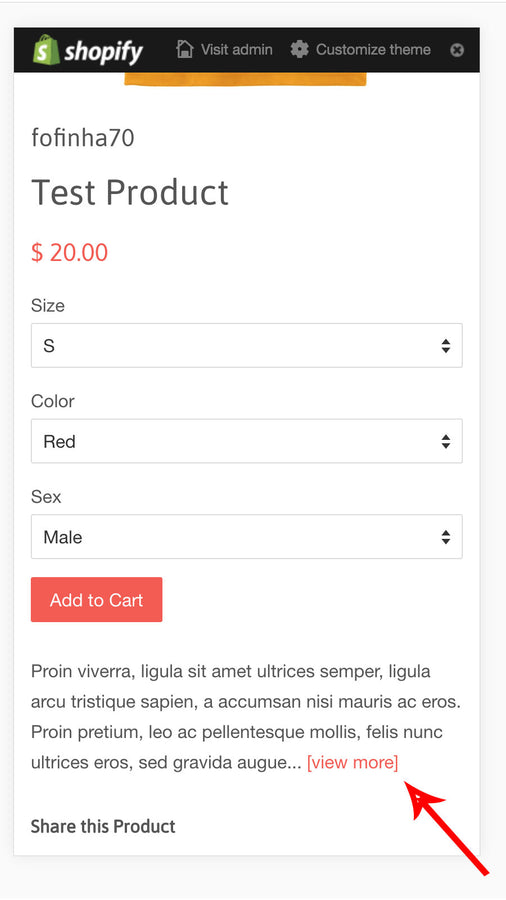
Create customizable "Show More" and "Show Less" links to create tabs or toggle long-form text anywhere on your website Page real estate is precious. Long text shouldn’t overshadow other conversion-driving content like products, specifications, and social links. The Toggle Description app lets you manage long text display on your site by adding customizable "Show More" and "Show Less" links—for text exceeding your set word or character limit. When users click these links, the text expands or collapses. You can also convert text into tabs
Core Functionality
- Manage long text display by adding 'Show More' and 'Show Less' links
- Convert text into customizable tags
- Works with all text: product and collection descriptions, blogs, homepage, and more
Merchant-Friendly
- Content-based E-commerce
- Independent Station Merchants
- Multi-category E-commerce
Basic Information
- Developer:ScreenStaring
- Address:21 West St., New York, NY, 10006, US
- Price: Free / Free plan
- Rating:5 / 5
- Comment Count:14 comment
- Release Date:2016-10-13
- Supported languages:English
- Compatible products:Shopify
Application Screenshot






Price Plan
Basic
$3
- Switch long text anywhere on your website
Premium
$4
- Everything in the Basic plan
- Add tags anywhere on your website
User Location & Comments
User Location
Comments
Shopify API Used
- POST /admin/api/metafields.json
- PUT /admin/api/metafields/{id}.json
- GET /admin/api/metafields.json
Permission:write_metafields,read_metafields,manage_products
- POST /admin/api/tags.json
- PUT /admin/api/products/{id}.json
- GET /admin/api/tags.json
Permission:write_tags,read_tags,manage_products
- GET /admin/api/products.json
- GET /admin/api/collections.json
- GET /admin/api/blogs.json
Permission:read_products,read_collections,read_blogs