
App Introduction
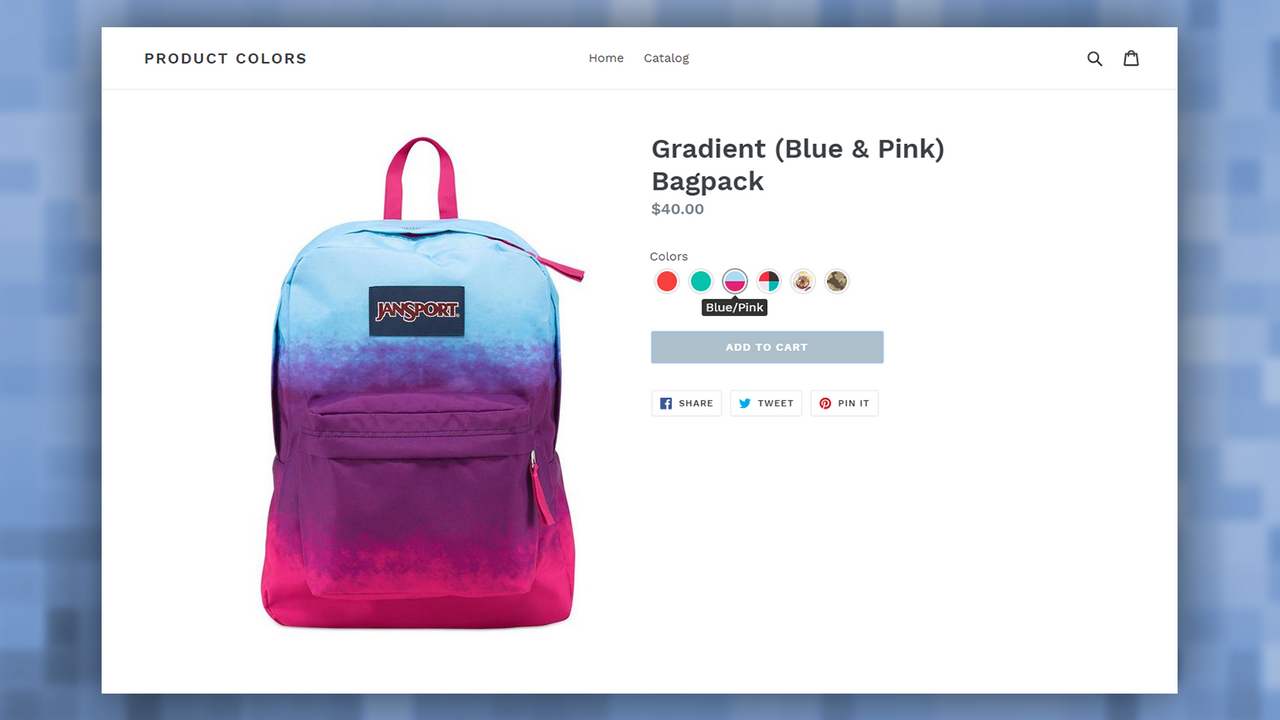
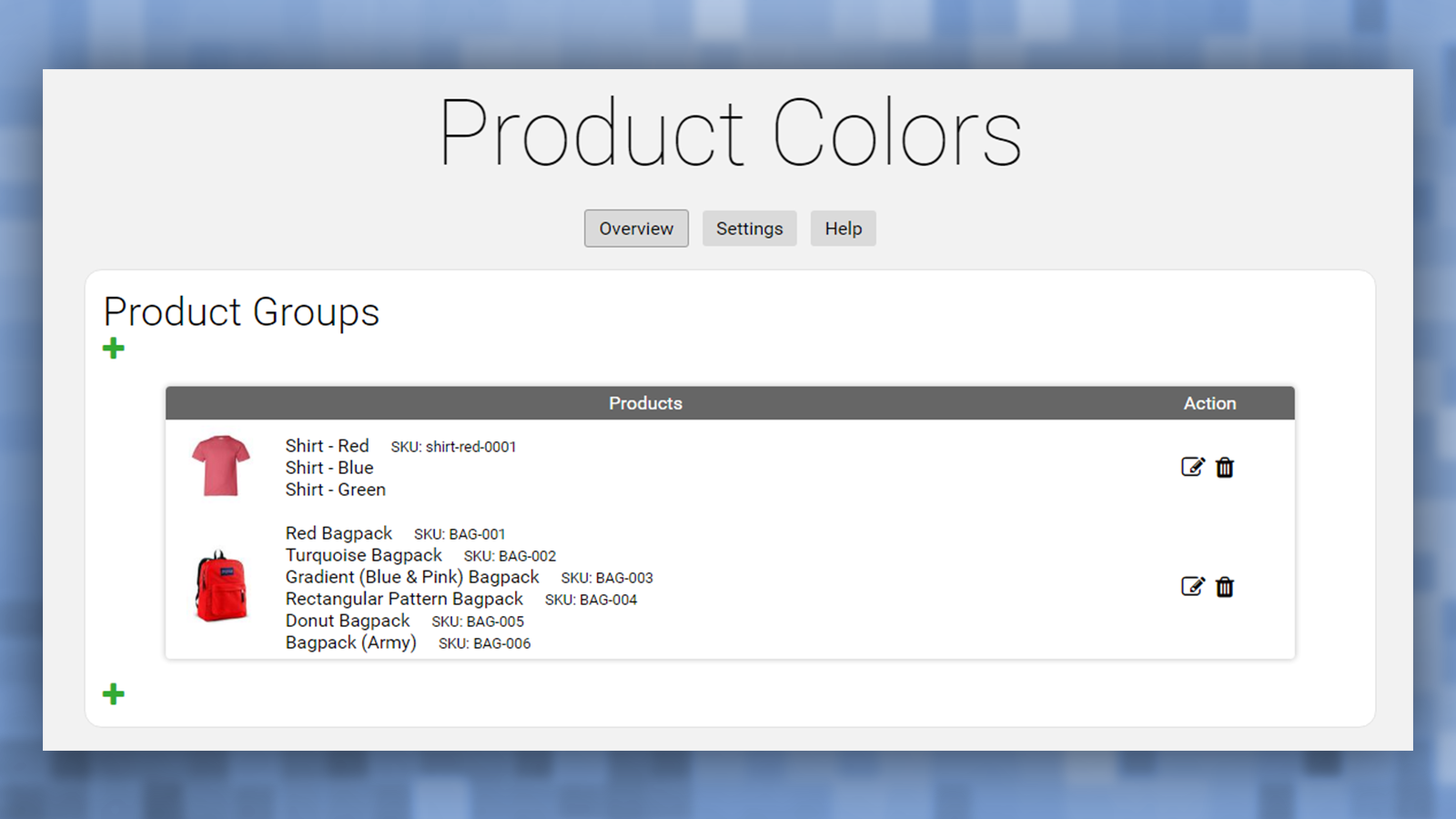
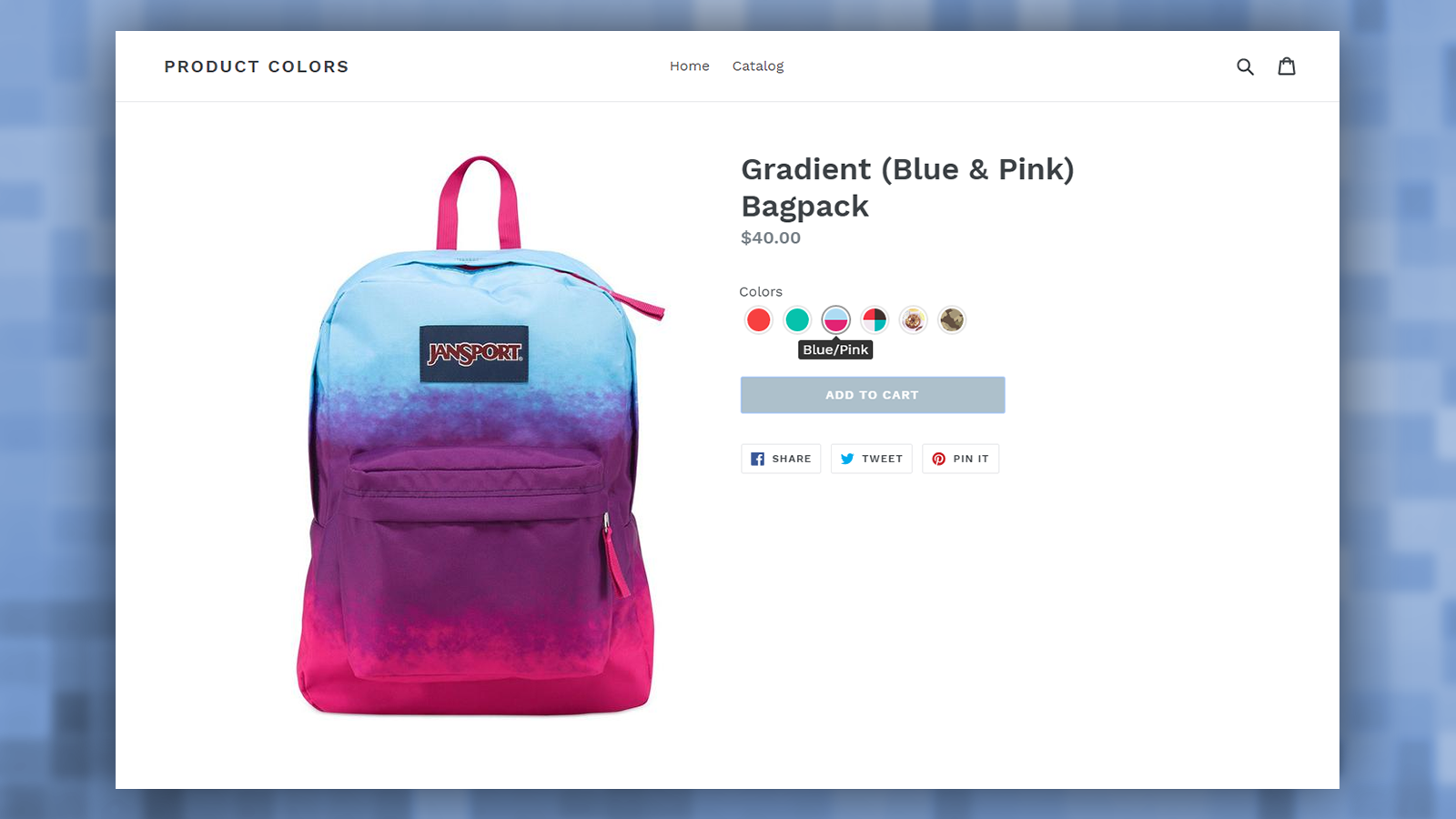
Link products of different colors using attractive color swatches and image previews. Offer products in various colors. With Linkify Product Colors, you can group these products and connect them via appealing color swatches and image previews. Instead of using variants to create color options, this app treats each color as a separate product and links them through previews. This lets you easily set unique prices, descriptions, and images for every color. It also helps you bypass Shopify’s 100-variant-per-product limit.
Core Functionality
- Break through the 100-variant/product limit! Create as many product colors as you want!
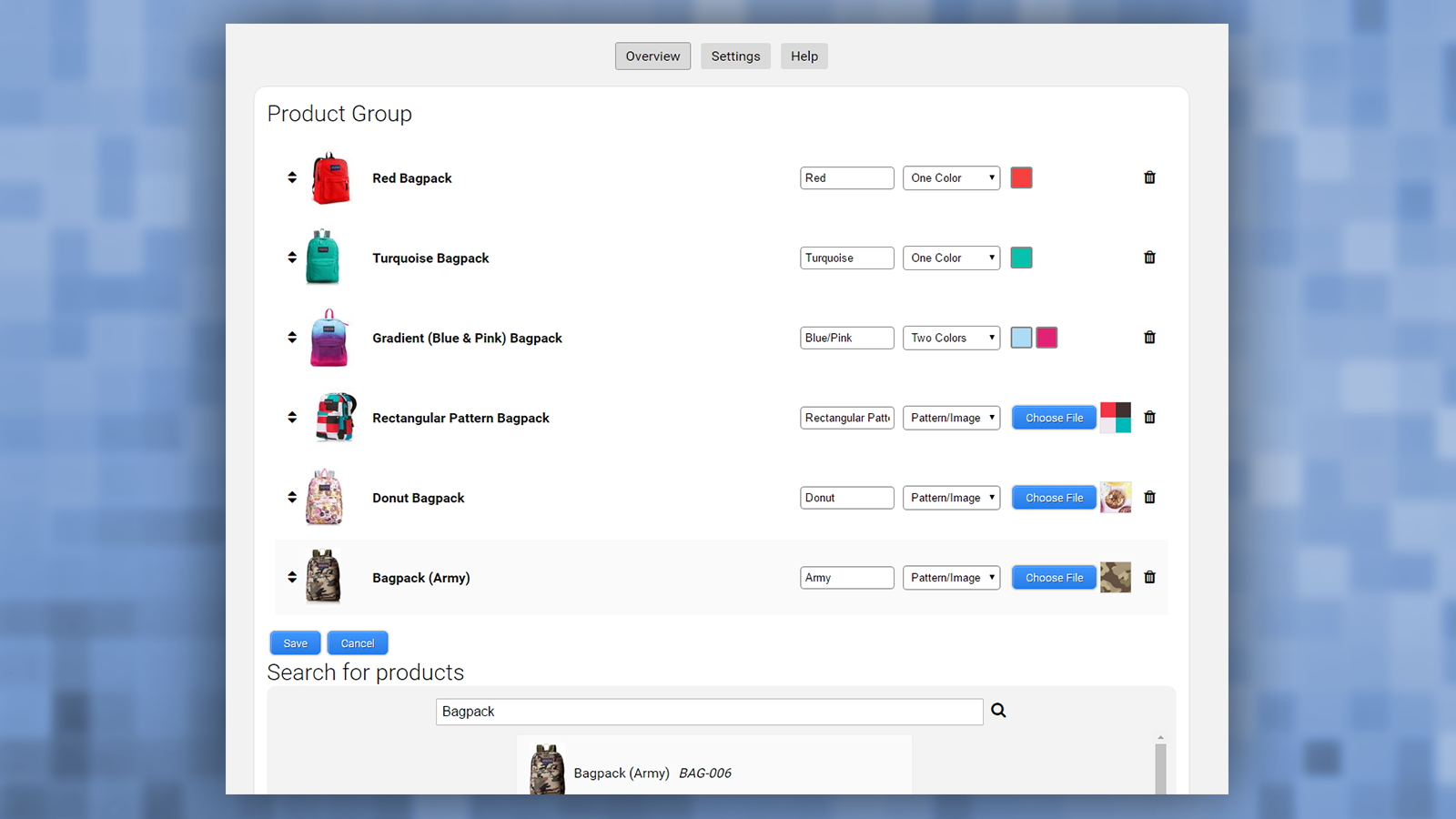
- Each product can have its own image, description, price, and more...
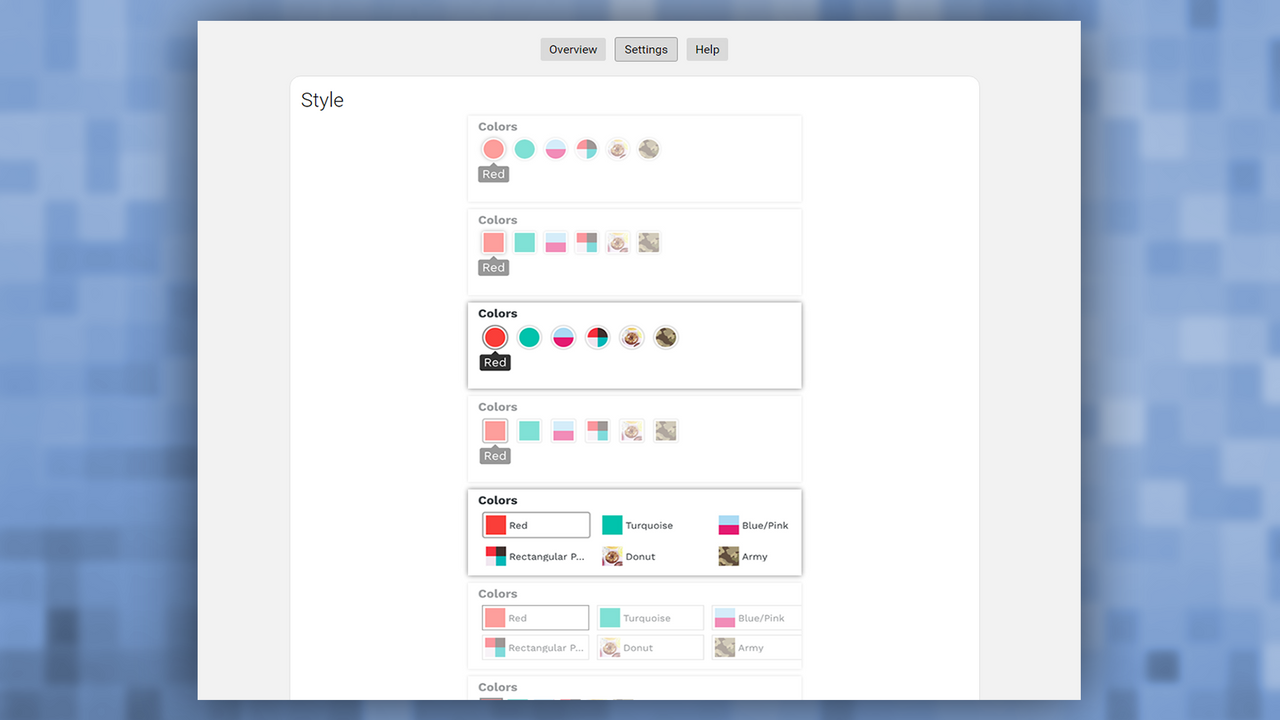
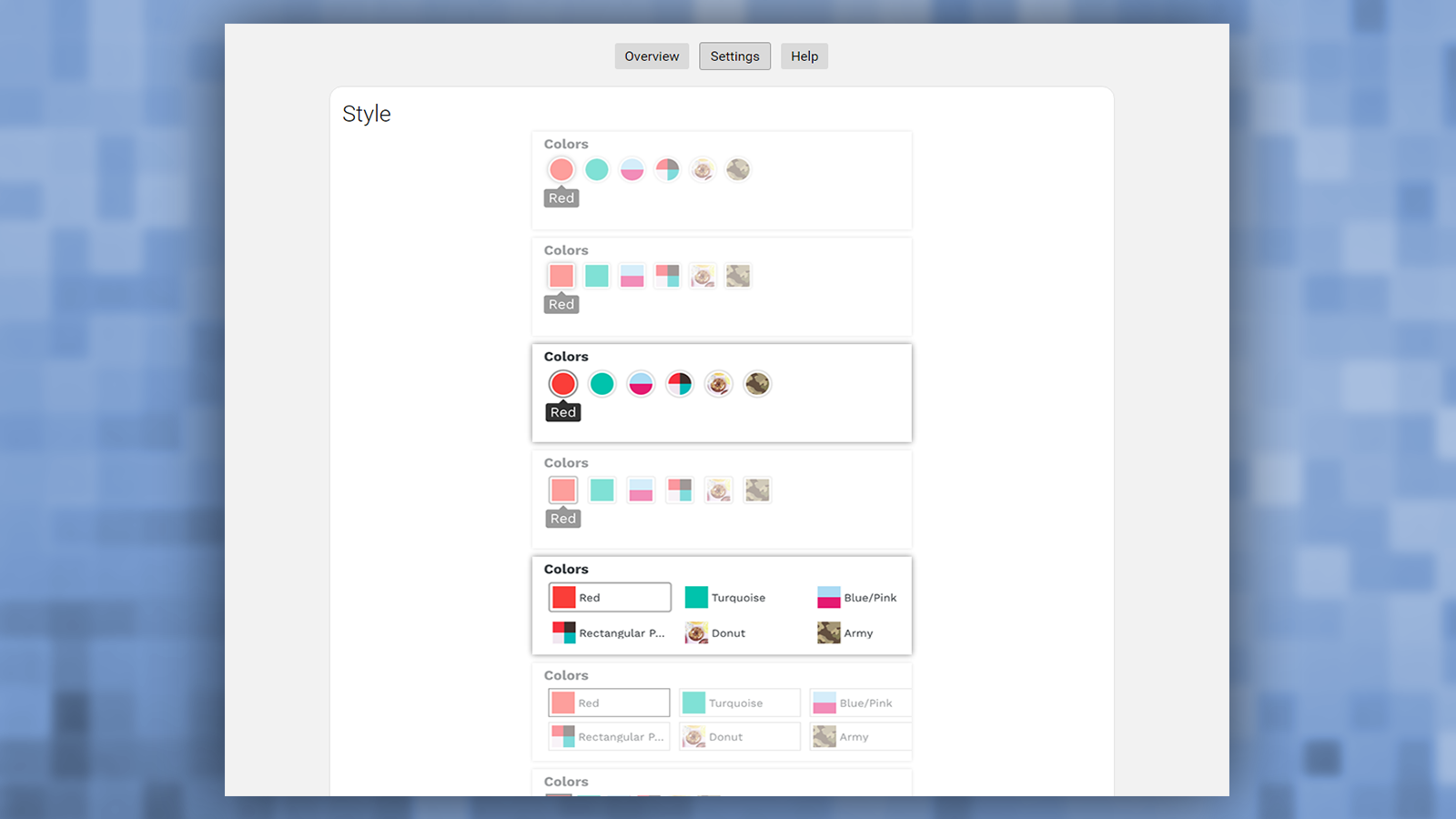
- Choose from a variety of sample themes. Pick the one that best fits your store!
- Create solid-color, two-color, or even image-based swatches.
- Options automatically hide swatches for sold-out/unavailable products.
Merchant-Friendly
- Fashion & Apparel Merchants
- Home Decor Merchants
- Multi-category Retail Merchants
- Independent Brand Merchants
Basic Information
- Developer:Webyze
- Address:Laval, QC, CA
- Price: Free / Free plan
- Rating:4.8 / 5
- Comment Count:75 comment
- Release Date:2017-4-17
- Supported languages:English
- Compatible products:Shopify
Application Screenshot
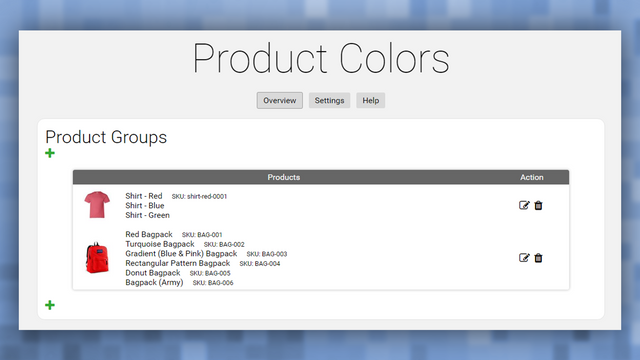
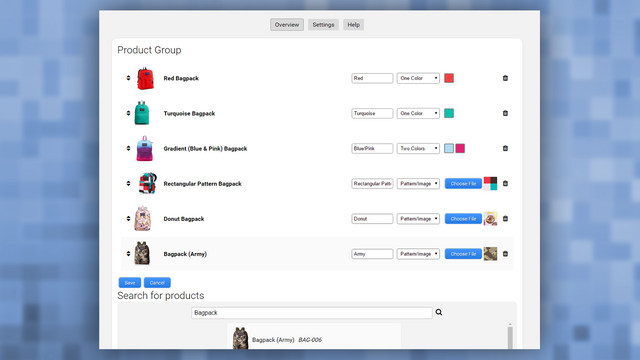

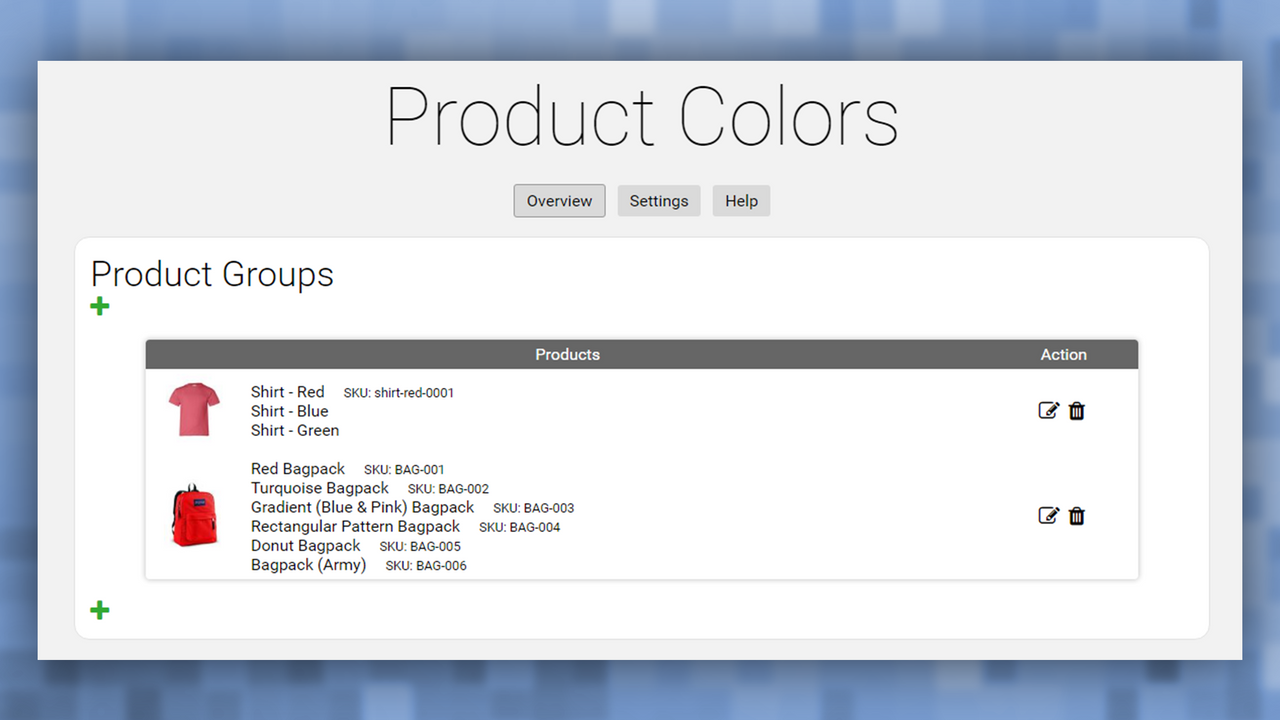
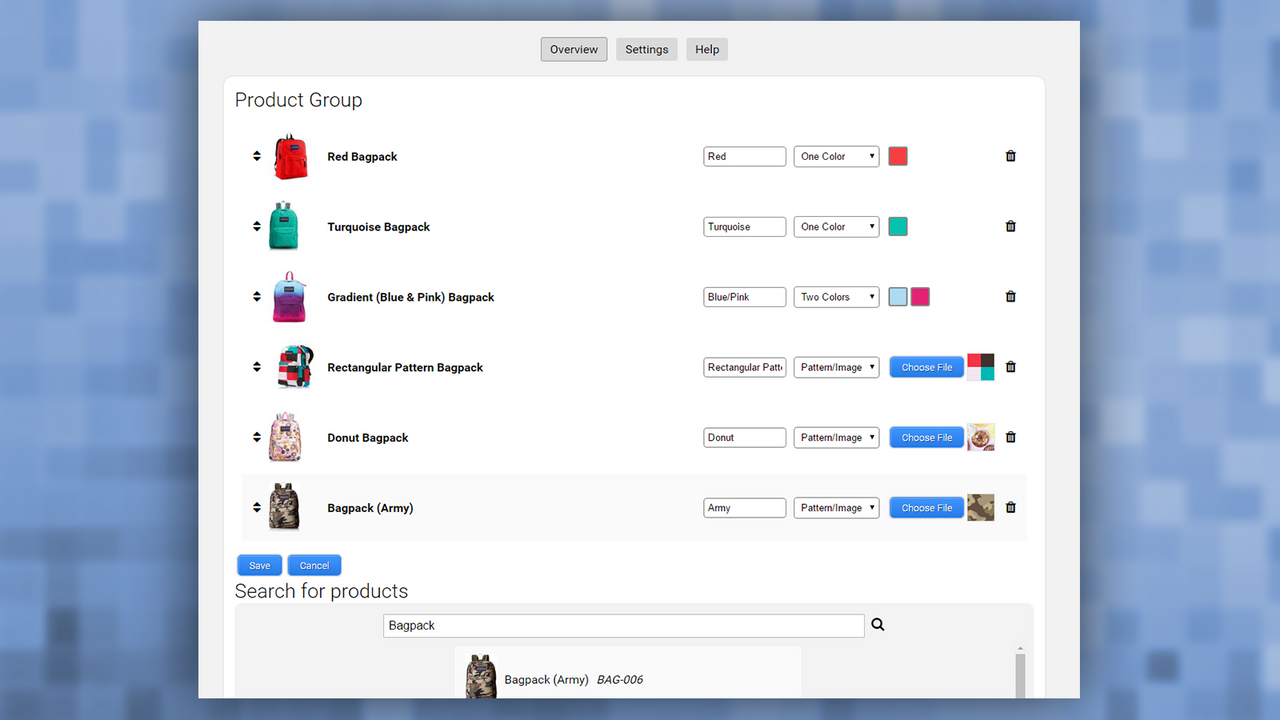
Price Plan
Standard Plan
User Location & Comments
User Location
Comments
Shopify API Used
- POST /admin/api/products/{product_id}/variants.json
- PUT /admin/api/products/{product_id}/variants/{variant_id}.json
- GET /admin/api/products/{product_id}/variants.json
Permission:write_products,read_products,manage_inventory
- PUT /admin/api/products/{product_id}/variants/{variant_id}.json
- POST /admin/api/products/{product_id}/images.json
- GET /admin/api/products/{product_id}/variants/{variant_id}.json
Permission:write_products,read_products,manage_images
- GET /admin/api/themes.json
- PUT /admin/api/themes/{theme_id}/settings.json
- POST /admin/api/themes/{theme_id}/assets.json
Permission:read_themes,write_themes,manage_online_store
- POST /admin/api/product_samples.json
- PUT /admin/api/product_samples/{sample_id}.json
- GET /admin/api/product_samples.json
Permission:write_products,read_products,manage_images
- PUT /admin/api/products/{product_id}/settings.json
- GET /admin/api/products/{product_id}/variants.json
- POST /admin/api/smart_collections/{collection_id}/rules.json
Permission:read_products,write_products,manage_collections



