
Printful Size Guide,Size Chart
App Introduction
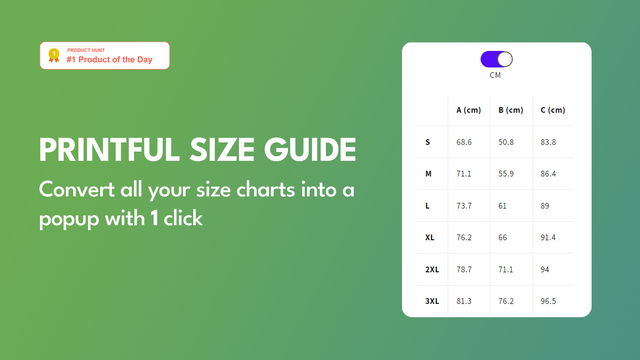
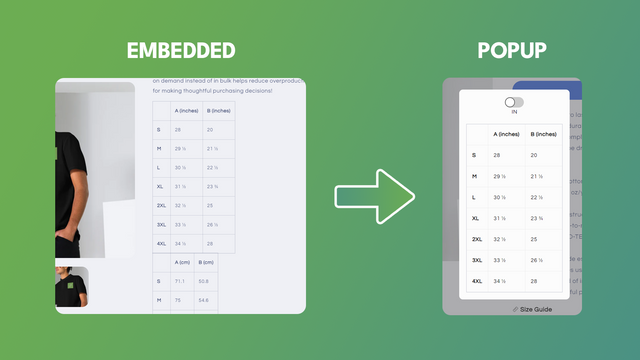
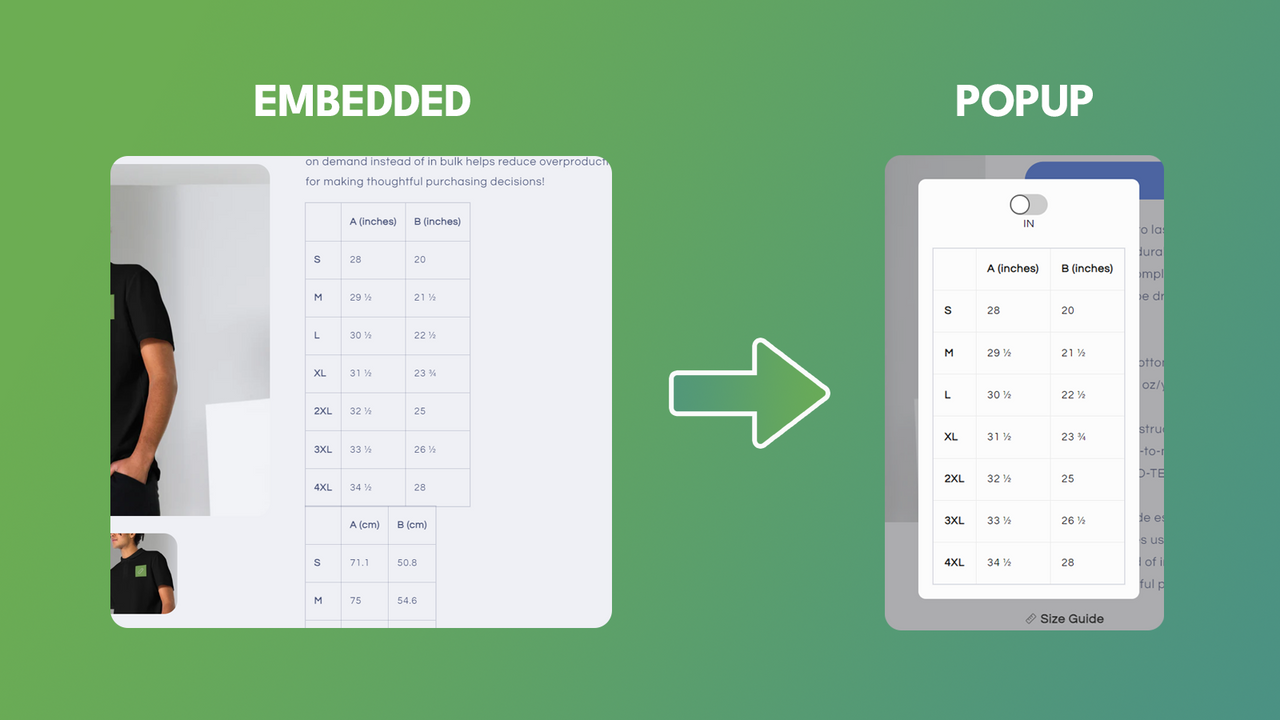
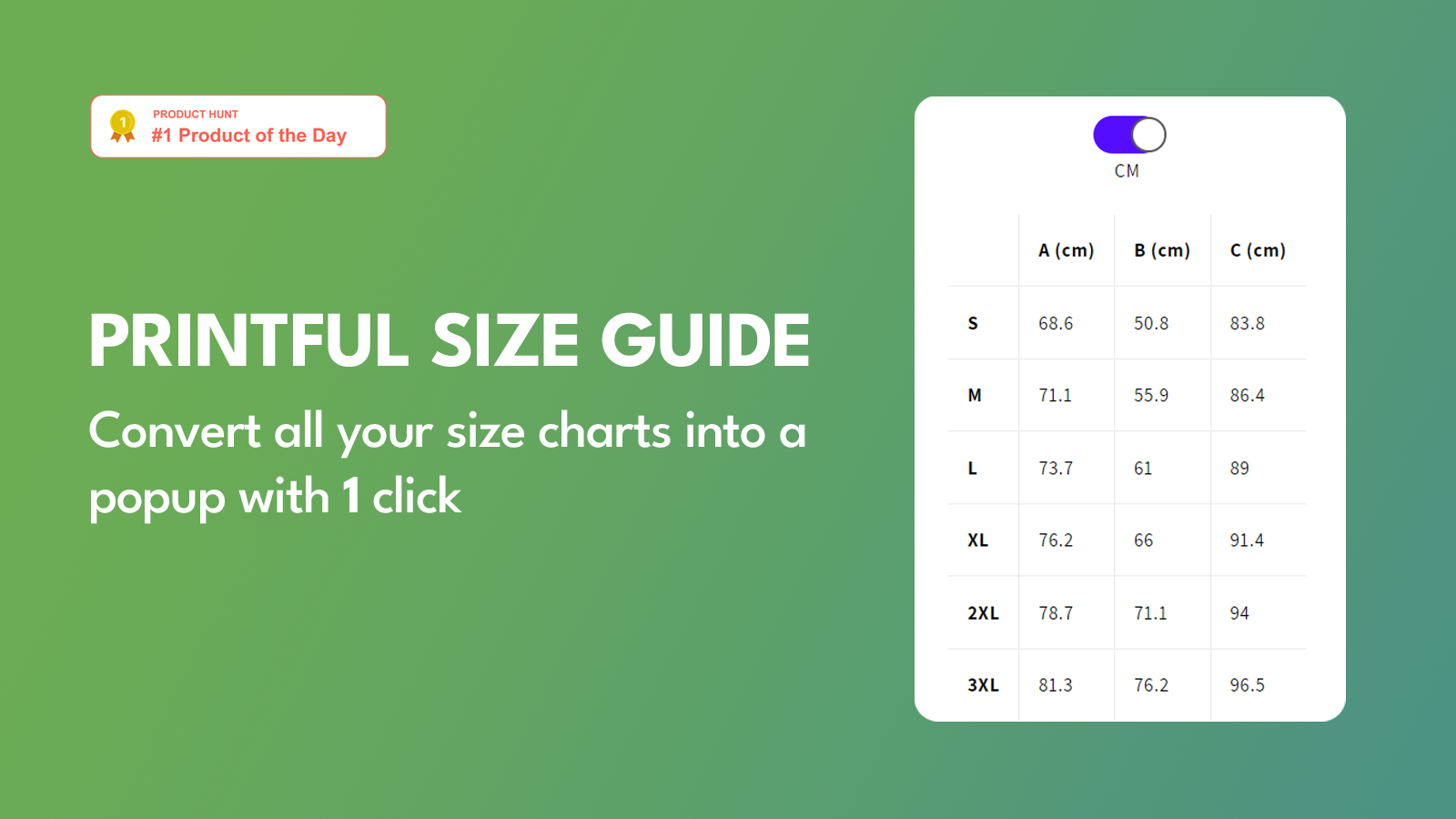
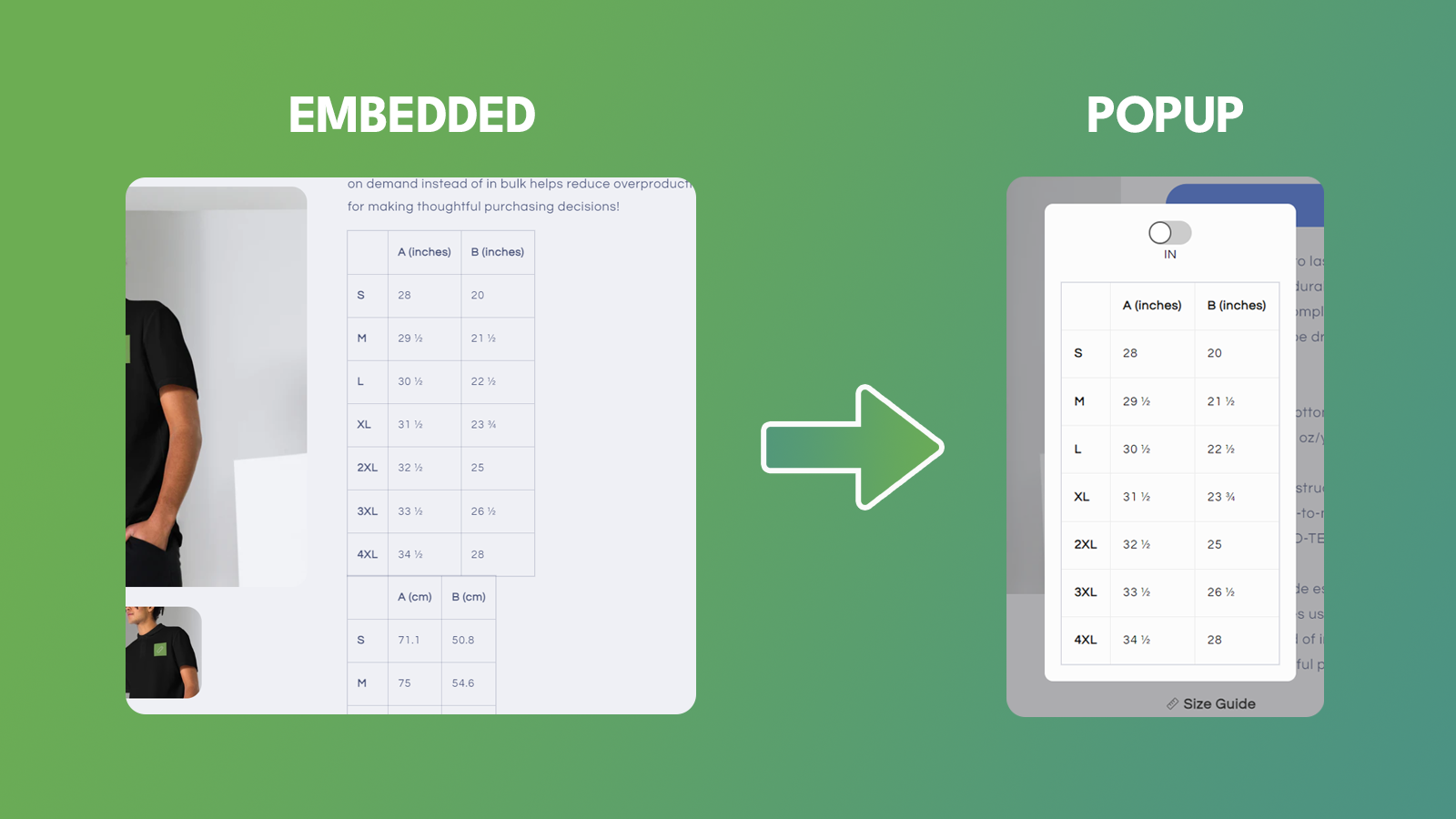
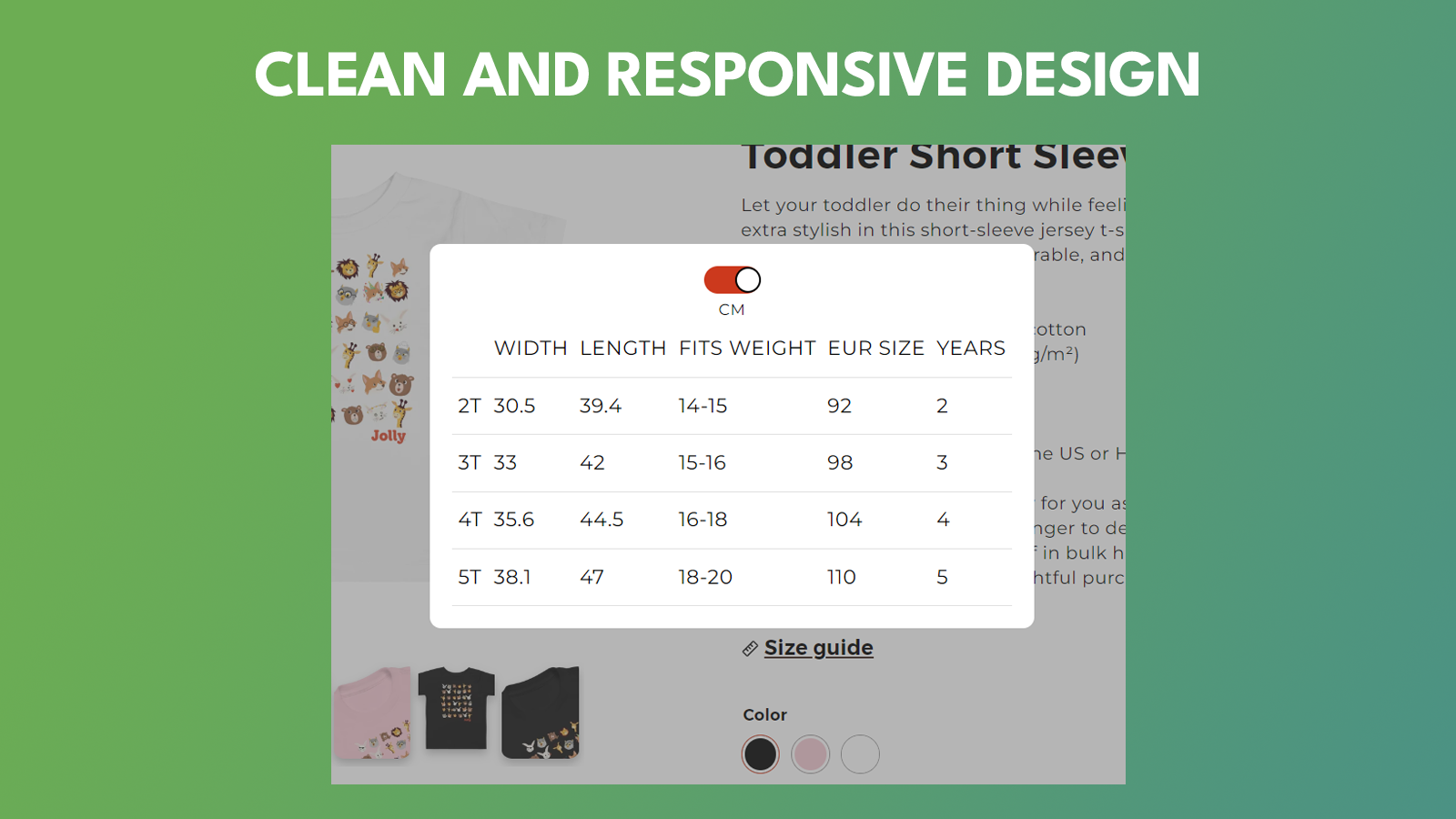
Convert your currently embedded Printful size chart/measurement guide into a pop-up window. We’ve launched an innovative Shopify app designed to streamline the shopping process for merchants and their customers. Our app simplifies how users interact with size charts when using Printful. By default, Printful users embed size charts in their product descriptions, which often clogs up product pages and creates a suboptimal user experience. Our app solves this by automatically generating a button that, when clicked, opens a pop-up window displaying the size chart.
Core Functionality
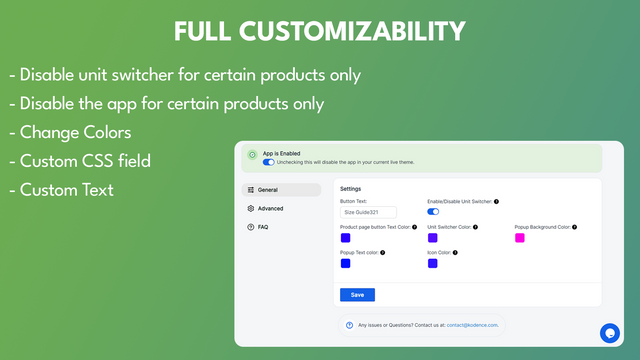
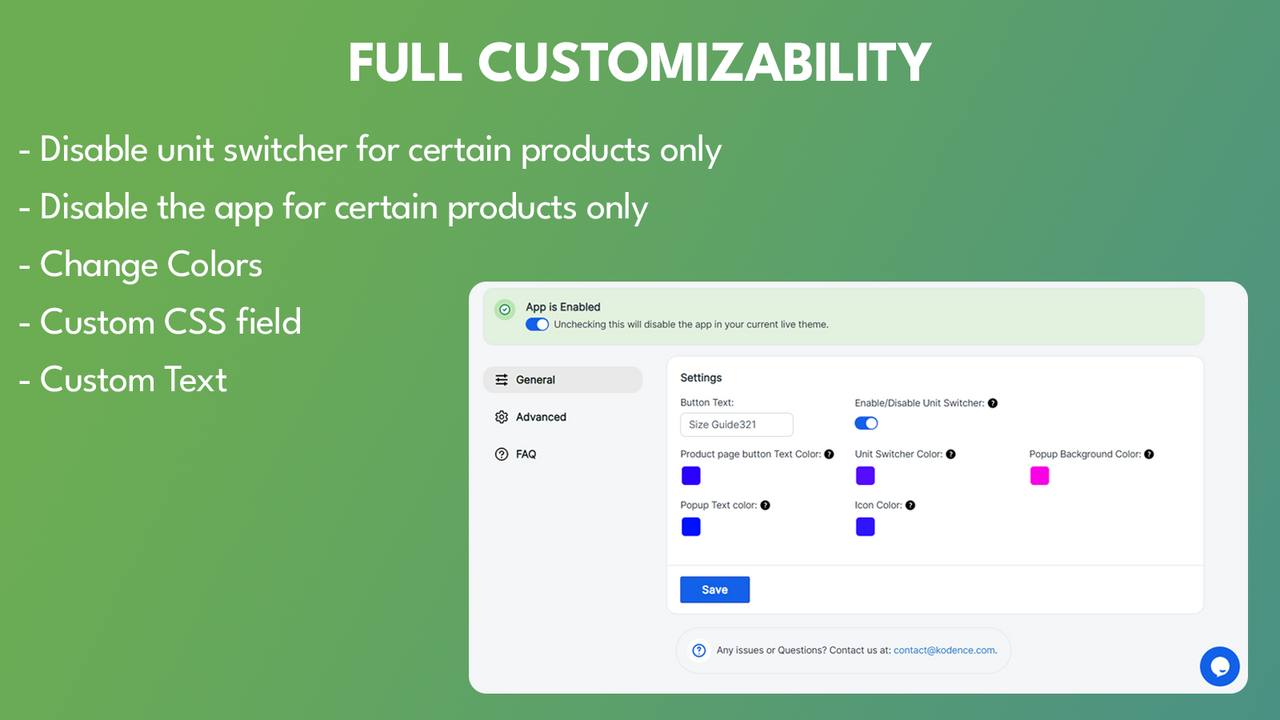
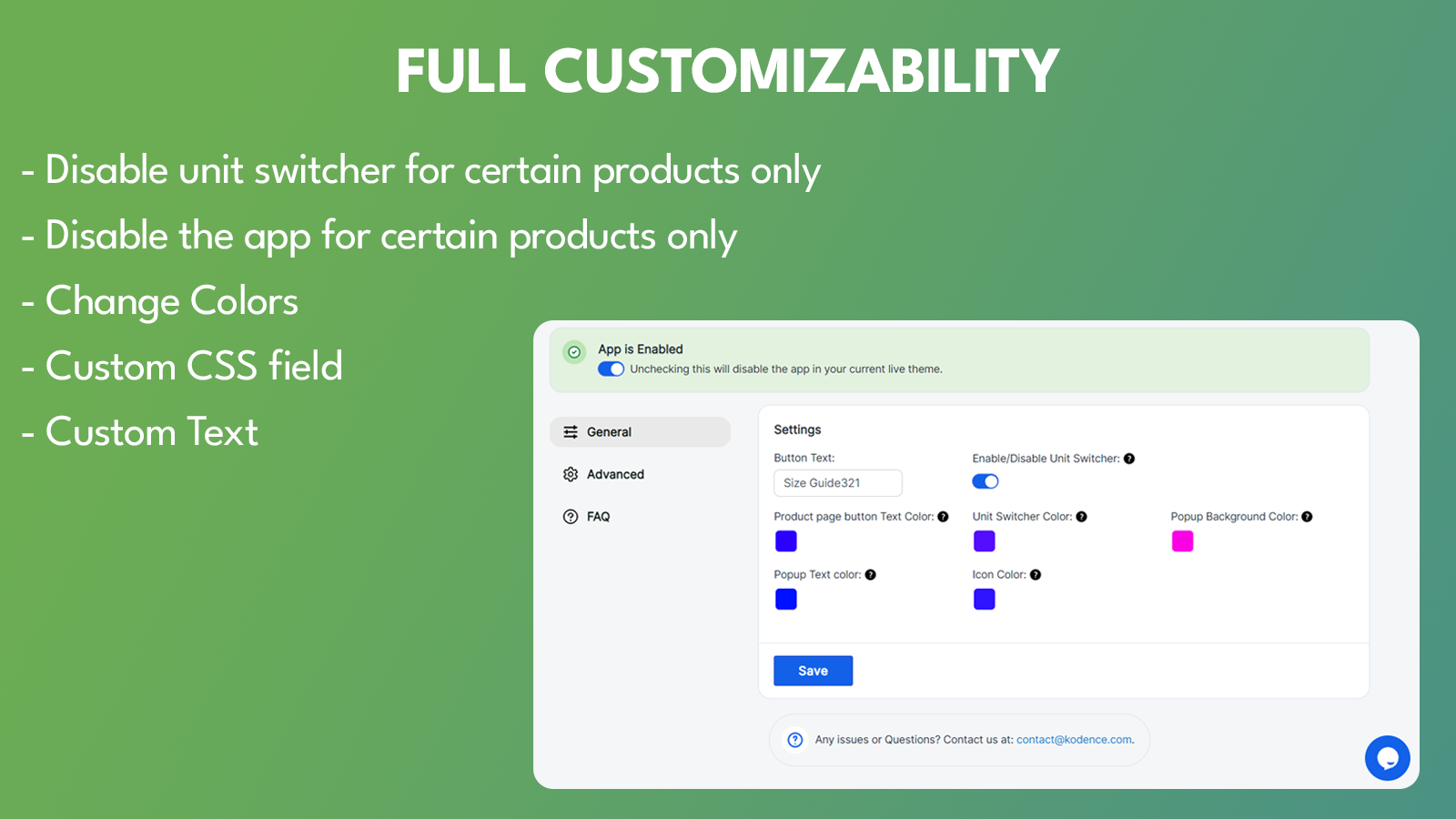
- Customizable colors.
- Unit switching feature.
- Automatically convert all embedded size charts to pop-ups.
- Customizable 'Size Chart' button position.
- Custom CSS.
Merchant-Friendly
- Fashion Apparel Merchants
- Home Goods Merchants
- Outdoor Gear Merchants
- Custom Product Merchants
Basic Information
- Developer:Kodence
- Address:Kumweg 28, Villach, 9581, AT
- Price: Free / Free plan
- Rating:5 / 5
- Comment Count:5 comment
- Release Date:2023-7-20
- Supported languages:English
- Compatible products:Shopify
Application Screenshot





Price Plan
高级计划
- One-Click Installation
- Unlimited Image Sizes
- Full-Style Customization
- Customizable Widget Positions
- Custom CSS
User Location & Comments
User Location
Comments
Shopify API Used
- POST /admin/api/products/{product_id}/variants.json
- PUT /admin/api/products/{product_id}/variants/{variant_id}.json
- GET /admin/api/products/{product_id}/variants.json
Permission:write_products,read_products,manage_variants
- POST /admin/api/products/{product_id}/metafields.json
- PUT /admin/api/products/{product_id}/metafields/{metafield_id}.json
- GET /admin/api/products/{product_id}/metafields.json
Permission:write_metafields,read_metafields,manage_products
- POST /admin/api/metafields.json
- PUT /admin/api/metafields/{metafield_id}.json
- GET /admin/api/metafields.json
Permission:write_metafields,read_metafields,manage_themes
- POST /admin/api/themes/{theme_id}/assets.json
- PUT /admin/api/themes/{theme_id}/assets.json
- GET /admin/api/themes/{theme_id}/assets.json
Permission:write_themes,read_themes,manage_products
- POST /admin/api/themes/{theme_id}/assets.json
- PUT /admin/api/themes/{theme_id}/assets.json
- GET /admin/api/themes/{theme_id}/assets.json
Permission:write_themes,read_themes,manage_products