App Introduction
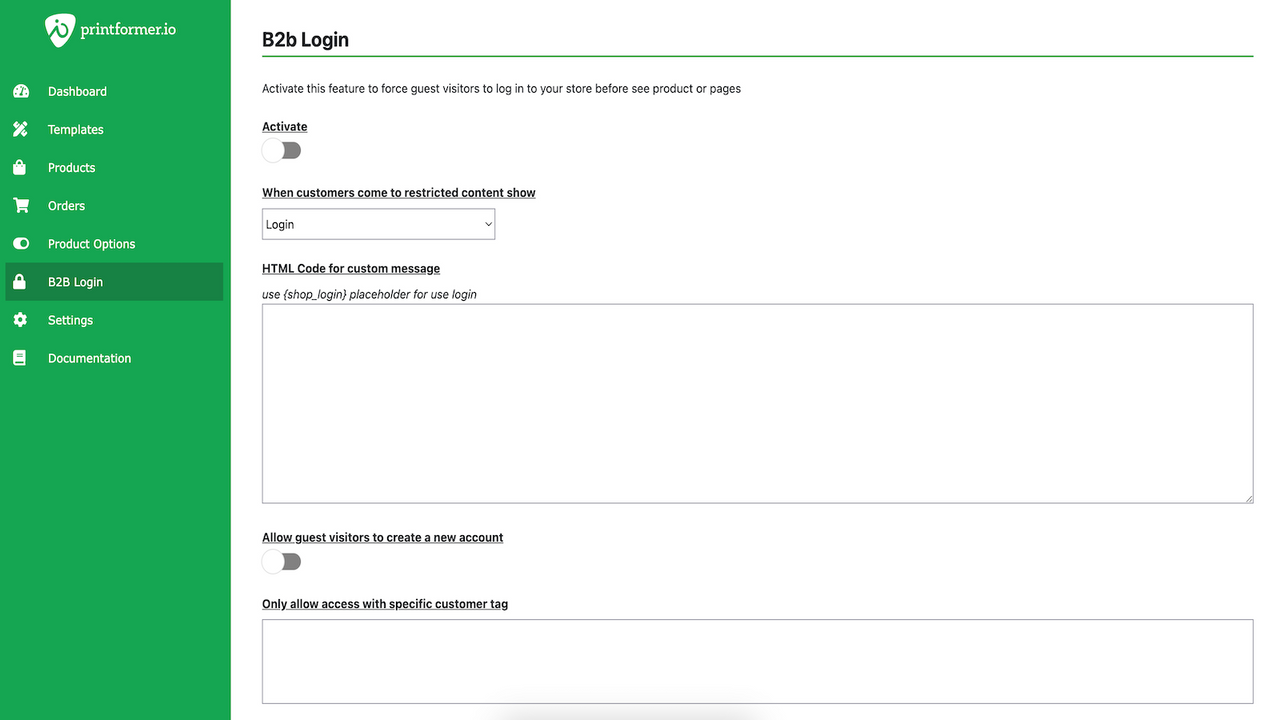
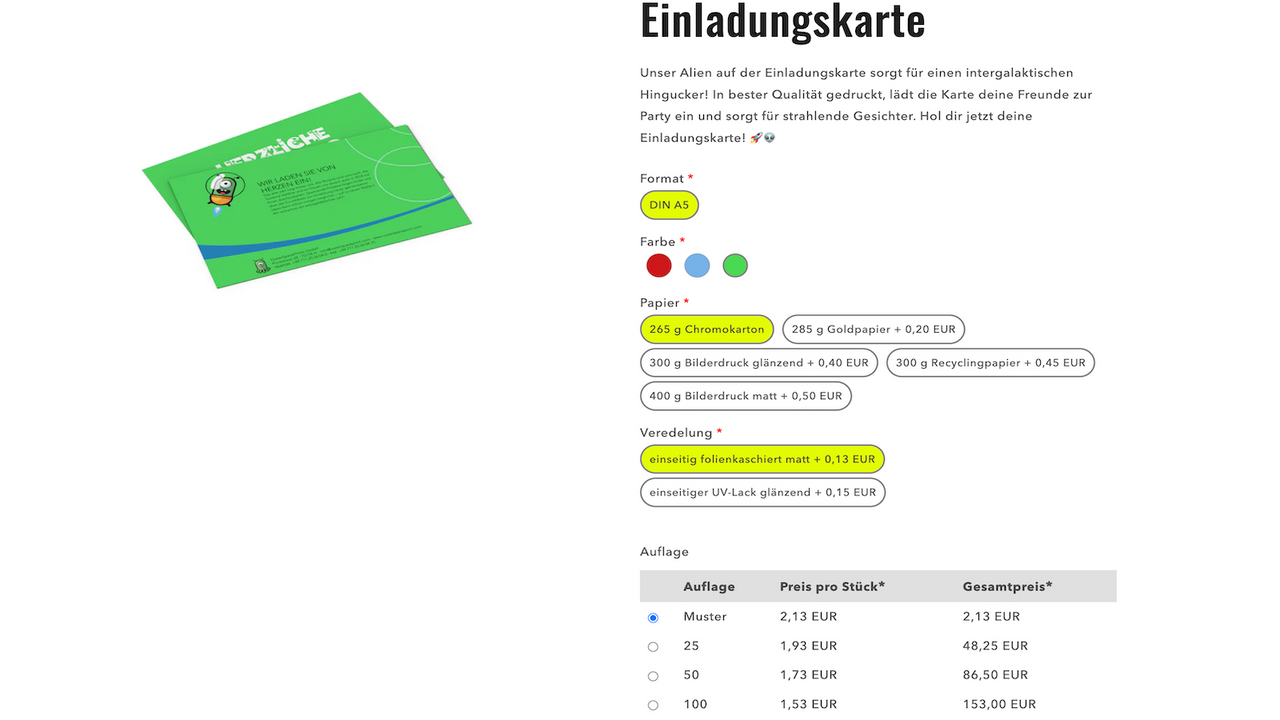
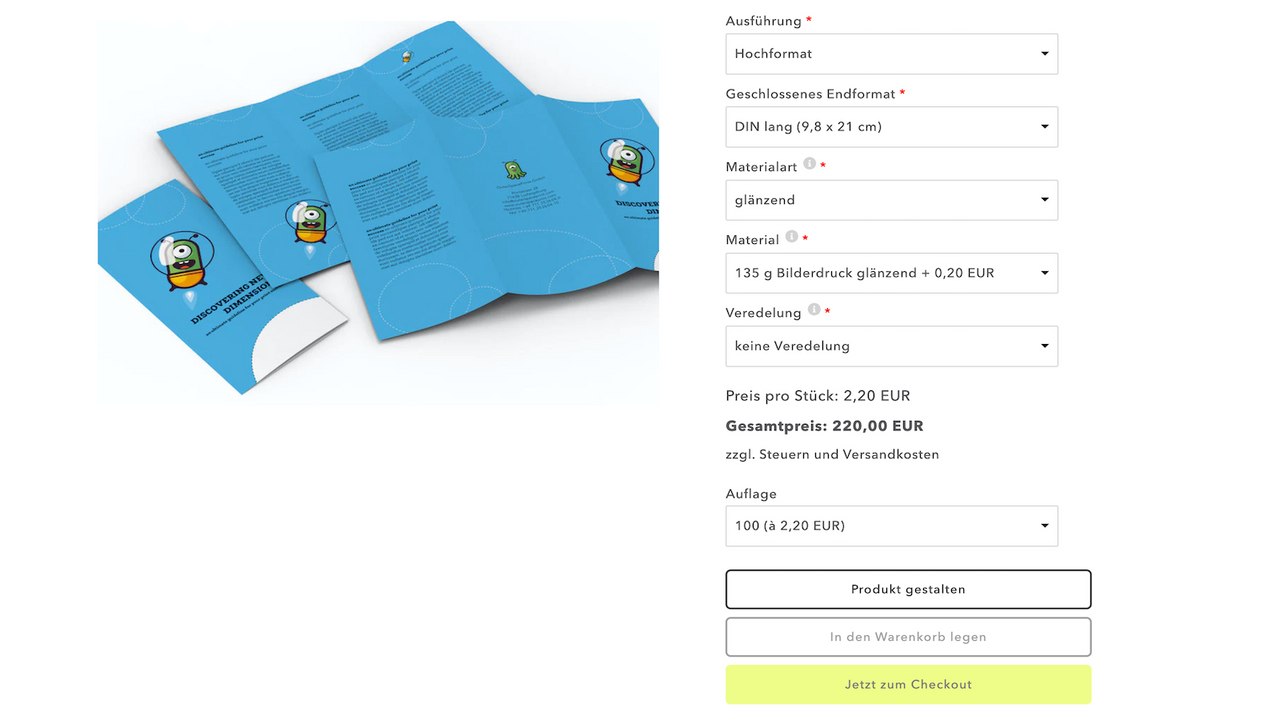
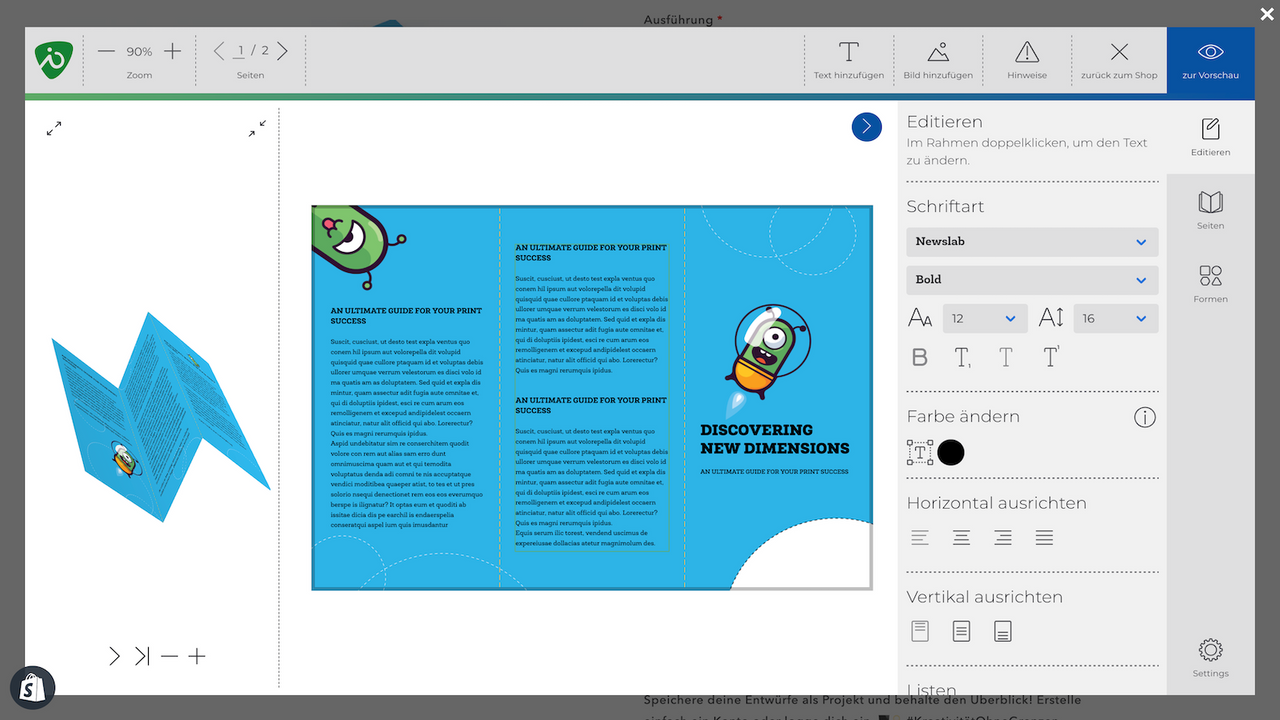
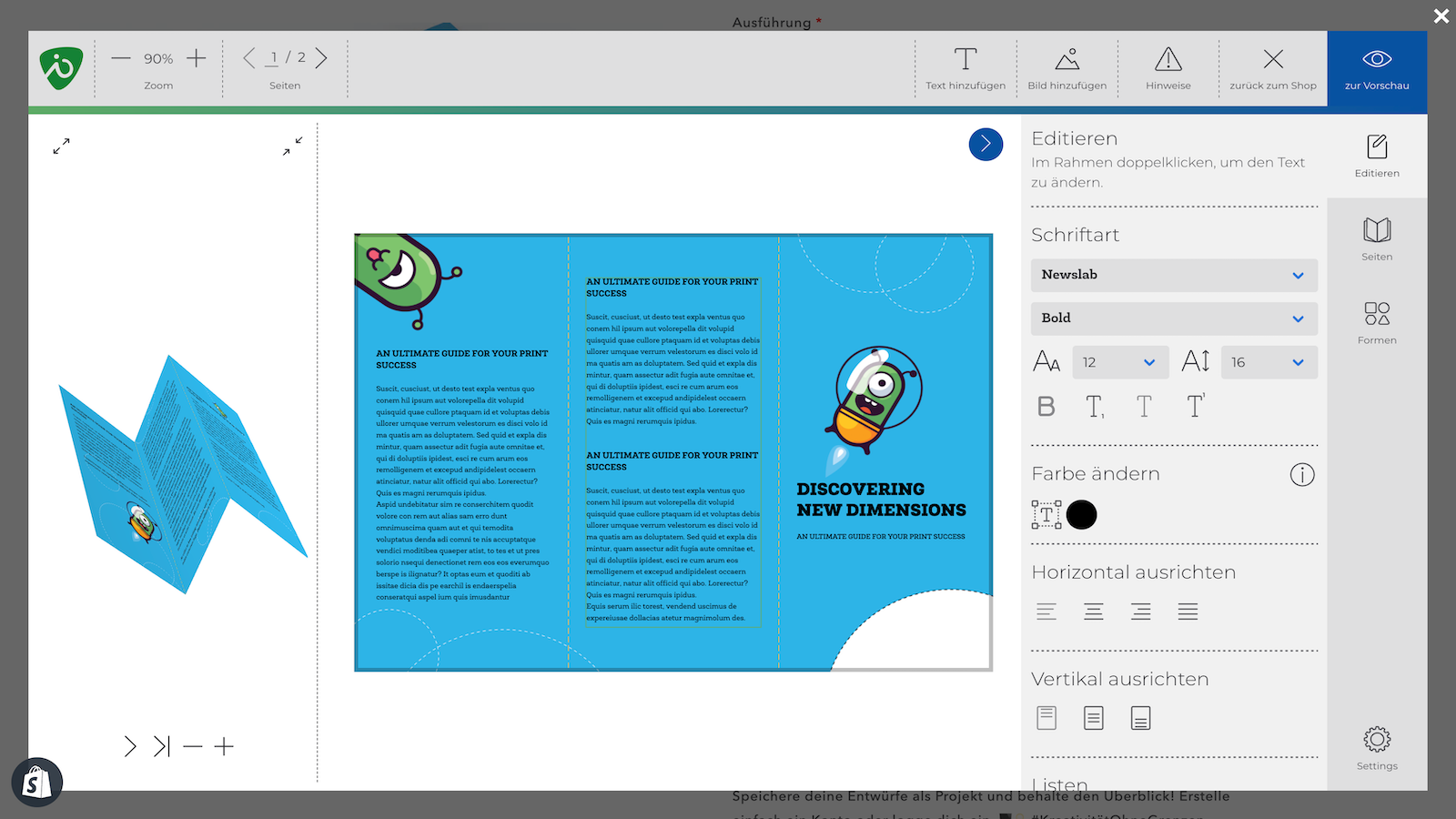
Ultimate Print Shop App with Web2Print Editor, Product Options and B2B Closed Shop With printformer IO, the printformer Web2Print Editor can be seamlessly integrated into Shopify. Our app enables even complex product options and pricing to be displayed clearly in Shopify. You can define dependencies between options, as well as store product images and downloadable files for specific product options. For B2B shops in particular, printformer IO offers a ClosedShop function and the ability to make product prices visible only after successful account activation.
Core Functionality
- Integration of professional web2print software based on InDesign (IDML)
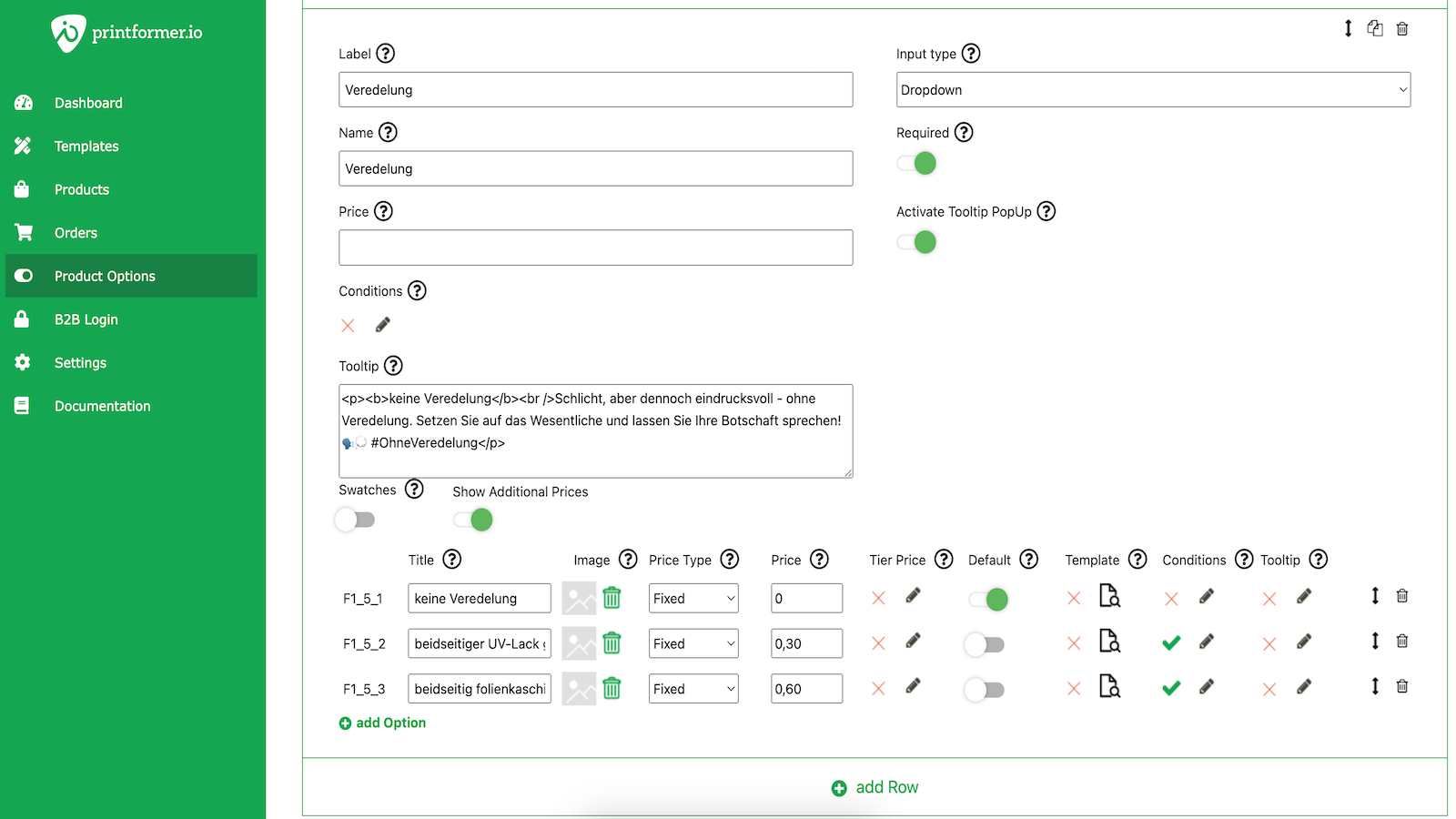
- Unlimited product options with dependencies
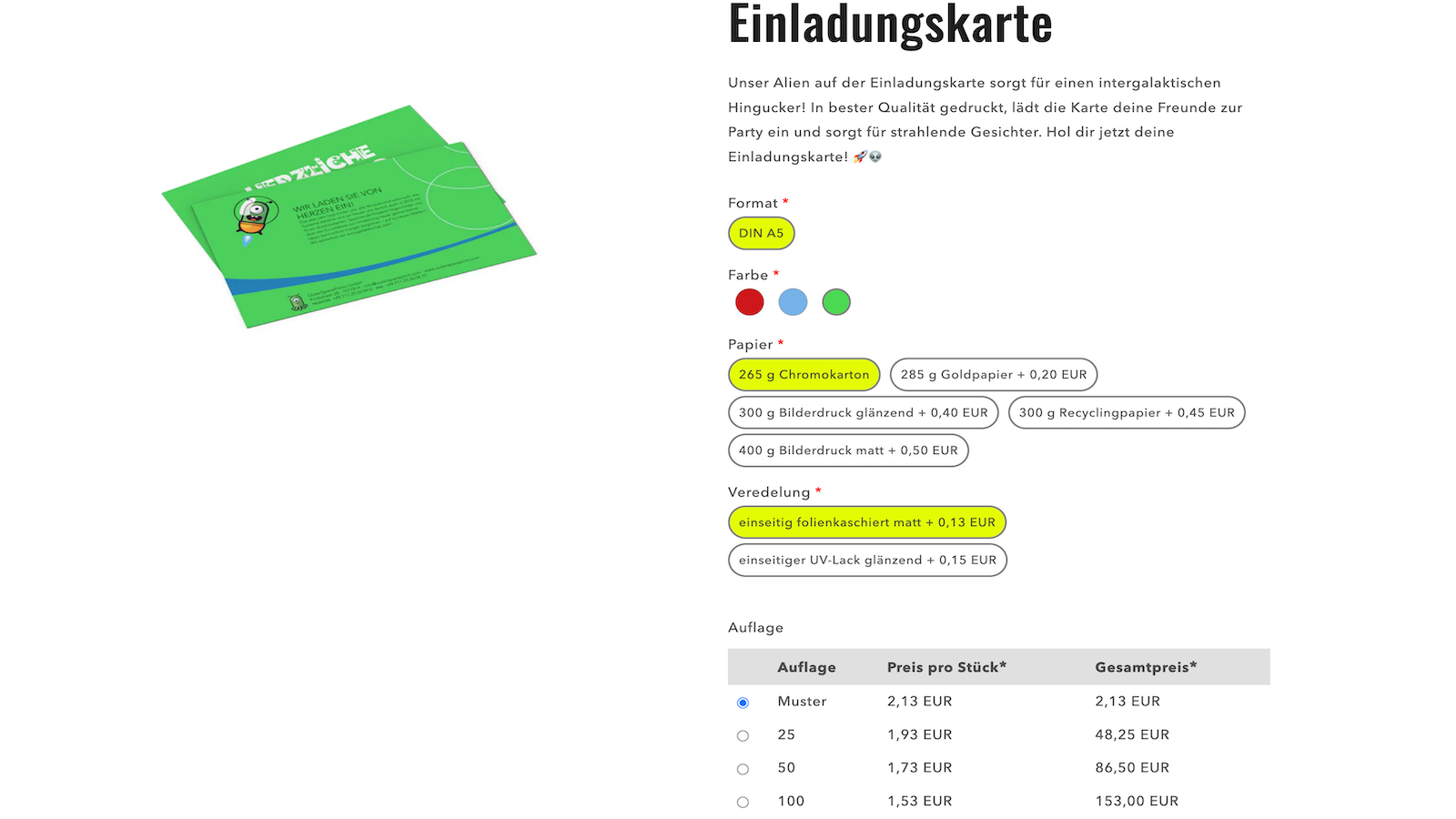
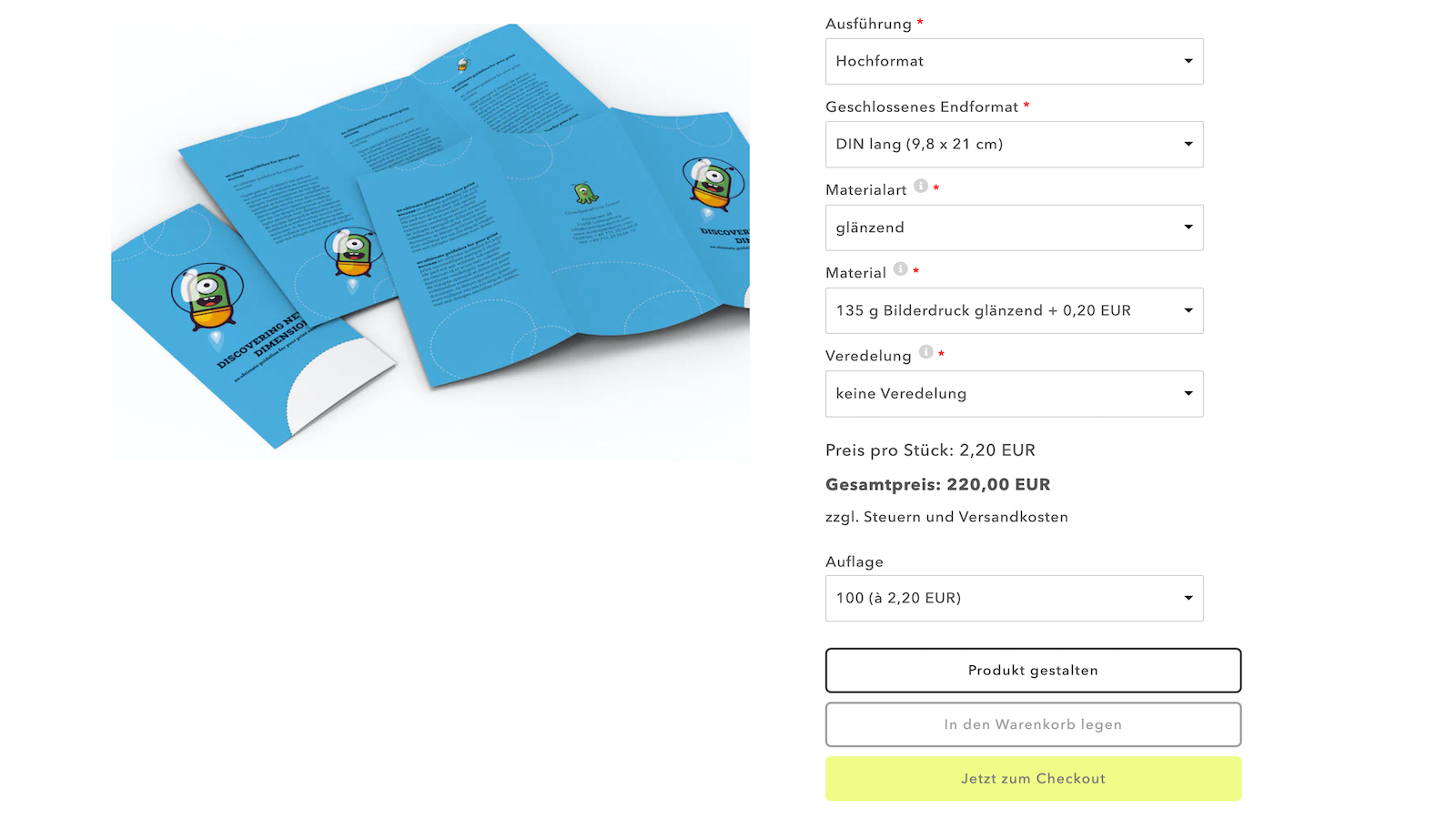
- Display product images and downloads based on the selected option
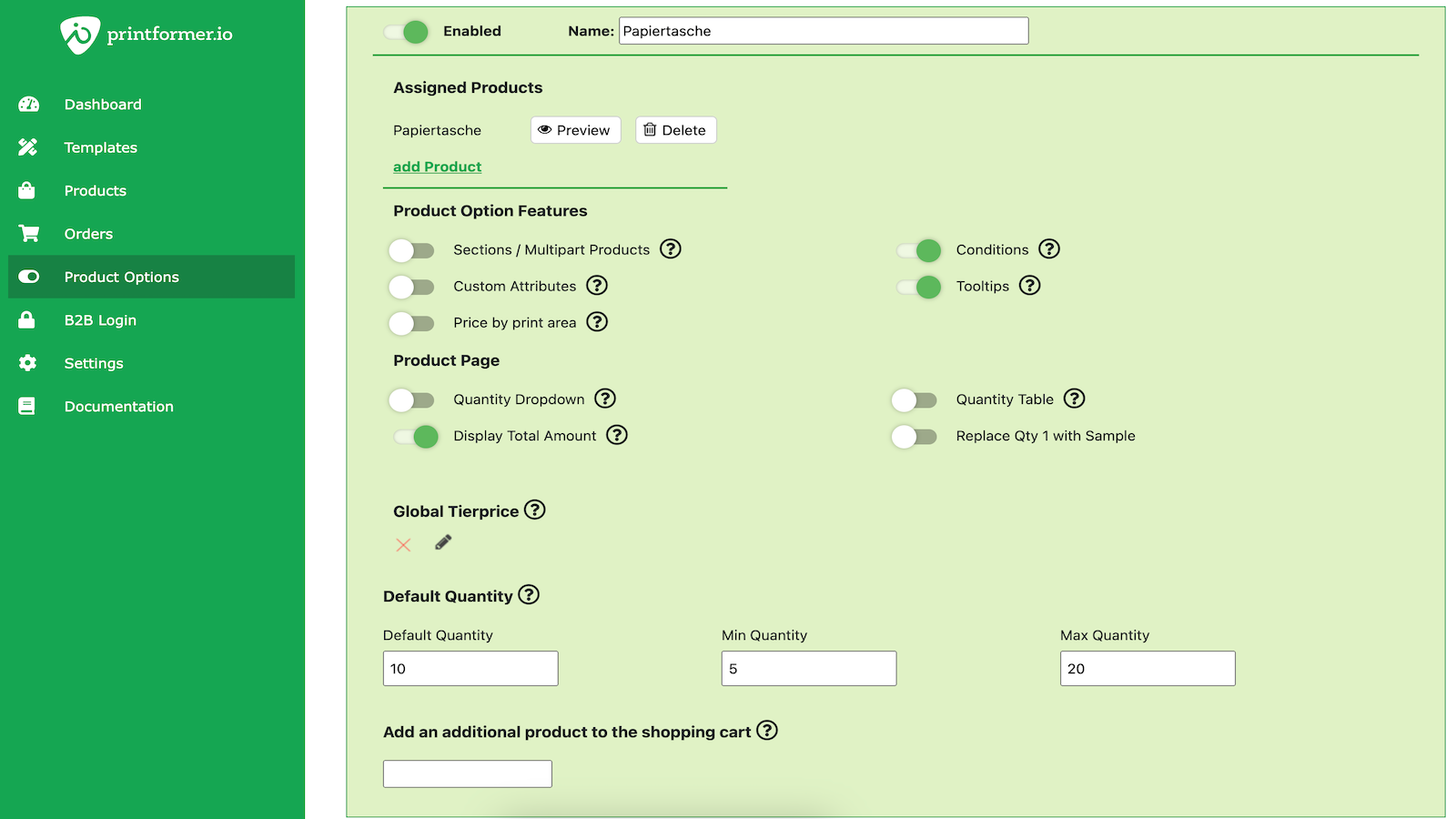
- Set minimum and maximum quantities for products
- Define pre-defined order quantities (e.g., 100, 200, 300, 500, 1000)
Merchant-Friendly
- Print E-commerce Merchants
- Custom E-commerce Merchants
- Digital Print Merchants
- Wholesale E-commerce Merchants
- Bulk Custom Merchants
Basic Information
- Developer:rissc solutions GmbH
- Address:Mathildenstraße 10/1, Ludwigaburg, 71638, DE
- Price: Free / Free plan
- Rating:4.7 / 5
- Comment Count:3 comment
- Release Date:2021-9-9
- Supported languages:German、English
- Compatible products:Shopify
Application Screenshot

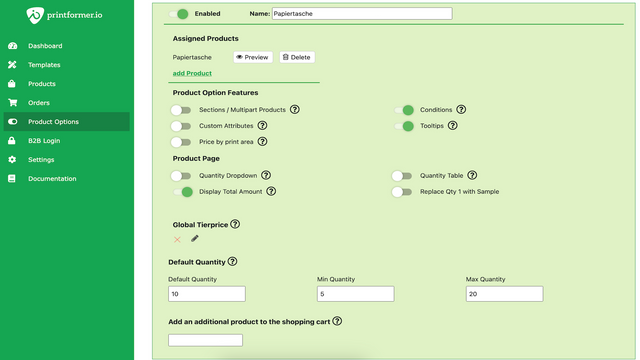
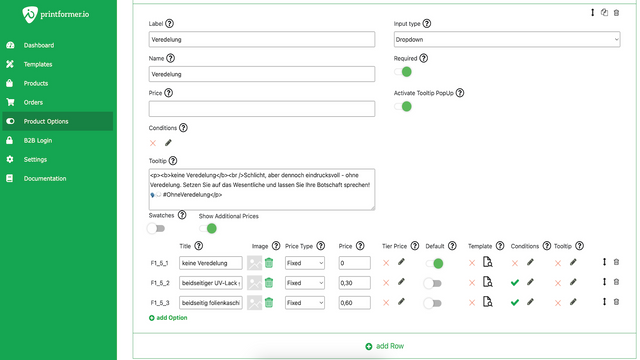

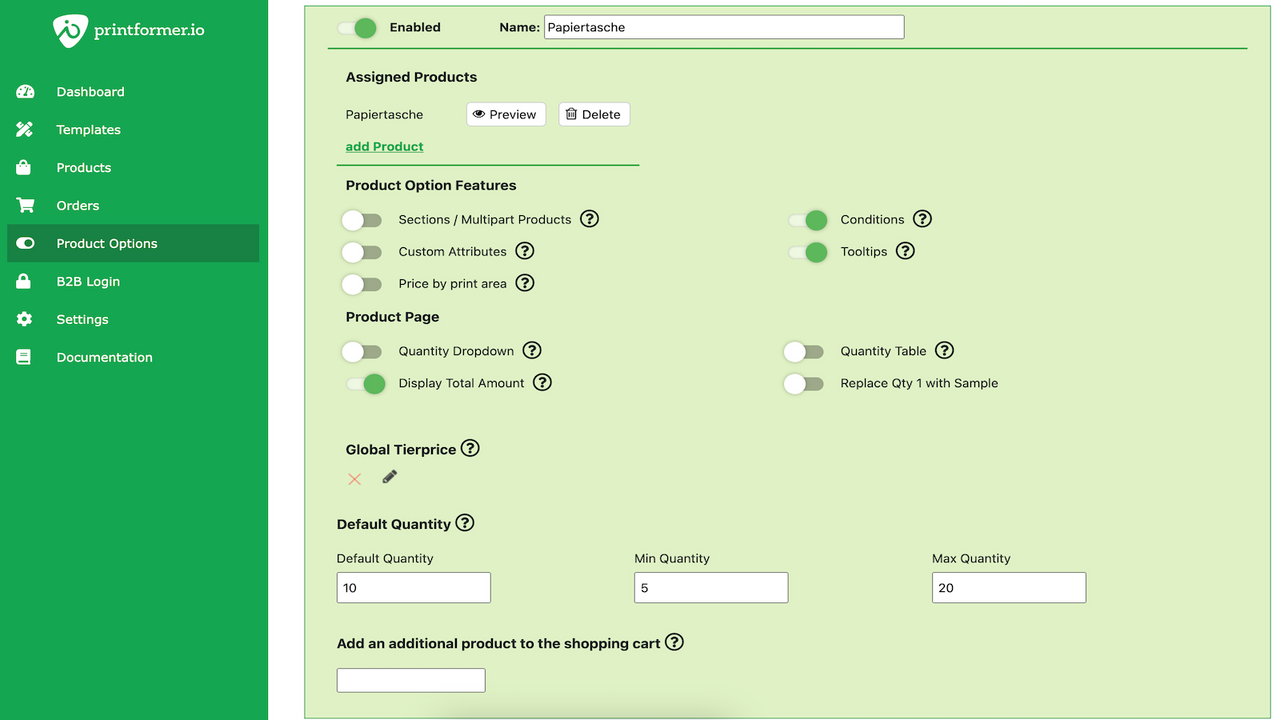
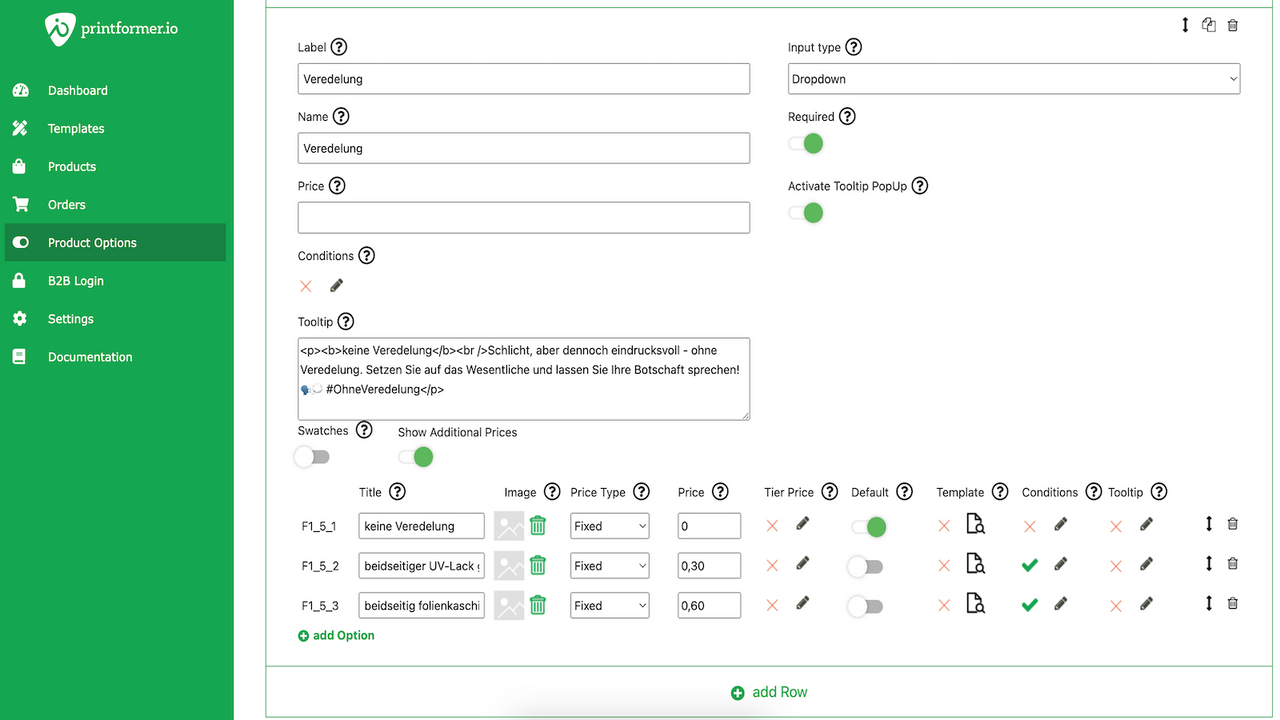


Price Plan
Basic
- Printformer (Web2Print) Integration
- Download Print Files in Shopify
Standard
- Basic package +
- Product options with extra fees
- Minimum and maximum quantities
- Predefined order quantities
- Tier Prices
- Tooltips
Premium
- Standard Package + Options
- Options with Conditions
- Price Table
- Downloads & Product Images Depending on Options
- B2B Login with Activation
Ultimate
- Premium package +
- Enterprise Features
User Location & Comments
User Location
Comments
Shopify API Used
- POST /admin/api/products/{product_id}/metafields.json
- GET /admin/api/products/{product_id}/metafields.json
- PUT /admin/api/products/{product_id}/metafields/{metafield_id}.json
Permission:write_products,read_products,manage_products
- POST /admin/api/products/{product_id}/options.json
- PUT /admin/api/products/{product_id}/options/{option_id}.json
- GET /admin/api/products/{product_id}/options.json
Permission:write_products,read_products,manage_products
- POST /admin/api/products/{product_id}/files.json
- PUT /admin/api/products/{product_id}/files/{file_id}.json
- GET /admin/api/products/{product_id}/files.json
Permission:write_products,read_products,manage_files
- POST /admin/api/products/{product_id}/variants.json
- PUT /admin/api/products/{product_id}/variants/{variant_id}.json
- GET /admin/api/products/{product_id}/variants.json
Permission:write_products,read_products,manage_products
- POST /admin/api/products/{product_id}/metafields.json
- PUT /admin/api/products/{product_id}/metafields/{metafield_id}.json
- GET /admin/api/products/{product_id}/metafields.json
Permission:write_products,read_products,manage_products