
Printcart Product Personalizer
App Introduction
Printcart- Web to Print lets you create and innovate stunning designs with just a few clicks. Printcart enables you to seamlessly integrate a Web-to-Print solution into your website, leveraging innovative e-commerce technology to achieve better operations at lower costs. Our mission is to provide B2B SaaS solutions for any traditional printing startups and businesses in need of transformation. With Printcart- Web to Print, your users can design and customize products to meet their needs, boosting customer satisfaction and driving revenue growth for your website.
Core Functionality
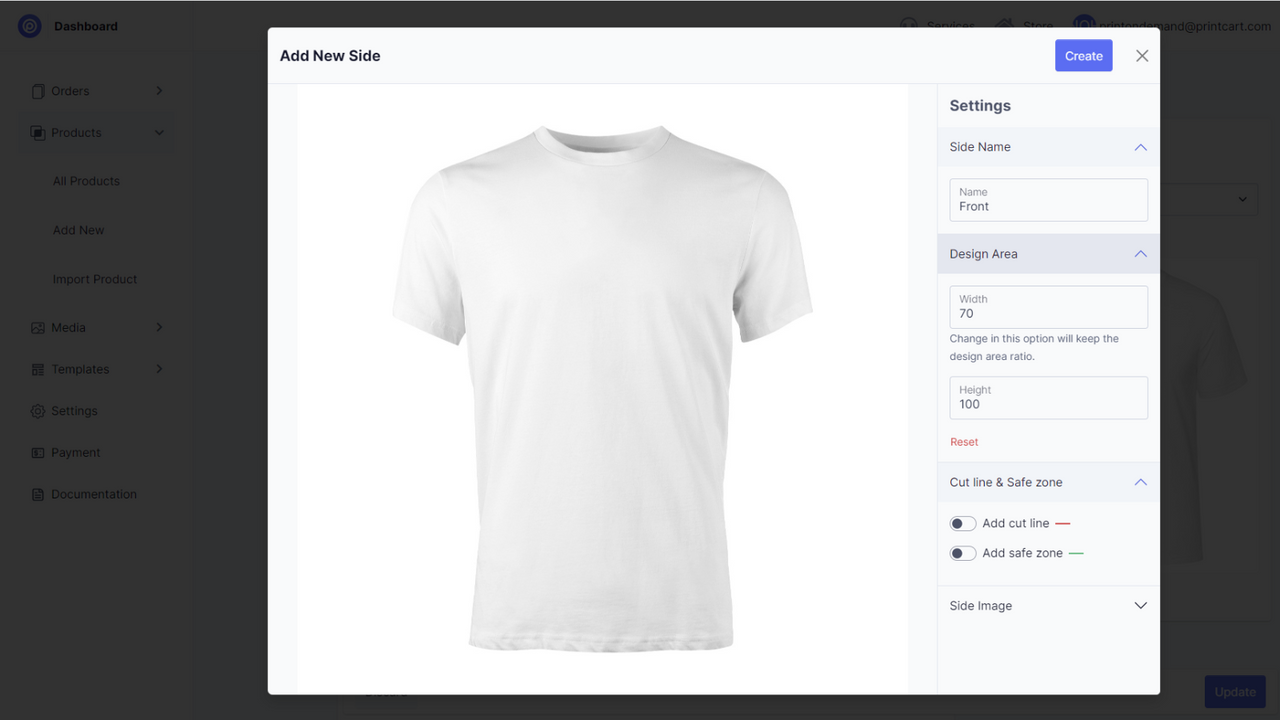
- Manage print workflows for products, projects, and designs on the dashboard.
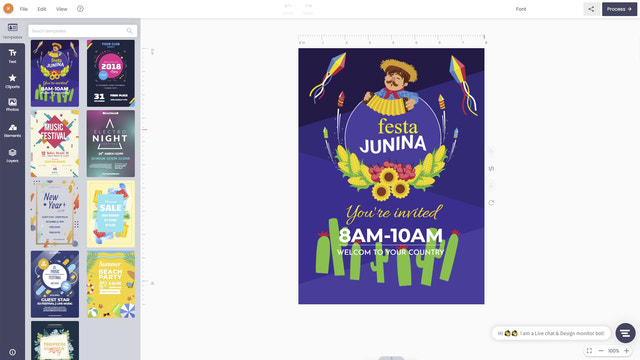
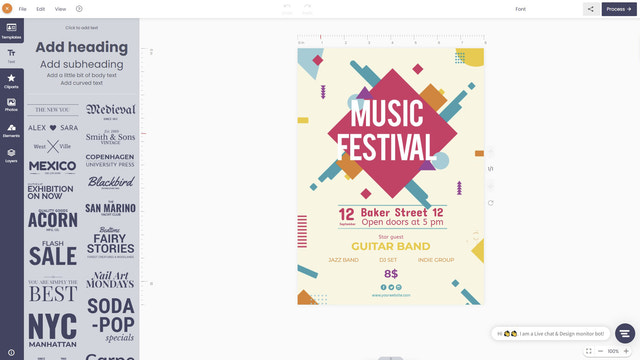
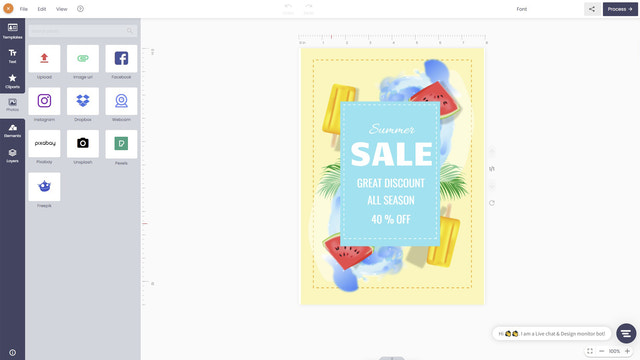
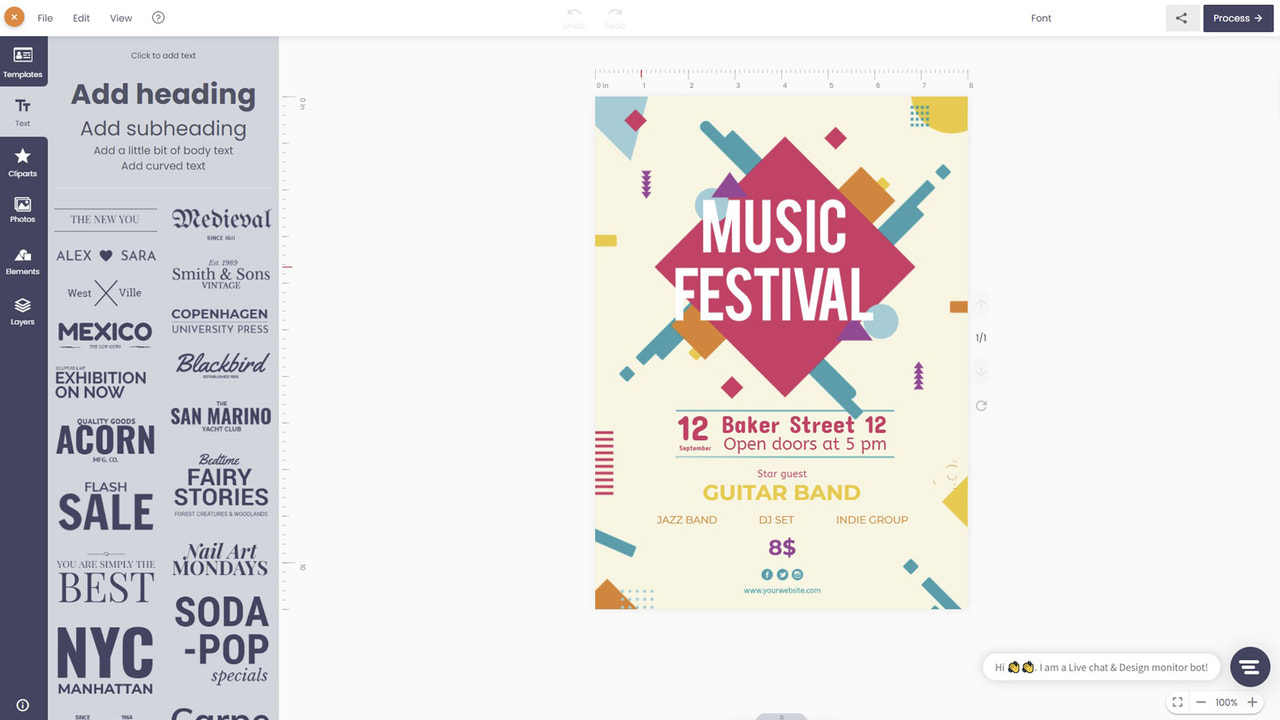
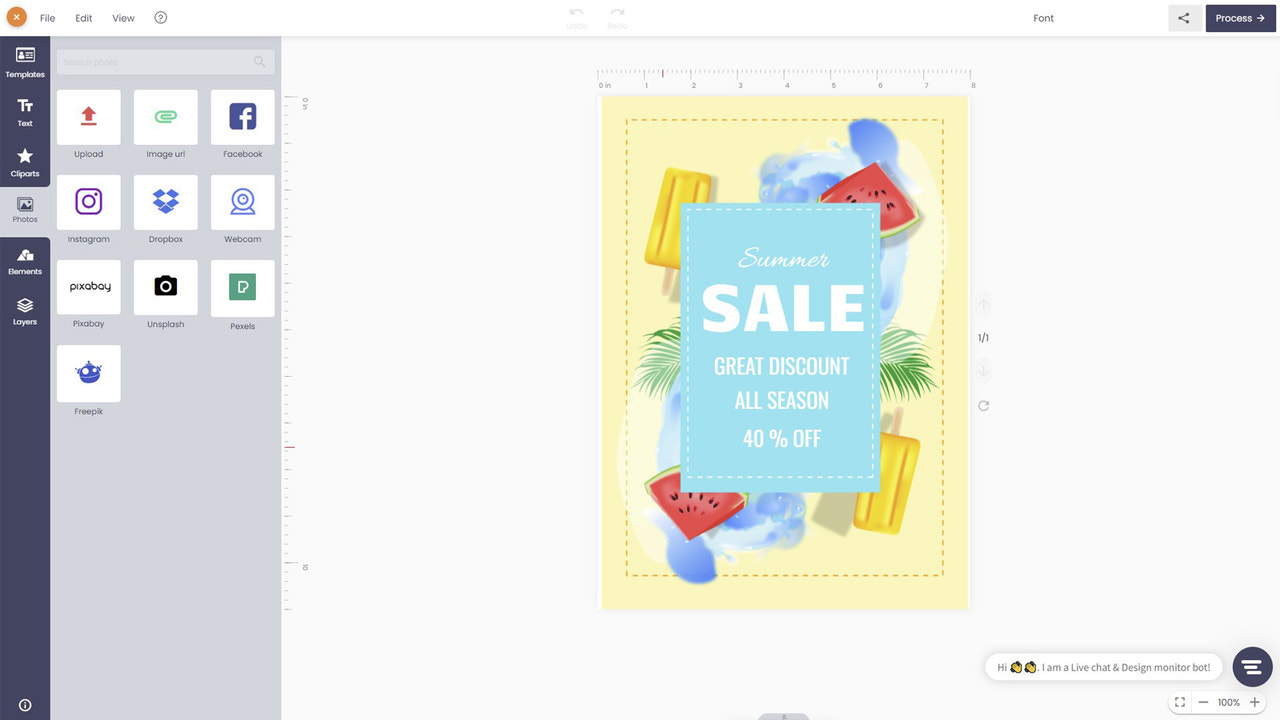
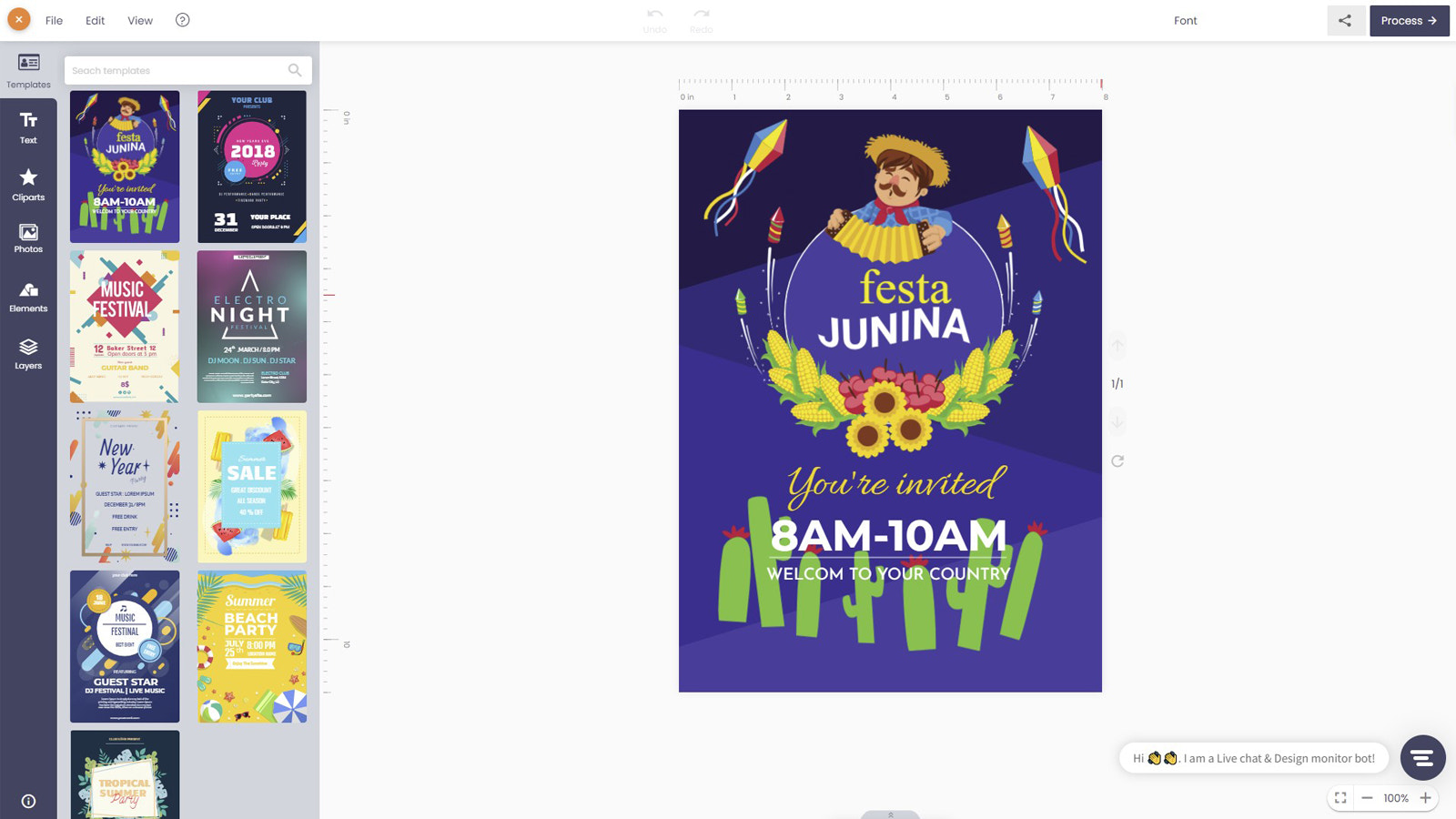
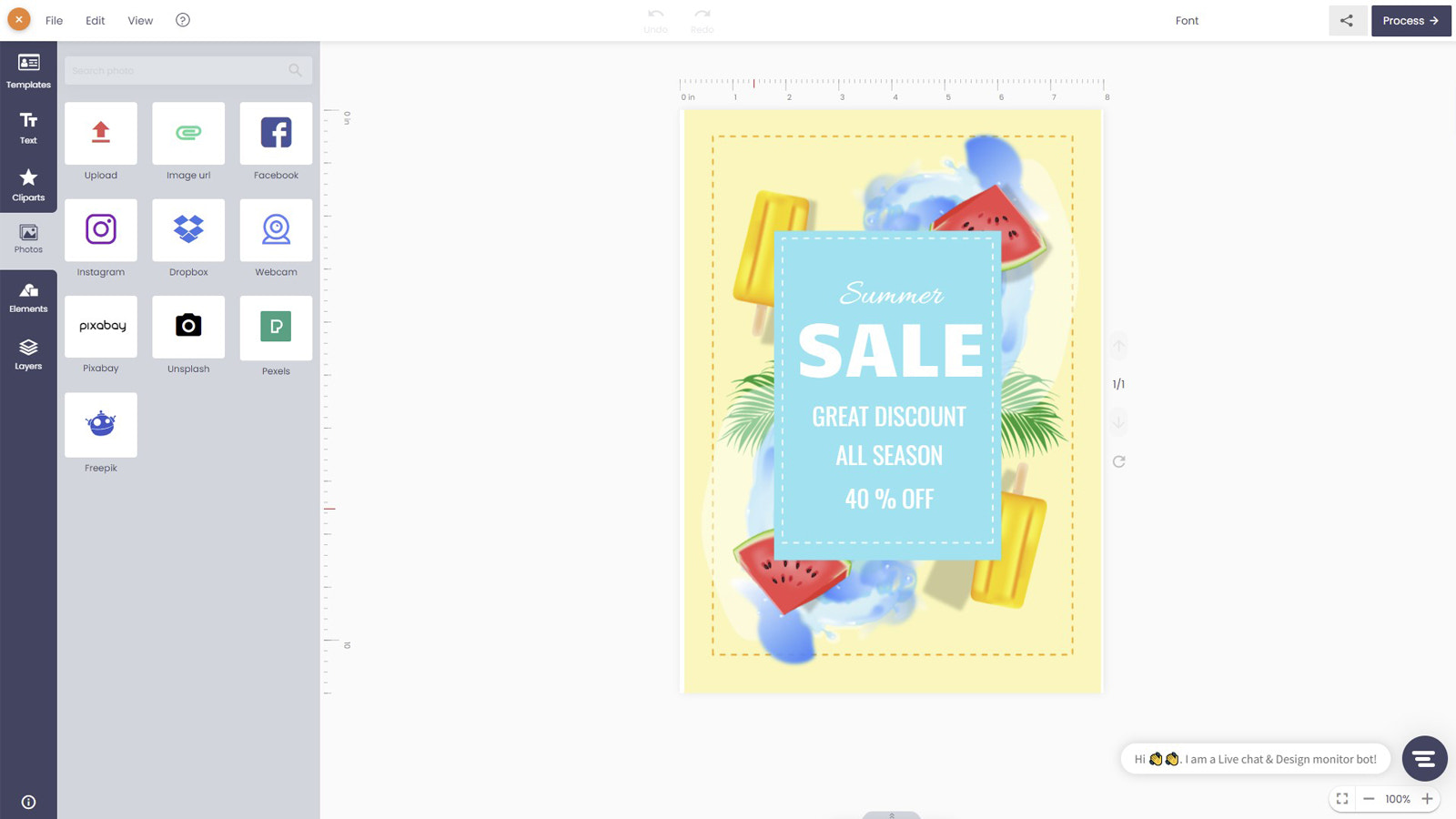
- Powerful online design tools: templates, custom text, clipart and image uploads...
- The customized interface runs smoothly across all devices and screen sizes.
- Generate high-resolution print-ready files from orders: SVG, PDF, PNG, JPG formats
- API integration: Easily connect to our API to access your order and design data.
Merchant-Friendly
- Print Custom Merchants
- Creative Design E-commerce
- Multi-device Adaptation Merchants
- High-res Print Merchants
- API Integration Demand Merchants
Basic Information
- Developer:PRINTCART
- Address:Suite 105, M3M4 Building, 91 Nguyen Chi Thanh, Dong Da, Hanoi, Hanoi, 400000, VN
- Price: Free / Free plan
- Rating:3.5 / 5
- Comment Count:4 comment
- Release Date:2020-3-25
- Supported languages:English
- Compatible products:Shopify
Application Screenshot




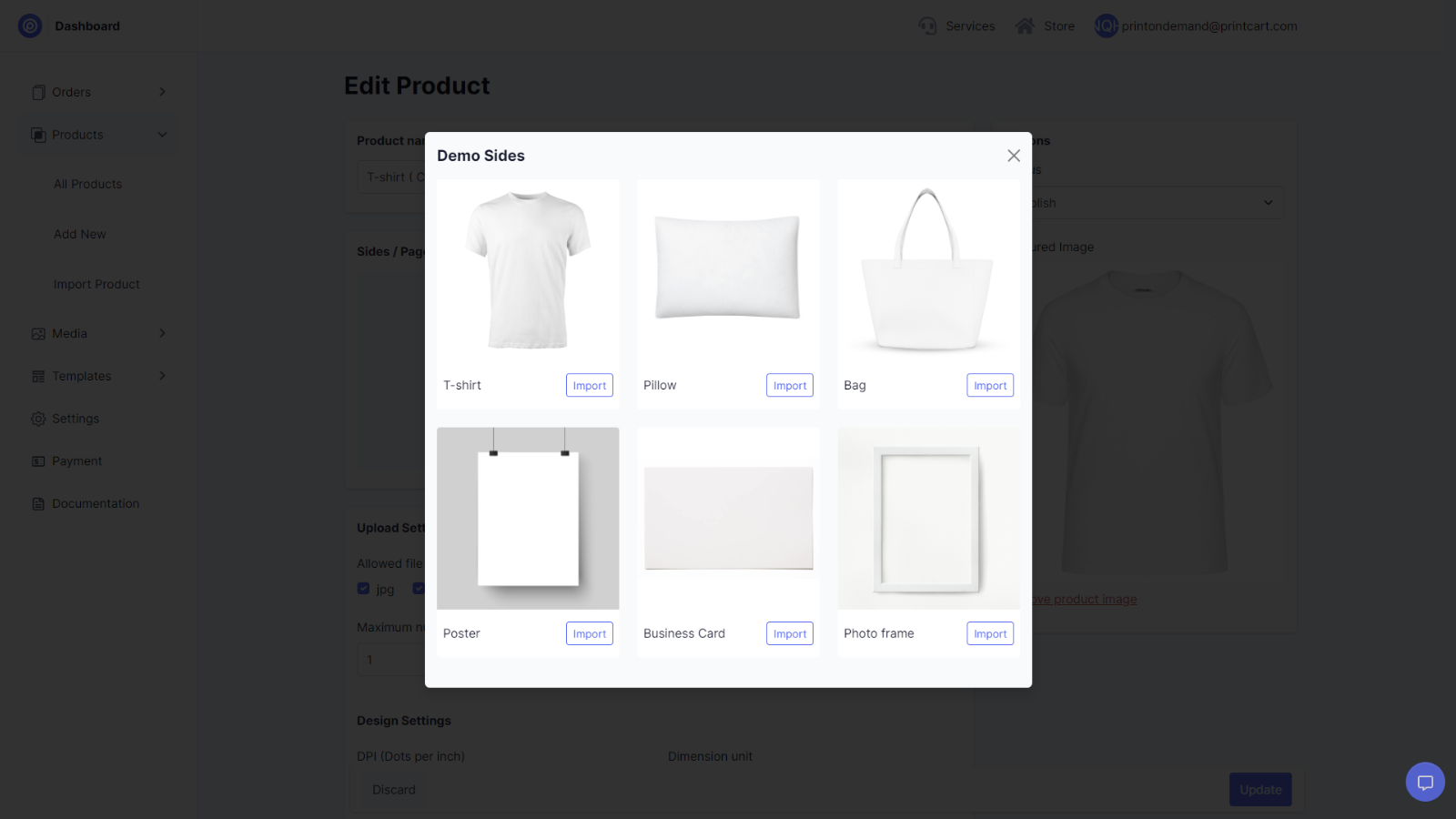
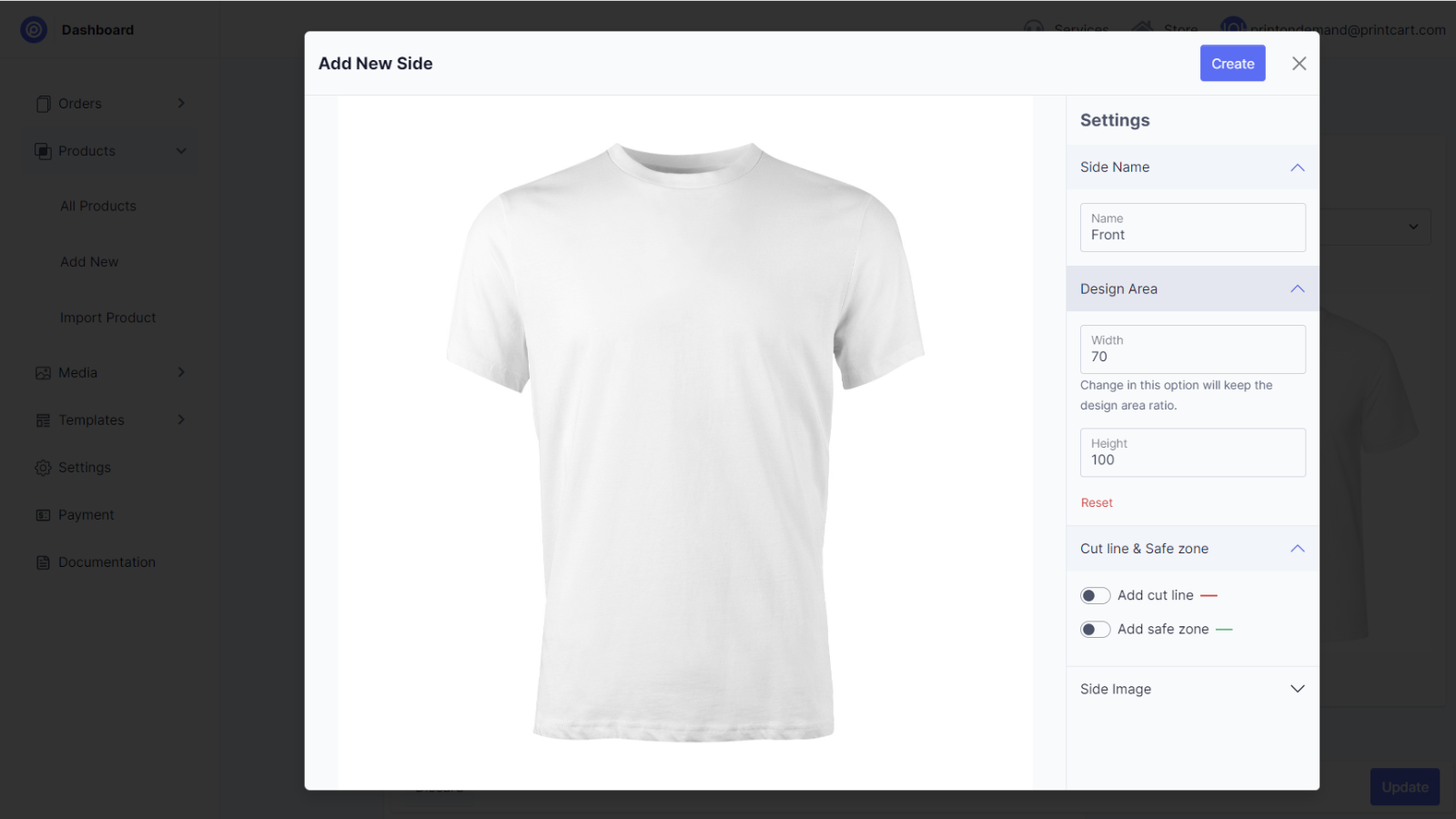
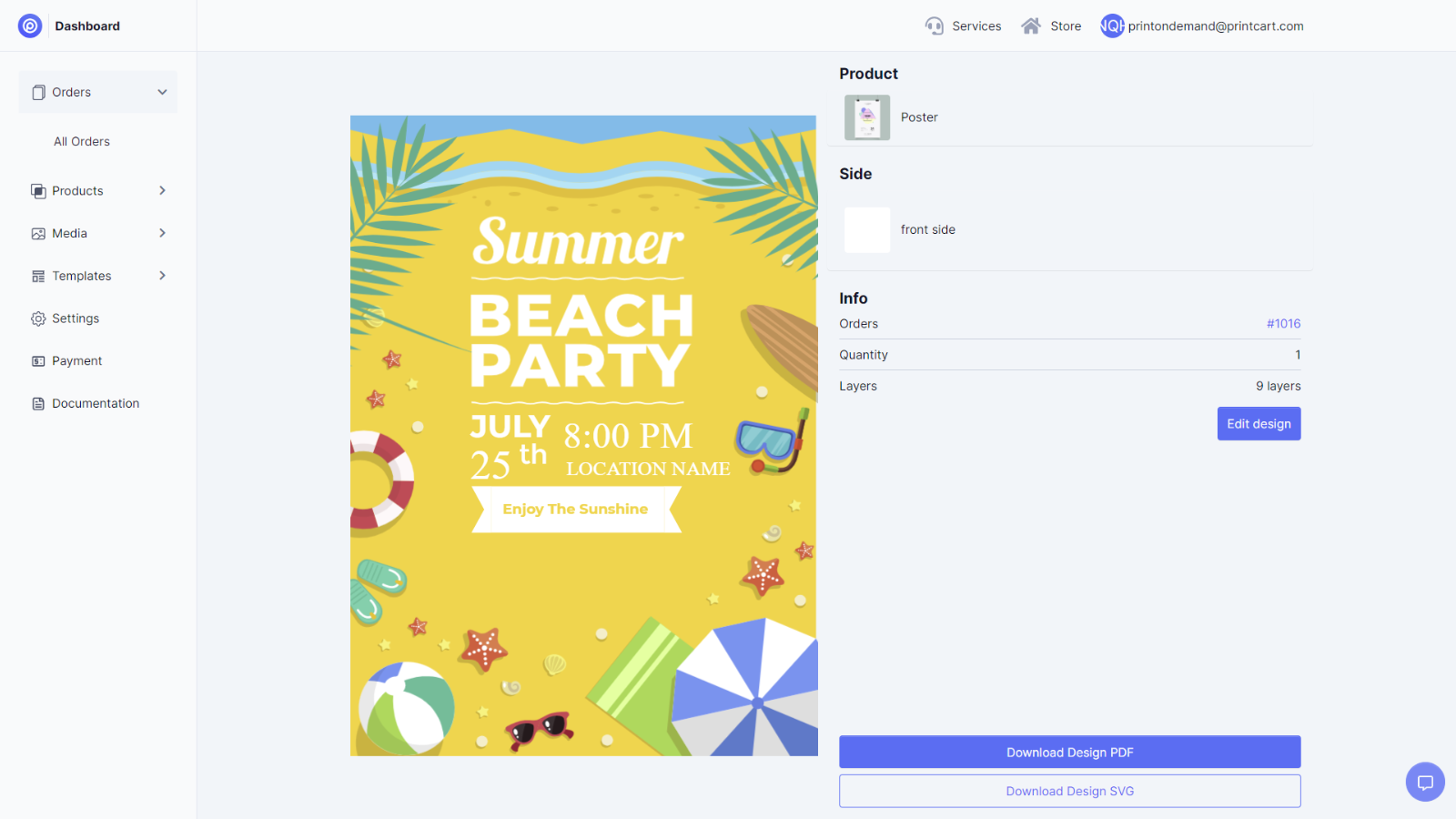
Price Plan
Free
- First 10 orders free
Premium
- Unlimited number of orders
- Unlimited number of products
- Unlimited number of quote requests
User Location & Comments
User Location
Comments
Shopify API Used
- POST /admin/api/print_workflow.json
- PUT /admin/api/print_workflow/{id}.json
- GET /admin/api/print_workflow.json
Permission:write_print_workflow,read_print_workflow,manage_products
- POST /admin/api/design_template.json
- PUT /admin/api/design_custom_text.json
- GET /admin/api/design_asset.json
Permission:write_design,read_design,manage_assets
- GET /admin/api/design_ui_config.json
- PUT /admin/api/design_ui_config.json
- POST /admin/api/design_ui_test.json
Permission:read_design,write_design,manage_themes
- POST /admin/api/order_print_file.json
- GET /admin/api/order_print_file/{id}.json
- DELETE /admin/api/order_print_file/{id}.json
Permission:read_orders,write_orders,manage_files
- GET /admin/api/order_data.json
- GET /admin/api/design_data.json
- POST /admin/api/api_integration_config.json
Permission:read_orders,read_design,manage_api_config



