
App Introduction
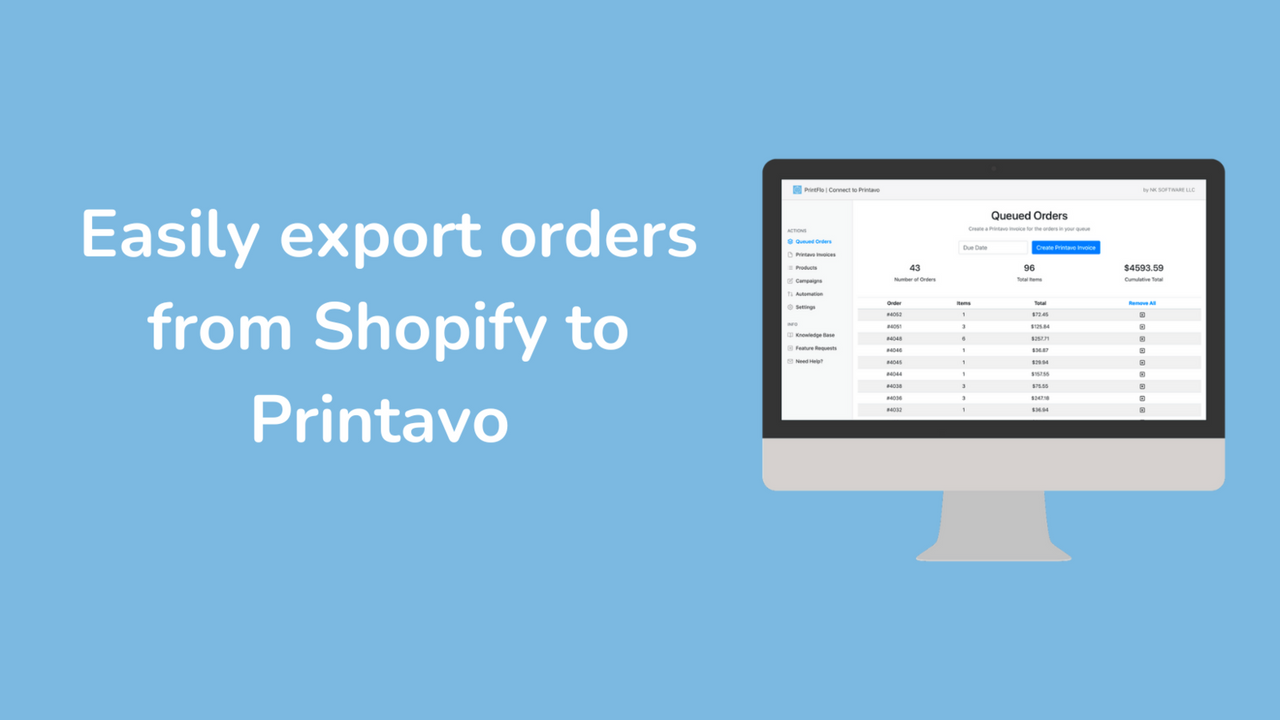
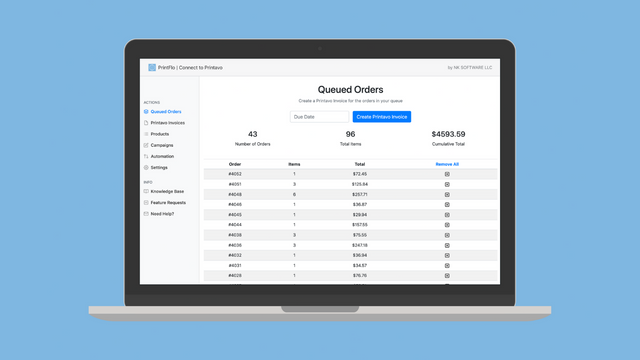
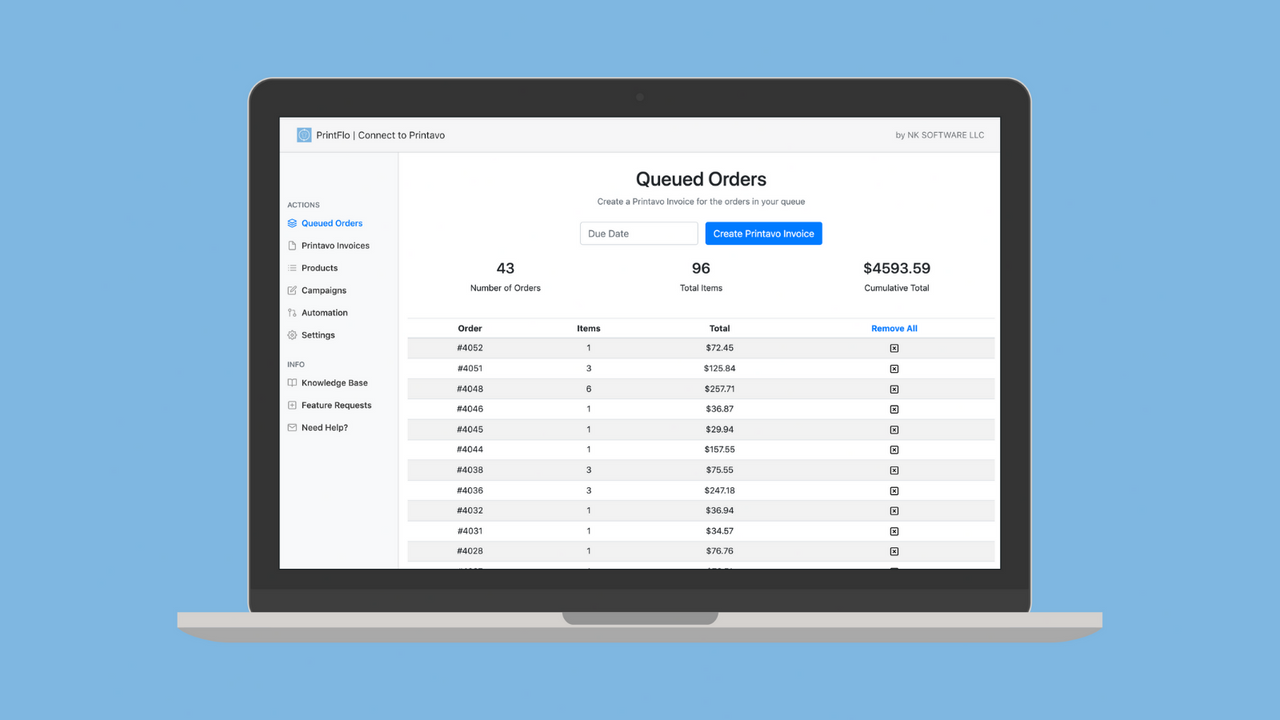
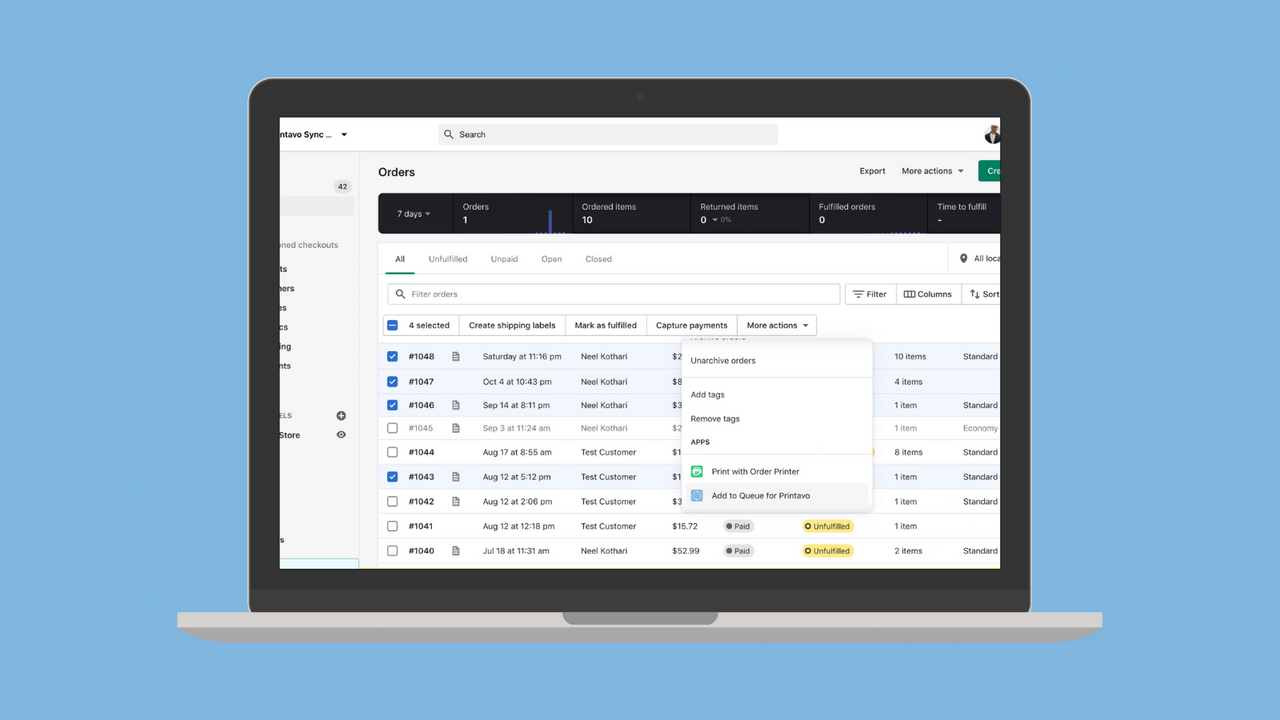
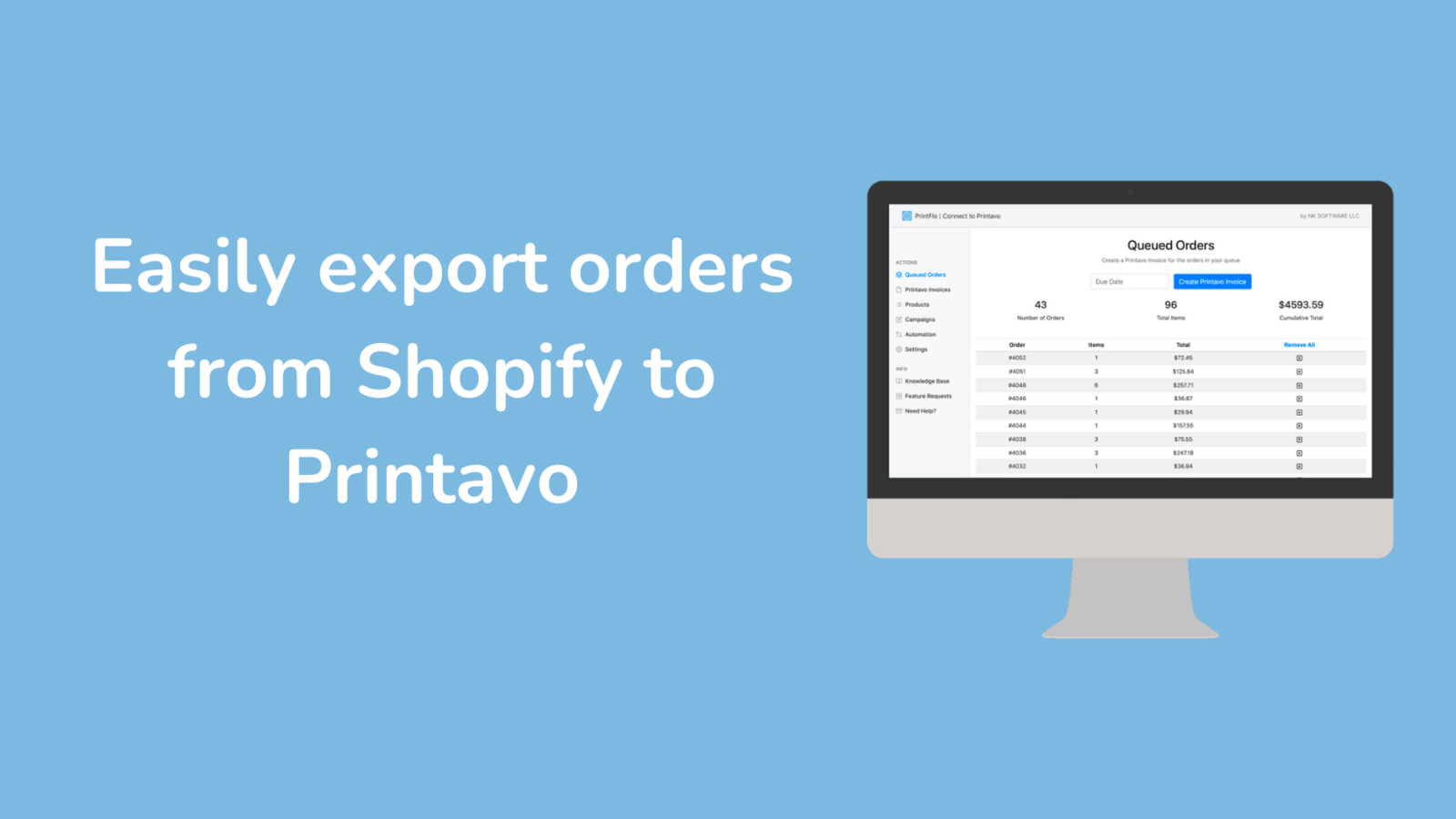
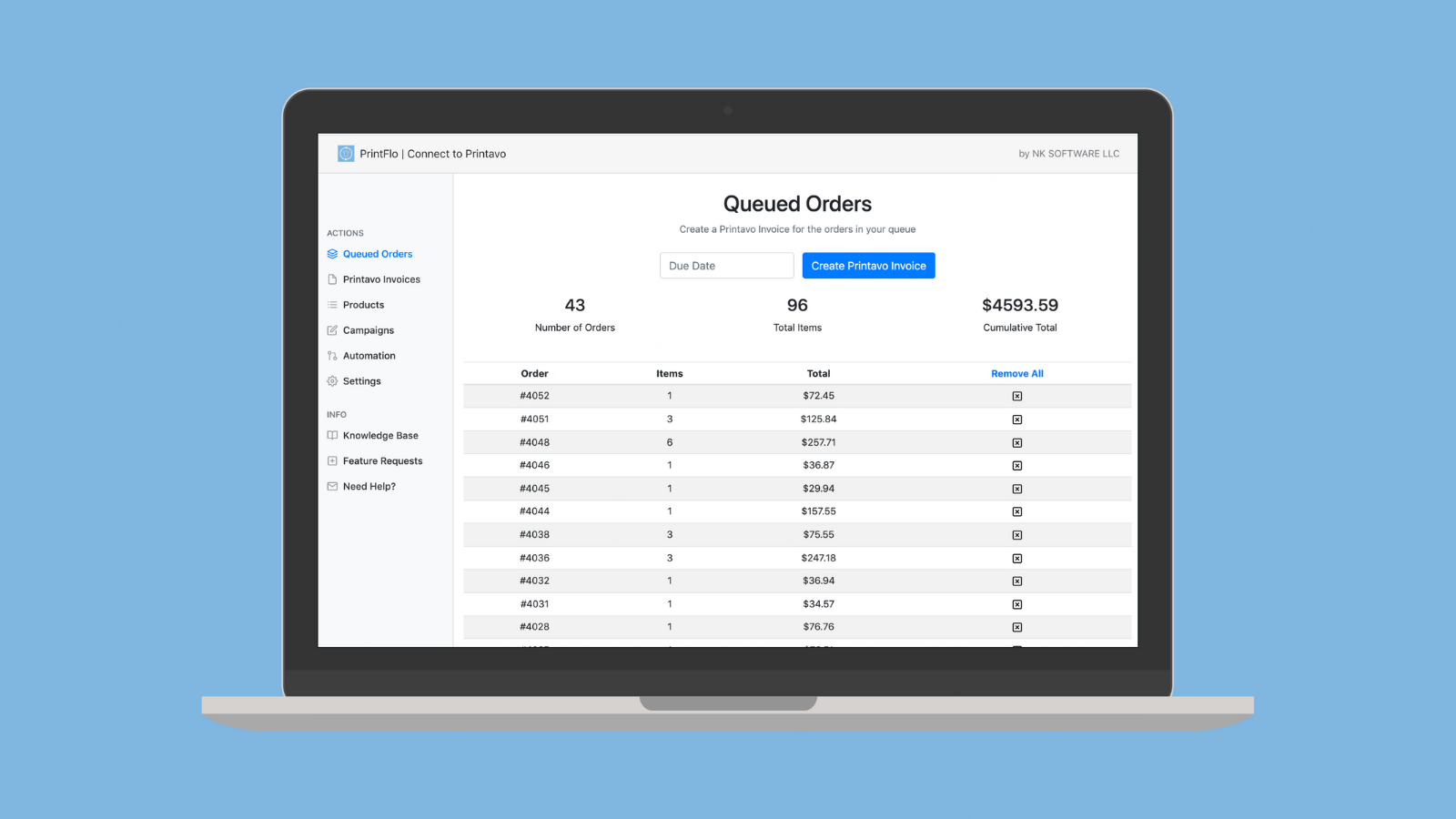
Sell More, Reduce Production Pressure. Minimize manual work and easily export orders to Printavo. Whether you want to host multiple product stores, handle orders individually, or fulfill specific products for other brands/companies, we have solutions to meet all your needs. In minutes, you can install the app and connect it to your Printavo account. Select specific orders or use triggers to automatically queue the correct ones. Exported orders will be neatly marked on both platforms. Save hours of time so you can focus on fulfilling orders for more customers!
Core Functionality
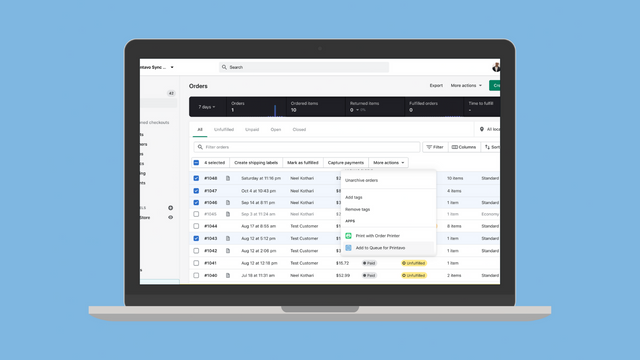
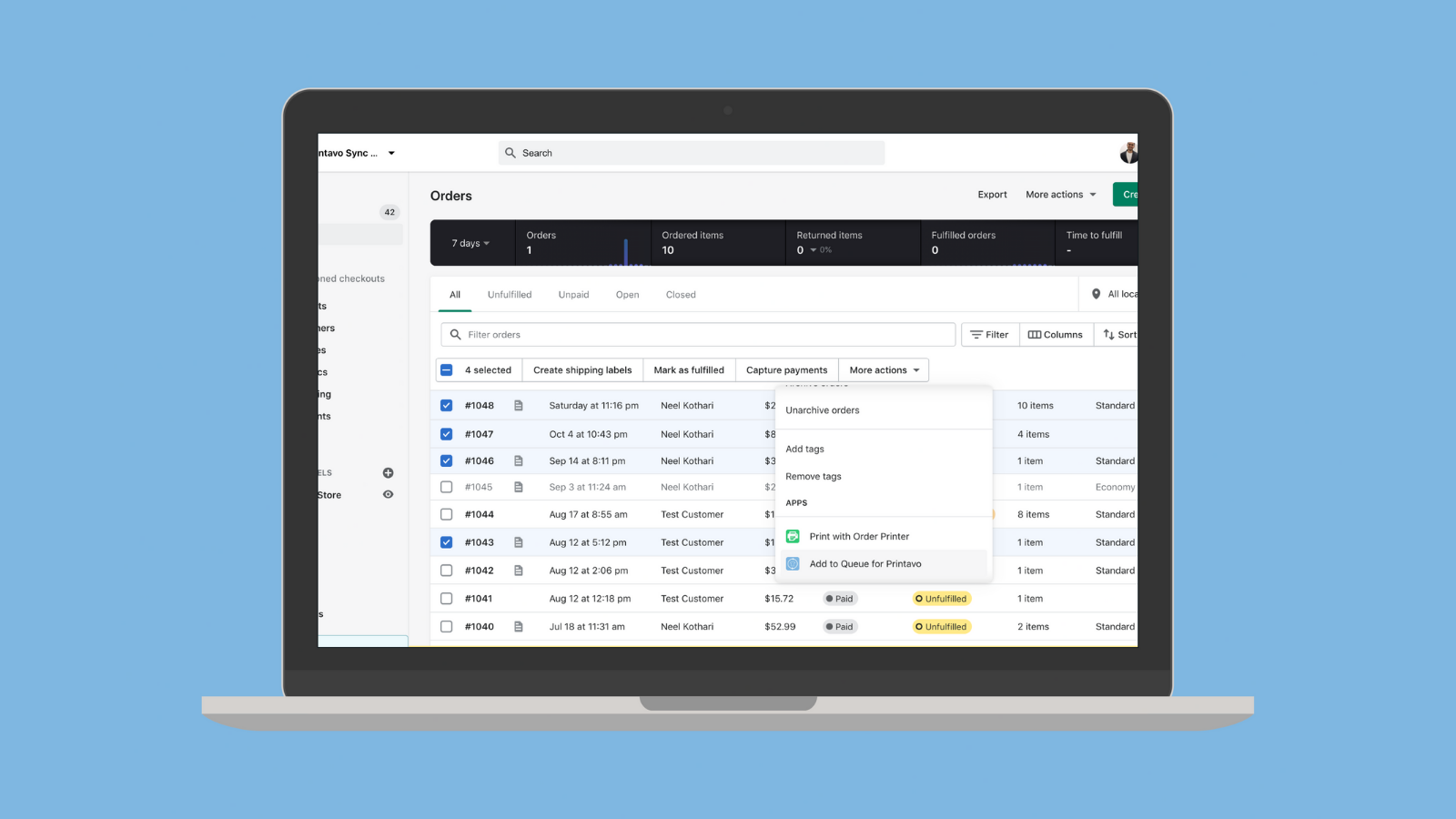
- Select specific orders or use automation to send orders to Printavo automatically
- Intelligently merge Shopify orders into a single Printavo invoice with images
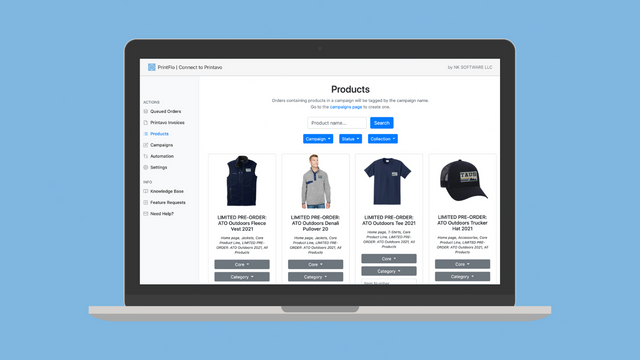
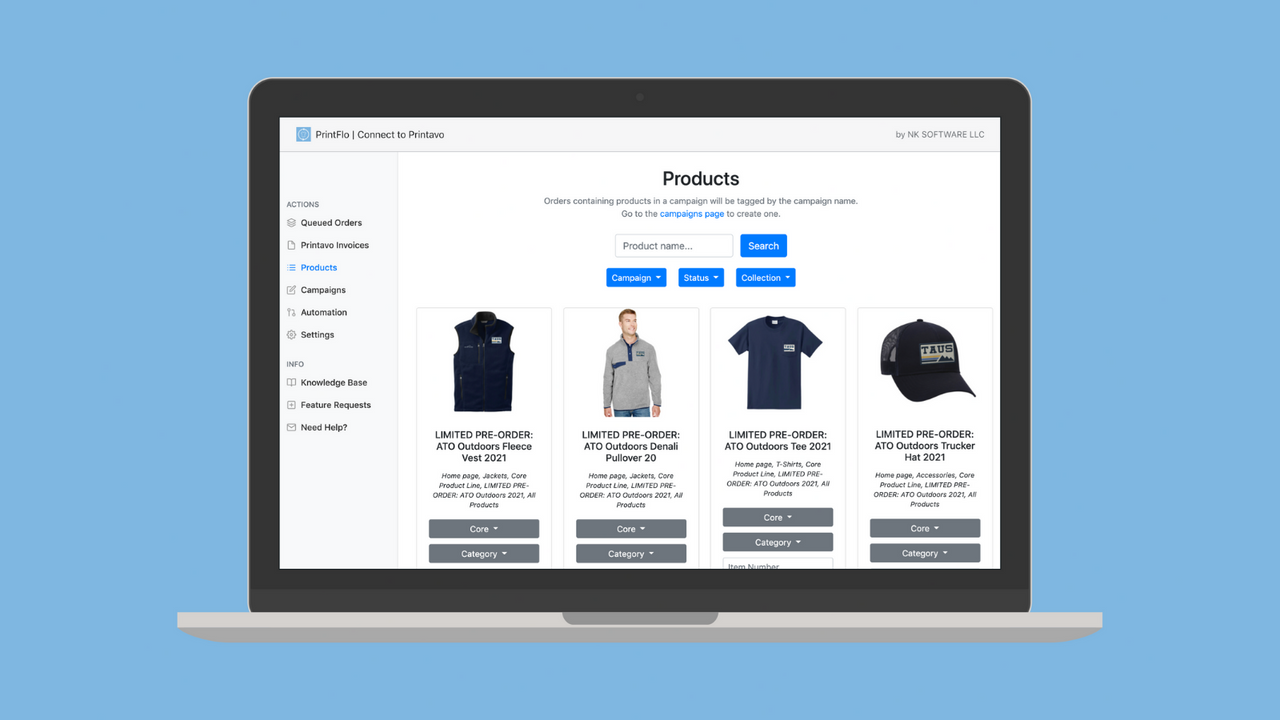
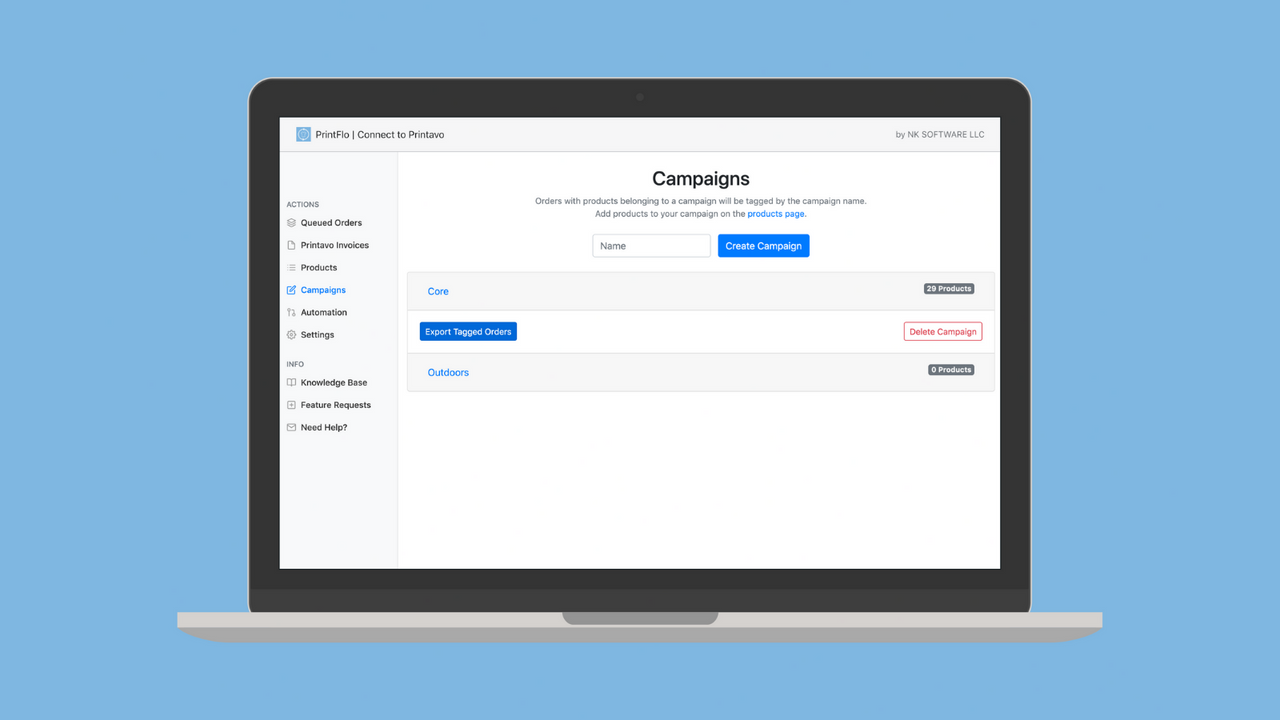
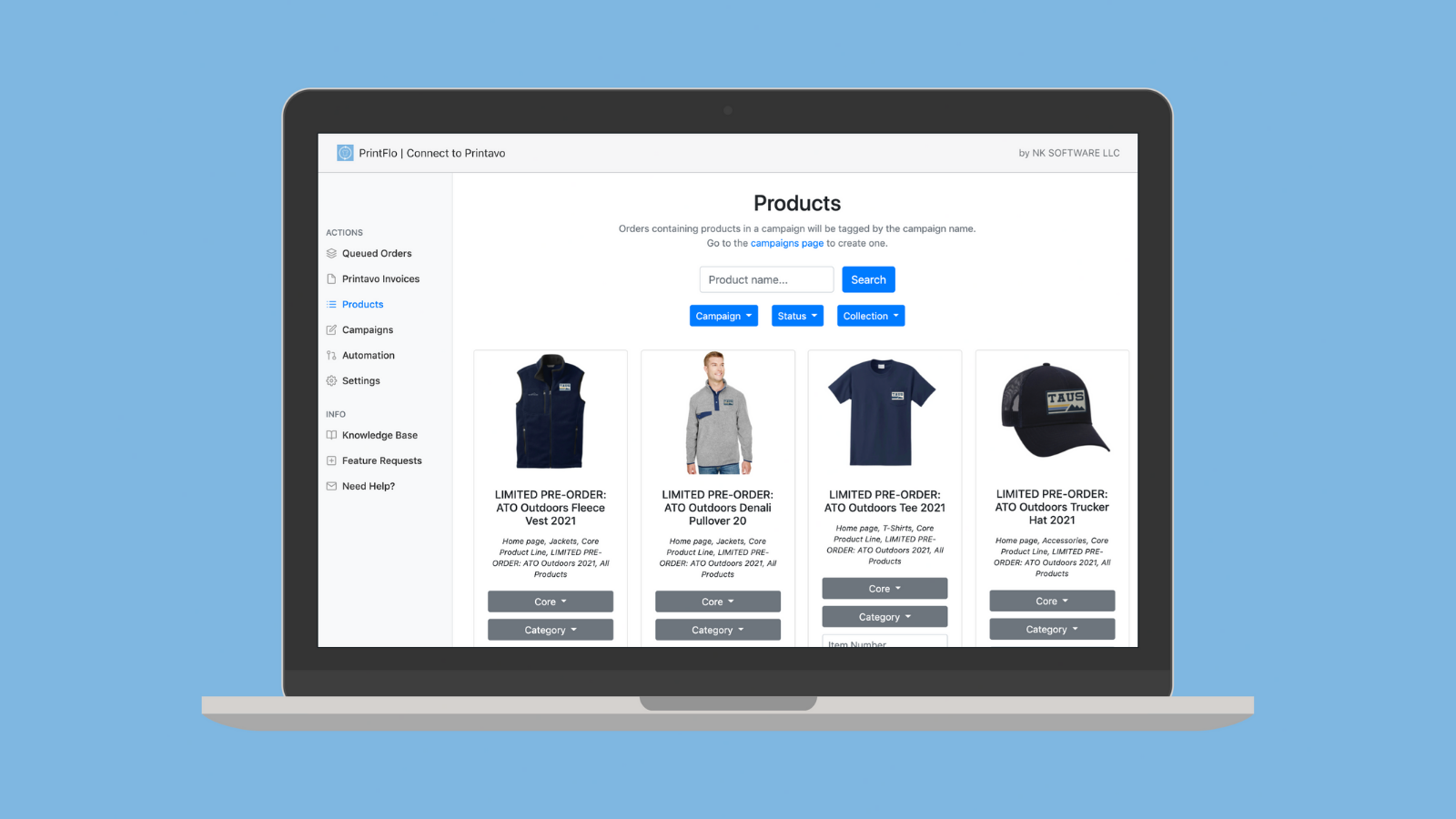
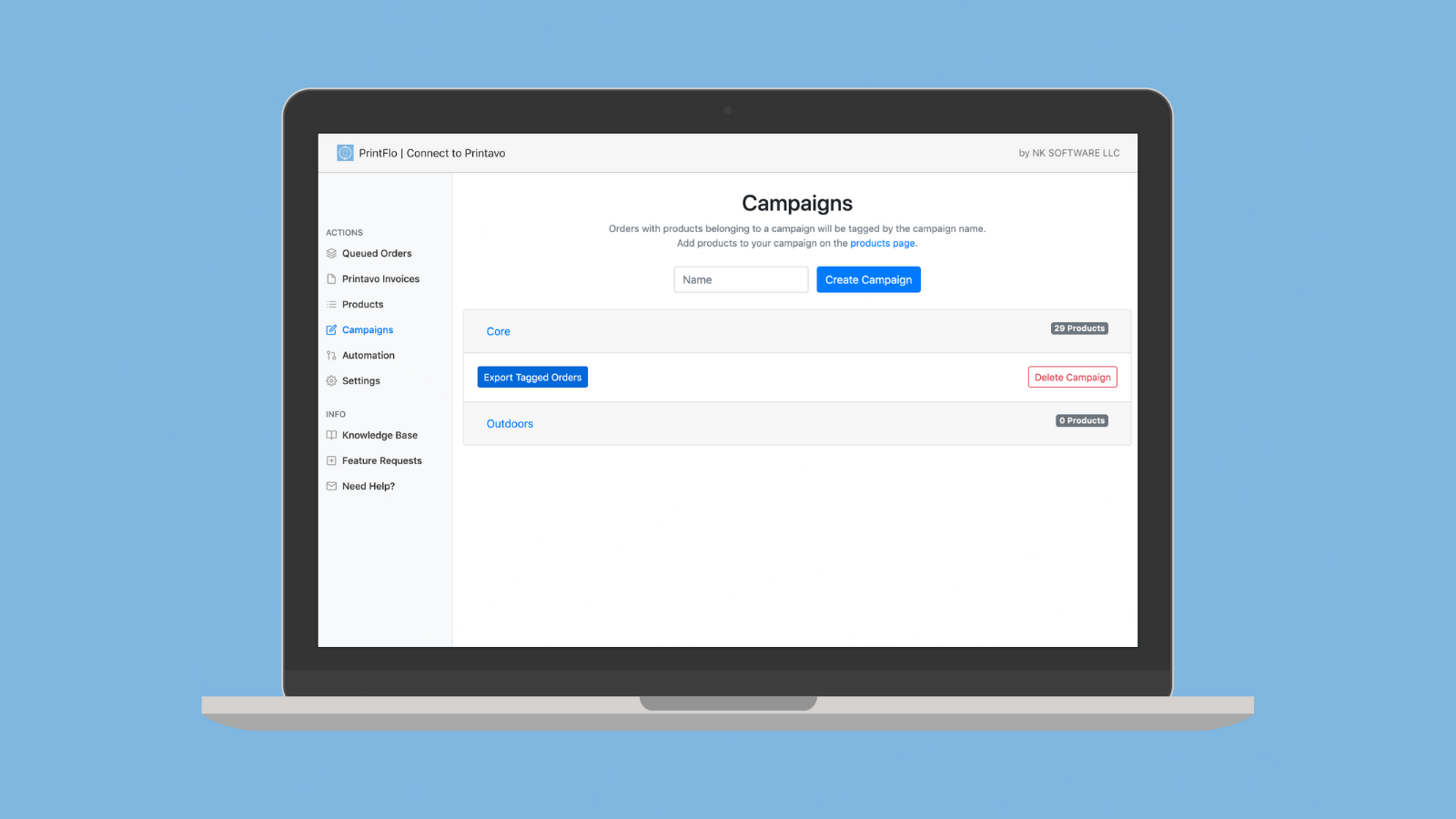
- Assign products to campaigns in advance and export only relevant items
- Quickly convert Printavo line items to Shopify products with a single button click
Merchant-Friendly
- Print Custom Merchants
- Multi-channel Order Merchants
- Bulk Custom E-commerce
- Personalized Custom Merchants
Basic Information
- Developer:PRINTFLO LLC
- Address:137 N. Oak Park Ave., Ste 215 #1810, Oak Park, IL, 60301, US
- Price: Free / Free plan
- Rating:5 / 5
- Comment Count:2 comment
- Release Date:2021-7-14
- Supported languages:English
- Compatible products:Shopify
Application Screenshot
Price Plan
Premium
- Eliminate Manual Input
- Bulk Orders
- Smart Tags
- Create Campaigns
- Import and Export to Printavo
- No Zaps Needed
- Bulk Printing, Fulfillment, and Shipping
User Location & Comments
User Location
Comments
Shopify API Used
- POST /admin/api/orders/{order_id}/printavo_sync.json
- GET /admin/api/orders/printavo_sync_status.json
- PUT /admin/api/orders/printavo_sync/{sync_id}.json
Permission:read_orders,write_orders,manage_printavo
- POST /admin/api/printavo/invoices/merge.json
- GET /admin/api/printavo/invoices/{invoice_id}.json
- PUT /admin/api/printavo/invoices/{invoice_id}/items.json
Permission:read_orders,write_orders,manage_printavo_invoices
- POST /admin/api/products/printavo_assign.json
- GET /admin/api/printavo/assigned_products.json
- POST /admin/api/printavo/export/assigned_products.json
Permission:read_products,write_products,manage_printavo_products
- POST /admin/api/printavo/line_items/convert.json
- GET /admin/api/printavo/line_items/{item_id}.json
- PUT /admin/api/printavo/line_items/{item_id}/convert_status.json
Permission:read_products,write_products,manage_printavo_line_items