
App Introduction
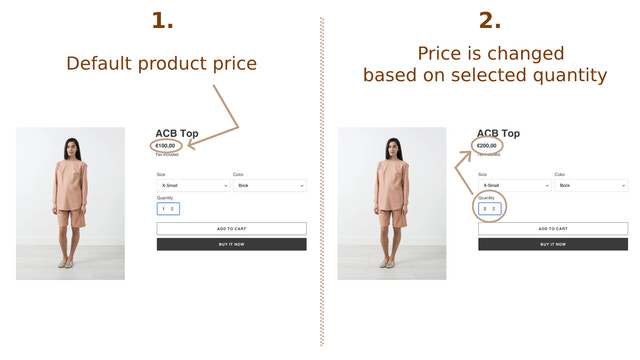
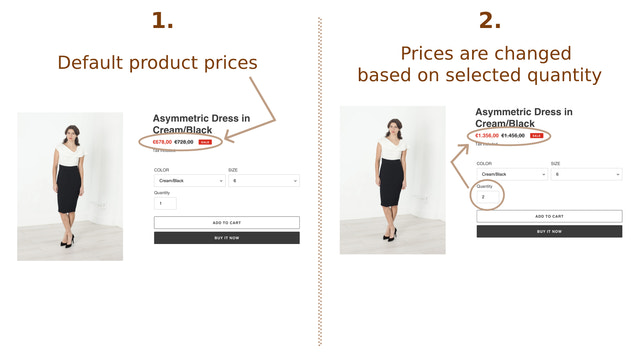
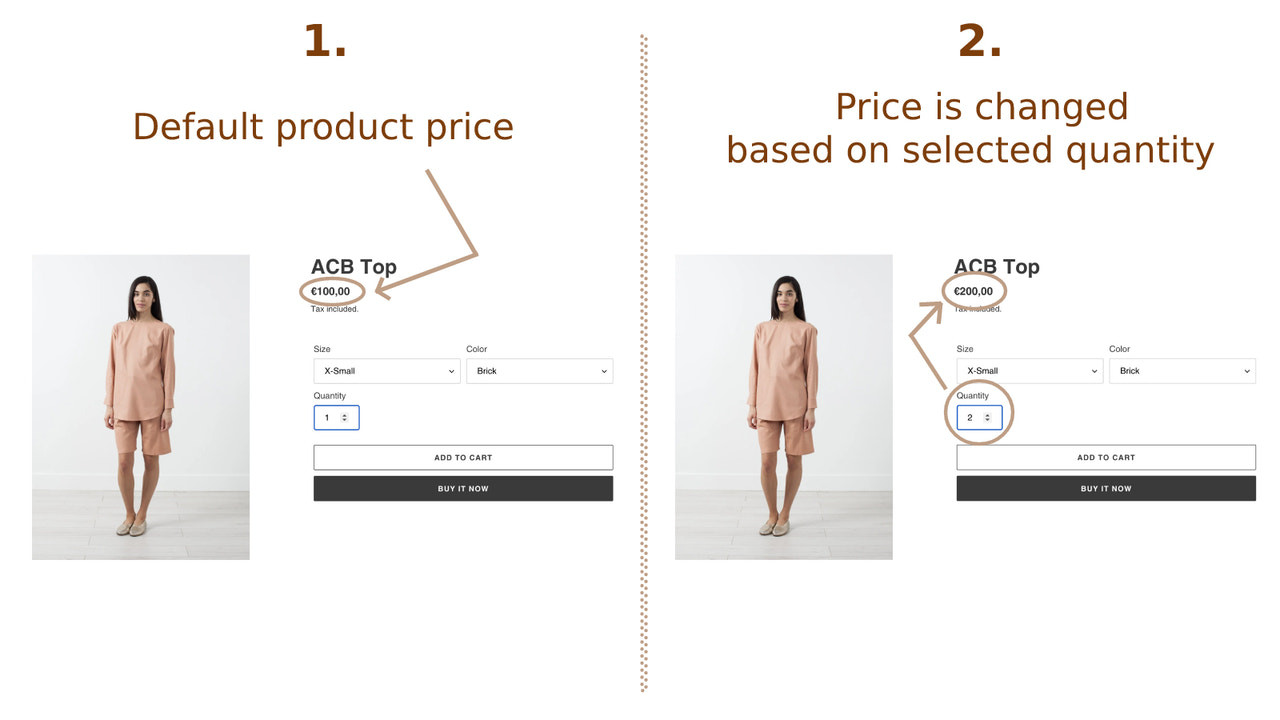
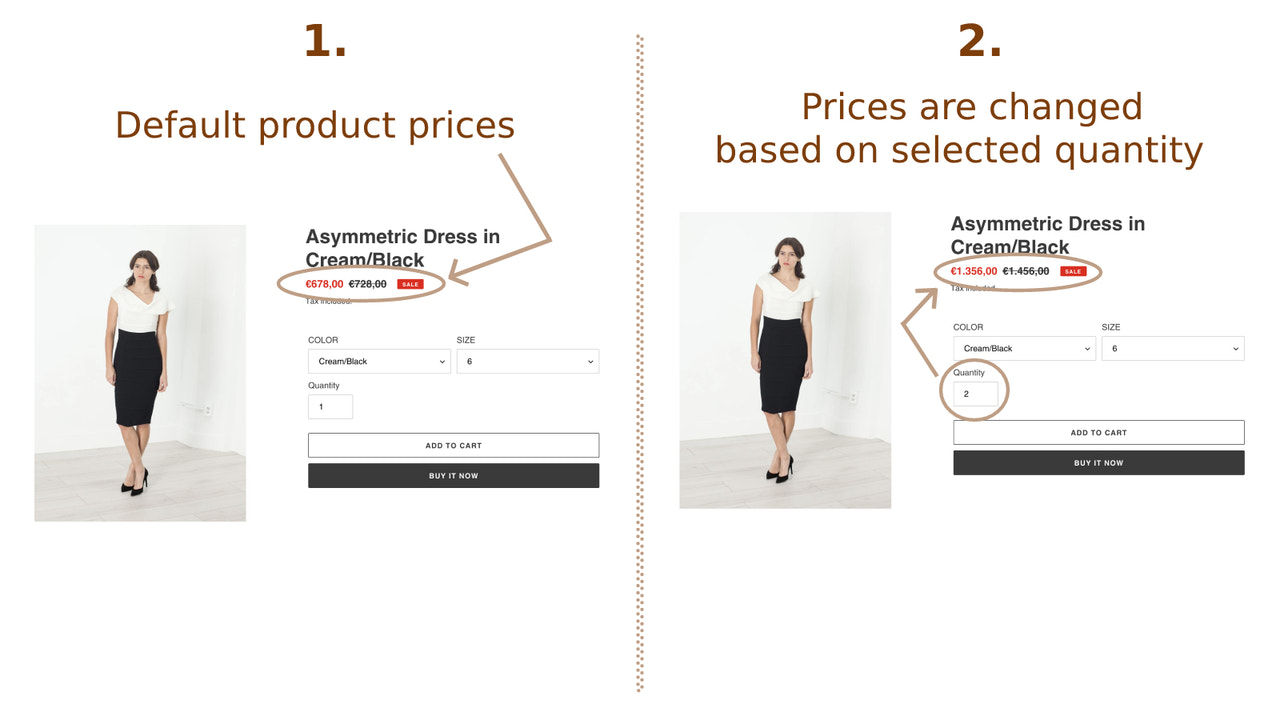
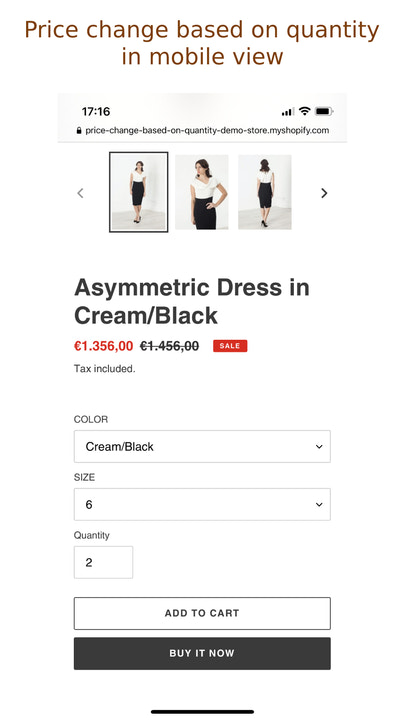
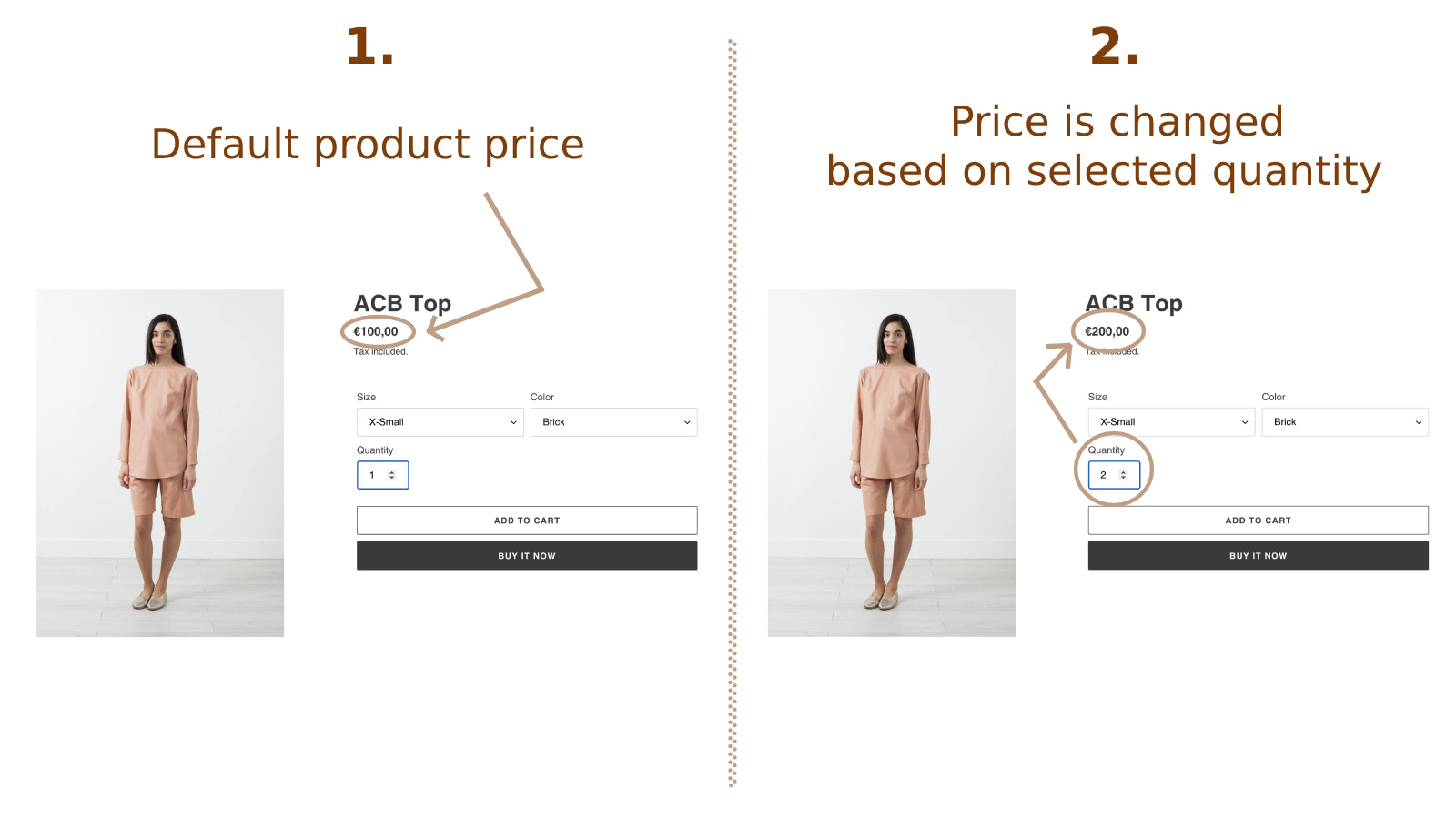
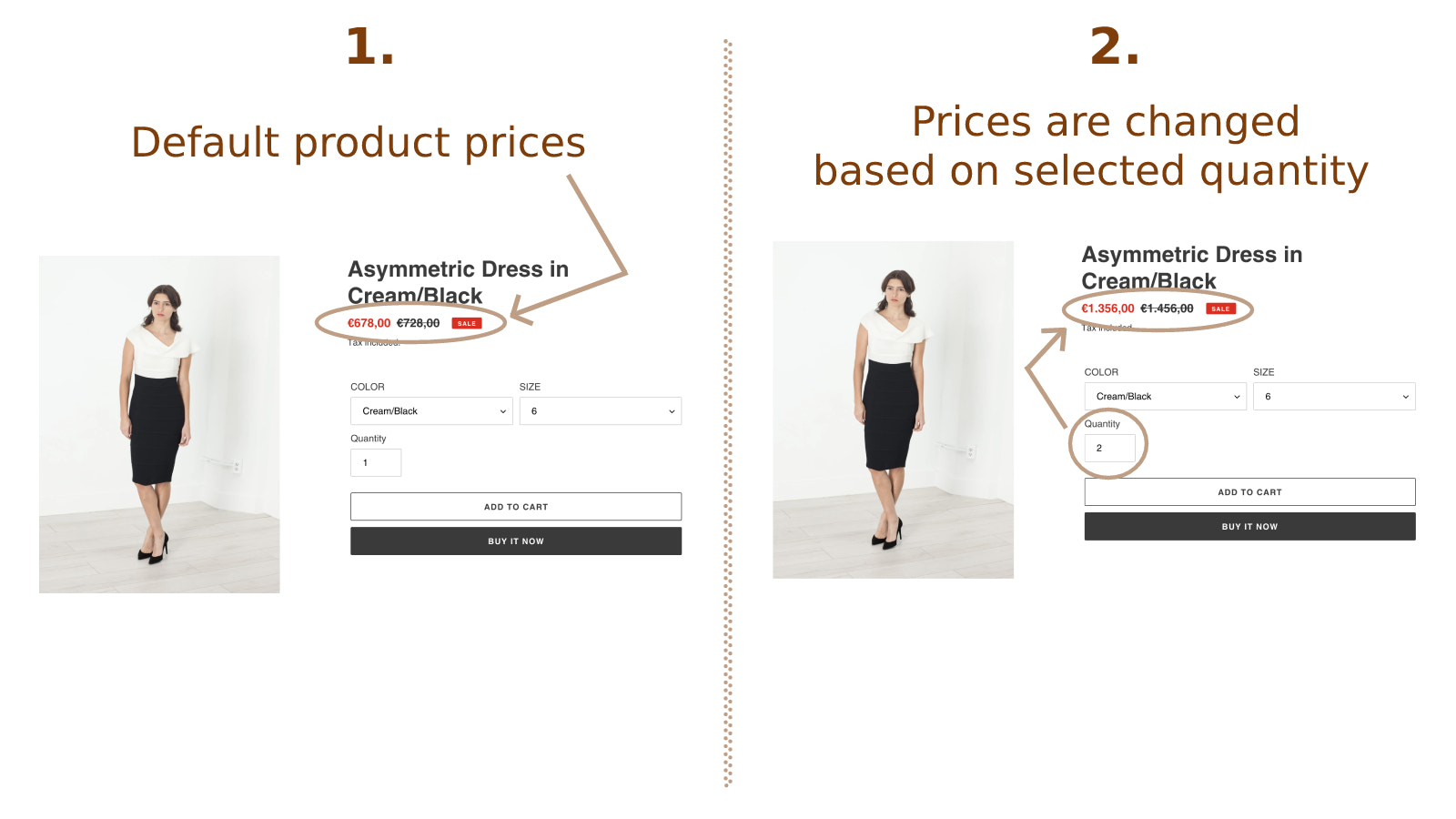
Display the product price multiplied by the quantity selected by your customer on the product detail page You can show the product price based on the quantity your customer chooses. The product price will automatically recalculate (multiply) based on the selected quantity. For example, if a product is priced at $10 and the customer sets "2" in the quantity field, they will see the product price as $20 on the product detail page. The app is compatible with different product variant prices—prices will automatically recalculate and multiply by the selected quantity even if the customer selects another product variant.
Core Functionality
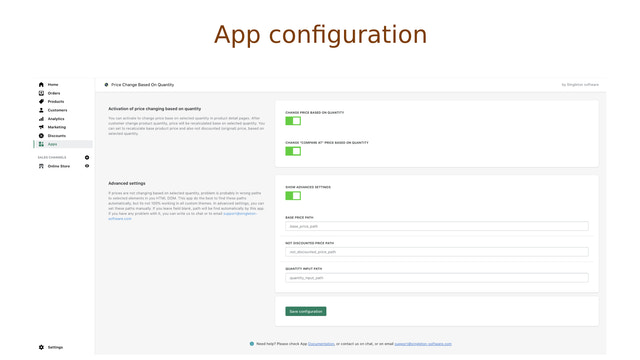
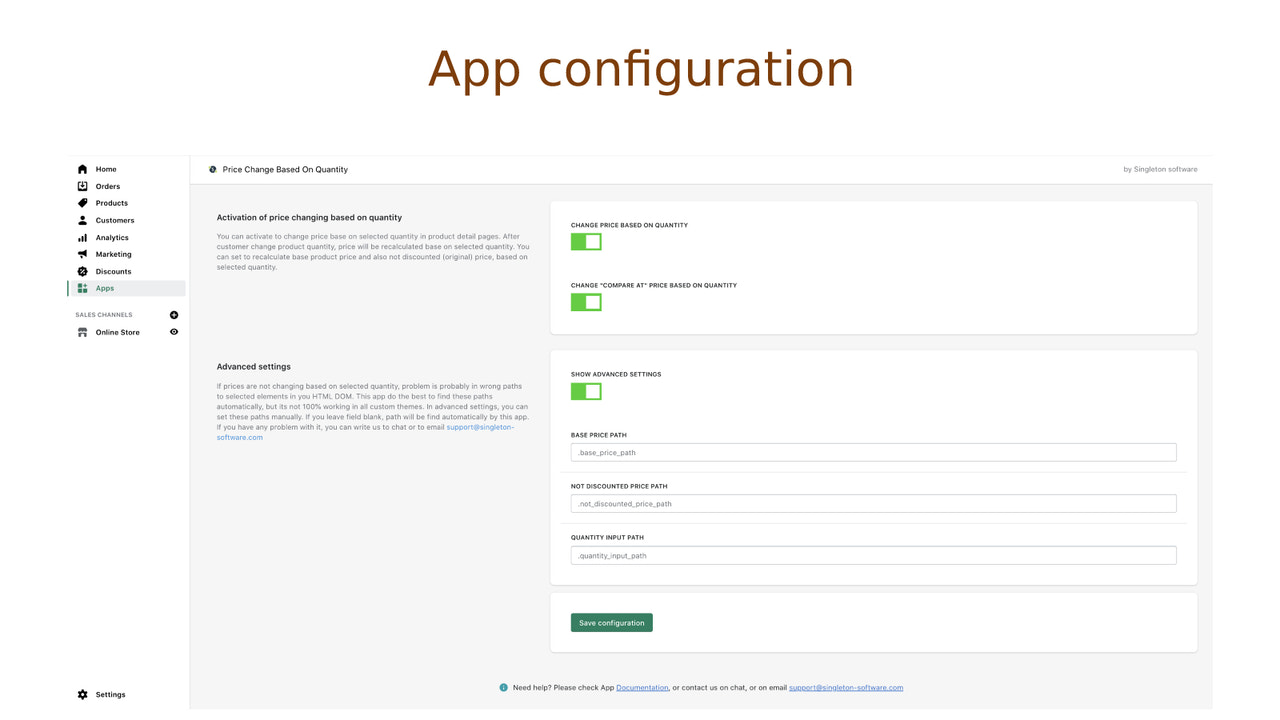
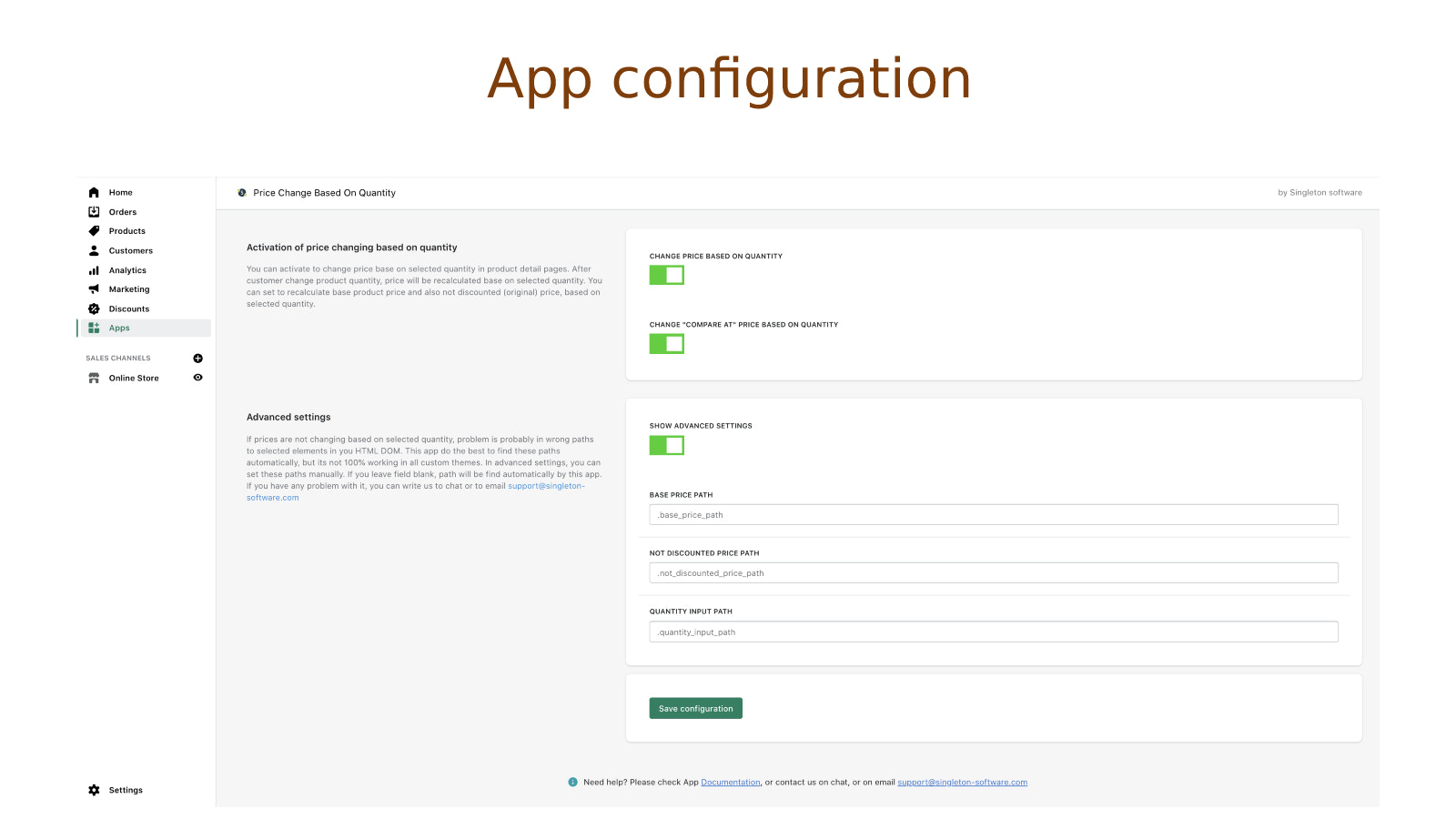
- Enable/disable changing product prices based on quantity (multiplied by quantity)
- You can even enable/disable changing the product's 'Compare at Price' based on quantity
- You can adapt this app to any of your themes in the app settings
Merchant-Friendly
- Independent Station Merchants
- Multi-category E-commerce
- Retail Small Stores
Basic Information
- Developer:Singleton software
- Address:Javornícka 12, Banská Bystrica, 97411, SK
- Price: Free / Free plan
- Rating:4.6 / 5
- Comment Count:3 comment
- Release Date:2021-3-1
- Supported languages:English
- Compatible products:Shopify
Application Screenshot

Price Plan
基础计划
- Includes all features
- Chat support within app configuration
User Location & Comments
User Location
Comments
Shopify API Used
- POST /admin/api/apps/settings.json
- PUT /admin/api/apps/settings.json
- GET /admin/api/apps/settings.json
Permission:write_shop_settings,read_shop_settings,manage_products
- POST /admin/api/apps/settings.json
- PUT /admin/api/apps/settings.json
- GET /admin/api/apps/settings.json
Permission:write_shop_settings,read_shop_settings,manage_products
- POST /admin/api/themes/{theme_id}/assets.json
- PUT /admin/api/themes/{theme_id}/assets.json
- GET /admin/api/themes.json
Permission:write_themes,read_themes,manage_apps