App Introduction
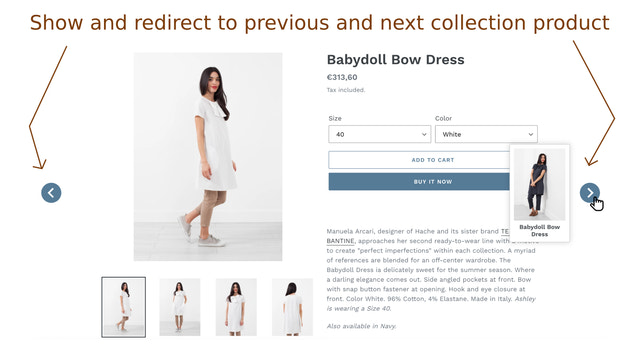
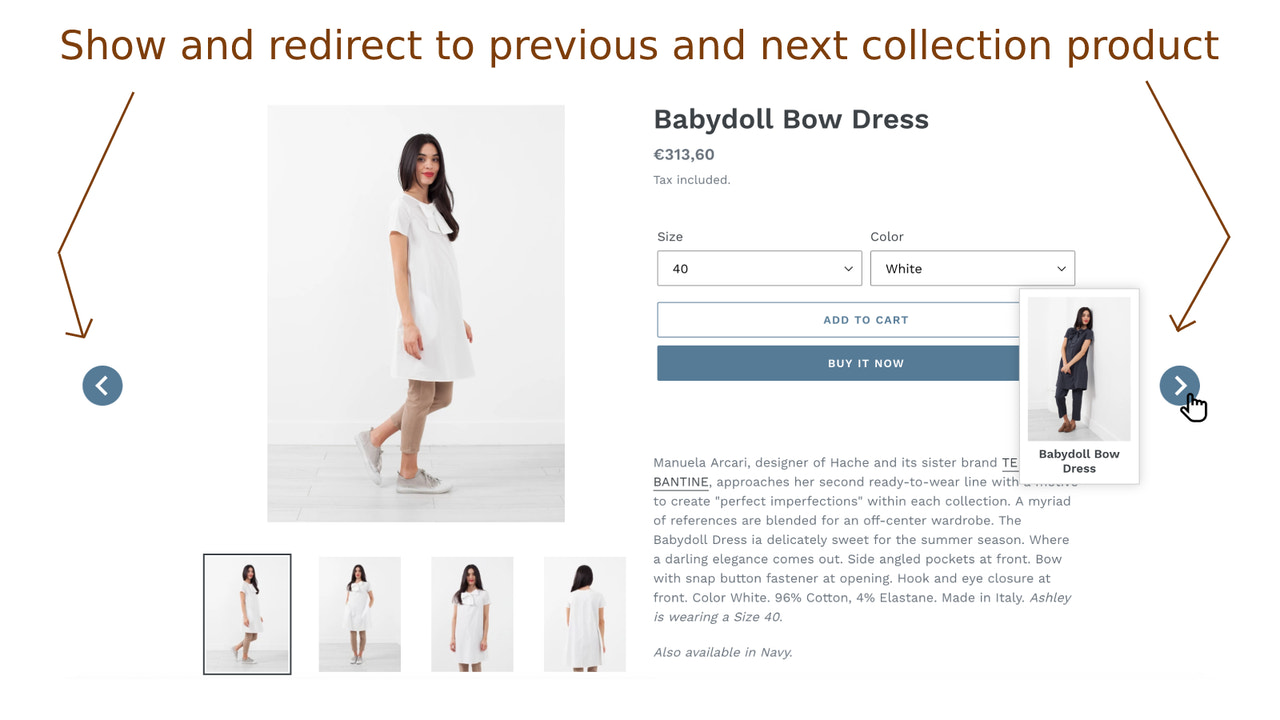
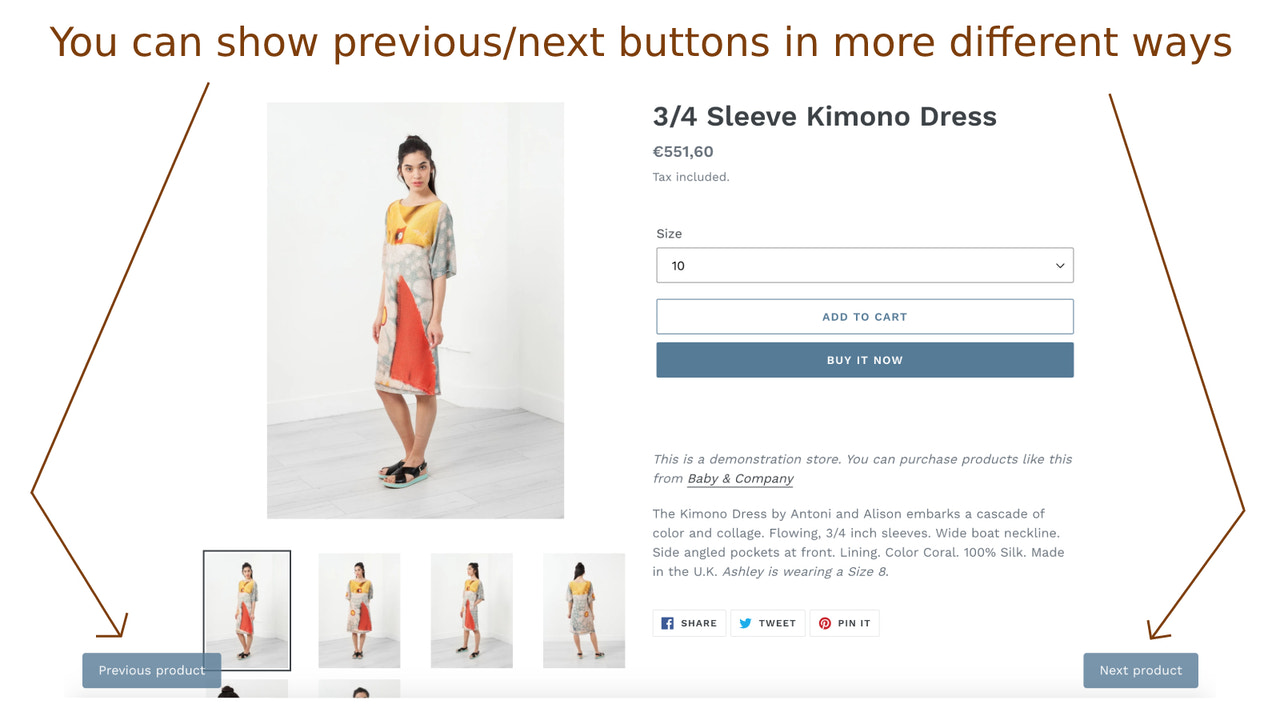
Displays the previous or next product in the same collection directly from the product detail page. This app adds two buttons—Previous and Next—on the product page. These buttons let customers view and navigate (redirect) to the previous or next product in the same collection. When customers hover over these buttons, the name and image of the previous/next product will appear. Designed to enhance your site’s user experience by offering simple navigation options, the app caters to customers who are browsing within a selected collection and always want to explore other available products.
Core Functionality
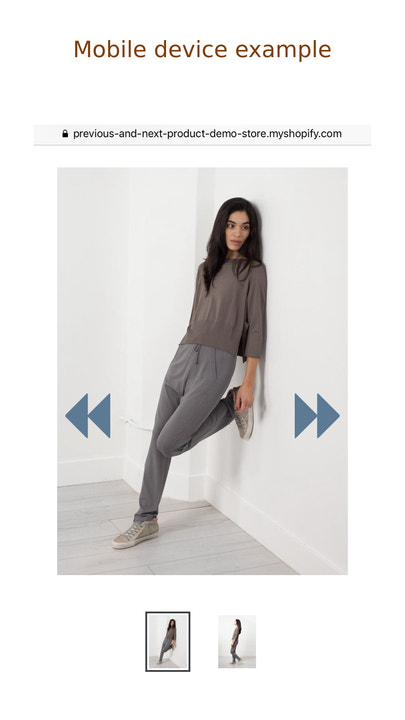
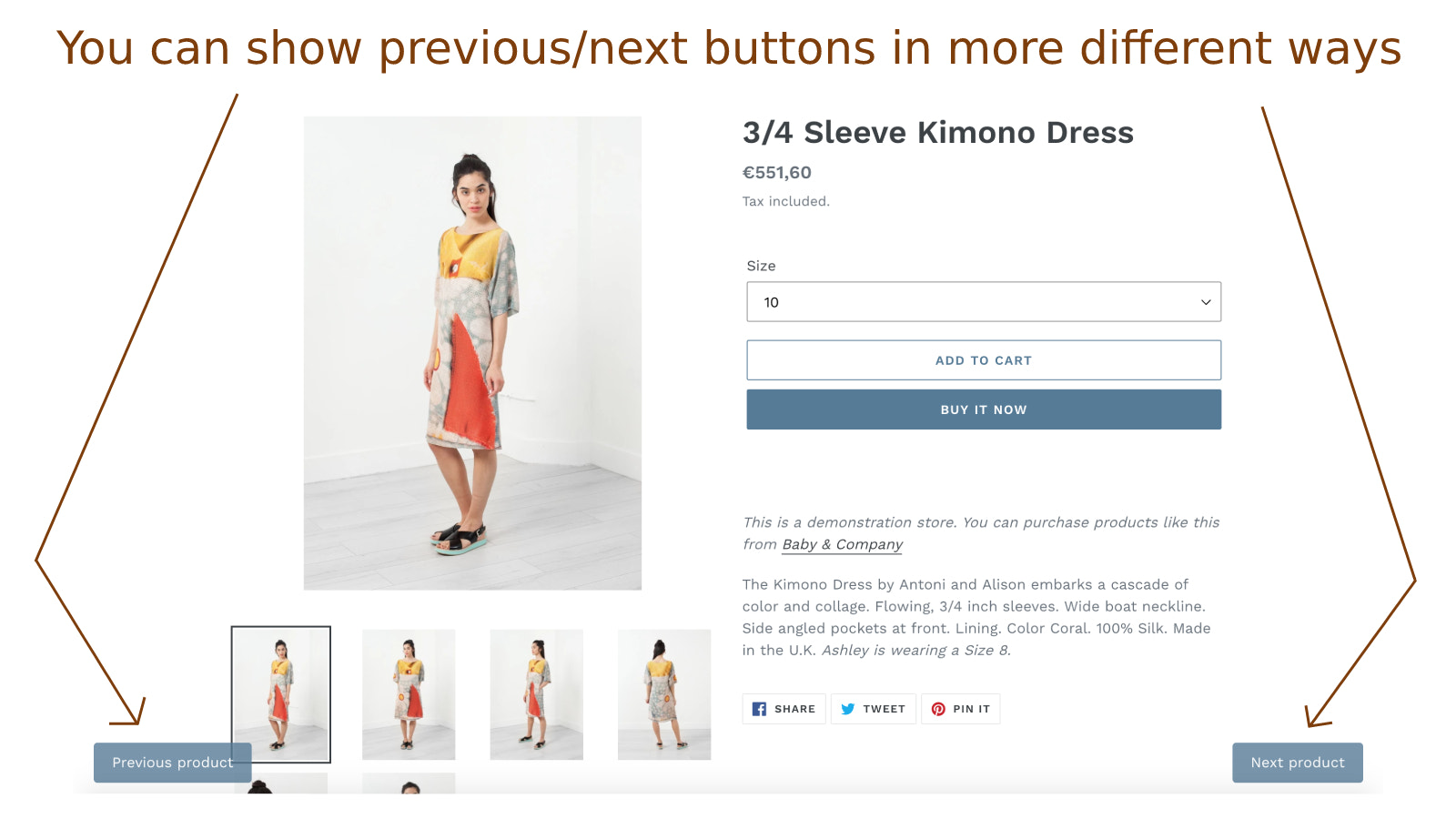
- Display the previous or next product from the same collection on the product detail page
- Customers can click the previous or next product icon and be redirected
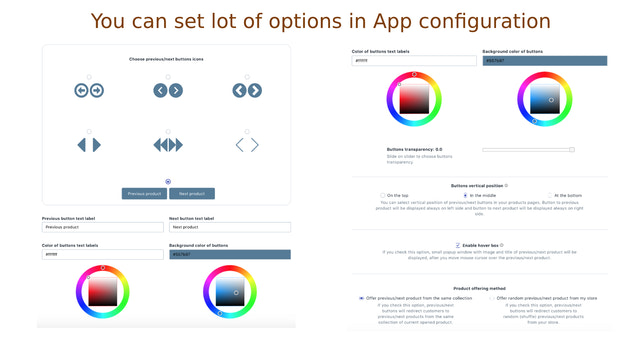
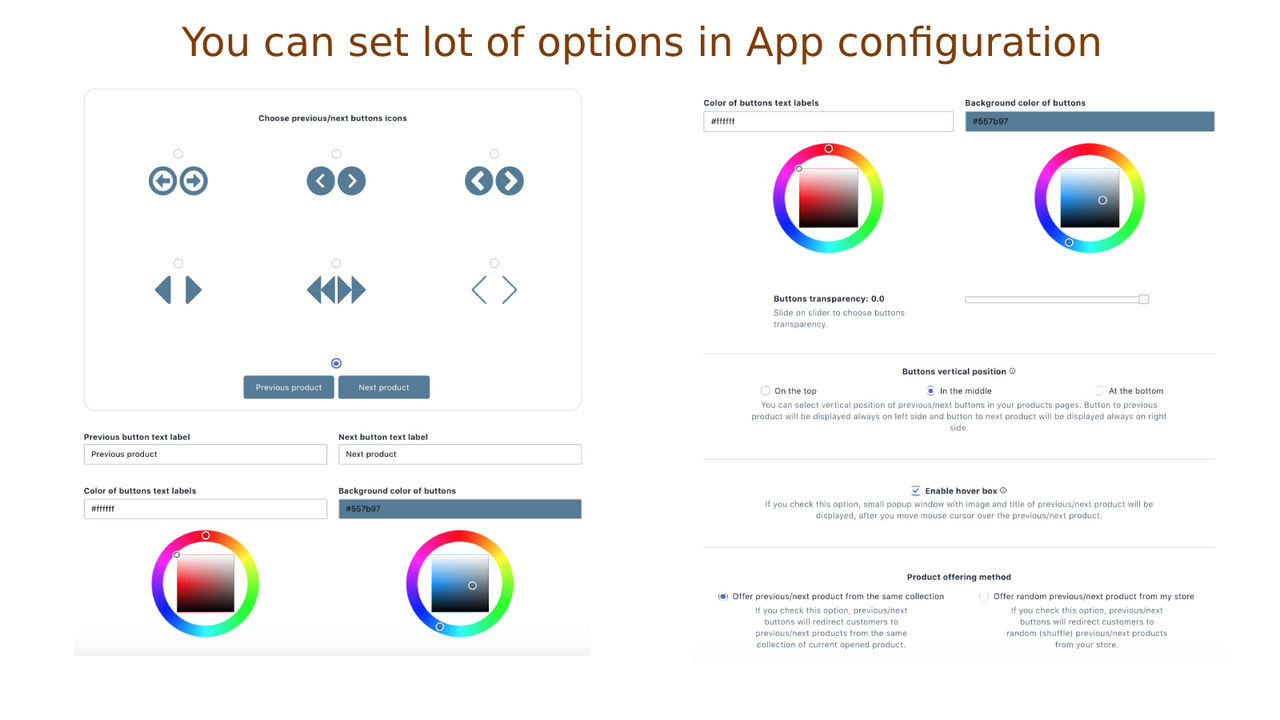
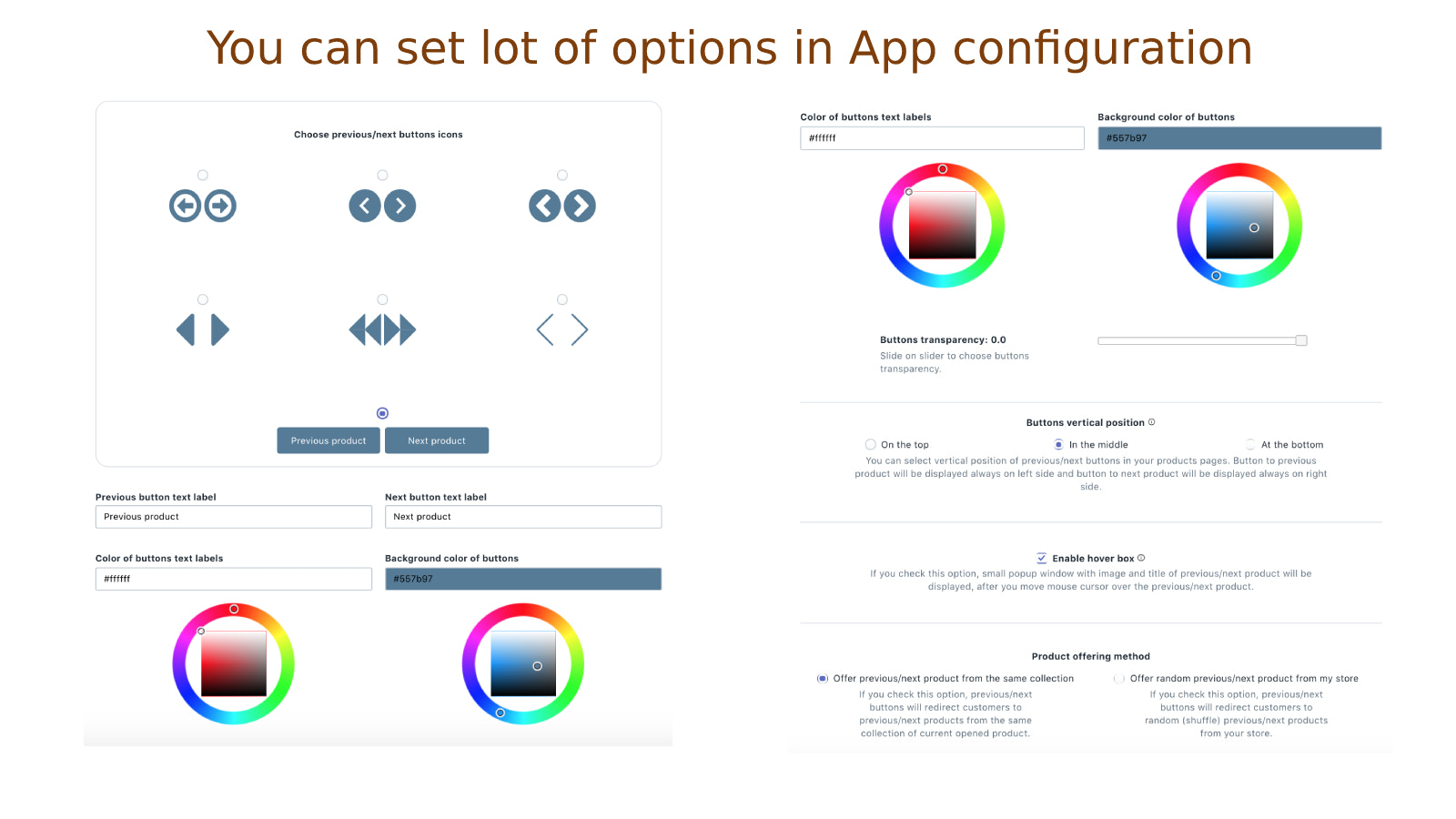
- Choose from more previous/next button icons, and customize color and transparency
- Show the thumbnail of the previous or next product when customers hover over the icon
- Set the vertical position of the icon (top, middle, or bottom)
Merchant-Friendly
- Independent Station Merchants
- Multi-category E-commerce
- Brand Direct Sales Store
- Fashion Retail Merchants
Basic Information
- Developer:Singleton software
- Address:Javornícka 12, Banská Bystrica, 97411, SK
- Price: Free / Free plan
- Rating:4.8 / 5
- Comment Count:7 comment
- Release Date:2019-10-1
- Supported languages:English
- Compatible products:Shopify
Application Screenshot



Price Plan
基础计划
- Includes all features
User Location & Comments
User Location
Comments
Shopify API Used
- GET /admin/api/products.json?collection_id={id}
- GET /admin/api/collections/{id}/products.json
- GET /admin/api/products/{product_id}.json
Permission:read_products,read_collections,view_online_store
- PUT /admin/api/online_store/themes/{theme_id}/assets.json
- GET /admin/api/online_store/themes/{theme_id}/assets.json
- POST /admin/api/online_store/themes/{theme_id}/assets.json
Permission:write_themes,read_themes,manage_online_store
- GET /admin/api/products/{product_id}/images.json
- PUT /admin/api/online_store/themes/{theme_id}/assets.json
- GET /admin/api/online_store/themes/{theme_id}/settings.json
Permission:read_products,write_themes,manage_online_store
- PUT /admin/api/online_store/themes/{theme_id}/assets.json
- GET /admin/api/online_store/themes/{theme_id}/settings.json
- POST /admin/api/online_store/themes/{theme_id}/assets.json
Permission:write_themes,read_themes,manage_online_store