
App Introduction
Manage pre-orders and backorders with Prequik to keep customers informed and boost sales. Prequik’s pre-order app enables customers to pre-purchase products and ensures they’re notified when items become available. Shoppers can place orders before a product’s official launch, helping them avoid missing out on popular items. Additionally, the app helps businesses efficiently manage inventory, prevent overselling, and reduce the risk of order cancellations.
Core Functionality
- Offer partial payments and discounts, and schedule pre-order dates
- Enable pre-orders, out-of-stock backorders, and coming soon functionality for any product
- Maximize revenue and drive sales through pre-orders and personalized product information
- Save time by quickly controlling pre-orders and restocks based on inventory levels
- Replace 'Add to Cart' with 'Coming Soon' to build anticipation for new products
Merchant-Friendly
- New Product Launch Merchants
- Preorder-focused Merchants
- Inventory-managed Merchants
- Discount-promoting Merchants
Basic Information
- Developer:Codexade
- Address:Plot no D-112 Industrial Area, Mohali, chandigarh, PB, 160055, IN
- Price: Free / Free plan
- Rating:4.9 / 5
- Comment Count:539 comment
- Release Date:2023-5-19
- Supported languages:English
- Compatible products:Shopify
Application Screenshot


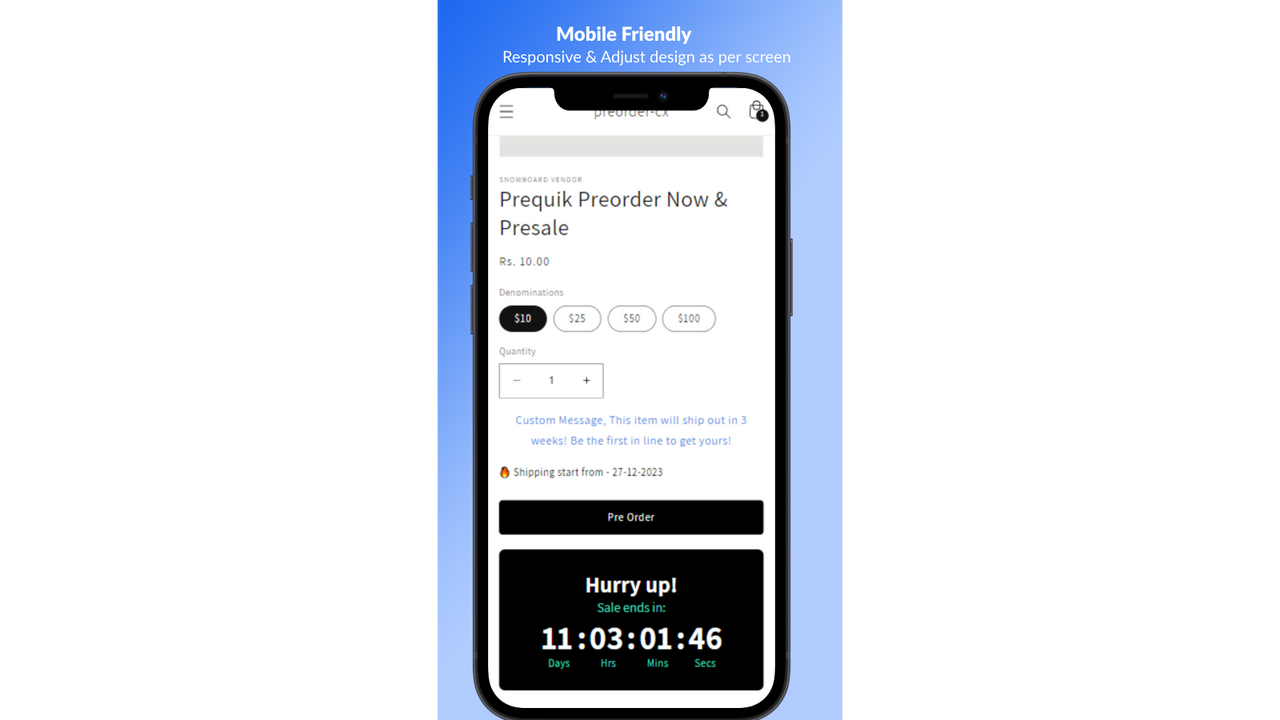


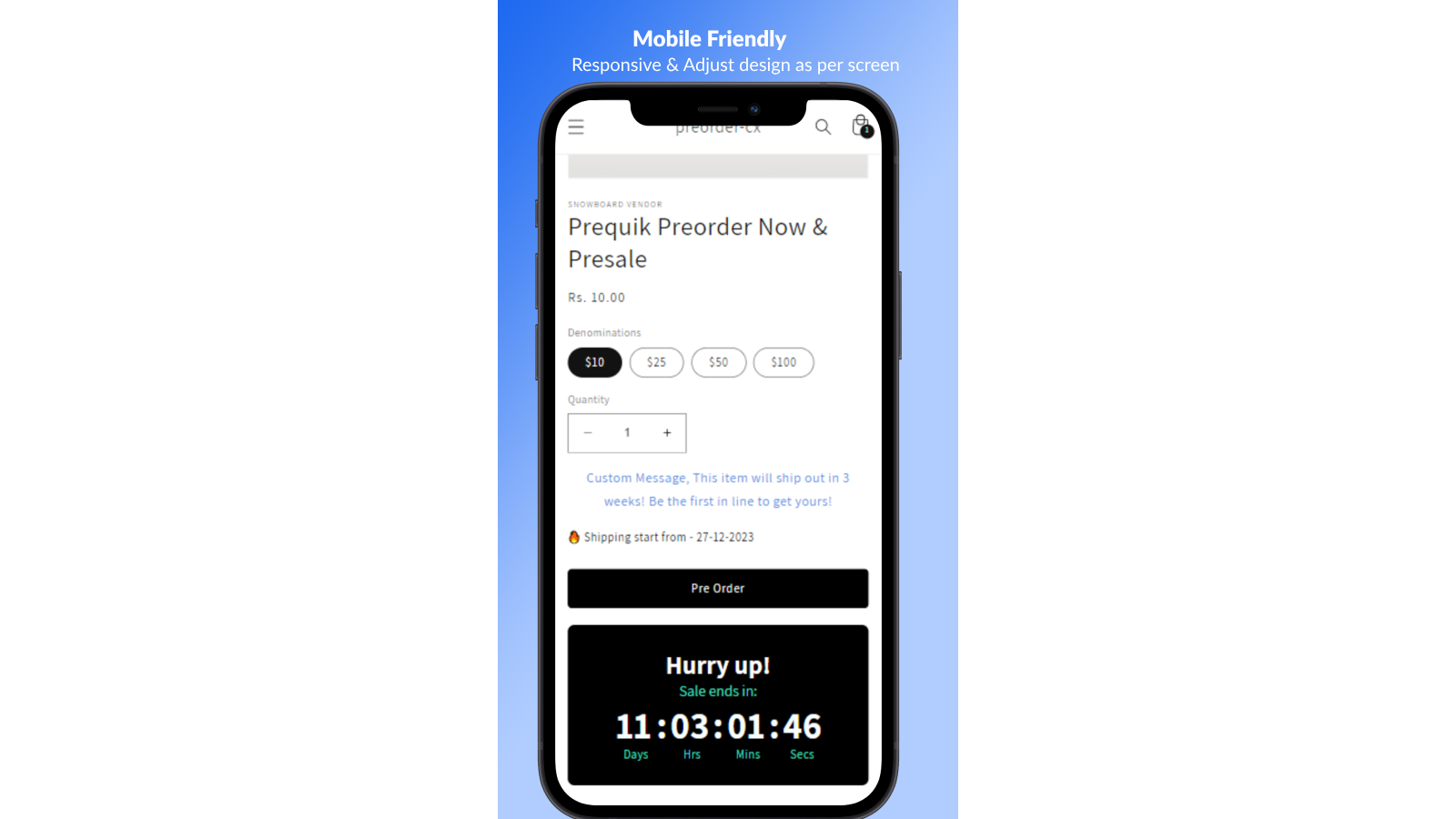
Price Plan
BASIC
$7.99
- Unlimited Funnels
- Unlimited Products
- Unlimited Inventory
- Unlimited Coming Soon
- Full Customization
- Badges
- Pre-Orders & Backorders
- Urgency Timers
STANDARD
$14.99
- Unlimited Funnels
- Unlimited Products
- Unlimited Inventory
- Unlimited Coming Soon
- Full Customization
- Badges
- Pre-Orders & Backorders
- More...
PRO
$24.99
- Unlimited Funnels
- Unlimited Products
- Unlimited Inventory
- Unlimited Coming Soon
- Full Customization
- Badges
- Pre-Orders & Presales
- More...
PLATINUM
$49.99
- Unlimited Funnels
- Unlimited Products
- Unlimited Inventory
- Unlimited Coming Soon
- Full Customization
- Badges
- Partial Payments
- 2x Hourly Development Support
User Location & Comments
User Location
Comments
Shopify API Used
- POST /admin/api/discounts.json
- PUT /admin/api/discounts/{id}.json
- GET /admin/api/discounts.json
Permission:write_discounts,read_discounts,manage_products
- POST /admin/api/products/{product_id}/metafields.json
- PUT /admin/api/products/{product_id}/metafields/{id}.json
- GET /admin/api/products/{product_id}/metafields.json
Permission:write_products,read_products,manage_metafields
- PUT /admin/api/products/{product_id}.json
- PUT /admin/api/variants/{variant_id}.json
- GET /admin/api/products/{product_id}.json
Permission:write_products,read_products,manage_inventory
- PUT /admin/api/products/{product_id}/metafields.json
- PUT /admin/api/variants/{variant_id}/metafields.json
- GET /admin/api/products/{product_id}/metafields.json
Permission:write_products,read_products,manage_metafields
- PUT /admin/api/products/{product_id}.json
- PUT /admin/api/inventory_levels.json
- GET /admin/api/products/{product_id}.json
Permission:write_products,read_products,manage_inventory



