
App Introduction
Animate with Your Brand Logo, Boost SEO CLS Score & Reduce Bounce Rate Customize Preloading for Your Store! Show users a stunning loading screen and guide them to a smooth transition into your store. Choose loaders from preset options, or upload your own images/logos and tweak loading animations with a host of customization tools. You can even enable them on selected templates and disable them on tablets/mobile devices! Will it slow down your store? Absolutely not! Preloadify optimizes images and videos, so it has minimal impact on your store’s speed.
Core Functionality
- Upload your own images, animations, or videos
- Choose from multiple presets to get started quickly
- Full control over animations, pages, and more advanced settings
- Create store preloaders in 3 minutes
- Use a simple UI for maximum impact
Merchant-Friendly
- Independent Station Merchants
- Visual E-commerce Merchants
- Small and Medium E-commerce Sellers
- Creative Brand Merchants
Basic Information
- Developer:Piric Group
- Address:Ismeta Mujezinovica, Tuzla, 75000, BA
- Price: Free / Free plan
- Rating:5 / 5
- Comment Count:17 comment
- Release Date:2020-1-21
- Supported languages:English、Spanish、French、German、Italian、Polish、Hindi、Simplified Chinese、Traditional Chinese
- Compatible products:Shopify
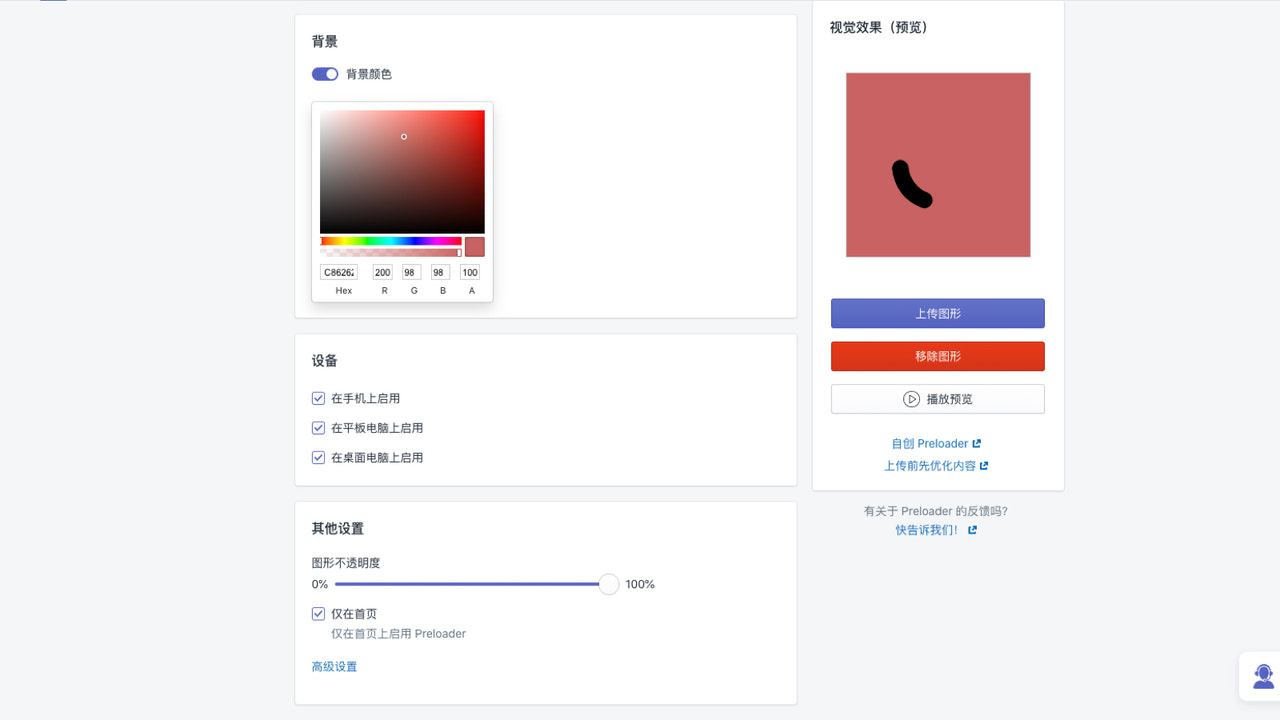
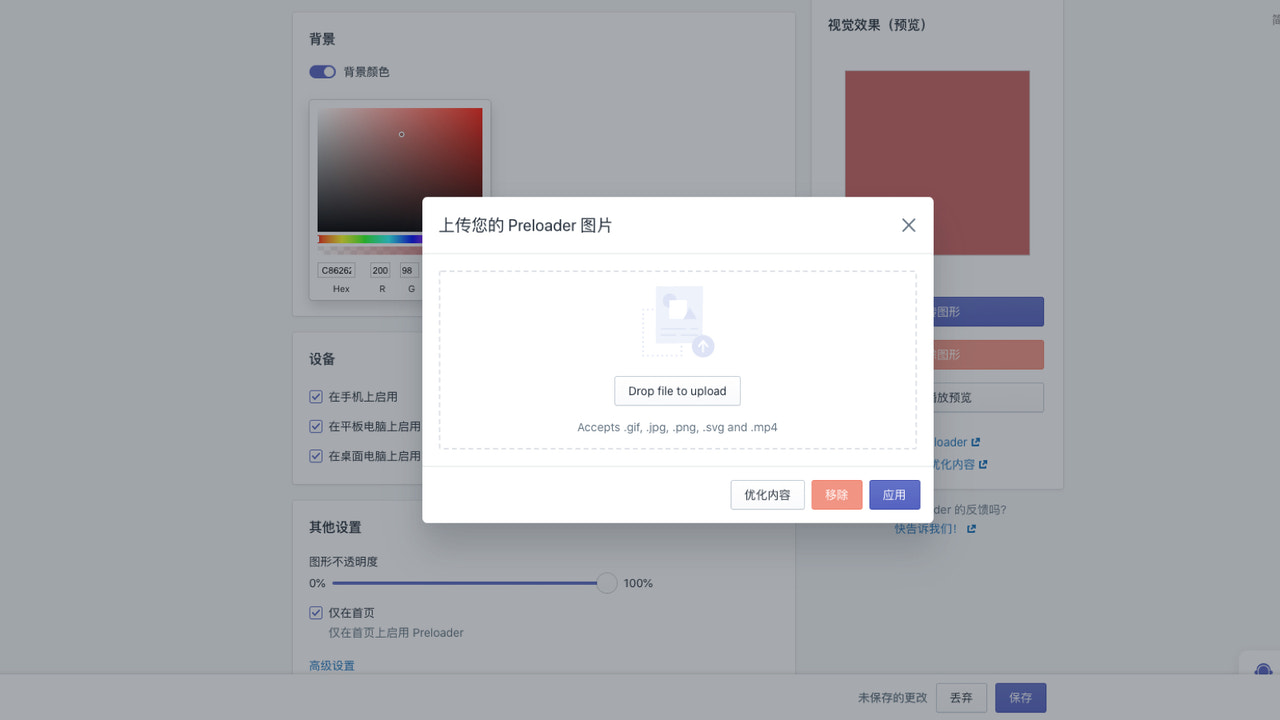
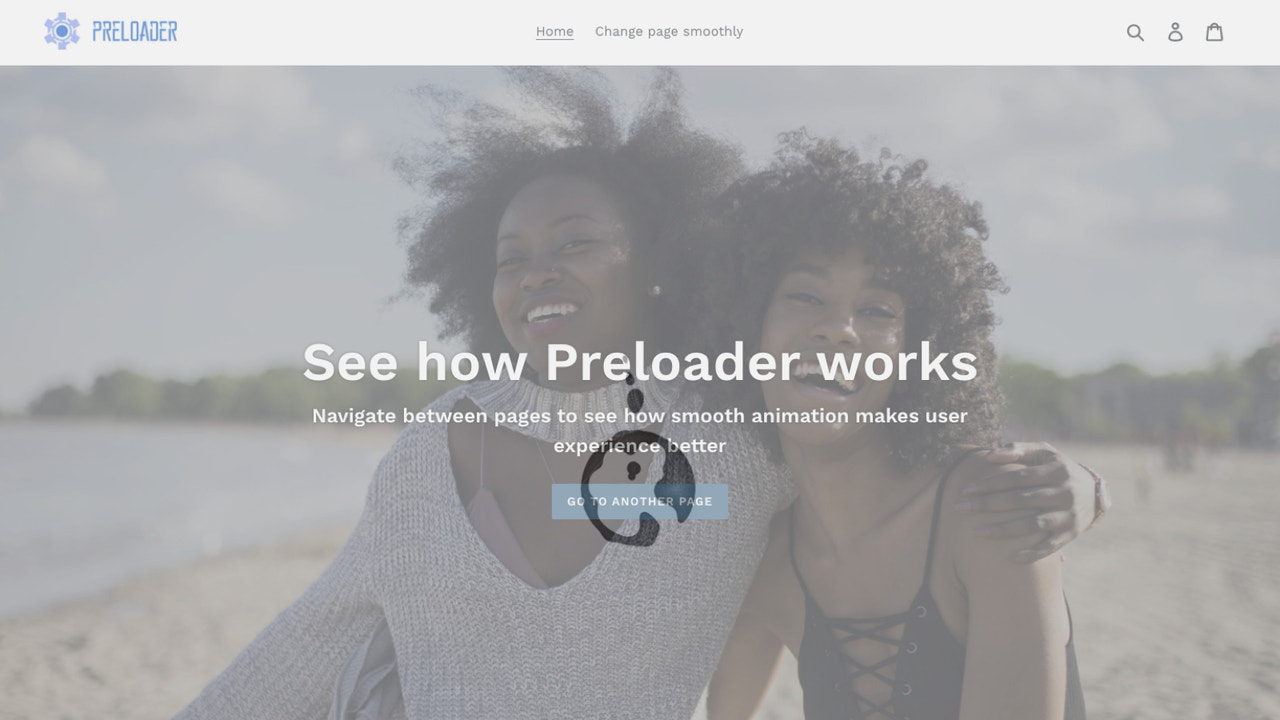
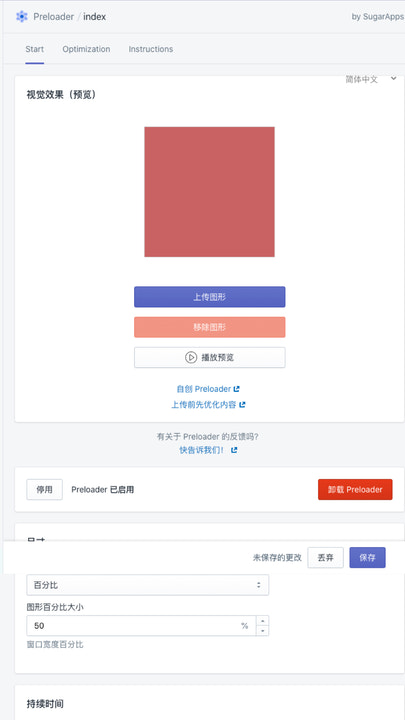
Application Screenshot
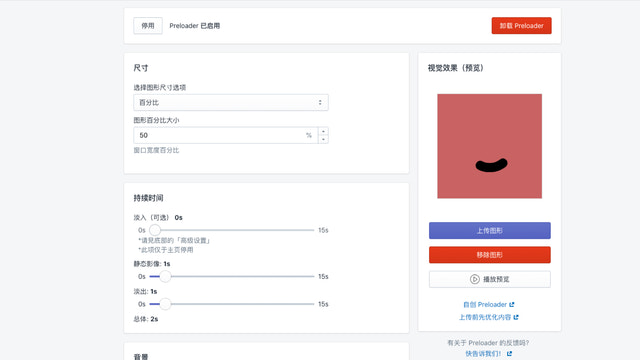
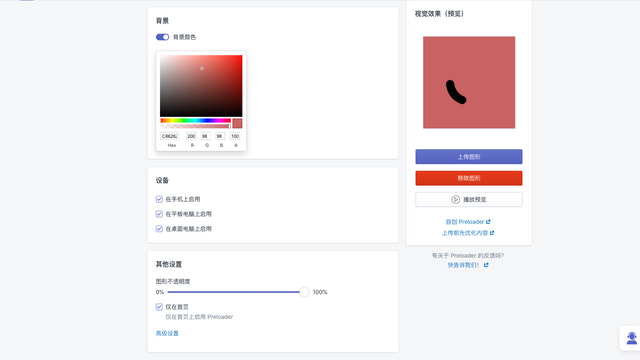
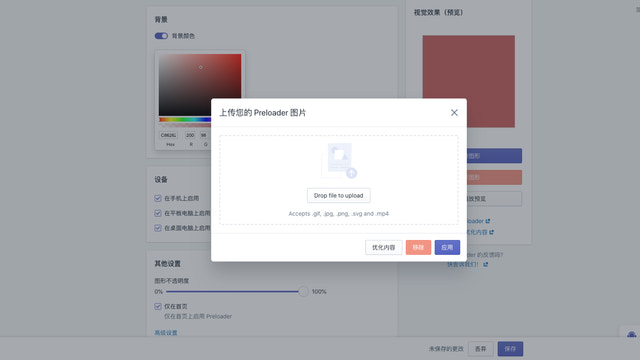
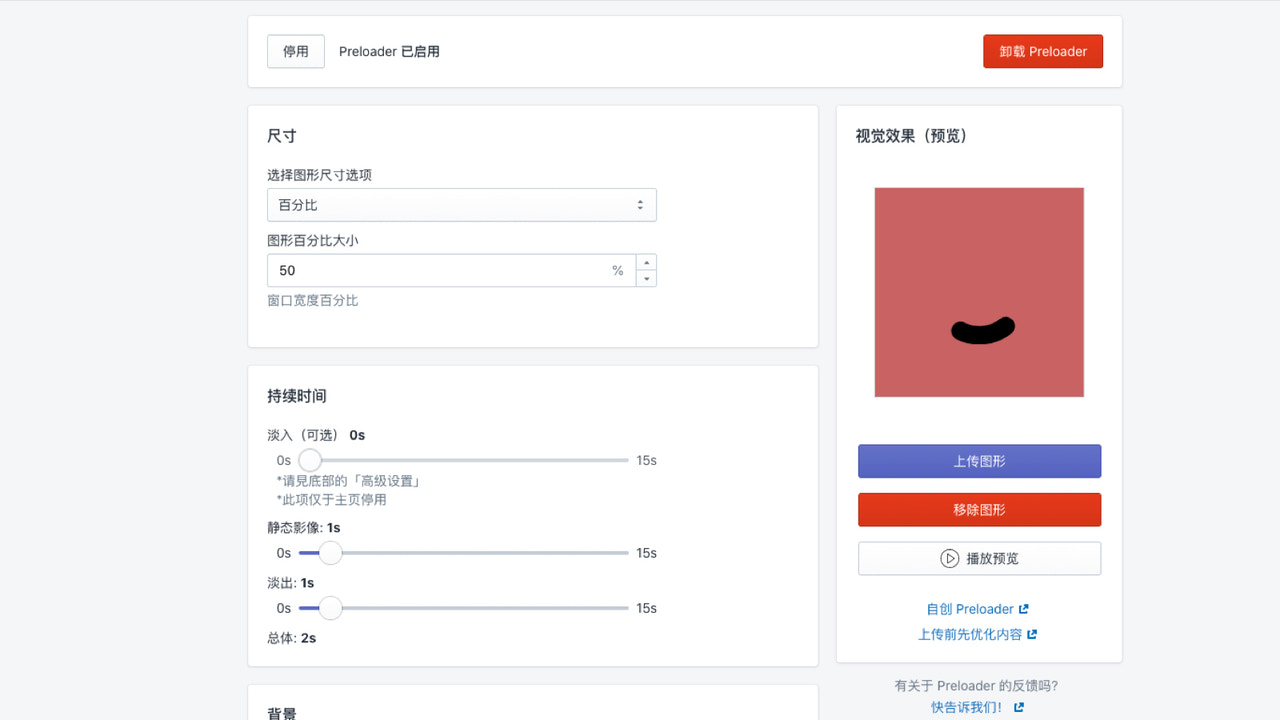
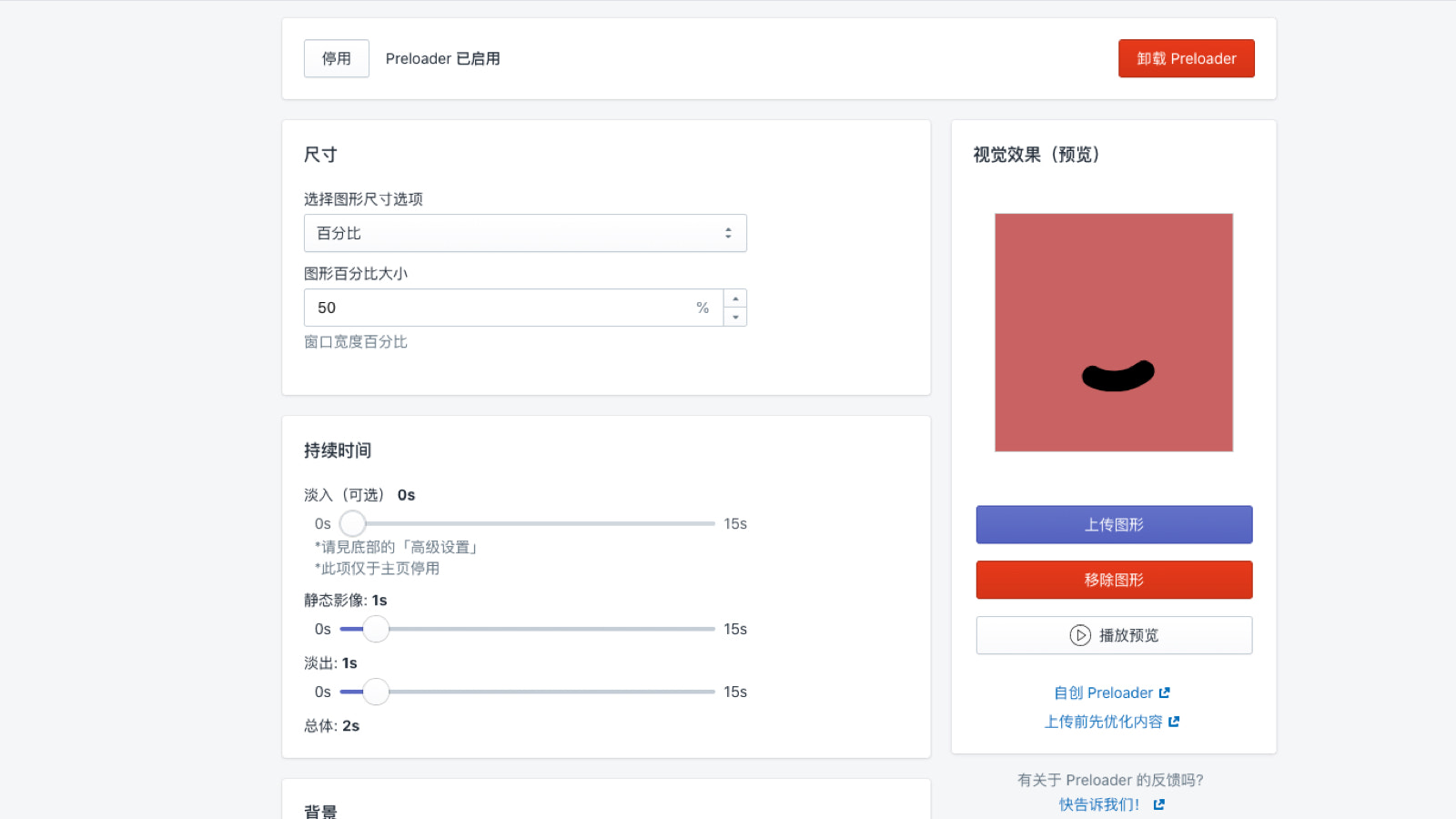
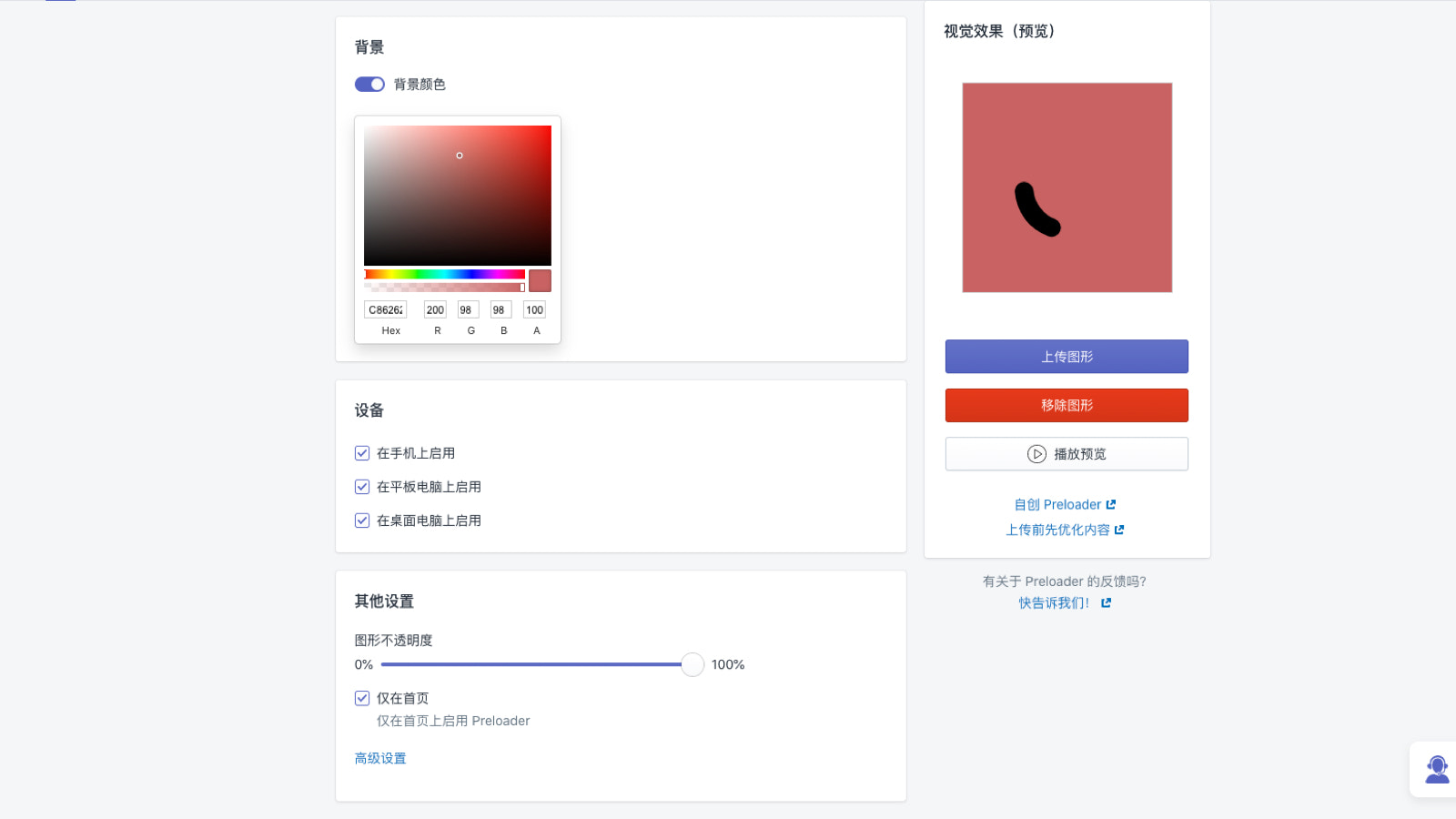
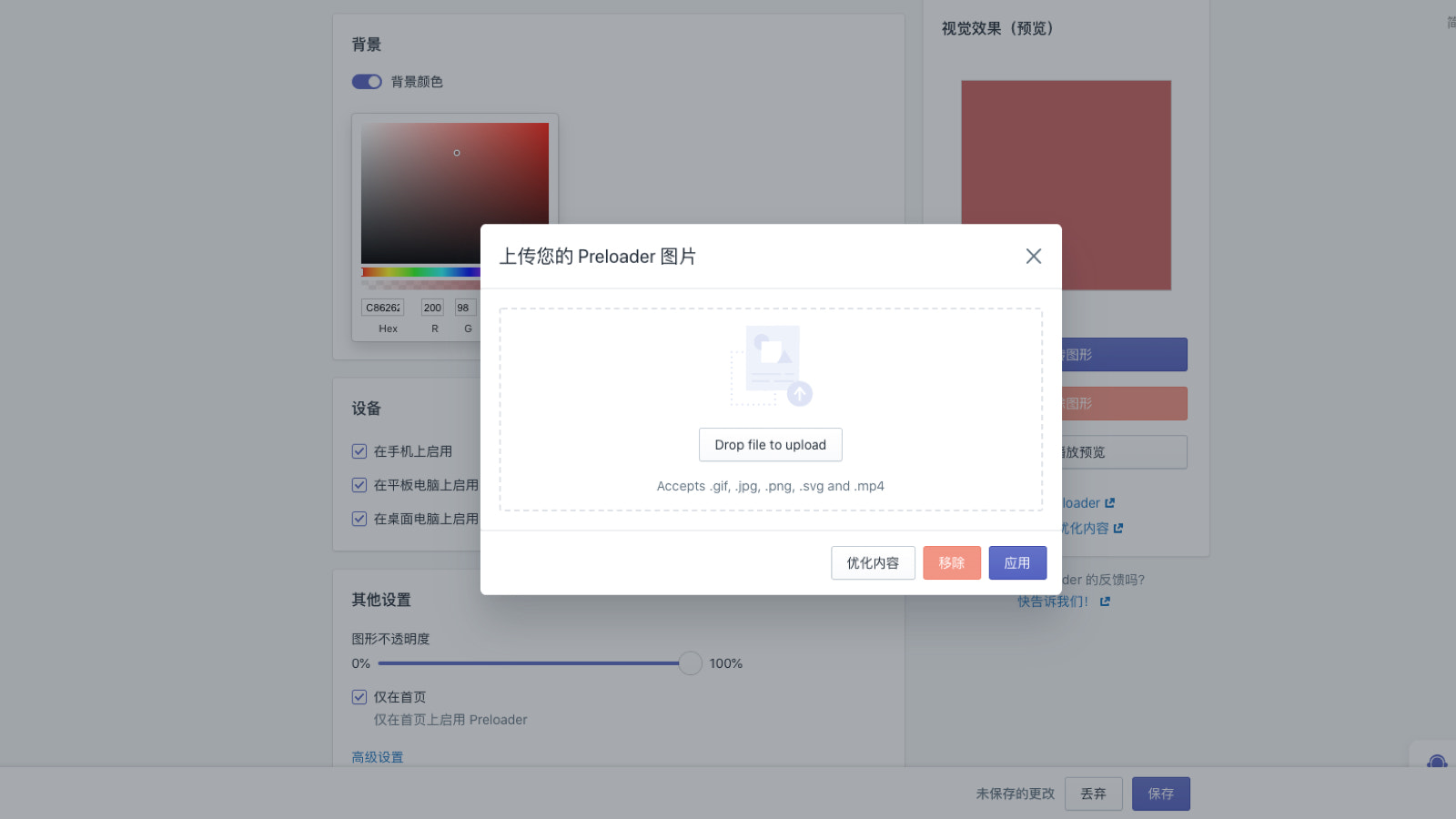
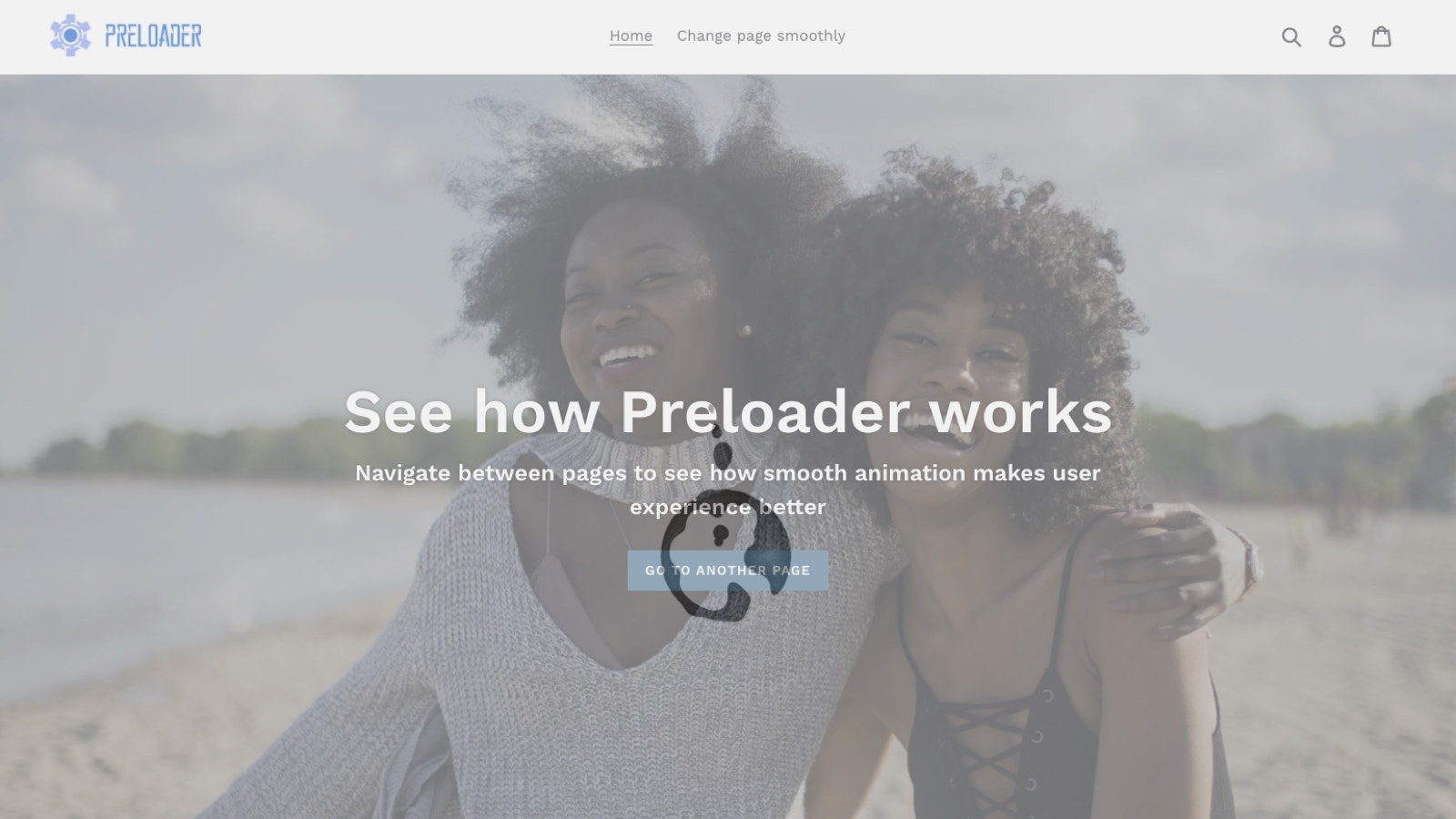
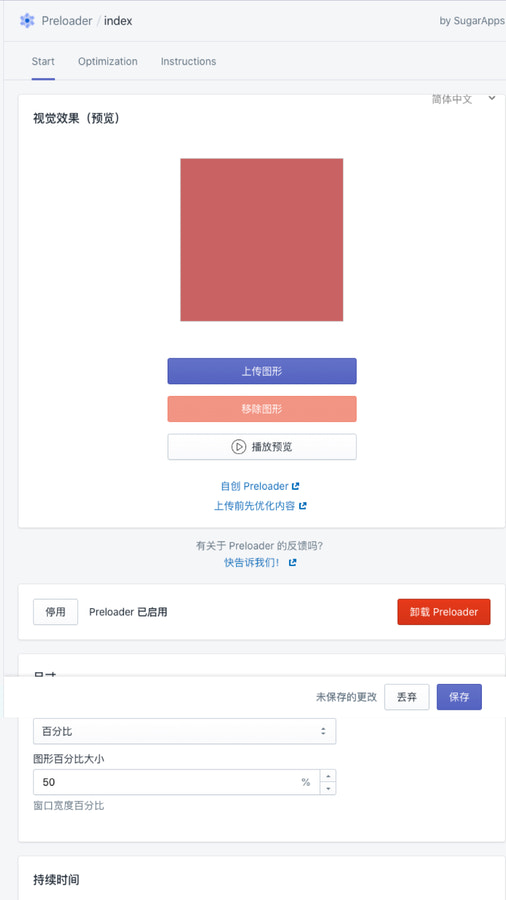
Price Plan
免费方案
- Select your favorite animation from the presets
- Adjust the settings for the effects you want
- Choose the devices to enable
- Preview the preloading in action
Plus月度方案
- Everything in the Free Plan plus:
- Upload your own images
- Select specific pages for preloading
- Set different sizes on mobile/tablet
User Location & Comments
User Location
Comments
Shopify API Used
- POST /admin/api/media.json
- PUT /admin/api/media/{id}.json
- GET /admin/api/media.json
Permission:write_media,read_media,manage_products
- GET /admin/api/presets.json
- POST /admin/api/store/preset/activate.json
- GET /admin/api/preset/{id}.json
Permission:read_presets,write_store_settings,manage_themes
- PUT /admin/api/store/animation.json
- GET /admin/api/store/animation.json
- POST /admin/api/animation/setting.json
Permission:write_store_settings,read_store_settings,manage_themes
- POST /admin/api/store/preload.json
- PUT /admin/api/store/preload/{id}.json
- GET /admin/api/store/preload.json
Permission:write_store_settings,read_store_settings,manage_themes
- GET /admin/api/ui/settings.json
- PUT /admin/api/ui/settings.json
- POST /admin/api/ui/element.json
Permission:read_store_settings,write_store_settings,manage_themes