
App Introduction
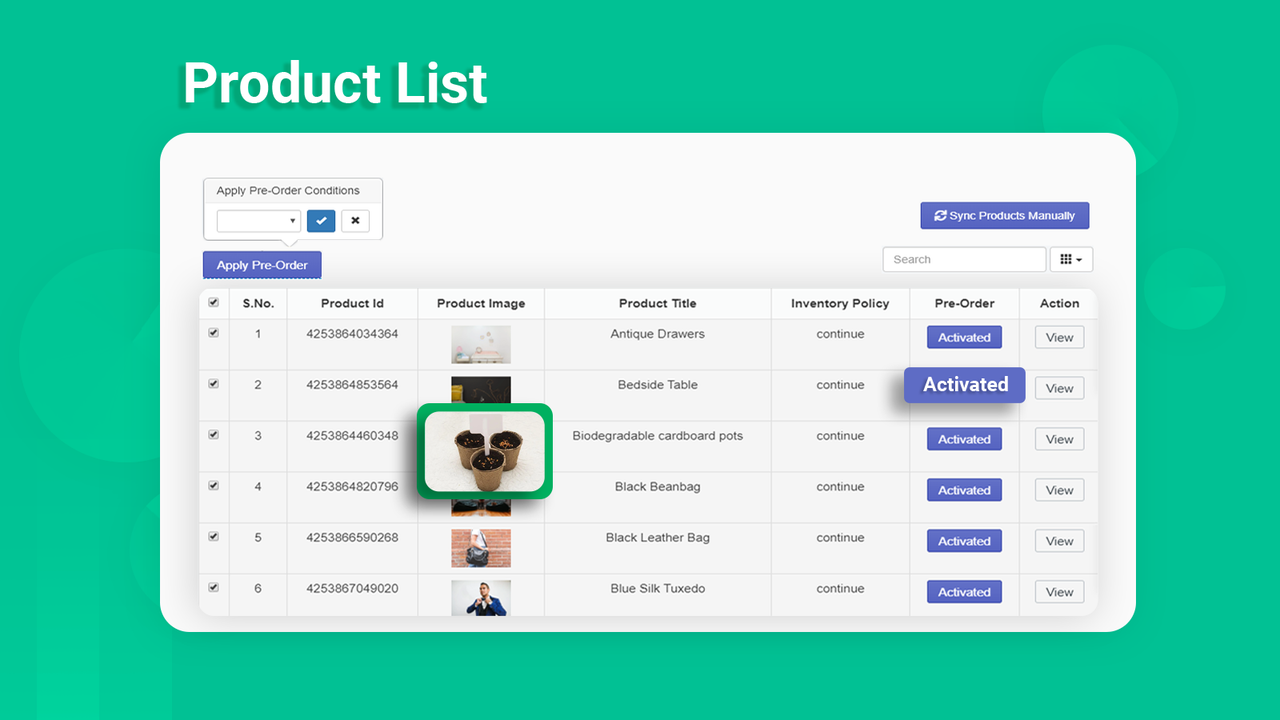
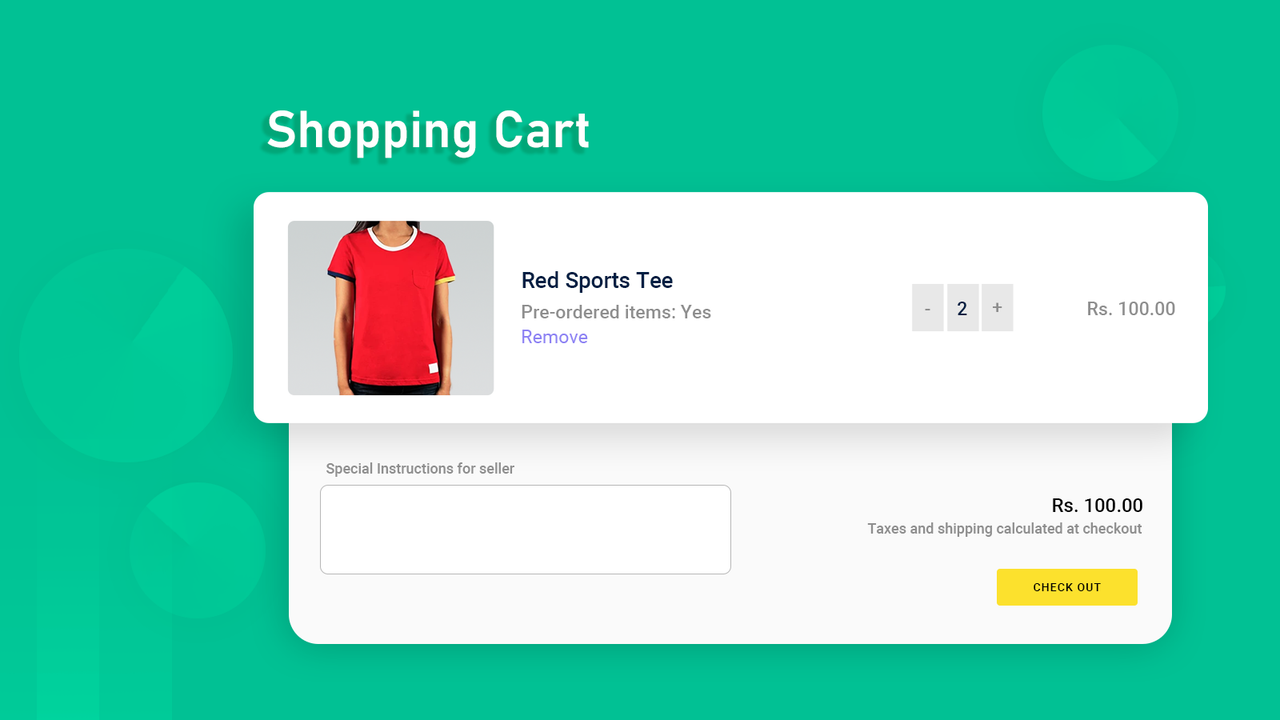
PreVue: Converts the "Out of Stock" button to a "Pre-order" button for easy product purchase. PreVue: The pre-order app is your solution. Customers can buy products even though you don’t have them in stock yet. All you need to do is mark products as "Pre-order" and set an expected "Additional Stock" quantity you know will be available. Plus, customers will see a customizable button (e.g., "Pre-order") on the product page. Your customers can purchase out-of-stock items. It also displays pre-order labels on products enabled for pre-order in the app. ### New Feature – "Restock" Functionality Now Live
Core Functionality
- Send automated email notifications to customers when products are restocked.
- Send email notifications to admins when products are available for pre-order.
- Pre-order button display settings and restock function settings
- Preview option to use 'Add to Cart' button style for the 'Pre-order' button
- The app automatically replaces 'Add to Cart' with 'Pre-order'
Merchant-Friendly
- Preorder E-commerce
- Inventory-sensitive Merchants
- Independent Station Sellers
- Apparel Merchants
Basic Information
- Developer:ZendApps
- Address:6, Royal Sun City Special, Borkhera, Kota, RJ, 324001, IN
- Price: Free / Free plan
- Rating:4.8 / 5
- Comment Count:11 comment
- Release Date:2019-11-11
- Supported languages:English
- Compatible products:Shopify
Application Screenshot





Price Plan
高级计划
- 预订限量
- 预订行项目标签
- 重新入库警报
- 在产品上显示预订标签
- 无限产品支持
User Location & Comments
User Location
Comments
Shopify API Used
- POST /admin/api/emails.json
- GET /admin/api/products.json?status=active
- PUT /admin/api/orders/{order_id}/notes.json
Permission:send_email,read_products,write_orders
- POST /admin/api/notifications.json
- GET /admin/api/products.json?tags=preorder
- PUT /admin/api/staffs/{staff_id}/notifications.json
Permission:manage_notifications,read_products,write_staffs
- POST /admin/api/settings.json
- GET /admin/api/shop.json
- PUT /admin/api/themes/{theme_id}/assets.json
Permission:manage_settings,read_shop,write_themes
- POST /admin/api/buttons.json
- GET /admin/api/themes/{theme_id}/assets.json
- PUT /admin/api/products/{product_id}/metafields.json
Permission:manage_themes,read_products,write_metafields
- POST /admin/api/scripts.json
- GET /admin/api/products.json?status=active
- PUT /admin/api/themes/{theme_id}/assets.json
Permission:manage_scripts,read_products,write_themes



