
App Introduction
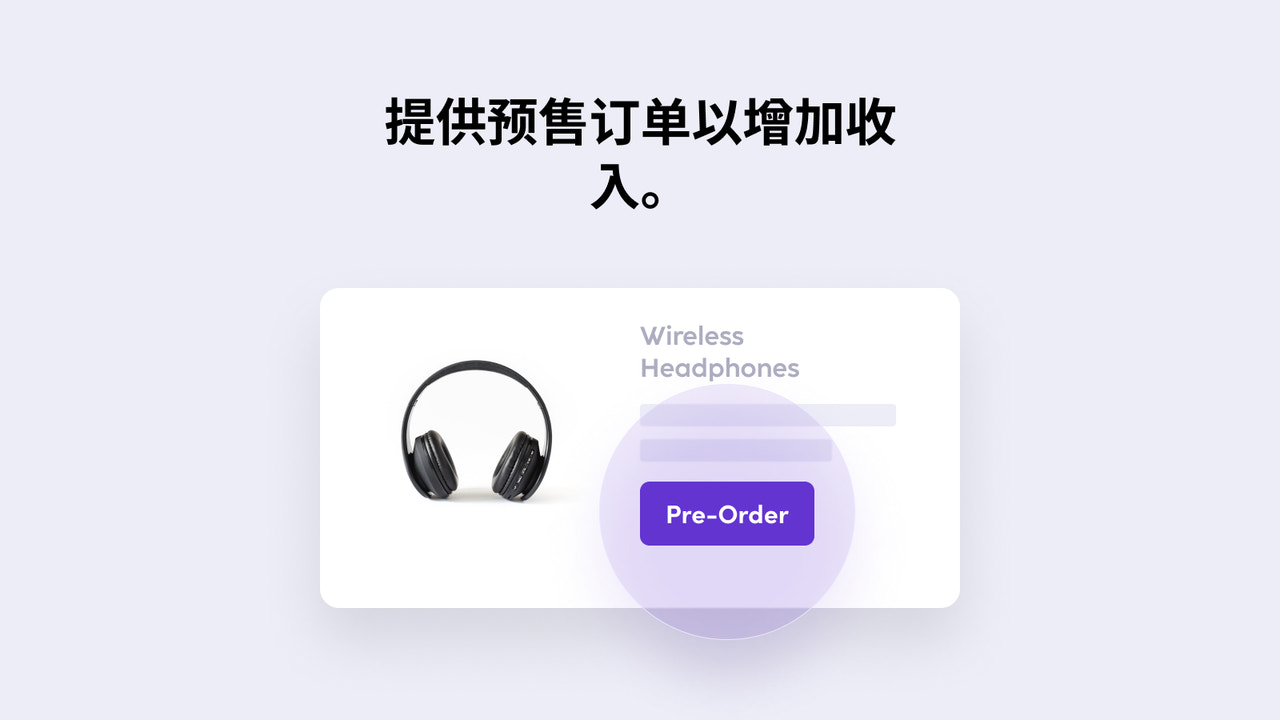
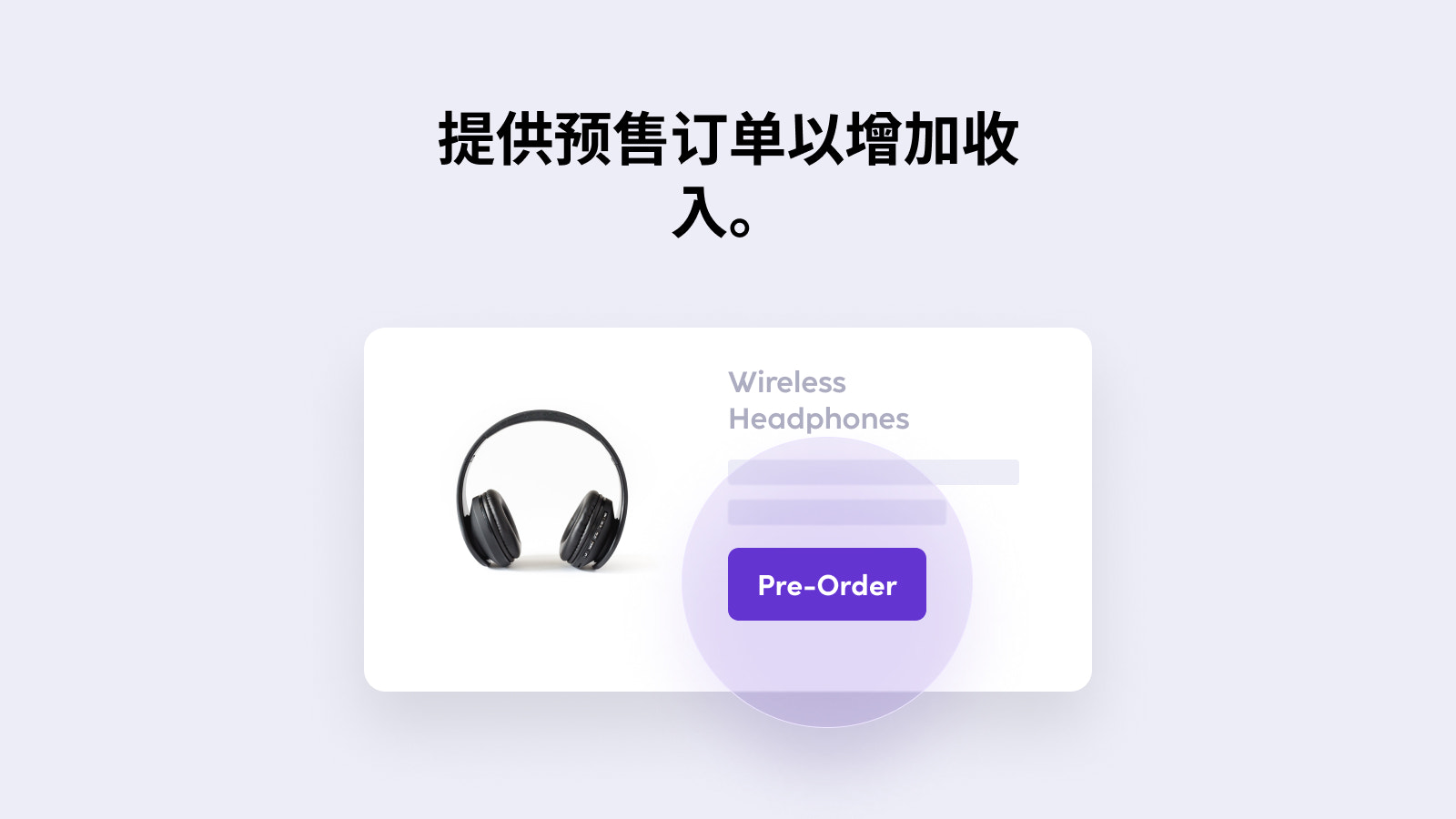
Let your customers pre-order your products. With Pre-Order Helper, invite your customers to easily place pre-orders and schedule delivery dates. Customize your product and collection pages, and track total sales items in the app’s centralized dashboard. Pre-Order Helper also lets you design pre-order buttons in line with your brand guidelines. Don’t miss out on sales opportunities for out-of-stock or unavailable items. Offer pre-order options to your customers to boost your product sales and revenue.
Core Functionality
- Allow customers to pre-order out-of-stock products and their variants.
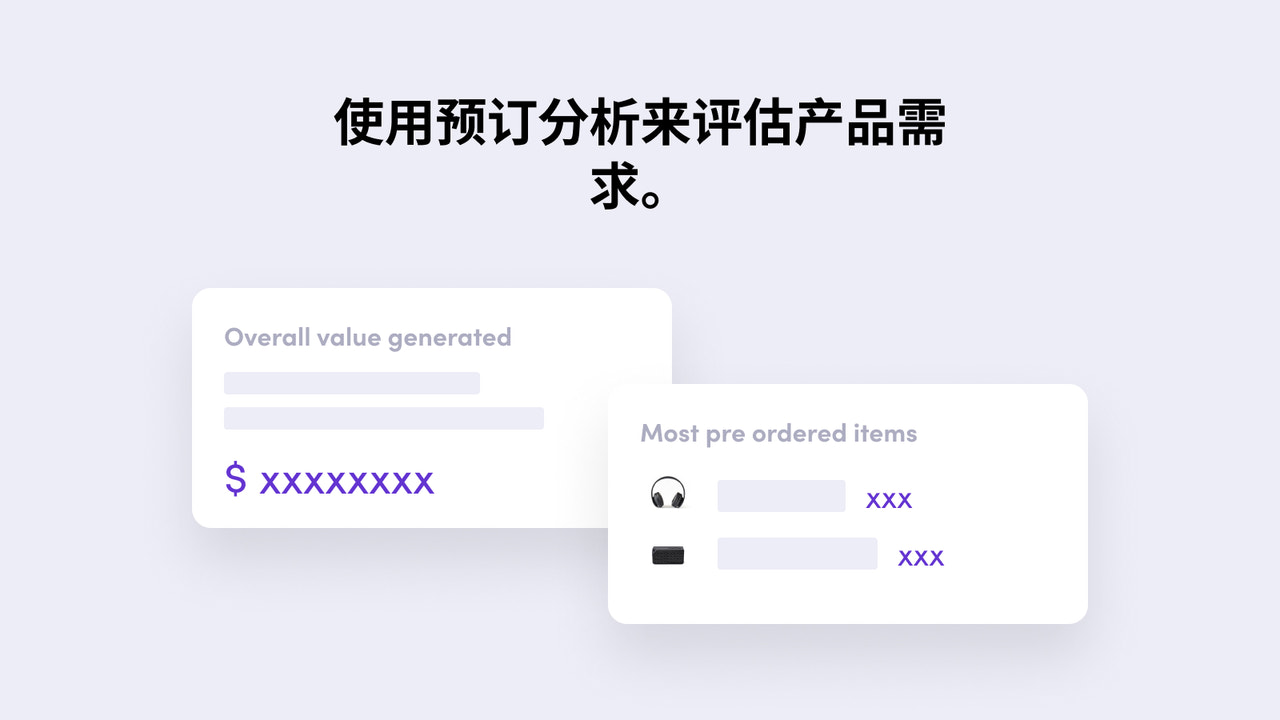
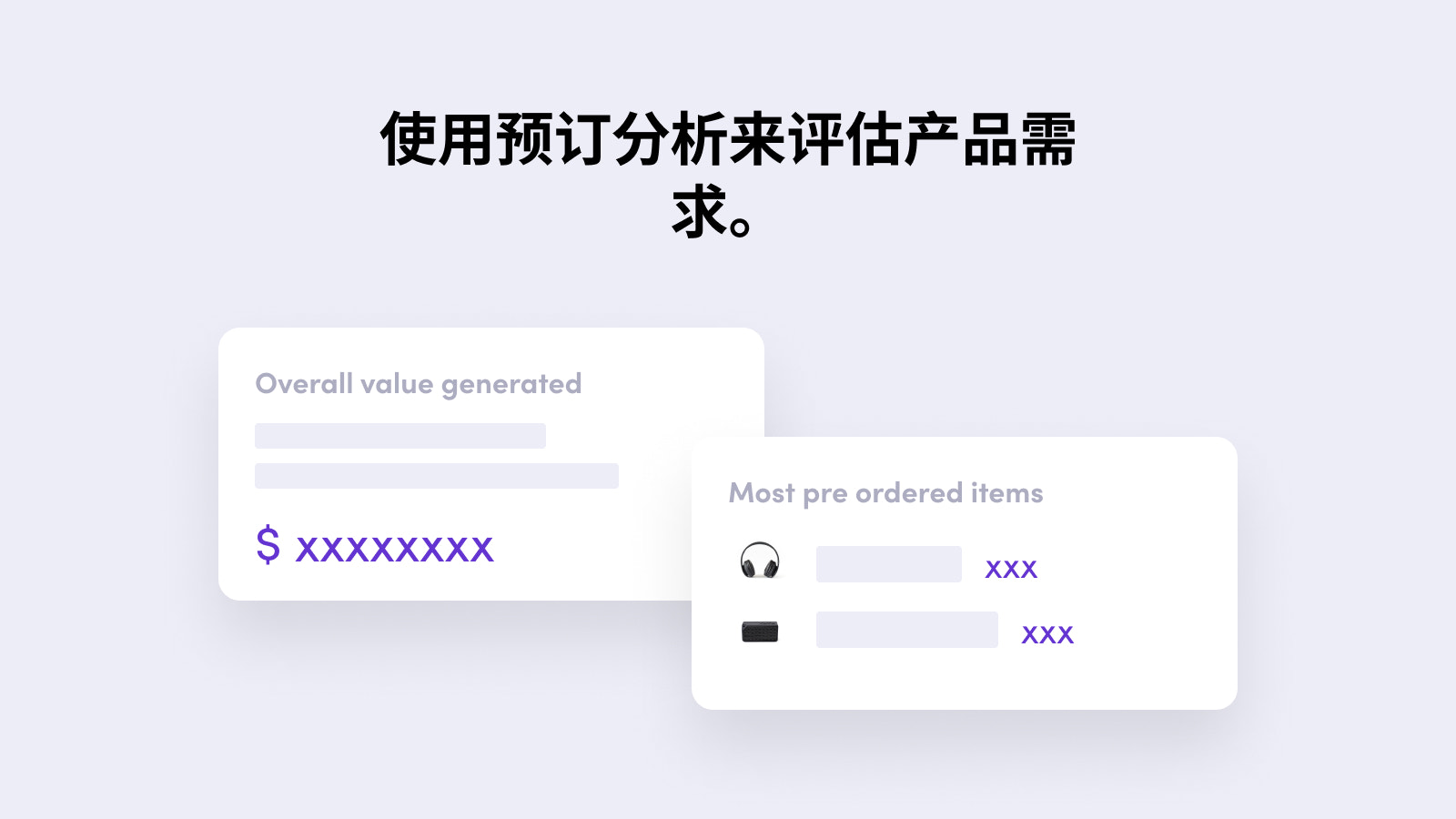
- Centralized analytics dashboard to view ROI and app-generated revenue.
- Simple design widgets to customize pre-order buttons, text, and styles to match your brand.
- Import/export functionality to enable pre-orders for multiple specific products/SKUs.
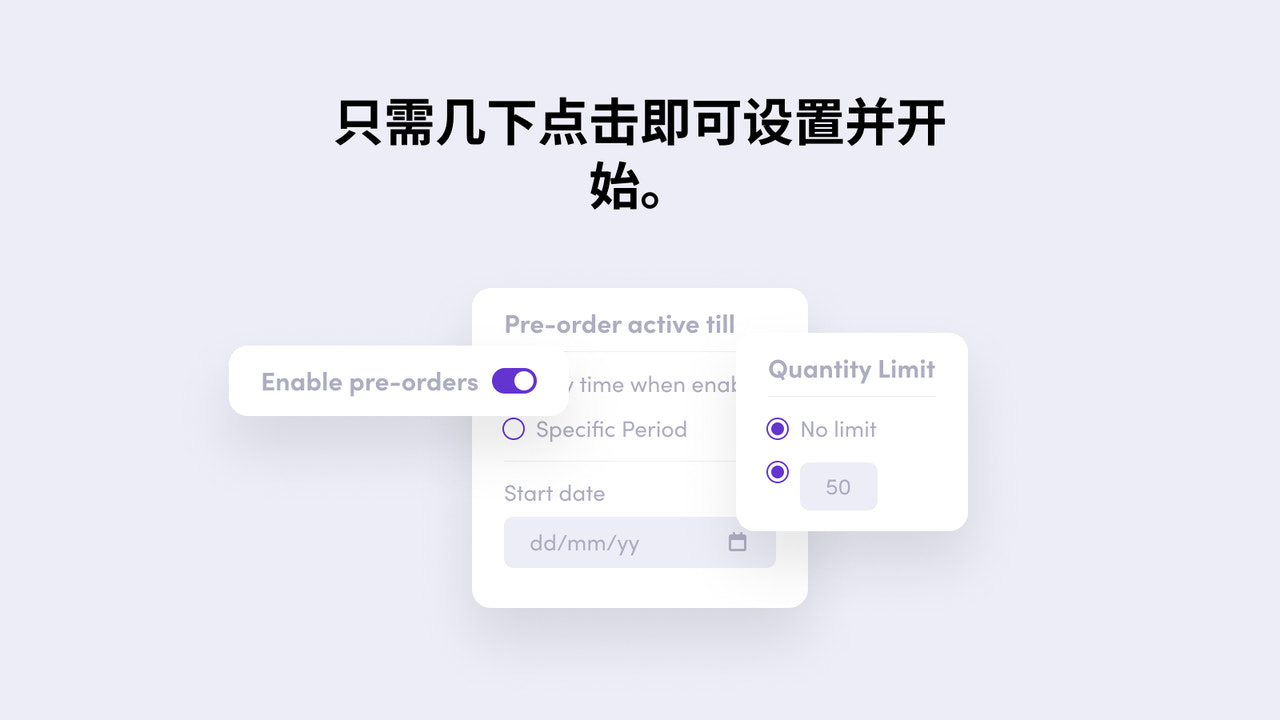
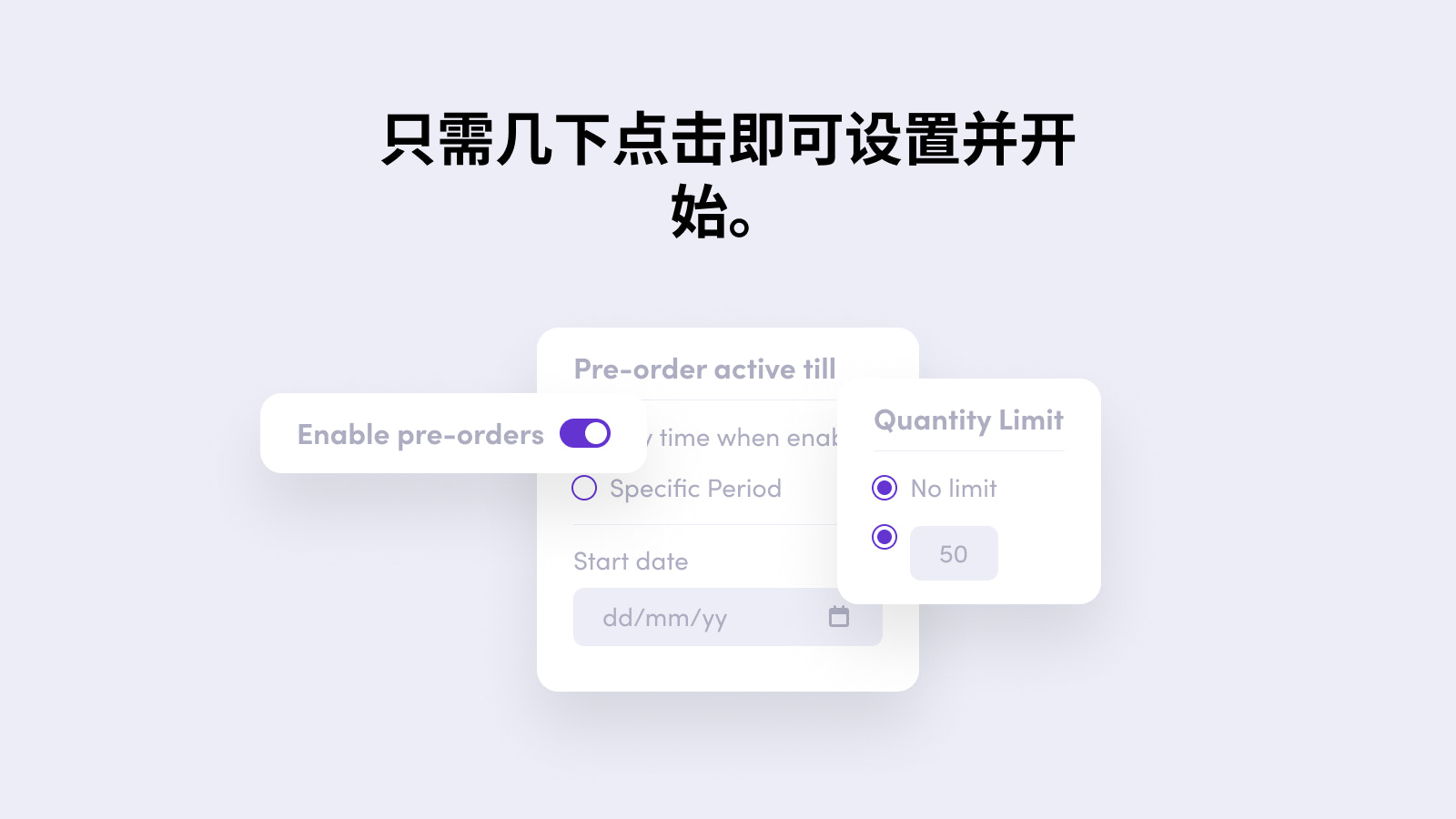
- Schedule and fulfill orders on a later date.
Merchant-Friendly
- Limited Inventory Merchants
- Pre-sale E-commerce
- Multi-category Retailers
- Brand Independent Stations
- Custom Product Merchants
Basic Information
- Developer:Wholesale Helper
- Address:1 Kingdom St, Paddington Central, London, ENG, W2 6BD, GB
- Price: Free / Free plan
- Rating:4.6 / 5
- Comment Count:9 comment
- Release Date:2019-6-11
- Supported languages:English
- Compatible products:Shopify
Application Screenshot




Price Plan
免费
- Allow booking for a single product
- Booking feature on collection pages
- Basic analytics
基础版
- Allow pre-orders for unlimited products
- Pre-order functionality on collection pages
- Import/export product and variant settings
- Basic analytics
专业版
- Includes all features of the Basic Plan
- Allows pre-orders for products with inventory
- Allows customers to select delivery dates for pre-ordered products
User Location & Comments
User Location
Comments
Shopify API Used
- POST /admin/api/products/{product_id}/reservations.json
- GET /admin/api/products/{product_id}/reservations.json
- PUT /admin/api/reservations/{reservation_id}.json
Permission:write_reservations,read_reservations,manage_products
- GET /admin/api/reports/reservation_roi.json
- GET /admin/api/analytics/reservation_sales.json
- GET /admin/api/reports/application_revenue.json
Permission:read_analytics,read_reports,read_orders
- POST /admin/api/settings/reservation_widgets.json
- PUT /admin/api/settings/reservation_widgets/{widget_id}.json
- GET /admin/api/settings/reservation_widgets.json
Permission:write_settings,read_settings,manage_themes
- POST /admin/api/reservations/import.json
- GET /admin/api/reservations/export.json
- PUT /admin/api/reservations/import/batch.json
Permission:write_reservations,read_reservations,manage_products
- POST /admin/api/orders/{order_id}/fulfillment_schedule.json
- PUT /admin/api/fulfillment_schedules/{schedule_id}.json
- GET /admin/api/orders/{order_id}/fulfillment_schedule.json
Permission:write_orders,read_orders,manage_fulfillments