
App Introduction
Boost conversions, enhance store design, and elevate the shopping experience with the Video Slider Feed! Embed the POWR Video Slider to showcase product tutorials, recommendations, or promotional videos on any page or across multiple pages. Help store visitors visualize the benefits of your products or services through an engaging sliding video feed. Increase store engagement with video titles or videos on your homepage. Upload tutorials and how-to videos, or create a page filled with product videos. Customize your video slider to match your store’s theme using custom colors and fonts, transition effects, playback options, and more!
Core Functionality
- Create any video display style – slider, banner, gallery, hero, or full-page
- Set video feeds to autoplay and/or loop automatically, then configure playback delay
- Enable automatic video cropping and set aspect ratio – 16:9, 4:3, or custom
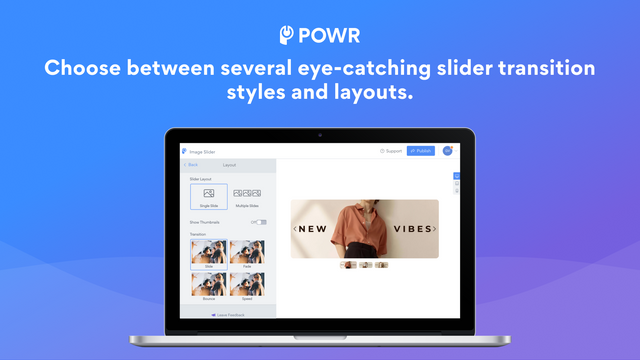
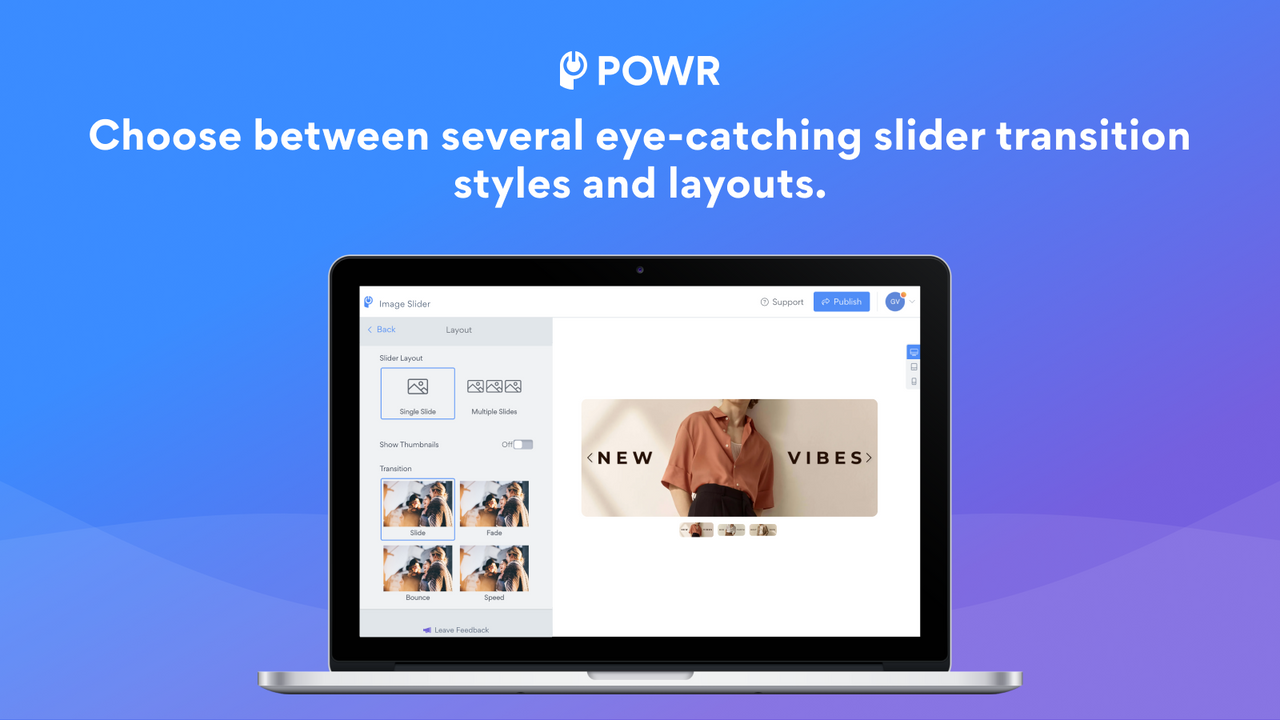
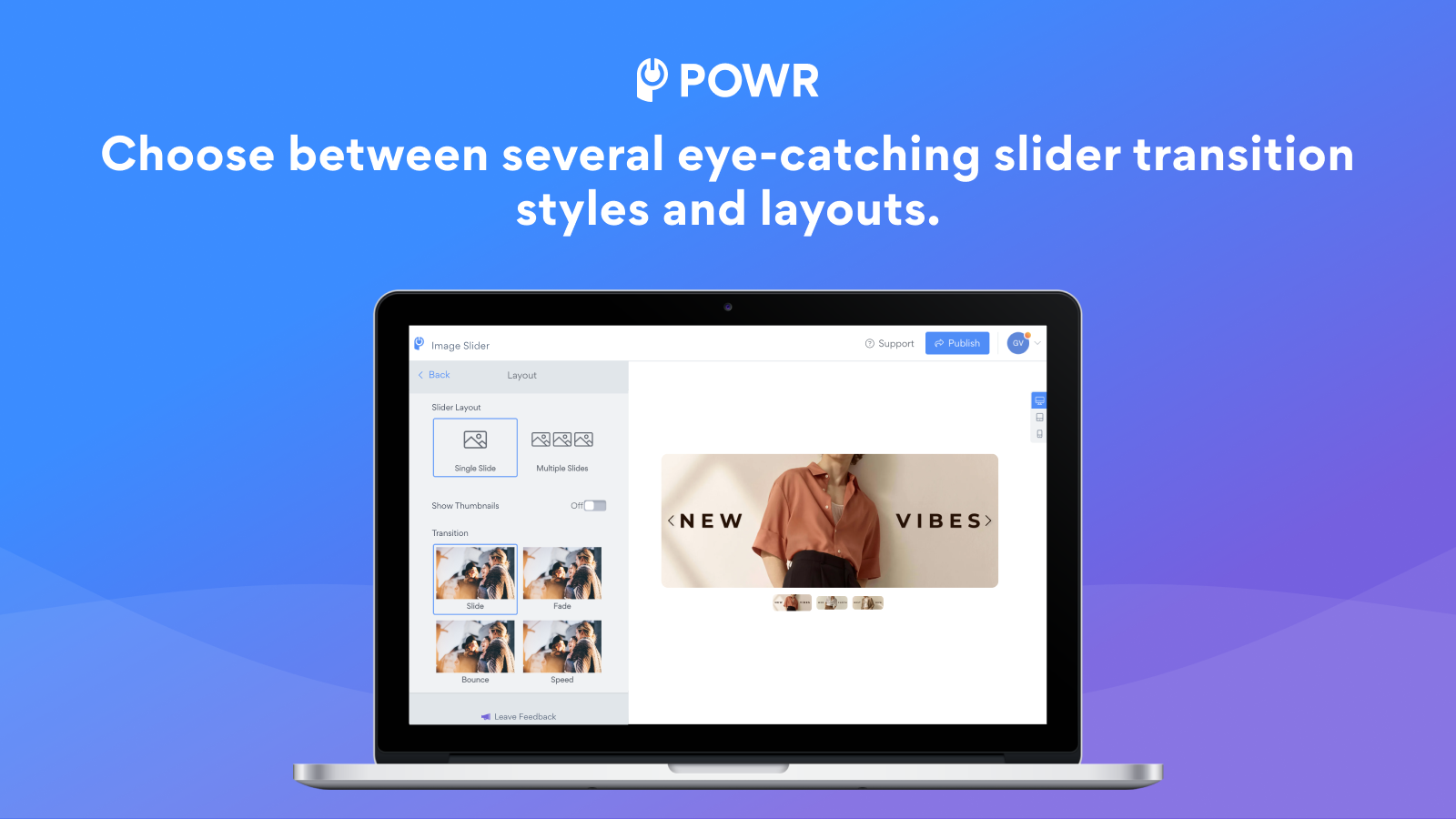
- Adjust video slider size, transition effects, speed, and add subtitles
- Choose from multiple pre-built video slider templates
Merchant-Friendly
- Content Marketing Merchants
- Brand E-commerce Merchants
- Visual E-commerce Merchants
- Independent Station Merchants
Basic Information
- Developer:POWR.io
- Address:44 Tehama Street, San Francisco, CA, 94105, US
- Price: Free / Free plan
- Rating:4.7 / 5
- Comment Count:11 comment
- Release Date:2014-8-7
- Supported languages:English
- Compatible products:Shopify
Application Screenshot








Price Plan
Free
- Up to 4 video slides
- Slide pagination
- Custom arrow styles
- Undo/redo edits
- 24/7 email support
Starter
- All Free Features +
- Remove POWR Branding
- Up to 6 Video Slides
- Undo/Redo Buttons
- Advanced Transition Options
- Custom Slider Speed
- Enable Video Autoplay
- Live Chat with POWR Support Team
Pro
- All Starter Features +
- Up to 10 Video Slides
- Custom CSS
- Disable Right-Click Protection
- Add SEO Alt Tags
Business
- All Pro Features +
- Unlimited Video Slideshows
- Unlimited Access to 60+ POWR Apps, Such As
- Contact Form
- Popup
- Instagram Feed
- Countdown Timer
- And More
User Location & Comments
User Location
Comments
Shopify API Used
- POST /admin/api/video_styles.json
- PUT /admin/api/video_styles/{style_id}.json
- GET /admin/api/video_styles.json
Permission:write_video_styles,read_video_styles,manage_themes
- POST /admin/api/video_playback.json
- PUT /admin/api/video_playback/{playback_id}.json
- GET /admin/api/video_playback.json
Permission:write_video_playback,read_video_playback,manage_media
- POST /admin/api/video_crop.json
- PUT /admin/api/video_crop/{crop_id}.json
- GET /admin/api/video_crop.json
Permission:write_video_crop,read_video_crop,manage_media
- POST /admin/api/video_slider.json
- PUT /admin/api/video_slider/{slider_id}.json
- GET /admin/api/video_slider.json
Permission:write_video_slider,read_video_slider,manage_themes
- POST /admin/api/video_templates.json
- PUT /admin/api/video_templates/{template_id}.json
- GET /admin/api/video_templates.json
Permission:write_video_templates,read_video_templates,manage_themes



