
POWR: Pricing Table Comparison
App Introduction
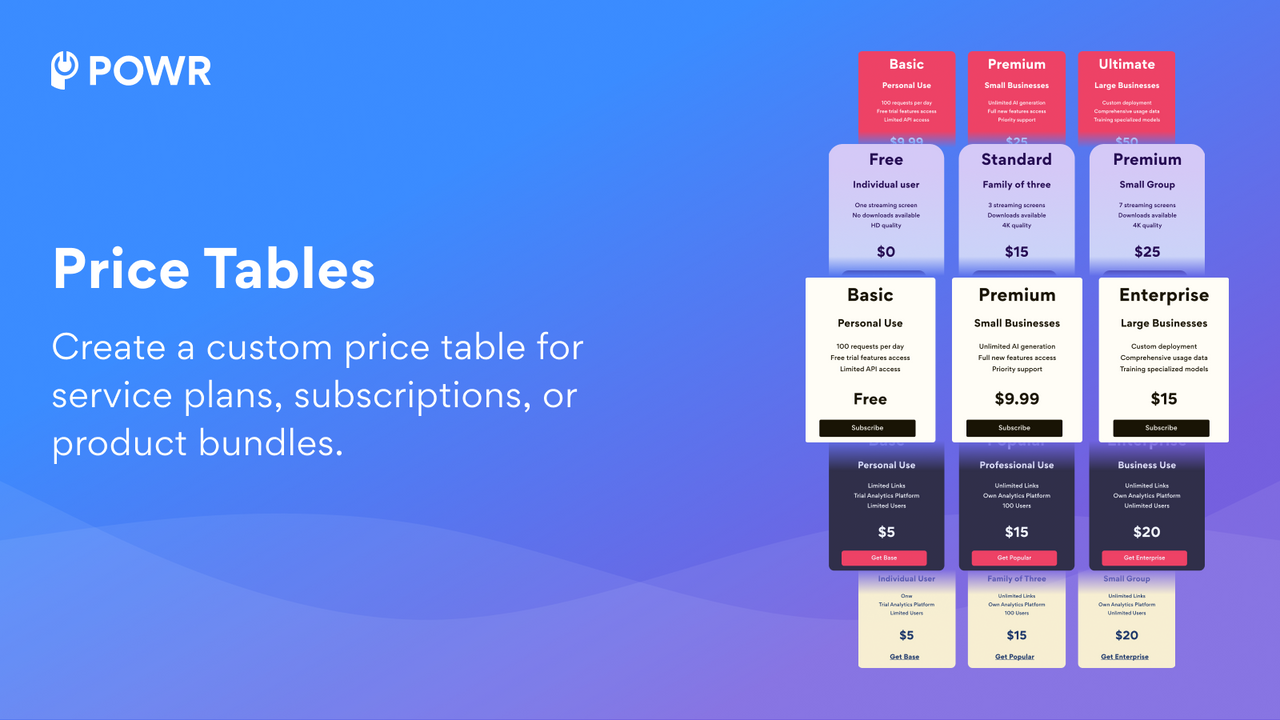
Easily showcase side-by-side comparisons of your packages, services, or plans with our Price Comparison Table. When shoppers can quickly compare your various pricing plans, it delivers two key benefits for your business: 1) Faster purchase decisions that shorten the sales cycle, and 2) Higher sales of premium options. You can also cross-sell by featuring related products. If your pricing is competitive and product features are clearly displayed, the Price Comparison Table will boost revenue. It will also keep your store organized and easy to understand.
Core Functionality
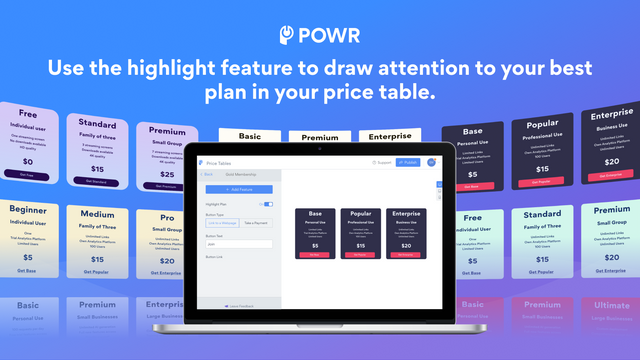
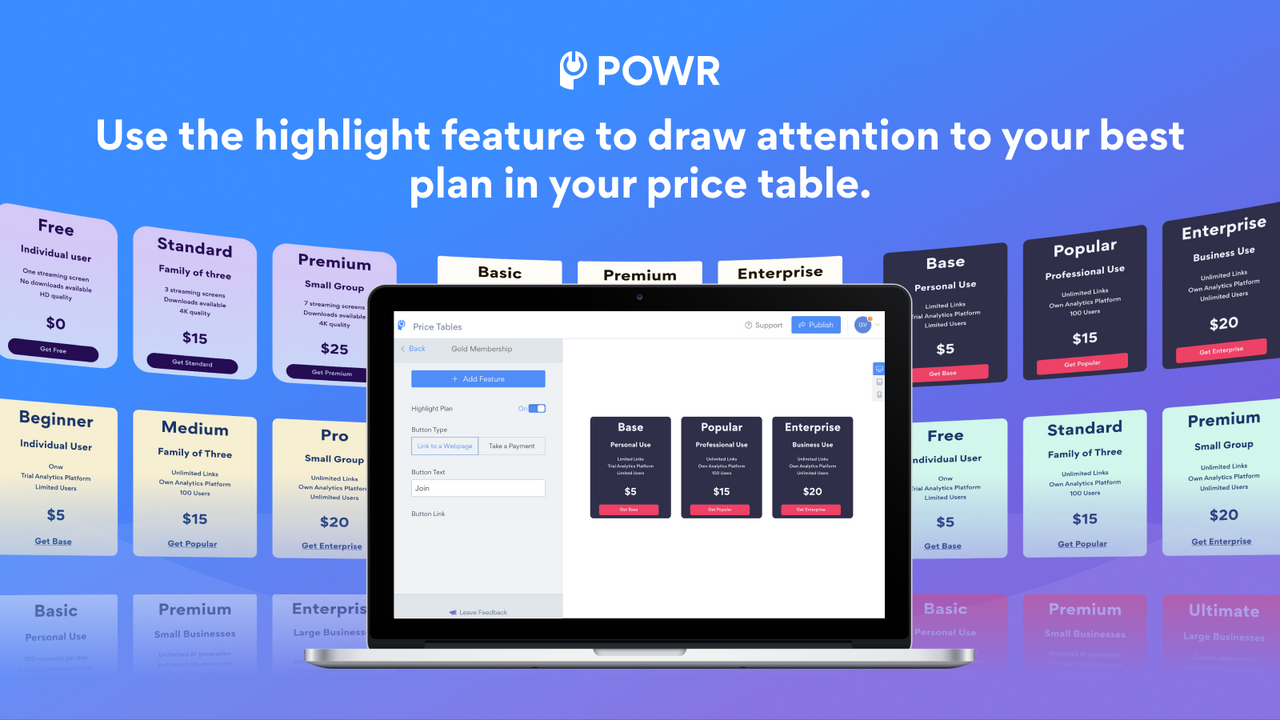
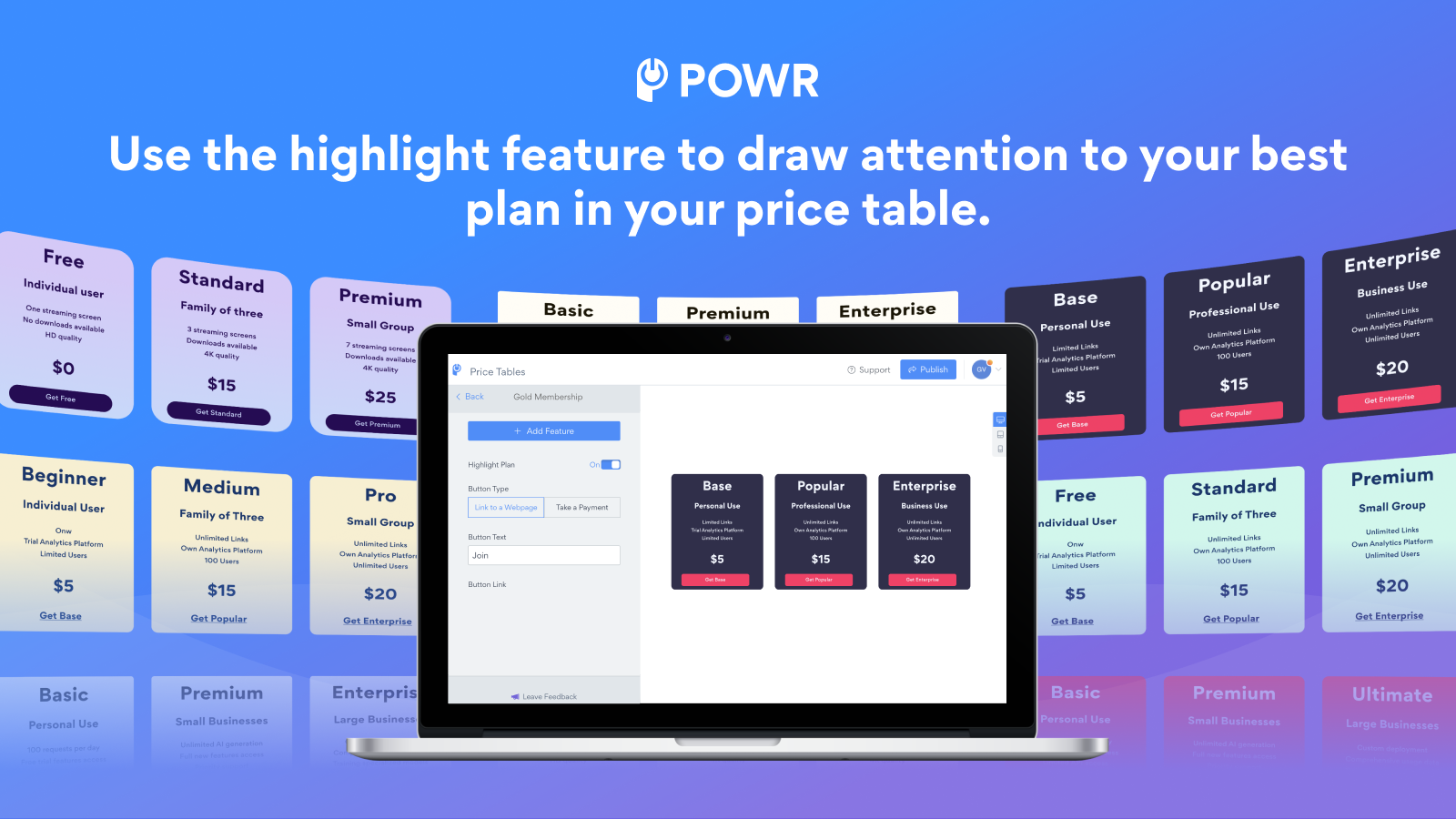
- Highlight Plans: Draw more attention to your 'Best' or 'Recommended' plan options
- Choose to direct buyers to your pricing page or accept payments directly within the app
- Set up CTA buttons for one-time payments, donations, or subscription pricing
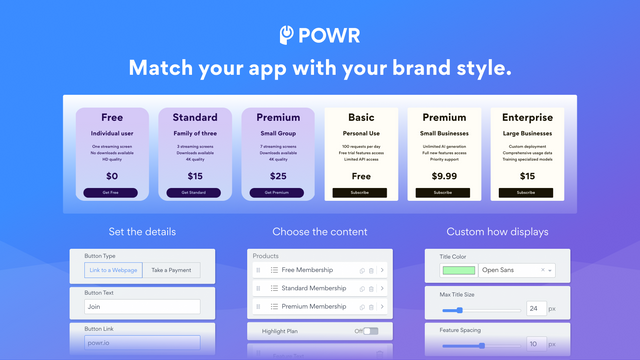
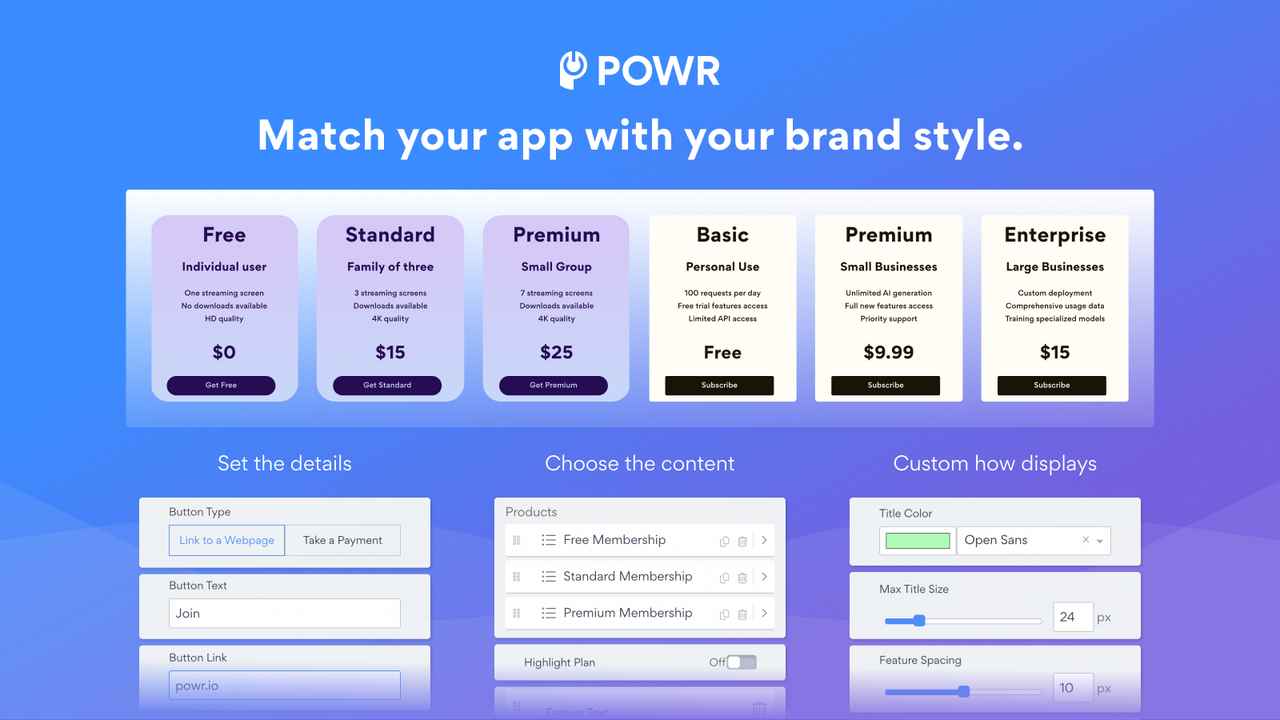
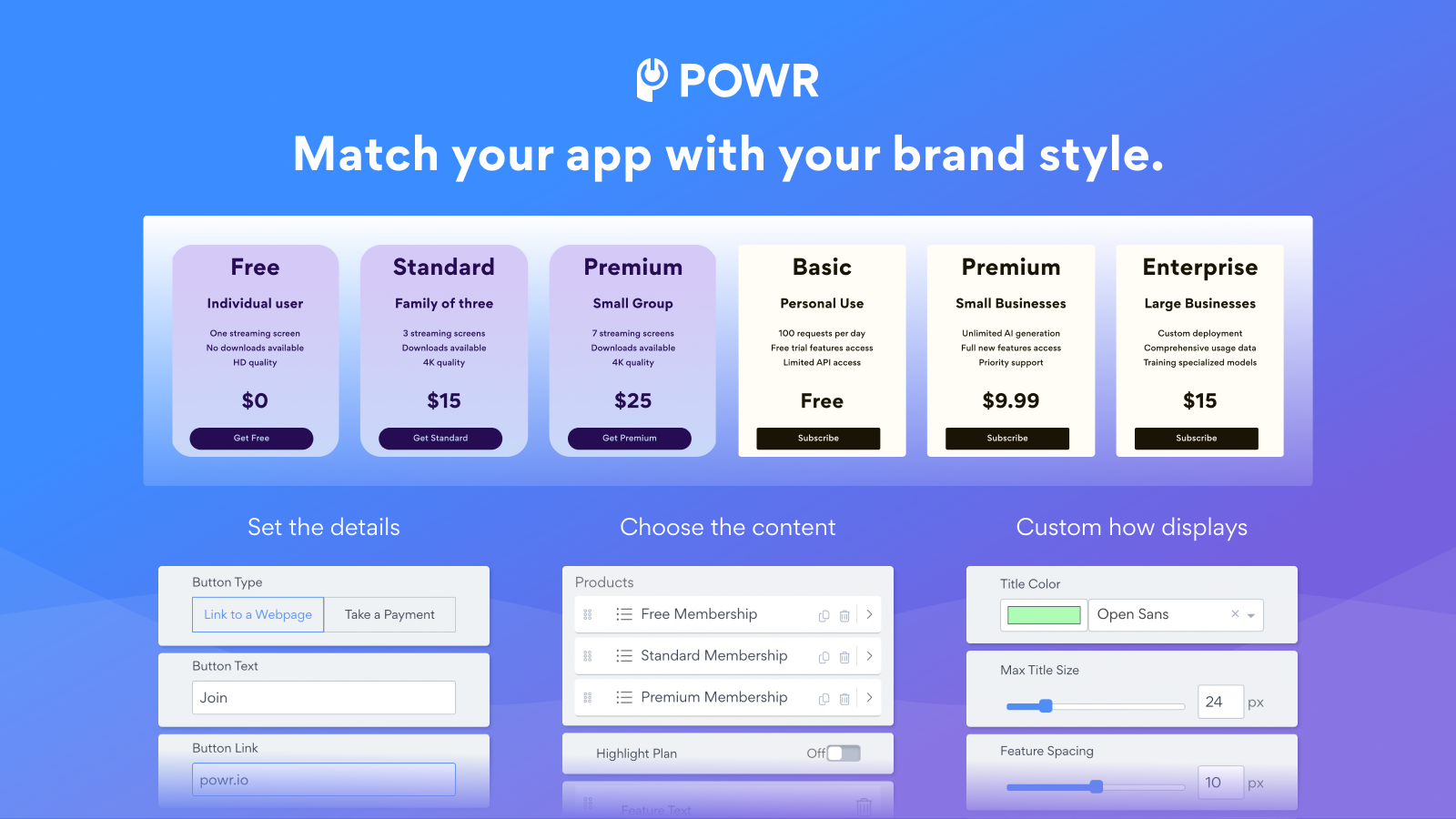
- Customize the size, spacing, colors, and borders of your comparison table to match your brand
- Adjust each pricing table with optional and unlimited plan features
Merchant-Friendly
- Subscription E-commerce Merchants
- SaaS Application Merchants
- Multi-plan Service Merchants
- Brand Independent Station Merchants
- Membership E-commerce Merchants
Basic Information
- Developer:POWR.io
- Address:44 Tehama Street, San Francisco, CA, 94105, US
- Price: Free / Free plan
- Rating:4.6 / 5
- Comment Count:9 comment
- Release Date:2014-7-16
- Supported languages:English
- Compatible products:Shopify
Application Screenshot
Price Plan
Free
- Display 3 Pricing Plans
- Accept Payments via PayPal and Stripe
- Undo/Redo Edits
- Recurring Subscriptions
- Custom HTML
- 24/7 Email Support
Starter
- All Free Features+
- Remove POWR Branding
- Live Chat with POWR Support Team
Pro
- All Starter Features +
- Display 6 Pricing Plans
- Add Custom CSS
Business
- All Pro Features+
- Unlimited Pricing Tables
- Unlimited Access to 60+ POWR Apps Including
- Form Builder
- Popup Window
- Instagram Feed
- Countdown Timer
- Image Slider
User Location & Comments
User Location
Comments
Shopify API Used
- POST /admin/api/plans/{plan_id}/highlight.json
- PUT /admin/api/plans/{plan_id}/highlight.json
- GET /admin/api/plans.json?highlighted=true
Permission:write_plans,read_plans,manage_pricing
- POST /admin/api/payment_redirects.json
- PUT /admin/api/payment_redirects/{id}.json
- GET /admin/api/payment_redirects.json
Permission:write_payment_settings,read_payment_settings,manage_checkout
- POST /admin/api/cta_buttons.json
- PUT /admin/api/cta_buttons/{id}.json
- GET /admin/api/cta_buttons.json
Permission:write_cta_buttons,read_cta_buttons,manage_pricing
- POST /admin/api/comparison_tables/{table_id}/style.json
- PUT /admin/api/comparison_tables/{table_id}/style.json
- GET /admin/api/comparison_tables/{table_id}/style.json
Permission:write_comparison_tables,read_comparison_tables,manage_branding
- POST /admin/api/pricing_tables/{table_id}/features.json
- PUT /admin/api/pricing_tables/{table_id}/features.json
- GET /admin/api/pricing_tables/{table_id}/features.json
Permission:write_pricing_tables,read_pricing_tables,manage_plans