
App Introduction
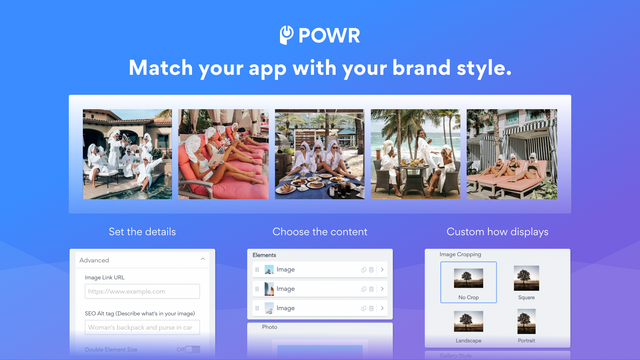
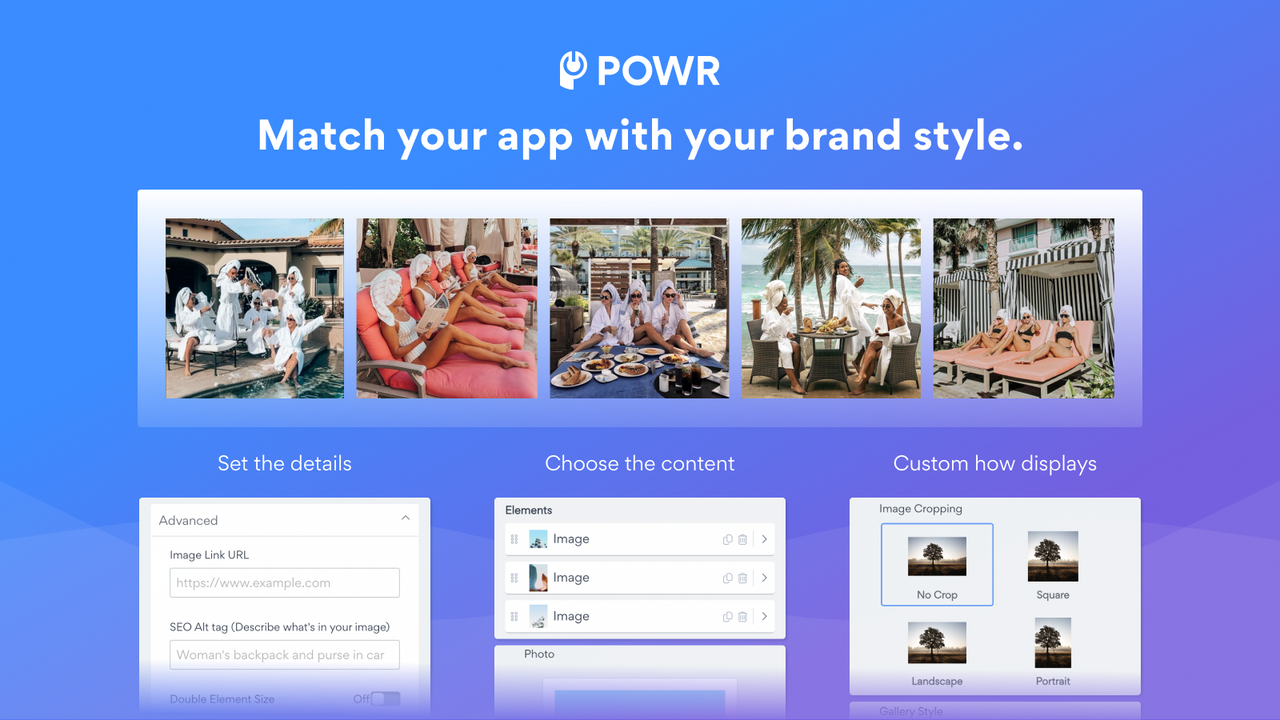
Showcase Stunning Product Images in an Interactive Lookbook Gallery A visually striking product gallery is a key component of a successful online store. POWR Lookbook Gallery is an easy-to-use tool that effectively showcases your products, boosting customer engagement and ultimately driving sales. Upload photos, create new visuals directly from Canva, or even add videos from YouTube, TikTok, and Vimeo. Use the gallery to promote articles, events, or other unique content that makes your store stand out and differentiates your brand.
Core Functionality
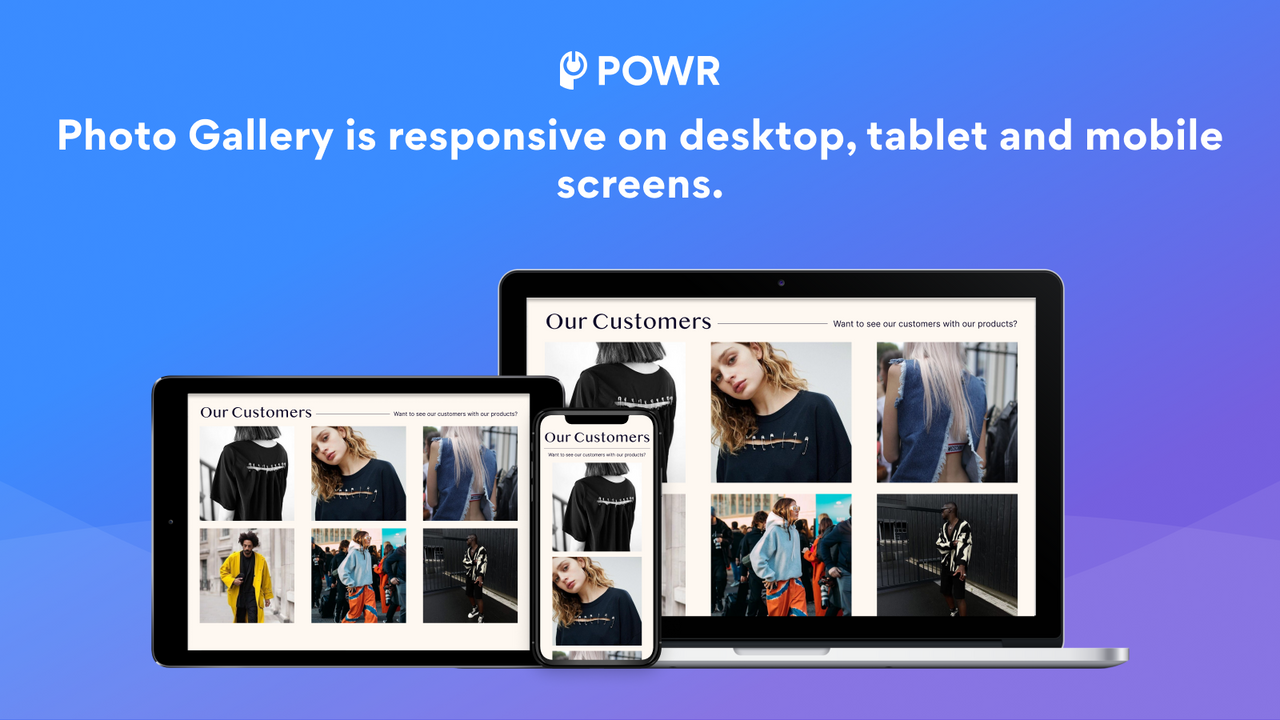
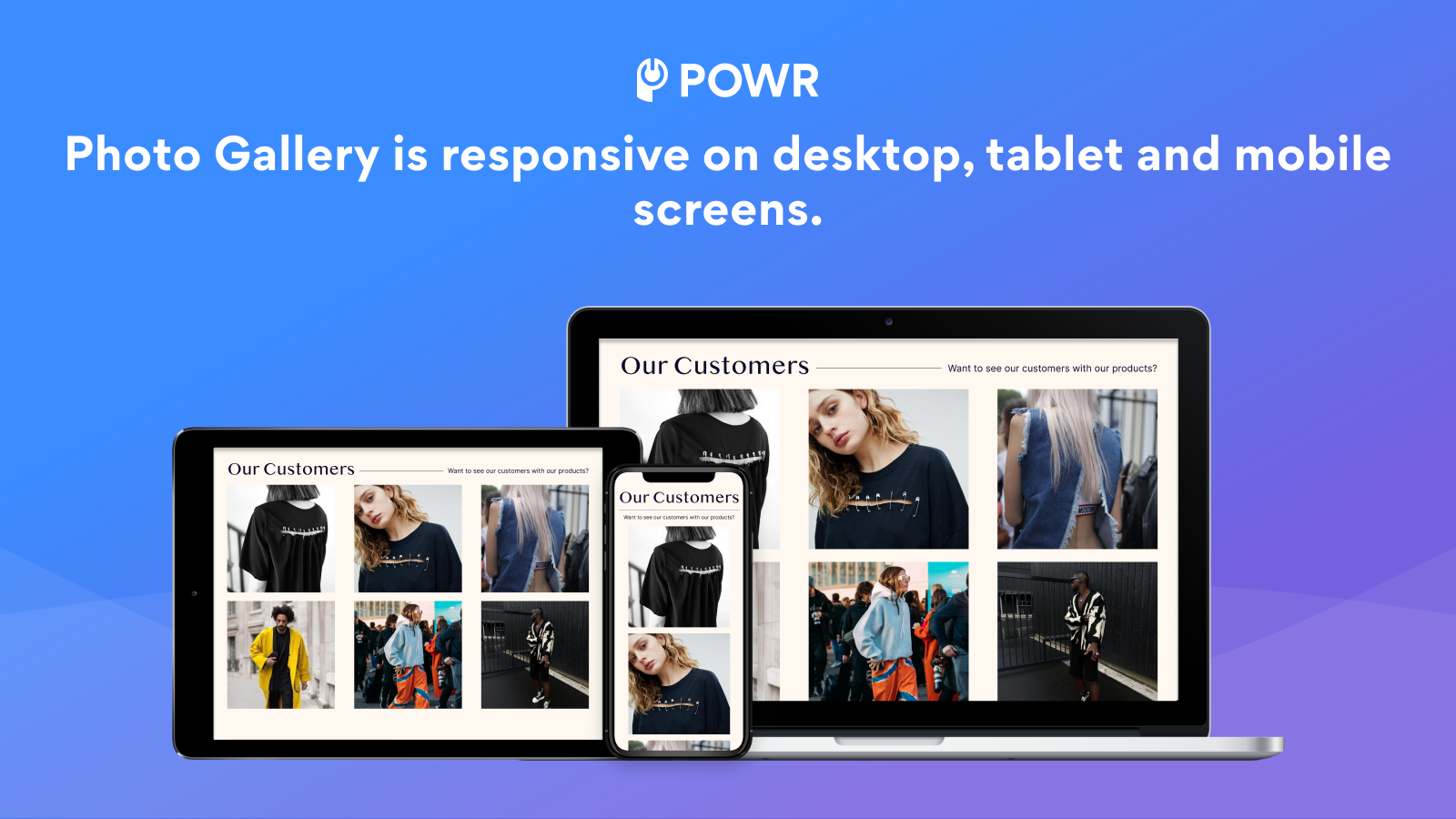
- Create stunning photo galleries or carousels with shoppable product images.
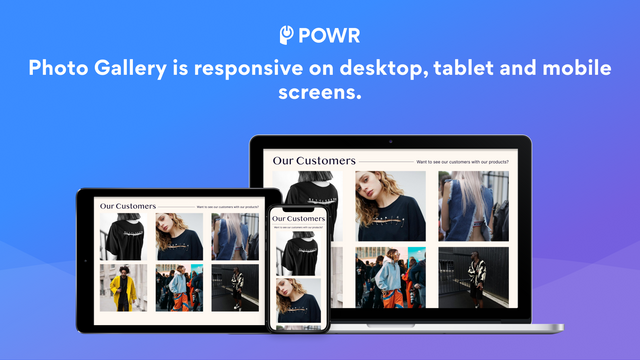
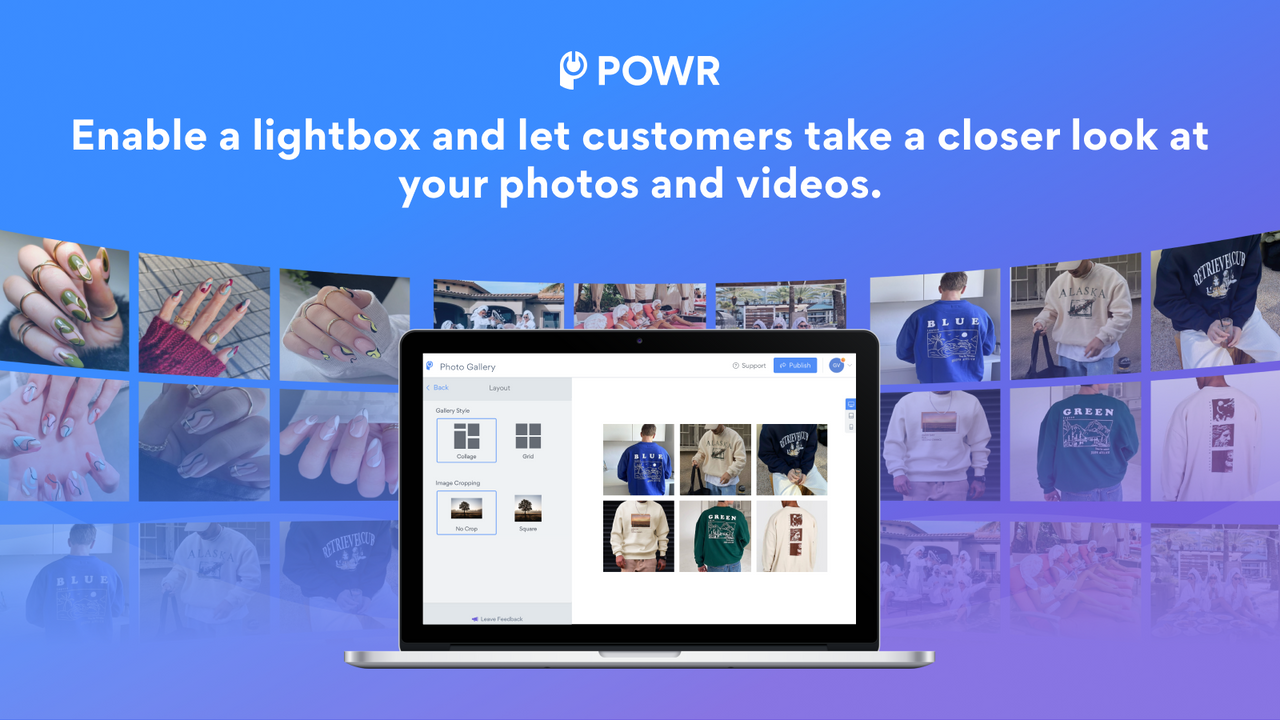
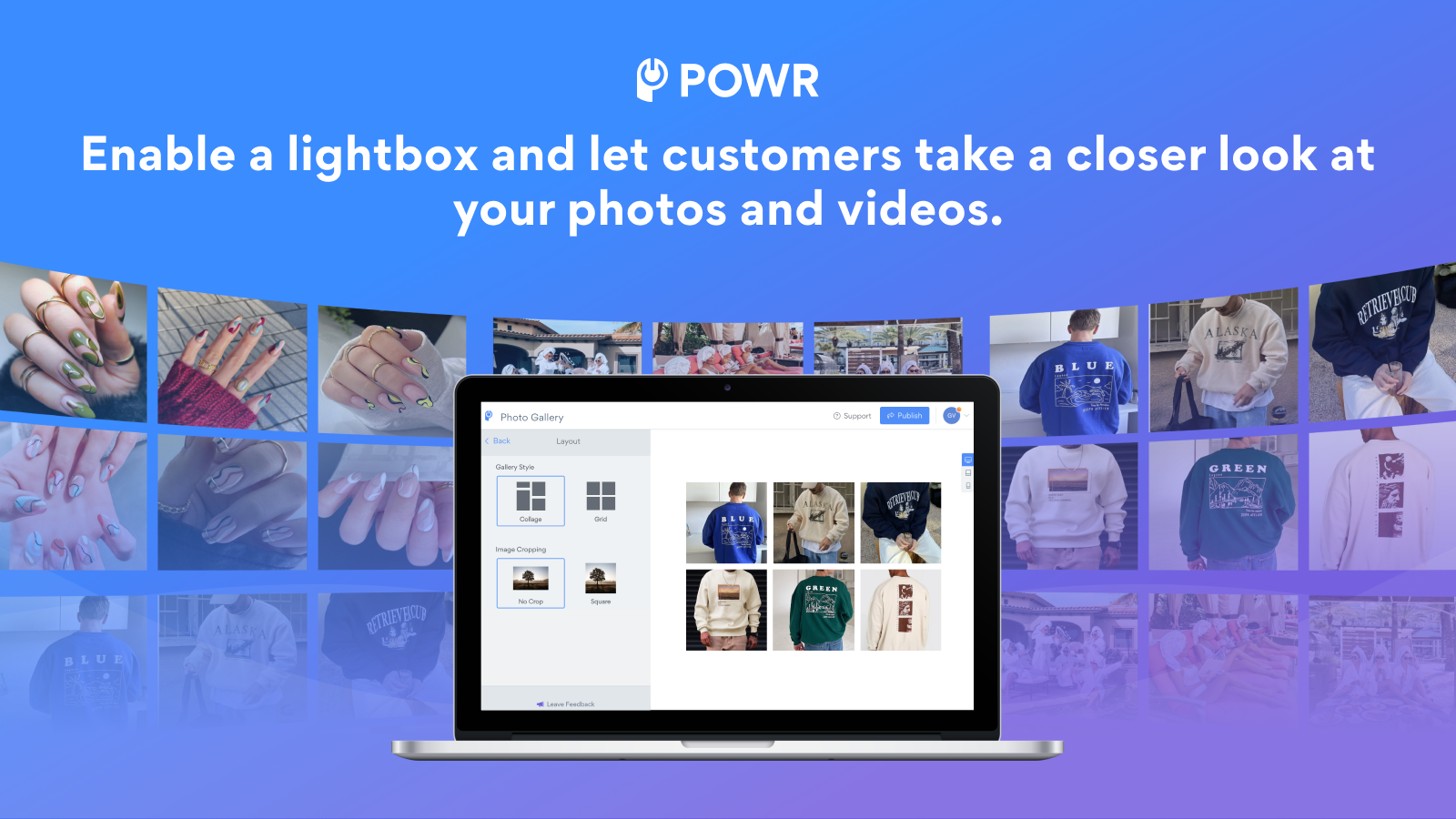
- Arrange your galleries in grid, photo collage, or list-style layouts.
- Engage shoppers with like and social sharing options to boost brand loyalty.
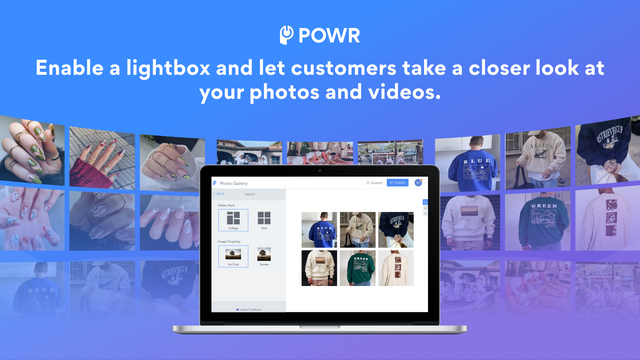
- Make your images stand out with lightbox functionality and hover effects.
- Enable keyword search in your galleries for easy navigation and better user experience.
Merchant-Friendly
- Fashion & Apparel Merchants
- Home Decor Merchants
- Art & Creative Merchants
- Independent Design Merchants
Basic Information
- Developer:POWR.io
- Address:44 Tehama Street, San Francisco, CA, 94105, US
- Price: Free / Free plan
- Rating:4.3 / 5
- Comment Count:139 comment
- Release Date:2014-7-11
- Supported languages:English
- Compatible products:Shopify
Application Screenshot
Price Plan
Free
- 5 images per catalog
- Add CTA button
- Undo/redo edits
- Add image filters
- 24/7 email support
Starter
- All Free Features +
- Remove POWR Branding
- 12 Images Per Gallery
- Add Watermarks to Images
- Enable Image 'Like' Feature
- Advanced Hover Effects
- Live Chat with POWR Support Team
Pro
- All Starter Features +
- 20 Images per Gallery
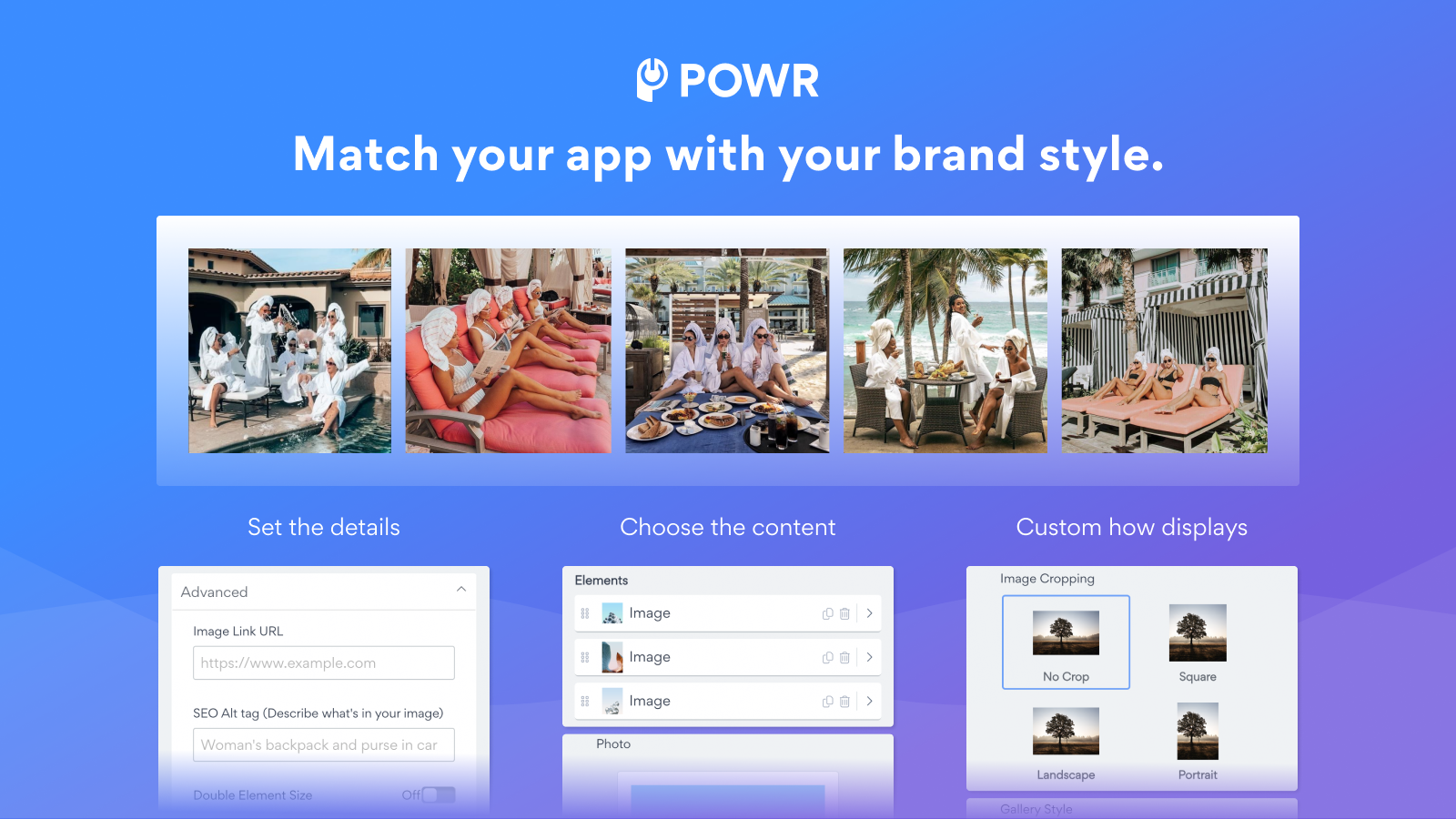
- Add SEO Alt Tags
- Enable Lightbox Popup
- Enable Search Bar
- Enable Social Sharing
- Custom CSS
Business
- All Pro Features +
- Unlimited Galleries
- Unlimited Images per Gallery
- Unlimited Access to 60+ POWR Apps, Including
- Form Builder
- Popups
- Instagram Feed
- and More
User Location & Comments
User Location
Comments
Shopify API Used
- POST /admin/api/galleries.json
- PUT /admin/api/galleries/{id}.json
- GET /admin/api/galleries.json
Permission:write_galleries,read_galleries,manage_products
- PUT /admin/api/galleries/{id}/layout.json
- GET /admin/api/galleries/{id}/layout.json
- POST /admin/api/galleries/{id}/layout/preset.json
Permission:write_galleries,read_galleries,manage_themes
- PUT /admin/api/galleries/{id}/social.json
- GET /admin/api/galleries/{id}/social.json
- POST /admin/api/galleries/{id}/social/like.json
Permission:write_galleries,read_galleries,manage_online_store
- PUT /admin/api/galleries/{id}/effects.json
- GET /admin/api/galleries/{id}/effects.json
- POST /admin/api/galleries/{id}/effects/lightbox.json
Permission:write_galleries,read_galleries,manage_media
- PUT /admin/api/galleries/{id}/search.json
- GET /admin/api/galleries/{id}/search.json
- POST /admin/api/galleries/{id}/search/keywords.json
Permission:write_galleries,read_galleries,manage_online_store



