
App Introduction
Boost your product page conversions with customizable image sliders and slideshows. Elevate your product pages using the POWR Image Slider & Slideshow! Upload, customize, and publish stunning product images in minutes—no coding required. Choose from multiple layouts like sliders, carousels, and hero sections, and add smooth transitions. Protect your images by disabling right-click, customize slider speed, and include CTA buttons and SEO alt text for each image to drive higher conversions. Perfect for showcasing bestsellers and new releases, ensuring shoppers have a clear understanding of what they’re purchasing.
Core Functionality
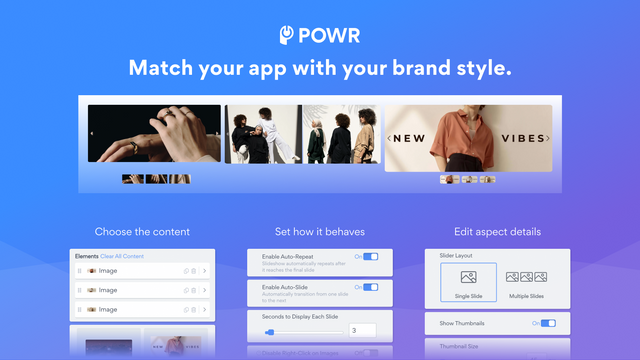
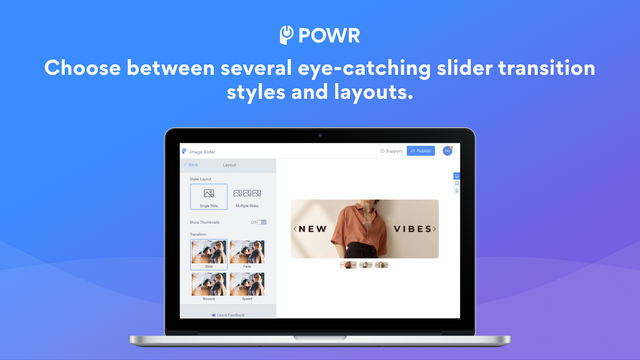
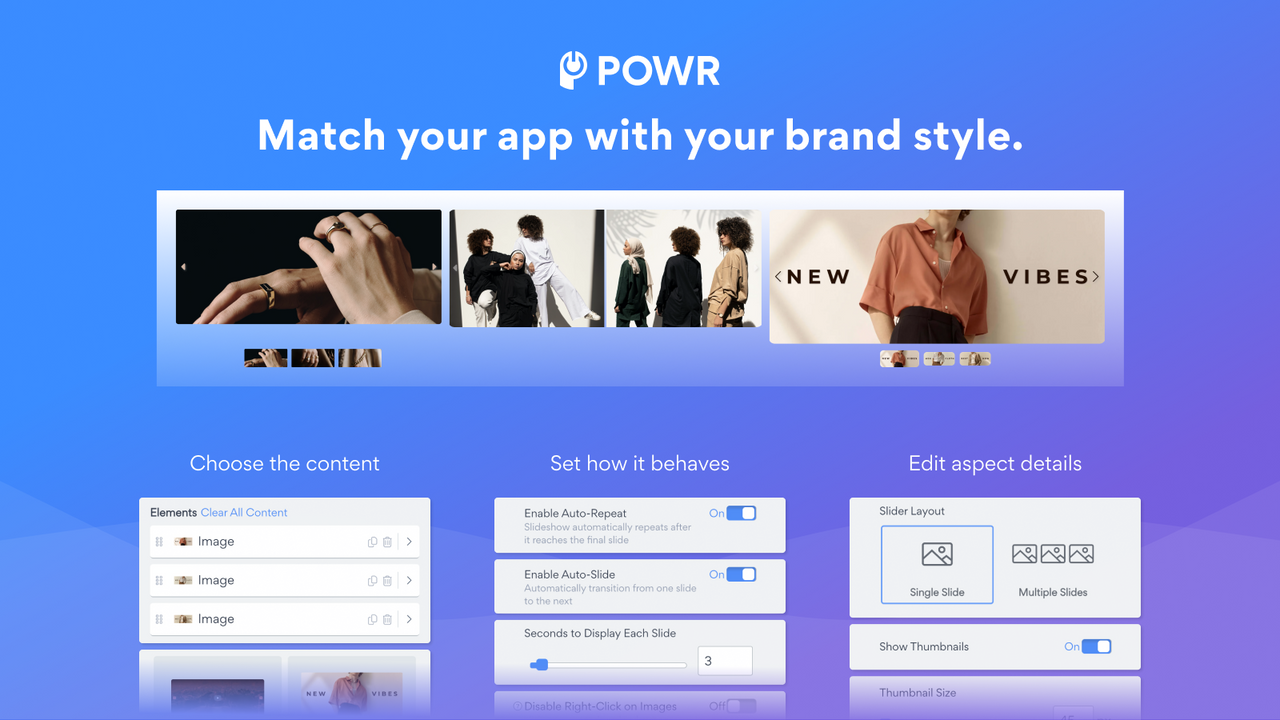
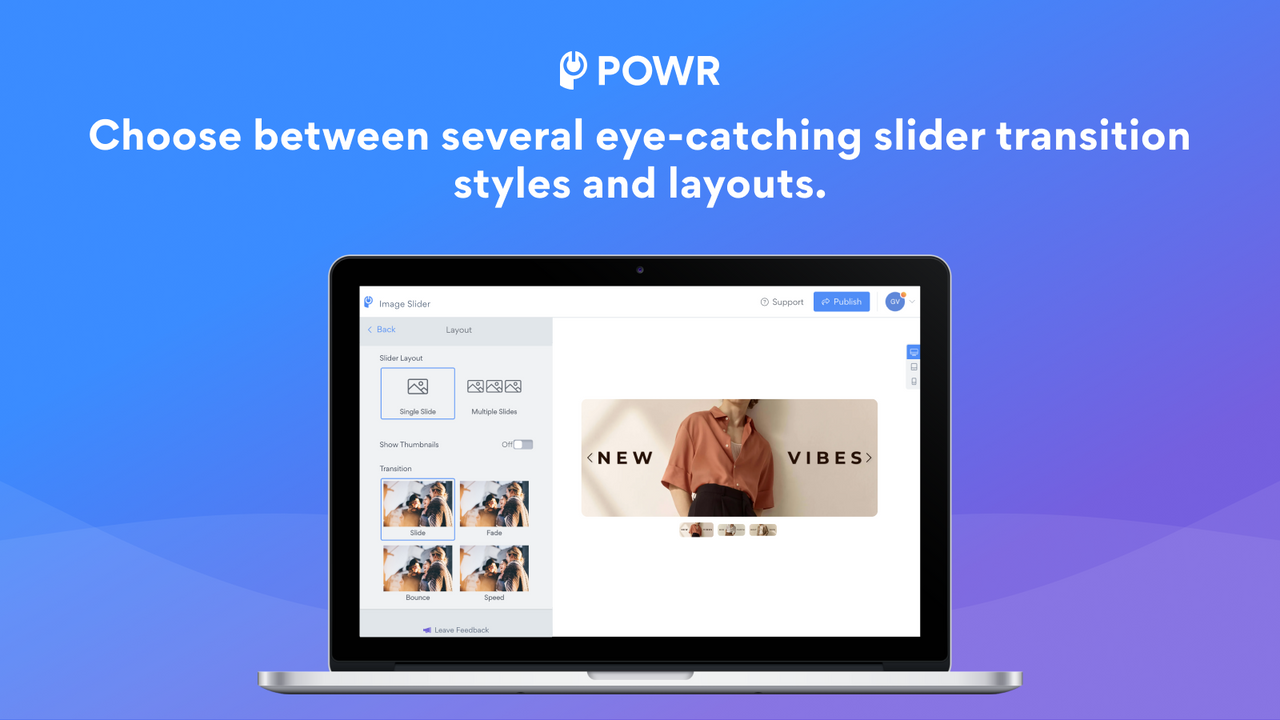
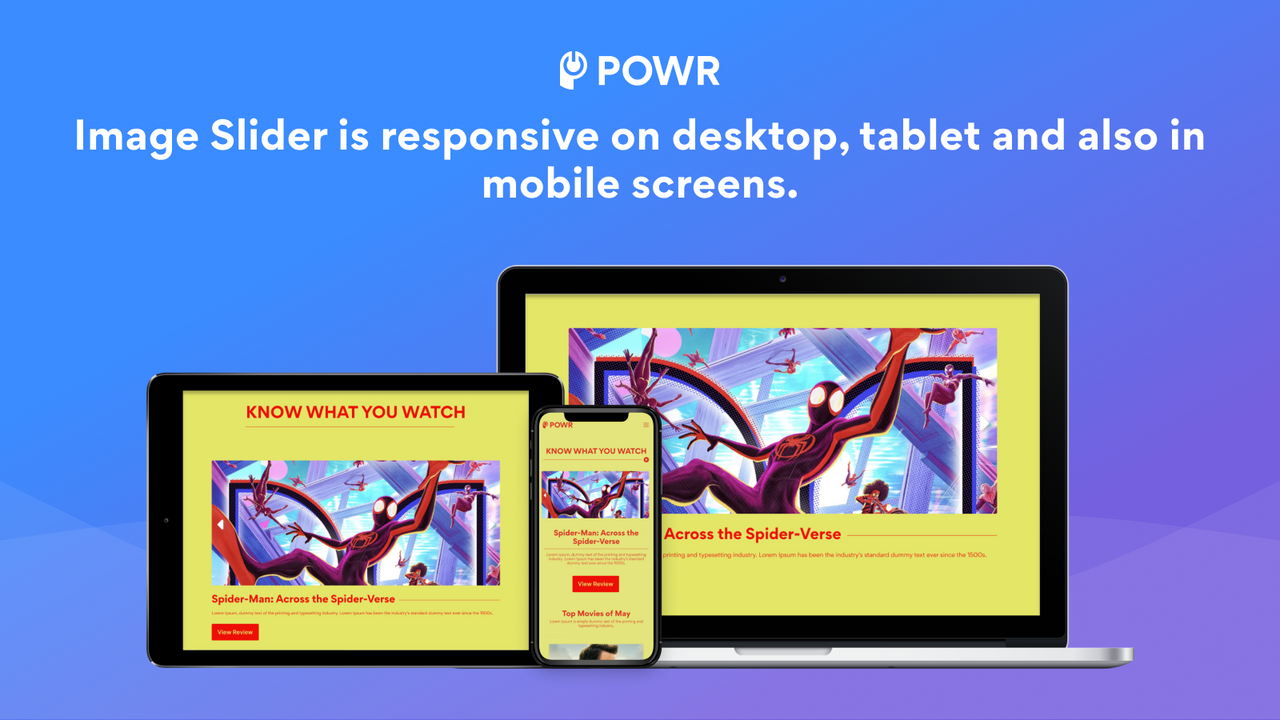
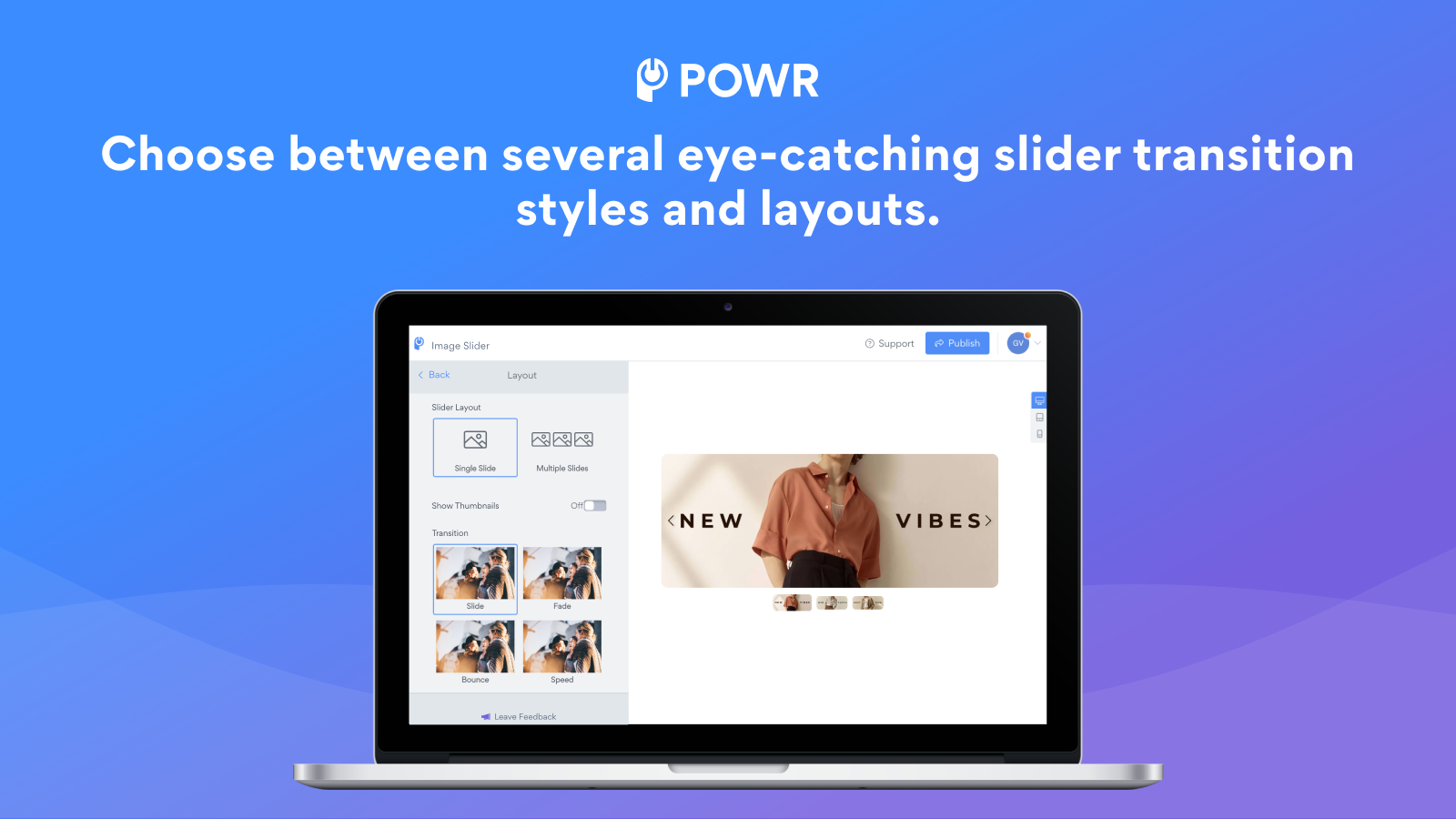
- Multi-functional slider layouts: Slider, carousel, hero with custom transition effects.
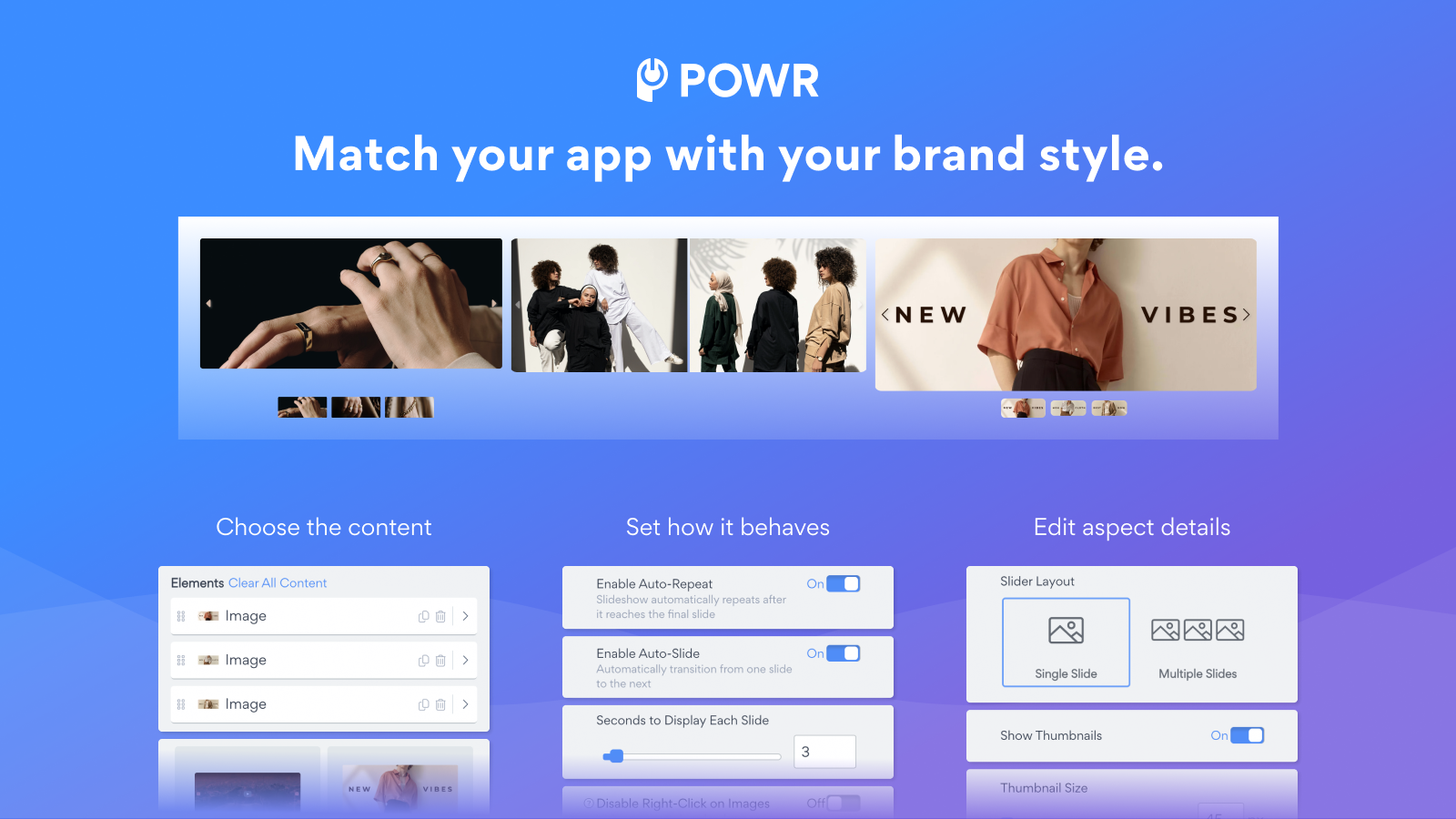
- Image protection: Prevent image copying by disabling right-click functionality.
- Custom slider speed: Ensure optimal viewing experience for website visitors.
- Enhanced interactivity: Add CTA buttons and SEO alt text to each slider image.
- AI image generation: Convert text to images from a single prompt
Merchant-Friendly
- Visual Marketing Merchants
- Fashion Clothing Stores
- Home Decoration Merchants
- 3C Digital Stores
Basic Information
- Developer:POWR.io
- Address:44 Tehama Street, San Francisco, CA, 94105, US
- Price: Free / Free plan
- Rating:4.3 / 5
- Comment Count:91 comment
- Release Date:2014-8-6
- Supported languages:English
- Compatible products:Shopify
Application Screenshot
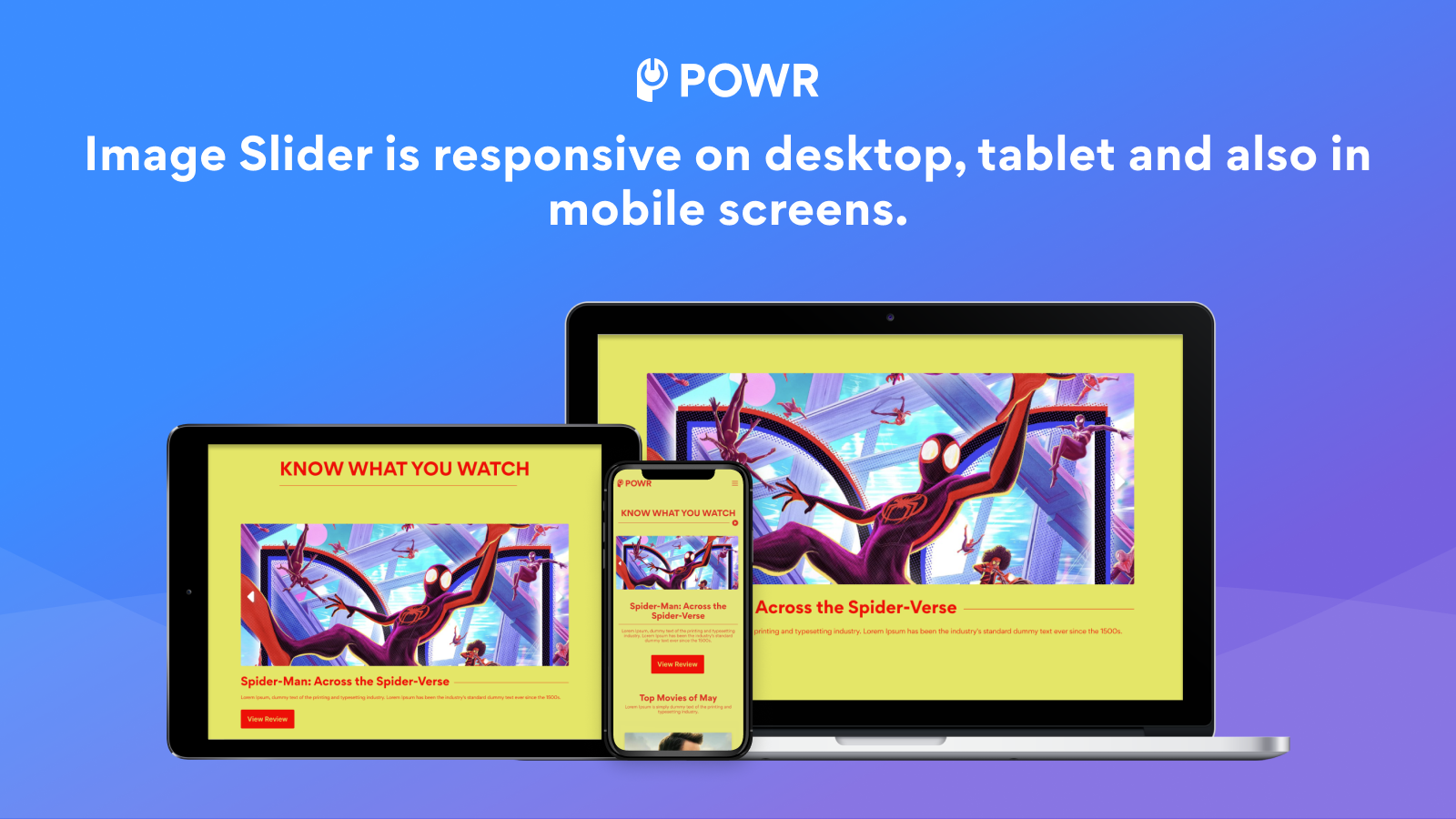
Price Plan
Free
- 1 Slider - Up to 4 Slides
- Unlimited Views/Impressions/Visitors
- Generate Images with AI
- Custom Arrow Styles
- Undo/Redo Edits
- Embed Redirect Links
- Enable Auto-Repeat/Auto-Sliding
- 24/7 Email Support
Starter
- All Free Features +
- Remove POWR Branding
- Up to 3 Sliders
- 6 Images Per Slider
- Advanced Transition Effects
- Set Slider Display Time
- Enable Image Auto-Cropping
- Live Chat with POWR Support Team
Pro
- All Starter Features +
- Up to 10 Sliders
- 10 Images per Slider
- Disable Right-Click Protection
- Add SEO Alt Tags
- Custom CSS
- Integration with Google Tag Manager
- Live Chat with POWR Team - No AI
Business
- All Pro Features +
- Unlimited Sliders
- Unlimited Images per Slider
- Unlimited Access to 60+ POWR Apps such as
- Form Builder
- Popups
- Instagram Feed
- and More
User Location & Comments
User Location
Comments
Shopify API Used
- POST /admin/api/sections.json
- PUT /admin/api/sections/{id}.json
- GET /admin/api/sections.json
Permission:write_themes,read_themes,manage_online_store
- POST /admin/api/assets.json
- PUT /admin/api/assets/{key}.json
- GET /admin/api/assets.json
Permission:write_themes,read_themes,manage_assets
- POST /admin/api/settings.json
- PUT /admin/api/settings/{id}.json
- GET /admin/api/settings.json
Permission:write_themes,read_themes,manage_settings
- POST /admin/api/products/{id}/metafields.json
- PUT /admin/api/products/{id}/metafields/{mid}.json
- GET /admin/api/products/{id}/metafields.json
Permission:write_products,read_products,manage_metafields
- POST /admin/api/assets.json
- PUT /admin/api/assets/{key}.json
- GET /admin/api/assets.json
Permission:write_assets,read_assets,manage_themes



