
App Introduction
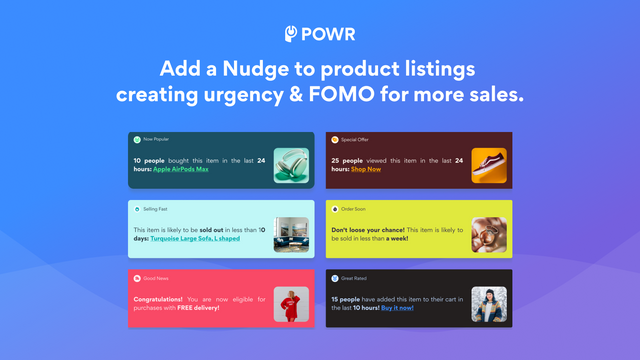
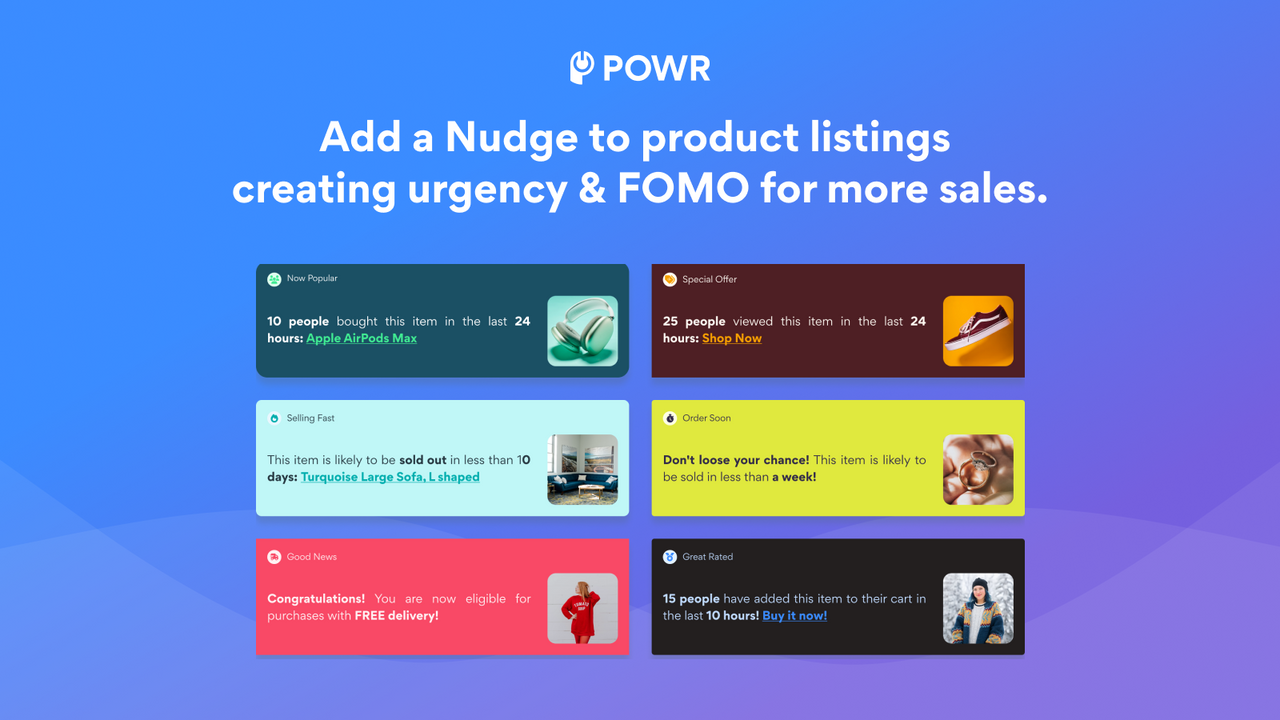
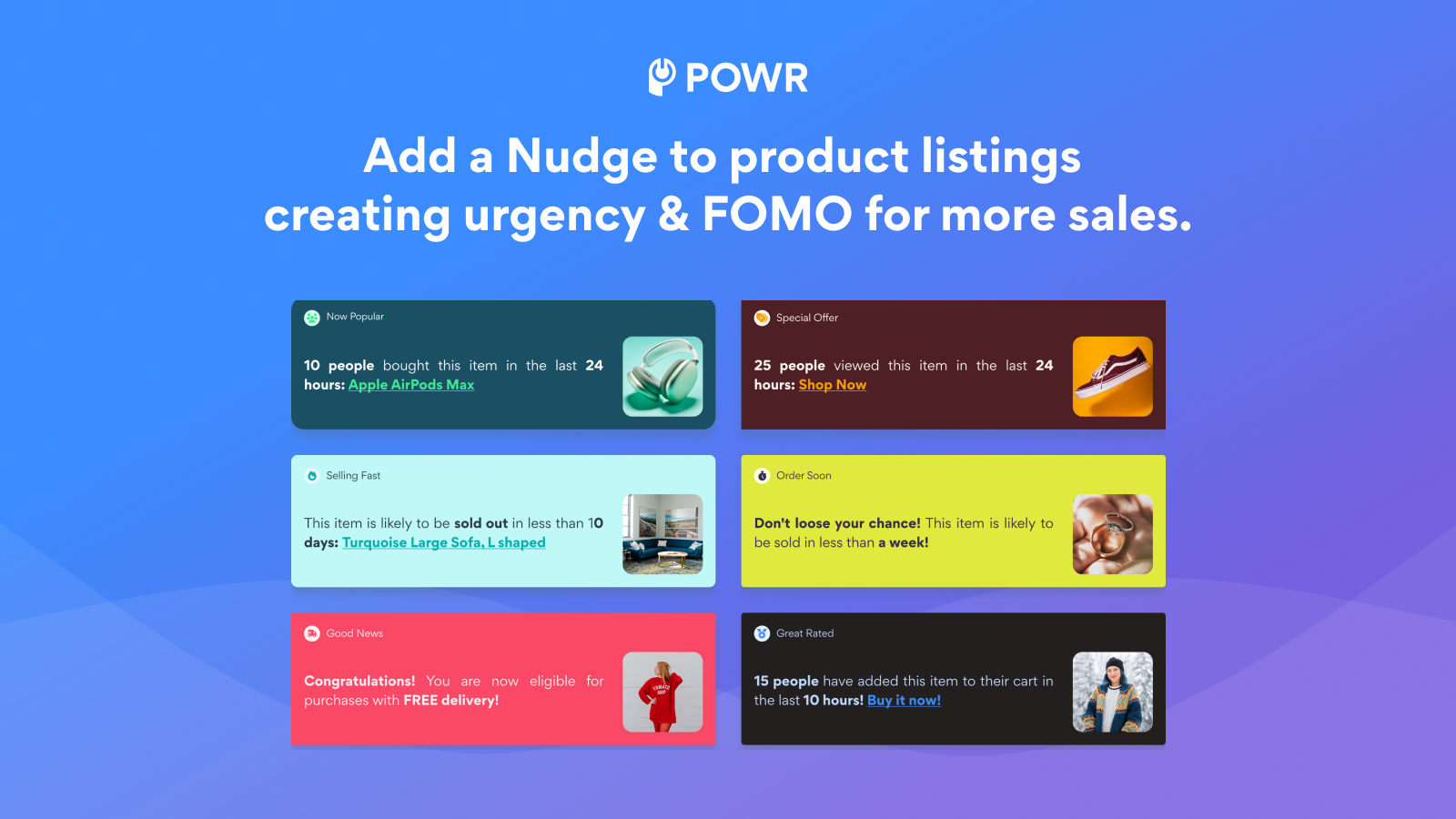
Create FOMO (Fear of Missing Out) for sales with low-stock alerts, order deadlines, and real-time inventory statistics. POWR Stock Alerts is a simple way to **nudge shoppers**. It helps trigger purchase behavior, boost conversion rates, and amplify buying urgency. Leverage FOMO (Fear of Missing Out) marketing to increase close rates and reduce cart abandonment. The nudge app uses your live inventory counts to move more stock faster. Here are some ideas: *In Trend Now*, *Almost Sold Out*, *Overnight Delivery*, *Order in 2 Days*. Display how many items are left, how many have been sold, and more. Create scarcity to better engage shoppers.
Core Functionality
- Create multiple boosts and schedule them to appear in sequence
- Display real-time statistics on how many products have been sold or are remaining
- Show multiple boosts simultaneously on one or multiple pages
- Unlike pop-ups, boosts don’t interrupt shoppers’ experience
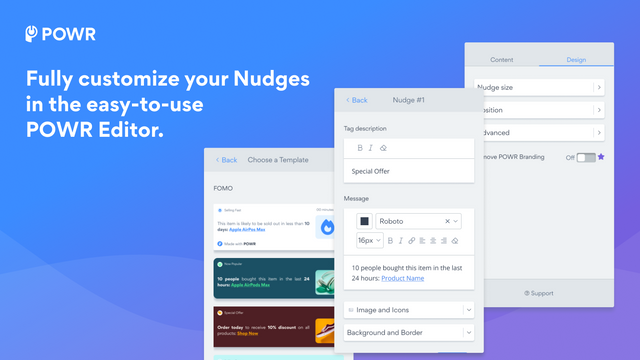
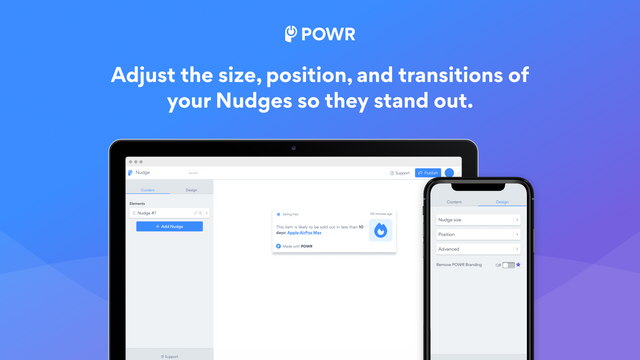
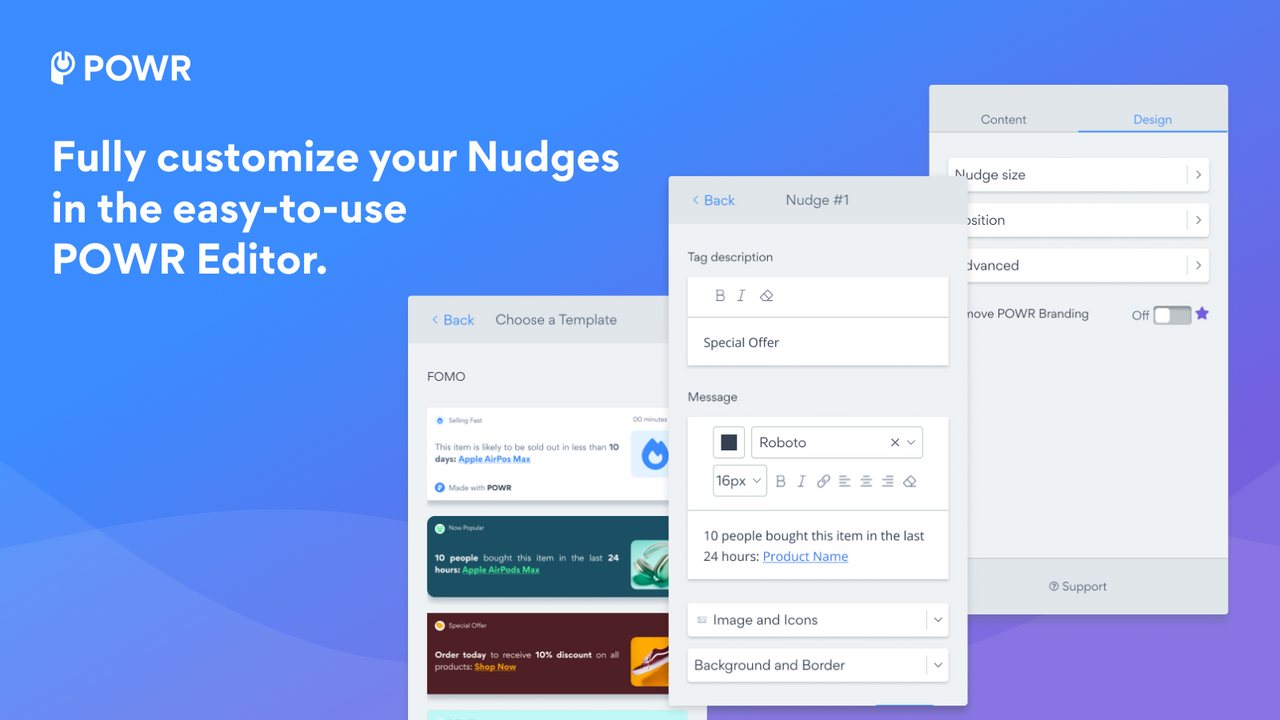
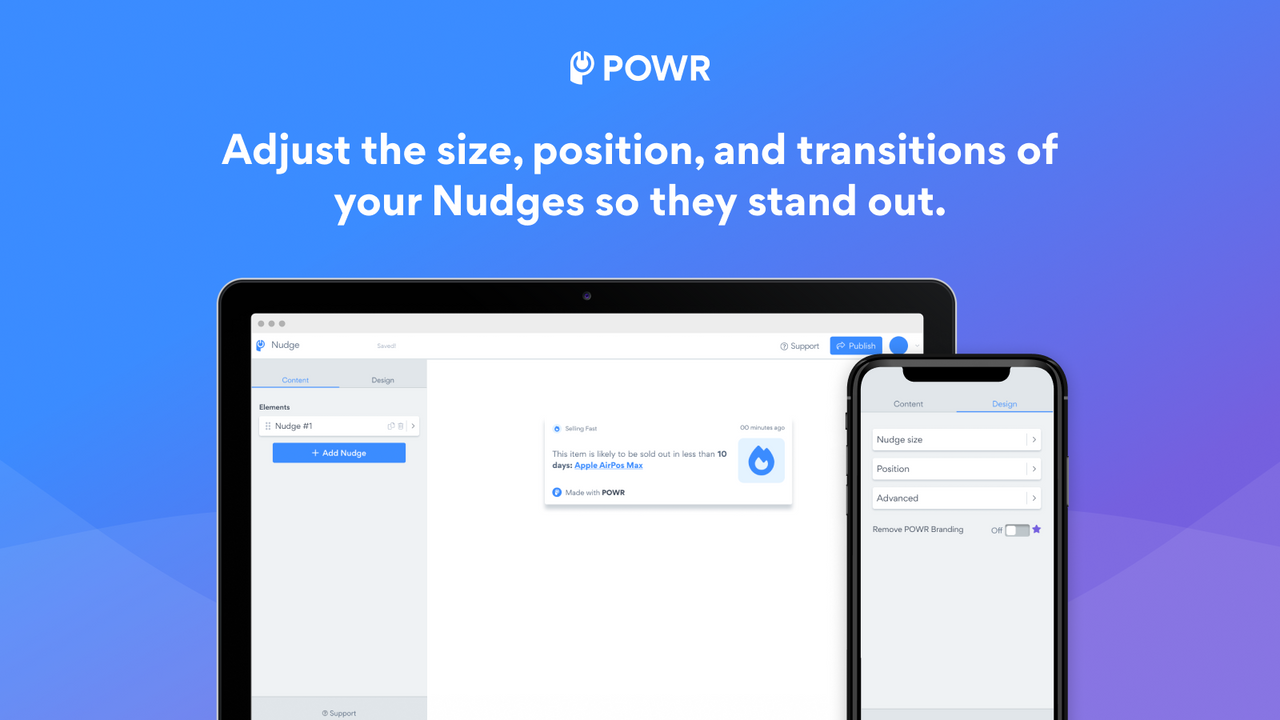
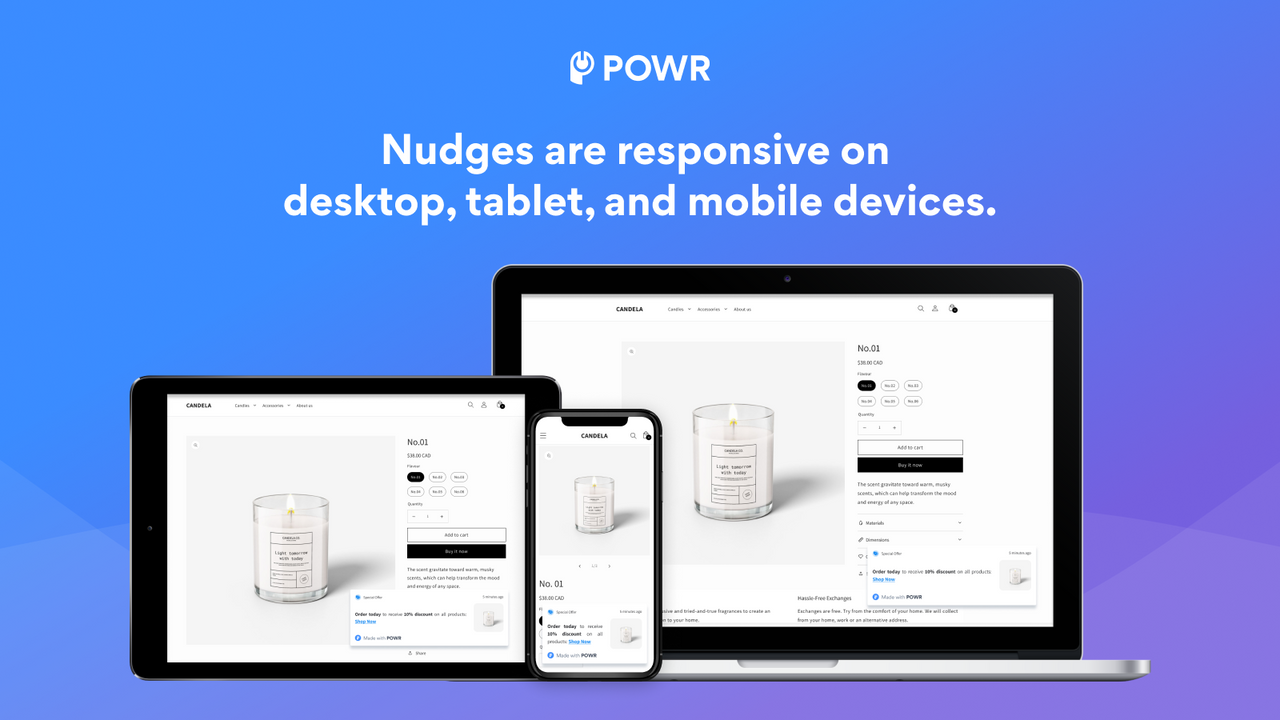
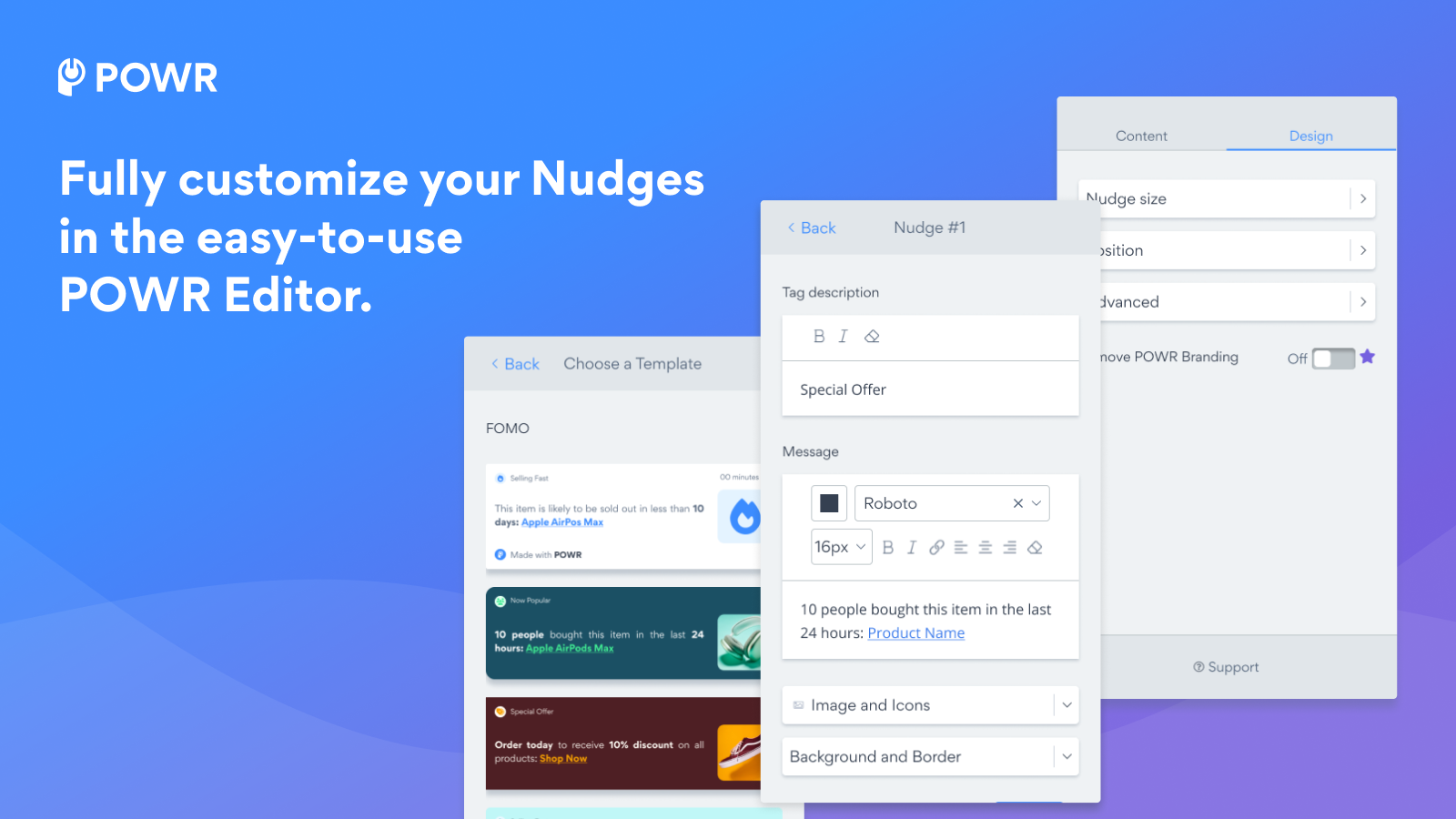
- Mobile-friendly and fully customizable to match your brand
Merchant-Friendly
- Independent Station Merchants
- Small & Medium E-commerce Sellers
- Multi-category E-commerce
- Mobile E-commerce Merchants
- Direct-to-consumer Brands
Basic Information
- Developer:POWR.io
- Address:44 Tehama Street, San Francisco, CA, 94105, US
- Price: Free / Free plan
- Rating:5 / 5
- Comment Count:1 comment
- Release Date:2023-12-20
- Supported languages:English
- Compatible products:Shopify
Application Screenshot

Price Plan
Free
- Real-time Low Stock Alerts
- 2,000 Views/Month
- 3 App Elements
- 10-Second Display
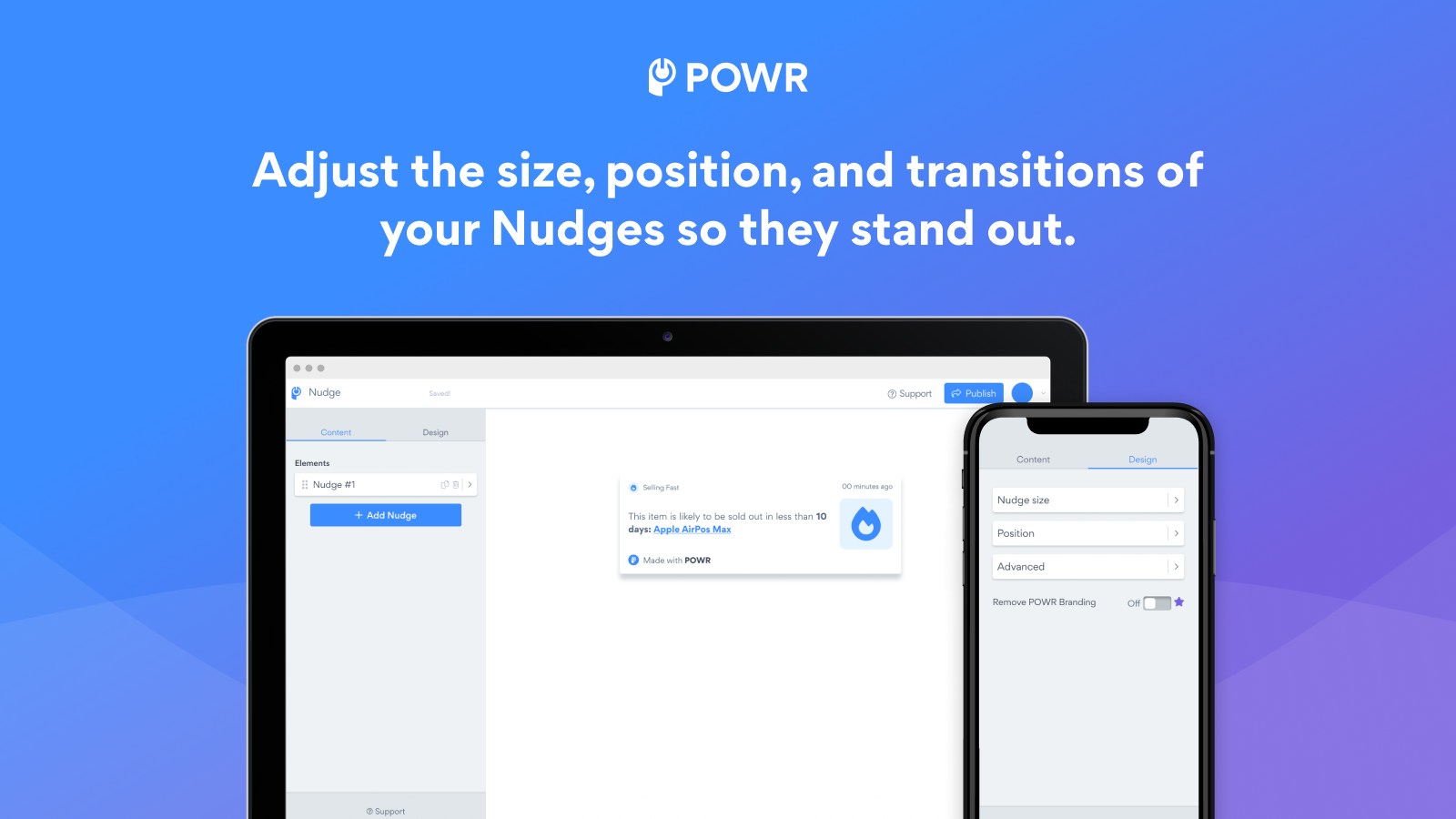
- Resize, Position, Transition
- 24/7 Email Support
Pro
- All Free+
- Remove POWR Branding
- 4,000 Views/Month
- 5 App Elements
- Adjust Display Time
- 24/7 Email Support + Live Chat
Pro
- All Starter+
- 12,00 Views/Month
- 50 App Elements
- Disable Close Button
- Custom CSS
Business
- All Pro+
- Private Access - New Email Marketing Tool
- Unlimited Monthly Page Views
- Unlock All Premium Features
- Unlimited Access to All 60+ POWR Apps
- Form Builder
- Popup
- Instagram Feed
User Location & Comments
User Location
Comments
Shopify API Used
- POST /admin/api/boosts.json
- PUT /admin/api/boosts/{id}/schedule.json
- GET /admin/api/boosts.json
Permission:write_boosts,read_boosts,manage_shop
- GET /admin/api/products/{id}/inventory.json
- GET /admin/api/reports/inventory_summary.json
- GET /admin/api/collections/{id}/inventory.json
Permission:read_inventory,read_products,read_reports
- PUT /admin/api/boosts/{id}/pages.json
- GET /admin/api/boosts/page_assignment.json
- POST /admin/api/boosts/batch_page.json
Permission:write_boosts,read_boosts,manage_pages
- PUT /admin/api/boosts/{id}/behavior.json
- GET /admin/api/boosts/intrusiveness.json
- POST /admin/api/boosts/trigger.json
Permission:write_boosts,read_boosts,manage_theme
- PUT /admin/api/boosts/{id}/mobile.json
- GET /admin/api/boosts/customization.json
- POST /admin/api/boosts/brand_style.json
Permission:write_boosts,read_boosts,manage_theme