
App Introduction
Maximize your sales with POWR Countdown Timer—boost urgency through timers, banners, and cart countdowns. Create sales-driving urgency with POWR Countdown Timer. Perfect for flash sales, product launches, or special discounts, our countdowns encourage shoppers to act fast. Designed for end-of-season promotions and events, they help increase order value and speed up decision-making. Choose from our easy-to-use pre-built templates for quick setup or customize your own. You can even use the timer feature to display store visitor counts and build trust. With simple installation, it’s an ideal tool to engage customers.
Core Functionality
- Product Countdown Timer - Create urgency for new product launches
- Announcement Countdown Banner - Let customers know about upcoming promotions
- Landing Page Countdown Bar - Display promotions on specific landing pages
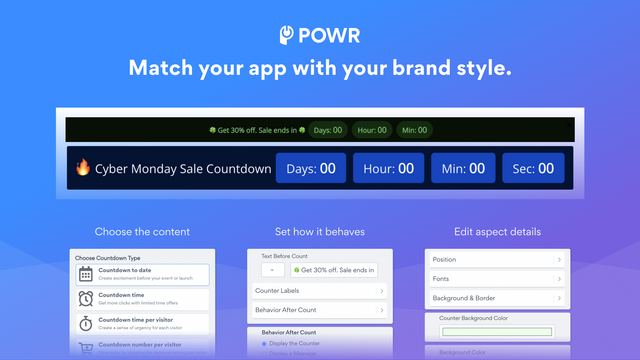
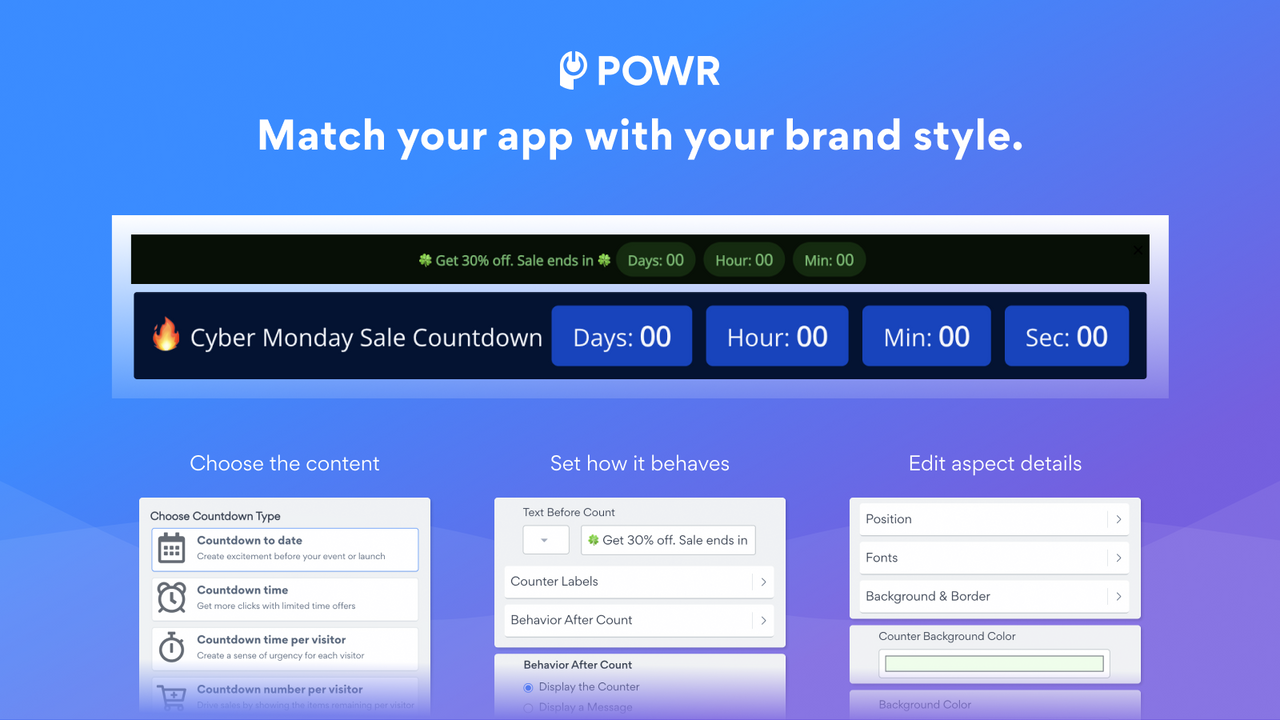
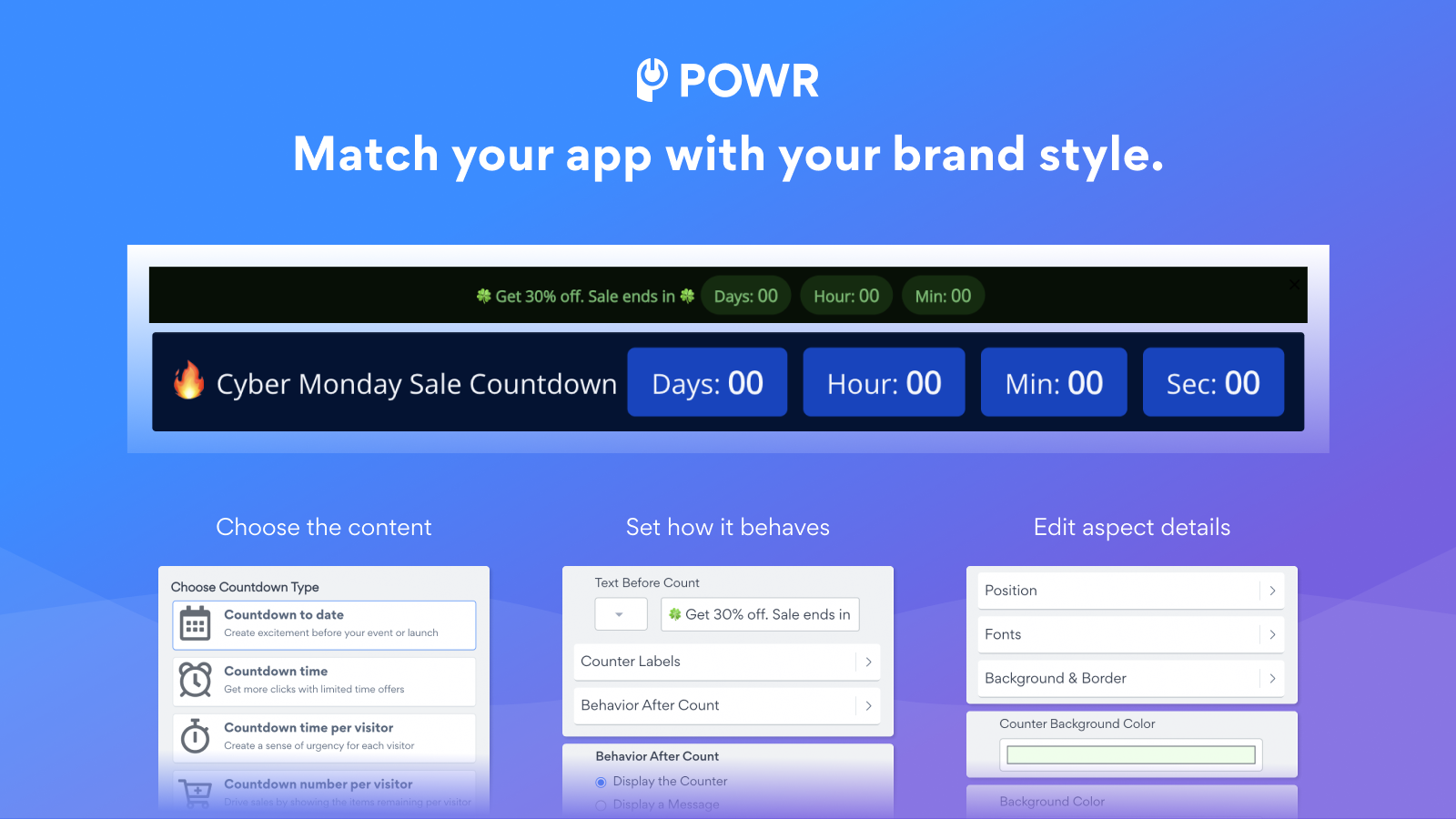
- Advanced Customization: Pre-built templates, animations, timing, and layouts
- Custom Layouts - Set as a banner, fixed header, or cart countdown timer
Merchant-Friendly
- Independent Station Merchants
- New Product Launch Merchants
- Promotion Event Merchants
- Multi-page Operation Merchants
Basic Information
- Developer:POWR.io
- Address:44 Tehama Street, San Francisco, CA, 94105, US
- Price: Free / Free plan
- Rating:4.2 / 5
- Comment Count:97 comment
- Release Date:2014-7-9
- Supported languages:English
- Compatible products:Shopify
Application Screenshot



Price Plan
Free
- Unlimited Monthly Page Views / Store Visits
- Full Design Control
- Actions After Timer Expires
- Sticky Header or Banner
- 24/7 Email Support
Starter
- All Free+ Features
- Remove POWR Logo
- Unlimited Pageviews/Store Visits
- Cart Countdown Timer
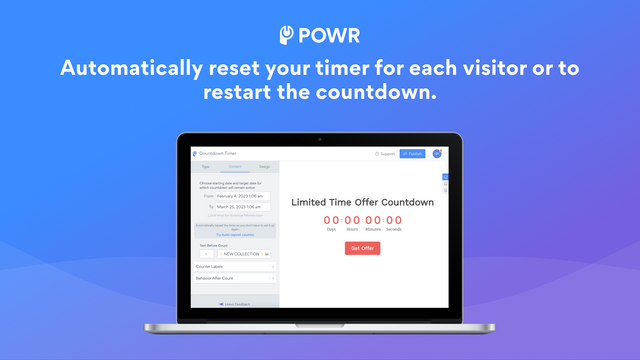
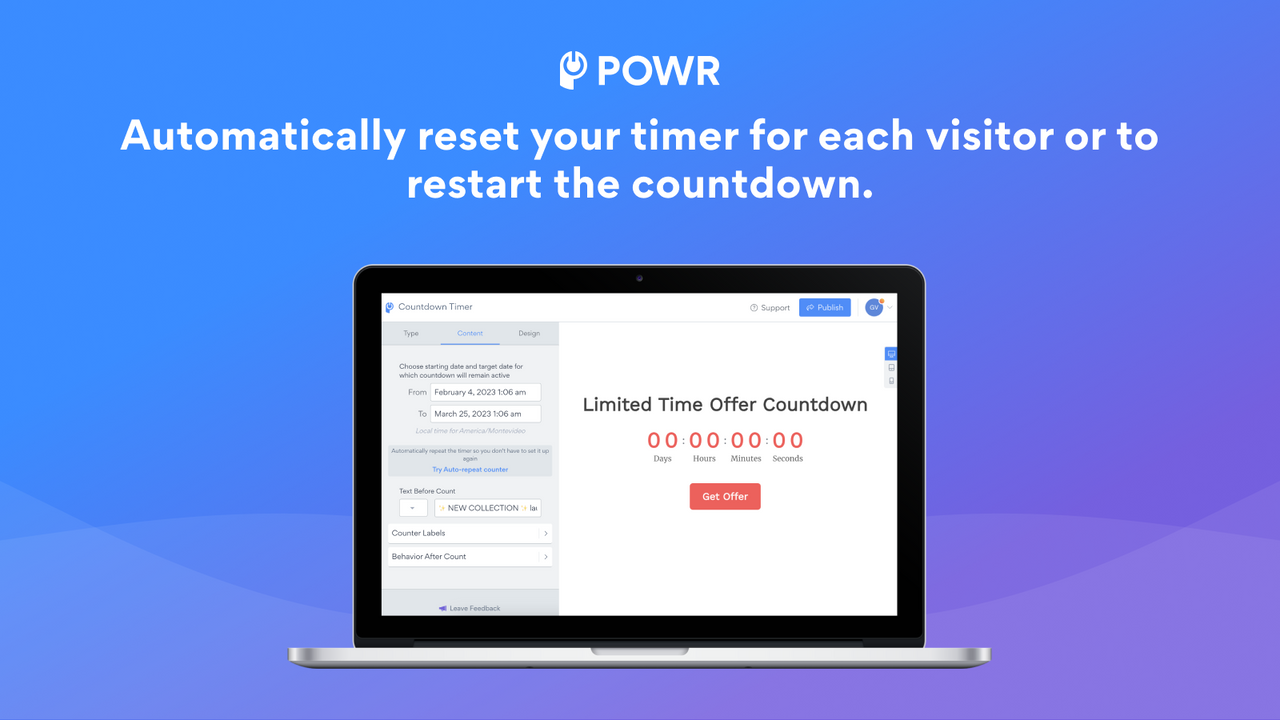
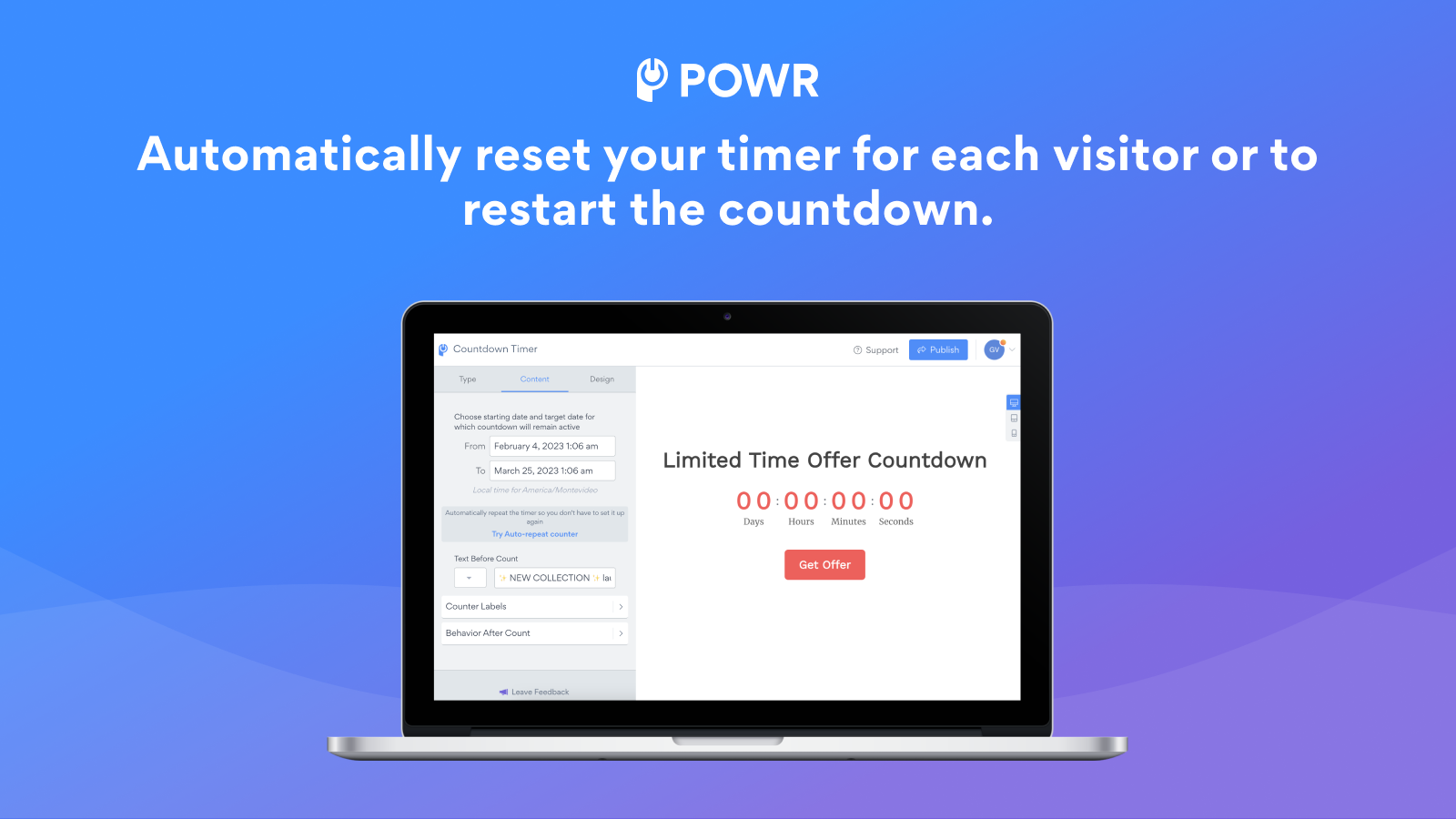
- Auto-Reset Timer
- 24/7 Email Support & Live Chat
Pro
- All Starter+ Features
- Timed or Countdown
- Advanced Animations
- Google Tag Manager
- Custom CSS
Business
- All Pro+ Features
- Unlock All Advanced Features
- Premium Access to All 60+ POWR Apps
- Form Builder
- Popup Window
- Instagram Feed
- Live Chat
- And More
User Location & Comments
User Location
Comments
Shopify API Used
- POST /admin/api/products/{product_id}/metafields.json
- PUT /admin/api/products/{product_id}/metafields/{metafield_id}.json
- GET /admin/api/products/{product_id}/metafields.json
Permission:write_products,read_products,manage_metafields
- POST /admin/api/announcements.json
- PUT /admin/api/announcements/{id}.json
- GET /admin/api/announcements.json
Permission:write_announcements,read_announcements,manage_shop
- POST /admin/api/pages/{page_id}/metafields.json
- PUT /admin/api/pages/{page_id}/metafields/{metafield_id}.json
- GET /admin/api/pages/{page_id}/metafields.json
Permission:write_pages,read_pages,manage_metafields
- POST /admin/api/themes/{theme_id}/assets.json
- PUT /admin/api/themes/{theme_id}/assets.json
- GET /admin/api/themes/{theme_id}/assets.json
Permission:write_themes,read_themes,manage_assets
- POST /admin/api/settings/metafields.json
- PUT /admin/api/settings/metafields/{metafield_id}.json
- GET /admin/api/settings/metafields.json
Permission:write_shop,read_shop,manage_metafields



