
App Introduction
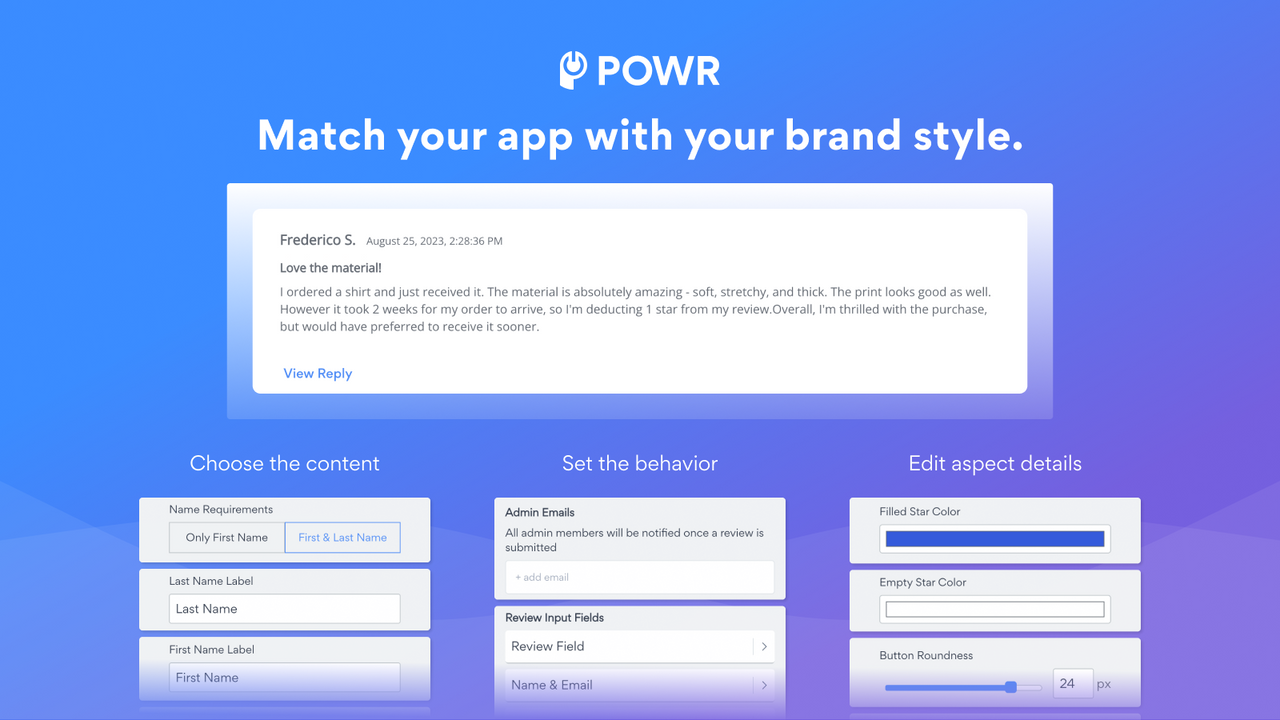
Display customer reviews, ratings, and feedback, and share them on your website to build trust and social proof. When shoppers see reviews from others about their experiences with your business, they’re more likely to make a purchase from you. Showcase how you’ve met other customers’ needs—such as positive feedback on product selection or exceptional customer service. This boosts confidence and trust in your brand. Display customer reviews and ratings on your product pages to highlight top-selling items and enhance social proof. Leverage insights from customer feedback to improve your store’s overall user experience.
Core Functionality
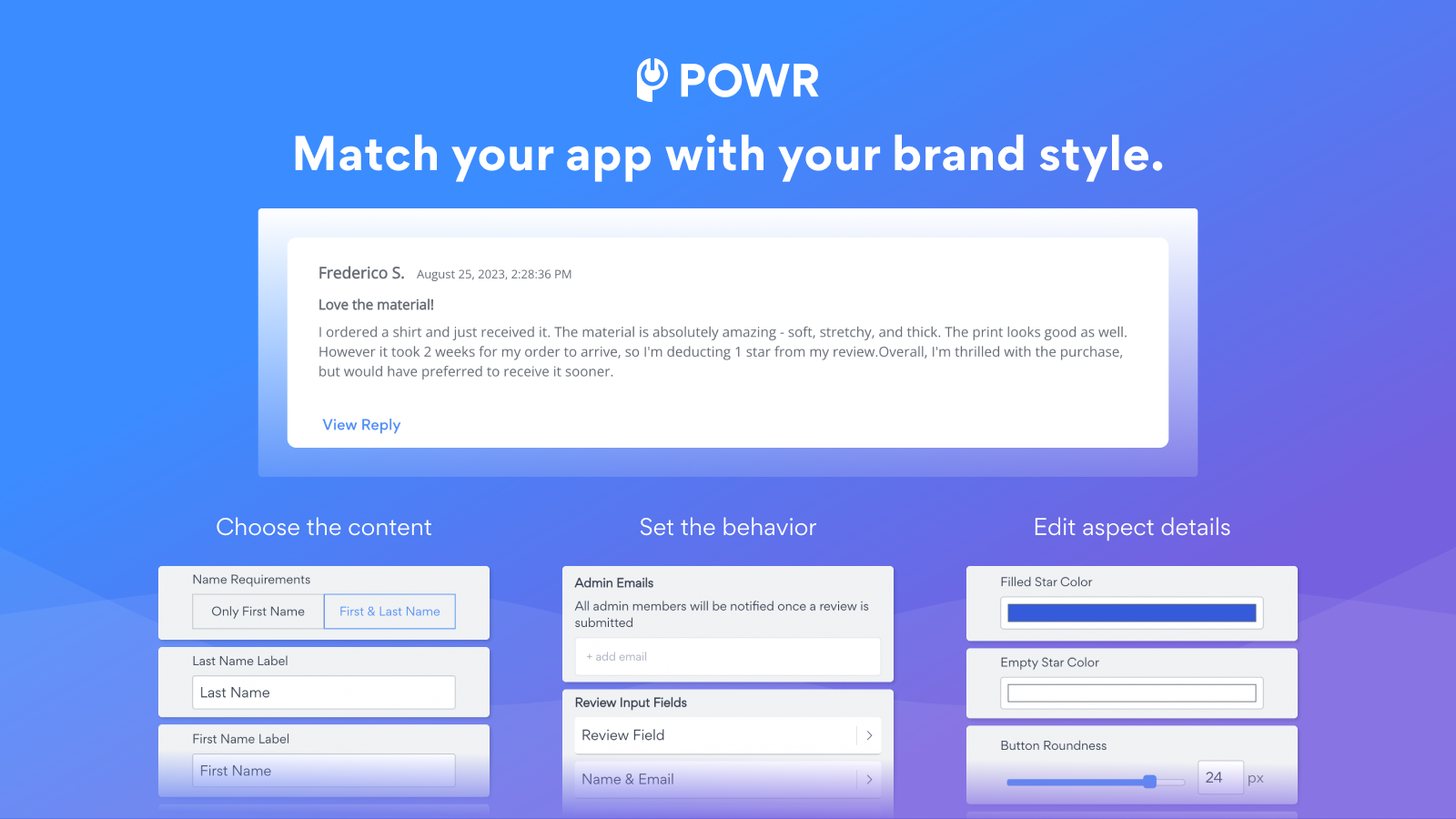
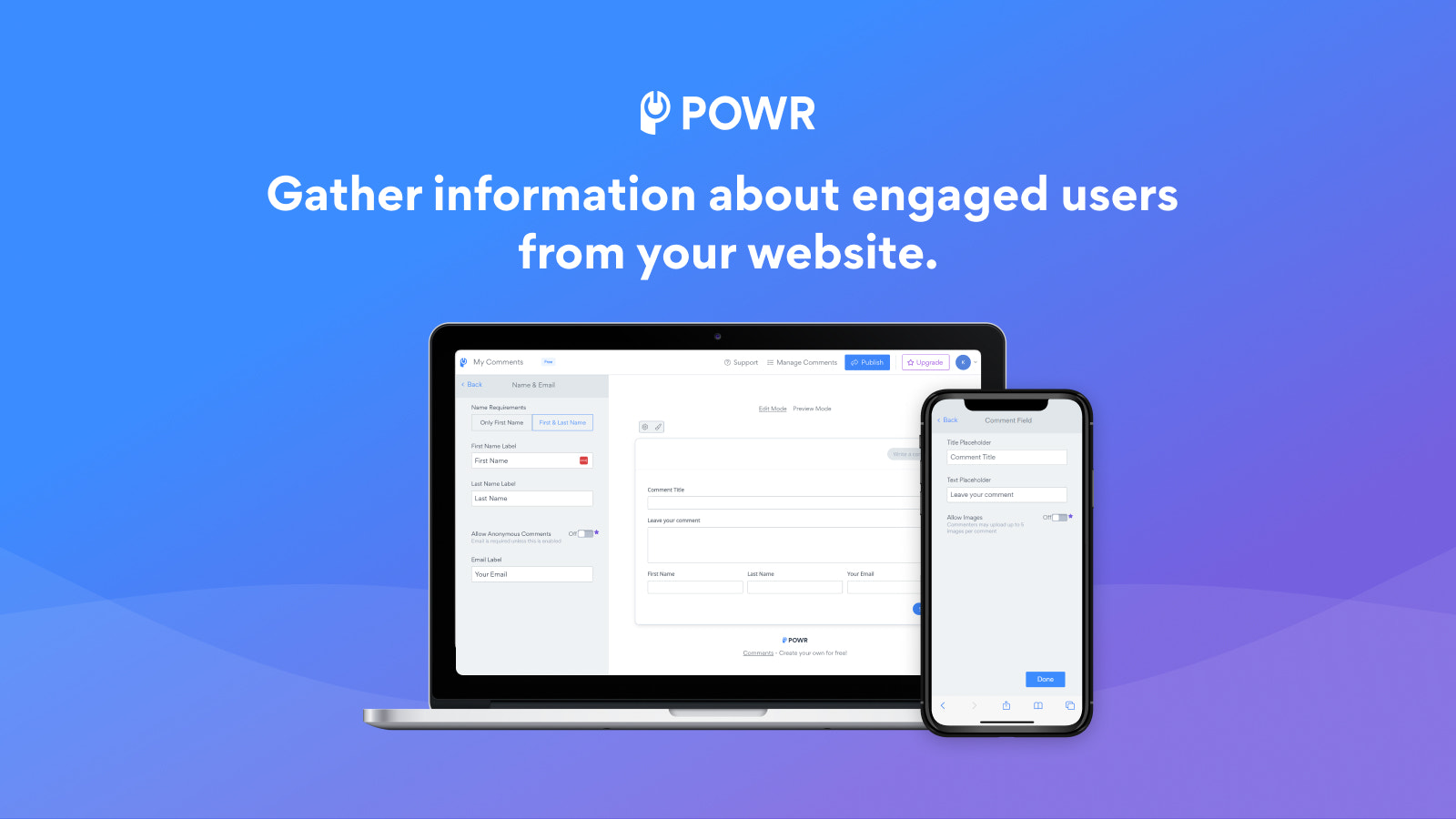
- Review Comments: Approve or reject new comments before publication
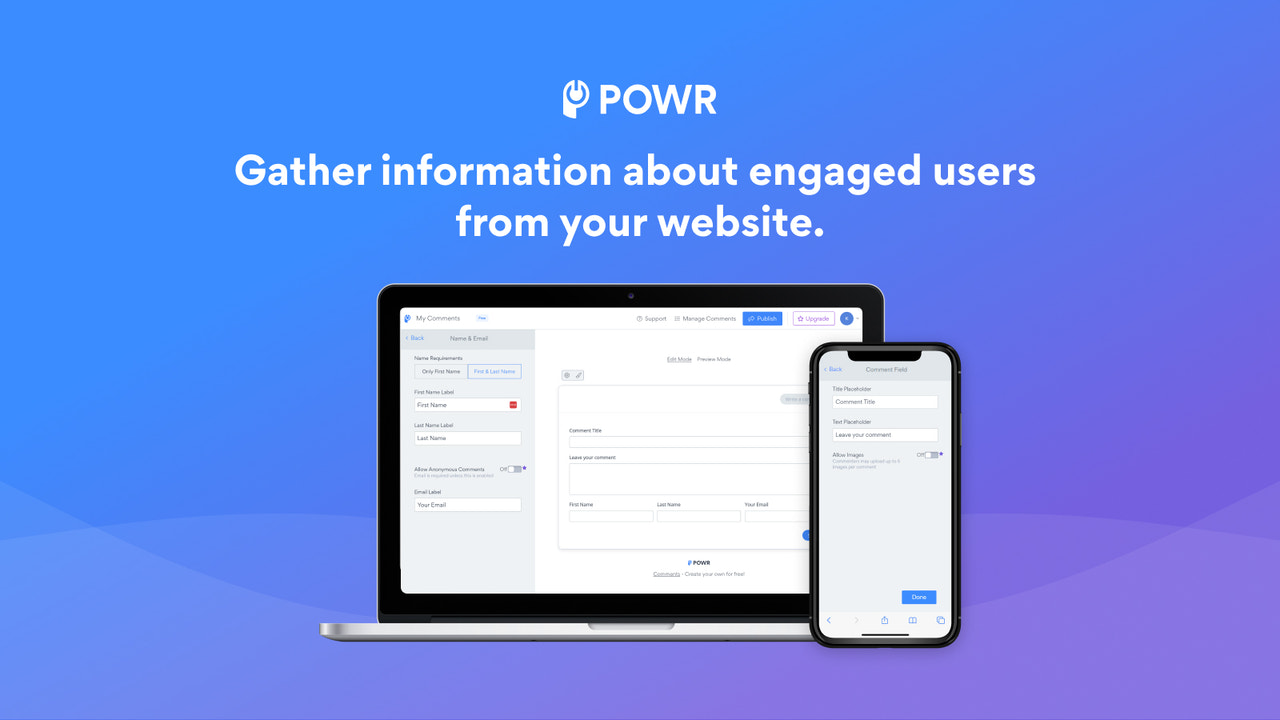
- Image Upload: Allow customers to add images to boost social proof
- Auto-Reply: Customize your auto-reply success messages
- Open Threads: Set up comment threads for more open discussions
- Comment Placement: Add to custom locations like product pages or your blog
Merchant-Friendly
- Product-based Independent Stores
- Content E-commerce Merchants
- Social E-commerce Sellers
- Brand E-commerce Stores
Basic Information
- Developer:POWR.io
- Address:44 Tehama Street, San Francisco, CA, 94105, US
- Price: Free / Free plan
- Rating:4.7 / 5
- Comment Count:24 comment
- Release Date:2015-9-14
- Supported languages:English
- Compatible products:Shopify
Application Screenshot







Price Plan
Free
- 1 Admin Account
- Up to 30 Reviews per Month
- Undo/Redo Edits
- 24/7 Email Support
Starter
- All Free Features +
- Unlimited Monthly Reviews
- 2 Email Admin Accounts
- Allow Anonymous Reviews
- Advanced Review Sorting Options
- Instant Email Alerts
- Live Chat with POWR Support Team
Pro
- All Starter Features +
- 3 Email Admin Accounts
- Manual Comment Moderation
- Custom CSS
- Allow Comment Replies
- Disable Comment Likes
Business
- All Pro Features +
- Unlock All Advanced Features
- Unlimited Access to 60+ POWR Apps, Such As
- Contact Form
- Pop-up Window
- Instagram Feed
- Countdown Timer
- And More
User Location & Comments
User Location
Comments
Shopify API Used
- POST /admin/api/comments/{comment_id}/approve.json
- POST /admin/api/comments/{comment_id}/reject.json
- GET /admin/api/comments.json?status=pending
Permission:write_comments,read_comments,manage_comments
- POST /admin/api/comments/{comment_id}/images.json
- GET /admin/api/comments/{comment_id}/images.json
- DELETE /admin/api/comments/{comment_id}/images/{image_id}.json
Permission:write_comments,read_comments,manage_media
- POST /admin/api/comment_notifications/auto_reply.json
- PUT /admin/api/comment_notifications/auto_reply/{id}.json
- GET /admin/api/comment_notifications/auto_reply.json
Permission:write_notifications,read_notifications,manage_comments
- POST /admin/api/comment_threads.json
- PUT /admin/api/comment_threads/{thread_id}.json
- GET /admin/api/comment_threads.json
Permission:write_comments,read_comments,manage_comments
- POST /admin/api/comment_positions.json
- PUT /admin/api/comment_positions/{position_id}.json
- GET /admin/api/comment_positions.json
Permission:write_comments,read_comments,manage_themes



