
App Introduction
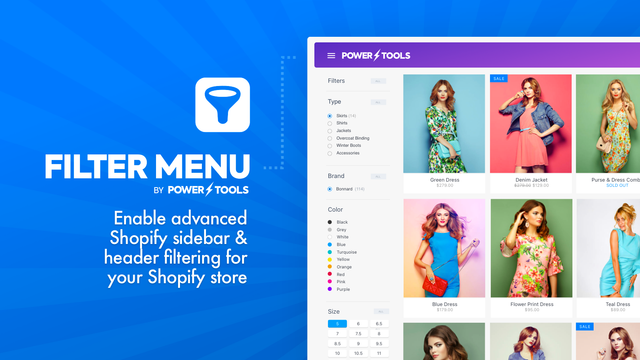
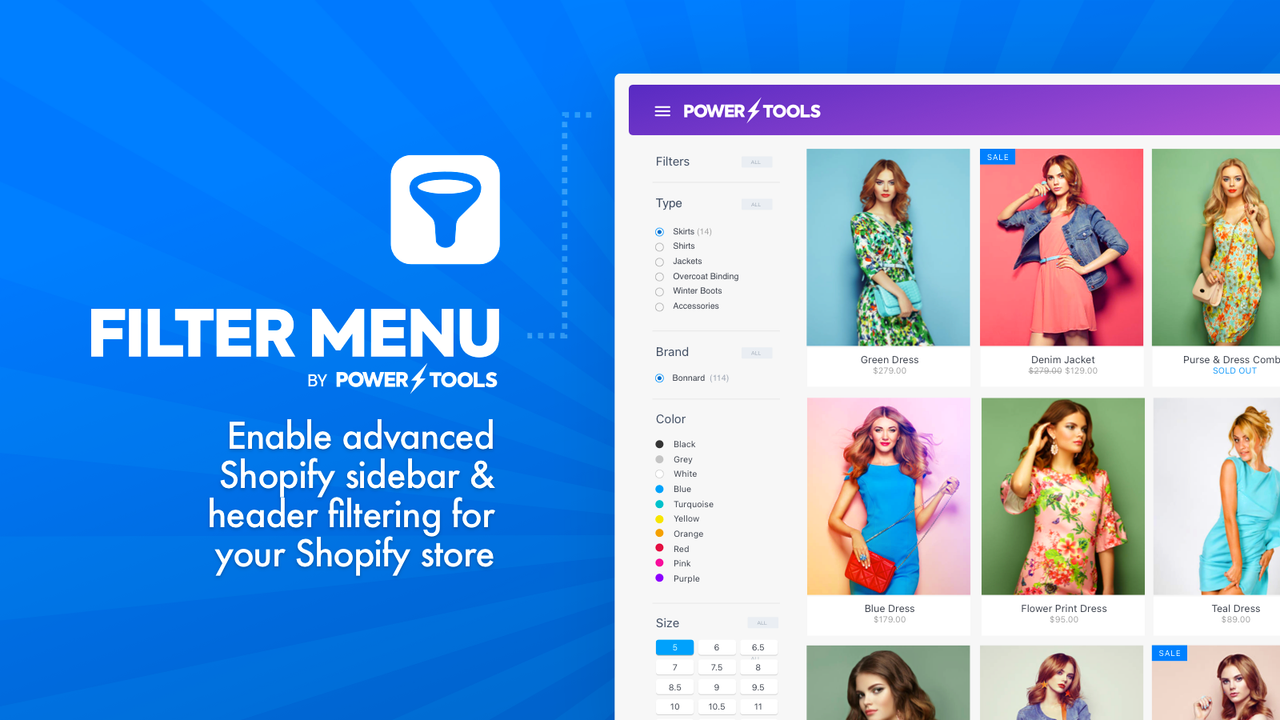
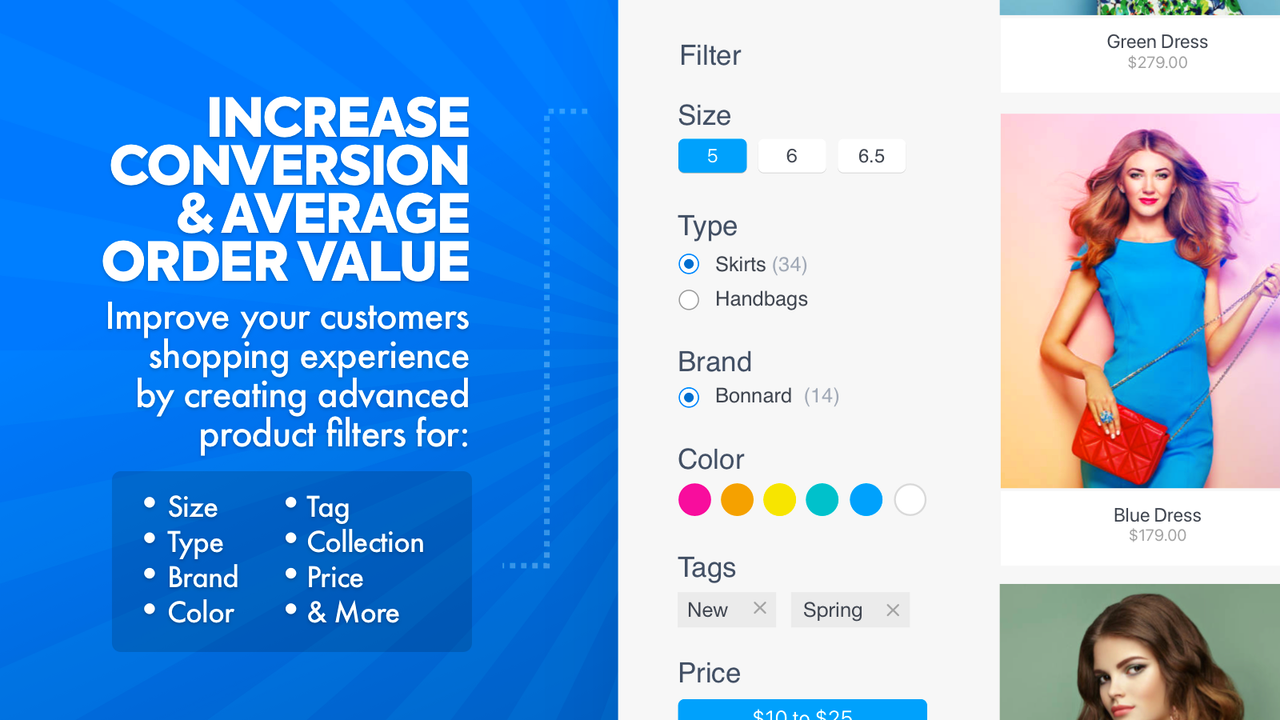
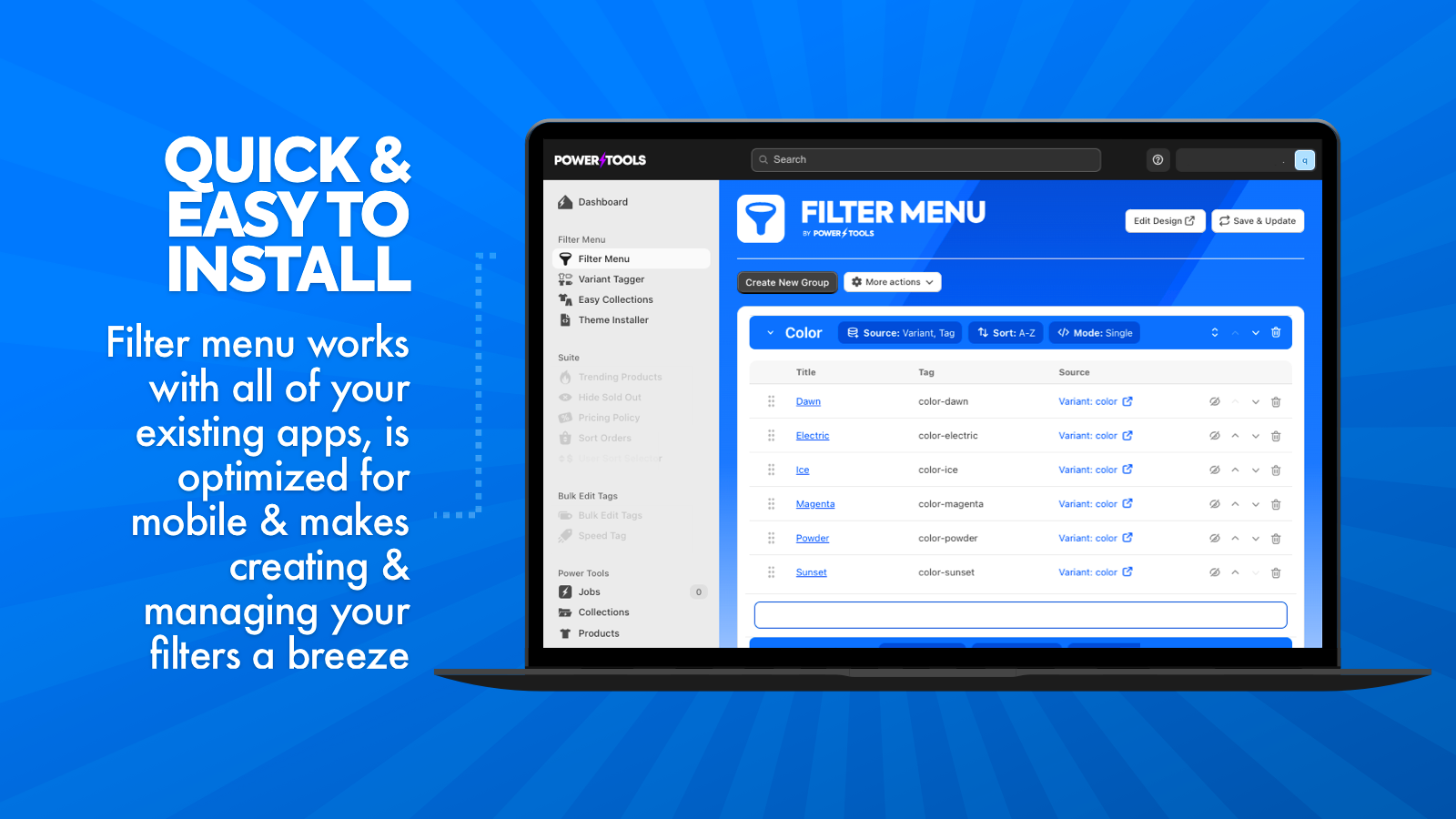
Create advanced product filters for brands, types, tags, collections, variants, prices, and more Want to simplify your store and boost sales? Using a collection filtering system is an effective way to increase sales. If you’re looking for ways to enhance your store’s performance… then a smooth navigation system could be your answer. Retail experts have proven that when stores make shopping easier for their customers, sales rise. Why? Because your customers are short on time, and they’ll reward you for making their lives easier. That’s why we built Power Tools Filter Menu!
Core Functionality
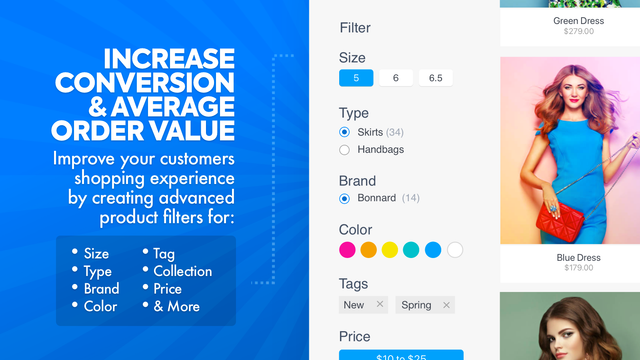
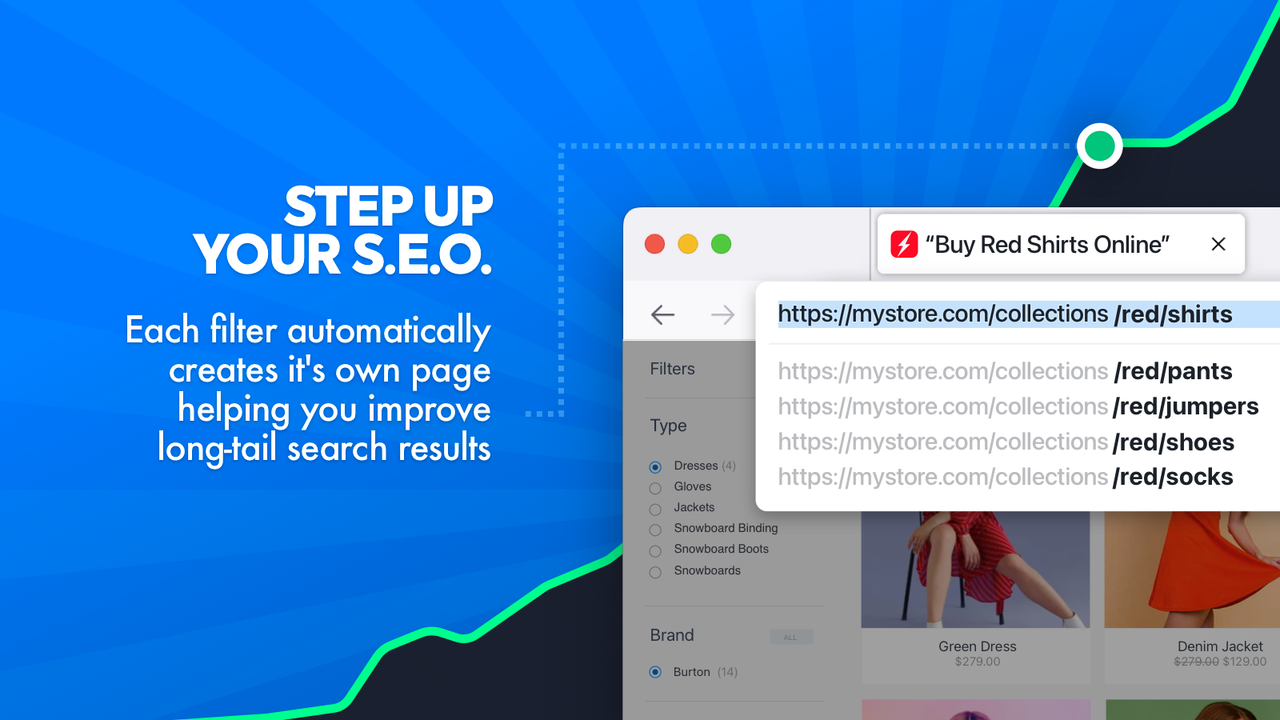
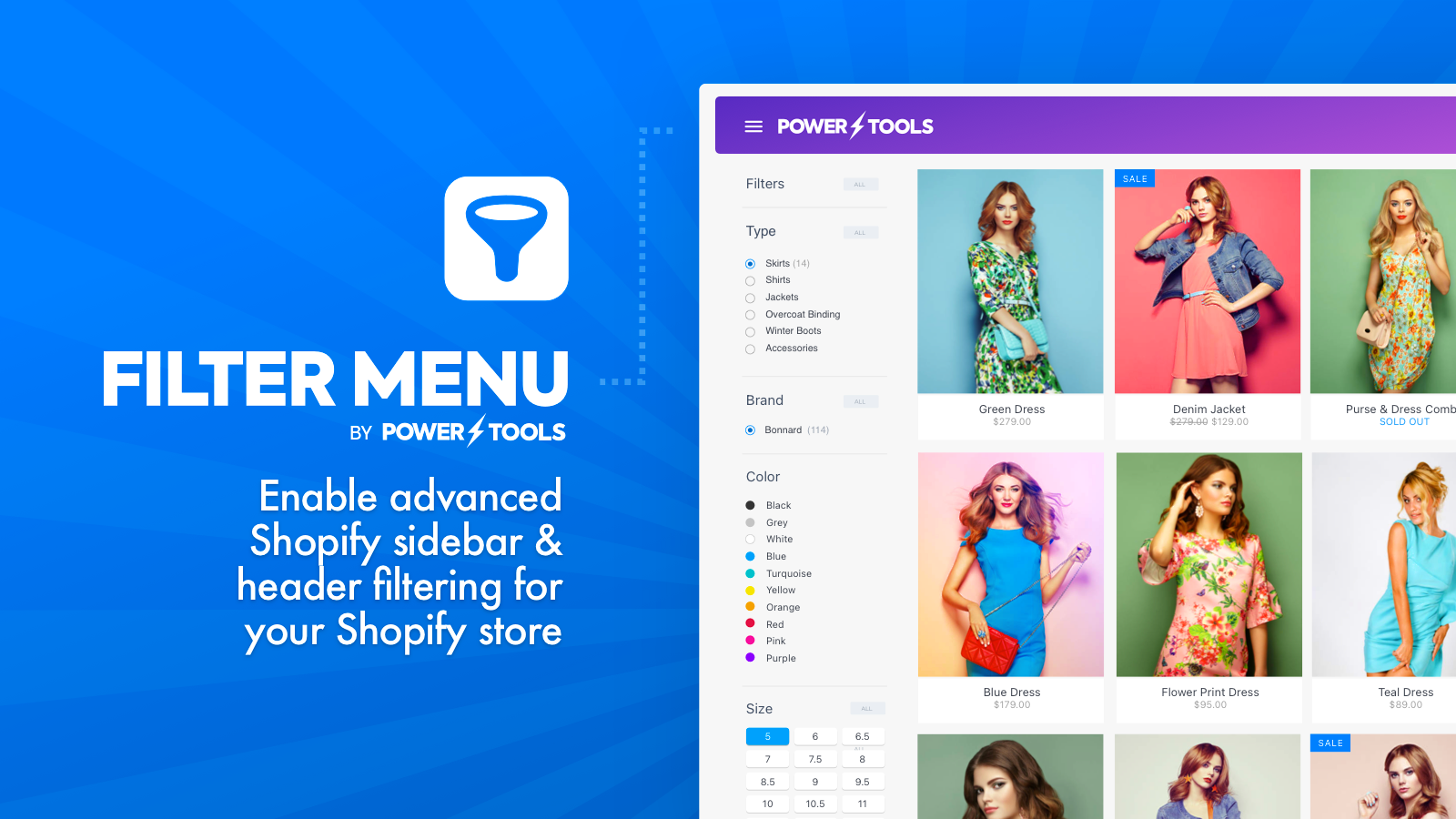
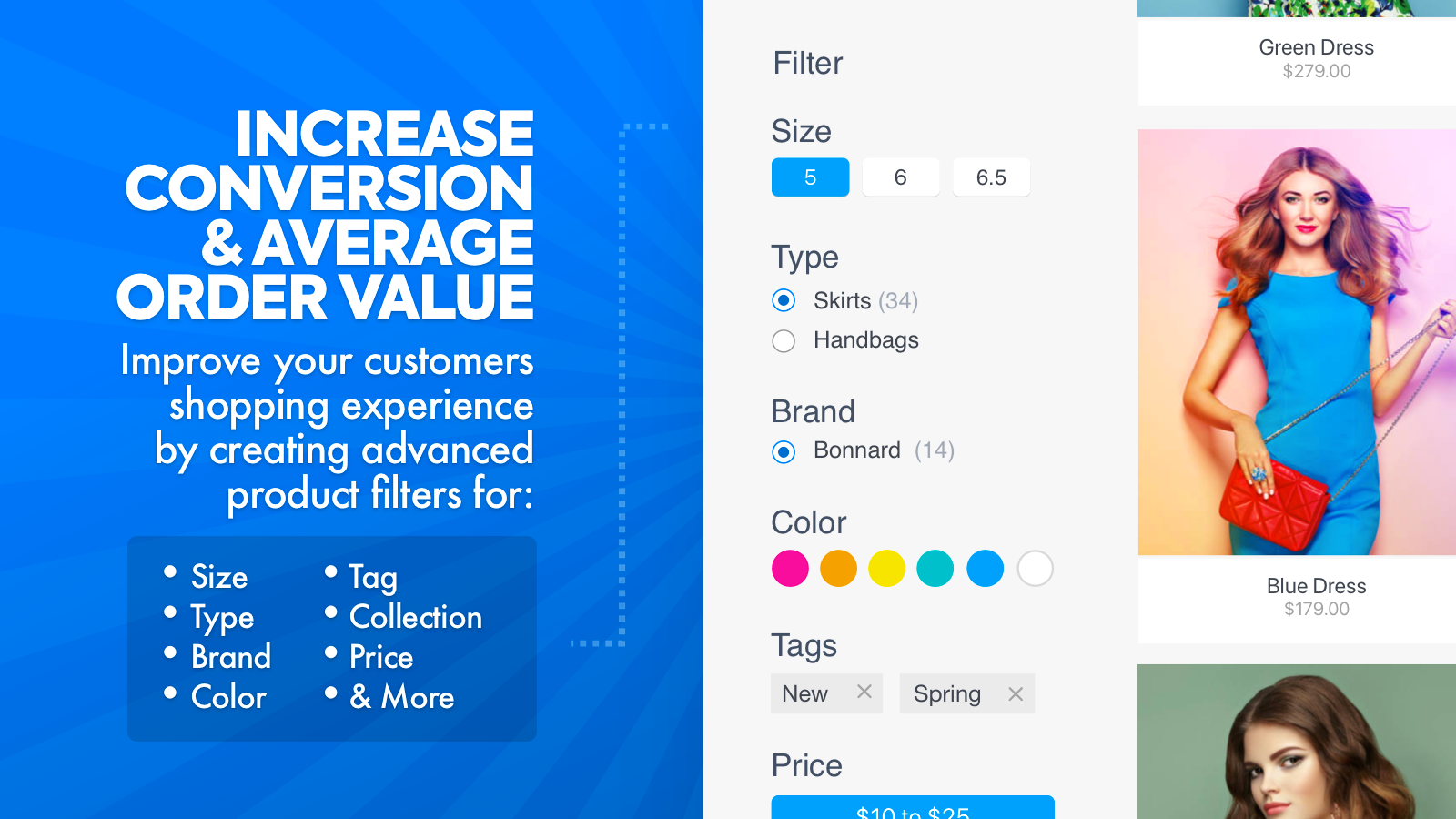
- Create advanced product filters for brands, categories, tags, collections, variants, prices, and more
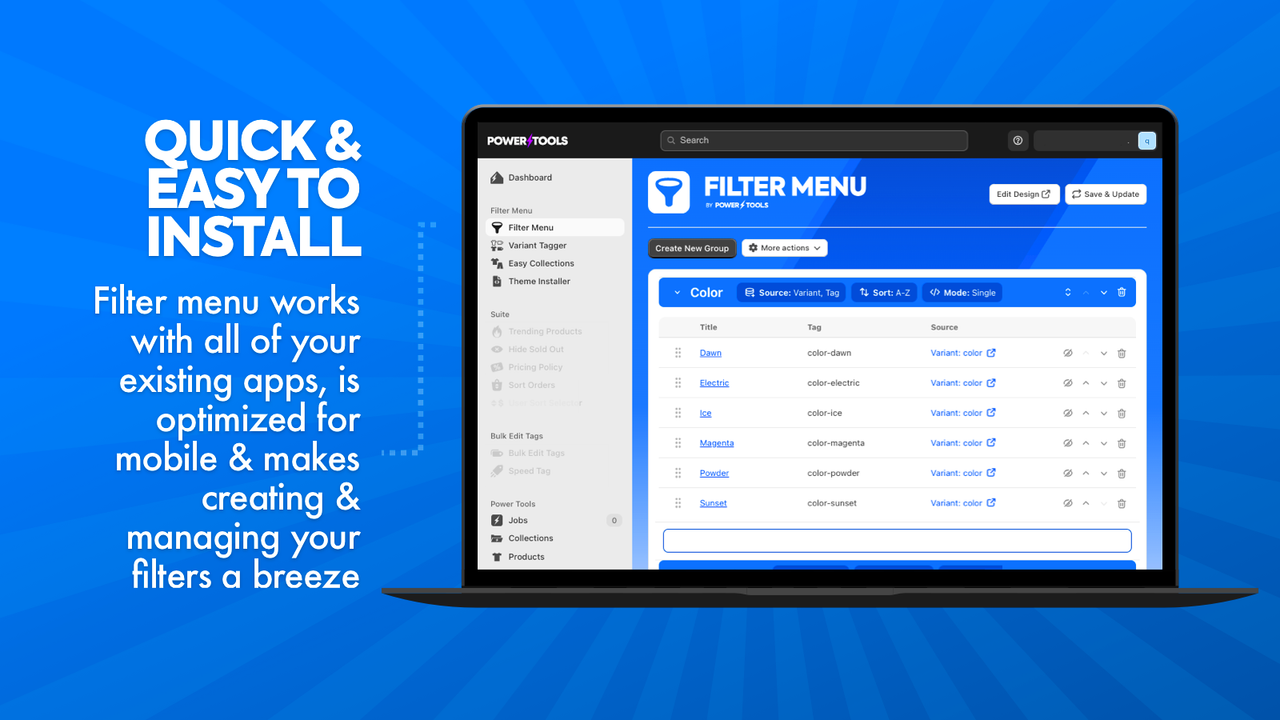
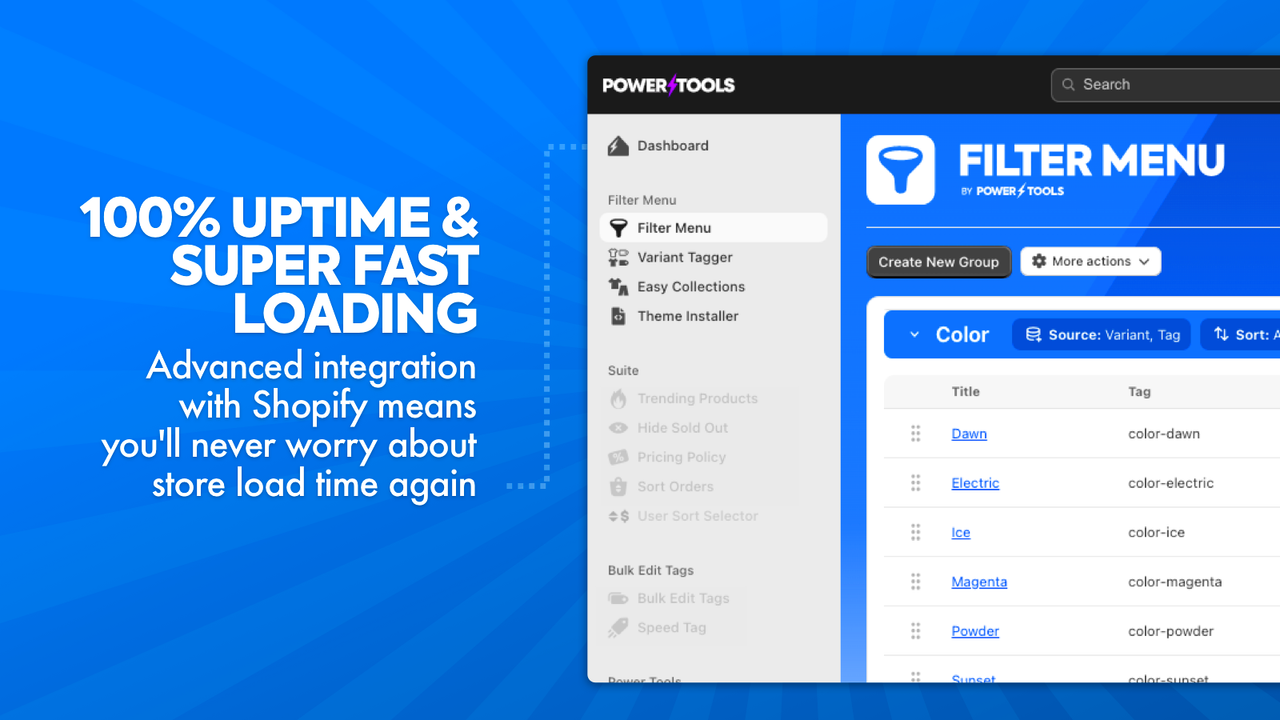
- Quickly build, edit, and maintain product filter menus to boost sales
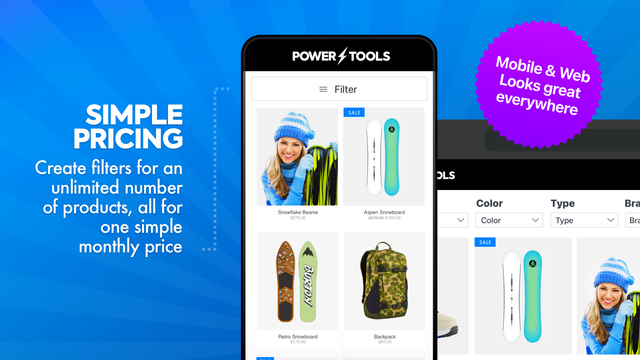
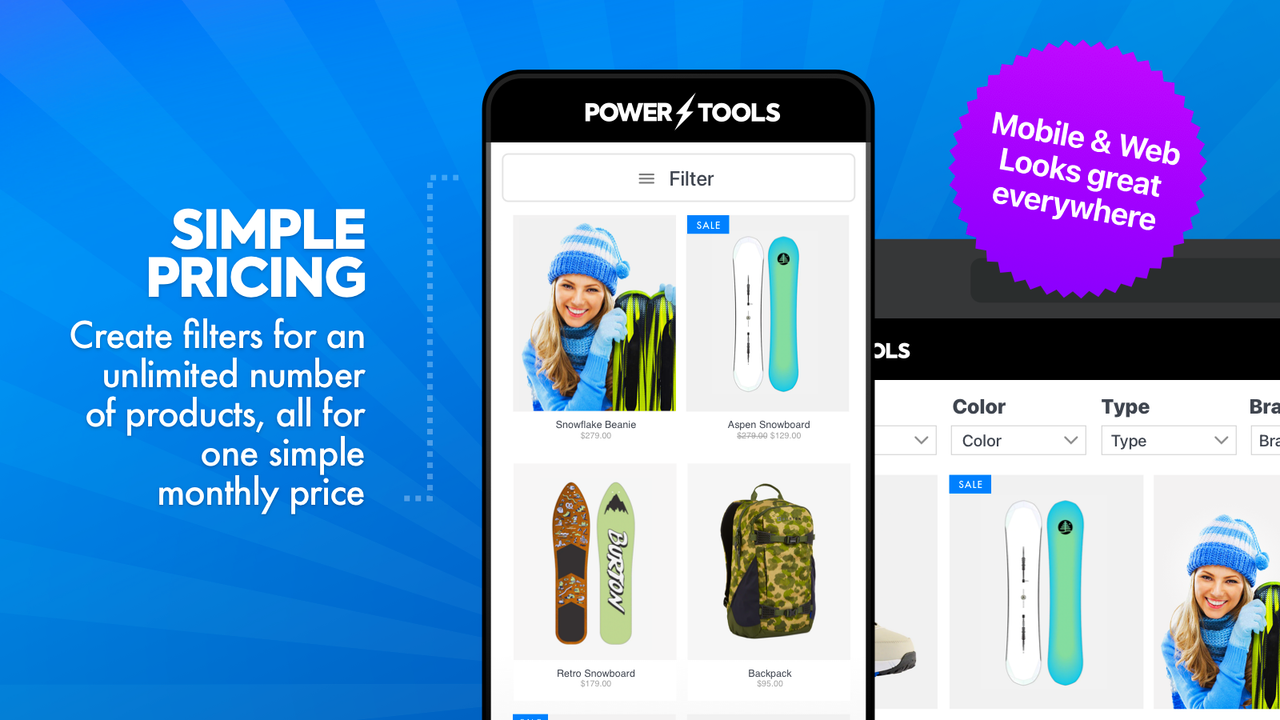
- Easy installation compatible with all themes, so you can focus on what matters most
Merchant-Friendly
- Independent Station Merchants
- Multi-category E-commerce
- Fashion Retail Merchants
- 3C Electronics Merchants
Basic Information
- Developer:Power Tools
- Address:Level 2, 20-24 Subiaco Square Road, Subiaco, WA, 6008, AU
- Price: Free / Free plan
- Rating:4.7 / 5
- Comment Count:83 comment
- Release Date:2013-6-26
- Supported languages:English
- Compatible products:Shopify
Application Screenshot




Price Plan
过滤菜单
User Location & Comments
User Location
Comments
Shopify API Used
- POST /admin/api/filters.json
- PUT /admin/api/filters/{id}.json
- GET /admin/api/filters.json
Permission:write_products,read_products,manage_collections
- POST /admin/api/filter_menus.json
- PUT /admin/api/filter_menus/{id}.json
- DELETE /admin/api/filter_menus/{id}.json
Permission:write_products,read_products,manage_themes
- POST /admin/api/themes/{theme_id}/assets.json
- GET /admin/api/themes.json
- PUT /admin/api/themes/{theme_id}/settings.json
Permission:write_themes,read_themes,manage_products