
App Introduction
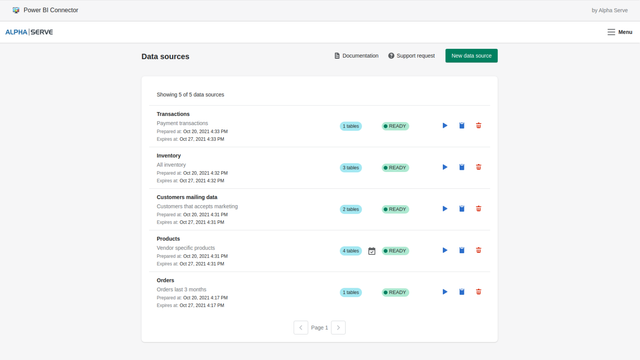
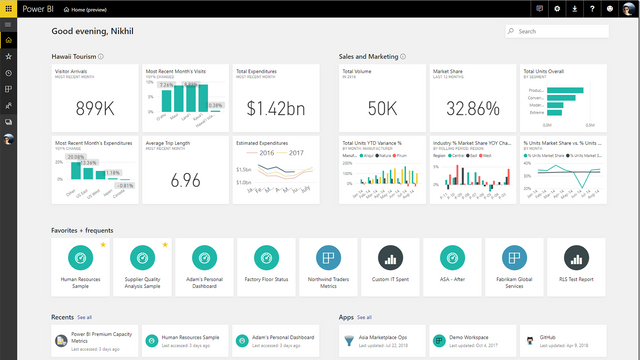
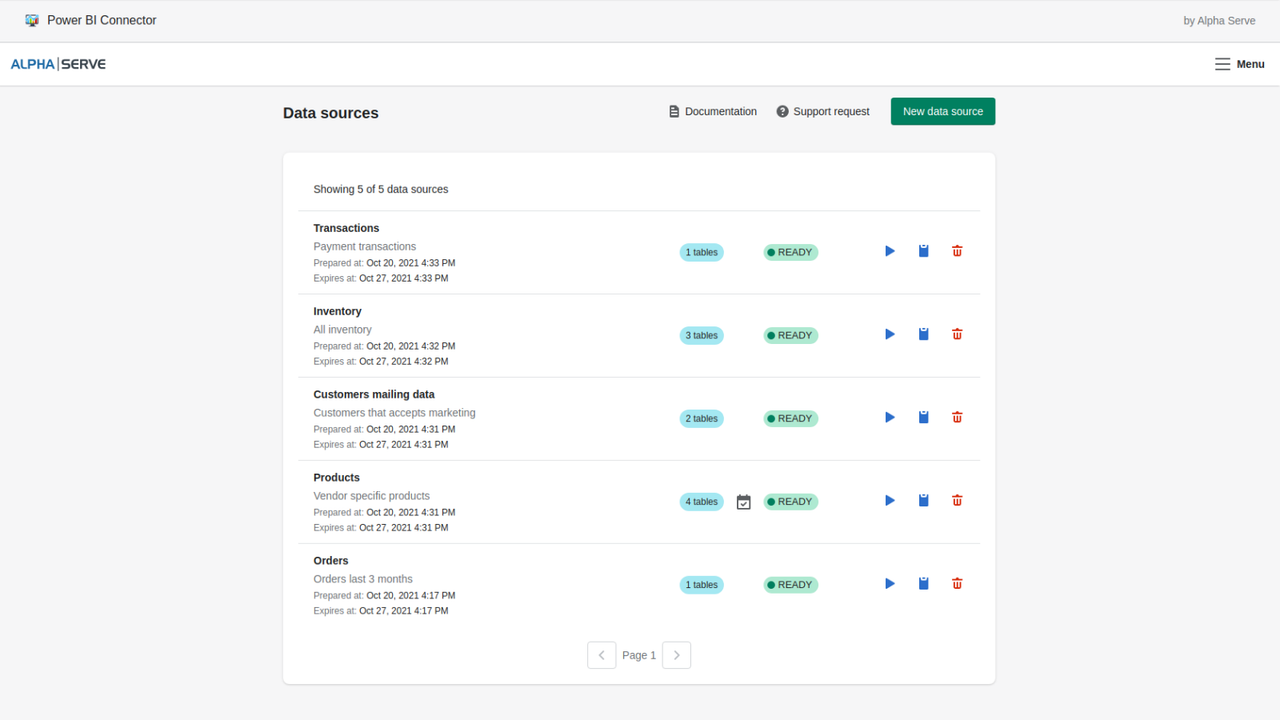
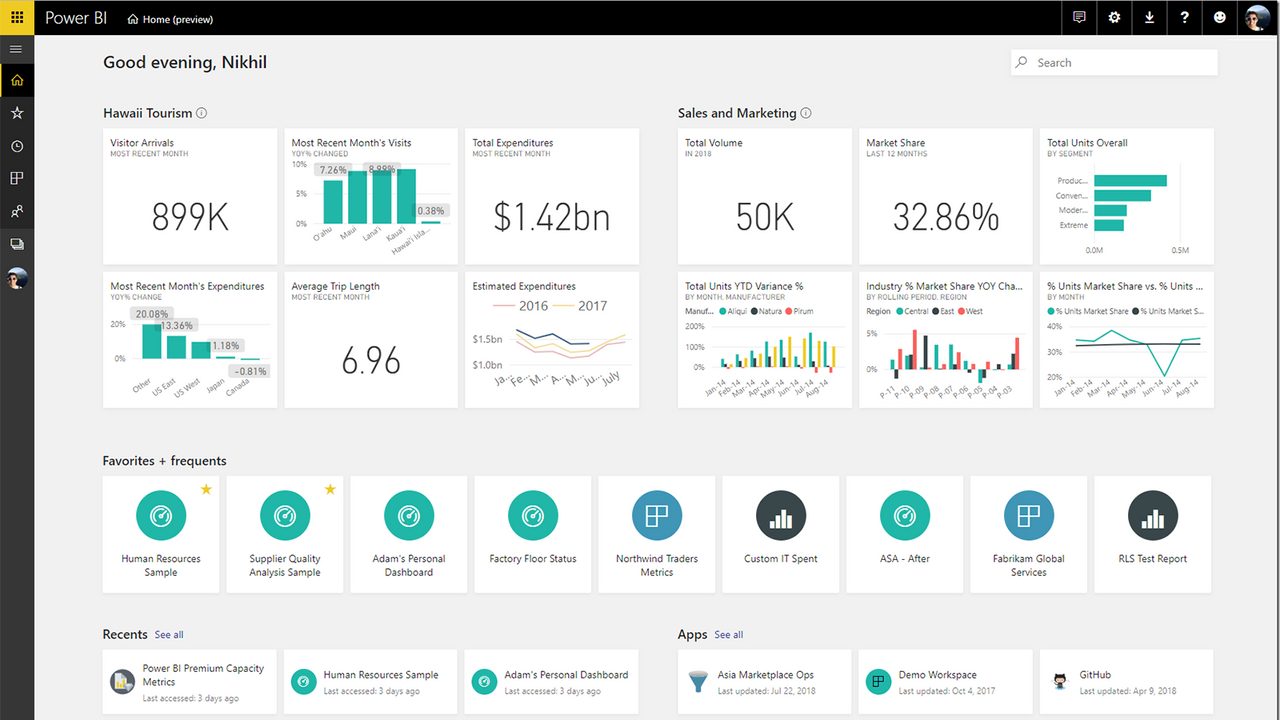
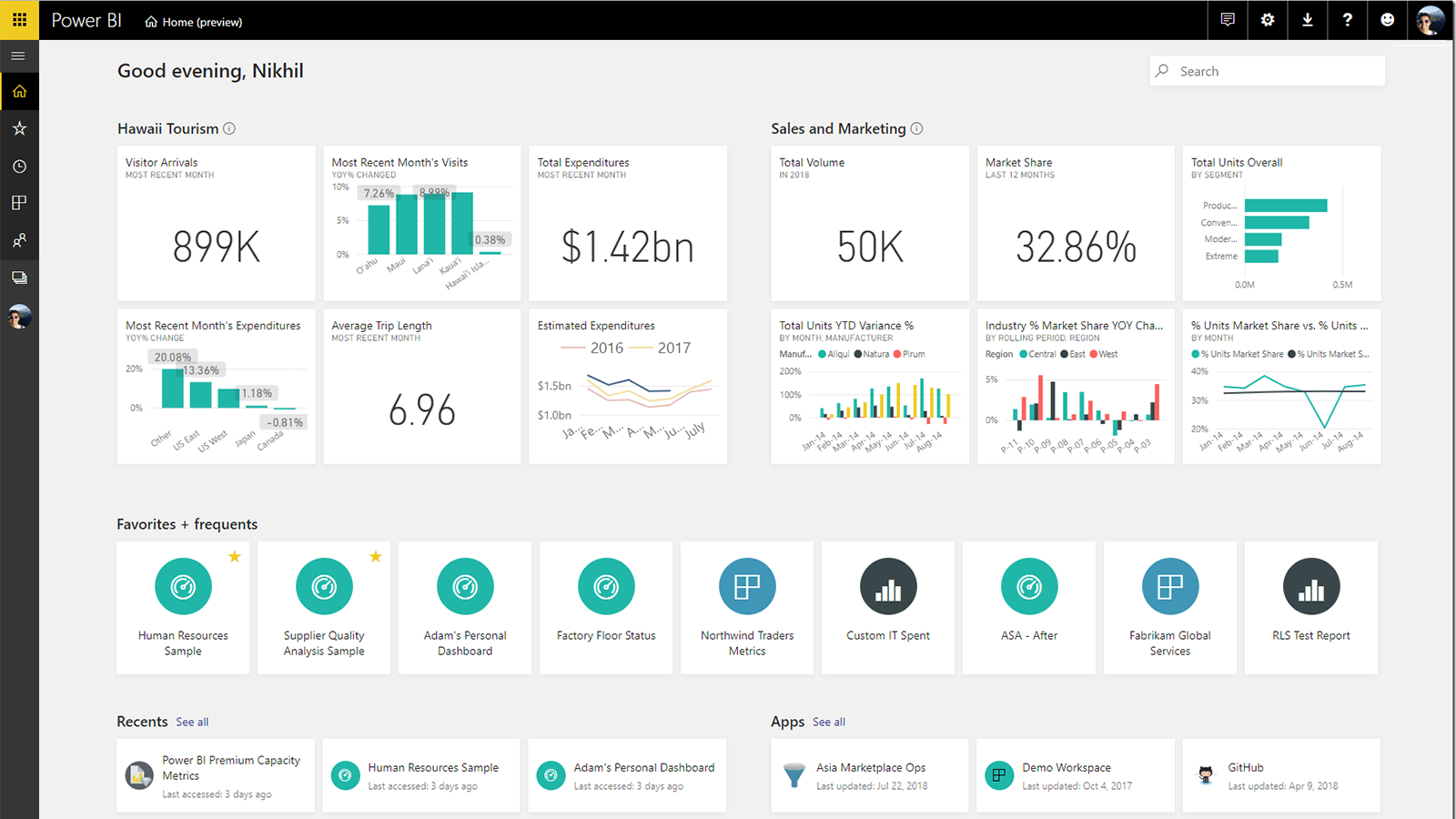
No-Code Power BI Integration. Export store data to Power BI and easily build any report you need. The Shopify Power BI Connector is a Power BI Shopify integration app that lets you seamlessly export Shopify data to Microsoft Power BI for advanced visualization and data analysis. Connect Shopify to Power BI and build interactive Shopify reports to analyze inventory, customers, orders, and more. Power BI Connector is a no-code, ready-to-use integration. It’s ideal for Shopify store owners and managers who want to track KPIs and boost profitability with transparent Shopify reports.
Core Functionality
- Export Shopify data to Power BI and transform raw data into interactive reports
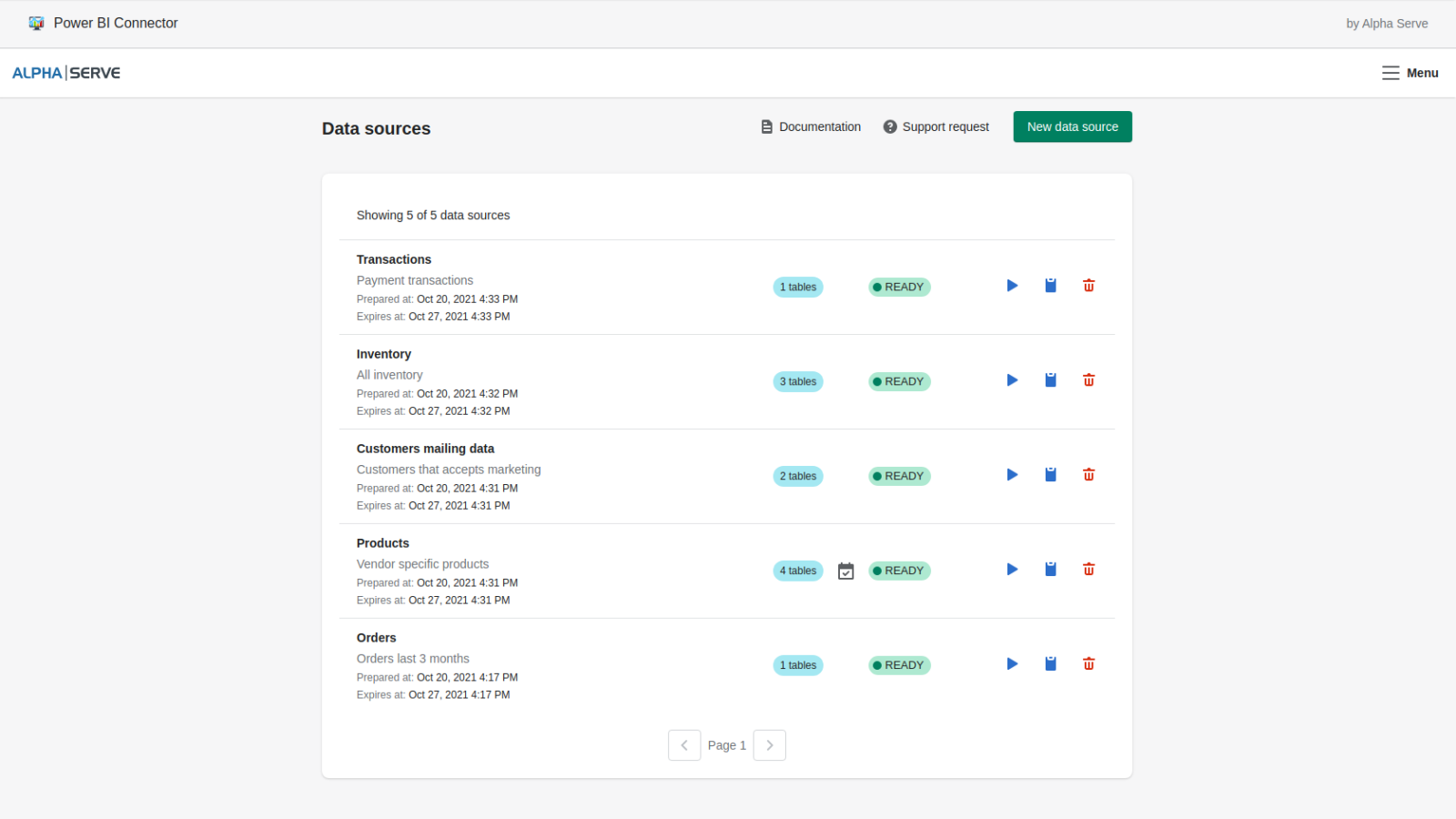
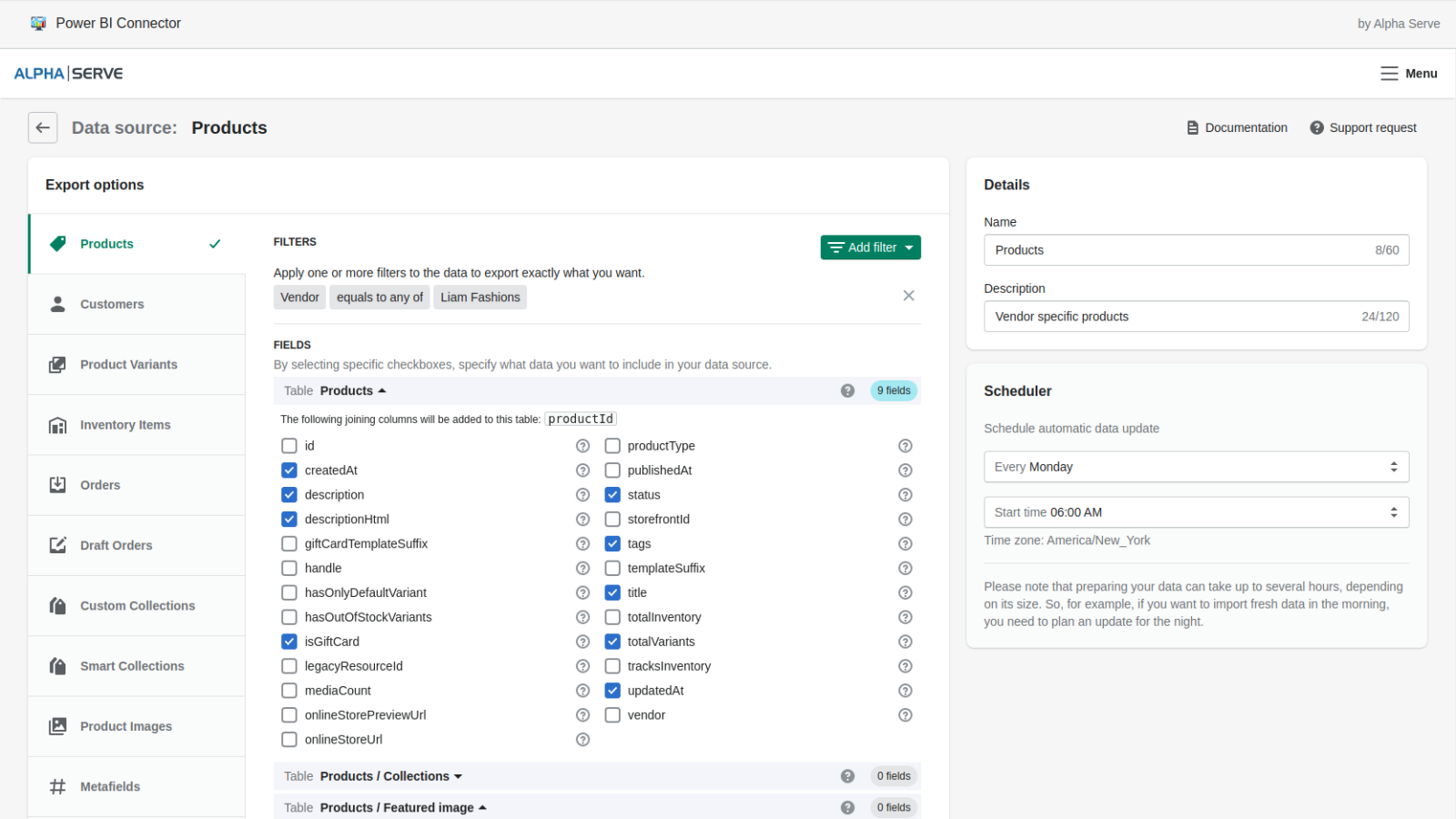
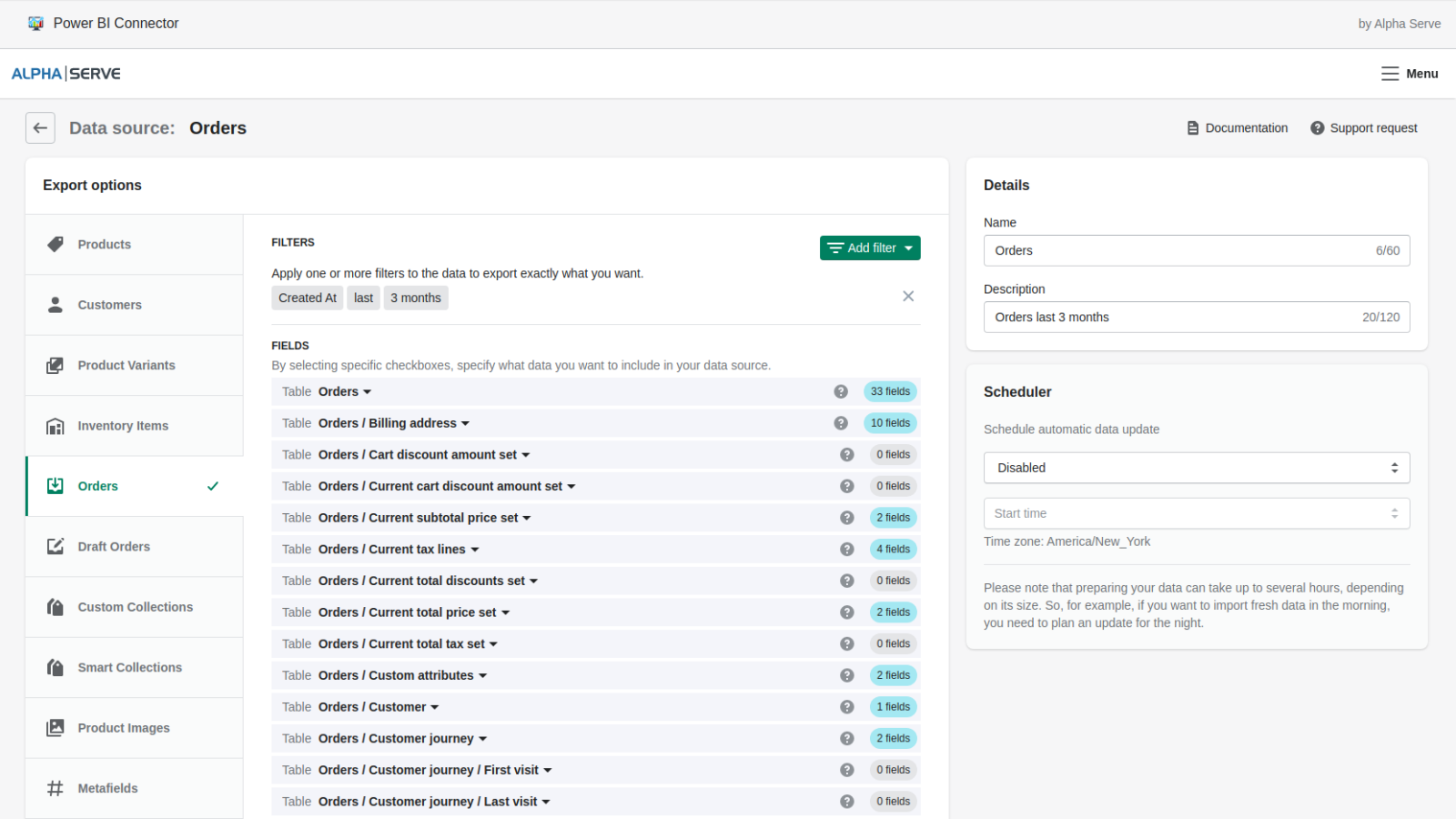
- Schedule automatic refreshes to get real-time Shopify Power BI reports
- Combine Shopify data with other data sources (CRM, ERP, etc.) for complex reporting
- Secure your store data (our app does not collect any customer data)
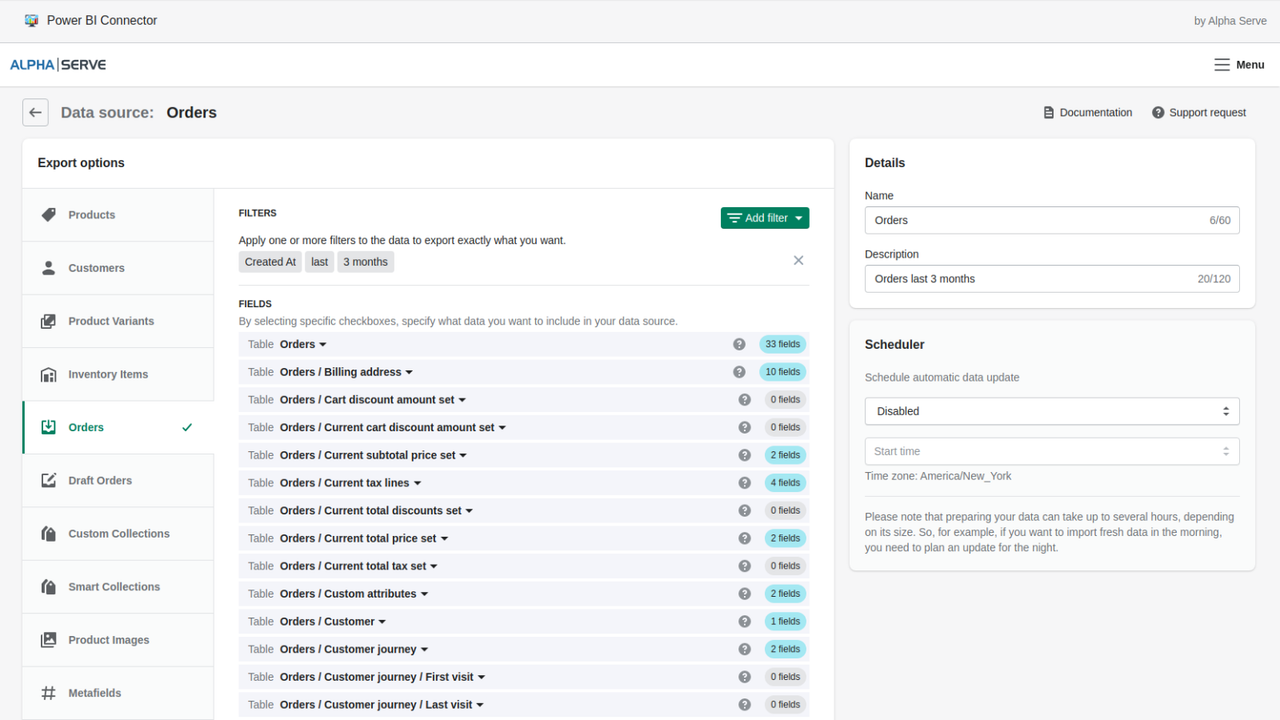
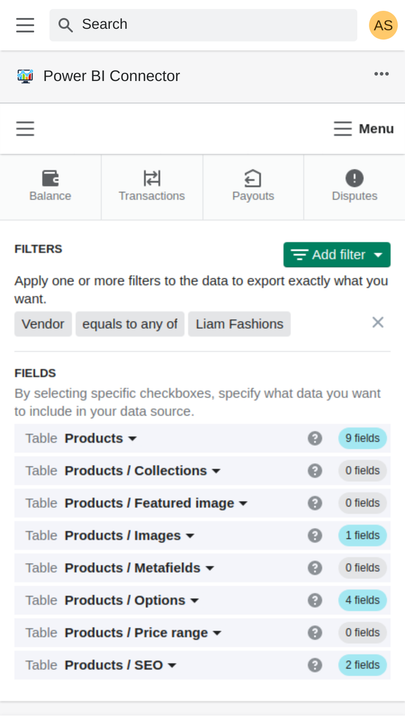
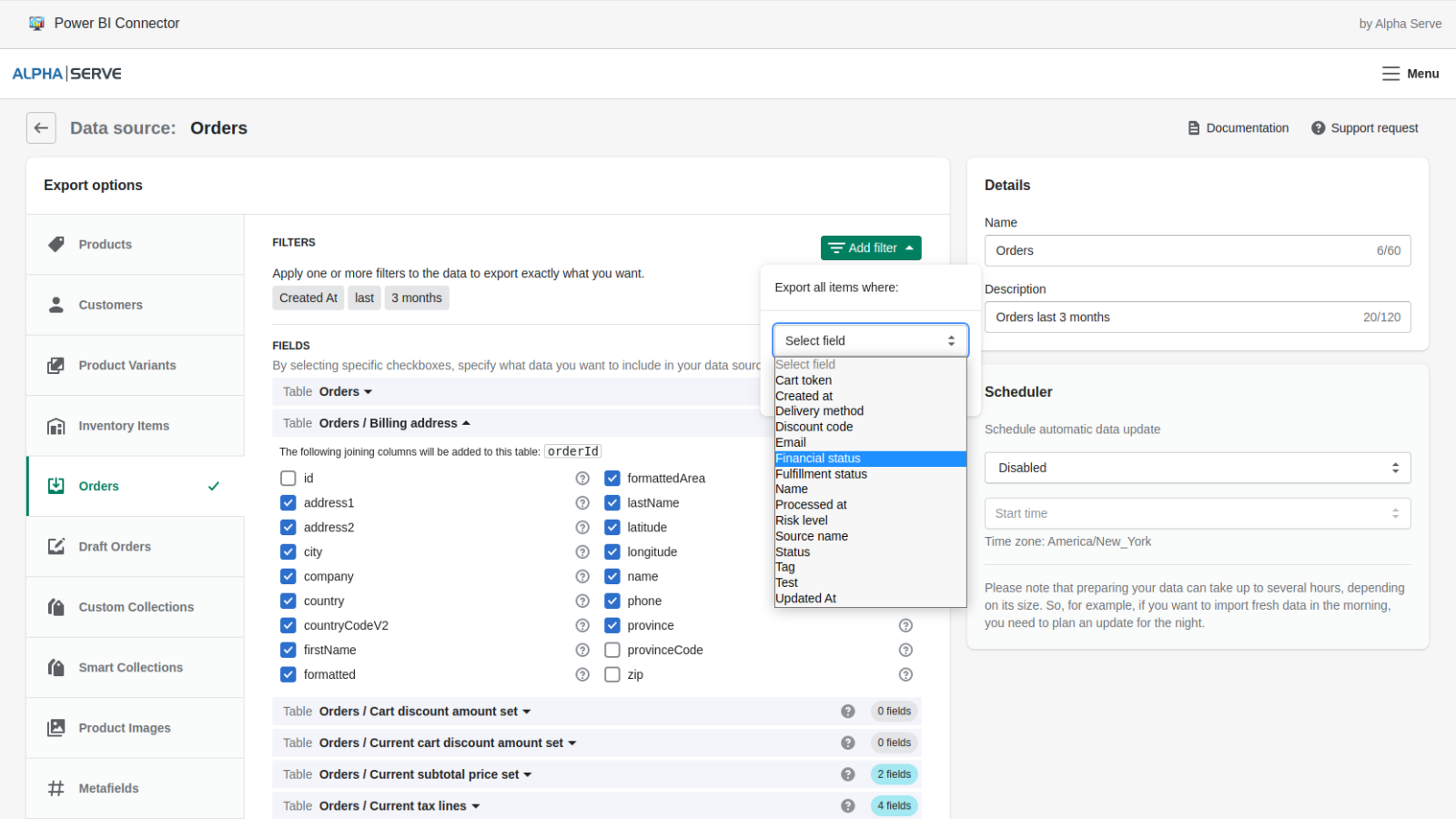
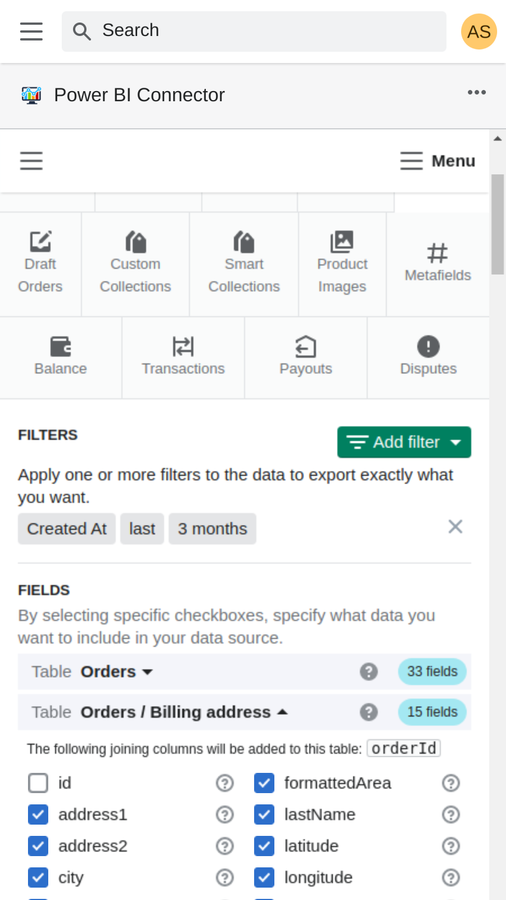
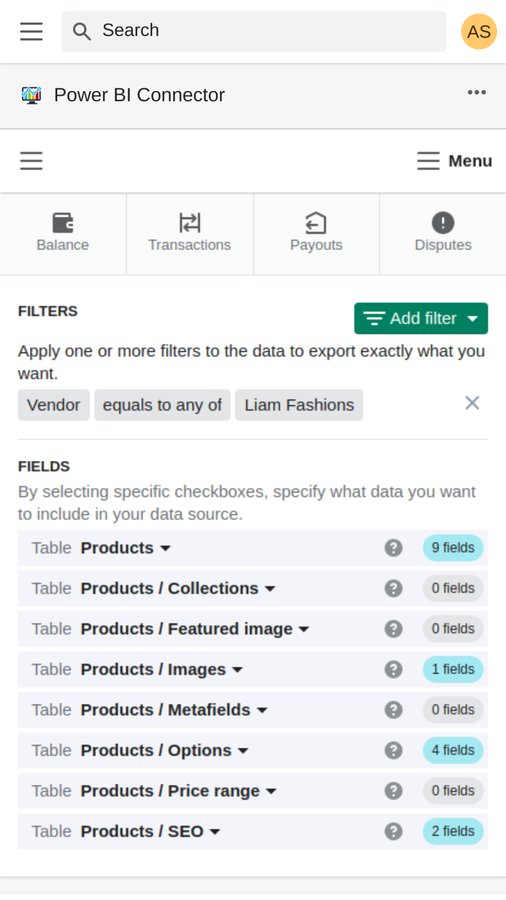
- Apply filters to select the data you need. Export any data from Shopify with unlimited rows
Merchant-Friendly
- Data-driven Merchants
- Multi-system Operators
- SME E-commerce Merchants
- Cross-border E-commerce Merchants
Basic Information
- Developer:Tempo Software
- Address:10 Mall Road, Suite 301, Burlington, MA, 01803, US
- Price: Free / Free plan
- Rating:3.8 / 5
- Comment Count:6 comment
- Release Date:2020-2-26
- Supported languages:English
- Compatible products:Shopify
Application Screenshot






Price Plan
基础版
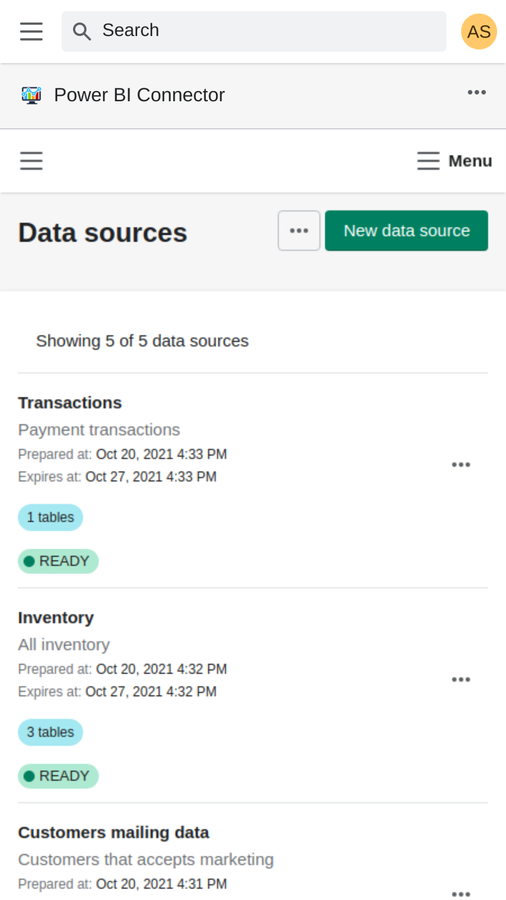
- 2 data sources
- 5,000 rows per table
- Manual update
- Automatic weekly/daily update
- Data filtering
专业版
- 5 Data Sources
- Unlimited Rows
- Manual Update
- Auto Weekly/Daily Update
- Auto Continuous Update
- Data Filtering
无限版
- Unlimited Data Sources
- Unlimited Rows
- Manual Update
- Automatic Weekly/Daily Update
- Automatic Continuous Update
- Data Filtering
User Location & Comments
User Location
Comments
Shopify API Used
- POST /admin/api/data_export_jobs.json
- GET /admin/api/data_export_jobs/{job_id}.json
- POST /admin/api/analytics/reports.json
Permission:read_analytics,read_orders,read_products
- POST /admin/api/report_schedules.json
- PUT /admin/api/report_schedules/{schedule_id}.json
- GET /admin/api/report_schedules.json
Permission:write_analytics,read_analytics,manage_reports
- POST /admin/api/external_data_sources.json
- PUT /admin/api/external_data_sources/{source_id}.json
- GET /admin/api/external_data_sources.json
Permission:read_analytics,read_customers,read_orders
- GET /admin/api/shop/security.json
- POST /admin/api/apps/{app_id}/data_access_config.json
- GET /admin/api/apps/{app_id}/data_access_config.json
Permission:read_shop,manage_apps,read_security
- POST /admin/api/export_jobs.json?filter=...
- GET /admin/api/export_jobs/{job_id}/results.json
- POST /admin/api/analytics/queries.json
Permission:read_analytics,read_products,read_orders



