App Introduction
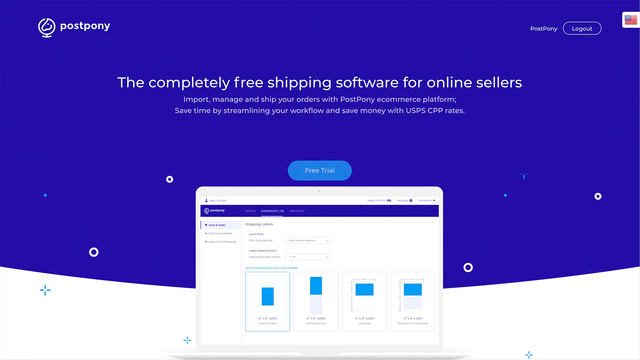
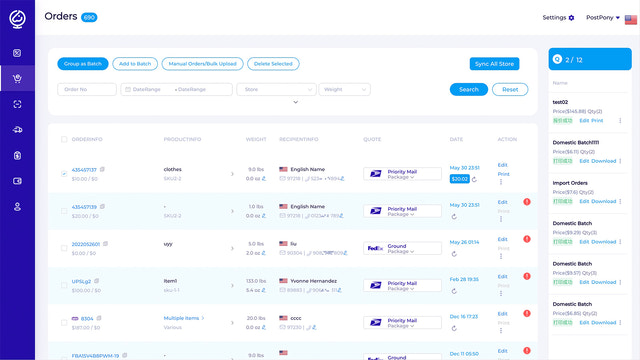
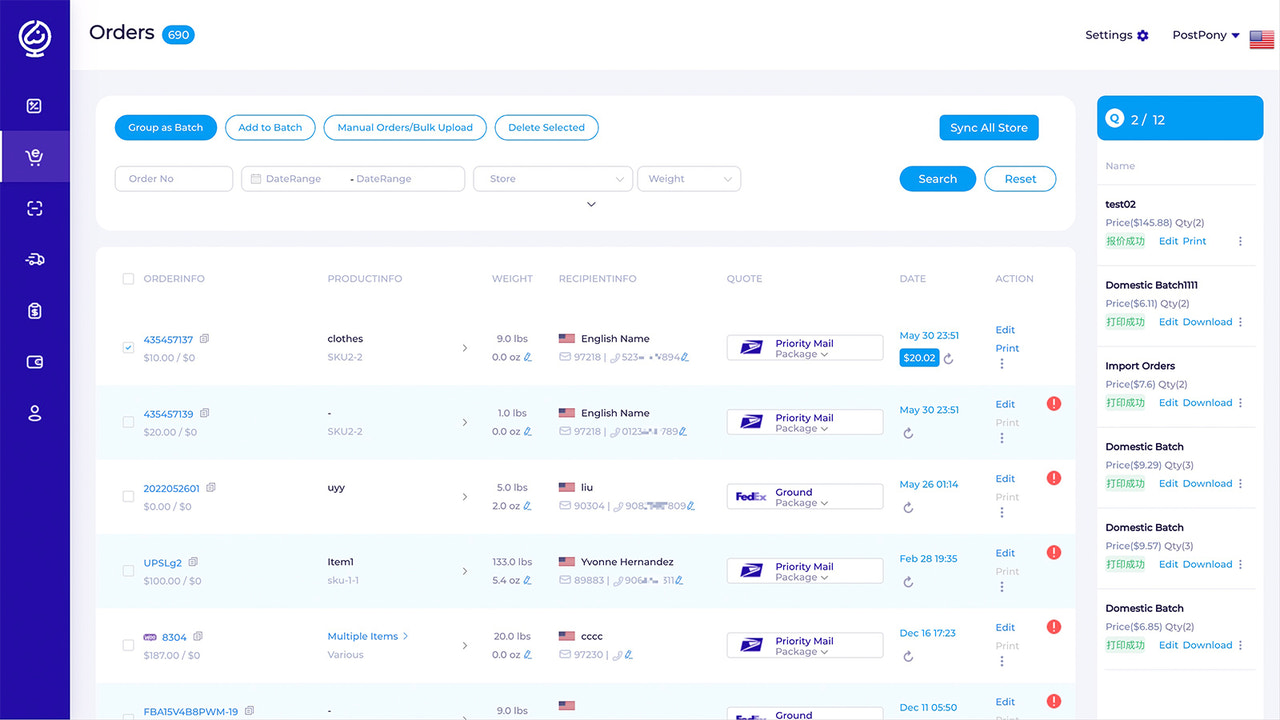
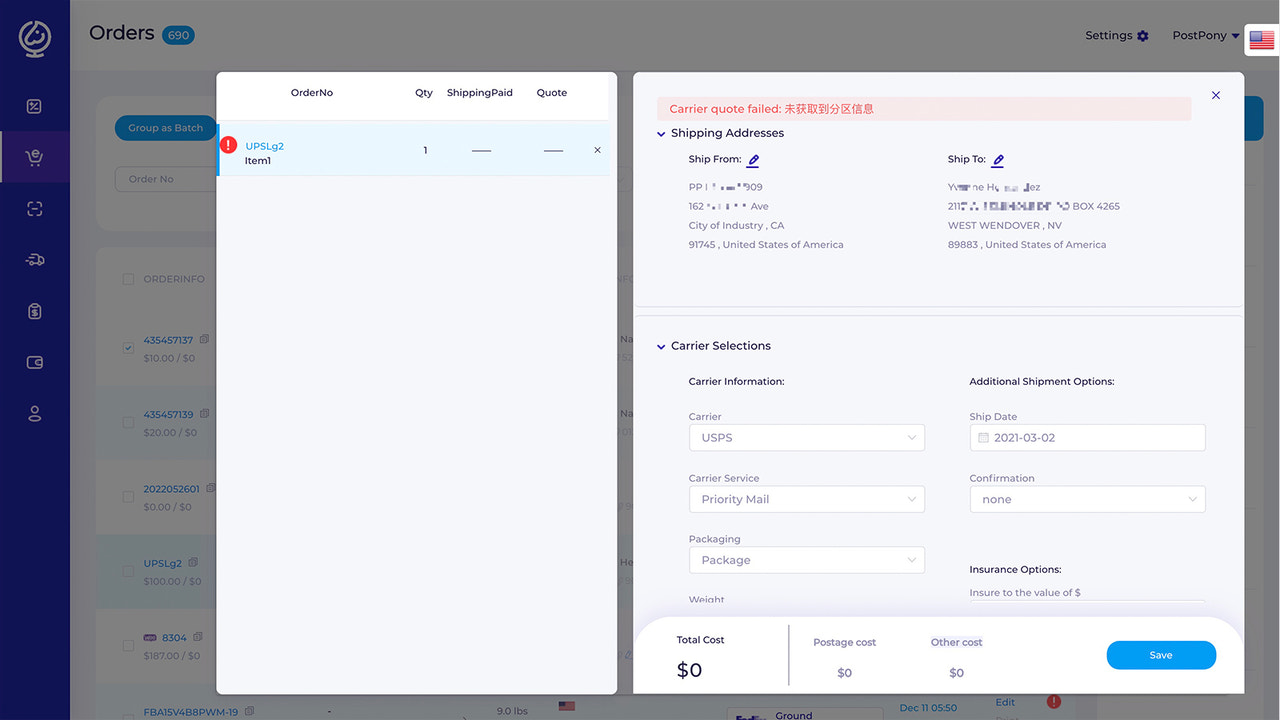
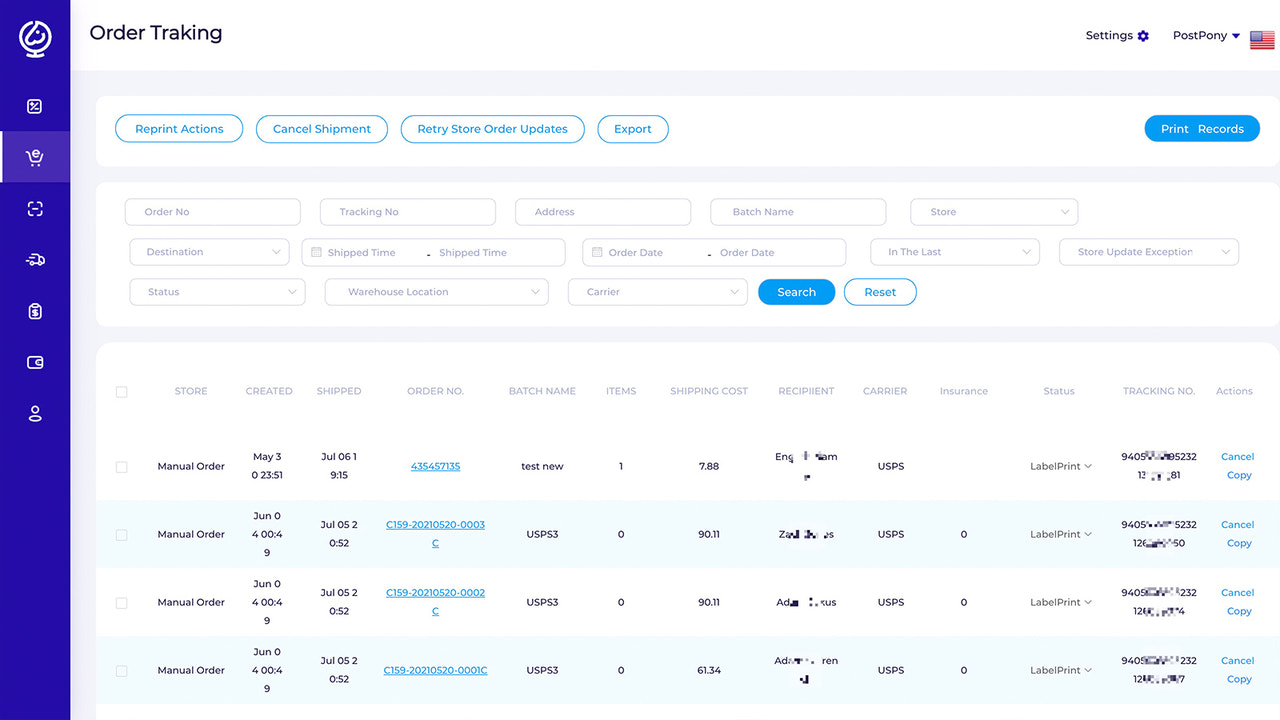
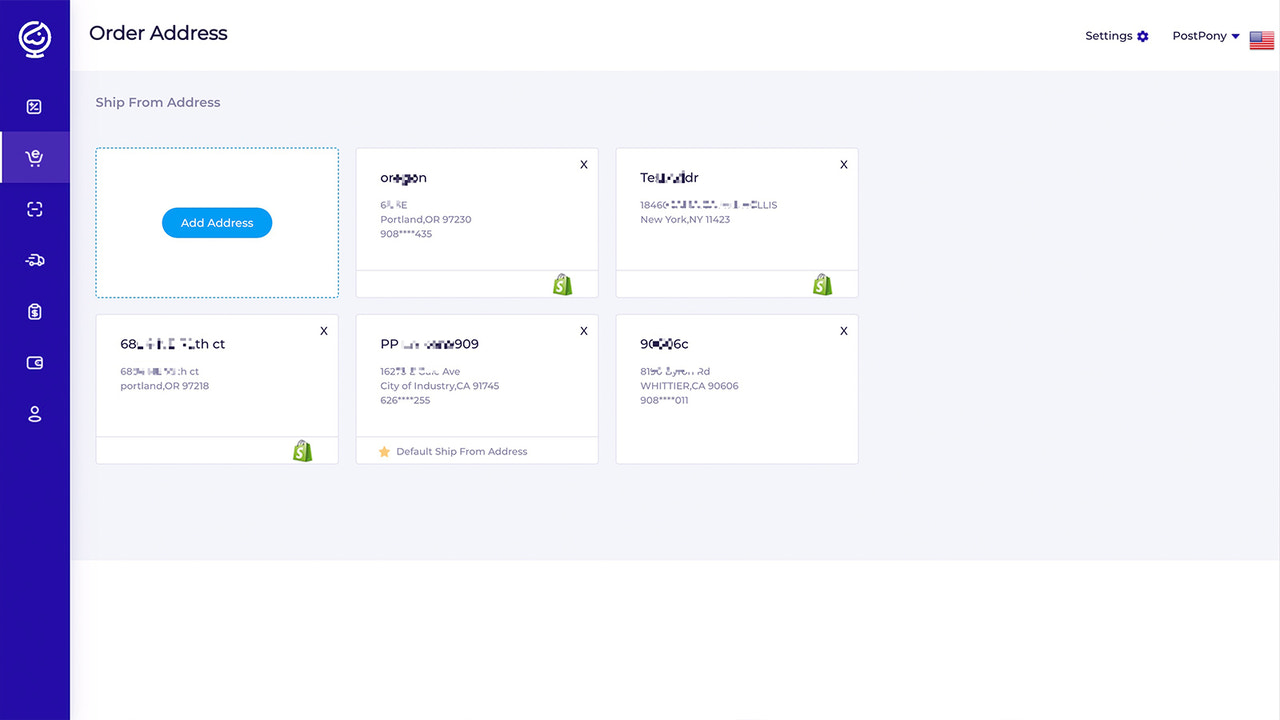
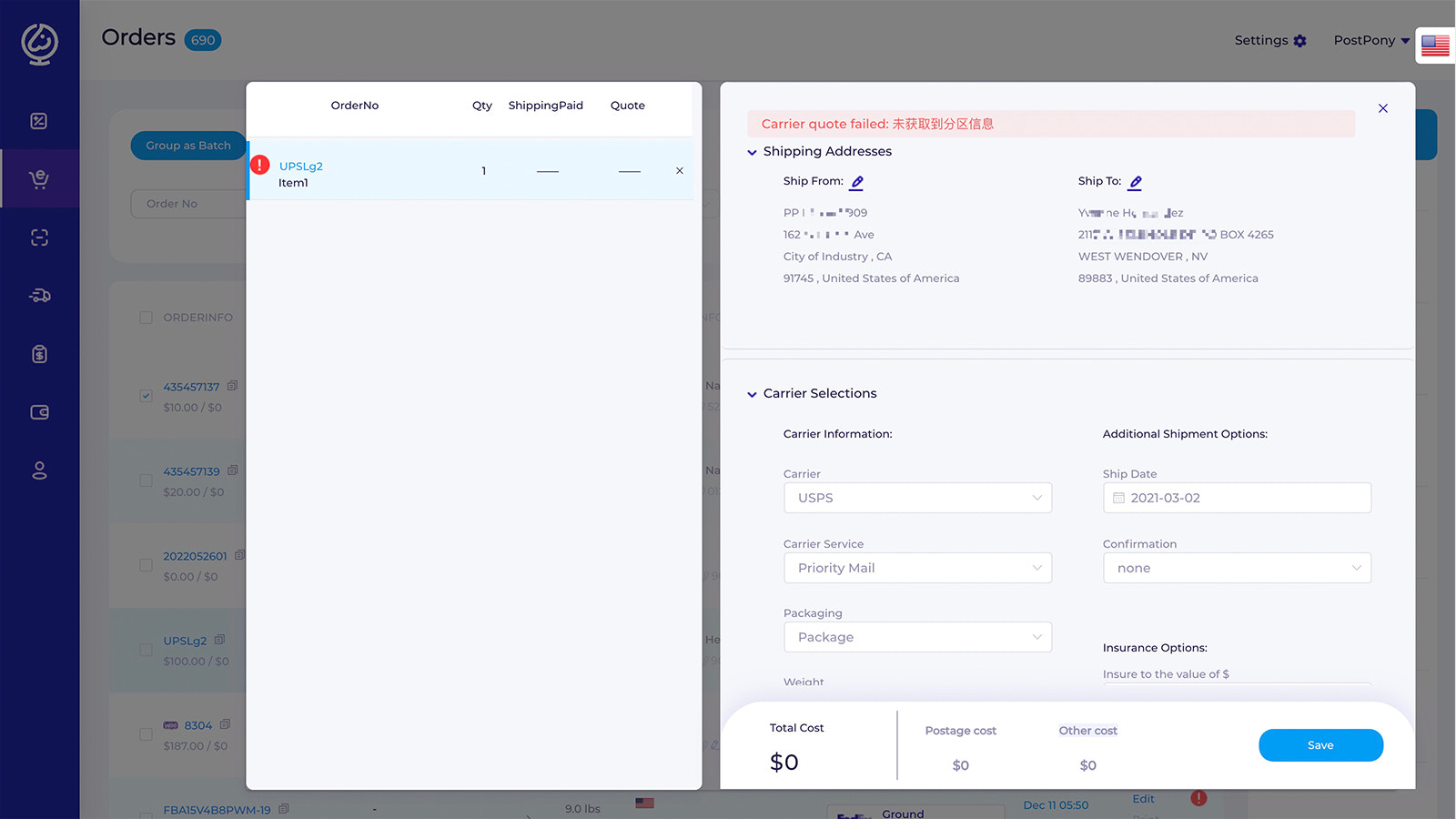
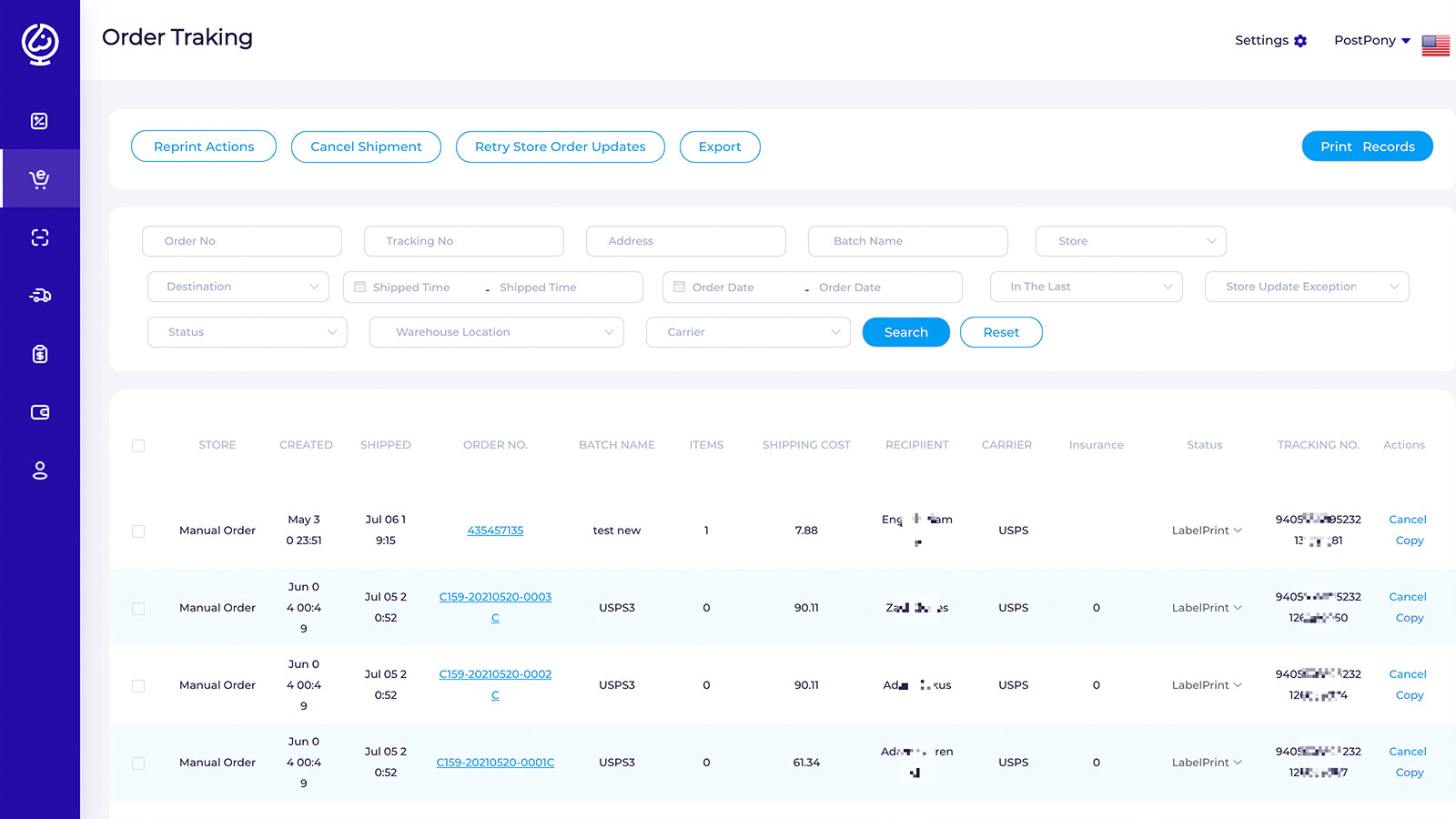
#100% Free Online Shipping Software for Sellers# Import, manage, and fulfill orders via the PostPony e-commerce platform; Save time with streamlined workflows and cut costs using USPS CPP rates. Bulk-manage orders on PostPony, plus support for batch printing of shipping labels and order fulfillment. #How It Works# * Step 1: Install the PostPony app. * Step 2: Log in or sign up for a PostPony account. * Step 3: Sync your Shopify orders. * Step 4: Create shipping labels for orders you want to fulfill. * Step 5: Print your shipping labels online. * Quick Buy: PostPony offers a Quick Buy feature. For orders synced from your Shopify store, the system automatically calculates shipping costs and generates labels directly. #Get Better Shipping Rates# * USPS CPP Rates * Up to 75% off DHL Express International * Support for your own UPS or other carrier accounts #Save Time with Automation# * Auto-sync package details back to Shopify * Save and pre-fill product info to speed up label creation * Import orders via Excel to manage shipping in one place * Batch-print up to 1,000 shipping labels at once *... 注:核心术语(如PostPony、Shopify、USPS CPP、DHL Express等)严格保留;电商场景表述贴合海外卖家认知(如"fulfill orders"替代"发货订单"更符合行业习惯,"carrier accounts"统一"快递账户");语言简洁地道,符合工具类产品描述的轻量化风格。
Core Functionality
- No core function information available at the moment
Merchant-Friendly
- There are currently no suitable merchants available
Basic Information
- Developer:PostPony
- Address:6804 NE 79th ct, portland, OR, 97218, US
- Price: Free / Free plan
- Rating:0 / 5
- Comment Count:0 comment
- Release Date:2021-11-12
- Supported languages:
- Compatible products:Shopify
Application Screenshot