
App Introduction
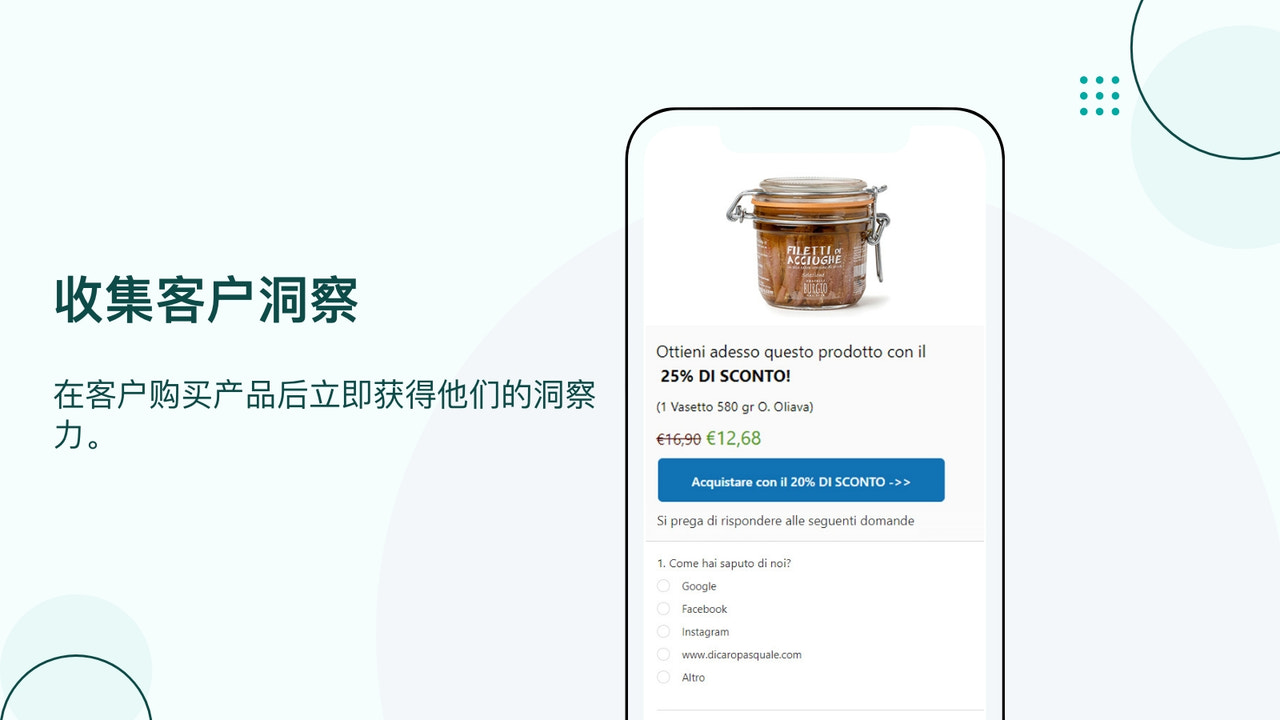
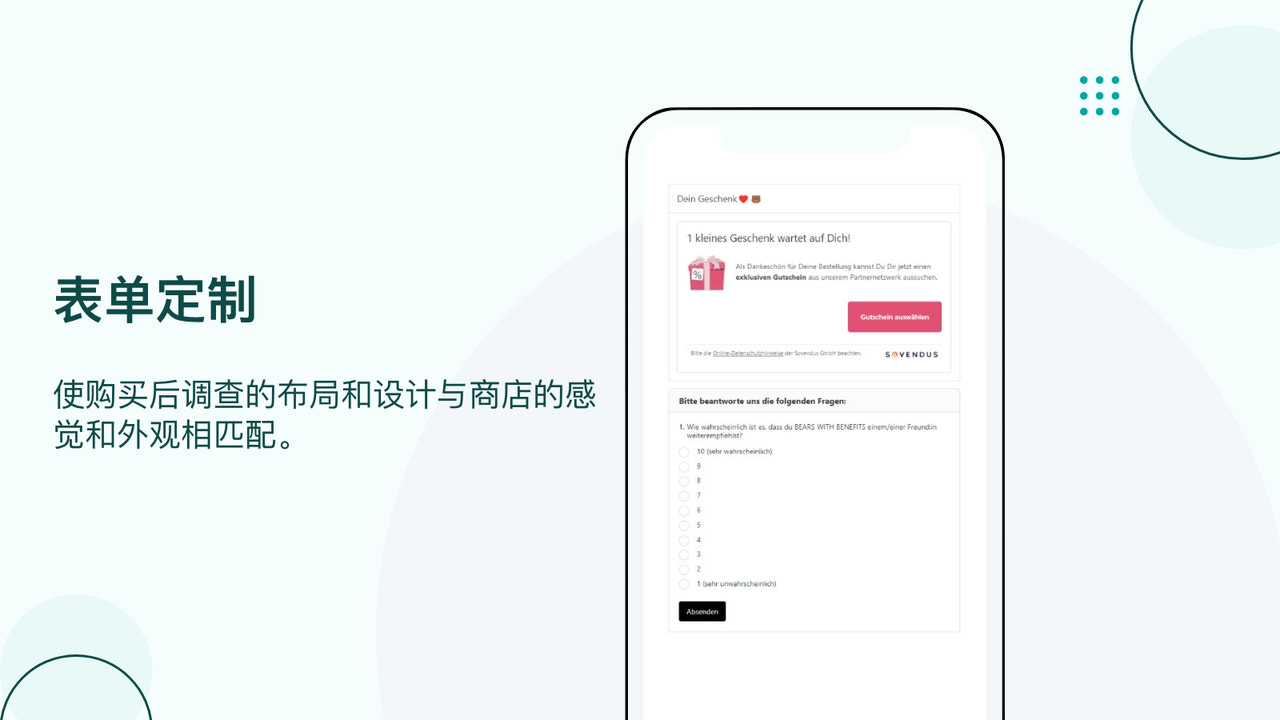
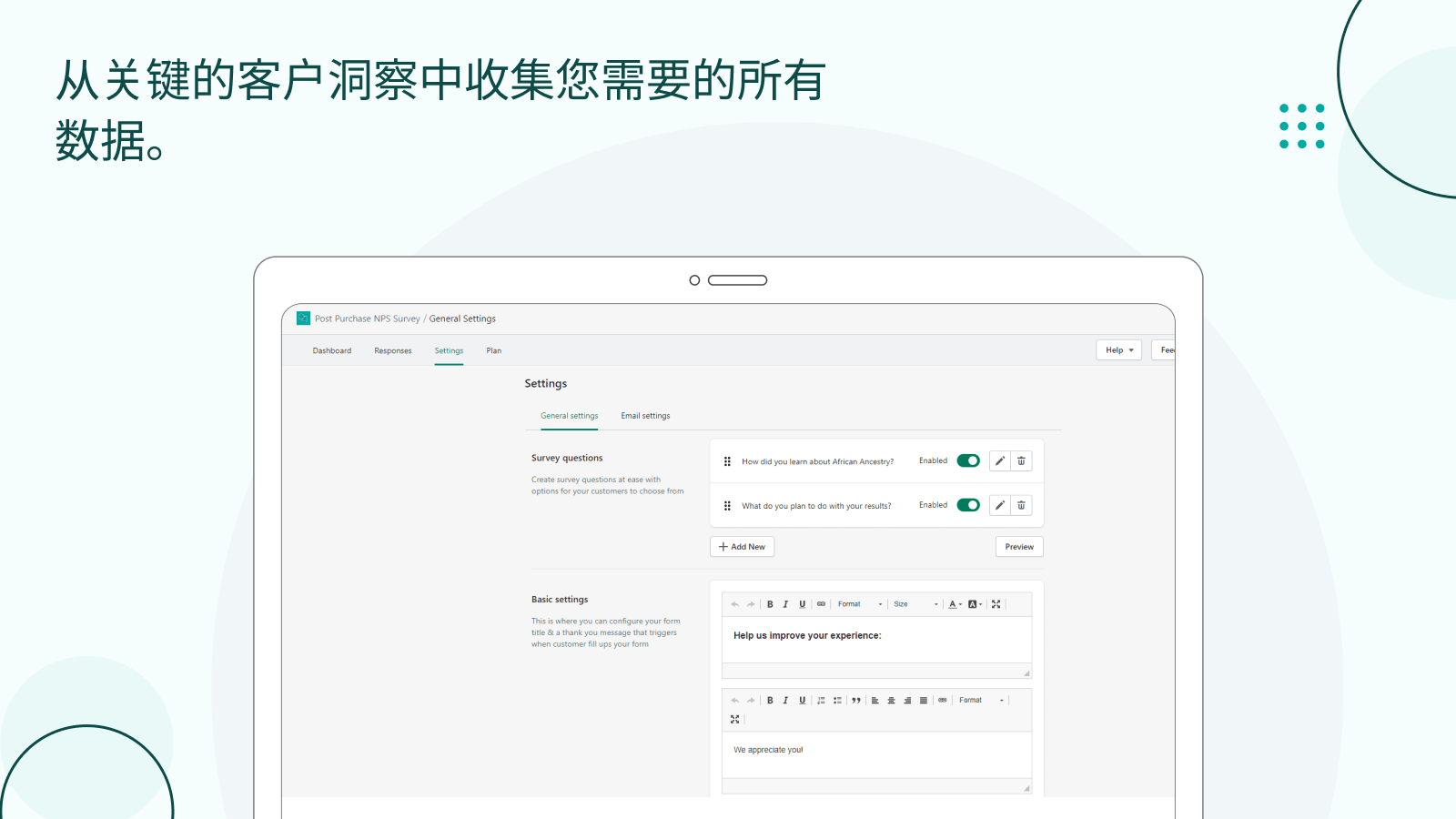
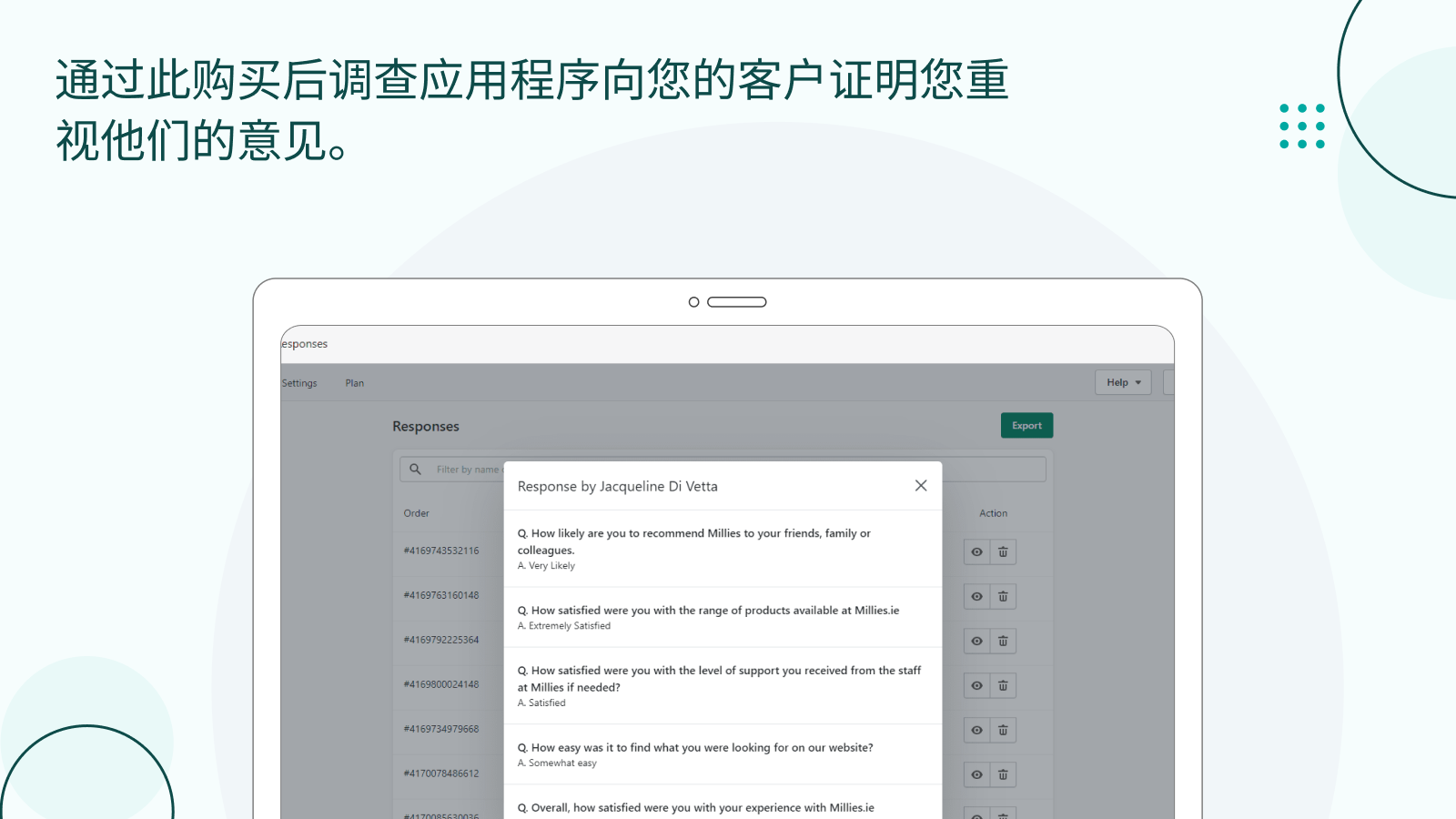
The Post-Purchase Survey app ensures post-purchase feedback and ongoing consumer intelligence. The NPS Post-Purchase Survey app enhances merchant-customer engagement. Users can quickly leave reviews on the post-purchase survey app using emojis, star ratings, and custom fonts—this supports the execution of marketing concepts and promotional campaigns. Leverage NPS data to build customer loyalty. The PPS NPS app is easy to set up, helping you gain deeper insights into your customers and improve their shopping experience.
Core Functionality
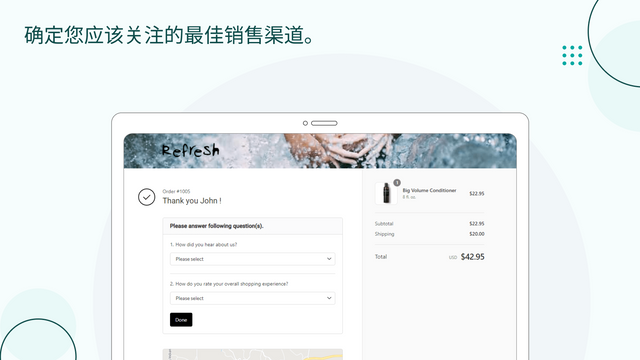
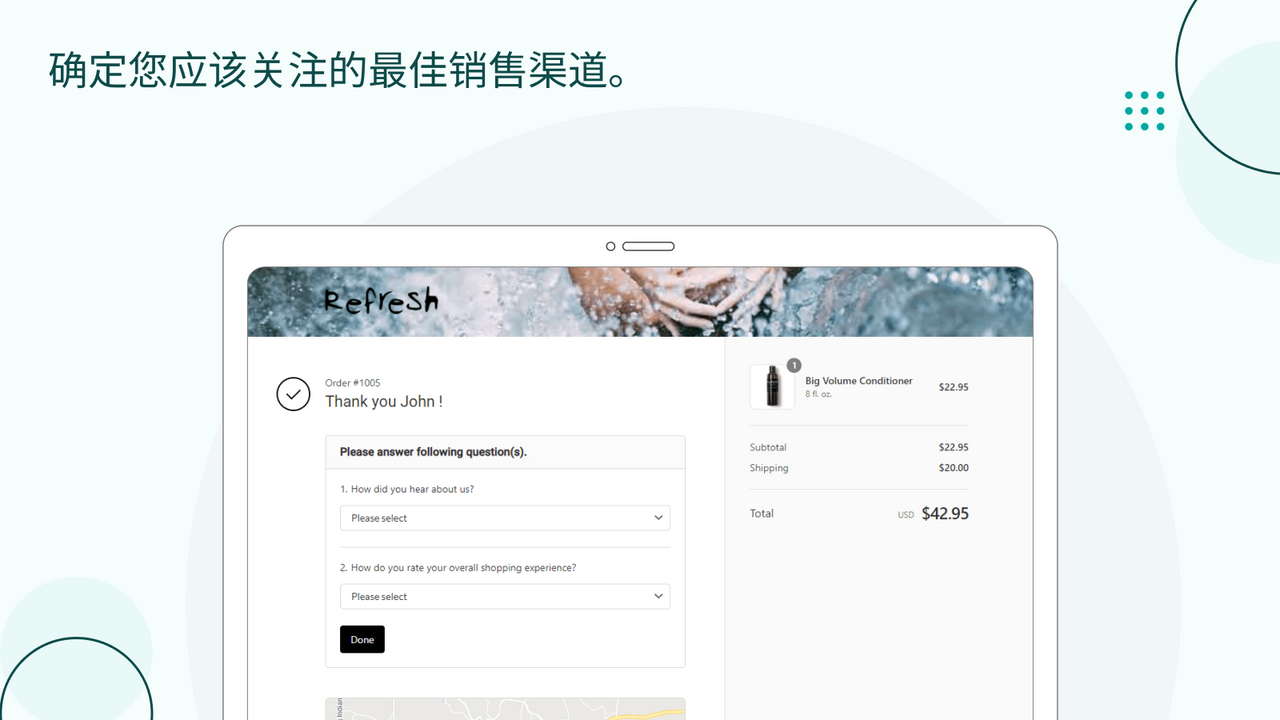
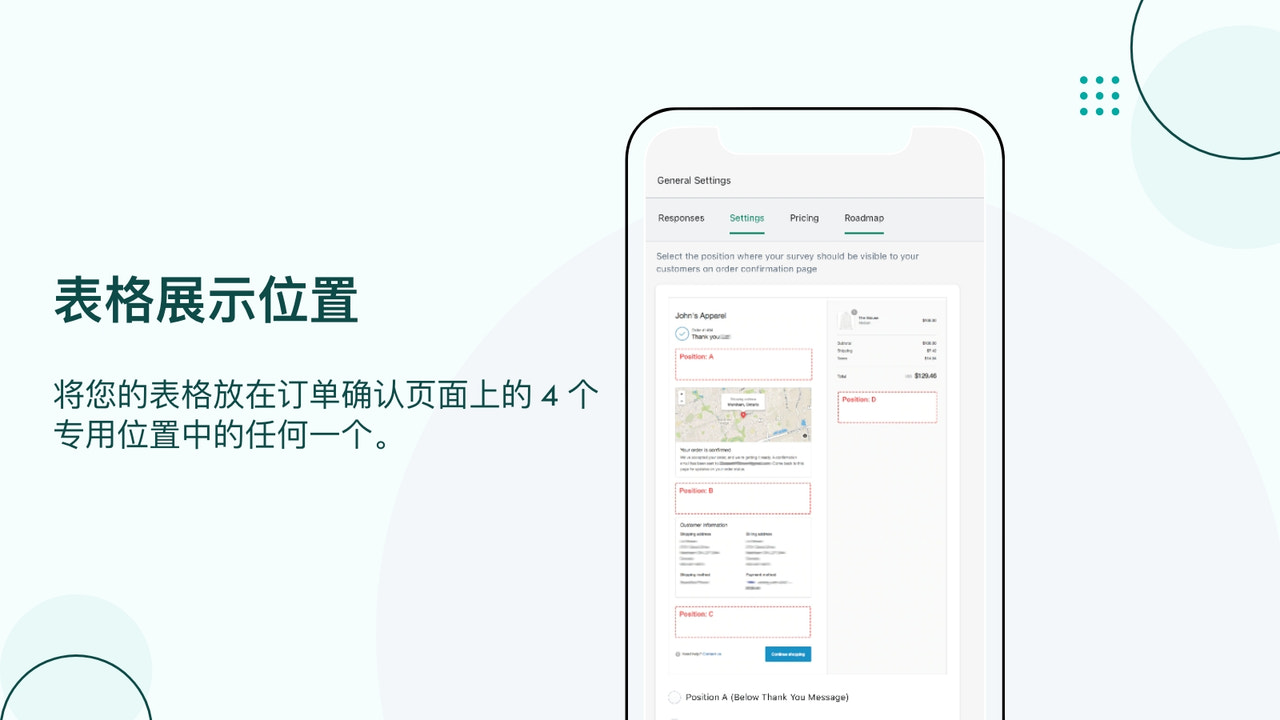
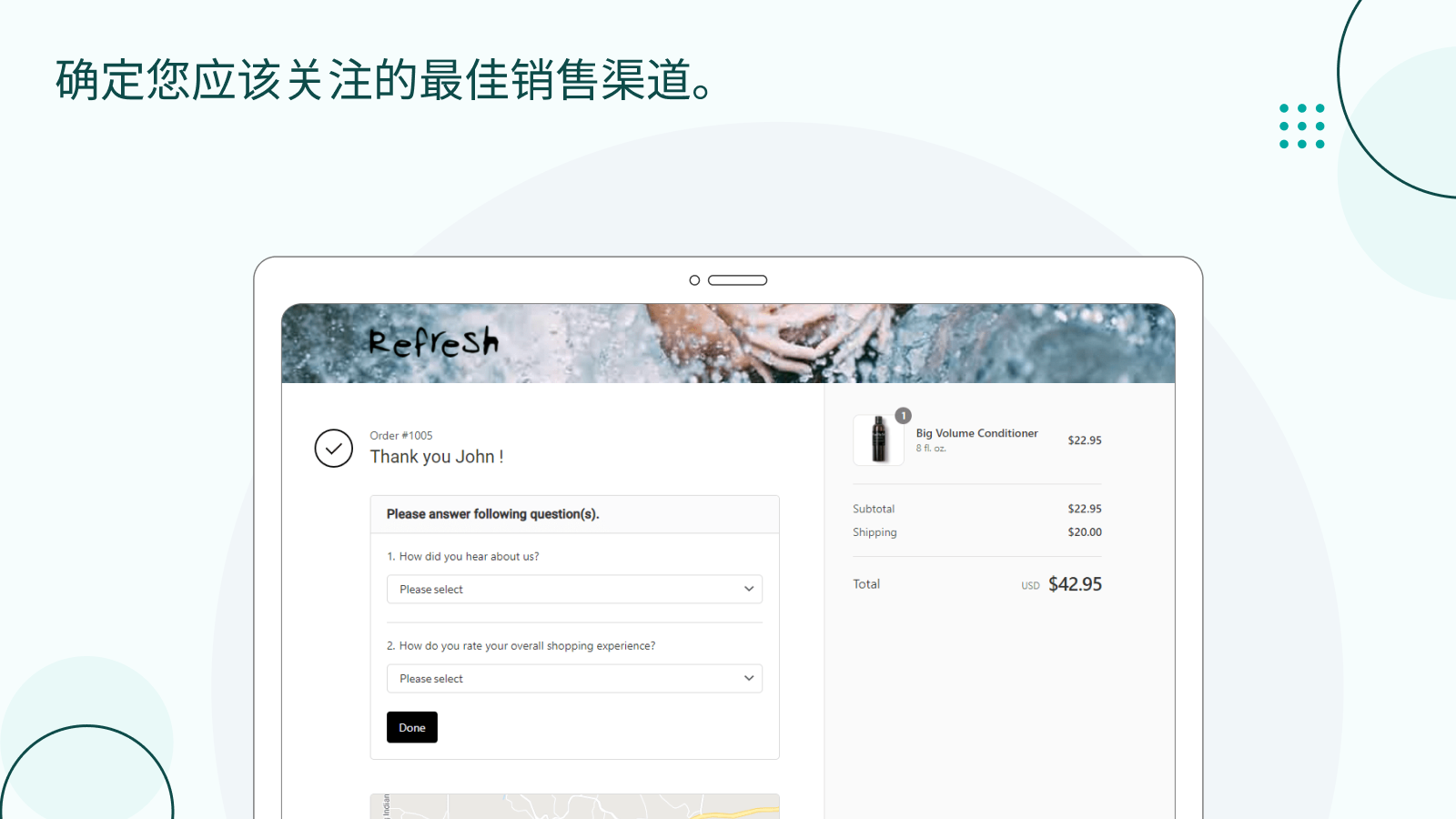
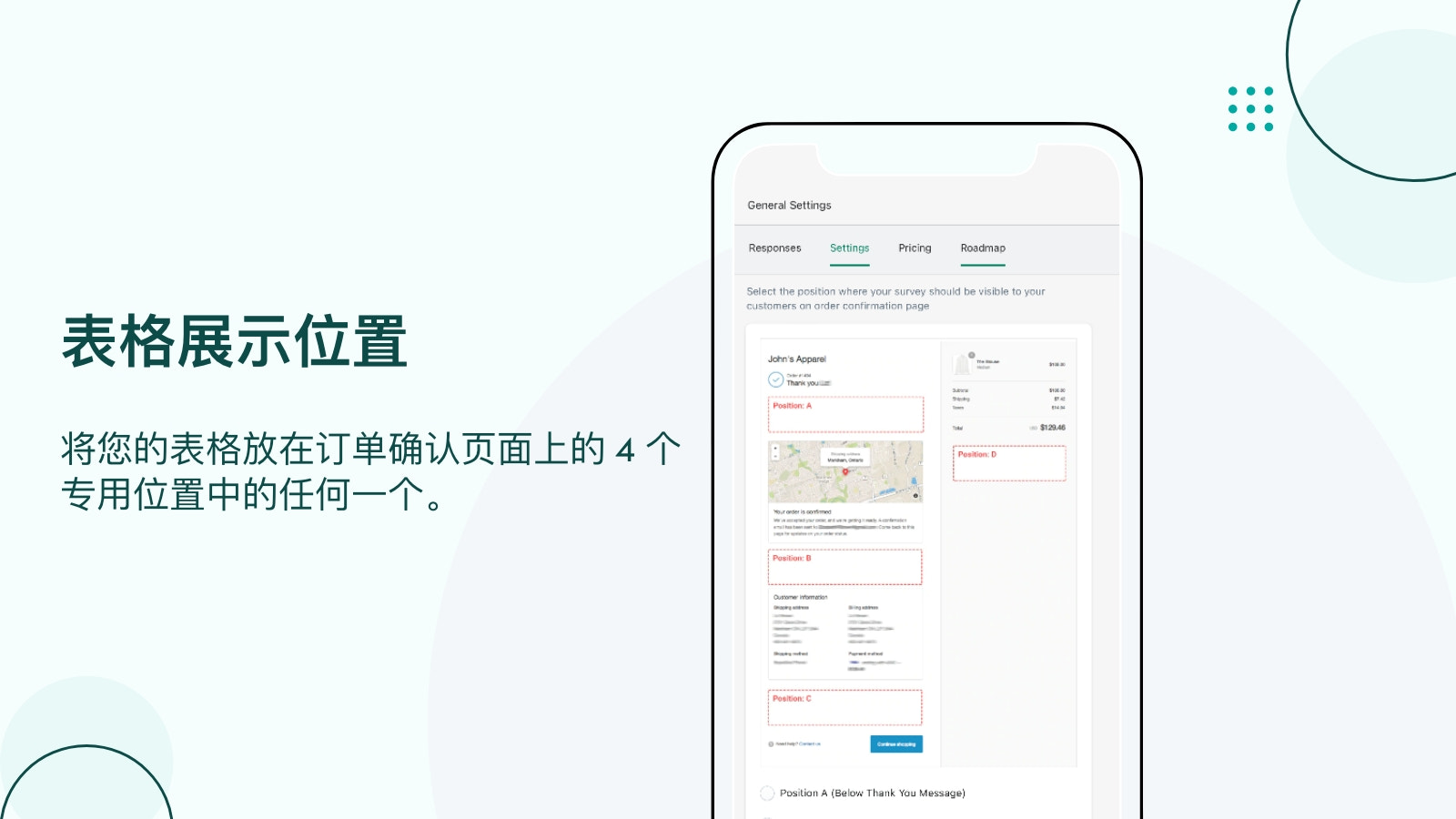
- Get high response rates by embedding your survey on the thank-you page.
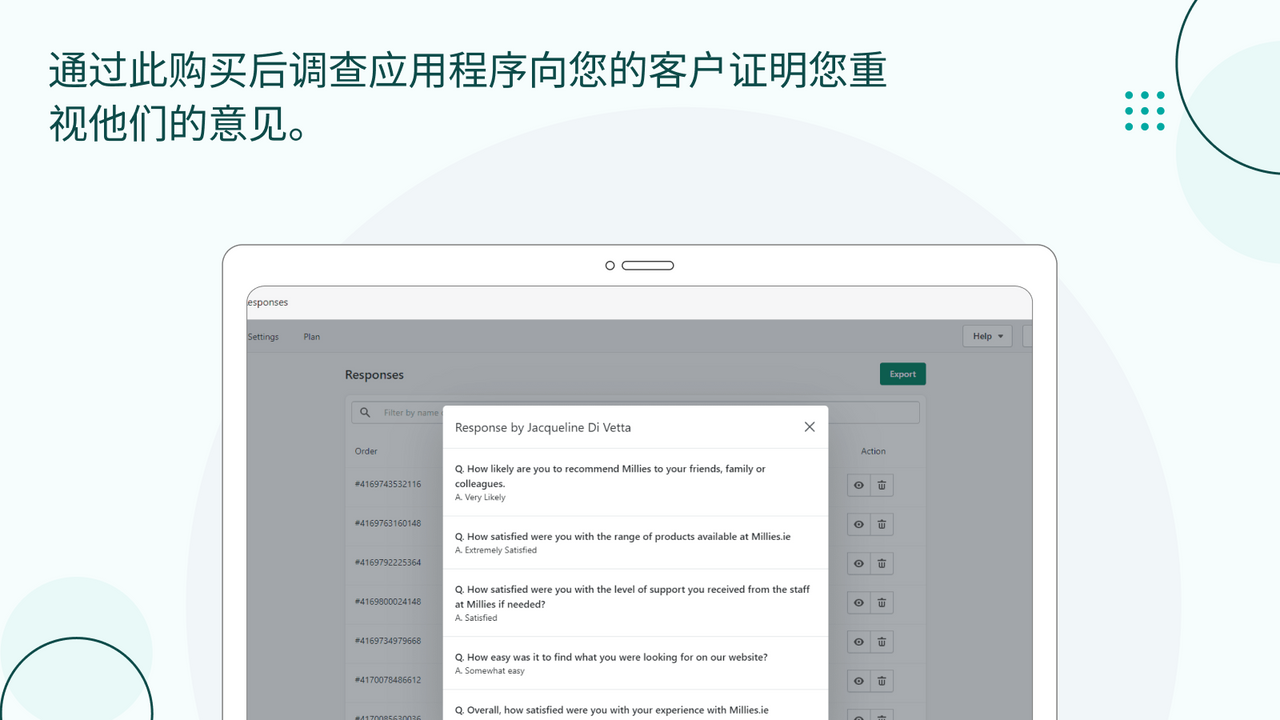
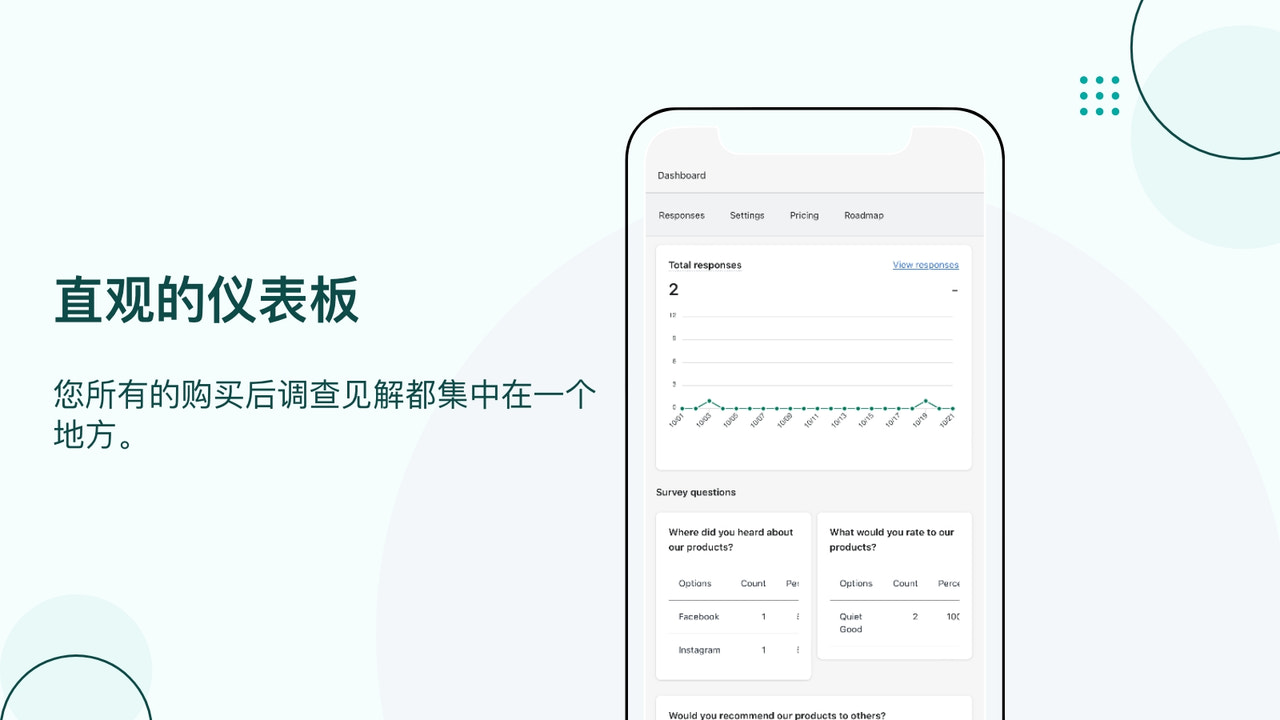
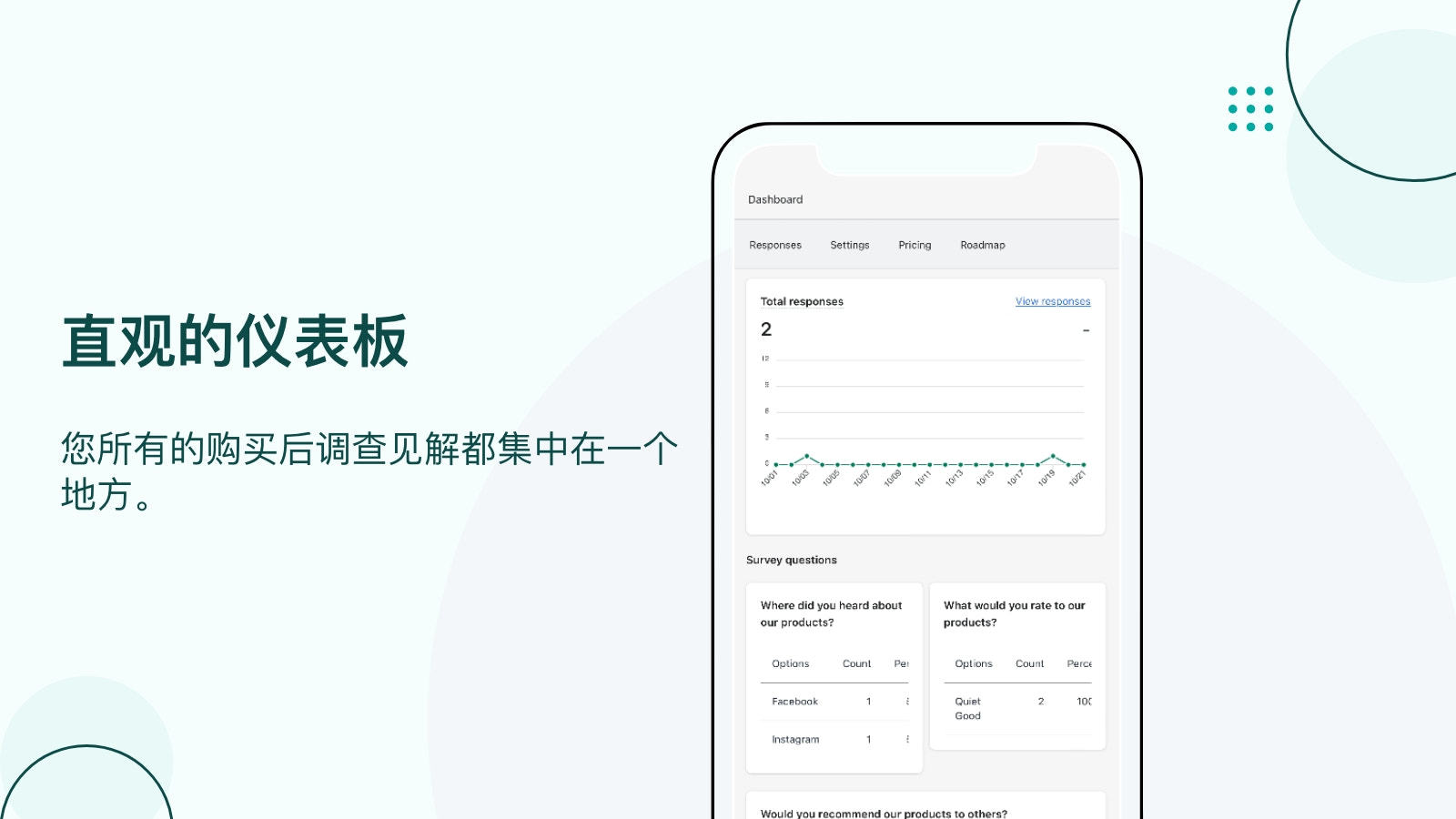
- Take immediate action on your survey results using our analytics dashboard.
- One-click installation for our post-purchase NPS survey app.
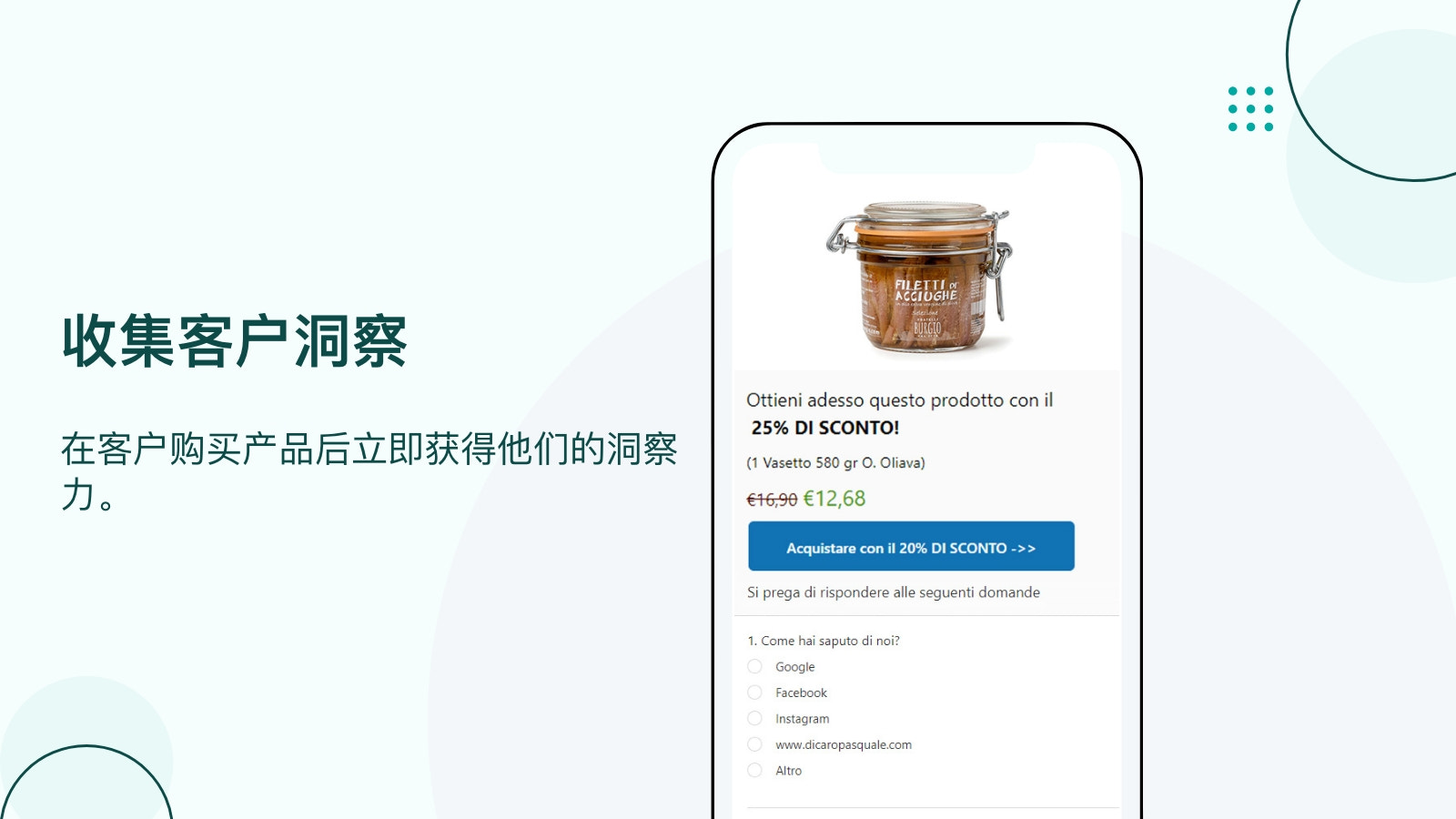
- Gather insights in 30 seconds to ensure customer satisfaction.
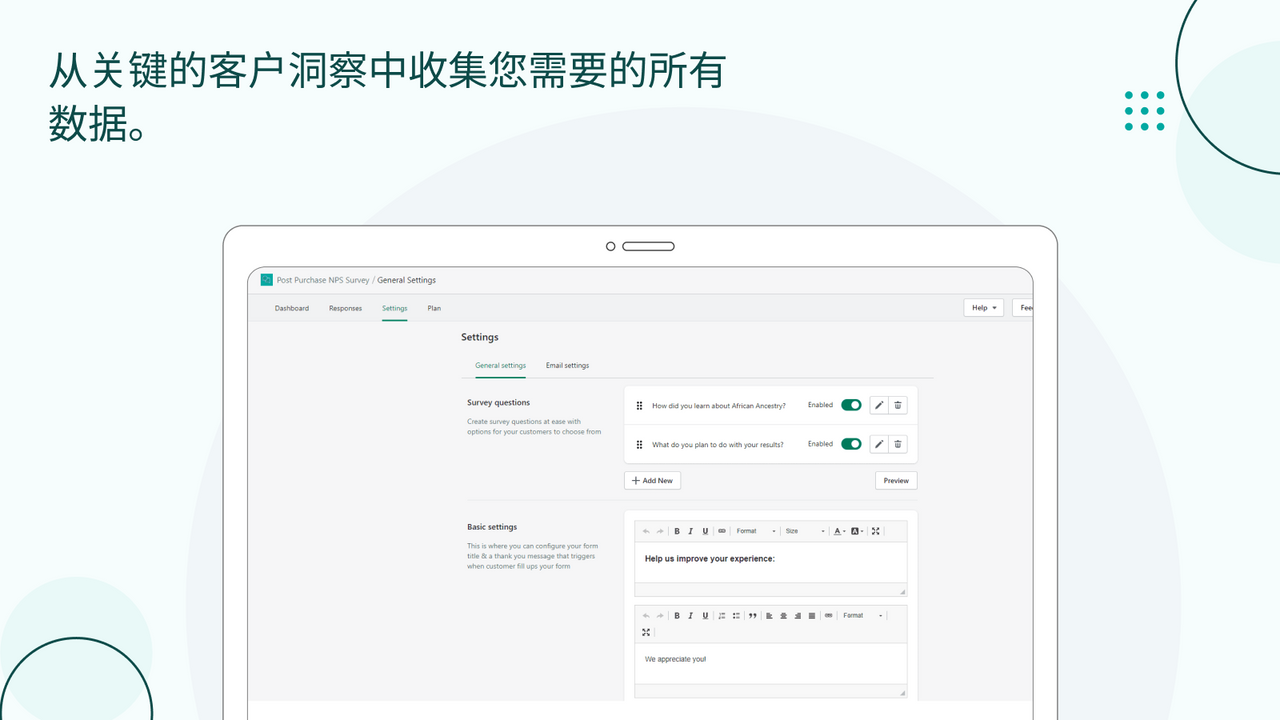
- Create dynamic post-purchase surveys with conditional logic.
Merchant-Friendly
- Small & Medium E-commerce Merchants
- DTC Brand Merchants
- Cross-border E-commerce Sellers
- Customer Experience-focused Merchants
Basic Information
- Developer:HulkApps
- Address:1 Kingdom Street, Paddington Central, London, ENG, W2 6BD, GB
- Price: Free / Free plan
- Rating:4.8 / 5
- Comment Count:67 comment
- Release Date:2019-8-29
- Supported languages:Danish、German、English、Finnish、French、Italian、Japanese、Korean、Norwegian Bokmål、Dutch、Portuguese (Portugal)、Portuguese (Brazil)、Thai、Turkish、Simplified Chinese、Traditional Chinese、Polish、Swedish、Czech、Spanish
- Compatible products:Shopify
Application Screenshot



Price Plan
Development Plan
- Free
- Available for all partner development stores.
- Test the app on the development store before official launch.
Pro Plan
- Unlimited Responses
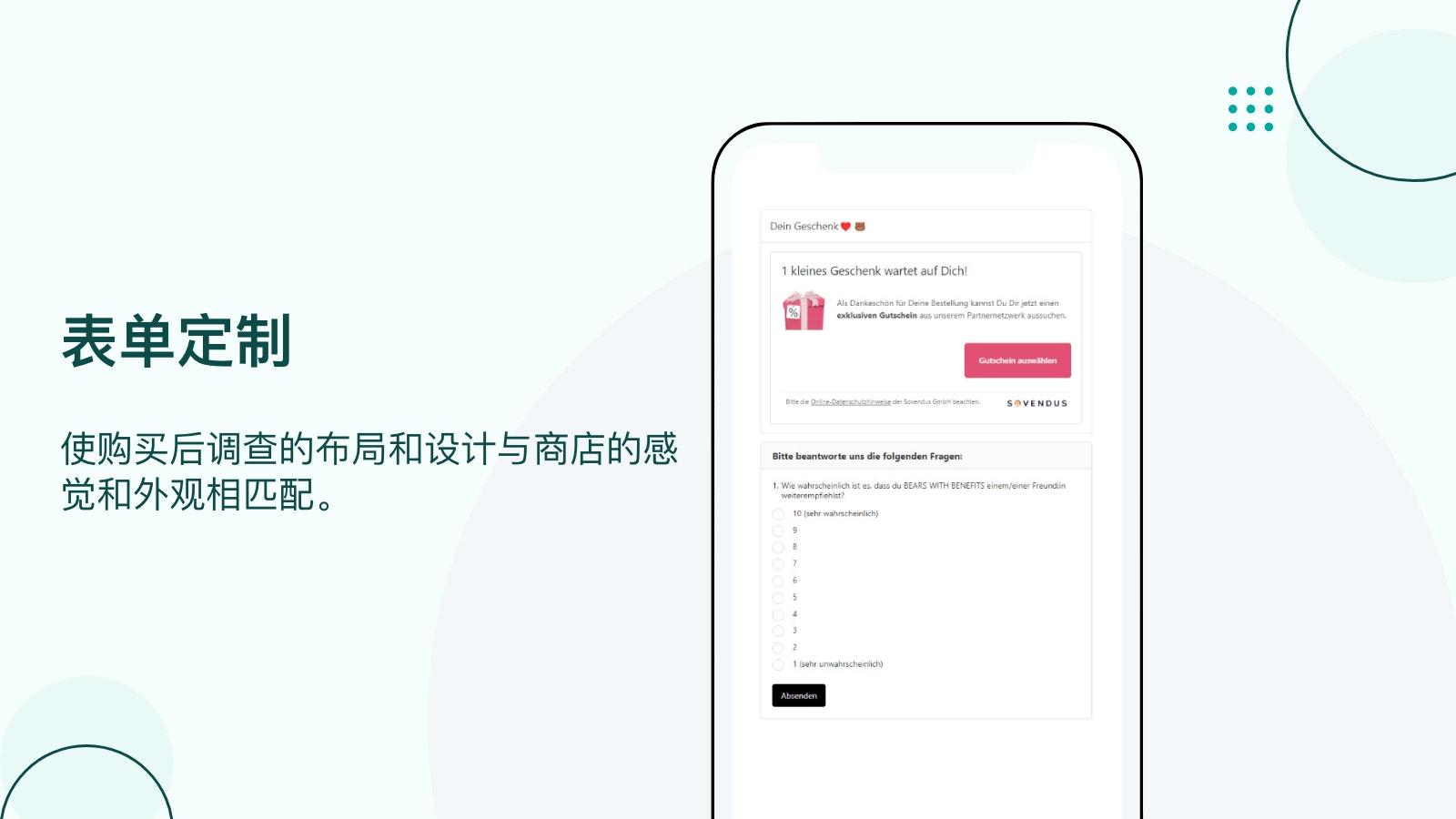
- White-label Forms (No Watermark)
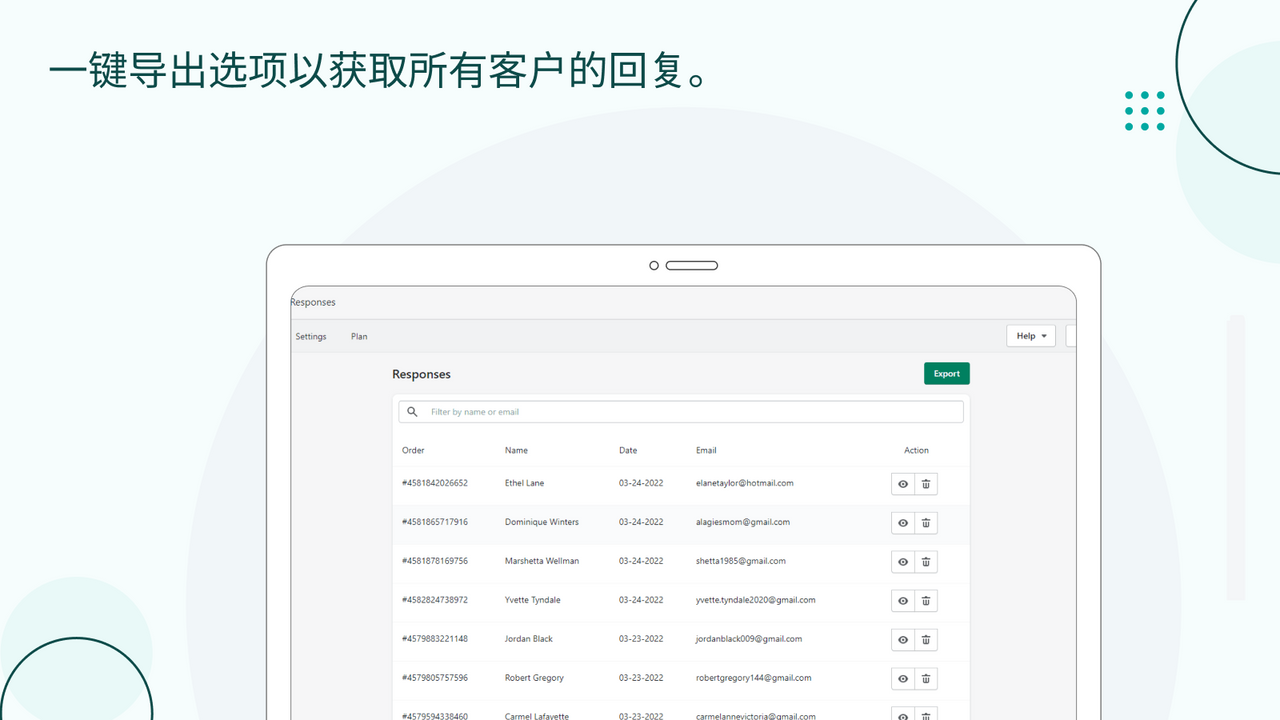
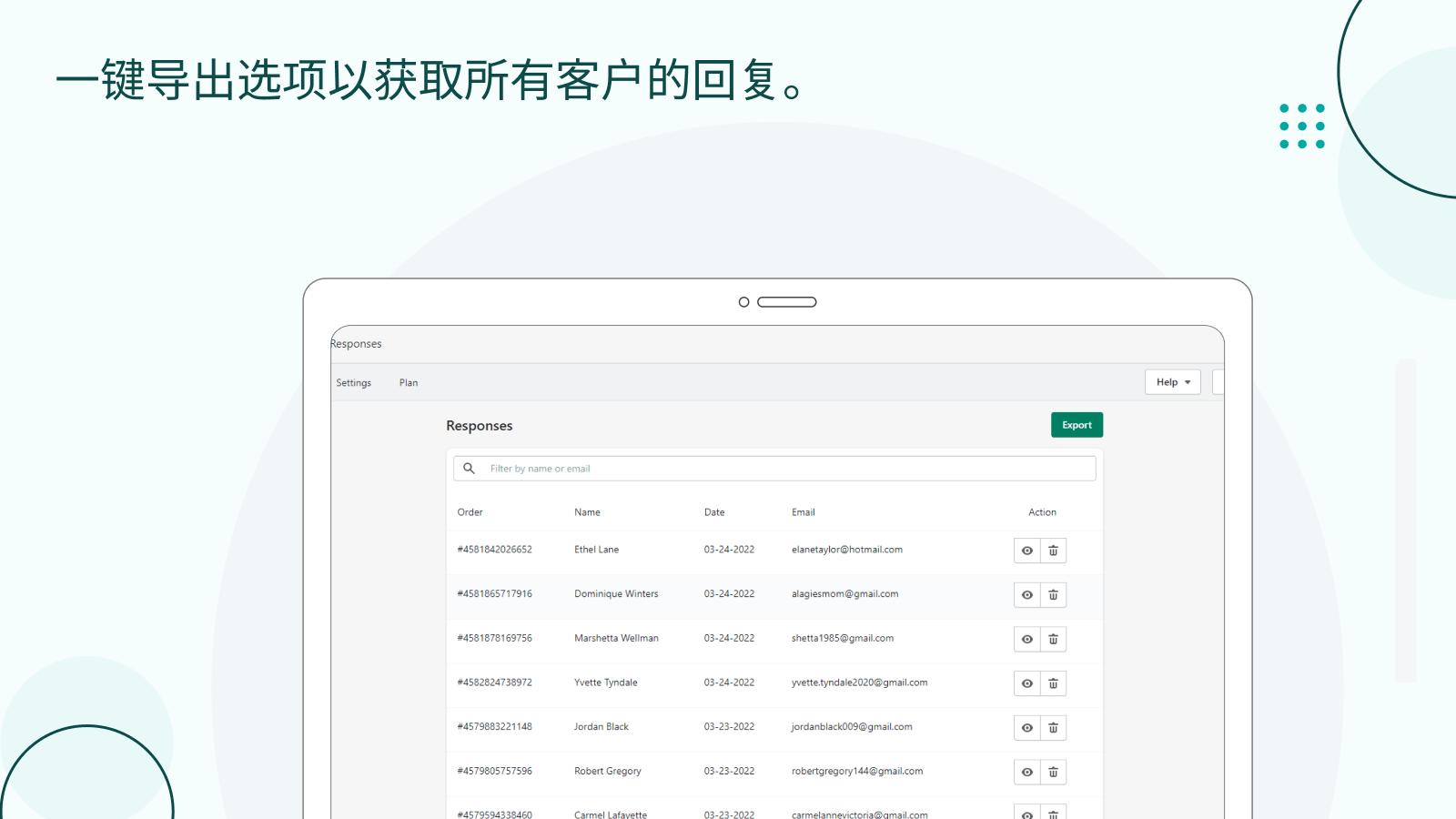
- Export to CSV Format
- Required/Optional Fields
- Survey Statistics
- Conditional Logic
User Location & Comments
User Location
Comments
Shopify API Used
- POST /admin/api/script_tags.json
- PUT /admin/api/script_tags/{id}.json
- GET /admin/api/script_tags.json
Permission:write_script_tags,read_script_tags,manage_themes
- GET /admin/api/reports.json
- GET /admin/api/analytics/reports/surveys.json
- POST /admin/api/reports/query.json
Permission:read_analytics,read_reports,manage_surveys
- POST /admin/api/apps/install.json
- GET /admin/api/apps.json
- PUT /admin/api/apps/{id}/settings.json
Permission:install_apps,manage_apps,read_apps
- POST /admin/api/customers/responses.json
- GET /admin/api/customers/responses.json
- PUT /admin/api/customers/responses/{id}.json
Permission:read_customers,write_customers,manage_surveys
- POST /admin/api/surveys.json
- PUT /admin/api/surveys/{id}/questions.json
- GET /admin/api/surveys/{id}/questions.json
Permission:write_surveys,read_surveys,manage_questions



