
Zestard Popular Products
by AppScoped · Category: Product Display - Other
Free Plan
Built for Shopify
App Introduction
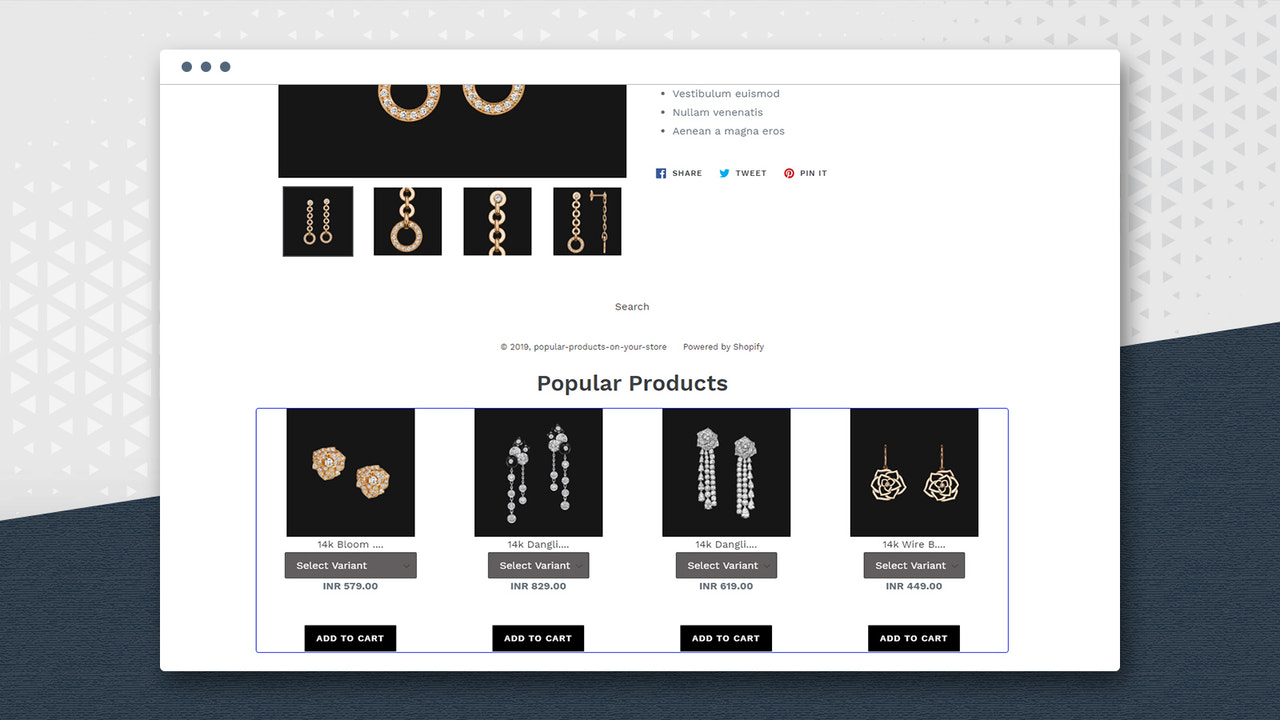
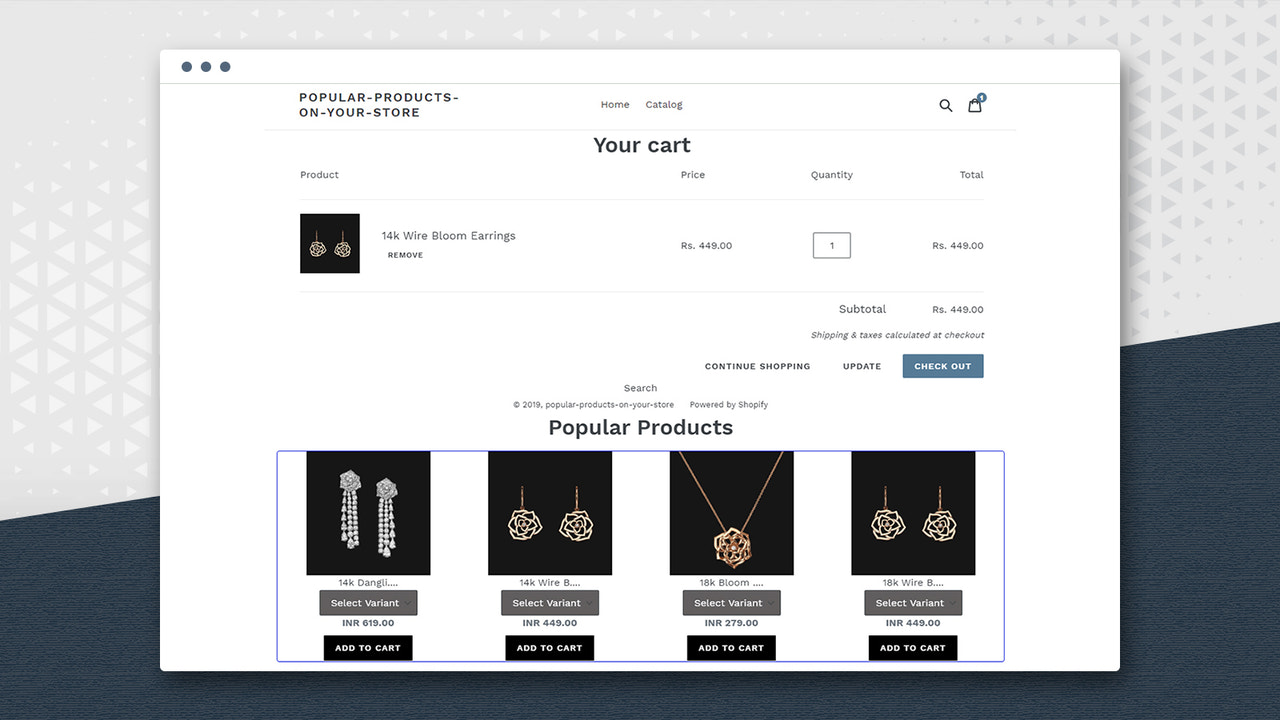
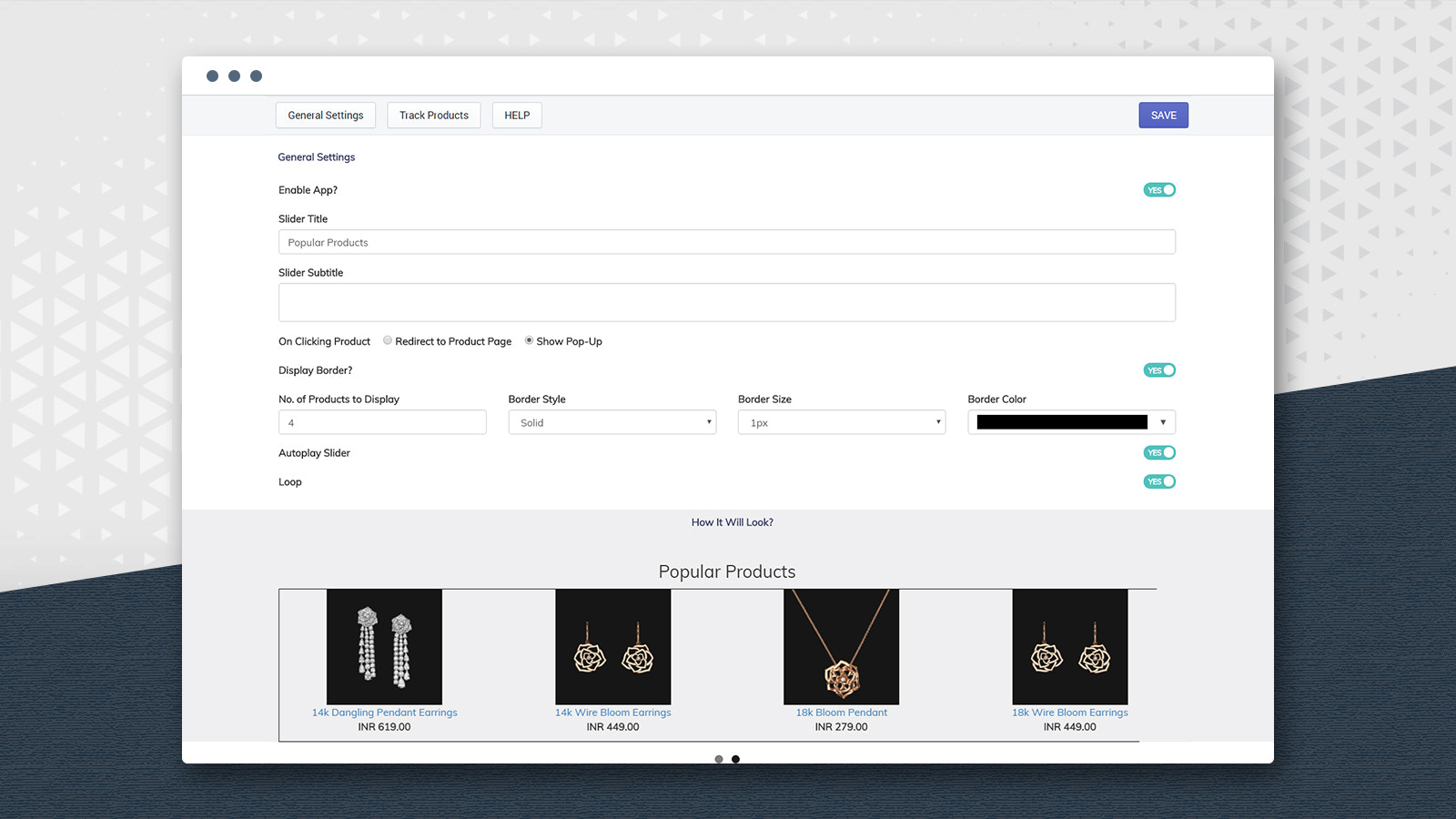
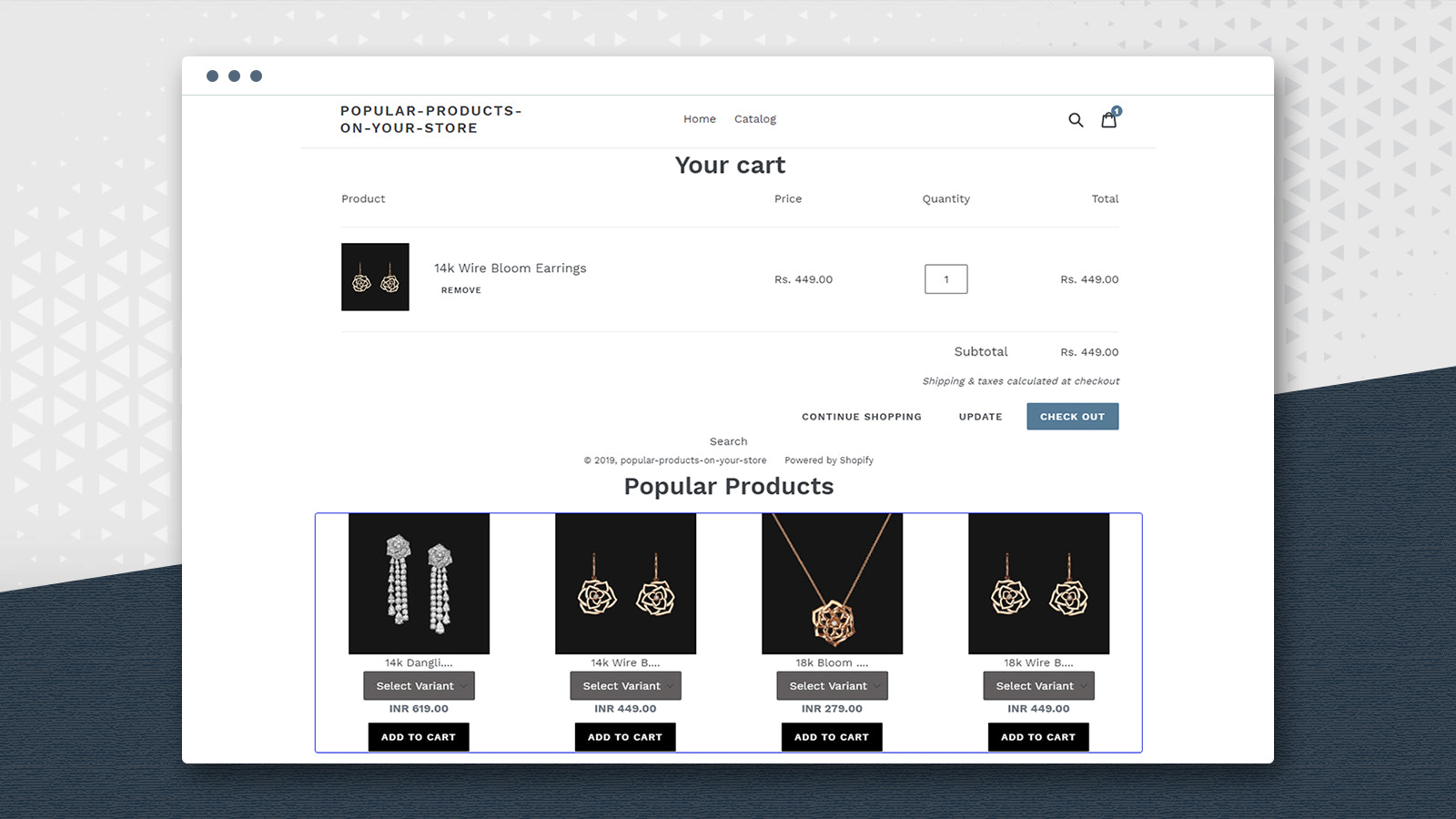
Help your customers purchase your all-time most popular products! “Popular Products on Your Store” lets you display an image slider, allowing customers to easily add items to their cart with one click. This app is simple to install and configure. It also tracks your top-selling products. You can set the slider to loop or autoplay, and customize borders, colors, and other styling elements. Customers can easily add desired items to their cart using the “Add to Cart” button on each product, as well as from the cart page.
Core Functionality
- Allow customers to browse top-selling products via a slider view.
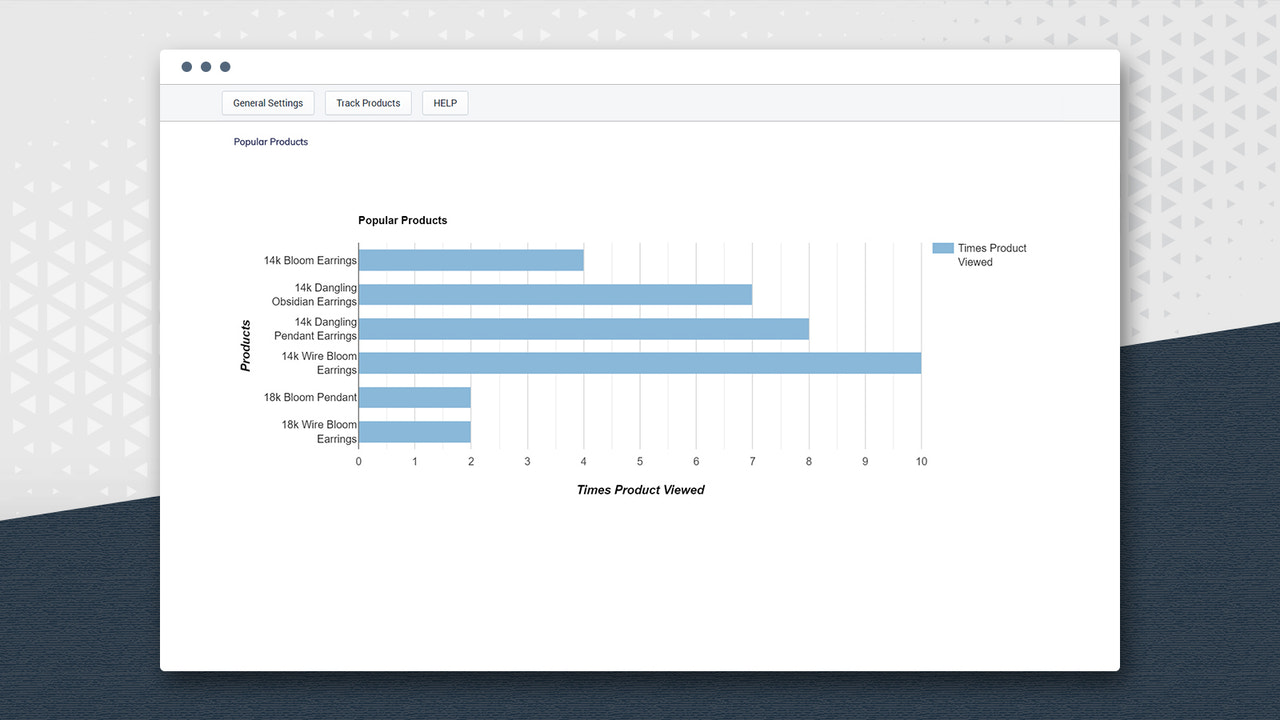
- Track your most viewed and popular products with graphical reports.
- Helps customers find your most viewed and best-known products.
- Choose whether to display the product description slider on other pages or pop-ups.
- You can select whether the image slider auto-plays or loops continuously.
Merchant-Friendly
- Fashion Apparel Merchants
- 3C Digital Merchants
- Home & Living Merchants
- Beauty & Skincare Merchants
Basic Information
- Developer:Zestard Technologies
- Address:3681 Peacock Ct, Apt 1, Santa Clara, CA, 95051, US
- Price: Free / Free plan
- Rating:4 / 5
- Comment Count:1 comment
- Release Date:2018-6-7
- Supported languages:English
- Compatible products:Shopify
Application Screenshot
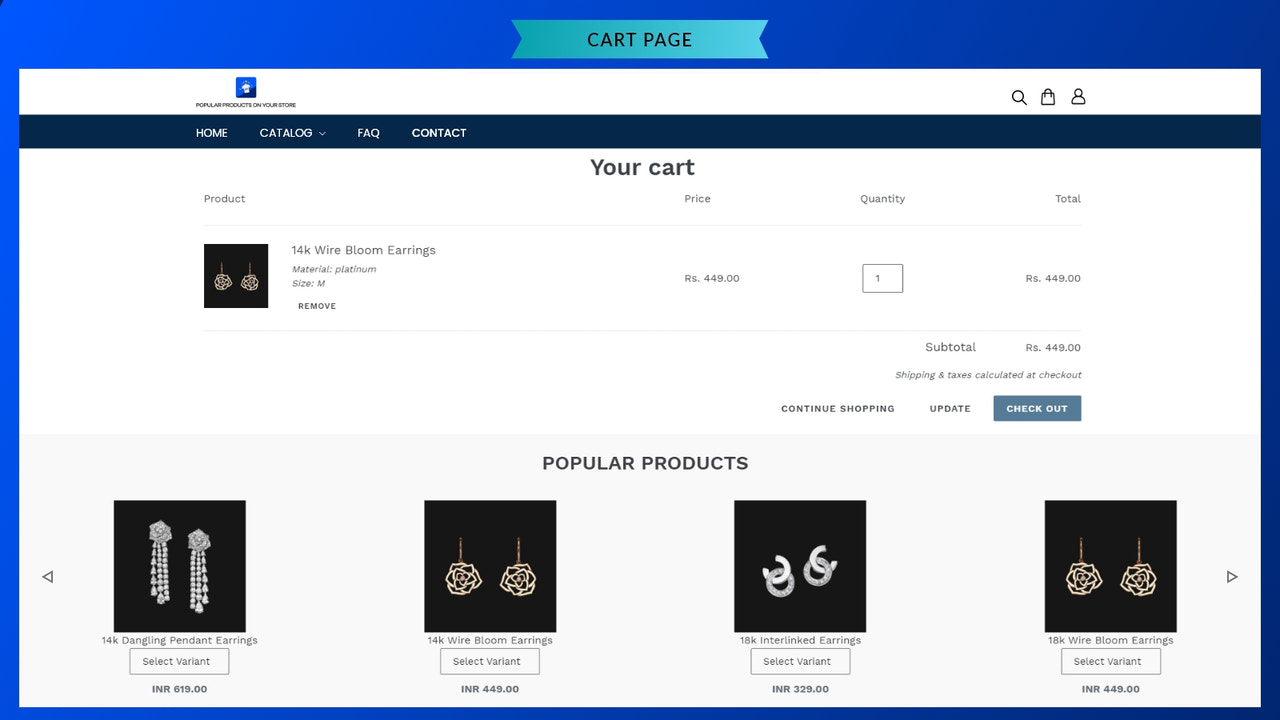

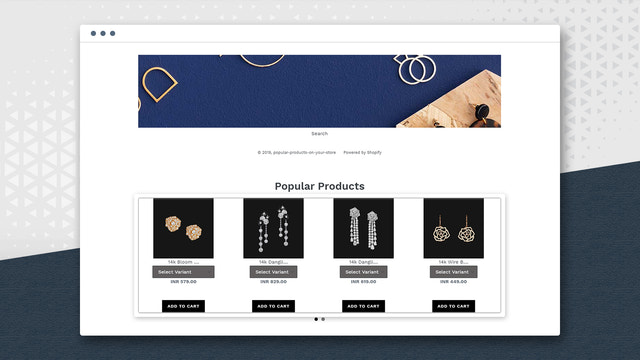
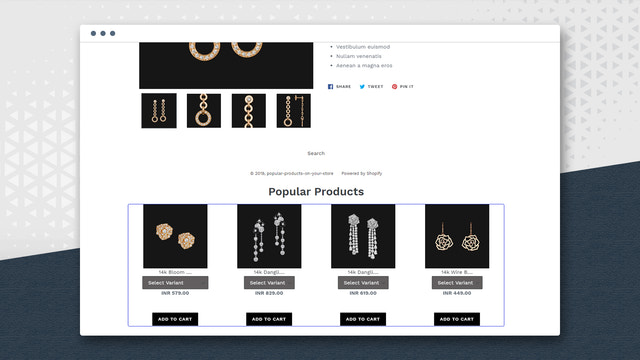
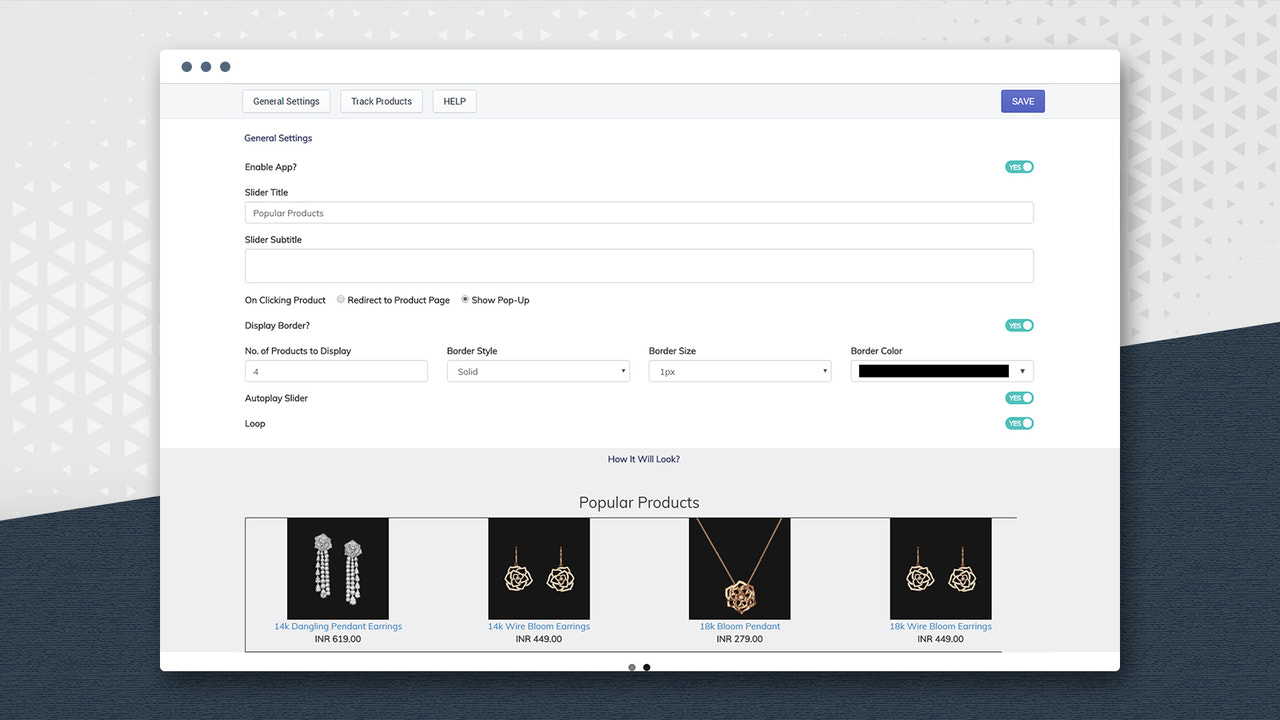





Price Plan
入门级
$4.99
- Keep your customers informed about the latest products/brands.
- Increase profits by selling on any page.
- Track the most viewed and most popular products.
User Location & Comments
User Location
Comments
Shopify API Used
- POST /admin/api/sections.json
- PUT /admin/api/sections/{section_id}.json
- GET /admin/api/sections.json
Permission:write_themes,read_themes,manage_products
- GET /admin/api/reports.json
- POST /admin/api/reports/query.json
- GET /admin/api/analytics/products.json
Permission:read_analytics,read_reports,manage_products
- PUT /admin/api/sections/{section_id}/settings.json
- GET /admin/api/sections/{section_id}/settings.json
- POST /admin/api/metafields.json
Permission:write_themes,read_themes,manage_metafields
- PUT /admin/api/sections/{section_id}/settings.json
- GET /admin/api/sections/{section_id}/settings.json
- POST /admin/api/metafields.json
Permission:write_themes,read_themes,manage_metafields